Auto Trading Bots
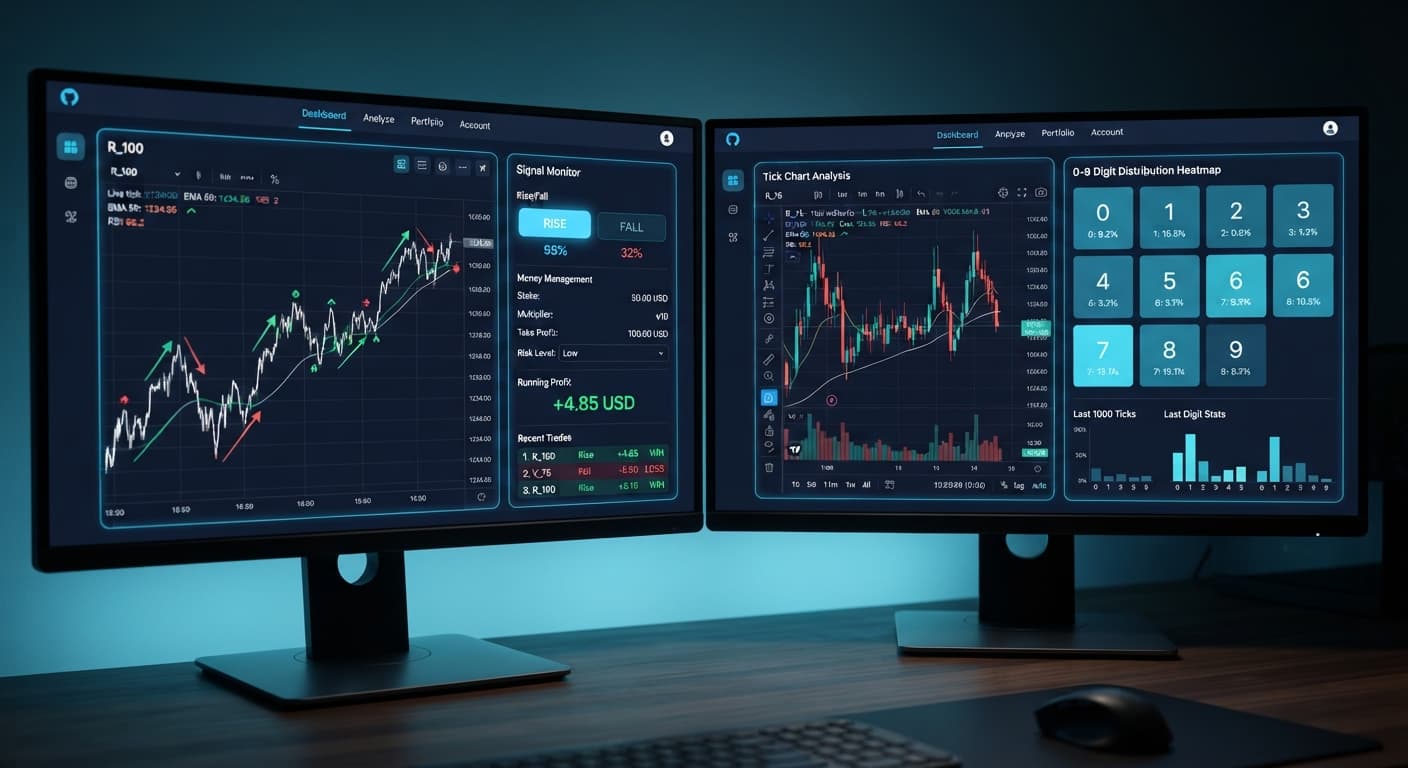
Tick Picker vs Digit Pad: Deriv Bots Compared
Compare tick picker vs digit pad strategies on BinaryBot.live. Learn how to use tick chart analysis and digit distribution in your free deriv bot setup.
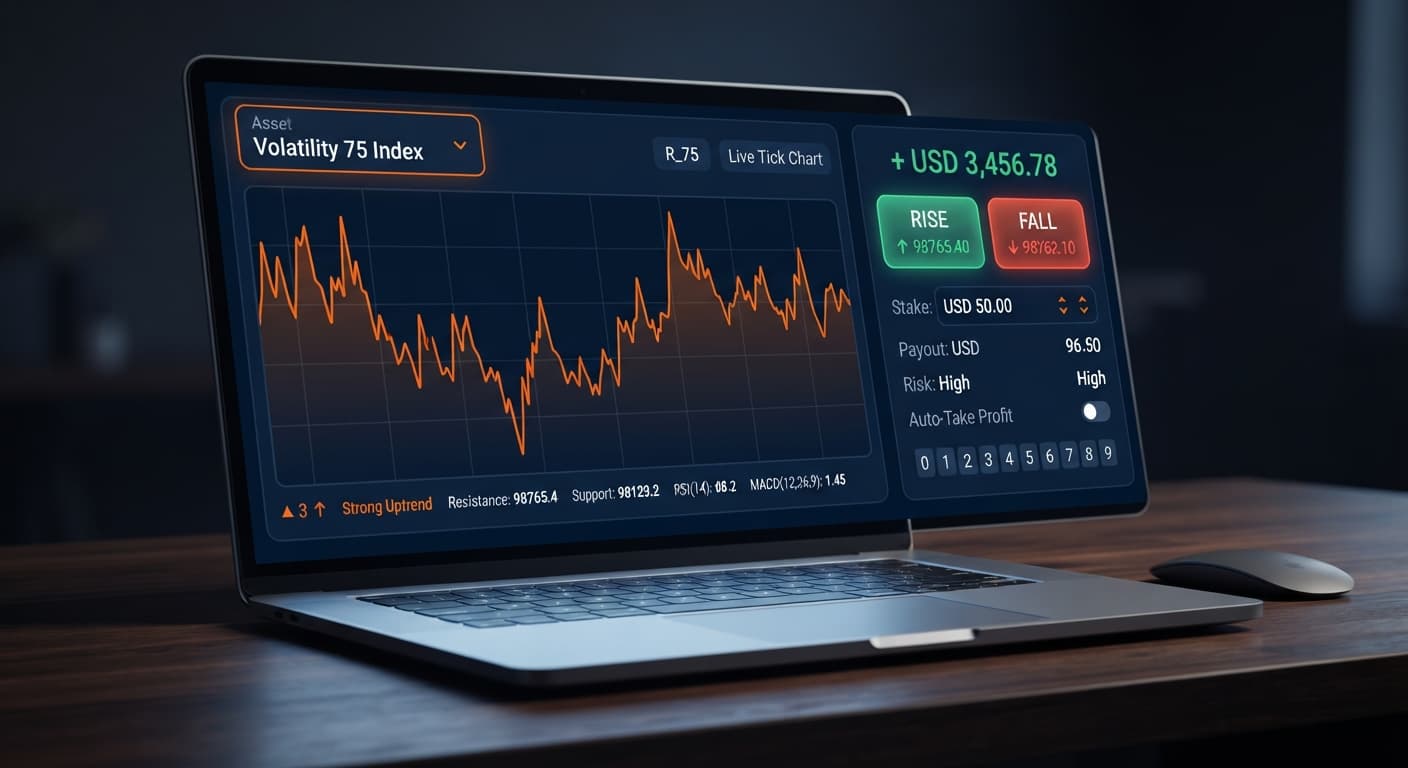
If you're asking about the tick picker best time to trade, the answer isn't a specific hour on the clock. Synthetic indices run 24/7 on cryptographic random number generators, so standard session opens like London or New York don't change tick behavior. The real best time to trade happens when your chosen market exhibits sustained price momentum on real-time trend detection signals rather than short-term range oscillation.
When traders attempt to apply traditional Forex timeframes to automated deriv bots, they often run into unexpected losses. Tick Picker connects directly to Deriv over their official API, processing live tick charts to generate CALL and PUT signals based on immediate price direction. Here's why reliance on time-of-day execution breaks down and how to align your execution with tick velocity instead.
Imagine launching the tool on Volatility 75 Index at 09:00 GMT because you assume morning hours yield cleaner signals. You set your stake to $5.00, select Fixed Stake under money management mode, set your target profit, and start the engine. The chart prints three rapid upward ticks, triggering a CALL signal. You enter the contract expecting a smooth win.
Instead, tick four stalls. Tick five drops sharply. By tick six, your contract closes in a loss. You run three more trades over the next ten minutes, watching alternating CALL and PUT positions fail as price chops back and forth within a single index point.
The problem isn't the hour of the day. The market wasn't sleeping or manipulated. What actually failed was the assumption that clock time creates structural trend strength in synthetic markets. Because these markets use independent random draws, finding the tick picker best time to trade requires filtering for real-time tick velocity, not checking your wristwatch.
Before placing live contracts on any automated platform, run through this quick pre-session verification sequence:
Step 1: Check the tick chart for directional momentum Open the real-time tick chart on your selected market and observe the last 30 to 50 ticks. If the line oscillates up and down within a tiny tick band, trend signals will generate whipsaws. Look for clear multi-tick sweeps in one direction.
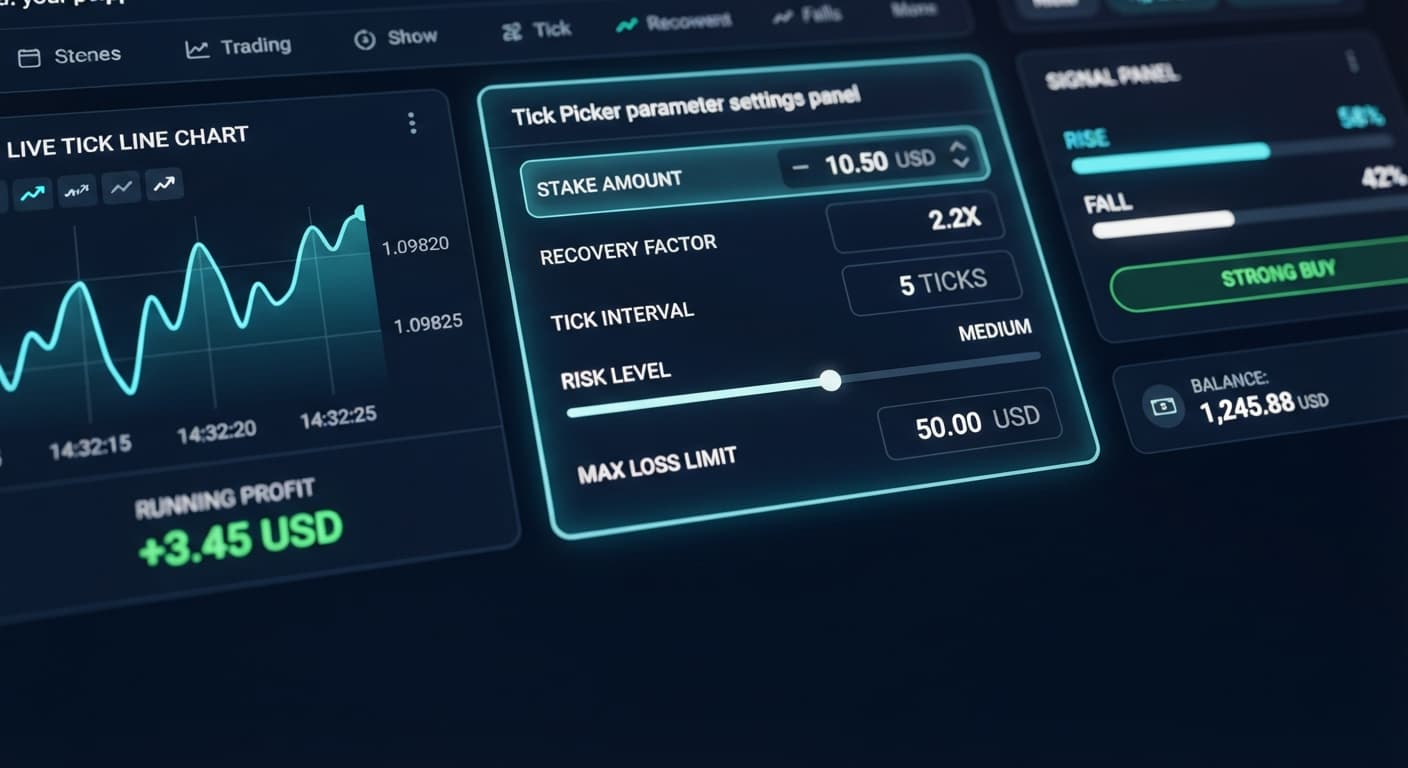
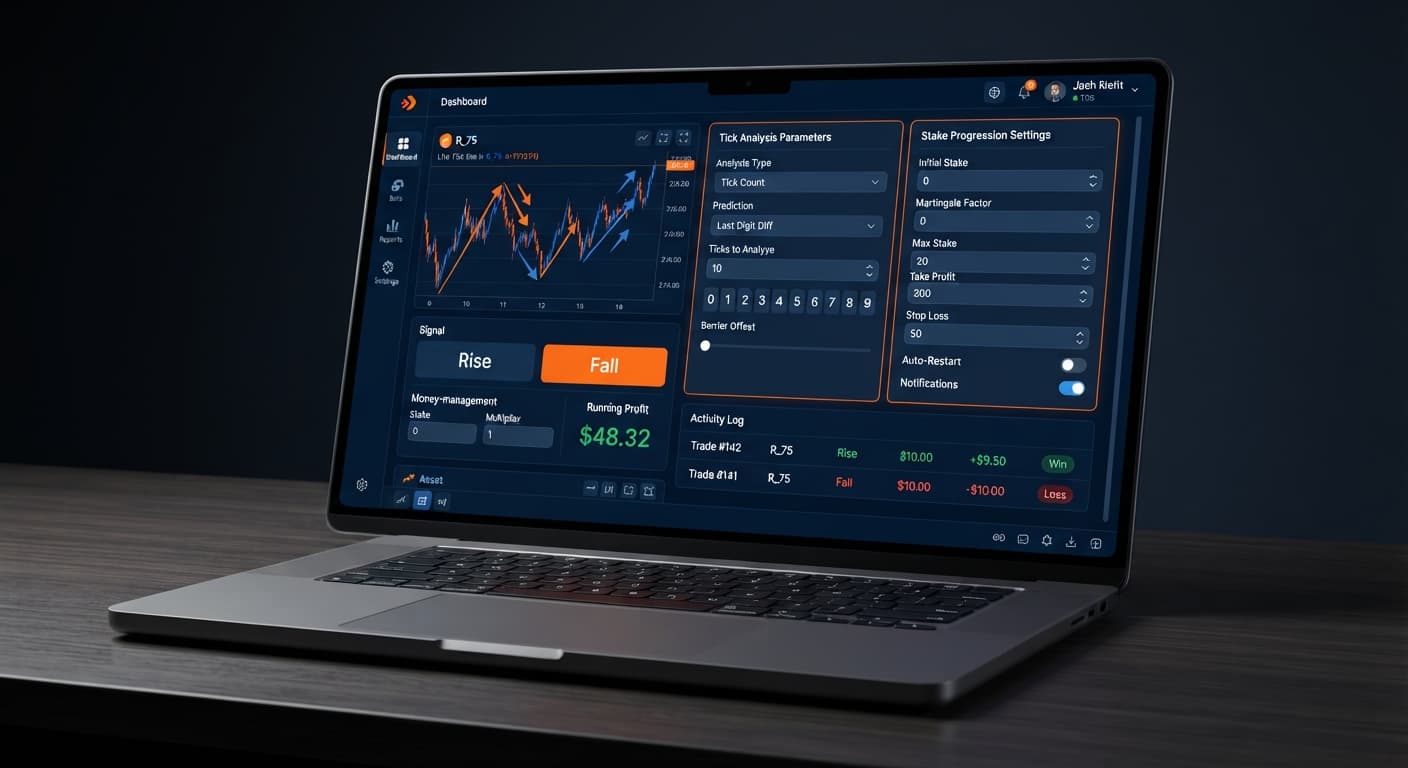
Step 2: Configure your stake and money management mode
Set your baseline stake amount. Choose your preferred money management mode between Fixed Stake, Martingale, or Mesamilano. If you select Mesamilano, remember that loss recovery spreads across several subsequent trades rather than doubling immediately.
Step 3: Define your stop loss and target profit limits
Type in your stop loss and target profit values before starting the bot. Never leave these fields blank or attempt to adjust them while contracts are actively placing.
Step 4: Verify signal execution on a virtual account Switch to your Deriv demo balance and run the setup for at least ten contracts. Verify that contract execution matches signal generation without lag before risking real funds.
To understand signal failure, you have to look at execution speed. Standard Volatility indices generate one tick every two seconds, while 1s volatility indices generate one tick every single second.
When popular binary bots process tick streams, the micro-gap between signal generation and contract confirmation takes roughly 0.15 to 0.20 seconds. If a market isn't traveling far enough per tick, that micro-delay eats up your profit margin.
| Selected Market | Tick Frequency | 5-Tick Duration | 10-Tick Duration | Typical Tick Travel | Signal Delay Risk |
|---|---|---|---|---|---|
| Volatility 10 Index | 1 tick / 2 sec | 10 seconds | 20 seconds | Very Low | High risk of tick tie |
| Volatility 75 Index | 1 tick / 2 sec | 10 seconds | 20 seconds | High | Low impact on clear trends |
| Volatility 100 Index | 1 tick / 2 sec | 10 seconds | 20 seconds | Extremely High | Minimal impact on fast sweeps |
| Volatility 10 (1s) Index | 1 tick / 1 sec | 5 seconds | 10 seconds | Low | Moderate risk on tight duration |
| Volatility 100 (1s) Index | 1 tick / 1 sec | 5 seconds | 10 seconds | High | Low impact on fast sweeps |
Consider a 5-tick contract placed on Volatility 75 Index. From entry to exit, exactly ten seconds pass. If the index moves 15.00 points across the first three ticks, your CALL contract sits deep in profit. But if the market lacks momentum, those ten seconds turn into a random toss.
Past tick movements don't alter the mathematical probability of the next tick. Synthetic indices are independent random draws. A run of five consecutive UP ticks doesn't force tick six to be DOWN, nor does it guarantee tick six will stay UP. That's why speed and travel range matter far more than clock hours.
Traders often assume that 08:00 GMT or 14:00 GMT yields better conditions for automated deriv bots. Synthetic algorithms run identical random generation logic every second of the year. There is no session open, no news release, and no institutional liquidity shift.
Fix: Stop searching for a specific hour on your local clock. Instead, open the tick chart and look for active micro-trends where price travels multiple points across 10 to 20 ticks before initiating your session.
Markets like Volatility 10 Index feature low price movement per tick. When trend signals trigger a CALL or PUT on a low-volatility asset, price often finishes within a fraction of a point from your entry barrier, resulting in frequent losses from basic noise.
Fix: Switch to higher-volatility markets like Volatility 75 Index or Volatility 100 (1s) Index when using real-time trend detection signals. The larger price travel creates clearer distance from your entry point.
When using Martingale as your money management mode, the stake doubles after every loss. In a choppy, sideways market where CALL and PUT signals alternate rapidly, a streak of consecutive losses doubles your stake far faster than expected. This progression can wipe an account during a long losing streak.
Fix: Switch your money management mode to Mesamilano during testing. Mesamilano spreads loss recovery across several trades, reducing immediate margin pressure. Always set your stop loss to a strict limit, such as 15% to 20% of your account balance.
Launching new settings directly on a real balance leaves zero room for error. A wrong base stake or an aggressive recovery mode can deplete funds before you notice that a market is oscillating.
Fix: Test every setting on a Deriv demo account first. Run at least 20 to 30 automated trades to confirm that signal behavior matches your expectations before switching to real funds.
Test these signal management settings on Tick Picker using a demo balance first.
If you don't have a trading account yet, create a free Deriv account to test automated strategies safely.
Trading involves risk. Past performance does not guarantee future results.
Related: Tick Picker vs Digit Pad: Deriv Bots Compared
Related: Why Tick Picker Keeps Losing (And How to Fix It)
Related: Tick Picker Small Account Strategy: Setup & Mesamilano Guide
Professional tick analysis tool for Deriv with real-time charts, trend detection and Rise/Fall trading signals, plus Mesamilano and Martingale strategies.
Open Tick Picker →There's no specific hour on the clock because Deriv's synthetic indices run 24/7 on cryptographic random number generators. The real best time to trade happens when your chosen market shows sustained price momentum using Tick Picker's trend detection signals, rather than following traditional Forex session times.
Signals reverse because the market is chopping back and forth within a single index point instead of forming a real trend. Clock time doesn't create structural trend strength in synthetic markets, so relying on the time of day leads to failed trades during short-term range oscillation.
These are the money management modes you can select before starting the bot. If you choose Mesamilano on Tick Picker, loss recovery spreads across several subsequent trades instead of doubling immediately like a traditional Martingale.
You should switch to your Deriv demo balance and run the Tick Picker setup for at least ten contracts. This lets you verify that contract execution matches signal generation without lag before risking actual funds.
Guides closest to this one.
Compare tick picker vs digit pad strategies on BinaryBot.live. Learn how to use tick chart analysis and digit distribution in your free deriv bot setup.
Protect a $50 or $100 balance with the tick picker small account strategy by using Mesamilano progression, fixed stakes, and strict stop-loss limits.
Compare Tick Picker vs Dualshot for automated trading on BinaryBot.live. Learn how fixed stake and recovery progression impact your strategy. Test free now.