Auto Trading Bots
Why Tick Picker Keeps Losing (And How to Fix It)
If your tick picker keeps losing on Deriv, discover how to fix poor market selection and aggressive stake progression. Optimize your automated bot setup today.
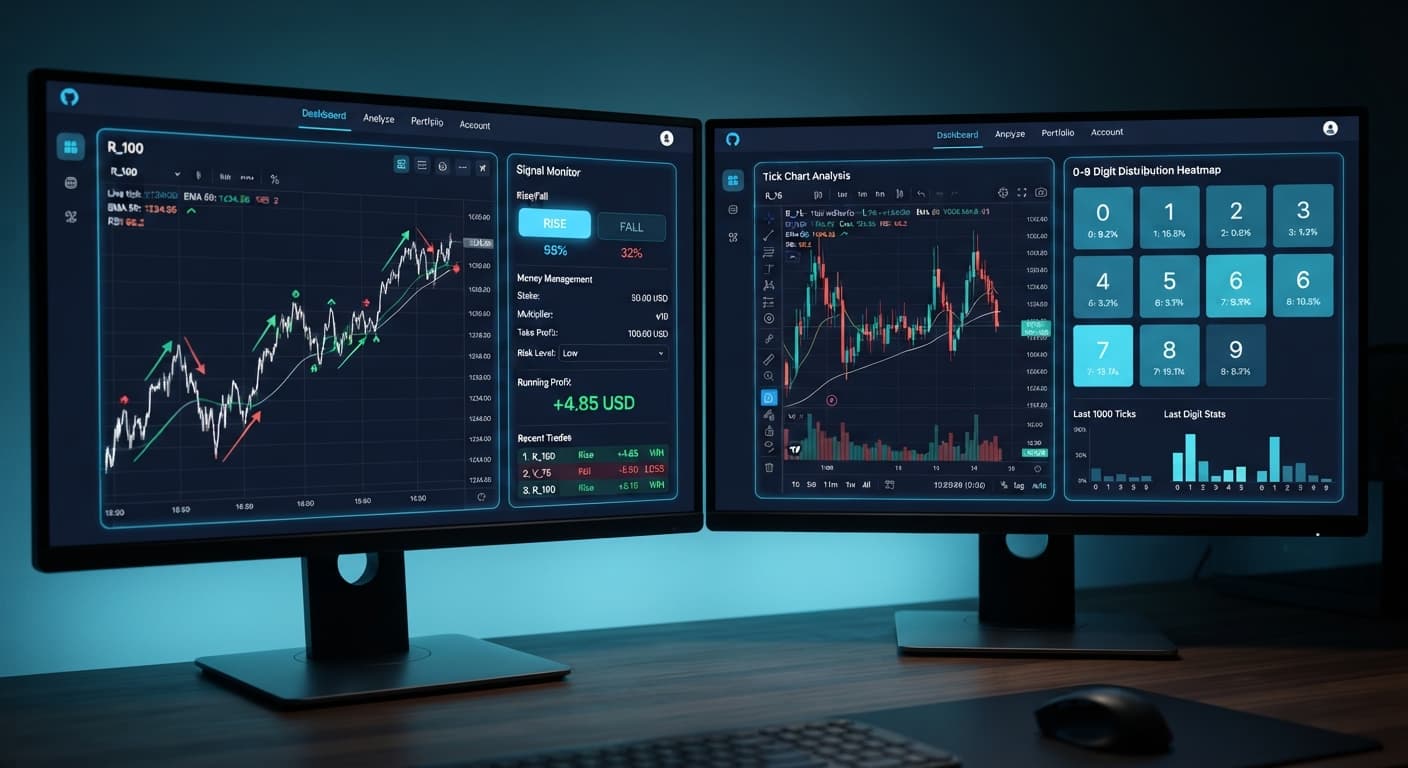
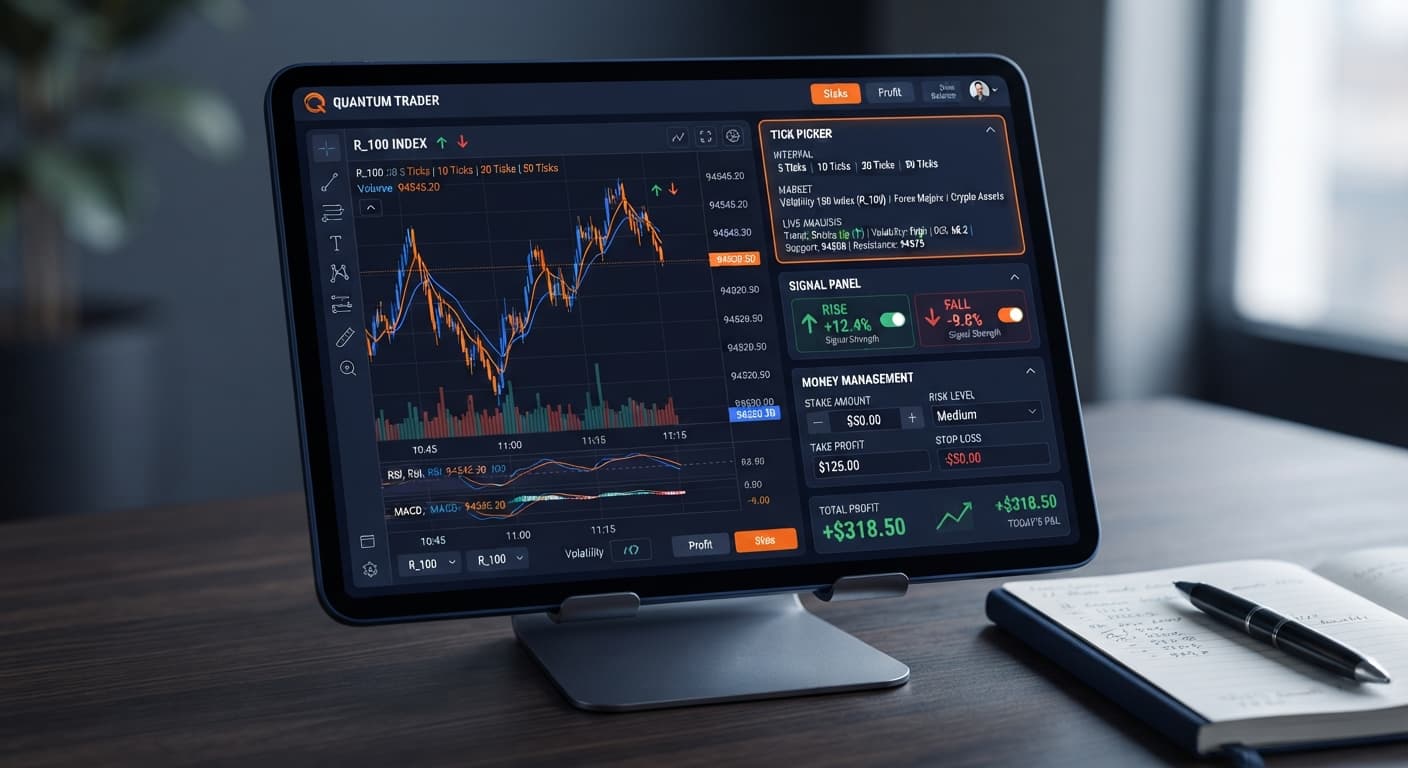
When choosing between tick picker vs digit pad, the core decision comes down to contract structure: Tick Picker analyzes live price momentum to place CALL/PUT (Rise/Fall) trades, while Digit Pad analyzes digit frequencies to execute last-digit contracts like DIGITEVEN, DIGITODD, or DIGITMATCH. If you want trend-based directional trading on volatility indices, use Tick Picker; if you prefer pure statistical probabilities on end digits, use Digit Pad. Many traders testing deriv bots jump between these strategies without understanding how their underlying mechanics differ, leading to blown accounts on real setups.
Both tools connect directly to Deriv over their official API, executing orders on your own account balance without middleman handling. You can run either script on a virtual demo account or a live account. But because they target completely different contract types, your risk management and trade timing must adapt to the tool you select.
Here is the quick breakdown to help you pick the right tool for your current trade plan.
Comparing tick picker vs digit pad shows that their inner workings don't overlap. Tick Picker focuses strictly on tick trend detection and direction. It doesn't feature a 0-9 digit heatmap or last-digit frequency tables because digit output doesn't determine Rise/Fall contracts.
| Dimension | Tick Picker | Digit Pad |
|---|---|---|
| Contract Types | CALL, PUT (Rise/Fall) | DIGITEVEN, DIGITODD, DIGITMATCH, DIGITDIFF, OVER, UNDER |
| Analysis Engine | Tick-level trend detection & real-time momentum charts | Last-digit frequency distribution & pattern tracking |
| Supported Markets | Volatility indices, 1s volatility indices | Volatility indices with digit tick support |
| Money Management Modes | Fixed Stake, Martingale, Mesamilano | Fixed Stake, Martingale |
| Execution Trigger | Real-time Rise/Fall momentum signals | Digit percentage thresholds & repeating digit counts |
| On-Screen Risk Controls | stake, money management mode, stop loss, target profit |
stake, stop loss, target profit, digit thresholds |
| Primary Drawdown Factor | Market chopping sideways during a trend signal | Long streaks of unexpected digits breaking frequency trends |
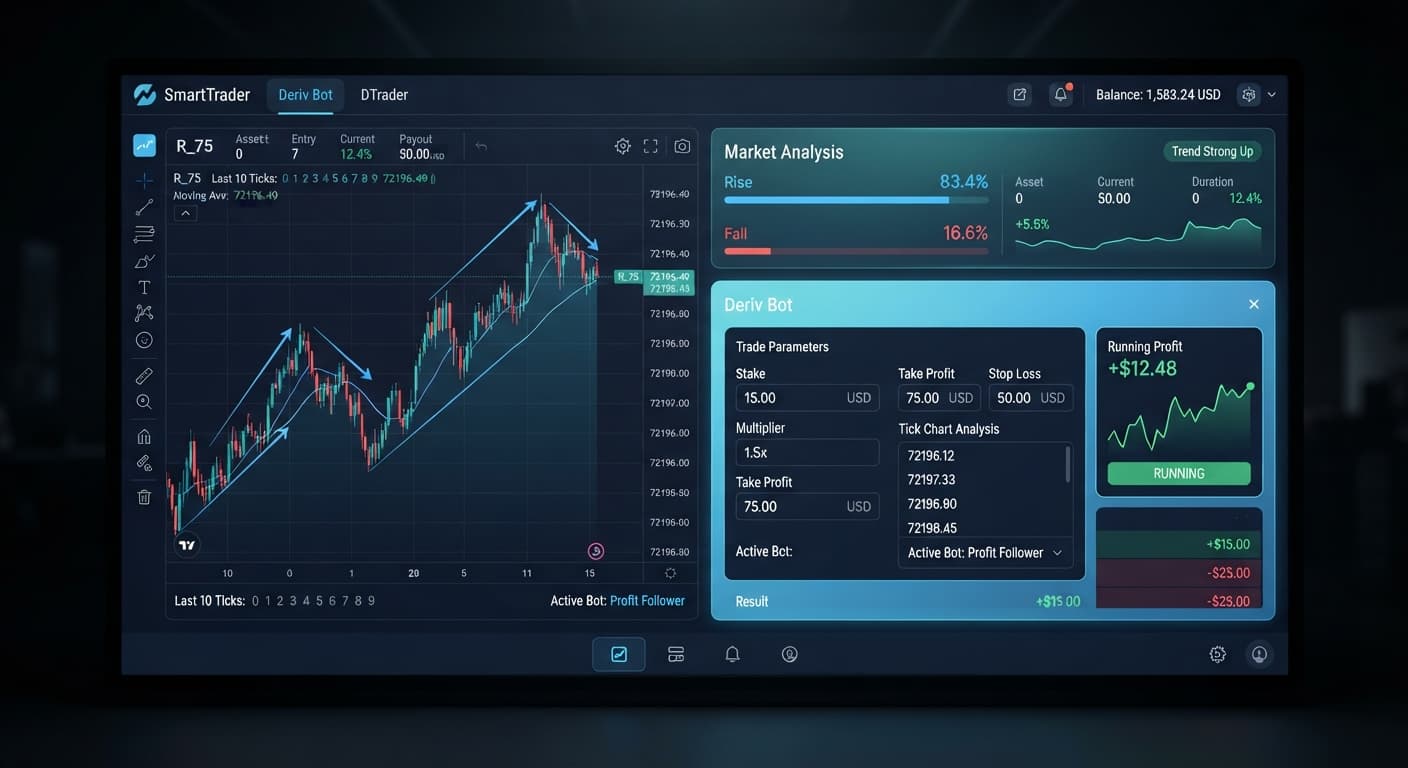
When operating automated binary bots, mechanics dictate your exposure. Tick Picker reads the direction of individual ticks. If three consecutive ticks move upward with high velocity, its engine detects the micro-trend and places a CALL contract. Digit Pad ignores whether price went up or down; it only reads the final digit of the tick stream to evaluate if an EVEN or ODD contract fits the criteria.
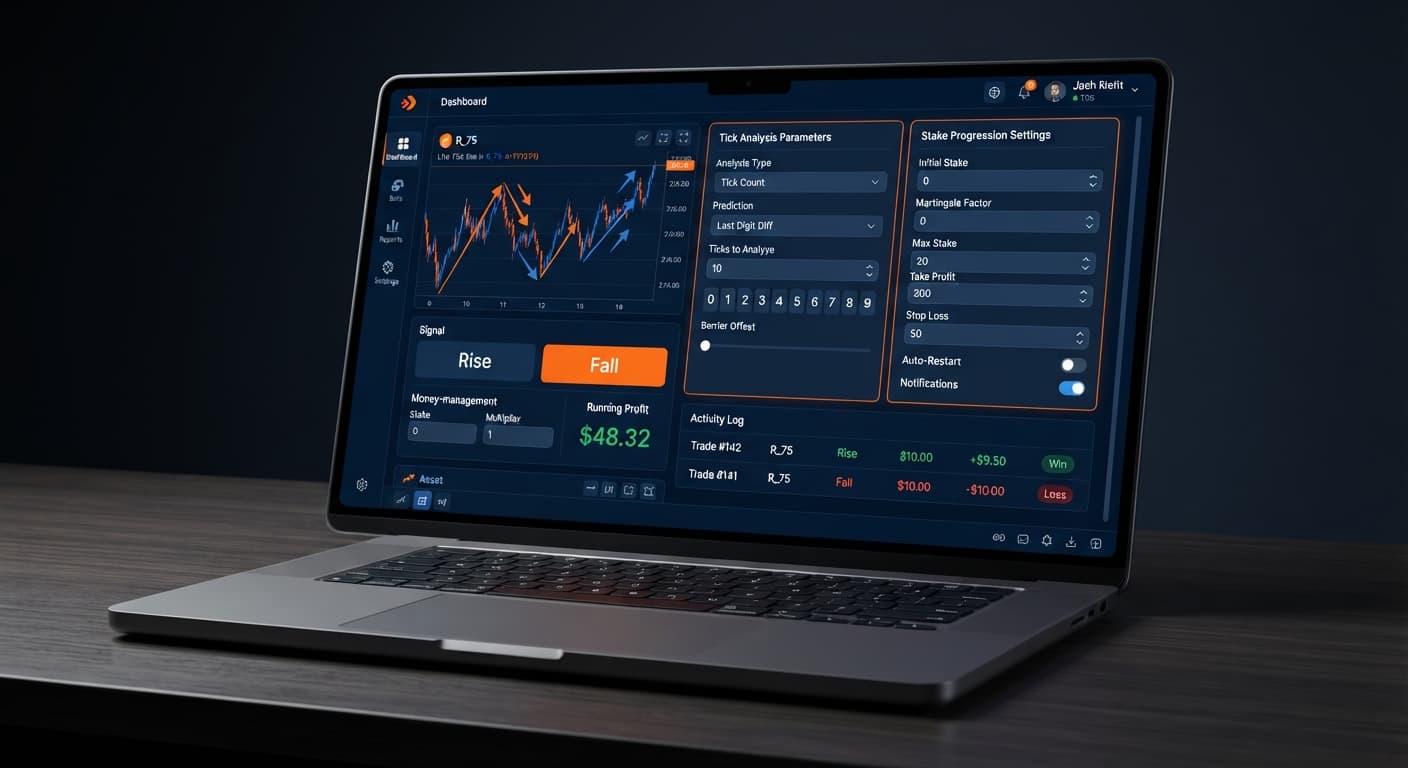
Money management controls determine whether your account survives a bad streak. In Tick Picker, you select your money management mode right on the control panel alongside your stake, stop loss, and target profit. Choosing Martingale doubles your stake after every single loss.
Traders often underestimate how fast a standard doubling sequence escalates on volatility markets. Let's trace a realistic losing run on Volatility 75 Index using a starting account balance of $100 and an initial stake set to $2 with a 2x multiplier.
| Trade # | Result | Trade Stake | Cumulative Losses | Account Balance Remaining |
|---|---|---|---|---|
| Trade 1 | Loss | $2.00 | $2.00 | $98.00 |
| Trade 2 | Loss | $4.00 | $6.00 | $94.00 |
| Trade 3 | Loss | $8.00 | $14.00 | $86.00 |
| Trade 4 | Loss | $16.00 | $30.00 | $70.00 |
| Trade 5 | Loss | $32.00 | $62.00 | $38.00 |
| Trade 6 | Blocked | $64.00 | - | $38.00 (Insufficient funds) |
Look closely at those numbers. Five consecutive losses swallow $62 of your $100 account. When Trade 6 comes up, the bot attempts to place a $64 contract. Your balance only has $38 left. The trade fails, the bot halts, and your loss is locked in permanently. You are completely wiped out from placing the recovery trade after just five bad ticks.
Past tick outcomes or digit frequencies never alter the probability of the next tick. Deriv synthetic index ticks are completely independent random draws. A run of five consecutive losses on CALL contracts doesn't mean a PUT is "due" to win, nor does an index hitting four odd numbers in a row make an even number more likely on the next tick.
This is why Tick Picker includes Mesamilano. Instead of doubling your total stake immediately on the next entry, Mesamilano splits the loss recovery across several subsequent trades. It slows down capital burn and gives your account room to absorb bad streaks without reaching terminal drawdown in seconds.
Neither tool offers a magic shortcut, and neither guarantees a winning session. Understanding where each tool hits friction keeps you from burning capital on live markets.
Tick Picker struggles when synthetic markets enter tight consolidation. In a choppy market, ticks jump up and down in a single point band. The signal engine might detect a sudden upward tick and issue a CALL trade, only for the next tick to instantly drop lower. If you leave money management mode set to aggressive Martingale during range-bound conditions, rapid back-and-forth whipsaws will push your stakes into high multipliers before you notice.
Digit Pad suffers from a different psychological trap: the gambler's fallacy. Traders watch a digit readout, see that the digit 7 hasn't appeared in 40 ticks, and launch a DIGITMATCH trade assuming digit 7 must drop soon. Synthetic digit algorithms don't have a memory. The probability of hitting a specific digit on a standard 0-9 index remains exactly 10% on every single tick, regardless of what happened over the last hour.
In any tick picker vs digit pad analysis, structural risk remains constant. Automated execution removes emotional delay, but it speeds up execution mistakes just as quickly. If you fail to configure a strict stop loss in the settings menu before starting a run, a bad streak will keep scaling stakes until your account balance hits zero.
Running both tools effectively requires a structured testing routine. You don't need to choose one permanently; many traders use Tick Picker during trending index movements and switch to digit-based engines during high-volatility events.
Here is how to set up and test your workflow safely.
Before putting real funds on the line, connect your Deriv API token to a demo account balance. Select Volatility 100 Index or Volatility 10 (1s) Index on Tick Picker. Set your initial stake to $1, select Fixed Stake under money management mode, and run 30 trades. Observe how often the real-time Rise/Fall trend detection aligns with tick momentum.
Before clicking start on any live session, type your hard parameters into the control inputs. Set target profit to a realistic daily target (such as 5% to 10% of your bankroll) and set stop loss to maximum 15% of your total balance. Once your parameters are set, let the bot manage execution without manual interference. If your stop loss gets hit, close the browser tab and step away.
If you are trading fast-moving indices with clear trend signals, Fixed Stake or Mesamilano provides safe progression without exponential risk. Reserve Martingale only for short, targeted sessions with low base stakes where your balance can comfortably absorb at least eight consecutive losses without risking account blowup.
When you want to explore wider automation strategies, review the options available across the free deriv bot library. Comparing different tool types on demo data builds the practical experience you need to manage risk effectively on live accounts.
Try it yourself on Tick Picker using a demo balance first.
If you don't have one yet, create a free Deriv account.
Trading involves risk. Past performance does not guarantee future results.
Professional tick analysis tool for Deriv with real-time charts, trend detection and Rise/Fall trading signals, plus Mesamilano and Martingale strategies.
Open Tick Picker →Tick Picker analyzes live price momentum to place directional CALL or PUT contracts on volatility indices. Digit Pad, on the other hand, analyzes digit frequencies to execute last-digit contracts like DIGITEVEN, DIGITODD, or DIGITMATCH where price direction doesn't matter.
Yes, Tick Picker supports multiple money management choices including Fixed Stake, Martingale, and Mesamilano to help manage drawdown. Digit Pad supports Fixed Stake and Martingale modes.
Your primary drawdown factor with Tick Picker is the market chopping sideways during a period when the bot detected a trend signal. Conversely, Digit Pad drawdowns are typically caused by long streaks of unexpected digits breaking frequency trends.
Yes, you can run either the Tick Picker or Digit Pad script on a virtual demo account or directly on a live account via Deriv's official API.
Guides closest to this one.
If your tick picker keeps losing on Deriv, discover how to fix poor market selection and aggressive stake progression. Optimize your automated bot setup today.
Master tick picker settings on BinaryBot.live for Volatility Indices Rise/Fall trades. Optimize your free deriv bot strategy today.
Compare Tick Picker vs Dualshot for automated trading on BinaryBot.live. Learn how fixed stake and recovery progression impact your strategy. Test free now.