Auto Trading Bots
Solid Trading Bot Review: Digit Differs Strategy
Read this solid trading bot review for BinaryBot.live. Learn how to configure the digit differs automated trading bot safely. Try our free deriv bot today.

To configure your solid trading bot settings properly, pair a low initial stake with strict profit and risk limits while matching your contract duration to your chosen market volatility. Setting your Start Stake ($) to 1% or less of your account balance gives your run enough buffer to absorb standard loss sequences. Coupling that baseline stake with explicit Target Profit ($) and Stop Loss ($) rules ensures the automated script halts as soon as it reaches your session limits.
Automated tools like the Solid Trading Bot on BinaryBot.live execute orders rapidly by connecting directly to Deriv over their official API. Every trade is placed on your own account in real time. Because execution happens without delay, misconfigured inputs will deplete a balance fast. If you enter an aggressive multiplier with no ceiling, three consecutive ticks can strip away half your account before you can manually click stop.
Understanding how every field alters contract timing and stake scaling is what keeps your account alive. Deriv synthetic indices rely on independent random number generators. A long sequence of odd digits does not increase the odds of an even digit on the next tick. The bot does not predict the future; it simply automates your execution rules.
Your parameter selections control trade timing, market selection, and capital exposure. Every decision you make in the setup panel directly alters the risk profile of your account.
Choosing between continuous synthetic indices like Volatility 75 Index and jump indices like Jump 25 Index changes how price moves between ticks. Jump indices simulate sudden market shocks every 20 minutes, while standard volatility indices maintain consistent tick-by-tick variance.
Stake controls dictate your survival rate during drawdowns. If you run an automated trading bot with a $10 base stake on a $100 balance, a basic martingale sequence will liquidate your account on the third consecutive loss. When the bot doubles your position to recover losses, your exposure grows exponentially. Defining proper boundaries on paper before starting the script is the only reliable way to defend your bankroll.
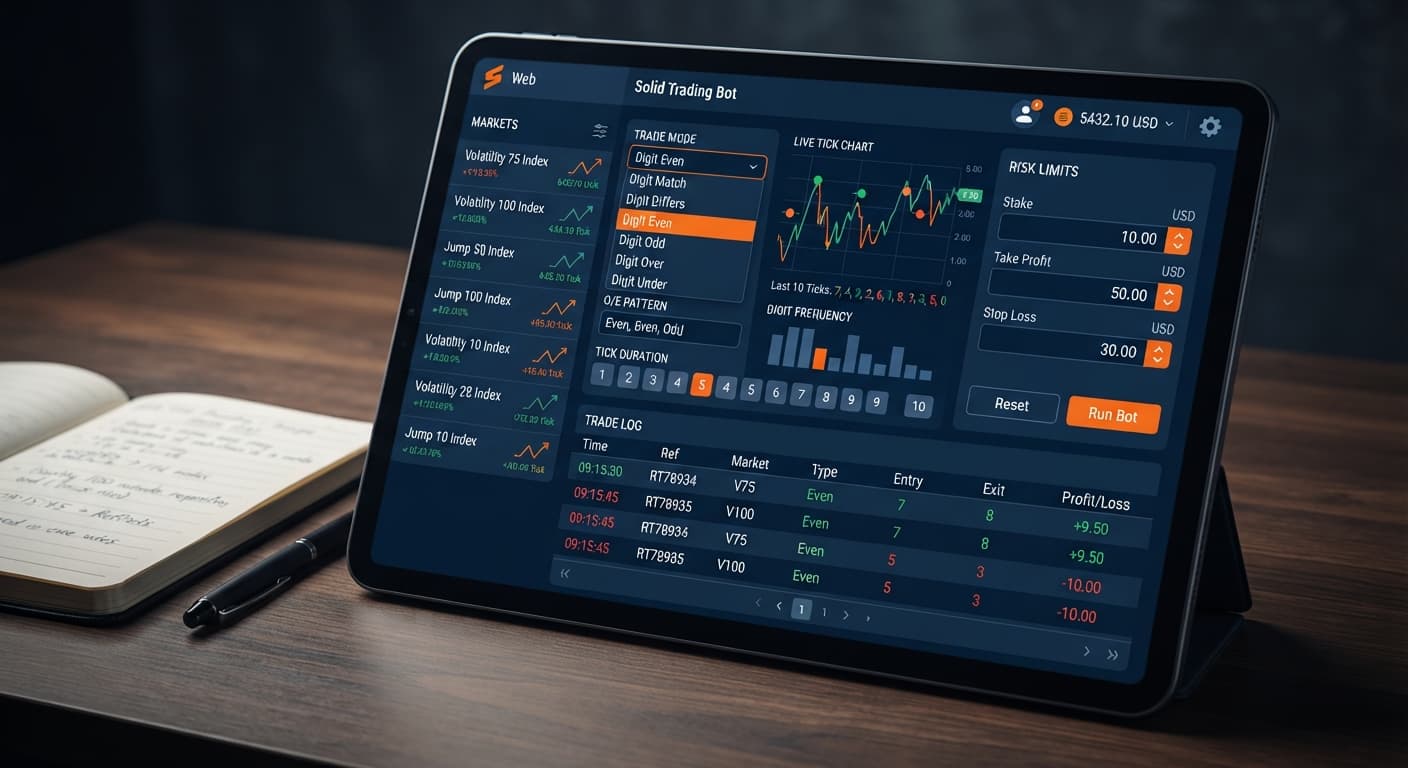
The configuration panel for the script sits directly on the main dashboard of the tool. You do not need to install software or edit external scripts.
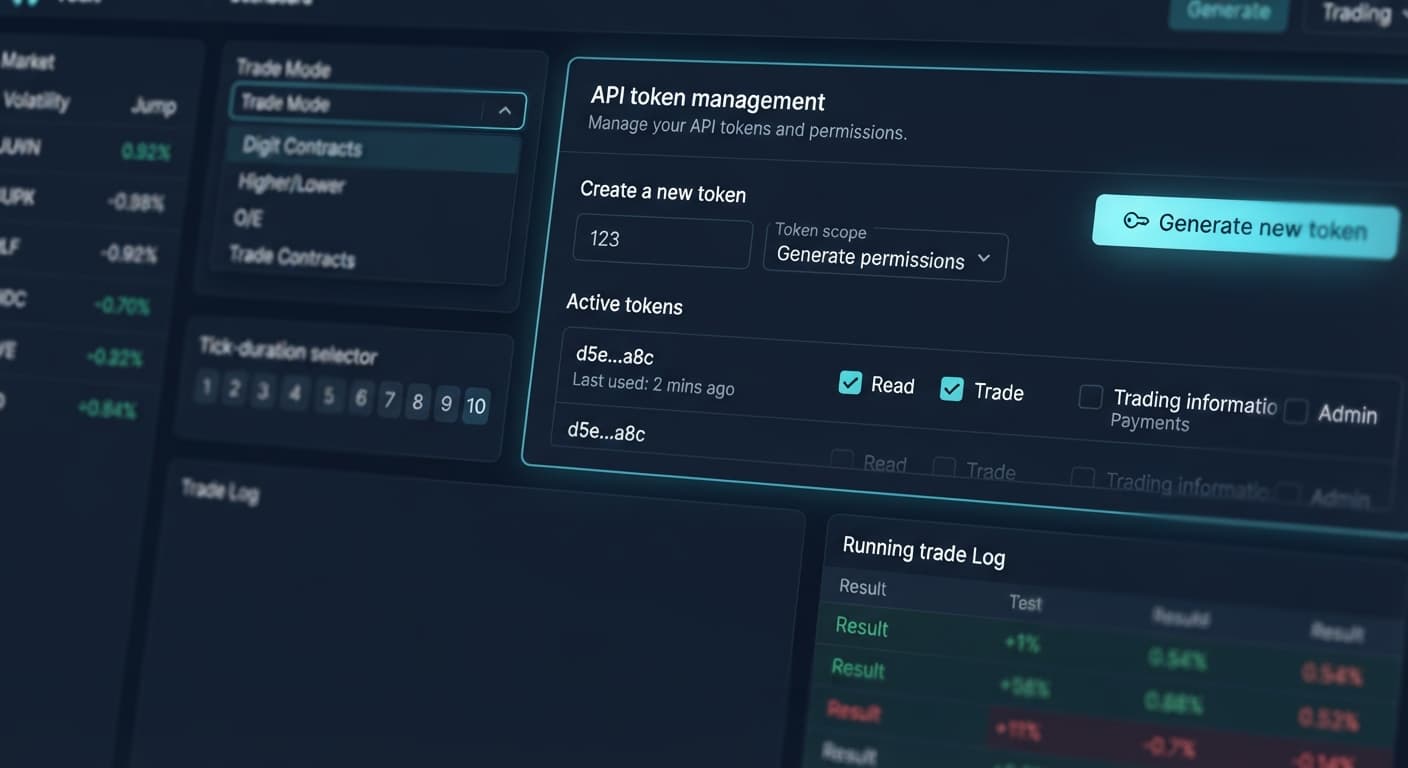
Once connected to your account using your API token, the entire control interface displays on a single screen above the execution logs.
+-------------------------------------------------------------+
| Market Index:           [ Volatility 75 Index           v ] |
| Trade Mode:             [ Digit EVEN                    v ] |
| Pattern (O=Odd, E=Even):[ EEO                           ] |
| Start Stake ($):        [ 1.00                          ] |
| Tick Duration:          [ 5 ticks                       v ] |
| Target Profit ($):      [ 5.00                          ] |
| Stop Loss ($):          [ 15.00                         ] |
+-------------------------------------------------------------+
You will see seven primary input controls:
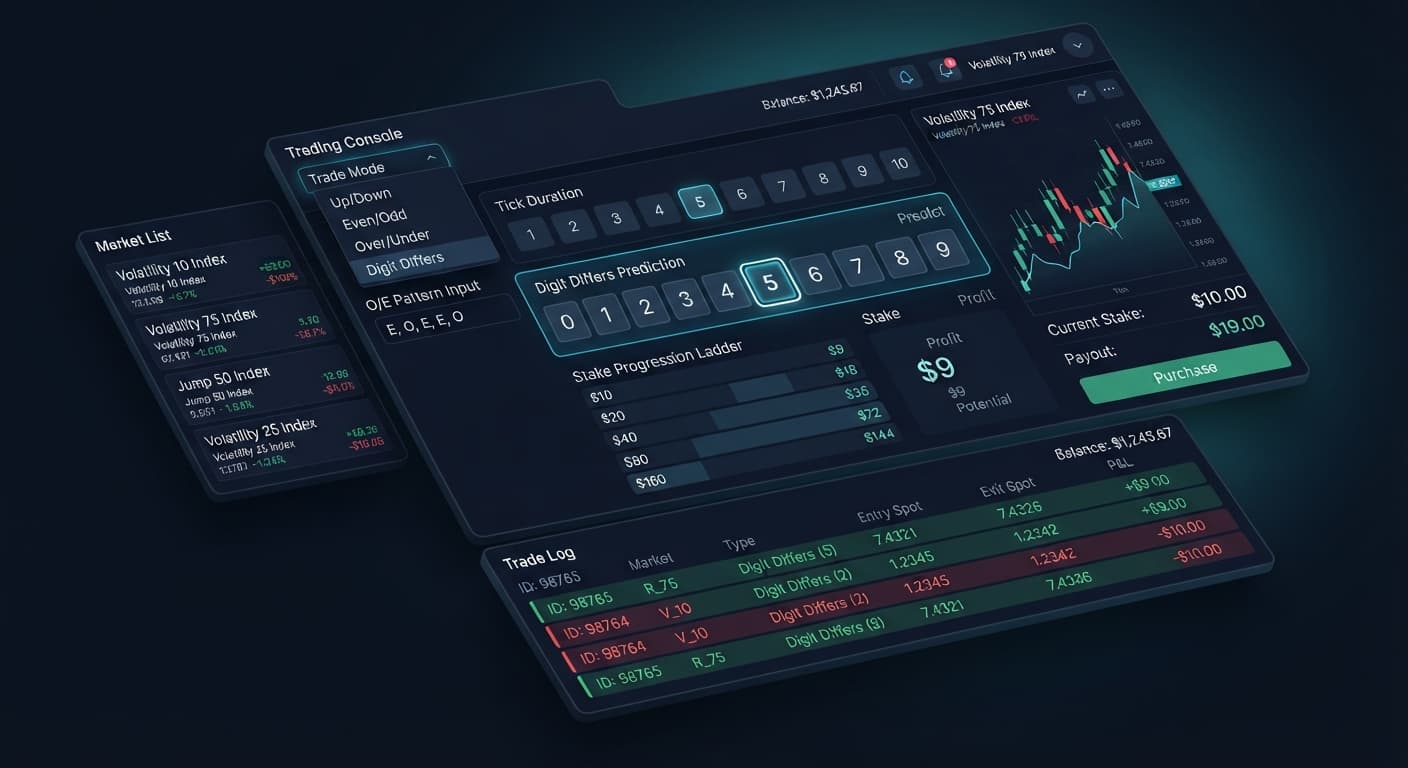
The core engine relies on the selection you make inside the Trade Mode menu. This single dropdown determines which Deriv contract type gets submitted to the broker API.
| Trade Mode | Deriv Contract Type Placed | Primary Trigger Requirement | Execution Style |
|---|---|---|---|
| Digit Differs | DIGITDIFF | Last digit does not match chosen target digit | High win probability, small payout, severe loss impact |
| Digit EVEN | DIGITEVEN | Last digit is 0, 2, 4, 6, or 8 | ~50% probability, ~95% payout, equal balance swings |
| Digit ODD | DIGITODD | Last digit is 1, 3, 5, 7, or 9 | ~50% probability, ~95% payout, equal balance swings |
| Digit Over | DIGITOVER | Last digit is strictly higher than selected barrier | Adjustable win rate based on digit selection |
| Digit Under | DIGITUNDER | Last digit is strictly lower than selected barrier | Adjustable win rate based on digit selection |
| Only Rise | CALL | Exit spot higher than entry spot | Directional momentum, payouts scale near ~95% |
| Only Fall | PUT | Exit spot lower than entry spot | Directional momentum, payouts scale near ~95% |
When selecting digit modes, the Pattern (O=Odd, E=Even) field acts as a entry filter. Entering EEE tells the algorithm to monitor the tick stream without trading until three consecutive even digits appear. Once that condition lands, the bot executes the contract specified by your active Trade Mode.
Remember: waiting for three evens does not make an odd digit more likely on tick four. Each tick remains a separate draw. The filter simply regulates trade frequency so your account does not place contracts on every single tick.
Selecting non-digit options like Only Rise or Only Fall changes the contract type to standard CALL or PUT options. In these modes, entry relies on price direction rather than last-digit values.
Follow this sequence to establish balanced solid trading bot settings on your account. Test every configuration on a virtual balance first.
Select Volatility 75 Index from the Market Index menu. This market provides stable tick speed for general digit filtering. If you want sudden volatility shifts, pick Jump 50 Index instead. Solid covers Jump 10, Jump 25, Jump 50, Jump 75, and Jump 100 indices alongside the full Volatility series.
Select Digit EVEN under Trade Mode. In the Pattern (O=Odd, E=Even) field, type OO. The bot will observe market ticks silently until two odd digits occur back-to-back before entering a DIGITEVEN contract.
Set Tick Duration — 1 to 10 ticks to 5. Selecting 5 ticks gives short-term random variance room to clear while avoiding prolonged market drift. For directional modes like Only Rise or Only Fall, setting duration between 3 and 5 ticks is standard practice.
Input 1.00 into the Start Stake ($) field. Never set your initial position size based on wishful thinking. A $1 base stake keeps initial exposure manageable on standard account sizes.
Enter 5.00 into Target Profit ($) and 15.00 into Stop Loss ($). The algorithm monitors total account performance on every tick response. The moment your net profit reaches $5.00 or net drawdown hits $15.00, execution stops.
Let's look at what happens to your balance during a standard losing run on a $100 account using a standard 2x martingale recovery structure.
You start with a $1 initial stake on Volatility 75 Index using Digit EVEN contracts. The payout on winning contracts sits near 95%, while a loss costs 100% of the stake.
By trade 6, six consecutive random ticks have wiped $63 from your starting $100 capital. To place Trade 7 under a strict doubling rule, your bot must stake $64—which your remaining $37 balance cannot cover. Your account is broken in under two minutes.
This math demonstrates why setting your Stop Loss ($) before launching any script is mandatory. Setting a $15 stop loss halts execution at Trade 4, preserving $85 of your account so you can trade another day.
Different account balances require vastly different parameters when running deriv bots. Adjust your initial inputs according to your available capital.
+-----------------------------------------------------------------------+
| Account Size | Start Stake ($) | Stop Loss ($) | Target Profit ($)    |
| :----------- | :-------------- | :------------ | :------------------- |
| $50          | $0.35           | $10.00        | $2.50                |
| $200         | $1.00           | $35.00        | $10.00               |
| $1,000       | $5.00           | $150.00       | $50.00               |
+-----------------------------------------------------------------------+
When operating binary bots, traders often overestimate how many consecutive losses their capital can survive. A string of 6 or 7 consecutive losses is normal over a sample of 100 trades. If your bankroll cannot absorb 8 consecutive losses under your active multiplier settings, your balance will eventually blow up.
Keep these practical operational rules in mind:
Tick Duration — 1 to 10 ticks to 1 tick exposes your strategy to execution latency. Using 3 to 5 ticks smooths out minor API delay issues.Ready to test these parameters yourself? Practice configuring your setup on the Solid Trading Bot using a virtual balance.
If you haven't set up your trading account yet, you can create a free Deriv account to get started with demo funds.
Trading involves risk. Past performance does not guarantee future results.
Related: Digit Differs vs Digit Match on deriv bots
Related: Configuring Sniper Bot V3 Settings for Deriv Bots
Advanced automated digit trading bot for Deriv with 9 trading strategies including Digit Differs, Odd/Even, Over/Under, Rise/Fall and Higher/Lower.
Open Solid Trading Bot →You'll want to set your start stake to 1% or less of your total account balance. Doing this gives your bot enough buffer to absorb standard loss sequences without wiping you out too quickly.
You don't need to install any software or edit external scripts. The entire control interface sits right on the main dashboard of the tool once you connect via your Deriv API token.
Standard volatility indices maintain consistent tick-by-tick variance, while jump indices simulate sudden market shocks every 20 minutes. Choosing between them changes how the price moves between ticks during your session.
No, it doesn't predict the future or increase odds based on past digits. Deriv synthetic indices rely on random number generators, so the bot simply automates your execution rules in real time.
Guides closest to this one.
Read this solid trading bot review for BinaryBot.live. Learn how to configure the digit differs automated trading bot safely. Try our free deriv bot today.
Read the solid trading bot deriv bots guide to configure trade modes, patterns, and risk limits for automated Deriv trading. Start testing today.
Complete solid trading bot api token setup guide for BinaryBot.live. Learn to connect your Deriv account securely and run your automated binary trading strategy.