Auto Trading Bots
Build a Solid Trading Bot on Volatility 25 for Deriv
Build a solid trading bot on volatility 25 using Deriv digit differs. Follow this step-by-step setup guide for free binary bots. Start testing today.
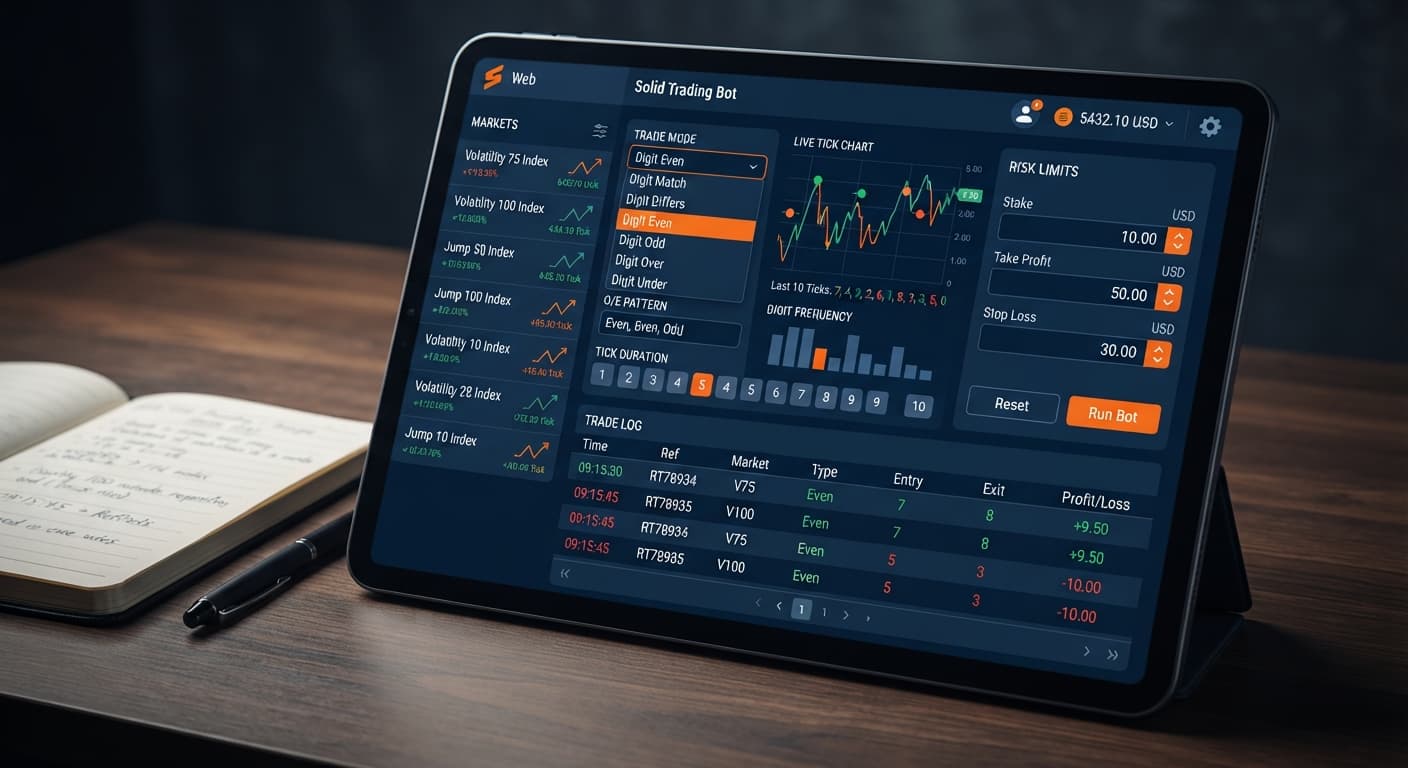
This solid trading bot deriv bots guide shows you how to program automated executions on Deriv using exact pattern filters, tick durations, and risk limits. Configuring the bot requires matching your chosen Market Index to a specific Trade Mode, entering an odd/even sequence in Pattern (O=Odd, E=Even), setting Tick Duration between 1 and 10 ticks, and defining strict dollar limits for Target Profit ($) and Stop Loss ($). Once these parameters are locked in, the script connects directly to Deriv over their official API and executes contracts automatically based on your entry conditions.
By the time you finish this walkthrough, you'll have a fully configured instance running on Solid Trading Bot that filters trades through live tick analysis before placing a contract. You won't need to guess whether a digit sequence fits your setup or manually trigger orders on the web interface.
This setup is built for traders who want to automate digit and direction strategies without writing custom code or running desktop software. Whether you trade standard Volatility indices or Jump indices, knowing how each setting affects execution speed keeps your execution tight and protects your account balance.
Before launching the bot, prepare your account credentials and interface parameters. Having these items ready ensures the WebSockets connection binds instantly without timing out during setup.
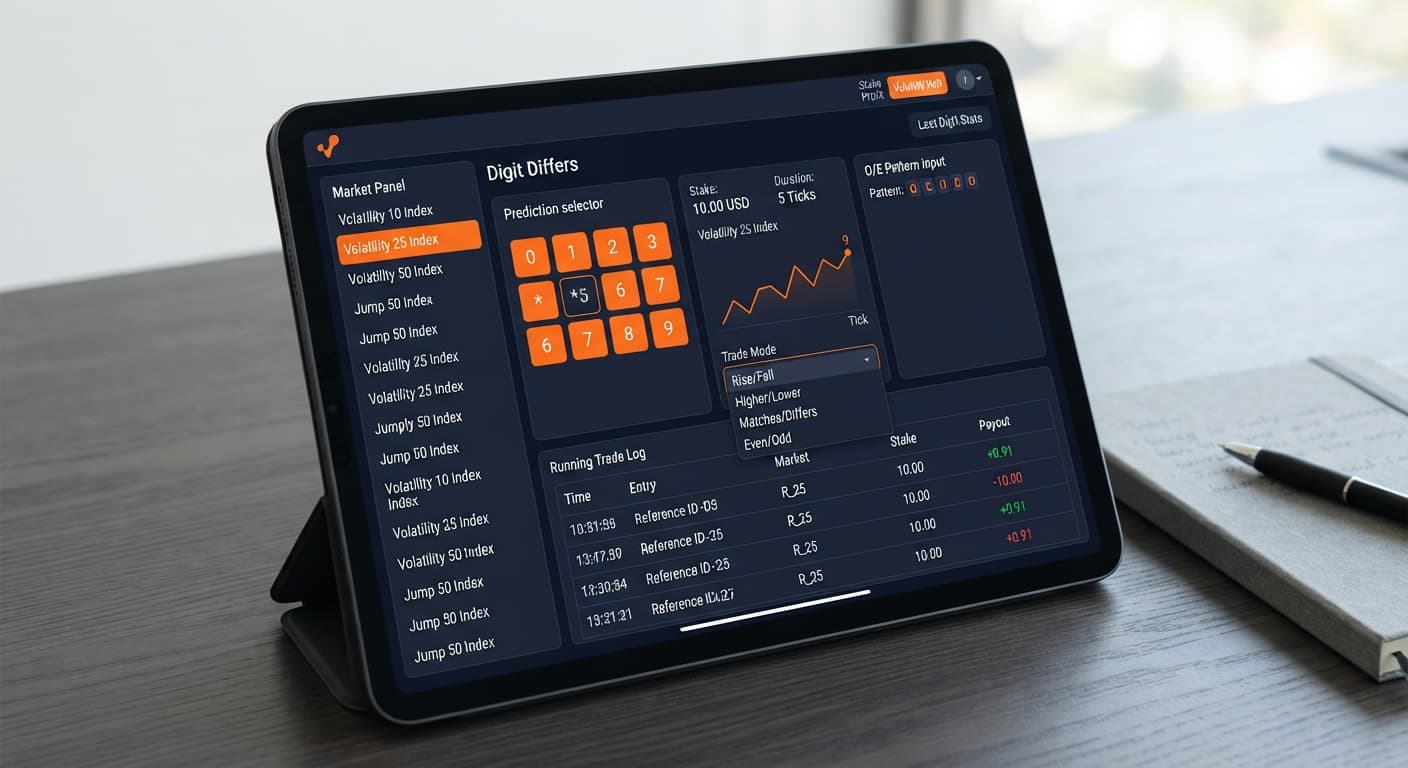
Click the Market Index dropdown menu at the top of the configuration panel. Select the specific index you plan to trade from the available synthetic assets.
You can pick standard volatility markets like Volatility 10 Index, Volatility 25 Index, Volatility 50 Index, Volatility 75 Index, or Volatility 100 Index. If you prefer faster 1-second price generation, pick from the 1s variants: Volatility 10 (1s) Index, Volatility 25 (1s) Index, Volatility 50 (1s) Index, Volatility 75 (1s) Index, or Volatility 100 (1s) Index. Unlike standard scripts, Solid also offers the Jump series: Jump 10 Index, Jump 25 Index, Jump 50 Index, Jump 75 Index, and Jump 100 Index.
Once selected, the control panel locks that index into the background ticker, and the live display updates to show tick data arriving directly from the market stream.
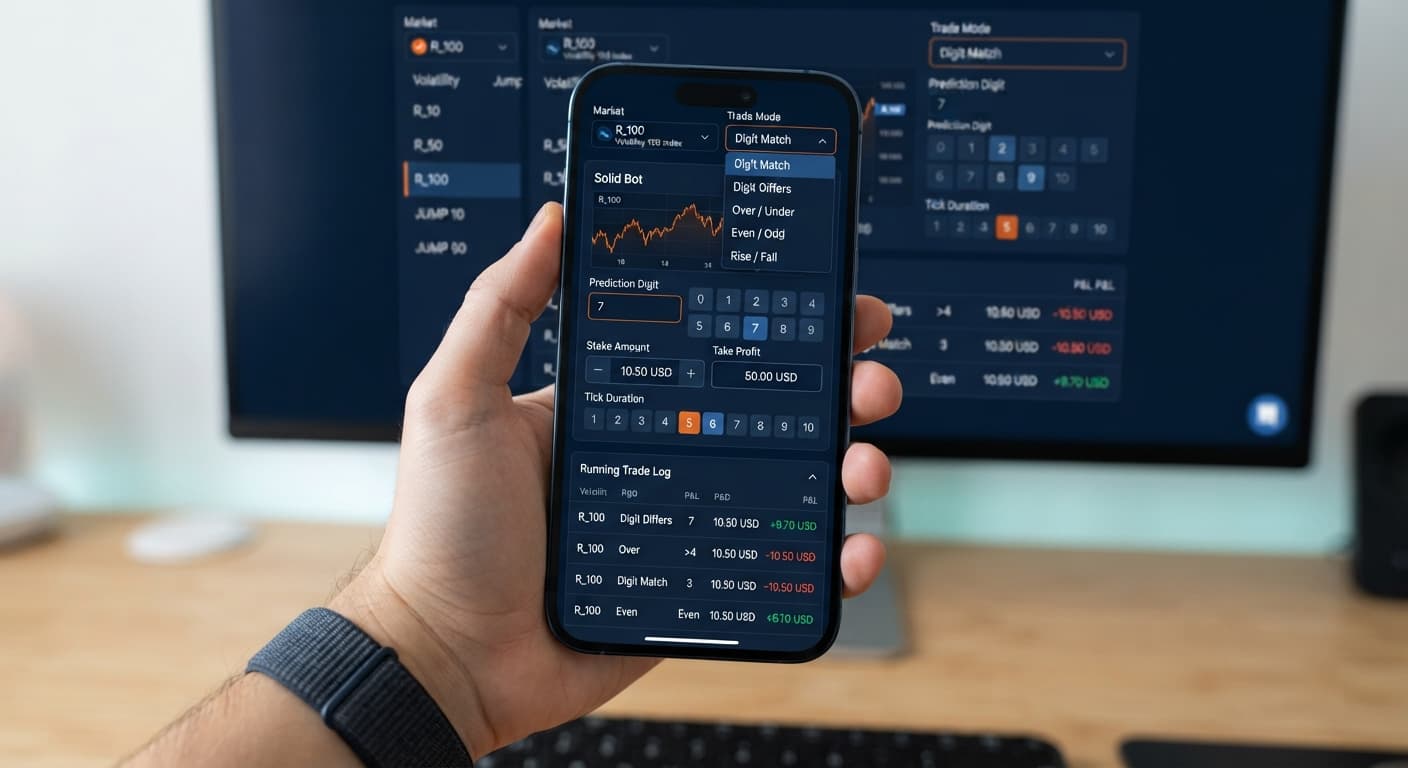
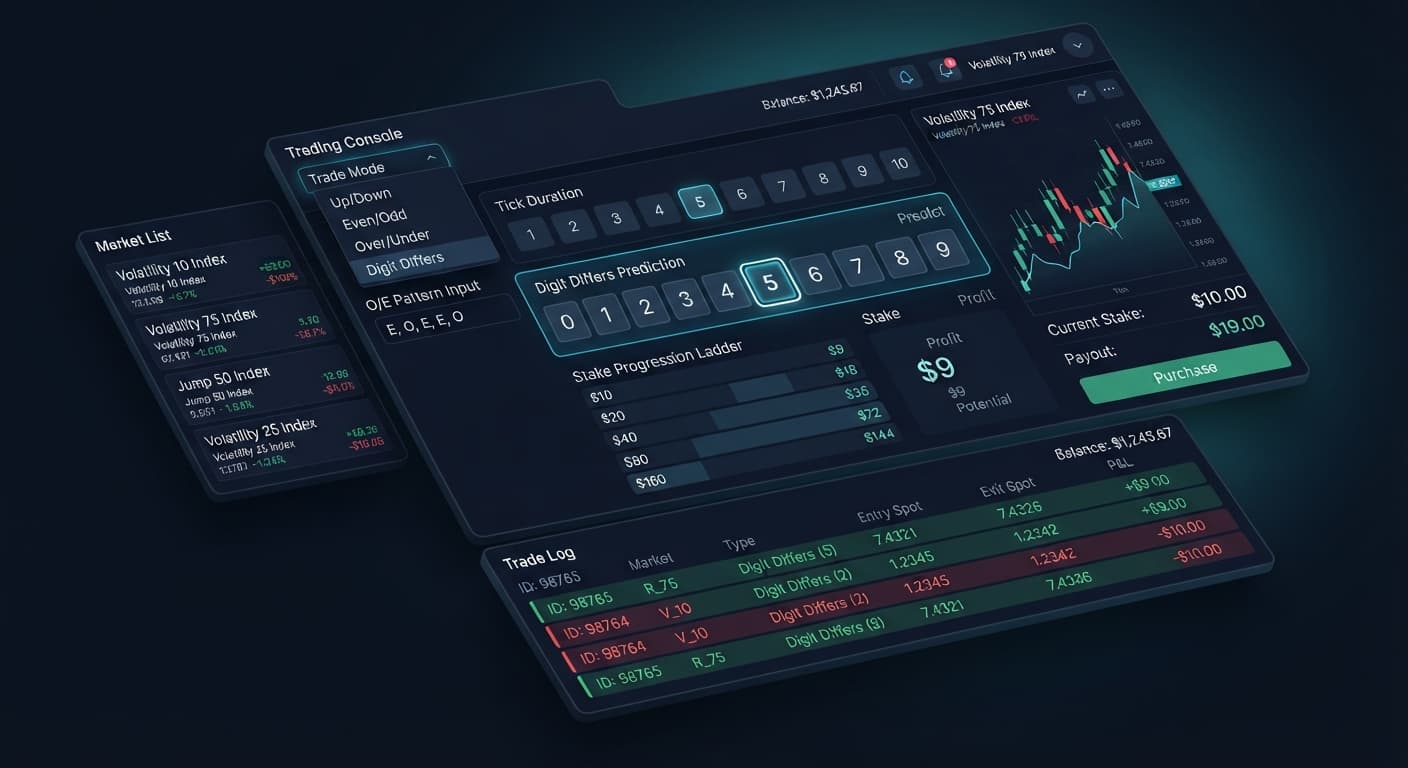
Select your primary trade contract type from the Trade Mode dropdown menu. This selection determines which contract type the bot purchases on your Deriv account when entry triggers match.
Available Trade Modes:
├── Digit Differs  --> Purchases DIGITDIFF contracts
├── Digit EVEN     --> Purchases DIGITEVEN contracts
├── Digit ODD      --> Purchases DIGITODD contracts
├── Digit Over     --> Purchases DIGITOVER contracts
├── Digit Under    --> Purchases DIGITUNDER contracts
├── Only Rise      --> Purchases CALL contracts
└── Only Fall      --> Purchases PUT contracts
As detailed in this solid trading bot deriv bots guide, choosing a mode reconfigures the underlying order generator. For instance, selecting Digit Differs will purchase DIGITDIFF contracts, while picking Only Rise routes standard CALL contracts to the market.
Move to the Pattern (O=Odd, E=Even) input field. Type the exact sequence of trailing last digits that must occur before the bot enters a trade.
Use the letter O for odd digits (1, 3, 5, 7, 9) and E for even digits (0, 2, 4, 6, 8). Entering OOO tells the bot to watch the market tick stream silently until three consecutive odd last digits land in a row. The instant the third odd digit prints, the script evaluates your selected Trade Mode and sends the buy order to Deriv. If you want the script to fire instantly on every tick without waiting for a sequence, leave this field completely blank.
Always remember that past digit patterns do not alter future probabilities. Synthetic indices evaluate each tick independently. The pattern builder simply acts as a systematic entry trigger to keep you from over-trading.
Click into the Start Stake ($) field and enter your initial base trade amount in USD. For example, typing 1.00 sets a single dollar trade size.
Next, set the Tick Duration field. You can select any integer from 1 to 10 ticks. On digit contracts like DIGITEVEN or DIGITDIFF, setting a 1-tick duration evaluates the contract outcome immediately on the very next price update. On direction contracts like Only Rise or Only Fall, setting 5 ticks gives price room to trend upward or downward past the entry barrier.
[Pattern Trigger Met] ---> [Contract Placed] ---> [Tick 1] ... [Tick N] ---> [Settlement]
                                                  |<- Tick Duration ->|
After typing these values, check that the numbers match your intended plan. Unlike older binary bots that require complex scripts to set duration, this field feeds directly into the Deriv API purchase frame.
Go to the Target Profit ($) control and enter your net session profit threshold in dollars. Then, go to the Stop Loss ($) field and type your maximum tolerable session drawdown.
If you set Target Profit ($) to 10 and Stop Loss ($) to 20, the script automatically tracks your net gains and losses on every contract settlement. The instant cumulative profits equal or exceed $10, or total losses hit $20, the main loop breaks, detaches from the WebSocket stream, and halts execution entirely.
Setting these controls before starting the bot is required for account protection. Following this solid trading bot deriv bots guide ensures you never leave an automated script running without strict boundary enforcement.
Automated scripts depend heavily on time and tick speed. A 5-tick contract on a standard Volatility index behaves differently from a 5-tick contract on a 1-second index or a Jump index. Understanding clock time keeps you from misinterpreting trade velocity.
On standard indices (such as Volatility 75 Index), Deriv updates price ticks approximately once every two seconds. On 1-second indices (such as Volatility 75 (1s) Index), ticks arrive precisely every 1,000 milliseconds. Jump indices generate price updates at 1-second intervals while introducing random voltage jumps that widen volatility spikes.
| Market Category | Named Market Examples | Average Tick Interval | Clock Time for 1 Tick | Clock Time for 5 Ticks | Clock Time for 10 Ticks | Entry Window Delay |
|---|---|---|---|---|---|---|
| Standard Volatility | Volatility 10, 25, 50, 75, 100 | ~2.0 Seconds | 2.0s | 10.0s | 20.0s | 100ms - 250ms |
| 1-Second Volatility | Volatility 10 (1s) through 100 (1s) | 1.0 Second | 1.0s | 5.0s | 10.0s | 50ms - 150ms |
| Jump Indices | Jump 10, 25, 50, 75, 100 Index | 1.0 Second | 1.0s | 5.0s | 10.0s | 50ms - 150ms |
When you trigger a trade on Volatility 100 (1s) Index with a Tick Duration of 5 ticks, your trade stays open for exactly five seconds. The API sends the buy request within 150 milliseconds of pattern validation, locking in the spot price on tick zero. Ticks 1 through 4 pass, and tick 5 settles the contract.
On standard Volatility 100, that exact same 5-tick contract takes roughly ten seconds to complete. Traders switching from manual trading to deriv bots often forget this distinction. If your strategy relies on fast digit turnover, run 1-second indices. If you need slower intervals to analyze price action visually, pick standard indices.
Automated execution removes emotional interference, but technical errors and structural assumptions can damage a live balance if left unaddressed. Here are the primary failure points traders face and the exact configuration steps to eliminate them.
Potential Failure Modes & Remedies:

[ Digit Fallacy Risk ] -------> Hard Stop Loss ($) strict limit
[ Fast-Market Lag ] ----------> Lower Tick Duration (1 to 3 ticks)
[ Over-Triggering ] ----------> Lengthen Pattern (e.g., OOOO or EEEE)
[ Live Testing Errors ] ------> Force Deriv Demo Account mode
OOOOO makes an even digit guaranteed on the next tick. Deriv synthetic indices use pseudo-random number generators where every tick draw is independent. Long runs of identical digit types happen routinely.O on a fast 1-second market causes the bot to place contracts on almost every consecutive tick. Web browsers can drop frames or lag WebSocket message parsing during rapid multi-trade spikes, causing delayed entry points.EOEO or EEEE). This reduces trade frequency, gives your browser CPU time to clean memory threads, and ensures clean WebSockets transmission for every contract order.You can inspect other automated tools or test different algorithms by exploring the free deriv bot library.
Launch your trading setup on Solid Trading Bot using a demo balance first. If you need an account to get started, create a free Deriv account.
Trading involves risk. Past performance does not guarantee future results.
Advanced automated digit trading bot for Deriv with 9 trading strategies including Digit Differs, Odd/Even, Over/Under, Rise/Fall and Higher/Lower.
Open Solid Trading Bot →You'll need a personal Deriv API token that has both Read and Trade scopes checked in your account settings. Once you have your token, open a browser tab loaded into Solid Trading Bot to bind the WebSockets connection.
You can trade standard volatility indices like Volatility 10 through 100, their 1-second variants, and the Jump series from Jump 10 up to Jump 100. Just select your preferred synthetic asset from the Market Index dropdown menu in the configuration panel.
Solid Trading Bot supports several contract types including Digit Differs, Digit EVEN, Digit ODD, Digit Over, Digit Under, Only Rise (CALL), and Only Fall (PUT). You select your primary strategy using the Trade Mode dropdown menu.
Yes, a Deriv demo account loaded with virtual funds is required for safe configuration testing before you launch the bot. This lets you lock in your parameters—like tick durations, odd/even sequences, and dollar limits—without risking real capital.
Guides closest to this one.
Build a solid trading bot on volatility 25 using Deriv digit differs. Follow this step-by-step setup guide for free binary bots. Start testing today.
Configure the solid trading bot on volatility 10 for automated digit trading on BinaryBot.live. Learn the step-by-step deriv bot trading strategy now.
Read this solid trading bot review for BinaryBot.live. Learn how to configure the digit differs automated trading bot safely. Try our free deriv bot today.