Auto Trading Bots
Solid Trading Bot Demo Account Setup for Deriv Bots
Complete solid trading bot demo account setup guide for Deriv bots. Master automated binary trading safely with this free deriv bot. Start testing today!
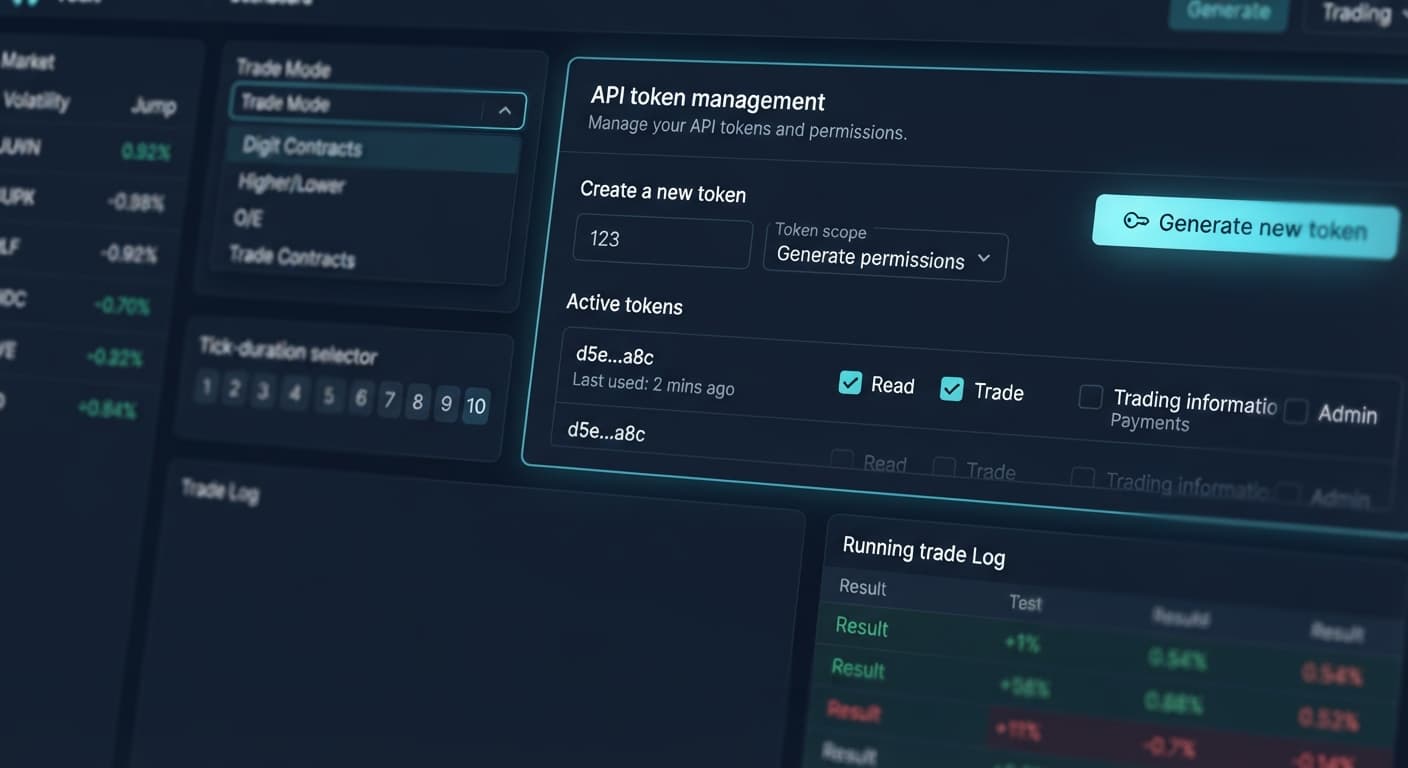
To complete your solid trading bot api token setup, generate a dedicated API token with Read and Trade scopes inside your Deriv account, paste that key into the token input field on Solid Trading Bot, and select your market parameters. This connection allows the browser dashboard to send contract requests directly to your broker balance without exposing your withdrawal rights or main account credentials.
Most traders mess up their solid trading bot api token setup before placing a single trade. They open Deriv, navigate to the security settings, and check every available scope box—including "Admin" and "Payments". That's dangerous. If anyone gets hold of a full-access token, they have permission to initiate withdrawals and alter account settings. You only need two active scopes for automated execution: Read and Trade.
Another frequent error comes from running new parameters on a live account right away. When using deriv bots, a missing stop loss or incorrect trade mode drains a balance quickly. Deriv synthetic markets update constantly, and the software executes contracts the exact millisecond your pattern criteria hit. Testing every configuration on a virtual account lets you verify that your connection holds and that your pattern triggers perform as expected without risking capital.
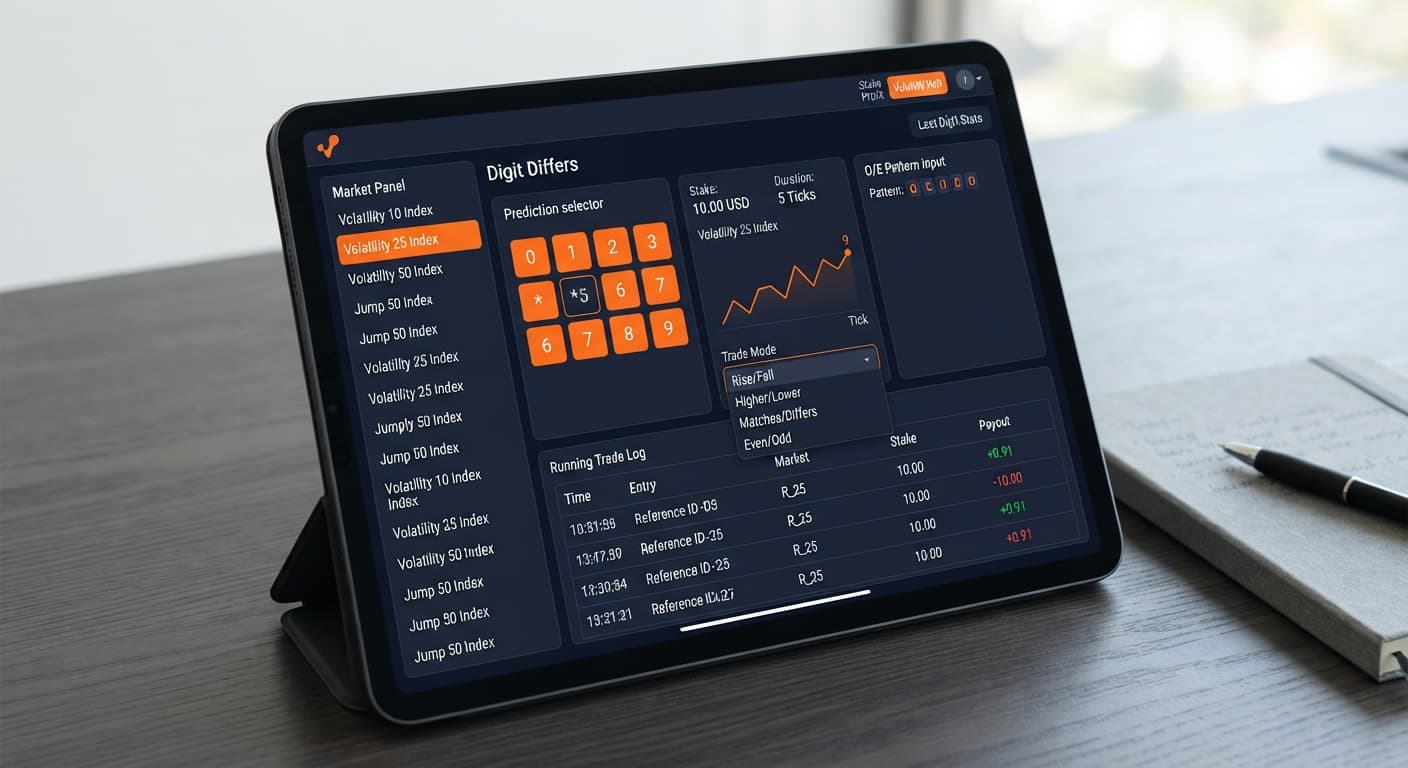
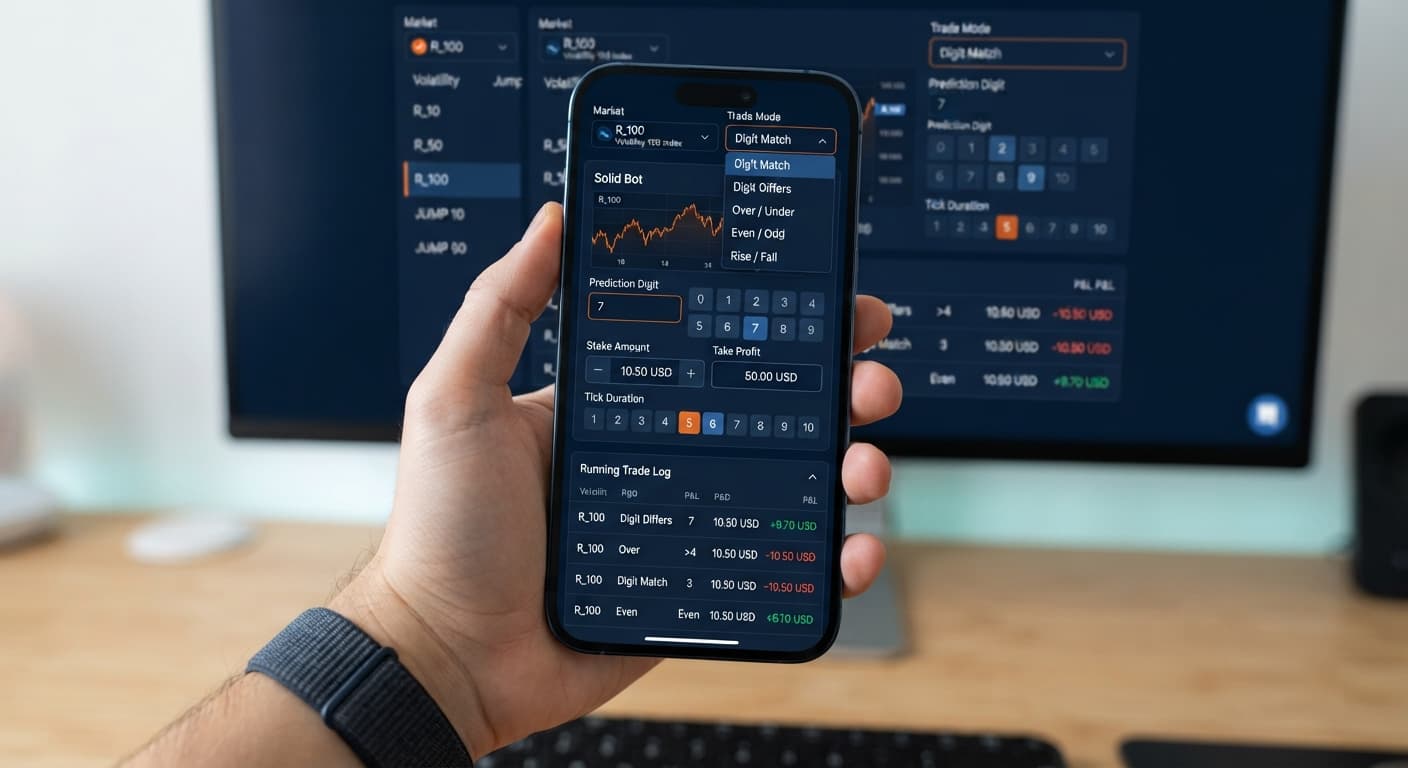
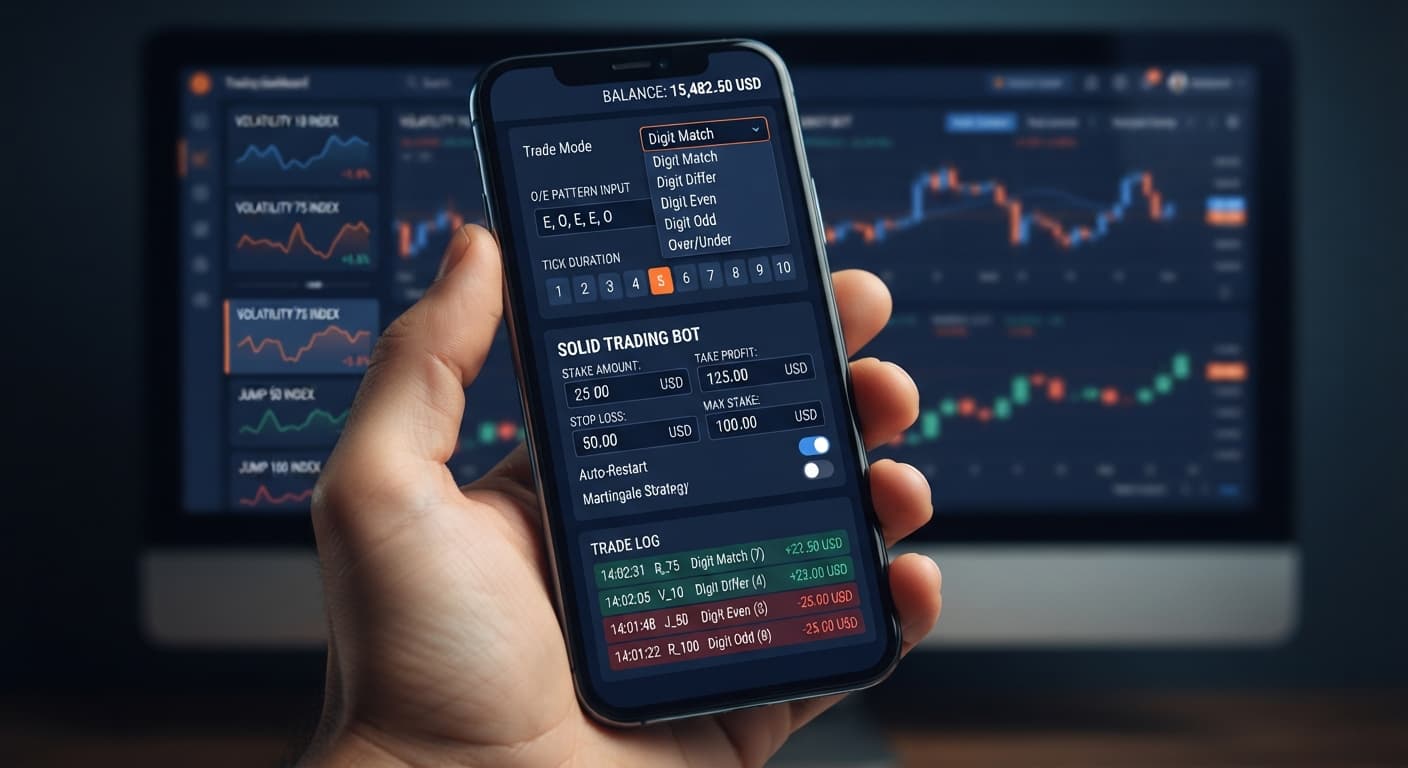
Before pasting your token, you should know what every field on the control panel does. Solid doesn't hide its execution logic inside complex script files; every setting sits directly on the user interface. You choose your asset, set your tick duration, define pattern triggers, and enforce risk boundaries.
Here is how those verified controls map out on the screen:
| Control Name | Setup Value | Operational Function |
|---|---|---|
| Market Index | Jump 25 Index | Sets the underlying synthetic asset for incoming tick data |
| Trade Mode | Digit EVEN | Determines the Deriv contract type placed by the system |
| Pattern (O=Odd, E=Even) | OOO | Holds trade entry until three consecutive odd ticks land |
| Start Stake ($) | $5.00 | Sets the base purchase amount for every contract |
| Tick Duration — 1 to 10 ticks | 1 tick | Dictates how many ticks the contract stays open before settlement |
| Target Profit ($) | $20.00 | Automatically halts the script when net session profit hits this figure |
| Stop Loss ($) | $15.00 | Halts all script activity if total drawdown hits this threshold |
Log into your Deriv dashboard and open your Account Settings. Scroll down the security menu and select API Token. Type a descriptive label into the Token Name field, like "Solid Bot Setup". Check the boxes labeled Read and Trade only. Leave "Admin", "Payments", and "Trading Information" unchecked to keep your funds safe. Click Create, then copy the character string to your clipboard.
Open Solid Trading Bot in your web browser. You don't need to register an account or install external software. Locate the token input box near the top control bar. Paste the API key you generated on Deriv into this box and click Connect. The interface connects directly to Deriv over their official API using your personal token, and your account balance will appear on screen once authorized.
Click the Market Index menu to pick your market. You can choose classic synthetic volatility markets like Volatility 10 Index or Volatility 100 (1s) Index. Solid is also the only bot on the platform that covers Jump indices, allowing you to pick markets like Jump 10 Index or Jump 75 Index. Next, select your trade strategy from the Trade Mode dropdown. Your options include Digit Differs, Digit EVEN, Digit ODD, Digit Over, Digit Under, Only Rise, or Only Fall.
If you picked a digit strategy, set your entry logic using the Pattern (O=Odd, E=Even) field. Entering "EE" instructs the software to monitor live ticks and wait for two straight even digits before purchasing a contract. Next, adjust your Tick Duration — 1 to 10 ticks. Selecting 1 tick settles your trade on the very next tick, whereas selecting 5 ticks measures contract outcomes across five consecutive ticks.
Type your base order cost into the Start Stake ($) field, such as $2.00. Set strict session boundaries using Target Profit ($) and Stop Loss ($). If you type $10.00 for target profit and $15.00 for stop loss, the system halts immediately when either total is reached during execution. Review your input fields, double-check that you're running on a demo balance if testing, and click Start to begin trading.
Traders using binary bots often mix up digit patterns and asset selections. The table below outlines four practical configurations using verified control settings across different strategy profiles.
| Market Index | Trade Mode | Pattern (O=Odd, E=Even) | Tick Duration — 1 to 10 ticks | Execution Logic | Recommended Profile |
|---|---|---|---|---|---|
| Volatility 100 Index | Digit Differs | None | 1 tick | Buys DIGITDIFF contracts on every single incoming tick | High-speed, high-frequency execution |
| Jump 50 Index | Digit EVEN | OOO | 2 ticks | Waits for 3 odd ticks, then places DIGITEVEN | Mean-reversion statistical strategies |
| Volatility 75 (1s) Index | Digit Over | EE | 1 tick | Triggers DIGITOVER after 2 consecutive even ticks | Fast-frequency pattern followers |
| Jump 100 Index | Only Rise | None | 5 ticks | Executes CALL contracts based on tick trend direction | Momentum and trend traders |
I usually pick the Jump 50 Index paired with Digit EVEN and an "OOO" pattern filter on a 2-tick duration. Waiting for three consecutive odd ticks provides a clear structural entry signal, while the two-tick window gives the Jump index enough time to settle without exposing the position to micro-slippage.
Automating your orders through this setup isn't suitable for every trading style. If your system depends on automatic stake doubling or custom martingale sequences, Solid isn't the right choice. The interface has no internal stake multiplier, martingale settings, or automated recovery ladders built into its controls. It places every contract at your exact Start Stake ($) value until your stop loss or target profit triggers.
This configuration will also disappoint anyone who expects past digit frequencies to predict future outcomes. Deriv synthetic index ticks are completely independent random draws. A run of five odd digits in a row doesn't make an even digit more likely on the next tick. Assuming a pattern guarantees a win will cost you money. Finally, running automated trading scripts over shaky mobile data or lagging Wi-Fi can lead to dropped socket pings and missed entry patterns. Always use a stable internet connection and test new configurations on a virtual demo balance first.
Test your solid trading bot api token setup risk-free by launching Solid Trading Bot on a demo balance. If you need a broker account to generate your token, you can create a free Deriv account in a few quick steps. Trading involves risk. Past performance does not guarantee future results.
Related: Solid Trading Bot vs Manual Trading on Deriv
Related: Step-by-Step Guide on How to Use Solid Trading Bot on BinaryBot.live for Automated Deriv Trading
Related: Solid Trading Bot Review: Digit Differs Strategy
Related: Solid Trading Bot Deriv Bots Guide: Configure Settings
Advanced automated digit trading bot for Deriv with 9 trading strategies including Digit Differs, Odd/Even, Over/Under, Rise/Fall and Higher/Lower.
Open Solid Trading Bot →You only need to check the Read and Trade scopes when generating your API token on Deriv. Leave Admin, Payments, and unchecked to keep your funds safe.
Log into Deriv, generate a restricted API token with Read and Trade scopes, and copy the string. Then open Solid Trading Bot, paste your key into the token input box near the top control bar, and click Connect.
Yes, testing configurations on a virtual account lets you verify that your connection holds and pattern triggers perform as expected without risking capital. A missing stop loss or incorrect trade mode on a live account can drain a balance quickly.
No, it cannot make withdrawals as long as you only select the Read and Trade scopes for your API token. This restricts the connection so it only sends contract requests without exposing your withdrawal rights or main account credentials.
Guides closest to this one.
Complete solid trading bot demo account setup guide for Deriv bots. Master automated binary trading safely with this free deriv bot. Start testing today!
Build a solid trading bot on volatility 25 using Deriv digit differs. Follow this step-by-step setup guide for free binary bots. Start testing today.
Configure the solid trading bot on volatility 10 for automated digit trading on BinaryBot.live. Learn the step-by-step deriv bot trading strategy now.