Auto Trading Bots
Solid Trading Bot Review: Digit Differs Strategy
Read this solid trading bot review for BinaryBot.live. Learn how to configure the digit differs automated trading bot safely. Try our free deriv bot today.

When deciding on a solid trading bot vs sniper bot v3, the choice comes down to index coverage and entry customization versus single-purpose digit execution. If you need custom odd/even tick pattern tracking, Jump index support, or direct Rise/Fall modes, choose Solid; if you want rapid, streamlined digit entries on classic Volatility indices without multi-step filters, stick with Sniper Bot V3. Both binary bots connect straight to Deriv's official API, letting you run strategies on demo or real balances without transferring funds to third parties.
Here is how the two options stack up depending on your operational targets:
Choose Solid Trading Bot if you need:
OOO) before opening a contract.DIGITDIFF, DIGITEVEN, DIGITODD, DIGITOVER, DIGITUNDER) alongside directional contracts (CALL, PUT).Choose Sniper Bot V3 if you need:
Comparing solid trading bot vs sniper bot v3 reveals clear differences in how trades trigger and which markets you can trade. Solid covers both Volatility and Jump indices, while Sniper Bot V3 focuses heavily on standard synthetic volatility pairs.
| Feature Dimension | Solid Trading Bot | Sniper Bot V3 |
|---|---|---|
| Market Index Range | Volatility 10 through 100 (standard and 1s), plus Jump 10, 25, 50, 75, and 100 | Standard Volatility indices (Volatility 10, 25, 50, 75, 100) |
| Trade Modes Available | 7 modes: Digit Differs, Digit EVEN, Digit ODD, Digit Over, Digit Under, Only Rise, Only Fall | Specialized single-digit or odd/even contract modes |
| Entry Conditions | Custom string patterns using Pattern (O=Odd, E=Even) | Automated tick analyzer triggers |
| Contract Types | DIGITDIFF, DIGITEVEN, DIGITODD, DIGITOVER, DIGITUNDER, CALL, PUT |
Primary digit contract variants |
| Tick Duration | Selectable from 1 to 10 ticks | Fixed or low-tick short duration presets |
| Risk Management Setup | Target Profit ($) and Stop Loss ($) hard stops | Target profit and stop loss thresholds |
| Primary Use Case | Multi-strategy digit sequence trading and directional tick runs | Rapid digit capture based on recent frequency counts |
Solid provides broader flexibility if you swap between digit contracts and directional trades. If you move from a Digit EVEN setup on Volatility 75 Index directly into an Only Rise mode on Jump 50 Index, Solid handles it from a single dropdown menu.
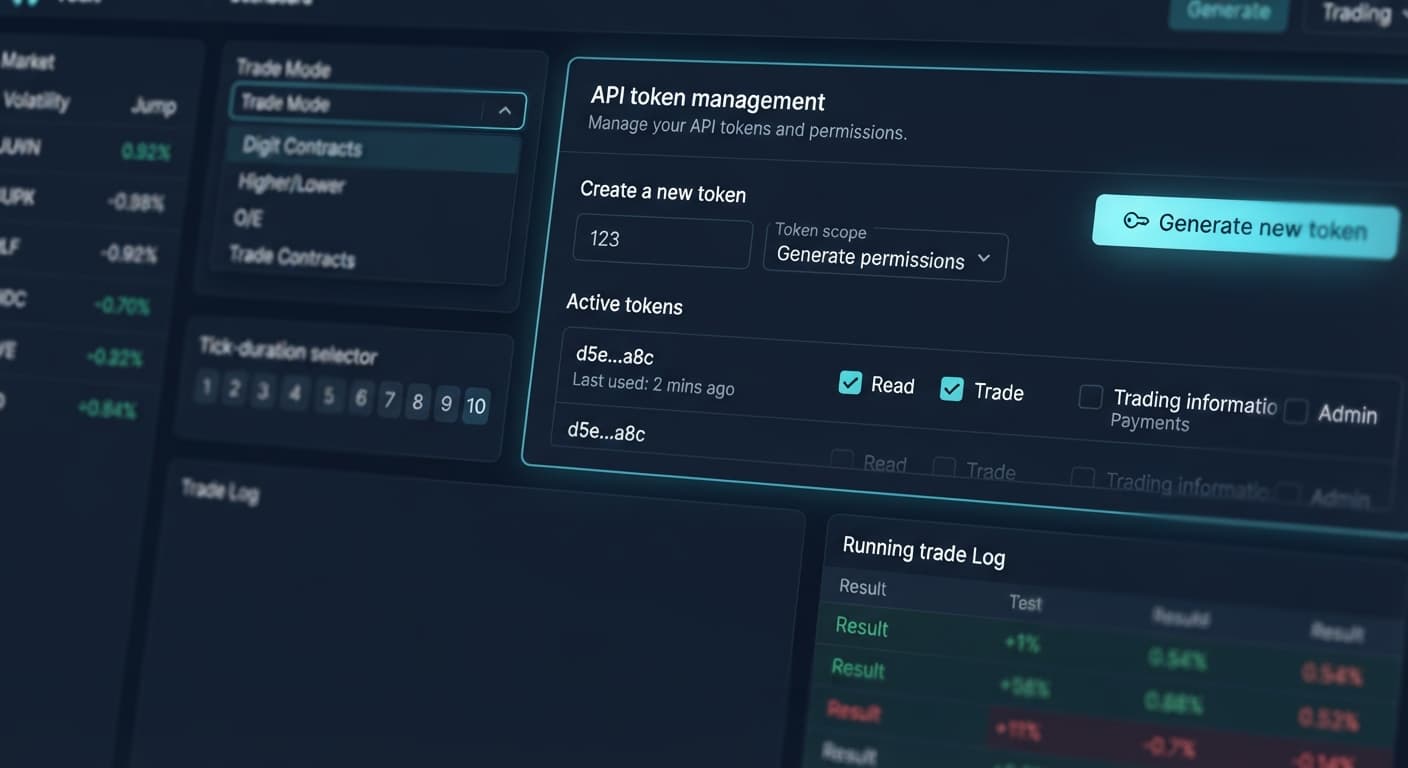
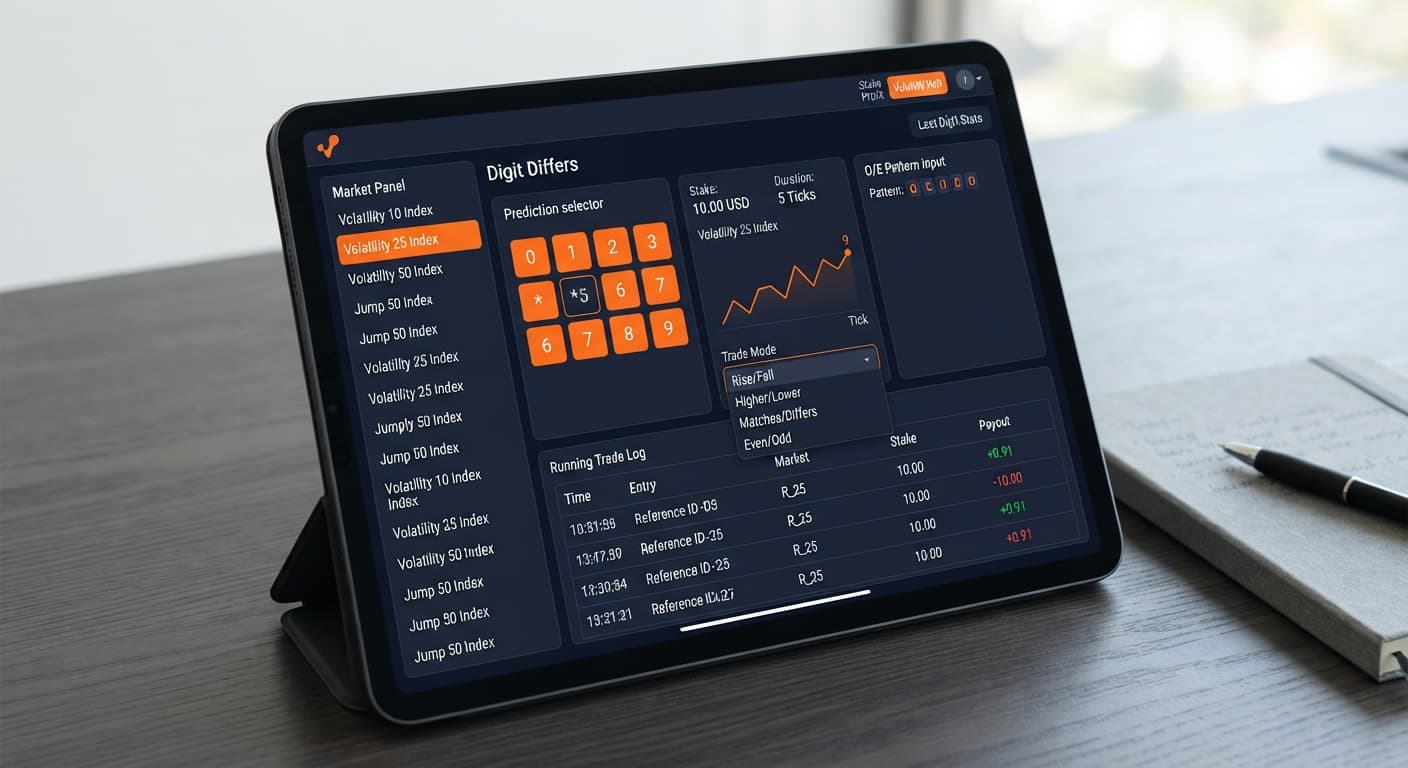
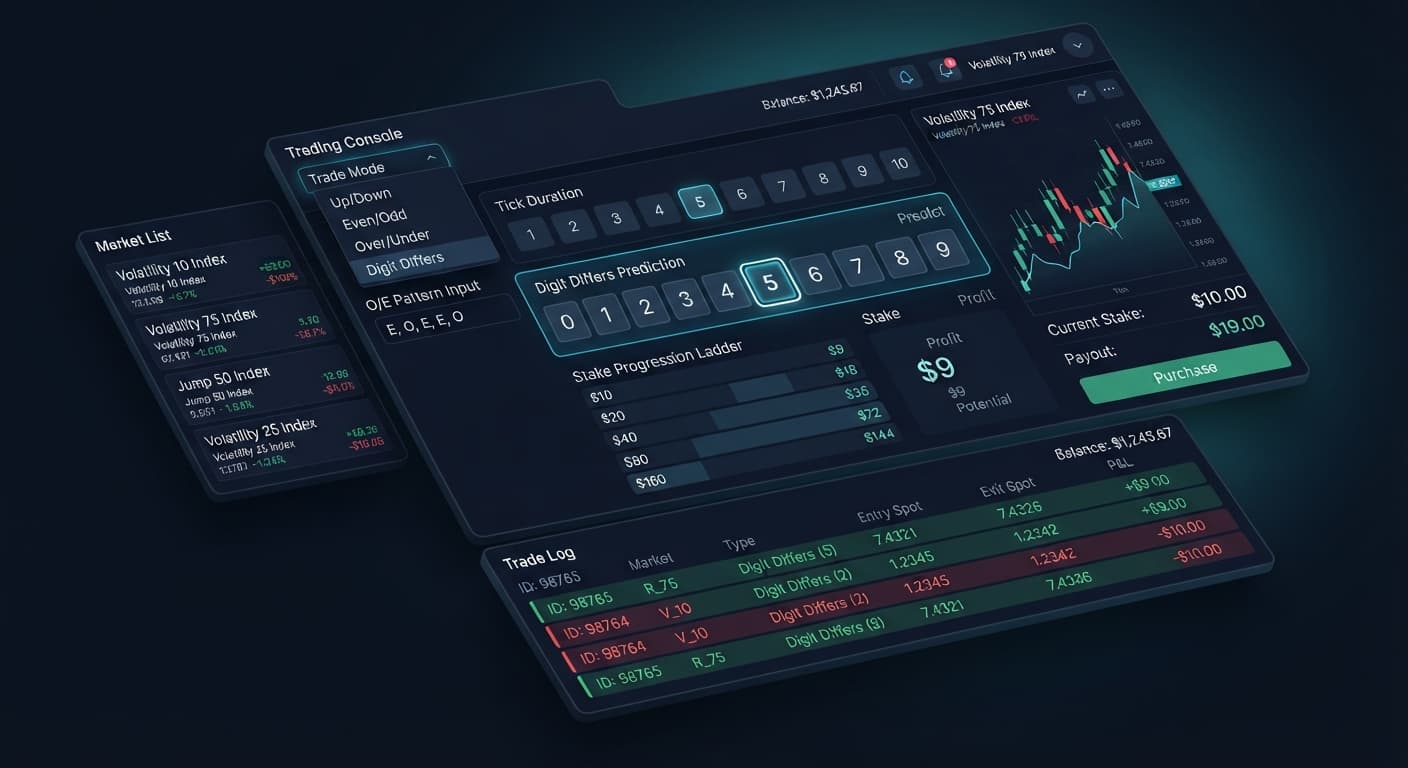
To get predictable trade entries from Solid, you need to align the inputs on the interface with the exact contract type you plan to run. The interface relies on simple text inputs and single-selection drop-downs that dictate when and how a contract gets sent to the server.
| Mode / Setting Combination | Control Parameters | Trade Execution Behavior | Target Operational Setup |
|---|---|---|---|
| Odd Sequence Breakout | Trade Mode: Digit EVEN Pattern: OOOTick Duration: 1 tick |
Bot scans incoming ticks. It places a DIGITEVEN contract only after three consecutive odd ticks appear. |
Traders hunting short-term odd runs on Volatility 100 (1s) Index. |
| Even Run Continuation | Trade Mode: Digit ODD Pattern: EEETick Duration: 1 tick |
Waits for three consecutive even ticks before submitting a DIGITODD order. |
Traders expecting digit distribution balance on Volatility 50 Index. |
| Multi-Tick Directional | Trade Mode: Only Rise Pattern: Blank Tick Duration: 5 ticks |
Fires a CALL contract immediately on every tick, expiring after 5 ticks. |
Directional trend trading on Jump 75 Index during momentum spikes. |
| Differ Isolation | Trade Mode: Digit Differs Pattern: Blank Tick Duration: 1 tick |
Submits a DIGITDIFF contract immediately on the active tick duration. |
High-probability payout attempts across standard Volatility 10 Index ticks. |
| High Barrier Under | Trade Mode: Digit Under Pattern: Blank Tick Duration: 2 ticks |
Executes a DIGITUNDER contract spanning a 2-tick lifetime. |
Conservative digit entries looking for lower terminal values. |
I pick Trade Mode set to Digit EVEN with Pattern set to OOO on Volatility 100 (1s) Index for quick tick captures. Waiting for three consecutive odd ticks narrow execution down to clear structural shifts rather than firing trades blindly on every tick.
Evaluating solid trading bot vs sniper bot v3 requires an honest look at synthetic index mechanics. Neither tool can alter the probability of the underlying tick generation engine.
Deriv synthetic indices operate on cryptographic random number generators. Past digit frequency does not change the probability of the next tick; every tick is an independent draw. If five odd digits print in a row, the probability of the next tick being even remains exactly 50%. Using a Pattern string like OOOO on Solid helps filter entry frequency so you trade less often, but it doesn't increase your statistical win probability on the next contract.
Here are the operational risk factors you must manage manually:
Always set your Target Profit ($) and Stop Loss ($) before clicking start. If your total session capital is $100, set your Stop Loss ($) to $15 or $20 maximum to protect your balance. Never start a live trading run without testing the exact control values on a demo balance first.
Testing a solid trading bot vs sniper bot v3 workflow on demo allows you to compare structural execution times without putting capital at risk. You can switch between different binary bots depending on whether you are analyzing raw market velocity or testing pattern-filtered setups.
Start by running baseline tests on standard Volatility indices using Sniper Bot V3. Monitor how fast contracts process during periods of high network traffic. Record your hit rate across 50 to 100 ticks without filtering parameters to understand raw market behavior.
Open Solid Trading Bot to test pattern filtering against your baseline results. Select your target market under Market Index, set your Trade Mode to Digit EVEN or Digit ODD, and type OO or EE into the Pattern (O=Odd, E=Even) field. Observe how the bot pauses execution until the specific sequence appears on the tick stream.
Switch the Market Index to Jump 25 Index or Jump 100 Index. These markets feature periodic price jumps that alter directional movement. Test the Only Rise or Only Fall modes with a Tick Duration set between 3 and 5 ticks to evaluate how directional entries perform compared to static digit modes.
Check the trade execution panel after every session. Verify that the bot strictly stops operating the second your Target Profit ($) or Stop Loss ($) threshold is breached. If you need to browse other automated setups or specialized digit analyzers, you can explore the complete free bot library on BinaryBot.live to find complementary tools.
Try it yourself on Solid Trading Bot using a demo balance first.
If you don't have one yet, create a free Deriv account.
Trading involves risk. Past performance does not guarantee future results.
Advanced automated digit trading bot for Deriv with 9 trading strategies including Digit Differs, Odd/Even, Over/Under, Rise/Fall and Higher/Lower.
Open Solid Trading Bot →No, Sniper Bot V3 only focuses on standard synthetic volatility pairs. If you need Jump index support like Jump 10 through Jump 100, you'll need to use the Solid Trading Bot instead.
Yes, it handles directional contracts like Only Rise and Only Fall alongside its digit contract modes. You can easily switch between digit and directional trades from a single menu.
It uses custom string patterns to filter entries, such as waiting for a specific sequence of three consecutive odd ticks before opening a contract. This gives you pattern filter control that Sniper Bot V3 doesn't have.
No, both bots connect straight to Deriv's official API so you can run your strategies directly on your demo or real balances. You don't need to move funds anywhere else.
Guides closest to this one.
Read this solid trading bot review for BinaryBot.live. Learn how to configure the digit differs automated trading bot safely. Try our free deriv bot today.
Complete solid trading bot api token setup guide for BinaryBot.live. Learn to connect your Deriv account securely and run your automated binary trading strategy.
Build a solid trading bot on volatility 25 using Deriv digit differs. Follow this step-by-step setup guide for free binary bots. Start testing today.