Auto Trading Bots
Solid Trading Bot API Token Setup for Deriv Bots
Complete solid trading bot api token setup guide for BinaryBot.live. Learn to connect your Deriv account securely and run your automated binary trading strategy.
Learning how to use solid trading bot comes down to configuring four core parameters: asset selection, entry triggers, stake sizing, and hard exit points. You configure these parameters directly inside your browser interface, select your preferred strategy, and connect the system to Deriv using your personal API token. The bot runs automated logic against live market feeds, issuing digit contracts like DIGITEVEN, DIGITODD, or DIGITDIFF without requiring manual trade placement.
Setting up automated systems on synthetic indices isn't complicated, but misconfiguring risk management parameters will drain an account fast. Understanding how to use solid trading bot properly requires treating automated execution as a rule-bound execution tool rather than a quick profit system.
Most traders who load up automated deriv bots make the mistake of believing in the gambler's fallacy. They inspect a digit stream, spot six even digits in a row, and assume an odd digit is due on the next tick.
Deriv synthetic indices operate on independent random generation algorithms. Every tick has an isolated probability. The fact that the last five digits were even does not make the next tick any more likely to land on an odd number. When you program a sequence like "EEEE" inside an automated tool, you aren't finding a setup that changes mathematical odds. You are simply defining a systematic filter to control your entry timing and limit total trade frequency.
Another common disaster point is starting with an oversized stake. Beginners often load an automated trading bot with a $10 base stake on a $100 balance. When the automated strategy encounters five consecutive losing ticks, a basic stake-doubling sequence demands a $320 order. The account hits zero before the recovery contract ever fires.
Setting risk controls after starting the automation is another classic mistake. If you launch execution without pre-configuring strict limits inside the software, a sudden streak of adverse ticks will wipe your balance while you scramble to press a manual stop button.
To run a controlled digit automation system, you must align your entry filters with strict equity caps. The web interface exposes specific control fields that determine how trades execute.
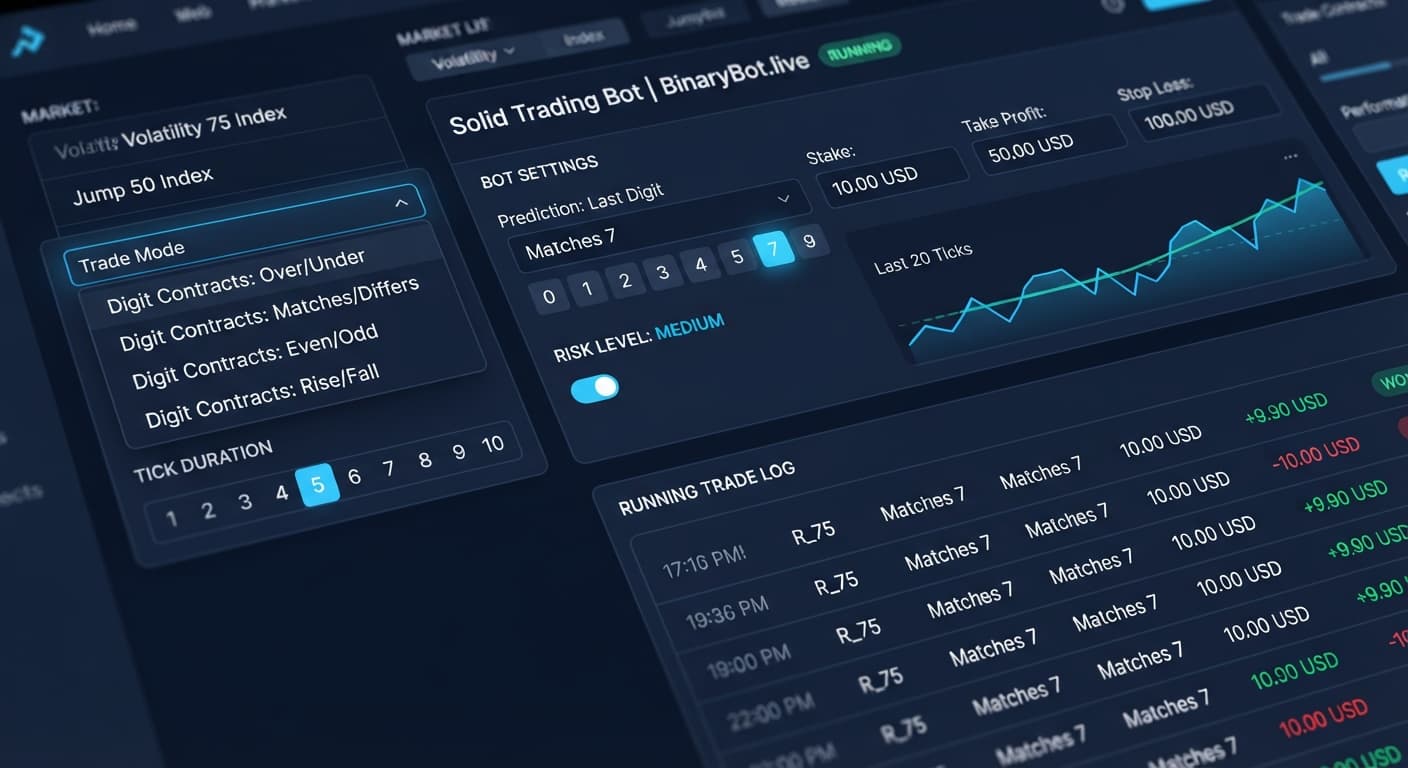
Start by choosing your asset under Market Index. For digit strategies, high-frequency assets like Volatility 100 (1s) Index or Jump 25 Index deliver fast data streams, while standard assets like Volatility 75 Index provide steady tick intervals.
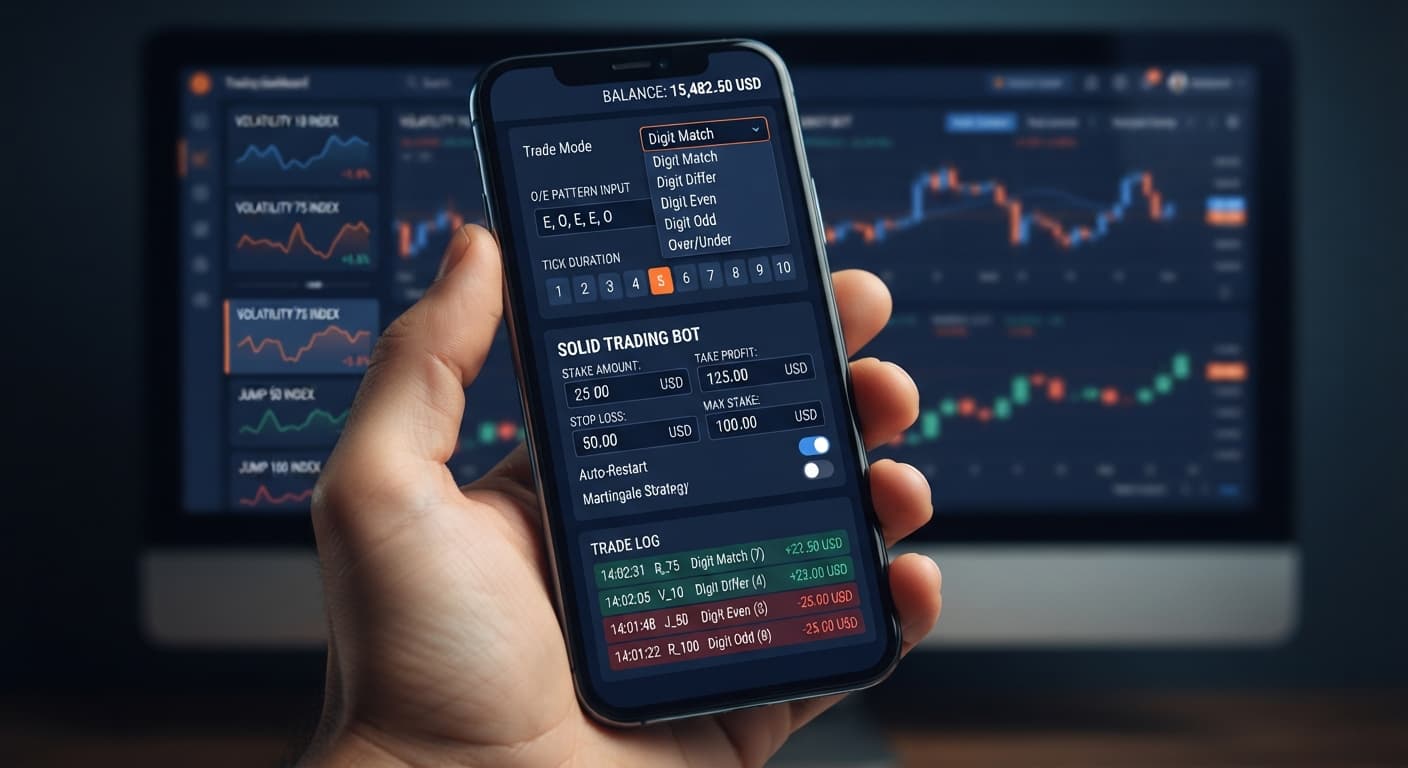
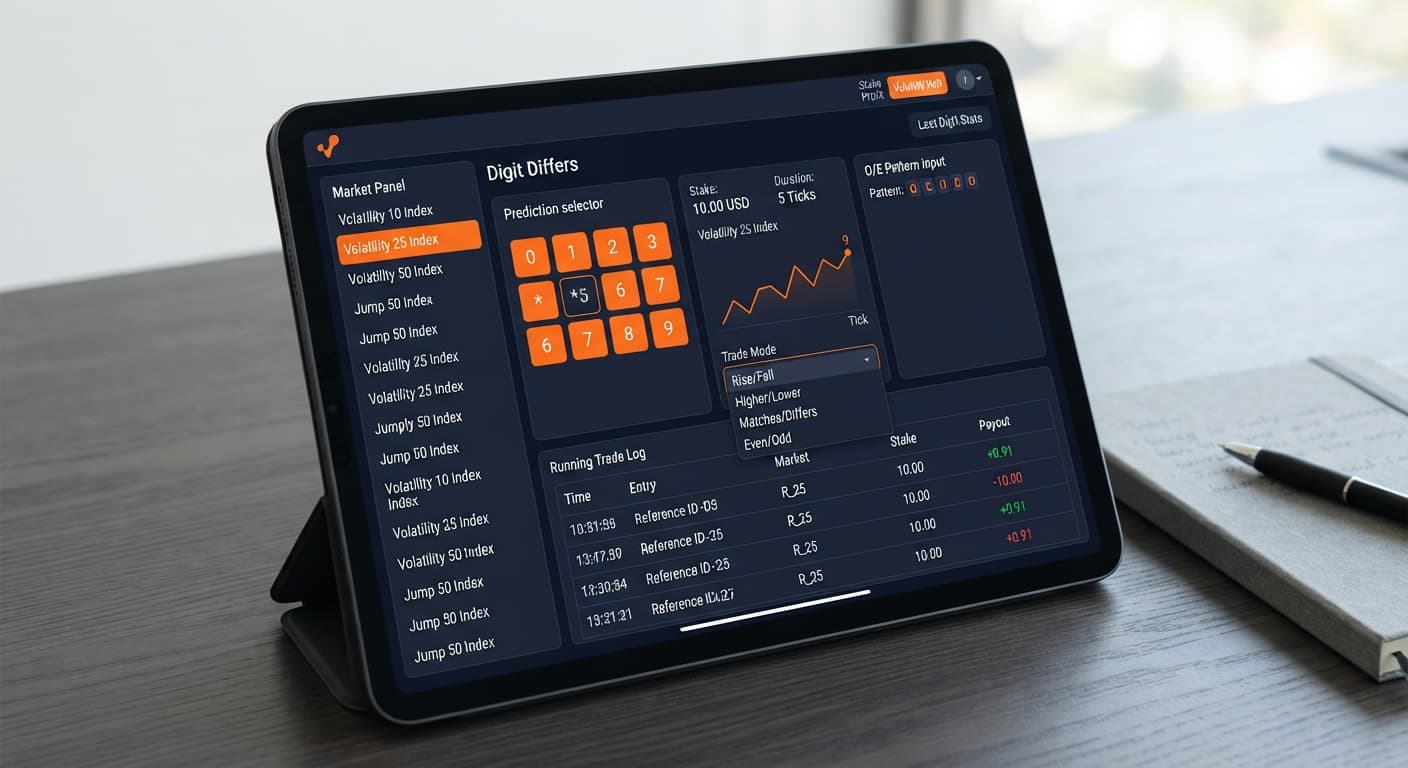
Next, pick your entry strategy within Trade Mode. If you select Digit EVEN, the script submits a DIGITEVEN contract whenever entry conditions are met. To prevent constant trading on every single tick, refine the trigger using Pattern (O=Odd, E=Even). Entering "OOOO" instructs the software to wait until four consecutive odd digits appear on the asset feed before placing a DIGITEVEN trade.
Specify contract length in Tick Duration — 1 to 10 ticks. For raw digit probability strategies, a single-tick contract (1 tick) isolates the immediate next draw.
Finally, protect your balance by defining exact monetary caps. The Start Stake ($) field dictates your baseline trade size. Pair this with precise dollar amounts in Target Profit ($) and Stop Loss ($). The script continuously monitors net session outcome and cuts execution the second either threshold is breached.
Here is a balanced defensive configuration designed for a $100 test bankroll:
| On-Screen Control | Selected Setting / Value | Purpose |
|---|---|---|
| Market Index | Volatility 100 Index | Provides continuous tick stream |
| Trade Mode | Digit EVEN | Executes DIGITEVEN contract types |
| Pattern (O=Odd, E=Even) | OOOO | Waits for 4 consecutive odds before entry |
| Start Stake ($) | 1.00 | Baseline risk per initial trade |
| Tick Duration — 1 to 10 ticks | 1 | Evaluates immediate next tick output |
| Target Profit ($) | 5.00 | Stops bot automatically at $5 total profit |
| Stop Loss ($) | 15.00 | Caps maximum allowable session drawdown |
Follow these steps on screen to assemble and run the configuration. Always perform this setup using a virtual demo balance first.
OOOO using uppercase letters.1.00 in Start Stake ($), then set Target Profit ($) to 5.00 and Stop Loss ($) to 15.00 before launching the automation.Once active, the platform monitors live ticks passively. You will notice the system holding back trade execution until the index prints four odd digits in a row. As soon as that pattern resolves, the software issues a 1-tick DIGITEVEN trade automatically.
When executing automated strategies on popular binary bots, stake escalation schemes during drawdown can destroy accounts quickly. If a strategy automatically doubles your stake after a loss to recover expenses, mathematical drag escalates faster than intuition suggests.
Let's run through a realistic scenario using concrete dollar figures. Suppose you run a deriv trading bot setup with a starting balance of $100, a Start Stake ($) of $1, and an automatic multiplier that doubles the trade size following an unsuccessful contract.
Here is how a six-trade losing streak unfolds step by step:
In just six consecutive adverse ticks, your baseline trade of $1.00 turned into a cumulative drawdown of $63.00. Over 60% of your entire bankroll vanished in seconds.
If your Stop Loss ($) had not been set to halt execution at $15.00, a seventh trade would require a $64.00 stake. Because your remaining balance is only $37.00, the platform would reject the contract, leaving you with a blown account and no way to execute the recovery trade.
This mathematical breakdown highlights why understanding how to use solid trading bot risk bounds matters far more than choosing fancy digit patterns. Synthetic ticks are statistically independent. The probability of encountering six odd digits in a row during an extended session is higher than most retail traders realize.
No automated configuration functions safely across all market environments. Knowing when to stop your script is vital to long-term capital preservation.
Disconnect your session immediately under these conditions:
By keeping tight parameters, testing configurations thoroughly on virtual accounts, and maintaining realistic risk thresholds, you can use automated tools discipline-first rather than relying on luck.
Test this framework on Solid Trading Bot using a demo balance first.
If you don't have one yet, create a free Deriv account to begin testing automated strategies risk-free.
Trading involves risk. Past performance does not guarantee future results.
Related: Digit Differs vs Digit Match on deriv bots
Related: Step-by-Step Guide to Configuring AutoPilot for Deriv
Related: Configuring Sniper Bot V3 Virtual Trades: Beginner Guide
Related: Zero Experience Needed: Deriv Bots for Beginners on BinaryBot.live
Related: Step-by-Step Guide: How to Use DualShot on Deriv Bots
Advanced automated digit trading bot for Deriv with 9 trading strategies including Digit Differs, Odd/Even, Over/Under, Rise/Fall and Higher/Lower.
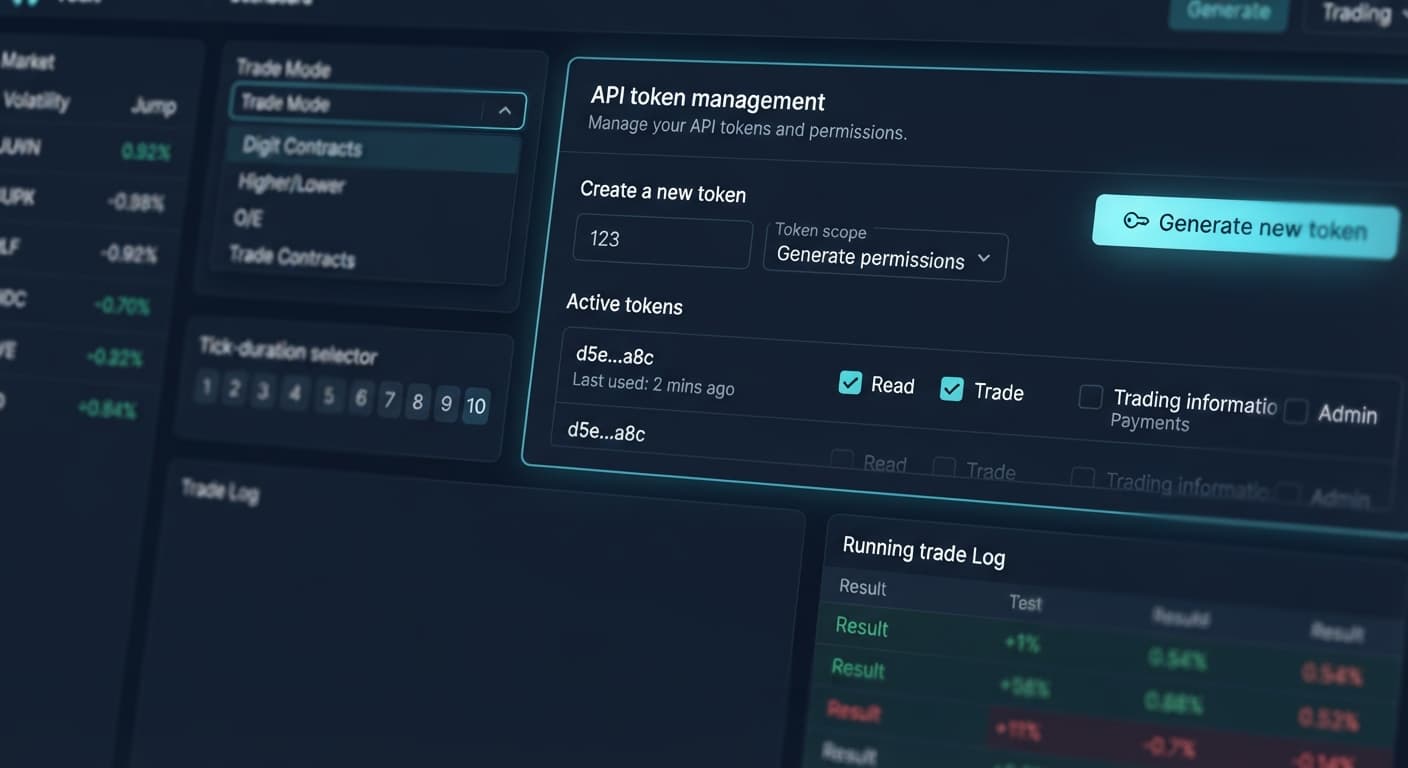
Open Solid Trading Bot →You connect the system to Deriv by using your personal API token directly inside the browser interface. Once connected, the bot runs automated logic against live market feeds to issue digit contracts.
You set your baseline trade size using the Start Stake field, but you shouldn't make it oversized. Beginners shouldn't use a $10 base stake on a $100 balance, because a few consecutive losses and a recovery sequence will quickly wipe the account.
You refine your entry trigger by using the Pattern setting in the Trade Mode options. For example, entering "OOOO" tells the software to wait until four consecutive odd digits appear before placing a trade.
You protect your balance by defining exact dollar amounts in the Stop Loss field before launching execution. The script continuously monitors your net session outcome and cuts execution the second your threshold is breached.
Guides closest to this one.
Complete solid trading bot api token setup guide for BinaryBot.live. Learn to connect your Deriv account securely and run your automated binary trading strategy.
Solid Trading Bot demo account setup: a demo API token, Market Index and Trade Mode, Pattern and Tick Duration, then how V100 compares with Jump 25.
Build a solid trading bot on volatility 25 using Deriv digit differs. Follow this step-by-step setup guide for free binary bots. Start testing today.