Auto Trading Bots
Why Sniper Bot V3 Not Working: Virtual Loss Fix
Discover why your sniper bot v3 not working on Deriv. Fix your virtual loss filter settings to resume trading on this free automated trading bot.
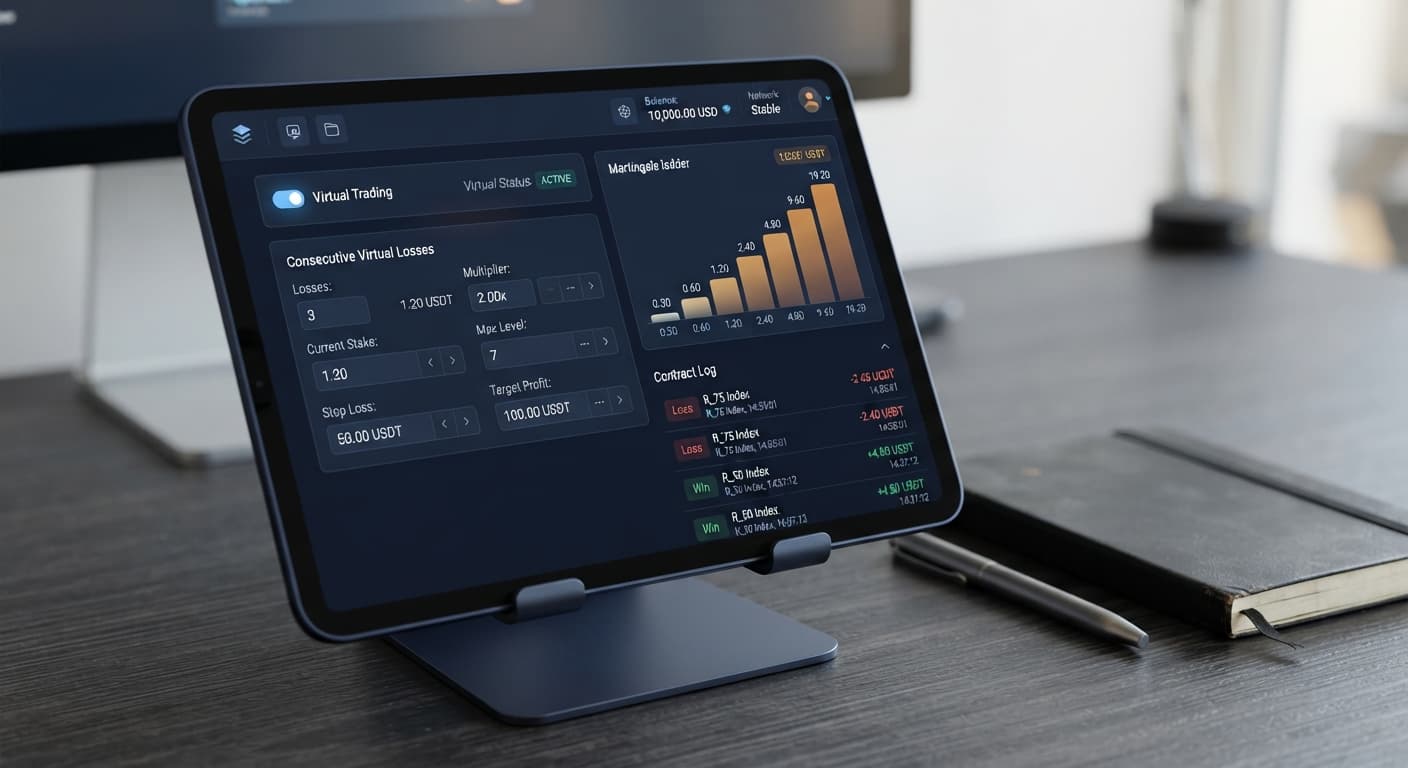
Before configuring any settings, you need to understand the basic terminology used in automated trading on Deriv.
BinaryBot.live connects directly to Deriv over their official API. No funds are stored on BinaryBot.live, and contracts execute directly on your broker account.
Most automated tools place contracts on your live balance from the moment you click start. If your strategy hits five consecutive losses, your account balance takes all five hits.
Virtual trading changes that process. The bot runs phantom trades on paper first. Your account balance remains completely untouched while the software monitors whether these phantom trades win or lose.
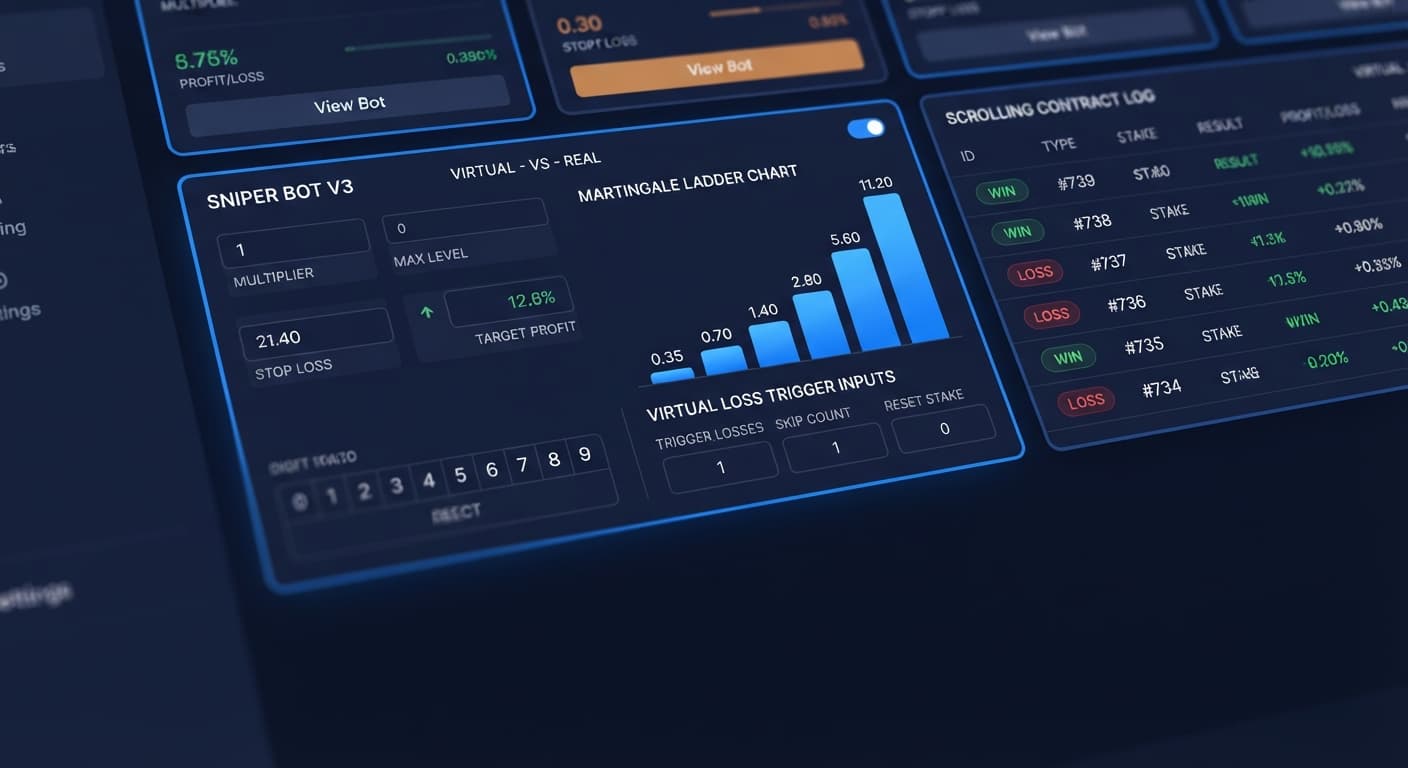
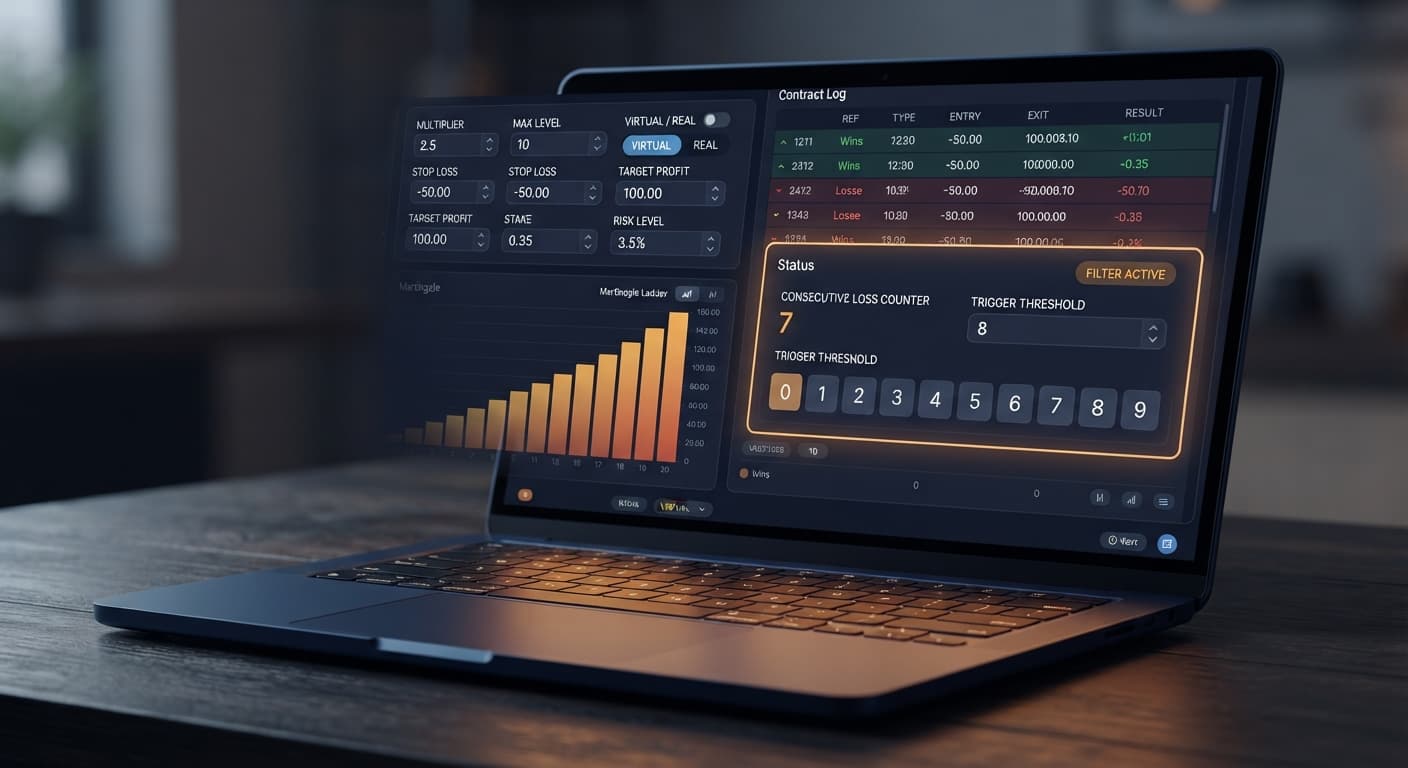
You set a threshold using the VIRTUAL LOSS (in a row) control. If you set this value to 3, the bot watches silently through three paper losses in a row. Only when that third consecutive paper loss occurs does the bot switch modes and place its next trade using your actual balance.
Once the bot enters live trading, the BACK TO VIRTUAL control takes over. This control determines when live trading stops and paper trading resumes. You can set it to step back to paper trading IF REAL WIN, IF REAL LOSE, IF REAL WIN/LOSE, or NEVER.
Keep one fundamental fact in mind regarding synthetic indices: past ticks do not influence future ticks. Every tick on a Deriv synthetic index is an independent random draw. Running virtual trades does not alter the underlying probability of the next tick. It simply reduces the number of contracts executed with real funds.
Let's walk through a complete test run on a Deriv demo account. You open Sniper Bot V3 and input the following configuration:
DIGITEVENMODE: MartingaleUNIT: 1 ($1.00 base stake)MULTIPLIER: 2MAX LEVEL: 3WHEN MAX LEVEL: ResetVIRTUAL LOSS (in a row): 3BACK TO VIRTUAL: IF REAL WINSTOP LOSS: 20 ($20 session limit)TARGET PROFIT: 10 ($10 session target)Here is how the execution sequence unfolds across seven market ticks:
| Step | Contract Mode | Result | Stake ($) | Consecutive Virtual Losses | Balance Change ($) |
|---|---|---|---|---|---|
| 1 | Virtual | Loss | 0.00 | 1 | 0.00 |
| 2 | Virtual | Loss | 0.00 | 2 | 0.00 |
| 3 | Virtual | Loss | 0.00 | 3 | 0.00 |
| 4 | Real | Loss | 1.00 | Threshold Met | -1.00 |
| 5 | Real | Loss | 2.00 | Threshold Met | -2.00 |
| 6 | Real | Win | 4.00 | Resets to 0 | +3.80 |
| 7 | Virtual | Loss | 0.00 | 1 | 0.00 |
During steps 1 through 3, the free deriv bot logged three paper losses in a row. Your account balance stayed untouched.
At step 4, having met your requirement of 3 virtual losses, the bot placed a live $1 contract. That contract lost, bringing your session total to -$1.00.
At step 5, because MODE was set to Martingale with a MULTIPLIER of 2, the bot doubled the real stake to $2. That trade lost as well, bringing your total session net loss to -$3.00.
At step 6, the bot doubled the stake again to $4. This trade won, paying out $7.80 (your $4 stake plus $3.80 net payout).
Because BACK TO VIRTUAL was set to IF REAL WIN, that single live win triggered an immediate return to paper trading. Step 7 resumed as a virtual contract. You ended the sequence with a net profit of $0.80 while placing real funds on only three of the seven ticks.
Follow these exact steps on a Deriv virtual balance before attempting to use real funds.
VIRTUAL TOKEN field. Make sure your account toggle shows virtual funds rather than live capital.CALL, PUT, DIGITEVEN, DIGITODD, or DIGITDIFF.MODE to Martingale. Enter 1 for UNIT and 2 for MULTIPLIER. Set STOP LOSS to 20 and TARGET PROFIT to 10. These hard parameters halt the deriv trading bot if targets or drawdown limits are hit.VIRTUAL LOSS (in a row) to 3. Set BACK TO VIRTUAL to IF REAL WIN. Set MAX LEVEL to 3 and choose Reset under WHEN MAX LEVEL.Believing that four virtual losses in a row make the fifth trade guaranteed to win is a fatal error. Deriv synthetic markets use random number generators. Past ticks do not change future odds.
MAX LEVEL low (e.g. 3) and set WHEN MAX LEVEL to Reset or Stop. Never leave stake expansion unbounded.Setting MAX LEVEL to 7 with a MULTIPLIER of 2 seems safe when virtual filters are active. However, if real trading triggers and runs into a real losing streak, a $1 base stake reaches $64 on the 7th trade. Total cumulative loss across those 7 trades reaches $127.
STOP LOSS strictly to an amount you can lose without stressing your bankroll.BACK TO VIRTUAL to NEVERIf you select NEVER under BACK TO VIRTUAL, the bot switches to live trading after the initial virtual loss condition and stays in live trading mode forever. This completely defeats the purpose of paper filtering.
IF REAL WIN or IF REAL WIN/LOSE so the software consistently returns to monitoring paper trades.Leaving an automated trading bot running unattended for hours is dangerous. Over thousands of ticks, statistical outlier loss streaks will eventually happen.
BOT STOP AFTER to stop the session after a fixed time or trade count. Combine this with AFTER X LOSS, DELAY AFTER WIN, and DELAY AFTER LOSE to keep execution pacing under control.Test these virtual trade controls on Sniper Bot V3 using a practice account.
If you do not have one yet, create a free Deriv account to start testing automated strategies.
Trading involves risk. Past performance does not guarantee future results.
Related: Why Your Accumulator Bot Growth Rate Keeps Failing
Related: Step-by-Step Guide: Reading Live Ticks with LDP Analyzer
Related: Step-by-Step Guide: Using LDP Analyzer Pro for DIFFER
Related: Step-by-Step Guide to Configuring AutoPilot for Deriv
Advanced automated trading bot for Deriv with Rise/Fall, Higher/Lower, Touch/No Touch and Digit strategies, plus martingale, anti-martingale, Fibonacci and D'Alembert money management.
Open Sniper Bot V3 →Virtual trading is paper trading inside the bot interface that tracks theoretical contracts using live market data without spending your account funds. Your actual account balance remains completely untouched while the software monitors whether these phantom trades win or lose.
The `VIRTUAL LOSS (in a row)` control lets you set a threshold, such as 3, so the bot watches silently through that many paper losses in a row. Only when that exact consecutive number of paper losses occurs does the bot switch modes and place its next trade using your actual balance.
The `BACK TO VIRTUAL` control determines when live trading stops and paper trading resumes. Setting it to `IF REAL WIN` means the bot switches back to paper trading as soon as a real money trade wins.
No, virtual trades do not alter the underlying probability of the next tick because every tick on a Deriv synthetic index is an independent random draw. Running virtual trades simply reduces the total number of contracts executed with your real funds.
Guides closest to this one.
Discover why your sniper bot v3 not working on Deriv. Fix your virtual loss filter settings to resume trading on this free automated trading bot.
Learn sniper bot v3 for beginners with zero prior experience. Set up your free deriv trading bot and master automated trading safely today.
Master your sniper bot v3 api token setup for binary bots. Learn how to connect Deriv safely and launch your automated trading bot today.