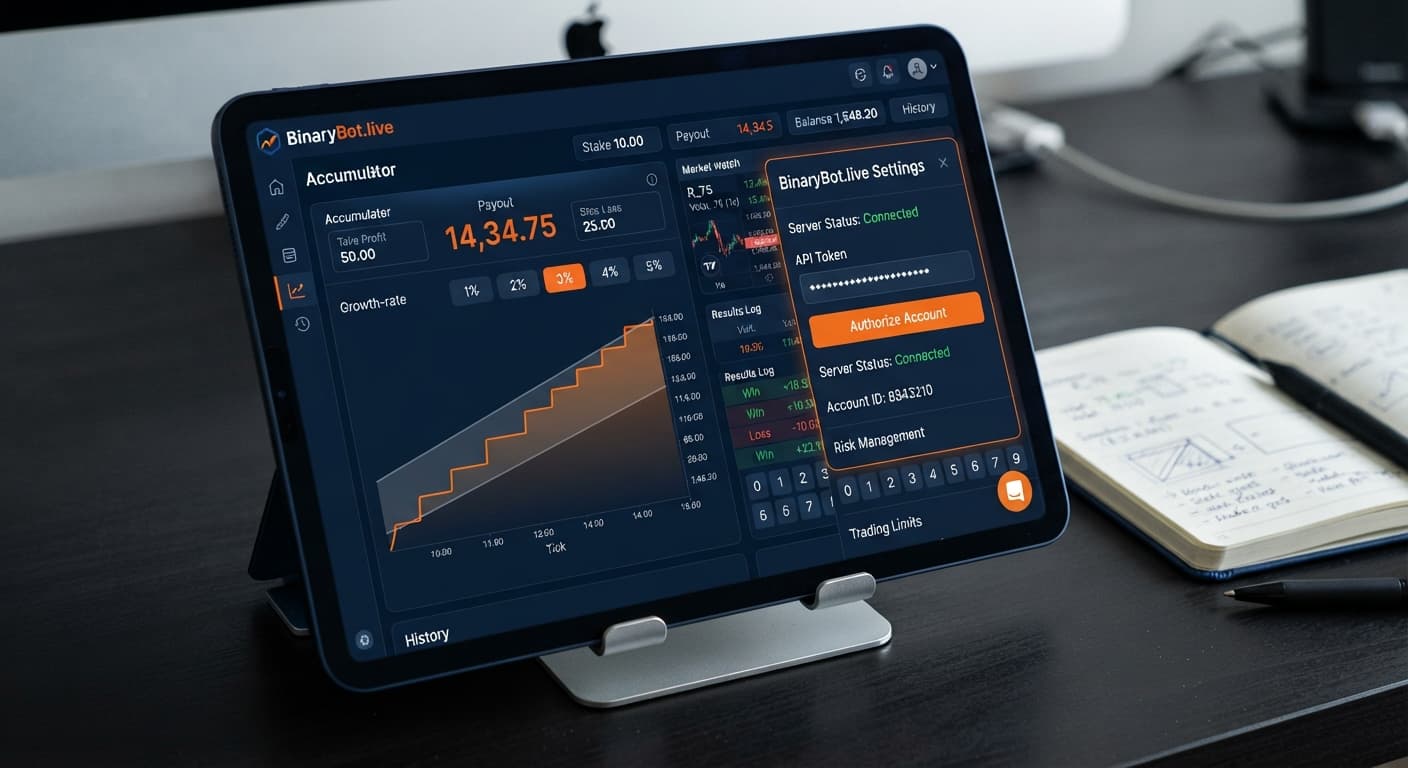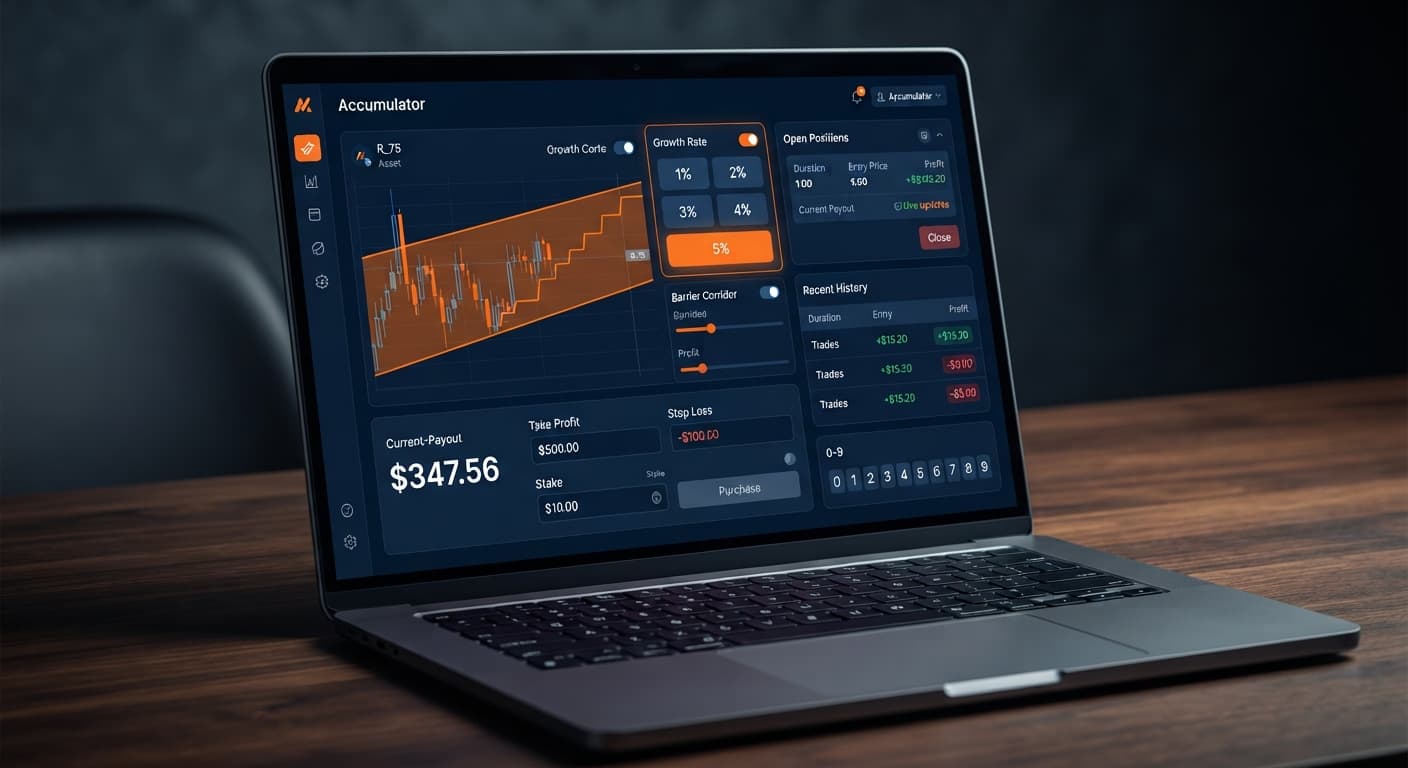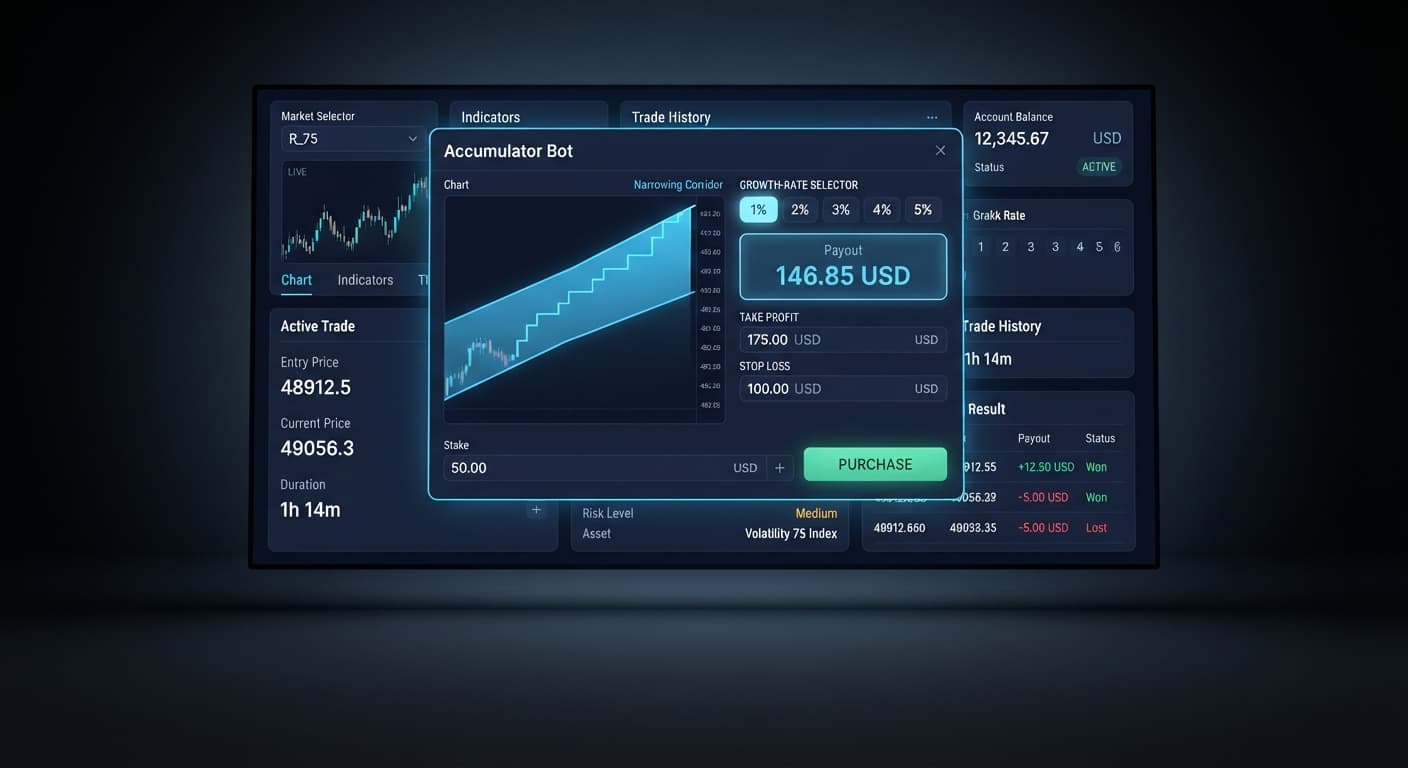
Auto Trading Bots
Accumulator Bot Best Market: Volatility 75 Index Guide
Discover the accumulator bot best market conditions for Deriv bots. Learn how matching volatility indices to growth rates refines your strategy today.
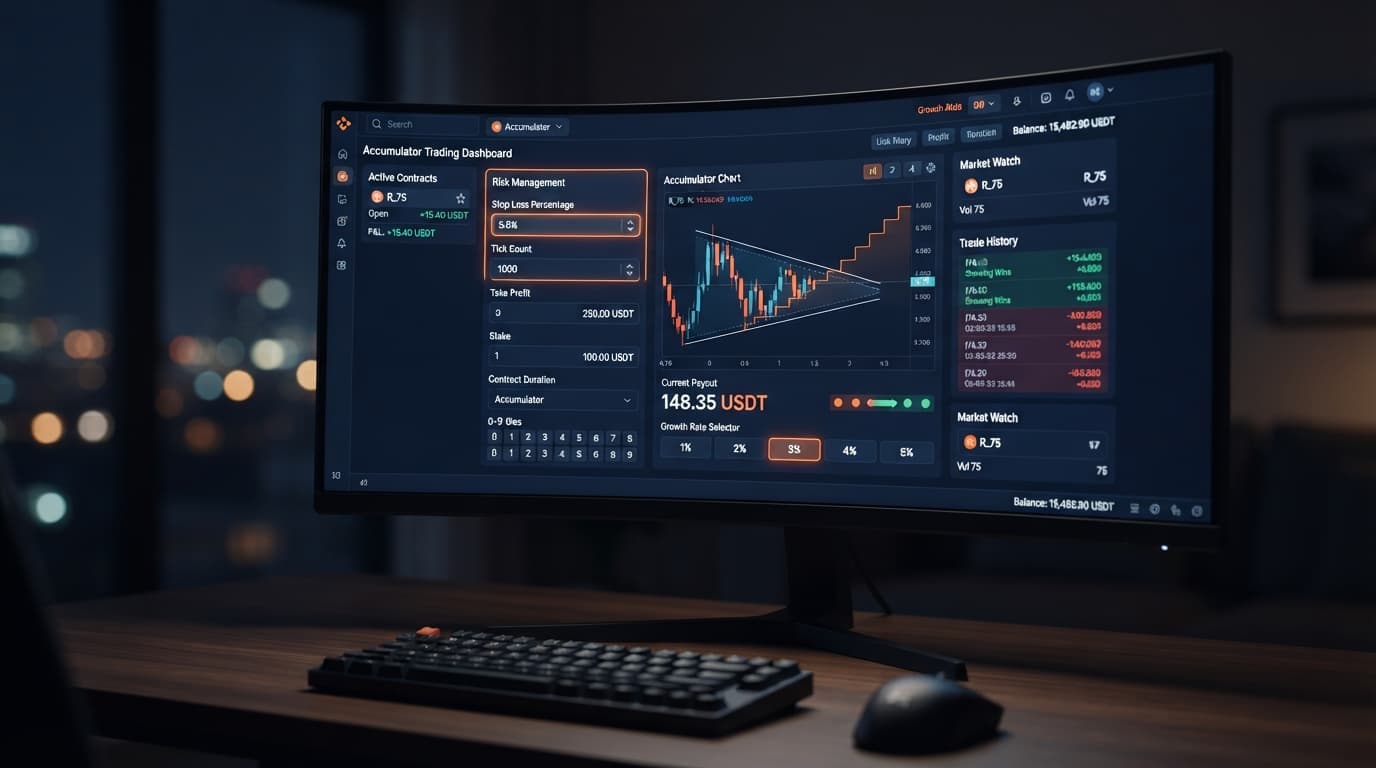
To complete an accumulator bot stop loss setup on Deriv, enter a fixed dollar risk cap into the stop loss control field on Accumulator Bot before hitting start. This single parameter forces the bot to disconnect contract execution once your cumulative trade drawdown hits your dollar ceiling, preventing runaway losses if market conditions sour. Configuring this limit early insulates your equity against rapid compounding crashes during volatility spikes.
Deriv Accumulator (ACCU) contracts don't operate like fixed-payout options. Instead, they compound your payout on every single tick while price movements stay inside an implicit range barrier. If you run deriv bots on synthetic markets without a defined stop loss, three fast market knockouts in a row can strip away a massive portion of your balance before you react.
When you select a higher Growth Rate inside the tool, say 5%, your profit per tick jumps dramatically. But there's a huge catch that catches traders off guard. That 5% rate shrinks the allowable price range around each tick. A minor shift on Volatility 100 Index that would keep a 1% contract alive will instantly terminate a 5% contract, wiping out your stake.
Without a pre-configured stop loss, binary bots will relentlessly open position after position into a hostile trend. Past tick movements don't dictate future outcomes. Synthetic indices on Deriv use independent random draws, meaning a five-tick losing run carries the exact same probability of failing on tick six. If you don't bound your downside before clicking start, you leave your balance entirely at the mercy of market micro-spikes.
Select a Volatility index market from the drop-down selector. Volatility 10 Index offers smoother tick movement, while Volatility 100 Index moves with sharper tick jumps. Match your risk tolerance to the market speed before touching contract parameters.
Click the Growth Rate selector and pick your target tier: 1%, 2%, 3%, 4%, or 5%. If you're setting up a conservative run designed to survive market spikes, pick 1% or 2%. Choosing 5% significantly narrows the safe barrier window, increasing the rate of premature contract knockouts.
Specify your operational earnings cap in the target profit and take profit fields. Setting a take profit of $5.00 on a $50.00 session balance means the automated accumulator script shuts down the moment your realized gains cross $5.00, securing your profits automatically.
Type your maximum acceptable loss limit straight into the stop loss field. For a correct accumulator bot stop loss setup, use a value equal to 10% to 20% of your total account equity. On a $100 balance, set your stop loss at $15.00. Once total net loss reaches -$15.00, the tool halts immediately and stops opening new ACCU positions.
Before risking real money, switch your token to a virtual balance. Verify that your stop loss triggers properly when simulated losses occur. Testing on demo gives you a clear look at how fast losses accumulate across successive trades without sacrificing real cash.
The table below breaks down how key settings alter execution speed, contract survival rates, and equity exposure.
| Setting / Control Value | Operational Bot Behavior | Recommended Trader Profile |
|---|---|---|
| Growth Rate: 1% | Widest price barrier range; compounds slowly over 15–30 ticks before significant yield | Risk-averse traders seeking lower contract knockout frequency |
| Growth Rate: 3% | Balanced barrier width; moderate compounding speed per tick | Standard rule-based traders operating on medium-volatility indices |
| Growth Rate: 5% | Tightest price barrier range; high compounding yield but frequent early knockouts | Short-burst momentum traders looking for rapid 3 to 5-tick trades |
| stop loss: $10.00 (on $100 account) | Halts contract placement when cumulative session drawdown touches -$10.00 | Conservative accounts focused on strict equity preservation |
| take profit: $5.00 (on $100 account) | Shuts down execution after accumulating $5.00 in net session profit | Systematic traders aiming for quick, disciplined daily targets |
I always run Growth Rate at 2% paired with a stop loss set to exactly 15% of my session bankroll. This combination gives price ticks enough breathing room to compound into meaningful gains without letting three consecutive bad trades destroy my account balance.
When you complete your accumulator bot stop loss setup properly, you don't need to stare at the screen waiting to click stop. The web application connects directly to Deriv over their official API, listening to live tick data and monitoring contract outcomes in real time.
If a string of early contract knockouts occurs, your net balance moves downward toward your specified threshold. The second a closed trade brings your net session balance down to or past your stop loss number—say -$15.00—the automation engine intercepts the execution cycle. It cancels any pending contract requests and updates the interface status to stopped.
You'll notice the contract status panel lock immediate execution, and the active profit/loss indicator turn red while freezing at the exact breached level. No further ACCU contracts will be submitted to Deriv. This automated circuit breaker prevents panic-trading and protects your account balance while you re-assess market volatility. You can review all automated tools in our free bot library.
The first huge mistake traders make is matching a 5% Growth Rate with an unrealistically tight stop loss. At 5%, price ticks hit barrier boundaries often. If your stop loss is set to $2.00 on a $1.00 base stake, two immediate knockouts will terminate your session within ten seconds. That isn't enough time for the statistical math of accumulators to work in your favor. Give your account enough buffer by keeping your growth rate lower if your stop threshold is small.
The second common error is modifying parameters mid-run. Changing your take profit, target profit, or stop loss while the bot is active can cause state desynchronization between your local browser tab and the Deriv API. Always halt execution completely before adjusting numbers. If you want to analyze past digit statistics across other trade types before restarting, open the LDP Analyzer in a separate tab rather than tweaking active running bots on the fly.
Never forget that synthetic indices are independent events. Consecutive losses don't make a win more likely on the next contract. Setting your parameters before starting—and leaving them untouched—is the only reliable way to enforce discipline on deriv bots and binary bots alike.
Put these risk parameters to work right now on Accumulator Bot using a virtual account balance. If you haven't set up your trading space yet, create a free Deriv account to begin. Trading involves risk. Past performance does not guarantee future results.
Related: Accumulator Bot Best Market: Volatility 75 Index Guide
Related: Accumulator Bot API Token Setup for Deriv Bots
Related: Step-by-Step Guide: How to Use Accumulator Bot for Deriv Bots
Free automated accumulator trading bot for Deriv with take profit, target profit and stop loss controls, plus real-time chart analysis for volatility indices.
Open Accumulator Bot →To set a stop loss, just enter a fixed dollar risk cap into the stop loss control field on the Accumulator Bot before hitting start. This forces the bot to disconnect contract execution once your cumulative trade drawdown hits your dollar ceiling.
You should use a stop loss value equal to 10% to 20% of your total account equity. For example, if you have a $100 balance, you'd set your stop loss at $15.00 so the tool halts immediately once net losses reach that limit.
A 5% growth rate significantly narrows the safe barrier window around each tick compared to a 1% rate. This tighter window makes the contract much more vulnerable to minor market shifts that cause premature knockouts.
Without a defined stop loss, the bot will relentlessly open position after position into a hostile trend. If three fast market knockouts happen in a row, it can strip away a massive portion of your balance before you can react.
Guides closest to this one.
Discover the accumulator bot best market conditions for Deriv bots. Learn how matching volatility indices to growth rates refines your strategy today.
Complete accumulator bot api token setup guide for binary bots. Learn how to connect your Deriv API token for automated volatility index trading today.
Learn how to use accumulator bot on BinaryBot.live. Follow this step-by-step guide to configure your deriv trading bot and trade volatility indices today.