Auto Trading Bots
Sniper Bot V2 Stop Loss Setup for Deriv Bots
Master your sniper bot v2 stop loss setup on BinaryBot.live. Learn to configure risk controls on this free deriv trading bot safely. Start configuring today.
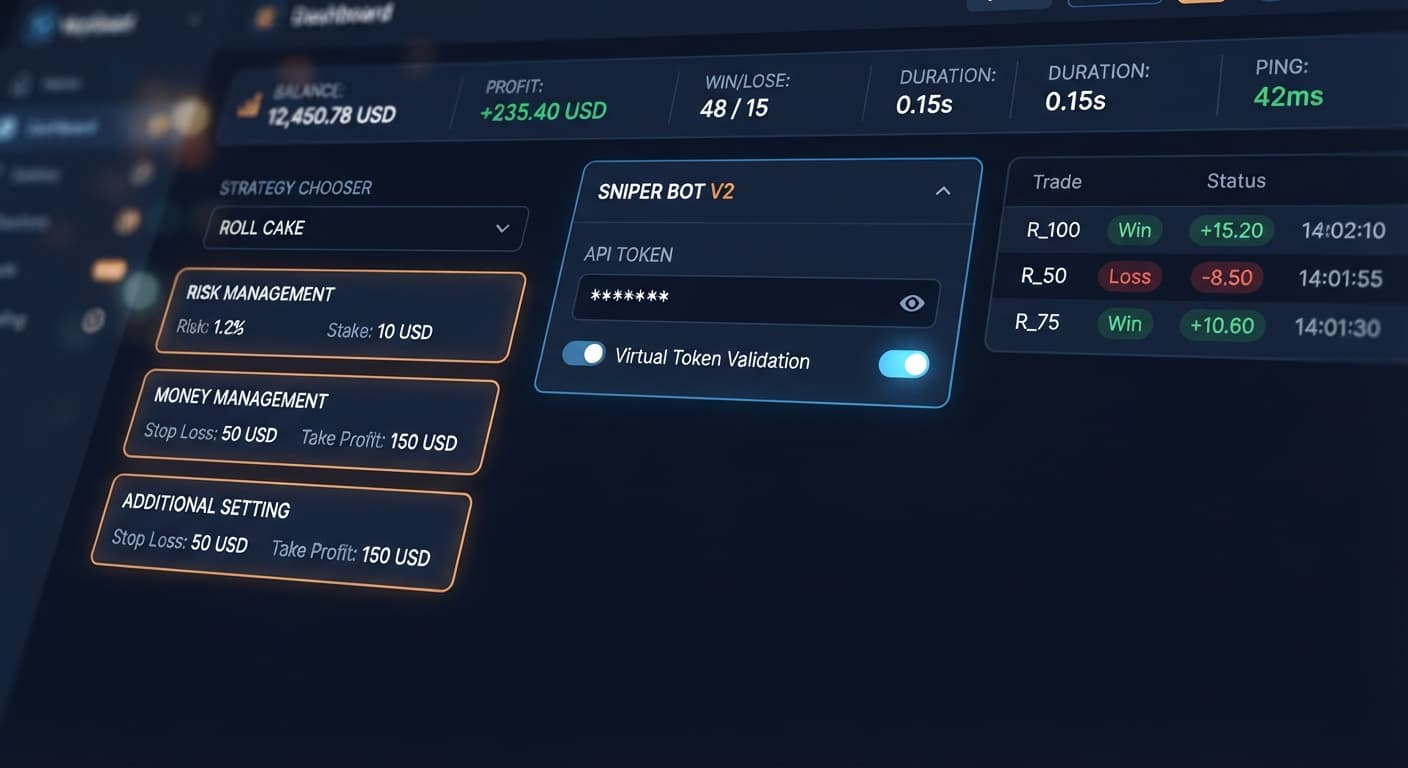
To complete your sniper bot v2 api token setup, paste your primary token into the Your Token Here field on Sniper Bot V2 and click VALIDATE. If you plan to use paper trading before committing live capital, paste a secondary demo account key into the virtual token input inside the ADDITIONAL SETTING panel. Once validated, your live account metrics display in the top readouts, connecting the bot straight to your trading account over the official Deriv API without routing funds through external servers.
Running automated setups on web-based platforms requires strict configuration management. Many traders jump straight to execution without securing risk limits or setting up virtual buffers first. Taking five minutes to map your API keys and risk thresholds saves you from unexpected stake doubling or runaway execution on live synthetic index markets.
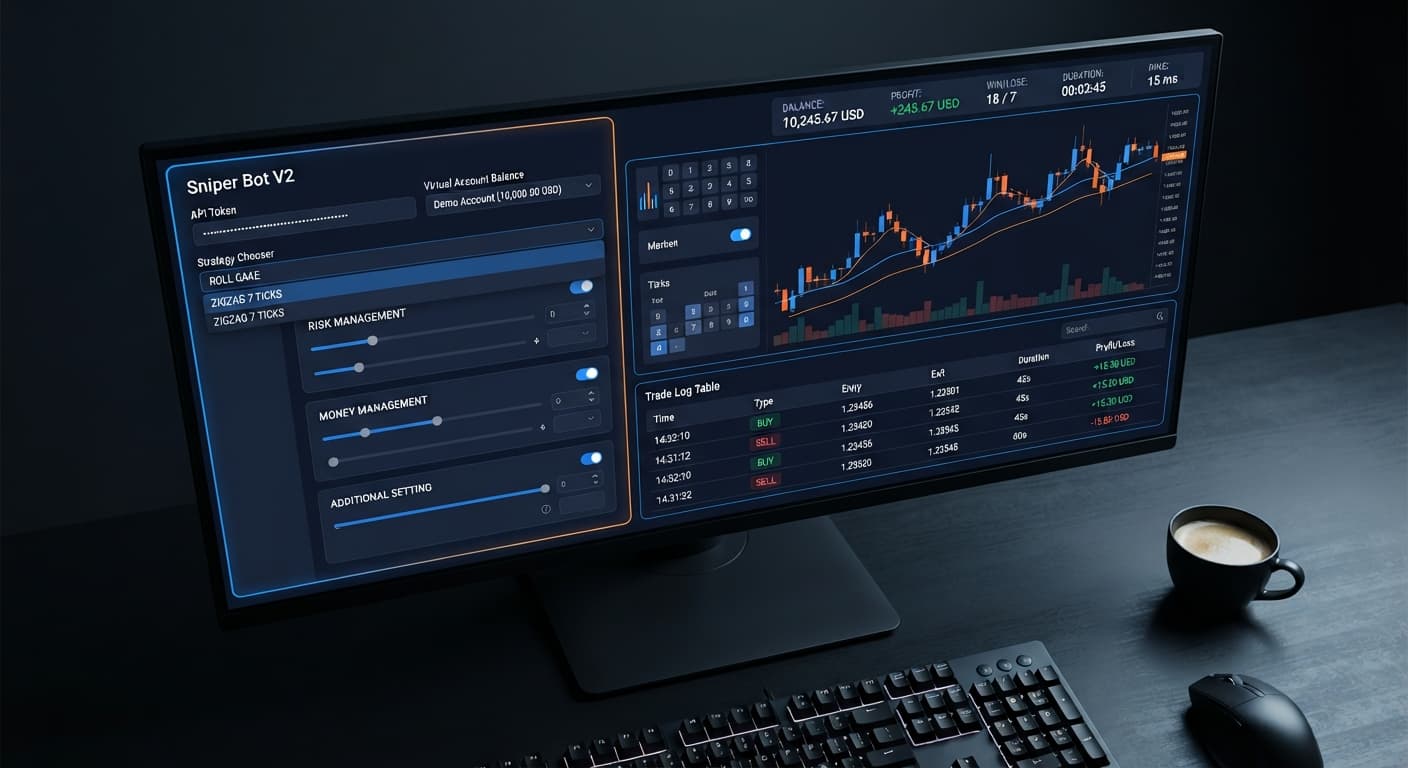
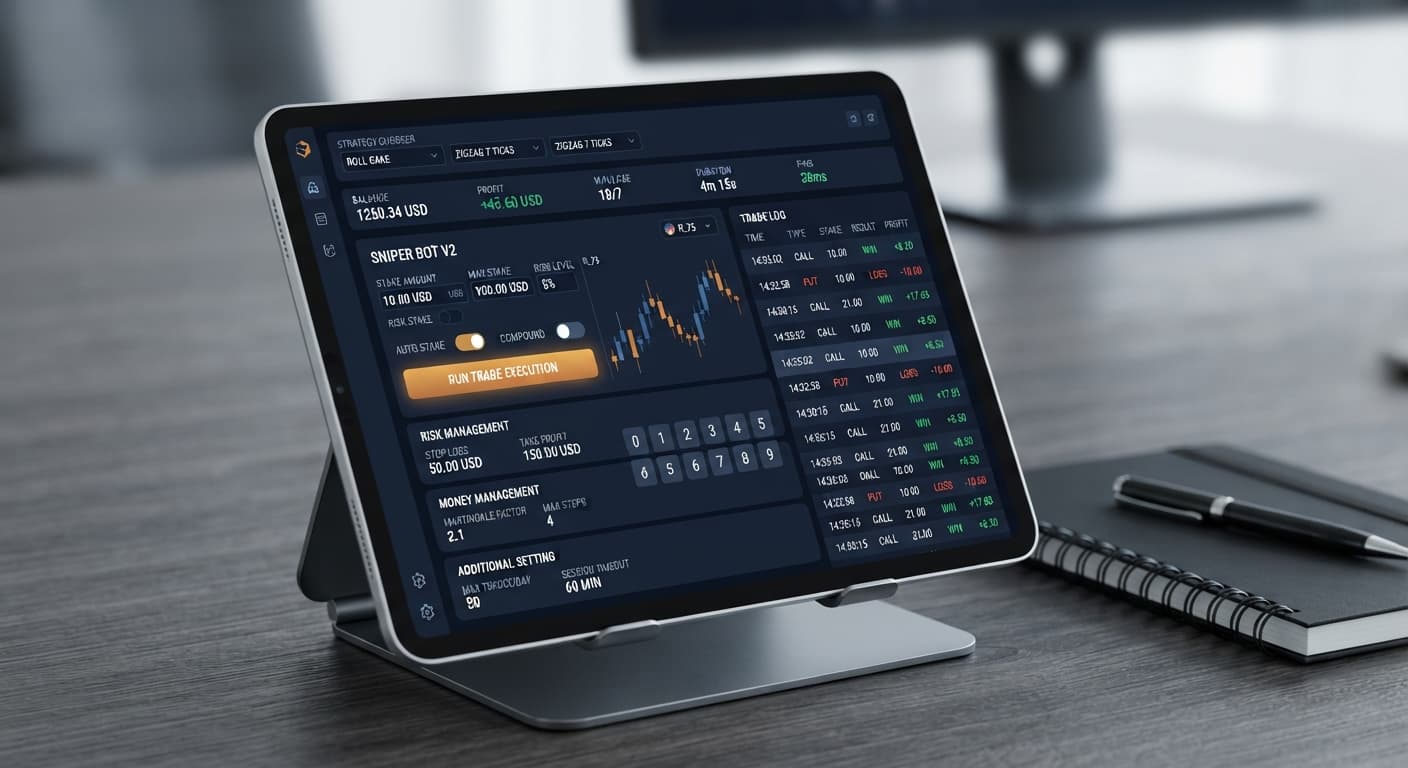
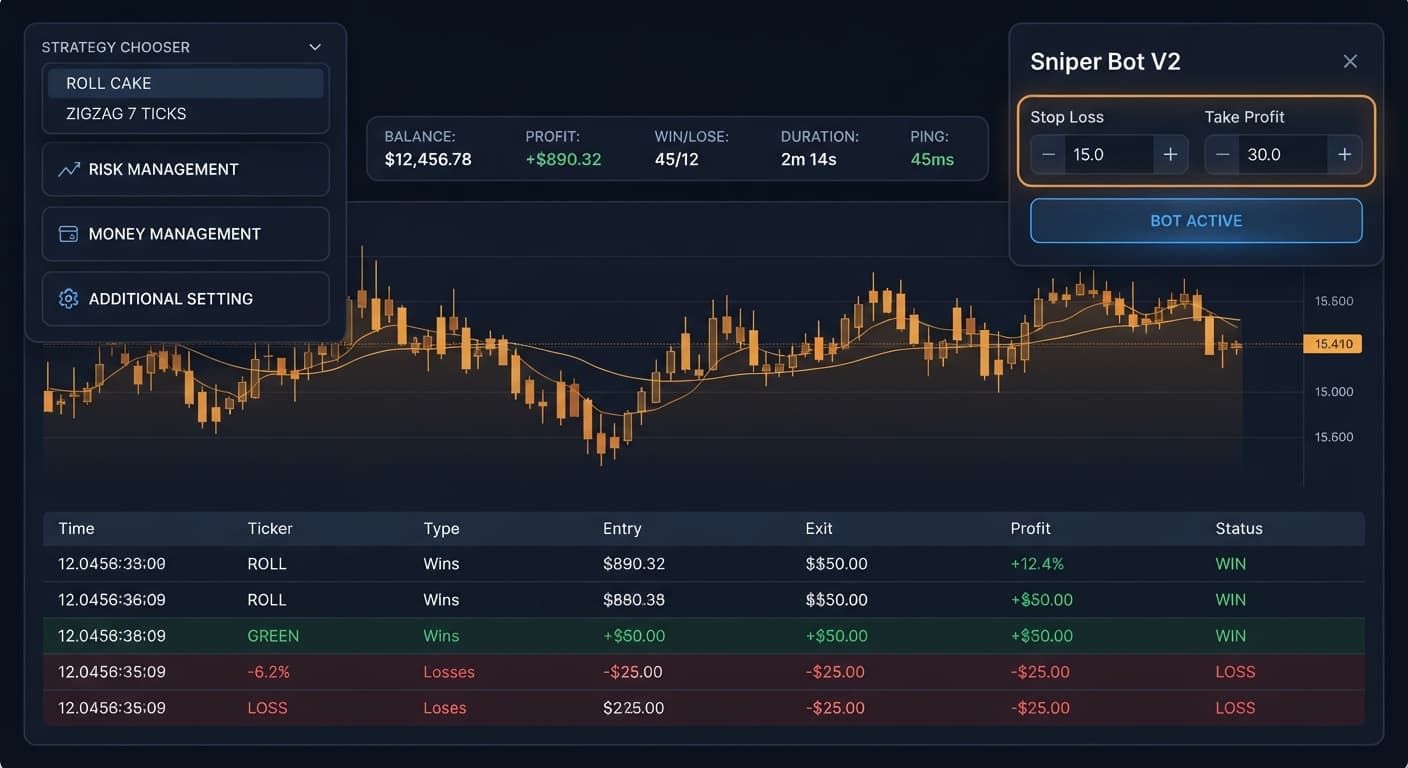
The platform splits configuration tasks across distinct sections so you don't have to scroll through a single, cluttered settings list. When you load the interface, the top header strip displays live session data: BALANCE, PROFIT, WIN, LOSE, DURATION, and your connection PING. Below this header, settings are grouped into three primary panels alongside the strategy selection menu.
+---------------------------------------------------------------------------------+
| BALANCE: $1,000.00 | PROFIT: +$12.50 | WIN: 5 | LOSE: 1 | DURATION: 00:14:22 | PING: 45ms |
+---------------------------------------------------------------------------------+
Understanding how these panels divide duties makes completing your sniper bot v2 api token setup straightforward. Here's a breakdown of where each setting lives:
| Panel Name | Configurable Controls | Functional Purpose |
|---|---|---|
| Main Header & Token Bar | Your Token Here, VALIDATE, STRATEGY CHOOSER | Authenticates account access and sets the core market entry strategy. |
| RISK MANAGEMENT | Stake, Take Profit (with checkbox), Stop Loss (with checkbox) | Defines base entry capital and session exit caps. |
| MONEY MANAGEMENT | martingale will active after X real loss, martingale multiplier, maximum martingale level | Controls delayed stake progression after live losses occur. |
| ADDITIONAL SETTING | Virtual Loss (in a row), virtual token, BACK TO VIRTUAL, delay (seconds) after win contract, delay (seconds) after lose contract, stop after | Sets up virtual paper-trading buffers, execution pauses, and session limits. |
Building a working strategy requires pairing these settings with the right strategy option. The STRATEGY CHOOSER gives you access to eleven specific strategy combinations across different contract types:
RISE/FALL - ROLL CAKE and RISE/FALL - ZIGZAG 7 TICKS (placing CALL or PUT contracts)HIGHER/LOWER - ROLL CAKE and HIGHER/LOWER - ZIGZAG 7 TICKS (placing CALL or PUT contracts)TOUCH/NO TOUCH - ROLL CAKE and TOUCH/NO TOUCH - ZIGZAG 7 TICKS (placing ONETOUCH or NOTOUCH contracts)DIGIT DIFFER - ROLL CAKE (placing DIGITDIFF contracts)EVEN/ODD - ROLL CAKE and EVEN/ODD - ZIGZAG 7 TICKS (placing DIGITEVEN or DIGITODD contracts)OVER/UNDER - ROLL CAKE and OVER/UNDER - ZIGZAG 7 TICKS (placing DIGITOVER or DIGITUNDER contracts)Selectable assets cover standard Volatility indices as well as 1s volatility indices. If you're comparing execution engines across our tools, explore the full collection of deriv bots to see how different algorithms handle contract execution.
Before touching the bot controls, open your Deriv account security settings in a separate browser tab to generate your access keys. You need a token with permissions set to Read and Trade. Never tick the Admin or Payment Agent boxes; the bot only needs permissions to view account metrics and place market orders.
If you want to use the virtual paper-trading feature, generate two distinct tokens:
Copy both text strings into a secure temporary note. You'll use these credentials to establish session connections in the steps below.
Go to the browser window running the bot interface. Locate the Your Token Here text field at the top left of the screen.
[ Your Token Here: xxxxxxxxxxxxxxx ] --> Click [ VALIDATE ]
If BALANCE remains at zero or the readouts fail to populate, your token lacks the Read scope or was entered incorrectly. Do not proceed to market execution until this header link displays active numbers.
The virtual loss mechanism lets the system trade simulated contracts on your demo token first. It switches to your primary real account only after hitting a set string of consecutive paper losses. This setup helps filter out initial execution sequences without risking live capital right away.
Open the ADDITIONAL SETTING panel:
3). The bot will execute paper trades on the demo token until 3 consecutive losses occur before firing a live contract.IF REAL WIN: Switches back to demo trading as soon as a live trade wins.IF REAL LOSE: Switches back to demo trading as soon as a live trade loses.IF REAL WIN/LOSE: Switches back to demo trading after any live trade resolves, regardless of outcome.NEVER: Keeps trading live funds continuously once the initial paper loss threshold triggers.Using IF REAL WIN is a popular conservative choice. It forces the system back into paper-trading mode after taking a profit on live stakes, requiring another string of virtual losses before touching real funds again.
Move to the RISK MANAGEMENT panel to set base boundaries. Precision here is vital because automated execution places trades in rapid succession on Volatility indices.
+---------------------------------------------------+
| RISK MANAGEMENT                                   |
| Stake: [ $1.00 ]                                  |
| [x] Take Profit: [ $10.00 ]                       |
| [x] Stop Loss:   [ $20.00 ]                       |
+---------------------------------------------------+
1.00).CRITICAL RISK NOTICE: Typing numeric values into Take Profit or Stop Loss does absolutely nothing unless you manually tick their enable checkboxes. Leaving those boxes unchecked leaves your session completely uncapped, allowing trades to continue running even if losses exceed your target limit.
Next, navigate to the STRATEGY CHOOSER menu and select an execution mode. For digit contracts, choices include continuous entry variants like EVEN/ODD - ROLL CAKE or pattern-matching modes like EVEN/ODD - ZIGZAG 7 TICKS.
Remember that ZIGZAG 7 TICKS monitors tick streams until it detects seven back-to-back alternating tick results (such as even-odd-even-odd-even-odd-even) before placing a trade. ROLL CAKE strategies place entries on every tick without waiting for multi-tick setup sequences.
Open the ADDITIONAL SETTING panel again to fine-tune execution timing and safety caps:
2). This adds a brief pause after winning trades to keep you from placing entries on volatile tick spikes.3).50).If you plan to use stake recovery, open the MONEY MANAGEMENT panel. Set martingale will active after X real loss (e.g., 2), set martingale multiplier (e.g., 2.0), and cap your exposure with maximum martingale level (e.g., 3).
Keep in mind that martingale multipliers escalate quickly. Starting at a $1.00 stake with a 2.0x multiplier reaches $8.00 by loss four, and $128.00 by loss eight. A bad run on standard binary bots can clear out a modest bankroll fast if your maximum multiplier level is set too high.
Once every field matches your session plan, click the start control to launch execution. Always test any newly configured settings on a Deriv demo account before risking real funds.
Traders often use historical digit frequencies to pick their target markets or strategies, like choosing between DIGIT DIFFER - ROLL CAKE and OVER/UNDER - ZIGZAG 7 TICKS. Below is a realistic 500-tick sample distribution recorded on Volatility 75 Index:
| Last Digit | Frequency (Occurrences) | Percentage Share | Recent Distribution State |
|---|---|---|---|
| 0 | 41 | 8.2% | Cold |
| 1 | 54 | 10.8% | Neutral |
| 2 | 48 | 9.6% | Neutral |
| 3 | 39 | 7.8% | Cold |
| 4 | 52 | 10.4% | Neutral |
| 5 | 58 | 11.6% | Hot |
| 6 | 46 | 9.2% | Neutral |
| 7 | 61 | 12.2% | Hot |
| 8 | 53 | 10.6% | Neutral |
| 9 | 48 | 9.6% | Neutral |
| Total | 500 | 100.0% | -- |
Looking at this sample, digits 7 (12.2%) and 5 (11.6%) hit more frequently over the 500-tick window, while digit 3 (7.8%) appeared least often.
A trader evaluating this log might decide to run an OVER/UNDER - ROLL CAKE strategy targeting prediction thresholds under 7, or use DIGIT DIFFER - ROLL CAKE targeting digit 3 on the assumption that cold digits won't hit.
However, remember this rule: Deriv synthetic index ticks are independent random draws. Past digit statistics show historical distribution across a sample size, but they do not change the mathematical probability of the next tick. Digit 3 has the exact same theoretical 10% probability of appearing on tick 501 as digit 7. Statistical frequency gives context on historical runs, but it never guarantees future outcomes.
Once execution starts, monitor the top header strip to verify everything is working properly. A healthy session shows these indicators:
00:05:12).+-----------------------------------------------------------------------------------+
| STATUS CHECK: PING < 100ms | DURATION Counting | WIN/LOSE Updating | PROFIT Live |
+-----------------------------------------------------------------------------------+
If the trade log stays blank or execution stalls, work through these common troubleshooting checks:
EVEN/ODD - ZIGZAG 7 TICKS or RISE/FALL - ZIGZAG 7 TICKS, an empty trade log usually means the required 7-tick alternating sequence hasn't appeared yet. It does not mean the platform is broken. If you want continuous orders, switch to a ROLL CAKE strategy variant instead.Taking time to verify your settings on demo mode protects your capital while you get familiar with execution speeds.
Try it yourself on Sniper Bot V2 using a demo balance first.
If you don't have one yet, create a free Deriv account.
Trading involves risk. Past performance does not guarantee future results.
Related: Sniper Bot V2 Demo Account Setup for Deriv Bots
Related: How to Use Sniper Bot V2 for Binary Bots on Deriv
Related: Sniper Bot V2 Deriv Bots Guide: 11 Strategies Setup
The original Sniper automated trading bot for Deriv — a named strategy chooser with ROLL CAKE and ZIGZAG 7 TICKS entry patterns across Rise/Fall, Higher/Lower, Touch/No Touch and digit contracts, with virtual-token paper trading before real stakes.
Open Sniper Bot V2 →Paste your primary token into the Your Token Here field on Sniper Bot V2 and click VALIDATE. This connects the bot straight to your trading account over the official Deriv API without routing funds through external servers.
Paste a secondary demo account key into the virtual token input located inside the ADDITIONAL SETTING panel. This allows you to test the bot before committing live capital.
You configure Take Profit and Stop Loss inside the RISK MANAGEMENT panel. This panel also includes settings to define your base entry capital stake and optional checkboxes for your exit caps.
The STRATEGY CHOOSER gives you access to eleven specific strategy combinations across different contract types like Rise/Fall, Higher/Lower, Touch/No Touch, Digit Differ, Even/Odd, and Over/Under using Roll Cake or Zigzag 7 Ticks variations.
Guides closest to this one.
Master your sniper bot v2 stop loss setup on BinaryBot.live. Learn to configure risk controls on this free deriv trading bot safely. Start configuring today.
Master sniper bot v2 demo account setup on BinaryBot.live. Learn to configure virtual tokens for this free deriv trading bot safely.
Learn how to use sniper bot v2 for automated trading on Deriv. Follow this step-by-step tutorial to configure and run your first free binary bot today.