Auto Trading Bots
Sniper Bot V2 Not Working on Volatility Indices
Is your sniper bot v2 not working on Volatility Indices? Fix empty trade logs and resolve ZIGZAG 7 TICKS pattern issues. Read our troubleshooting guide.
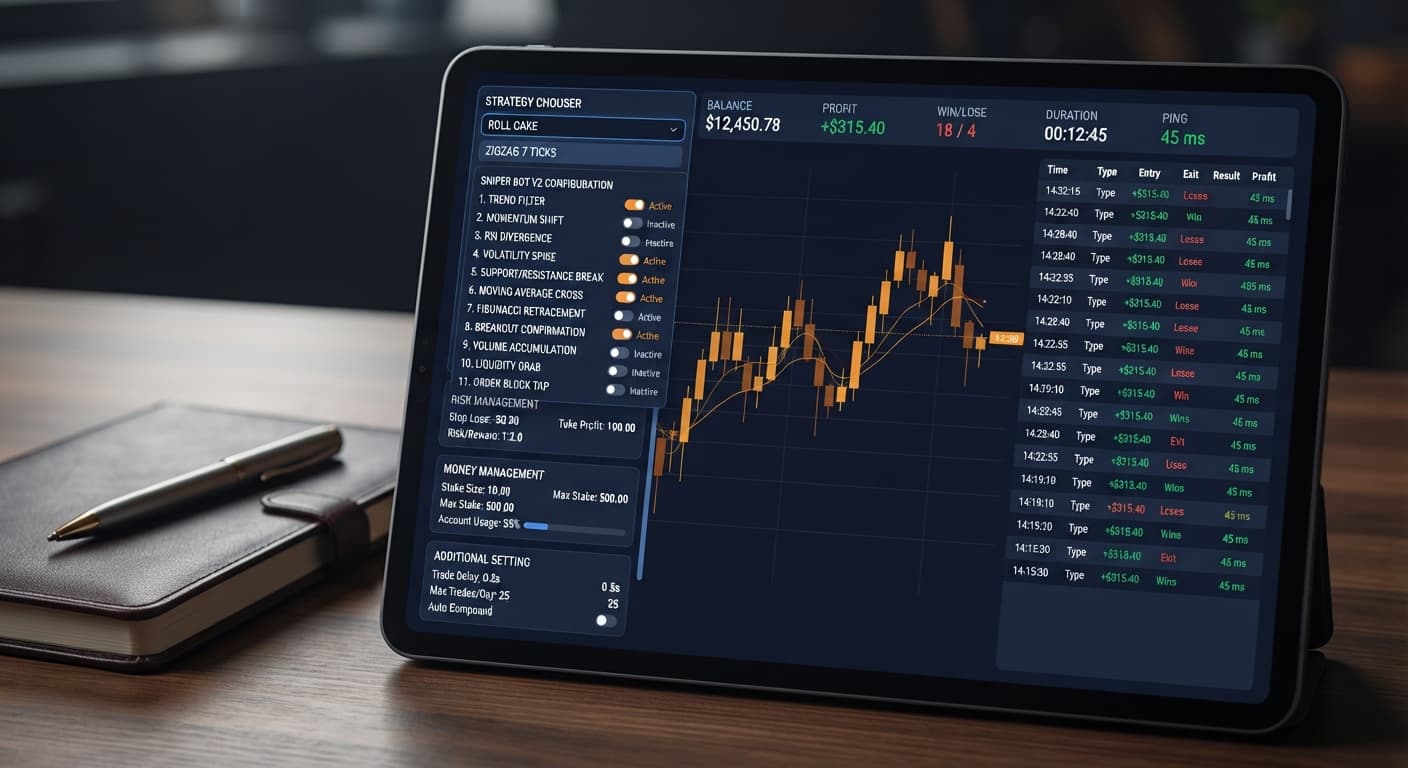
To configure eleven automated strategies using this sniper bot v2 deriv bots guide, select your target contract pattern inside the STRATEGY CHOOSER, define your base Stake, and tick both Take Profit and Stop Loss before pasting your API token. Sniper Bot V2 pairs execution mechanics like ROLL CAKE or ZIGZAG 7 TICKS across six contract families directly with Deriv's API, giving you paper trading safeguards before committing real capital. Understanding how these settings interact prevents the single biggest issue traders face: letting uncapped automated strategies wipe an account during a bad streak.
The most expensive mistake traders make on Sniper Bot V2 isn't picking the wrong contract. It's typing numbers into input boxes while leaving their activation checkboxes unchecked.
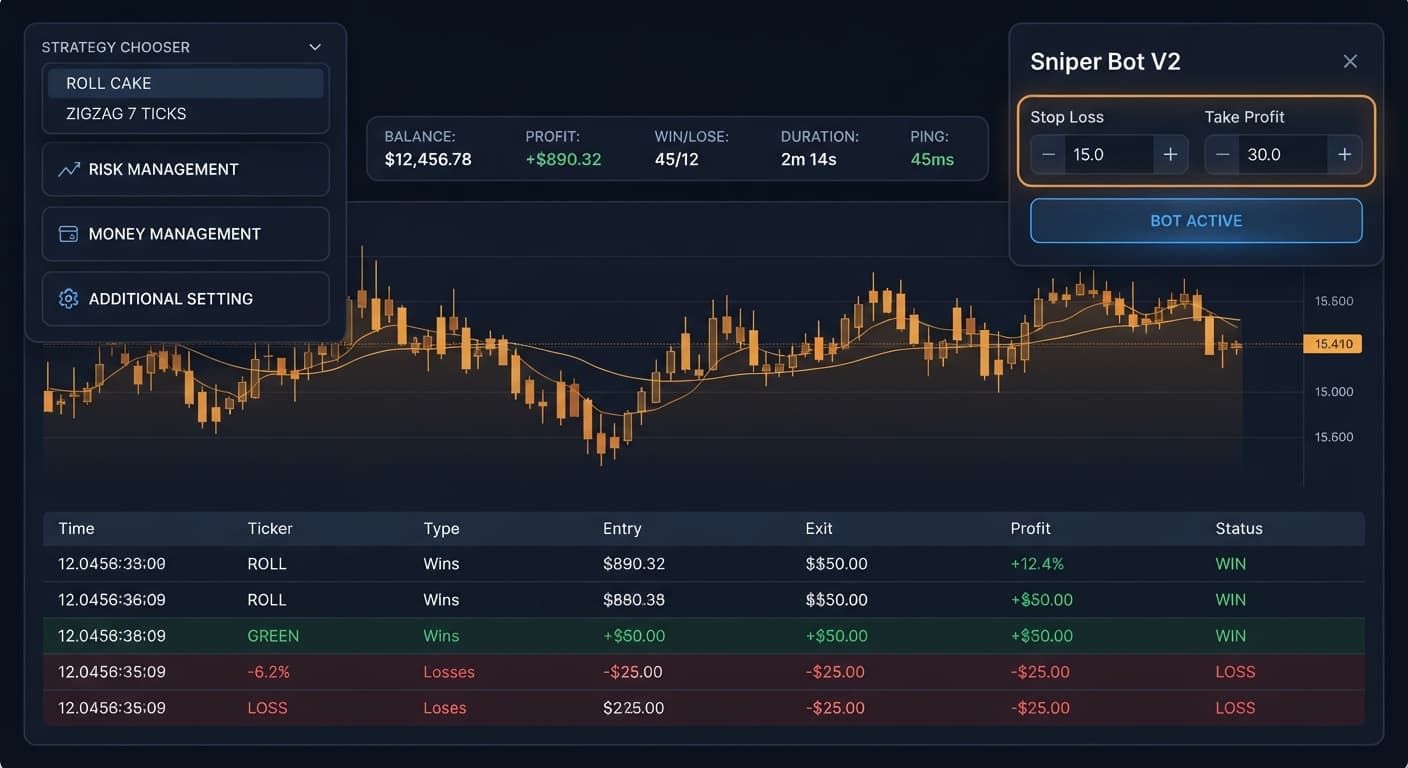
On this bot, the Take Profit and Stop Loss fields sit next to toggle checkboxes. If you type 20 into Stop Loss but don't tick the box, the bot completely ignores your limit. It will keep running through ten consecutive losses until your balance hits zero.
+-------------------------------------------------------+
|  [X] Stop Loss    : [ 20 ]  <-- ACTIVE RISK LIMIT    |
|  [ ] Take Profit  : [ 50 ]  <-- IGNORED BY BOT!      |
+-------------------------------------------------------+
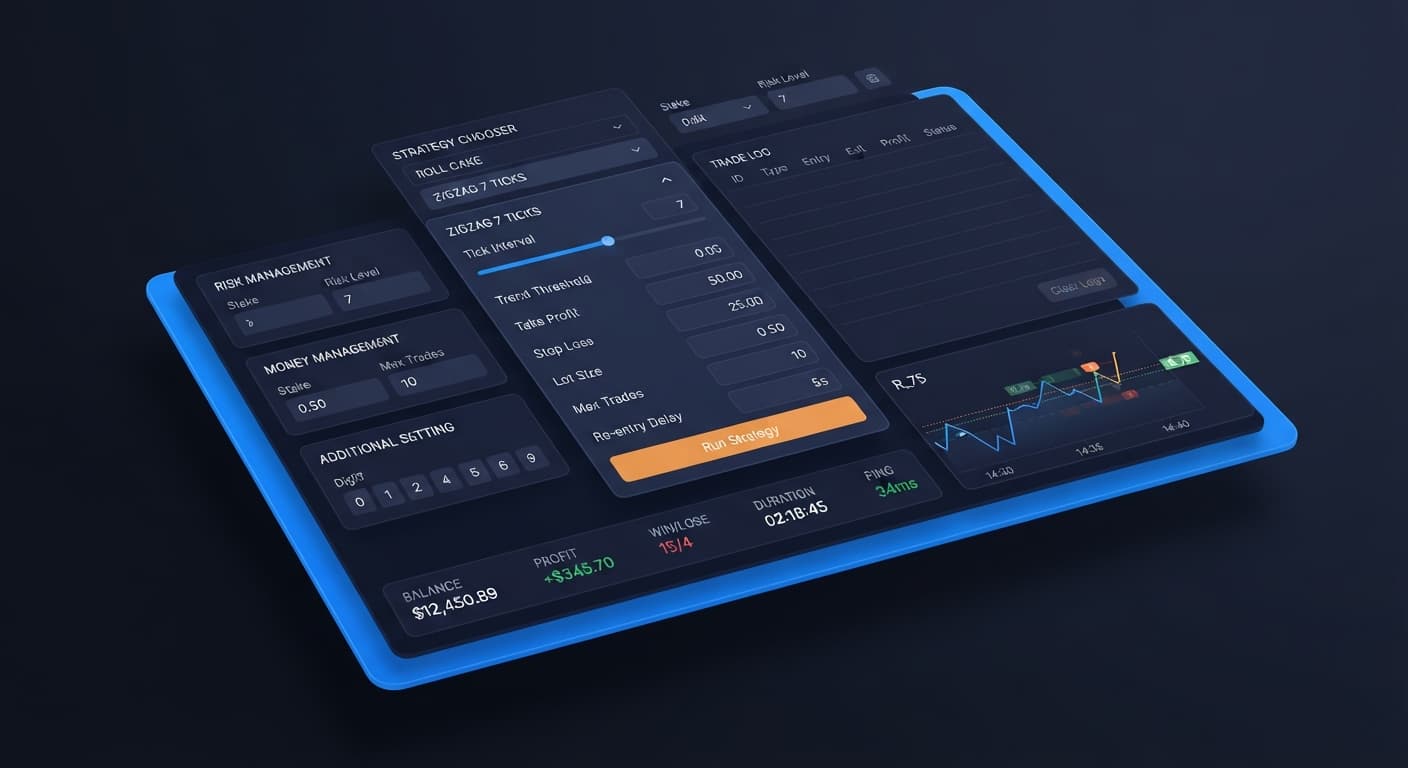
Another frequent mistake is confusing the execution styles. ROLL CAKE enters continuous trades tick after tick. ZIGZAG 7 TICKS waits for an exact sequence of seven alternating direction ticks before placing a single contract. If you run ZIGZAG 7 TICKS on a slow market, you might see zero trades for five minutes. That isn't a broken connection. The pattern simply hasn't printed yet.
Traders also forget how synthetic indices work. Deriv's Volatility indices generate ticks through cryptographically random numbers. Past digit frequencies don't change future probability. An EVEN digit appearing five times in a row doesn't mean an ODD digit is due next. Every tick is an independent draw. Running automated deriv bots without hard stop loss limits based on historical pattern belief is a quick path to a blown account.
Setting up Sniper Bot V2 requires balancing parameters across three clear sections: RISK MANAGEMENT, MONEY MANAGEMENT, and ADDITIONAL SETTING. Before touching live money, you'll want to test your configuration using paper trading.
By adding a secondary demo token into the virtual token box, the bot trades on virtual funds first. It tracks consecutive paper losses set in Virtual Loss (in a row). Once that virtual loss threshold is met, the system switches to your primary real account.
               +----------------------------------+
               |  Virtual Account Paper Trades    |
               +----------------------------------+
                                |
                   (3 Virtual Losses in a Row)
                                |
                                v
               +----------------------------------+
               |    Real Account Triggers Trade   |
               +----------------------------------+
                                |
            +-------------------+-------------------+
            |                                       |
       (Real Win)                              (Real Loss)
            |                                       |
            v                                       v
   [BACK TO VIRTUAL]                     [Delayed Martingale]
   Resets to Demo                        Activates after X losses
The BACK TO VIRTUAL parameter determines what happens right after a real contract finishes:
Here is a balanced starting configuration for testing strategy patterns:
| Control Name | Recommended Setting | Purpose |
|---|---|---|
| STRATEGY CHOOSER | EVEN/ODD - ZIGZAG 7 TICKS | Waits for 7 alternating ticks before entry |
| Stake | $2.00 | Base trade size |
| Take Profit (checkbox) | Ticked / $10.00 | Hard stop on daily profit target |
| Stop Loss (checkbox) | Ticked / $20.00 | Hard loss cutoff to protect capital |
| Virtual Loss (in a row) | 3 | Requires 3 paper losses before spending real cash |
| BACK TO VIRTUAL | IF REAL WIN | Locks in gains by returning to virtual trading after a win |
| martingale will active after X real loss | 1 | Delay doubling stakes until a real loss happens |
| martingale multiplier | 2.0 | Standard stake doubler |
| maximum martingale level | 2 | Limits stake escalations to two rounds |
| delay (seconds) after win contract | 2 | Gives the API socket room to clear payload |
| delay (seconds) after lose contract | 5 | Pauses execution to avoid rapid re-entry |
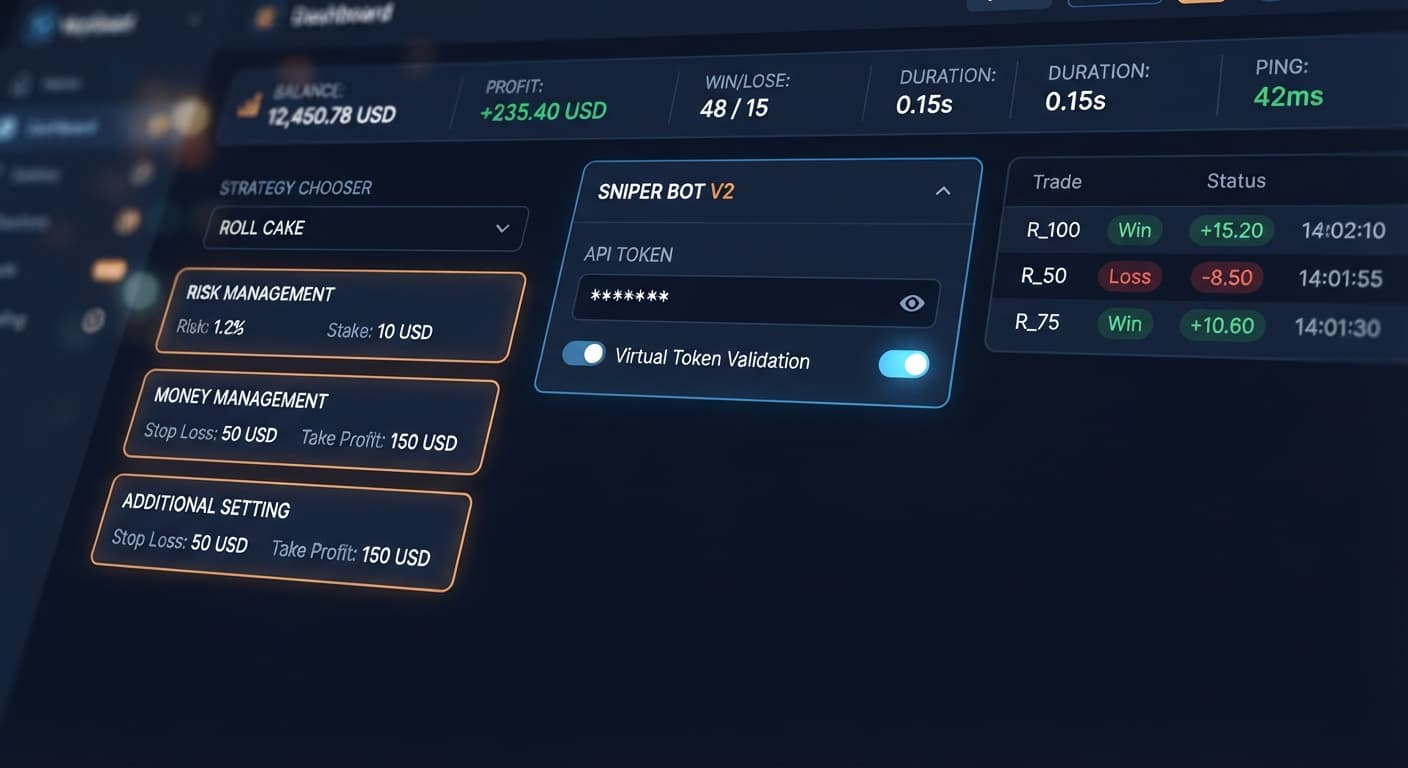
Navigate to Sniper Bot V2. Locate the Your Token Here field at the top of the interface. Paste your primary Deriv API token and click VALIDATE.
To use virtual filtering, generate a second token from a Deriv demo account. Paste that second token into the virtual token field in the MONEY MANAGEMENT panel. This allows the bot to run paper trades on virtual capital while keeping your main balance safe until specific conditions are met. Always build strategies on virtual balances before using real funds.
Click the STRATEGY CHOOSER dropdown menu. Unlike broader custom script builders found in our general free bot library, Sniper Bot V2 relies on pre-built execution engines paired with exact contract types. You must pick one of eleven named strategies:
If you want low trade frequency with strict setup filtering, pick a ZIGZAG 7 TICKS option. If you want continuous tick-by-tick execution, choose ROLL CAKE.
Move to the RISK MANAGEMENT panel on the left side of the screen.
Stake box (for example, 2).Take Profit, then enter your target dollar value (for example, 10).Stop Loss, then enter your maximum risk allowance (for example, 20).If those checkboxes remain clear, the values in the text boxes mean nothing. The bot will ignore them.
Open the MONEY MANAGEMENT panel to set up your virtual buffer and stake escalations.
Set Virtual Loss (in a row) to 3. The bot will execute paper trades using your virtual token until three consecutive losses occur. Only then will it execute a trade on your main API connection.
Set BACK TO VIRTUAL to IF REAL WIN. When a real trade wins, the bot drops back to paper trading instantly.
Next, set up your delayed martingale rules:
martingale will active after X real loss to 1.martingale multiplier to 2.maximum martingale level to 2.This setup prevents martingale multiplier calculations from triggering during paper trading, applying them only after a real account trade finishes in a loss.
Open the ADDITIONAL SETTING panel. Set delay (seconds) after win contract to 2 and delay (seconds) after lose contract to 5. This prevents over-trading during volatile tick movements. If you want the bot to close completely after a set number of trades, enter that number in stop after. Otherwise, leave it clear.
Check the top header strip on your screen. You'll see real-time readouts for BALANCE, PROFIT, WIN, LOSE, DURATION, and PING. Ensure PING shows a stable connection (ideally below 300ms) before hitting the Start button.
Let's test this logic against real account math using binary bots. Suppose you start with a $100 total balance on the Volatility 75 Index. You set a base Stake of $2, a martingale multiplier of 2.0, and set martingale will active after X real loss to 1 with no virtual filtering active.
Here is what happens during a cold streak where five consecutive trades lose:
Start Balance: $100.00 | Base Stake: $2.00 | Multiplier: 2.0x

Trade 1: Stake $2.00  | LOSS | Run Total Down: $2.00   | Balance Left: $98.00
Trade 2: Stake $4.00  | LOSS | Run Total Down: $6.00   | Balance Left: $94.00
Trade 3: Stake $8.00  | LOSS | Run Total Down: $14.00  | Balance Left: $86.00
Trade 4: Stake $16.00 | LOSS | Run Total Down: $30.00  | Balance Left: $70.00
Trade 5: Stake $32.00 | LOSS | Run Total Down: $62.00  | Balance Left: $38.00
-----------------------------------------------------------------------------
Trade 6: Required Stake $64.00 | INSUFFICIENT FUNDS! Trade Fails.
Look at those numbers closely. By trade five, your single stake jumps to $32. You have already lost $30 on the previous four trades combined, taking $62 out of your initial $100 bankroll.
When trade five loses, your remaining account balance sits at $38. To place trade six, the bot requires a $64 stake ($32 × 2). You don't have $64 left. The system blocks the trade, locking in a $62 drawdown—over 60% of your entire account destroyed in six ticks.
This is why setting maximum martingale level to 2 or 3 is necessary. Cap the progression early, accept a small dollar loss, and reset to your base stake.
While this sniper bot v2 deriv bots guide covers setup steps, this specific bot isn't right for every situation.
Don't use Sniper Bot V2 if you want to trade non-martingale money management systems like Anti-Martingale, Fibonacci progressions, or D'Alembert steps. Sniper V2 only uses traditional delayed martingale. If you need advanced money management or stake sizing based on a percentage of your account balance, switch over to Sniper Bot V3, which includes those features out of the box.
This bot is also the wrong choice if you have a high-latency internet connection. Check the PING readout in the header strip. If your connection regularly spikes over 500ms, running continuous strategies like ROLL CAKE on 1s Volatility indices will cause slippage. The contract request hits Deriv's servers several ticks late, ruining your entry price.
Finally, if you have a bankroll under $30, running automated deriv trading bot strategies with martingale active is extremely risky. A sequence of just three bad ticks can wipe out your margin before paper-trading buffers have time to protect you.
Test these strategy controls on paper trading first by visiting Sniper Bot V2.
If you need a paper-trading workspace to validate your API tokens, create a free Deriv account.
Trading involves risk. Past performance does not guarantee future results.
The original Sniper automated trading bot for Deriv — a named strategy chooser with ROLL CAKE and ZIGZAG 7 TICKS entry patterns across Rise/Fall, Higher/Lower, Touch/No Touch and digit contracts, with virtual-token paper trading before real stakes.
Open Sniper Bot V2 →You probably forgot to tick the activation checkbox next to the input field. If you type a number into the Stop Loss box without checking its box, the bot ignores the limit and won't stop a losing streak.
You might be using the ZIGZAG 7 TICKS execution style on a slow market. It waits for an exact sequence of seven alternating direction ticks before placing a contract, so it can take a few minutes if the pattern hasn't printed yet.
You can use paper trading safeguards by adding a secondary demo token into the virtual token box. The bot will trade on virtual funds first and only switch to your real account after hitting your set virtual loss threshold.
ROLL CAKE enters continuous trades tick after tick without waiting. In contrast, ZIGZAG 7 TICKS waits for an exact sequence of seven alternating direction ticks before placing a single contract.
Guides closest to this one.
Is your sniper bot v2 not working on Volatility Indices? Fix empty trade logs and resolve ZIGZAG 7 TICKS pattern issues. Read our troubleshooting guide.
Complete sniper bot v2 api token setup guide for deriv bots. Learn how to connect and validate your virtual token safely on BinaryBot.live today.
Master your sniper bot v2 stop loss setup on BinaryBot.live. Learn to configure risk controls on this free deriv trading bot safely. Start configuring today.