Auto Trading Bots
Why Is Sniper Bot V2 Safe Only With Proper Settings
Is sniper bot v2 safe? Yes, but only if you enable stop loss checkboxes and virtual loss parameters to prevent continuous trading and capital loss.
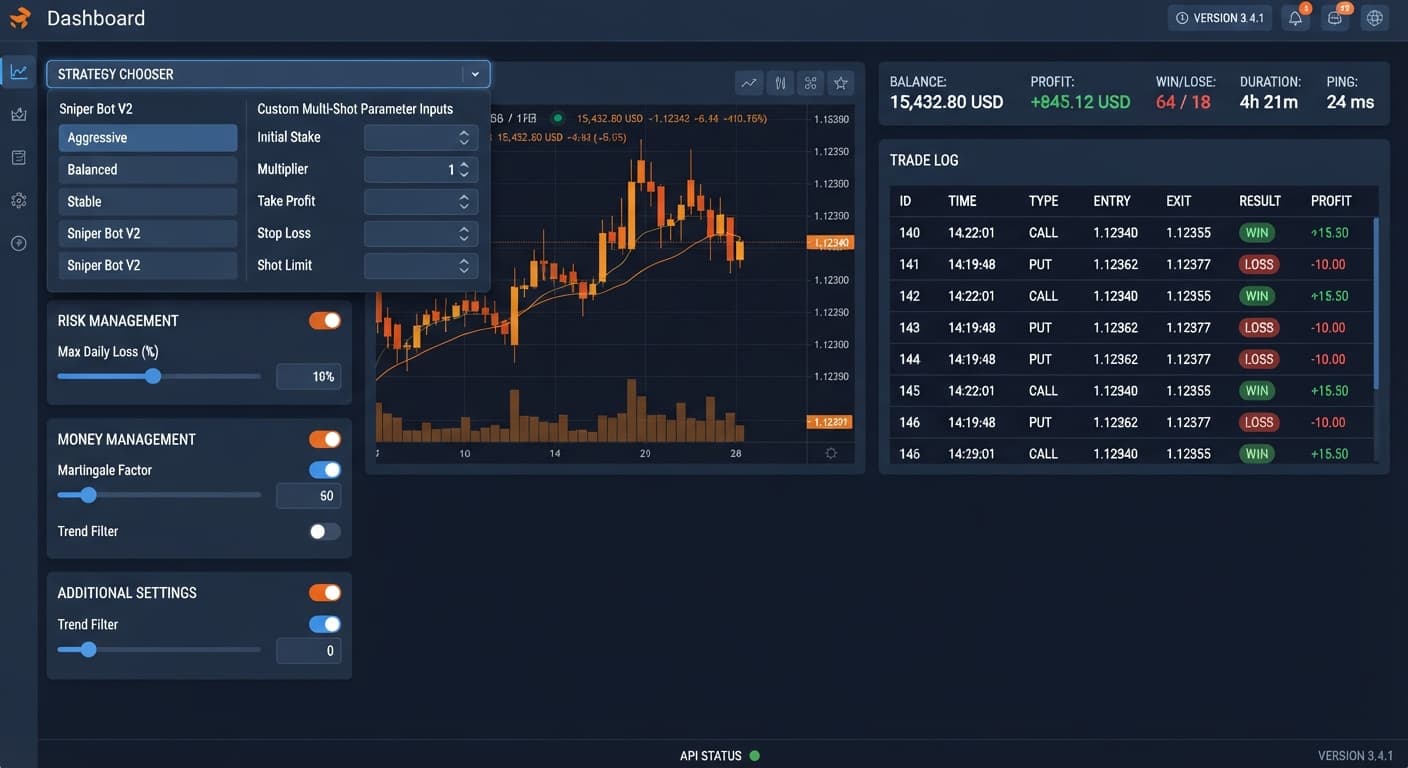
When evaluating sniper bot v2 vs multi shot, the choice comes down to whether you want pre-configured pattern execution or granular manual contract construction. Sniper Bot V2 locks you into 11 preset strategies like ZIGZAG 7 TICKS and ROLL CAKE across fixed contract types, while Multi Shot gives you direct control over custom parameters without forced entry patterns. If you want a strategy chooser with built-in paper-trading filters, choose Sniper V2; if you want custom strategy assembly, choose Multi Shot.
Both systems connect directly to Deriv over their official API, meaning no trading capital passes through BinaryBot.live. Every contract lands straight into your own Deriv account, whether you're running a virtual demo balance or live funds.
Choosing between these two approaches requires understanding how trades are triggered and executed. Here is how the two frameworks break down for active traders:
Sniper Bot V2 Framework
Multi Shot Framework
When assessing sniper bot v2 vs multi shot for active trading, the difference lies in control architecture. Sniper V2 relies on pre-built modules, whereas Multi Shot functions as a blank slate.
| Dimension | Sniper Bot V2 | Multi Shot |
|---|---|---|
| Strategy Selection | STRATEGY CHOOSER dropdown with 11 named presets | Custom manual strategy configuration |
| Entry Logic | Fixed ROLL CAKE or ZIGZAG 7 TICKS patterns | User-defined entry parameters |
| Virtual Paper Trading | Built-in via separate virtual token input |
Manual execution testing on standard demo accounts |
| Real Stake Switching | BACK TO VIRTUAL controls (IF REAL WIN / IF REAL LOSE / IF REAL WIN/LOSE / NEVER) |
Manual switching or external logic |
| Configuration Structure | Three distinct panels (RISK MANAGEMENT, MONEY MANAGEMENT, ADDITIONAL SETTING) | Unified modular form interface |
| Contract Types Supported | CALL, PUT, ONETOUCH, NOTOUCH, DIGITDIFF, DIGITEVEN, DIGITODD, DIGITOVER, DIGITUNDER | Direct custom contract choices |
| Target User | Traders wanting automated pattern filters and virtual loss switching | Traders building custom strategy parameters from scratch |
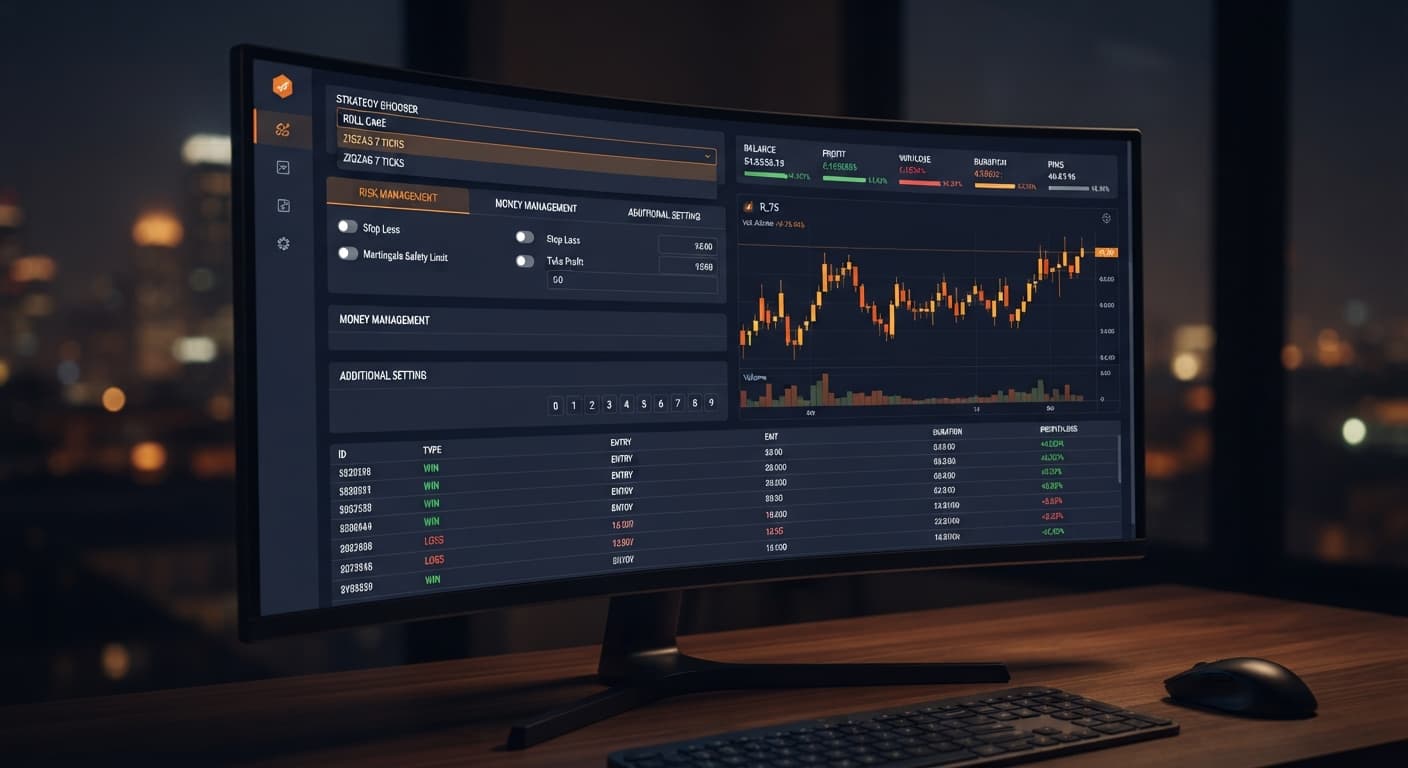
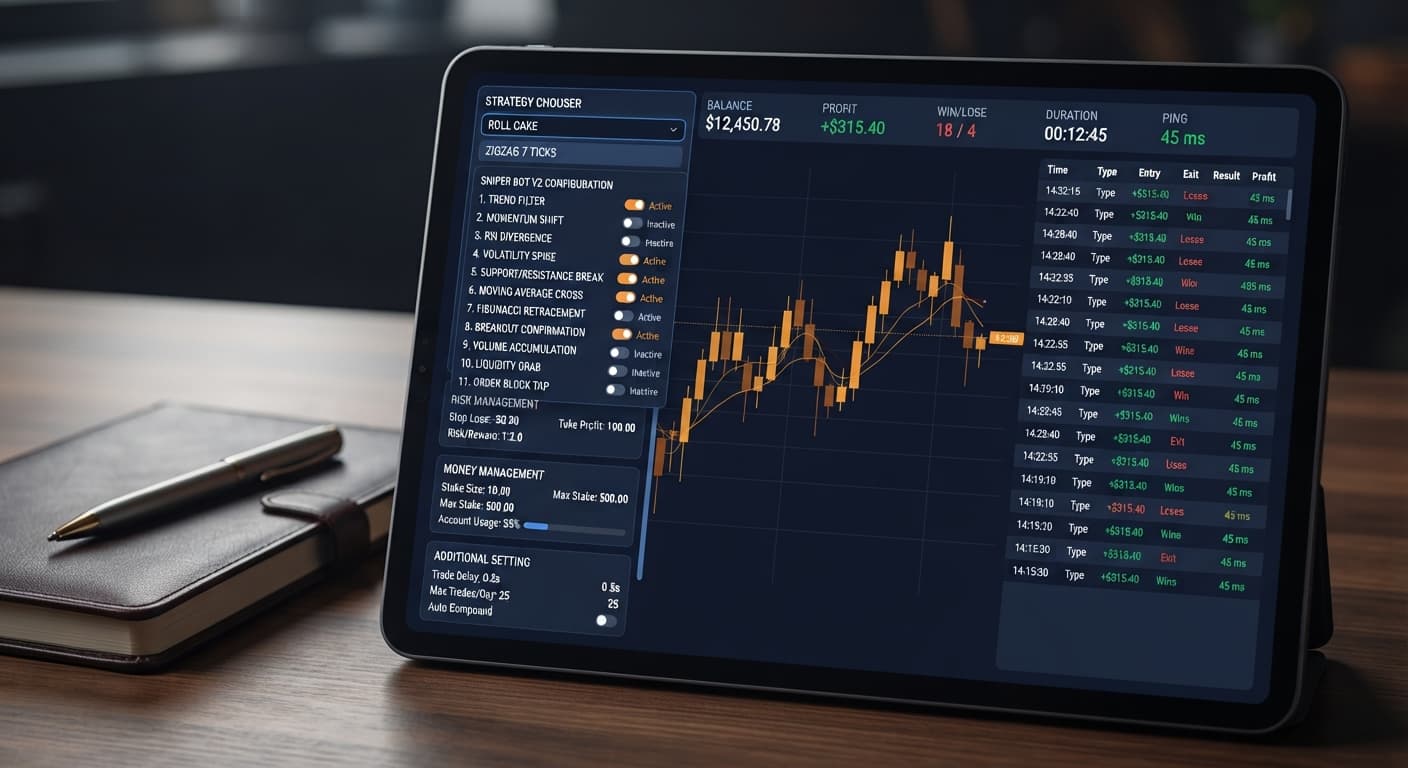
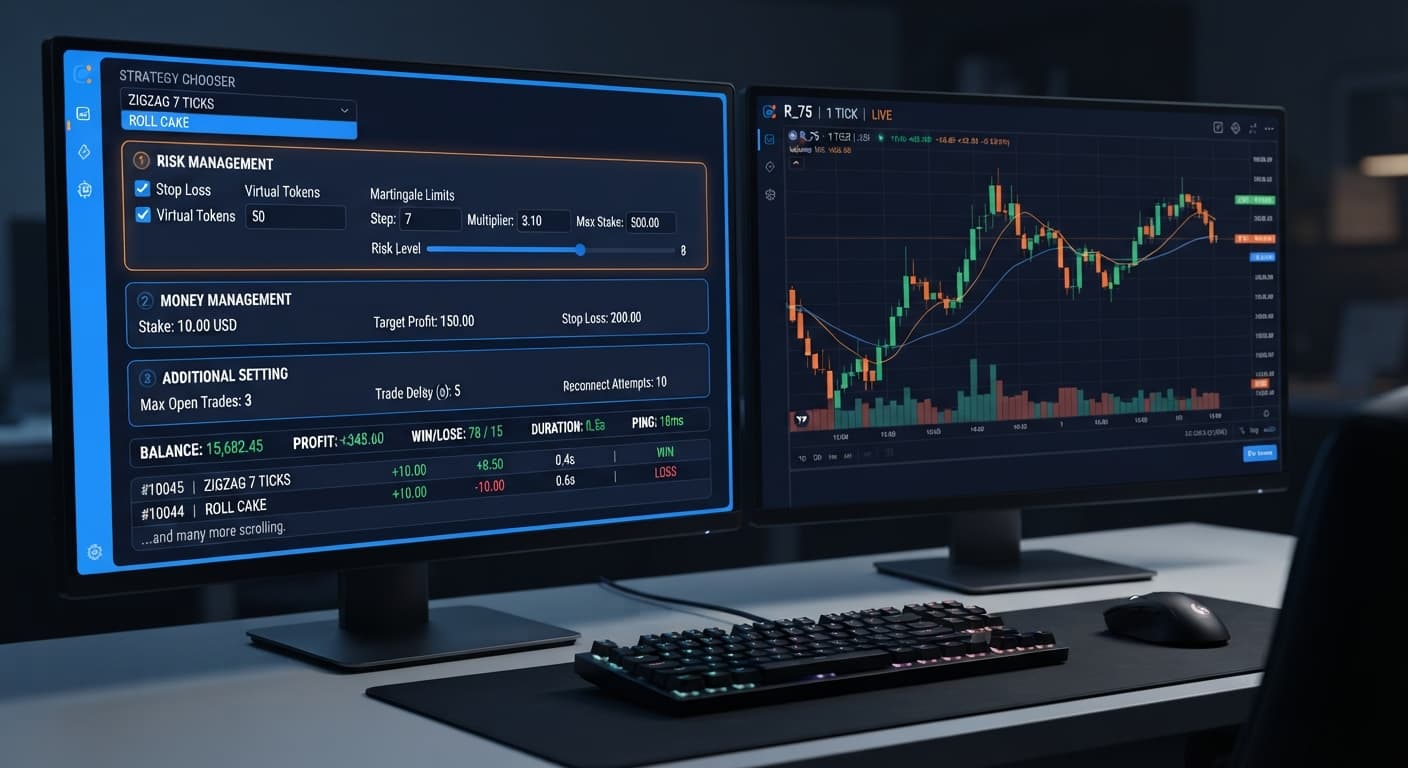
Among free deriv bots, having clear UI boundaries prevents configuration errors. Sniper V2 splits its inputs into three clear panels. In the RISK MANAGEMENT panel, you enter your Stake, configure Take Profit and Stop Loss, and set your Virtual Loss (in a row) target. The MONEY MANAGEMENT panel contains your opt-in martingale settings, while the ADDITIONAL SETTING panel houses timing options like delay (seconds) after win contract and delay (seconds) after lose contract.
Preset patterns often create an illusion that trade entries carry higher win rates than they actually do. Synthetic index ticks generated by Deriv are independent random draws. Past tick direction does not alter the mathematical probability of the next tick. To demonstrate how this impacts your account, let's look at the underlying math for two core contract types available in Sniper Bot V2.
When you run DIGIT DIFFER - ROLL CAKE, the bot buys a DIGITDIFF contract on every available tick.
When using EVEN/ODD - ZIGZAG 7 TICKS, the bot waits until seven consecutive ticks alternate between even and odd digits before placing a DIGITEVEN or DIGITODD trade.
Neither platform guarantees positive returns, and understanding their operational limits is critical when configuring browser-based binary bots.
PING shows an active latency number (e.g., 120ms), the bot is running fine.Take Profit and Stop Loss contain an enable checkbox next to their numerical inputs. If you enter "20" under Stop Loss but leave the checkbox unchecked, the stop loss remains completely inactive. The bot will keep trading through losses without stopping.BACK TO VIRTUAL engine, which automatically routes real stakes back to paper-trading mode after specified win or loss conditions.When evaluating sniper bot v2 vs multi shot, the safest approach is testing execution speeds and logic parameters using a virtual account before committing real money.
Navigate to Sniper Bot V2. Paste your Deriv API token into the Your Token Here field and click VALIDATE. Ensure your account readouts in the top header—BALANCE, PROFIT, WIN, LOSE, DURATION, and PING—populate correctly. Always test on a virtual balance first.
Open the RISK MANAGEMENT panel. Enter your target Stake (for example, $1.00). Type your target limits into Take Profit and Stop Loss, and make sure you click the enable checkbox for both. To test paper-trading filters, paste your demo token into virtual token and set Virtual Loss (in a row) to 3.
In the STRATEGY CHOOSER dropdown, pick a pattern such as RISE/FALL - ZIGZAG 7 TICKS or TOUCH/NO TOUCH - ROLL CAKE. Under BACK TO VIRTUAL, select IF REAL WIN if you want the bot to return to paper trading immediately after securing a real-money win.
If you decide that preset triggers like ZIGZAG 7 TICKS are too slow or restrictive for your setup, switch over to Multi Shot. Mirror your risk limits—keeping the exact same stop loss and stake parameters—and test manual contract execution against your custom trading plan.
Try it yourself on Sniper Bot V2 using a demo balance first.
If you don't have one yet, create a free Deriv account.
Trading involves risk. Past performance does not guarantee future results.
The original Sniper automated trading bot for Deriv — a named strategy chooser with ROLL CAKE and ZIGZAG 7 TICKS entry patterns across Rise/Fall, Higher/Lower, Touch/No Touch and digit contracts, with virtual-token paper trading before real stakes.
Open Sniper Bot V2 →Sniper Bot V2 gives you a strategy chooser with 11 pre-configured patterns like ZIGZAG 7 TICKS and built-in paper-trading filters. Multi Shot functions as a blank slate that lets you build custom contract parameters and entry timing from scratch.
Sniper Bot V2 uses a built-in virtual account token input that lets you paper trade before switching to real stakes. You can configure it to automatically return to virtual mode based on real win or loss thresholds using the 'BACK TO VIRTUAL' controls.
Yes, because both systems connect directly to Deriv via their official API, meaning no trading capital passes through BinaryBot.live. Every contract lands straight into your own Deriv account, whether you're using demo or live funds.
Sniper Bot V2 restricts timing to either continuous tick entries like ROLL CAKE or a strict seven-tick alternating pattern like ZIGZAG 7 TICKS. It forces these preset patterns rather than allowing custom-built entry timing.
Guides closest to this one.
Is sniper bot v2 safe? Yes, but only if you enable stop loss checkboxes and virtual loss parameters to prevent continuous trading and capital loss.
If your sniper bot v2 keeps losing, fix unchecked stop loss boxes, aggressive martingale multipliers, or missing virtual loss buffers with a four-step audit.
Follow this sniper bot v2 deriv bots guide to configure eleven distinct strategies on BinaryBot.live. Start your automated trading bot setup today.