Auto Trading Bots
Sniper Bot V2 Deriv Bots Guide: 11 Strategies Setup
Follow this sniper bot v2 deriv bots guide to configure eleven distinct strategies on BinaryBot.live. Start your automated trading bot setup today.
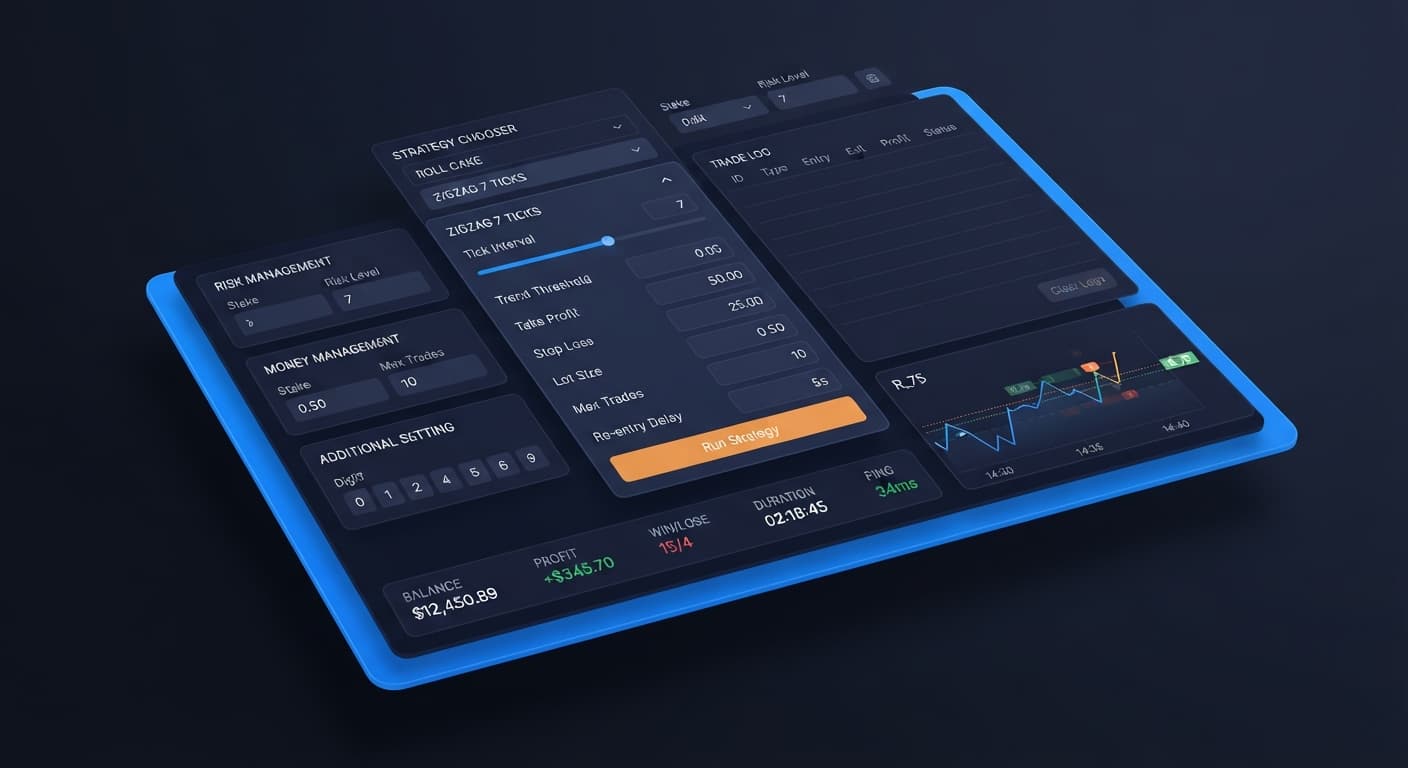
If your Sniper Bot V2 is not placing trades, the issue is almost always an unfulfilled pattern condition or an unvalidated API token rather than a broken system. When you pick a strategy like EVEN/ODD - ZIGZAG 7 TICKS on Volatility 100 Index, the bot requires seven consecutive ticks alternating in parity before placing a contract. If market ticks don't form that exact seven-tick pattern, the trade log stays completely clear. Diagnosing why sniper bot v2 not working comes down to verifying pattern criteria, API token status, and your paper trading filters on your Deriv account.
Volatility indices on Deriv offer simulated markets with constant, round-the-clock price movement ranging from 10% to 100% volatility. They suit systematic traders who want continuous tick action without news events or exchange opening hours interrupting automated strategies. If you're running automated binary bots on these assets, understanding tick dynamics helps you choose entry patterns that fit your trading style.
Deriv synthetic indices use a cryptographically verified random number generator to publish ticks at set intervals. Standard Volatility indices produce one tick every two seconds, while 1s volatility indices output a tick every single second. The volatility number (such as Volatility 10 Index versus Volatility 100 Index) determines the relative price dispersion per tick rather than changing time intervals. Higher ratings mean larger price movements per tick, whereas lower ratings create tighter, smoother tick ranges.
When running deriv bots on 1s volatility indices, pattern requirements like ZIGZAG 7 TICKS resolve twice as quickly in clock time because ticks arrive every second instead of every two seconds. Always remember that past digit frequency doesn't change the probability of the next tick. Deriv synthetic index ticks are independent random draws, so a streak of five even digits doesn't make an odd digit any more likely on the sixth tick.
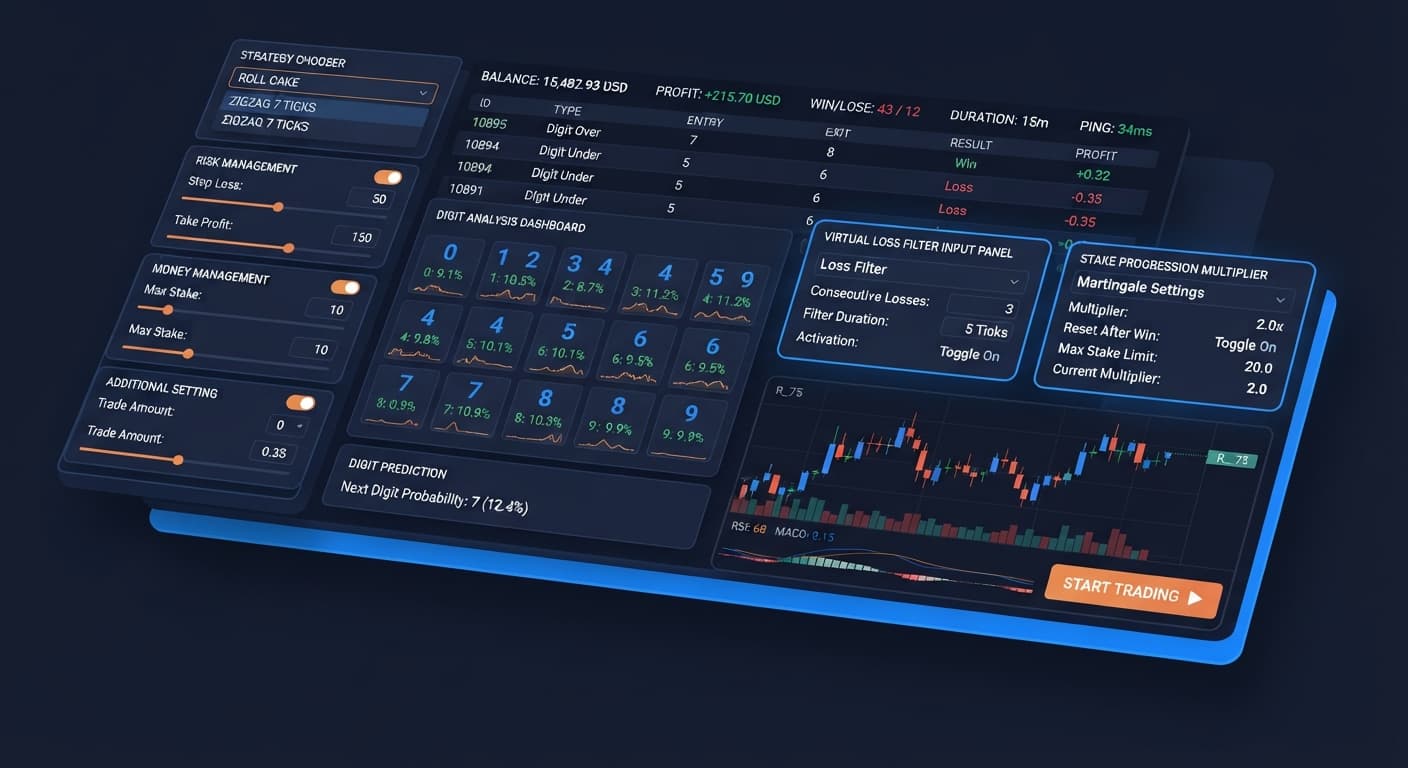
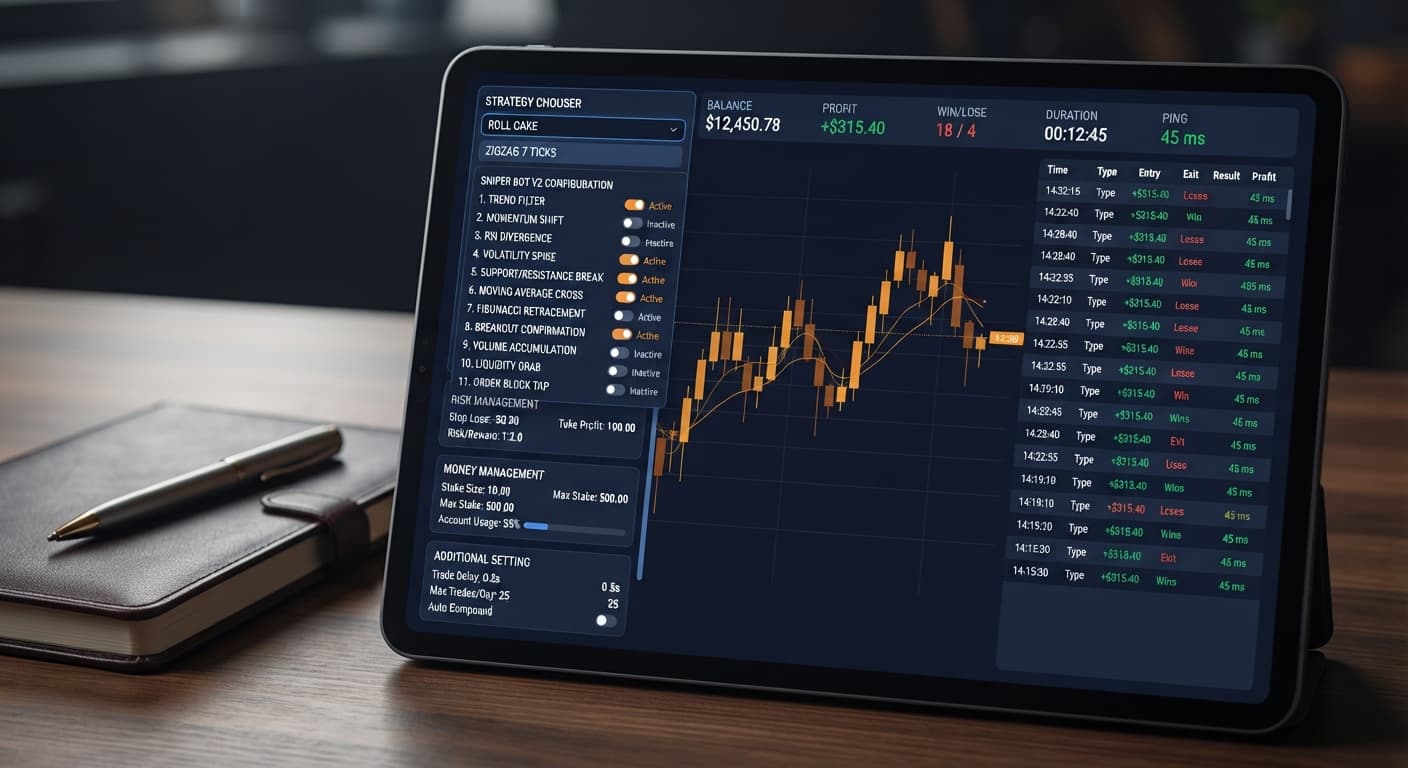
When configuring execution options across the RISK MANAGEMENT panel, MONEY MANAGEMENT panel, and ADDITIONAL SETTING panel, each setting directly alters how and when the system places contracts. Here's how key parameters function during live operations:
| Control Name & Value | System Operational Impact | Ideal Trader Profile |
|---|---|---|
STRATEGY CHOOSER: EVEN/ODD - ZIGZAG 7 TICKS |
Holds contract placement until 7 strictly alternating odd and even digits occur in a row. | Conservative traders seeking low-frequency, high-confluence entry points. |
STRATEGY CHOOSER: RISE/FALL - ROLL CAKE |
Places CALL or PUT contracts continuously on every tick cycle without awaiting pattern setups. | Active traders testing continuous entry speed across smooth markets. |
Virtual Loss (in a row): 3 |
Executes paper trades using a virtual token until 3 consecutive virtual losses occur before risking real capital. | Risk-conscious traders looking to filter out losing streaks in virtual mode first. |
BACK TO VIRTUAL: IF REAL LOSE |
Switches live execution back to paper trading on the virtual token immediately after a single real loss occurs. | Account holders aiming to isolate live balance exposure after drawdowns. |
delay (seconds) after lose contract: 5 |
Pauses execution for 5 seconds after a lose contract before evaluating new ticks. | Traders wanting to prevent fast sequential losses during choppy price action. |
I prefer setting STRATEGY CHOOSER to EVEN/ODD - ZIGZAG 7 TICKS alongside Virtual Loss (in a row) set to 2. This combination prevents trading in noisy markets while ensuring your trade log doesn't sit frozen for an hour waiting on rare tick sequences.
Selecting appropriate stake levels and expiry parameters prevents contract rejection by Deriv API servers. The table below outlines settings tailored for specific synthetic markets:
| Asset Selected | Recommended Stake | Contract Expiry | Practical Execution Logic |
|---|---|---|---|
| Volatility 10 (1s) Index | 1.00 USD | 5 Ticks | Smooth 1-second ticks allow DIGITEVEN or DIGITODD contracts to settle cleanly. |
| Volatility 75 Index | 0.50 USD | 1 Tick | High price dispersion makes 1-tick DIGITDIFF or Rise/Fall executions efficient. |
| Volatility 100 (1s) Index | 2.00 USD | 5 Ticks | Fast ticks let ROLL CAKE strategies test high-frequency CALL and PUT entries. |
| Volatility 25 Index | 1.00 USD | 5 Ticks | Lower variance gives digit patterns like OVER/UNDER time to complete without extreme jumps. |
When setting up your RISK MANAGEMENT panel, set your Take Profit and Stop Loss levels before launching the bot, not after. You can set Stake to 1.00, Take Profit to 10.00, and Stop Loss to 15.00. Take Profit (with enable checkbox) and Stop Loss (with enable checkbox) do absolutely nothing unless their checkboxes are ticked. Leaving those boxes unchecked leaves your session uncapped, even if you typed values into the numeric fields.
If you opt to use Martingale, keep in mind that martingale stake progression can wipe an account during a long losing streak because stakes double far faster than most traders expect. You can delay activation using martingale will active after X real loss, set a conservative martingale multiplier like 2.0, and cap the exposure with maximum martingale level. Always test settings on a Deriv demo account before risking real funds.
If you still see sniper bot v2 not working after confirming your connection, follow these exact steps to verify your API token and pattern configuration before restarting the engine. You can test these tools across our free bot library on a demo balance anytime.
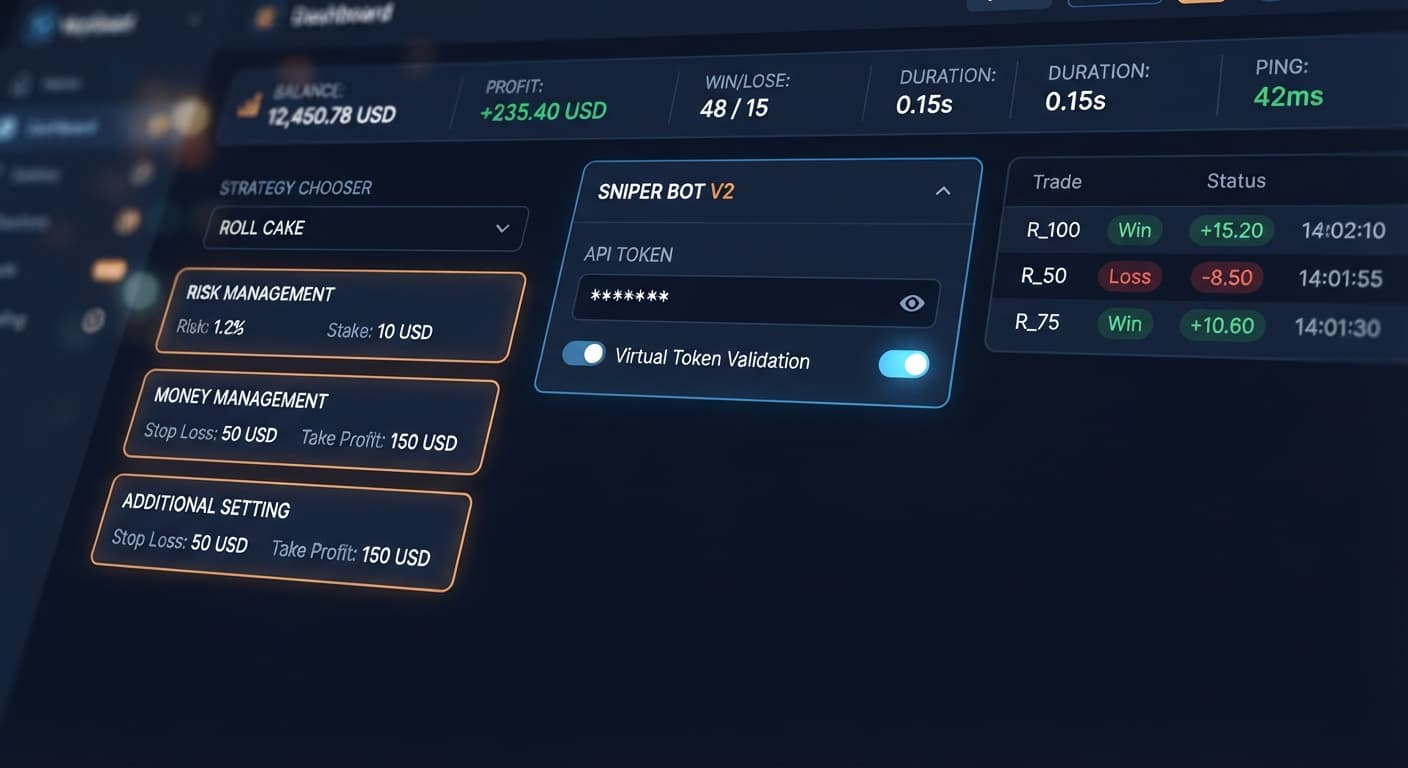
Paste your account token into Your Token Here and click VALIDATE. Check the header readouts for BALANCE, PROFIT, WIN, LOSE, DURATION, and PING to verify that the bot connects directly to Deriv over their official API.
Paste a separate token into the virtual token field under the RISK MANAGEMENT panel and set Virtual Loss (in a row) to 2. This lets the bot test patterns with paper trading before touching real funds.
In the STRATEGY CHOOSER dropdown, select your preferred strategy such as EVEN/ODD - ROLL CAKE, OVER/UNDER - ZIGZAG 7 TICKS, or TOUCH/NO TOUCH - ZIGZAG 7 TICKS. Remember that ZIGZAG 7 TICKS strategies require seven alternating ticks before entering a contract, which takes time.
Under the MONEY MANAGEMENT panel, set Stake to 1.00. If you want Martingale active, set martingale will active after X real loss to 2, martingale multiplier to 2.0, and maximum martingale level to 3. If you don't want Martingale, leave it turned off.
In the ADDITIONAL SETTING panel, set BACK TO VIRTUAL to IF REAL LOSE, set delay (seconds) after win contract to 2, and delay (seconds) after lose contract to 4. Set stop after to 10 to limit total session trades, then click Start to launch execution.
The most common mistake traders make when moving from 1s volatility indices to standard Volatility indices is assuming sniper bot v2 not working simply because trade frequency drops. Standard Volatility 100 Index generates a tick every two seconds. A seven-tick pattern requirement like HIGHER/LOWER - ZIGZAG 7 TICKS requires at least 14 seconds just to observe a candidate sequence. If the eighth tick fails to confirm the entry pattern, the internal counter resets back to zero, starting another 14-second sequence.
Traders accustomed to 1s indices or ROLL CAKE strategies expect continuous trades every few seconds. When they switch to ZIGZAG 7 TICKS on standard Volatility 25 Index, they see an empty trade log for minutes at a time and assume the WebSocket connection dropped.
ZIGZAG 7 TICKS trades far less often than ROLL CAKE; an empty trade log usually means the pattern has not appeared yet, not that the bot is broken. Always check your header strip's PING readout. If the connection ping updates regularly and your BALANCE readout remains active, the bot isn't broken—it's simply waiting for market ticks to match your exact entry rules.
Try it yourself on Sniper Bot V2 using a demo balance first.
If you don't have one yet, create a free Deriv account.
Trading involves risk. Past performance does not guarantee future results.
Related: Sniper Bot V2 Settings: Complete Deriv Bot Setup Guide
The original Sniper automated trading bot for Deriv — a named strategy chooser with ROLL CAKE and ZIGZAG 7 TICKS entry patterns across Rise/Fall, Higher/Lower, Touch/No Touch and digit contracts, with virtual-token paper trading before real stakes.
Open Sniper Bot V2 →It's almost always because your pattern conditions haven't been met or your API token isn't validated. For example, strategies like EVEN/ODD - ZIGZAG 7 TICKS won't place a trade until the market forms seven consecutive alternating ticks.
This strategy holds contract placement until seven strictly alternating odd and even digits occur in a row. Because of this strict pattern requirement, the trade log will stay completely clear until the market matches the exact sequence.
Yes, 1s volatility indices output a tick every single second compared to standard indices that produce one tick every two seconds. This means pattern requirements like ZIGZAG 7 TICKS resolve twice as quickly in clock time.
It executes paper trades using a virtual token until you hit a specified number of consecutive virtual losses before risking any real capital. This helps risk-conscious traders filter out losing streaks before switching to live funds.
Guides closest to this one.
Follow this sniper bot v2 deriv bots guide to configure eleven distinct strategies on BinaryBot.live. Start your automated trading bot setup today.
Master every panel with this complete guide to sniper bot v2 settings. Learn to configure your deriv trading bot and start testing on BinaryBot.live today.
Complete sniper bot v2 api token setup guide for deriv bots. Learn how to connect and validate your virtual token safely on BinaryBot.live today.