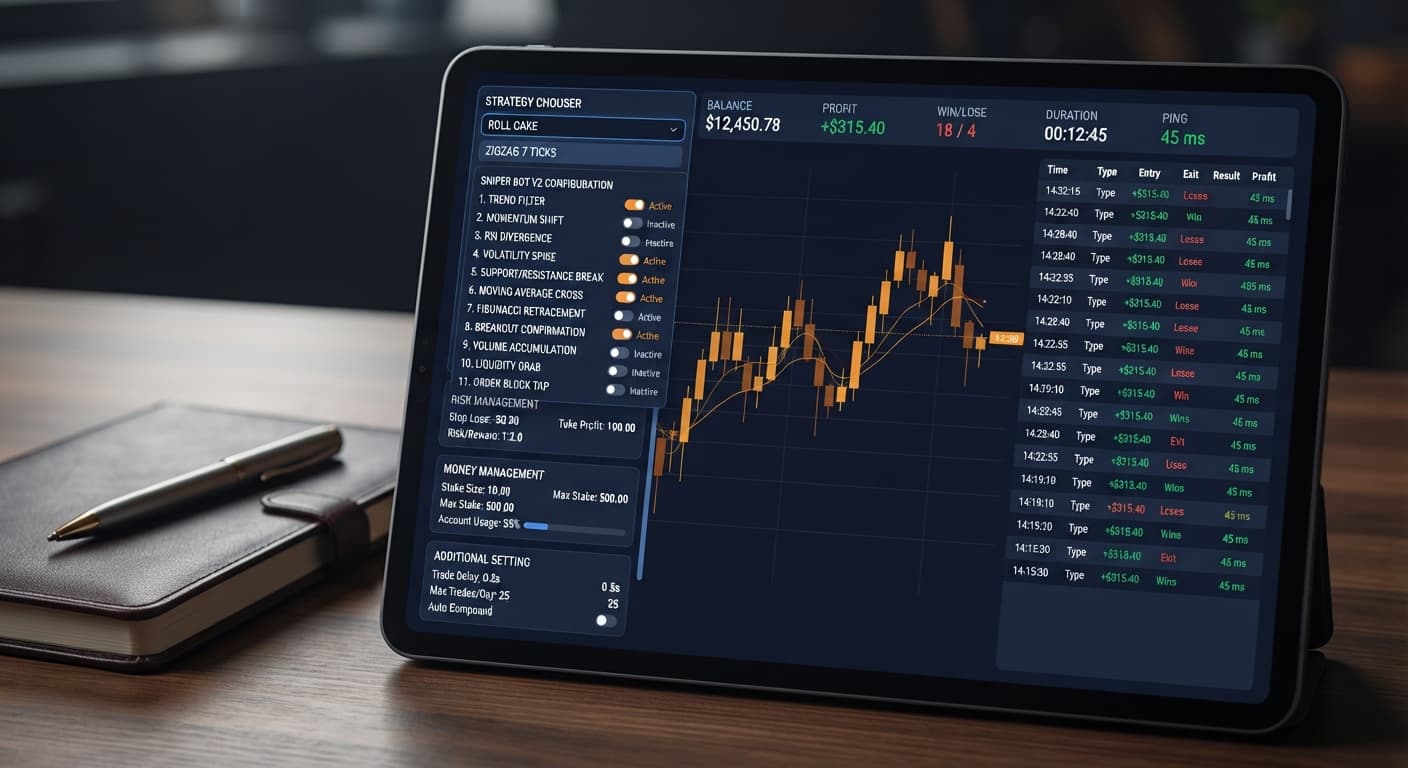
Auto Trading Bots
Sniper Bot V2 Not Working on Volatility Indices
Is your sniper bot v2 not working on Volatility Indices? Fix empty trade logs and resolve ZIGZAG 7 TICKS pattern issues. Read our troubleshooting guide.
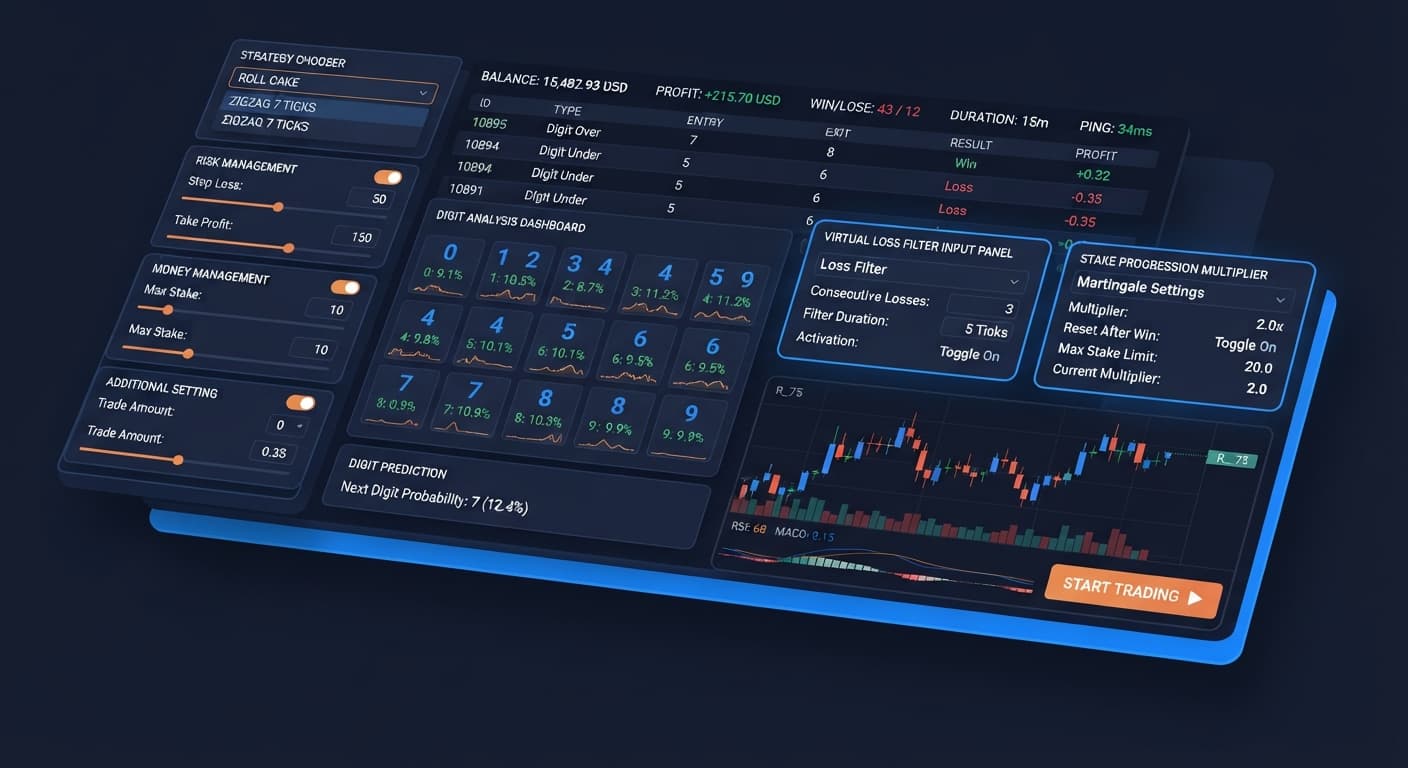
The optimal baseline sniper bot v2 settings start with selecting EVEN/ODD - ZIGZAG 7 TICKS in the STRATEGY CHOOSER, entering a base Stake of $0.35, enabling Take Profit at 5% of balance, enabling Stop Loss at 15%, and setting Virtual Loss (in a row) to 3. This baseline forces the system to paper-trade through preliminary choppy movements before opening live positions on your account.
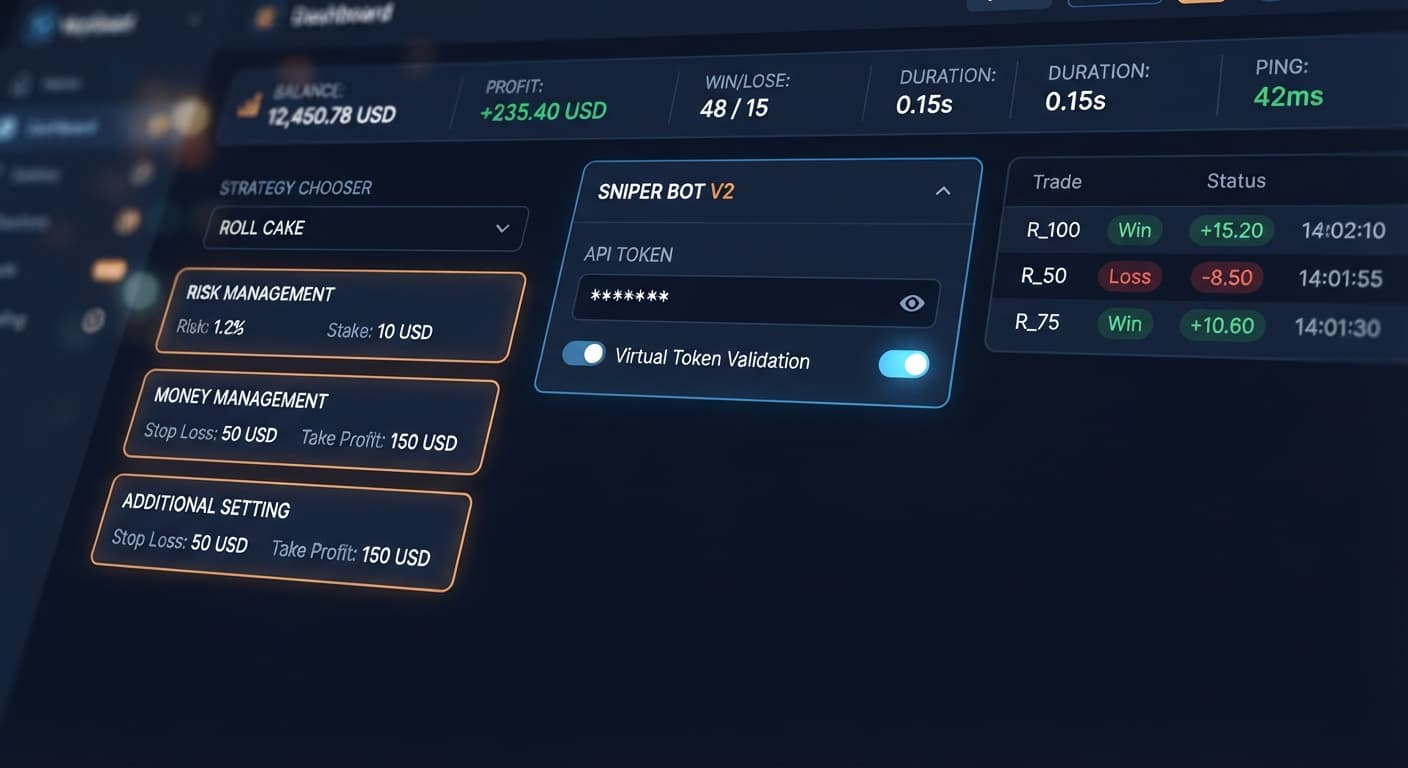
To start configuring Sniper Bot V2, you need your API token from Deriv. Paste it into the Your Token Here input field and select VALIDATE to establish a direct execution link with Deriv servers.
Setting up your automated trading parameters properly ensures the bot acts according to strict rules rather than executing unchecked trades. Follow these initial steps before starting execution.
Paste your primary API token into Your Token Here and click VALIDATE. If you plan to use virtual filtering, enter your virtual account token into the virtual token field as well and validate it. This lets the software switch between virtual paper trading and real account execution without manual intervention.
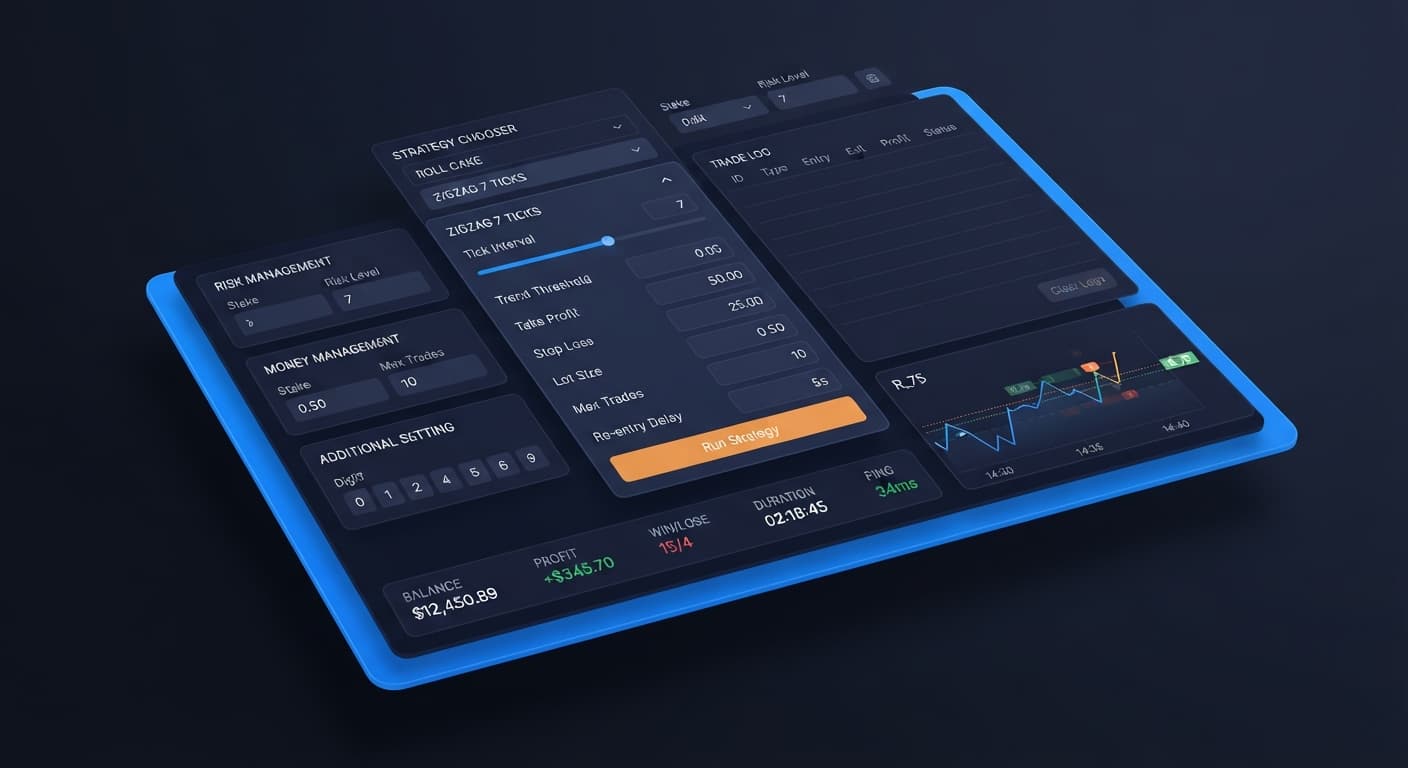
Open the STRATEGY CHOOSER dropdown menu to select your market strategy. Choose a ZIGZAG 7 TICKS strategy if you want the bot to wait for seven consecutive alternating ticks before triggering an entry. Choose a ROLL CAKE strategy if you prefer continuous entry logic without waiting for alternating tick sequences.
Divide your operational inputs across the three designated configuration areas:
RISK MANAGEMENT panel.MONEY MANAGEMENT panel.ADDITIONAL SETTING panel.Configuring deriv bots requires understanding how parameters in each panel interact during live market ticks. The software processes market data across Volatility indices and 1s volatility indices, evaluating every incoming tick against your active strategy selection.
+-----------------------------------------------------------------------+
|                            HEADER READOUTS                            |
| BALANCE  |  PROFIT  |  WIN  |  LOSE  |  DURATION  |  PING (Latency)    |
+-----------------------------------------------------------------------+
                                   |
                                   v
+-----------------------------------------------------------------------+
|                            STRATEGY CHOOSER                           |
| Select Strategy Pattern (e.g., EVEN/ODD - ZIGZAG 7 TICKS)             |
+-----------------------------------------------------------------------+
                                   |
         +-------------------------+-------------------------+
         |                         |                         |
         v                         v                         v
+------------------+     +------------------+     +--------------------+
| RISK MANAGEMENT  |     | MONEY MANAGEMENT |     | ADDITIONAL SETTING |
|  PANEL           |     |  PANEL           |     |  PANEL             |
|                  |     |                  |     |                    |
| Virtual Token    |     | Base Stake       |     | Delay Win (secs)   |
| Virtual Loss     |     | Martingale Active|     | Delay Lose (secs)  |
| Back to Virtual  |     |   After X Loss   |     | Stop After (trades)|
| Take Profit [*]  |     | Multiplier       |     +--------------------+
| Stop Loss   [*]  |     | Max Level        |
+------------------+     +------------------+
 [*] Must check checkbox to enable cap!
In the RISK MANAGEMENT panel, you control paper-trading filters and hard profit/loss boundaries. A common mistake is typing values into Take Profit or Stop Loss without checking their adjacent boxes. Take Profit and Stop Loss do nothing unless their enable checkboxes are explicitly ticked; leaving them unchecked leaves your live account uncapped.
The paper-trading engine relies on Virtual Loss (in a row) alongside your virtual token. When set to 3, the bot places simulated trades on your virtual account until three losses happen consecutively. Only after meeting this threshold does it place live orders placing contracts like CALL, PUT, ONETOUCH, NOTOUCH, DIGITDIFF, DIGITEVEN, DIGITODD, DIGITOVER, or DIGITUNDER.
The BACK TO VIRTUAL setting determines when the execution returns to paper trading:
IF REAL WIN: Switches back to virtual paper trading immediately after a winning real trade.IF REAL LOSE: Switches back to virtual paper trading immediately after a losing real trade.IF REAL WIN/LOSE: Switches back to virtual paper trading after any real contract finishes.NEVER: Remains in real execution mode indefinitely once activated.Inside the MONEY MANAGEMENT panel, enter your base Stake. You can configure opt-in recovery options like martingale will active after X real loss. Setting this value to 2 delays position size multiplication until two consecutive real losses occur. You can also specify the martingale multiplier and cap exposure using maximum martingale level.
The ADDITIONAL SETTING panel regulates execution pacing between contract outcomes. Use delay (seconds) after win contract and delay (seconds) after lose contract to force pauses between entries. Setting stop after terminates the bot automatically after completing a fixed number of contracts.
Always test your sniper bot v2 settings on a Deriv demo account first. Deriv synthetic index ticks are completely independent random draws; a sequence of seven alternating ticks does not alter the mathematical probability of the eighth tick. The pattern simply acts as an entry frequency filter.
| Control Name | Configured Value | Bot Behavior Change | Target Trader Profile |
|---|---|---|---|
Virtual Loss (in a row) |
3 | Executes 3 paper losses on virtual token before placing any live order | Conservative traders filtering initial market turbulence |
BACK TO VIRTUAL |
IF REAL WIN | Instantly returns to paper trading after securing a single real win | Profit-locking traders operating in brief execution bursts |
martingale will active after X real loss |
2 | Delays stake increases until 2 consecutive real losses happen | Risk-conscious traders capping immediate drawdown risk |
delay (seconds) after win contract |
5 | Pauses execution for 5 seconds after every winning contract | Session traders avoiding rapid over-trading |
stop after |
15 | Shuts down execution automatically after completing 15 total trades | Strict session traders sticking to fixed run lengths |
My preference is setting Virtual Loss (in a row) to 3 paired with BACK TO VIRTUAL set to IF REAL WIN. This configuration keeps real capital exposure extremely brief and forces the software back into paper-trading mode immediately after capturing a single live payout.
The STRATEGY CHOOSER pairs contract mechanics with entry patterns. When evaluating binary bots, choosing between continuous entry and pattern-matched entry dictates how frequently your account trades.
| Strategy Name | Deriv Contract Type | Entry Trigger Pattern | Execution Trade-Off |
|---|---|---|---|
| RISE/FALL - ROLL CAKE | CALL / PUT | Continuous trend direction evaluation | High trade frequency; exposes capital to rapid trend reversals |
| RISE/FALL - ZIGZAG 7 TICKS | CALL / PUT | 7 alternating high/low ticks | Low trade frequency; requires extended waiting between valid triggers |
| HIGHER/LOWER - ROLL CAKE | CALL / PUT | Continuous barrier offset evaluation | Frequent executions; carries risk during sudden volatility shifts |
| HIGHER/LOWER - ZIGZAG 7 TICKS | CALL / PUT | 7 alternating ticks with offset | Selective entries; trade log may remain empty for long intervals |
| TOUCH/NO TOUCH - ROLL CAKE | ONETOUCH / NOTOUCH | Continuous price target evaluation | Fast trade pacing; requires accurate price barrier selection |
| TOUCH/NO TOUCH - ZIGZAG 7 TICKS | ONETOUCH / NOTOUCH | 7 alternating ticks with touch target | Very rare triggers; executes only during distinct price oscillations |
| DIGIT DIFFER - ROLL CAKE | DIGITDIFF | Continuous last-digit match filtering | High statistical win rate per trade; severe penalty on digit match |
| EVEN/ODD - ROLL CAKE | DIGITEVEN / DIGITODD | Continuous odd/even last-digit evaluation | Rapid contract pacing; susceptible to consecutive digit clusters |
| EVEN/ODD - ZIGZAG 7 TICKS | DIGITEVEN / DIGITODD | 7 alternating odd/even digit ticks | Balanced filtering; avoids entering during immediate digit streaks |
| OVER/UNDER - ROLL CAKE | DIGITOVER / DIGITUNDER | Continuous digit threshold evaluation | Frequent entries; payout margins depend on selected barrier digit |
| OVER/UNDER - ZIGZAG 7 TICKS | DIGITOVER / DIGITUNDER | 7 alternating threshold digit ticks | Strict trigger filter; minimizes entry during single-side runs |
If you select ZIGZAG 7 TICKS and notice an empty trade log for several minutes, don't panic. The software is not broken; it simply requires seven consecutive alternating ticks to meet entry criteria before placing a trade on your account.
When setting up your deriv trading bot, align your parameters directly with your available capital and target run duration. Operating a free deriv bot gives you full control over timing, but you must monitor the live header readouts (BALANCE, PROFIT, WIN, LOSE, DURATION, PING) continuously while the bot is active.
For account balances around $100, set your base Stake to $0.35 (the minimum contract stake on most Volatility indices). Set Take Profit to $5.00 (5%) and Stop Loss to $15.00 (15%). Ensure both enable checkboxes are explicitly checked. Pair this with EVEN/ODD - ZIGZAG 7 TICKS, set Virtual Loss (in a row) to 3, and select IF REAL WIN/LOSE under BACK TO VIRTUAL. This ensures your live balance is only exposed for single contracts before returning to paper-trading validation.
For larger balances around $1,000 intended for 30-minute sessions, you can select continuous ROLL CAKE options such as DIGIT DIFFER - ROLL CAKE or OVER/UNDER - ROLL CAKE. Set your base Stake to $1.00, Take Profit to $30.00, and Stop Loss to $100.00. Inside the ADDITIONAL SETTING panel, enter 3 for delay (seconds) after win contract and 5 for delay (seconds) after lose contract. These pauses prevent rapid trade stacking during erratic tick spikes on 1s volatility indices.
Keep an eye on the PING readout in the header strip. A latency reading above 300ms means market tick data is lagging. If latency spikes, pause the bot until server connection times stabilize.
Always test new binary bots rules on virtual balance before risking real stakes. Verify your setup on demo, confirm that your stop loss triggers as intended, and monitor execution pacing closely before executing live transactions.
Try configuring your setups directly on Sniper Bot V2 using a demo balance first. If you need an account, create a free Deriv account to test these patterns. Trading involves risk. Past performance does not guarantee future results.
Related: Digit Differs vs Digit Match on deriv bots
Related: Configuring DualShot Risk Levels on BinaryBot.live
Related: Configuring Tick Picker Settings for Deriv Bots
The original Sniper automated trading bot for Deriv — a named strategy chooser with ROLL CAKE and ZIGZAG 7 TICKS entry patterns across Rise/Fall, Higher/Lower, Touch/No Touch and digit contracts, with virtual-token paper trading before real stakes.
Open Sniper Bot V2 →The optimal baseline settings start by choosing EVEN/ODD - ZIGZAG 7 TICKS in the strategy chooser with a base stake of $0.35. You'll also want to enable Take Profit at 5% of balance, Stop Loss at 15%, and set virtual loss in a row to 3.
You need to paste your primary API token into the designated input field and click validate to establish a direct execution link with Deriv servers. If you're using virtual filtering, you can also enter and validate your virtual account token in its specific field.
The ZIGZAG 7 TICKS strategy forces the bot to wait for seven consecutive alternating ticks before triggering an entry. In contrast, the ROLL CAKE strategy provides continuous entry logic without waiting for alternating tick sequences.
Setting virtual loss in a row forces the system to paper-trade through preliminary choppy movements before it opens live positions on your account. This acts as a filter by letting the software run through virtual losses before risking real funds.
Guides closest to this one.
Is your sniper bot v2 not working on Volatility Indices? Fix empty trade logs and resolve ZIGZAG 7 TICKS pattern issues. Read our troubleshooting guide.
Follow this sniper bot v2 deriv bots guide to configure eleven distinct strategies on BinaryBot.live. Start your automated trading bot setup today.
Complete sniper bot v2 api token setup guide for deriv bots. Learn how to connect and validate your virtual token safely on BinaryBot.live today.