Auto Trading Bots
Sniper Bot V2 API Token Setup for Deriv Bots
Complete sniper bot v2 api token setup guide for deriv bots. Learn how to connect and validate your virtual token safely on BinaryBot.live today.
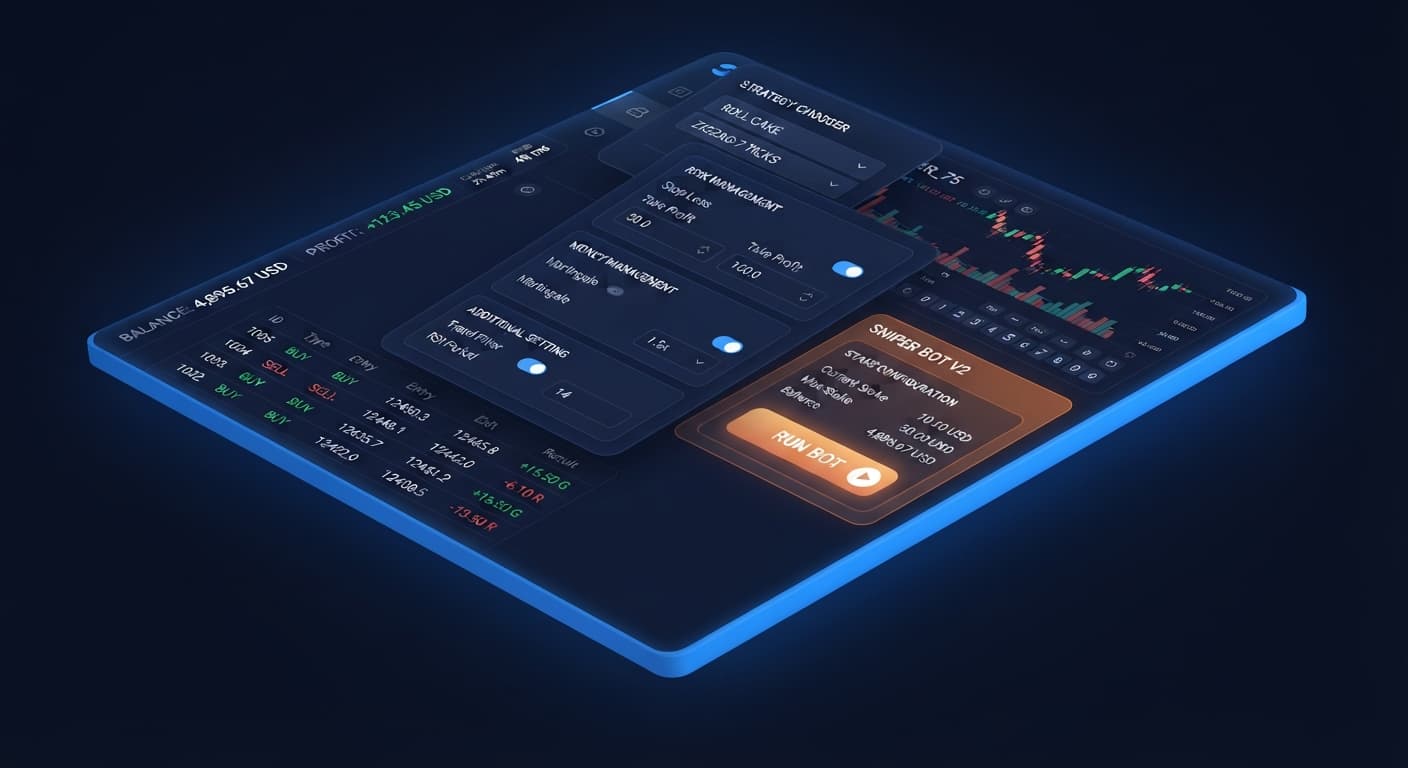
Indian traders looking for sniper bot v2 india can run the tool directly inside a browser without installing software, paying fees, or completing registrations. The platform connects directly to Deriv over their official API using your private API token, placing automated contracts like CALL, PUT, DIGITEVEN, or DIGITODD straight on your Deriv balance. However, automated execution doesn't eliminate risk; most beginners lose money early on because they treat web-based deriv bots as hands-free income generators instead of strict rule-following scripts.
Running binary bots effectively requires understanding how synthetic index ticks work and setting concrete boundaries before hitting start. Synthetic markets operate on independent random number draws, meaning previous digit frequency or movement history never alters the odds of the next tick.
Before configuring any fields, master these core platform terms:
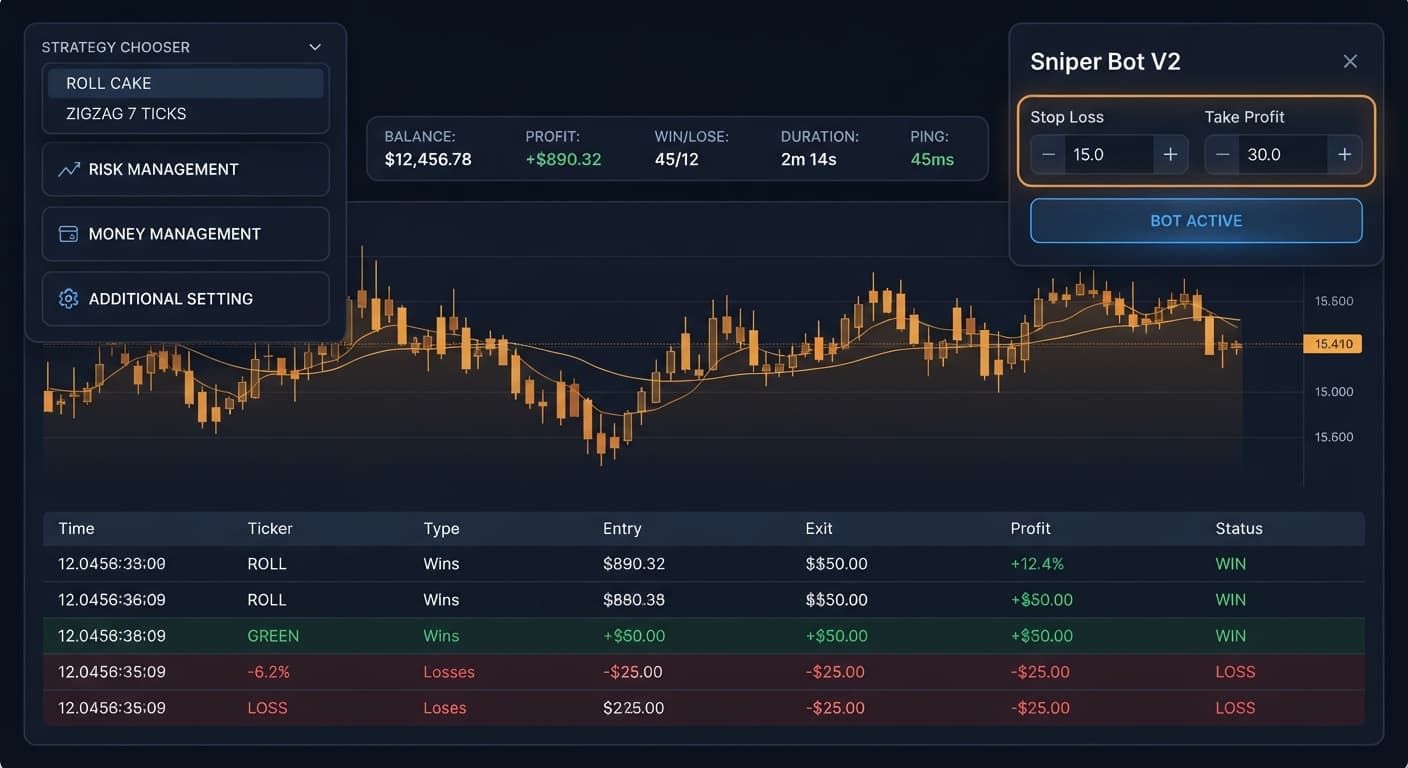
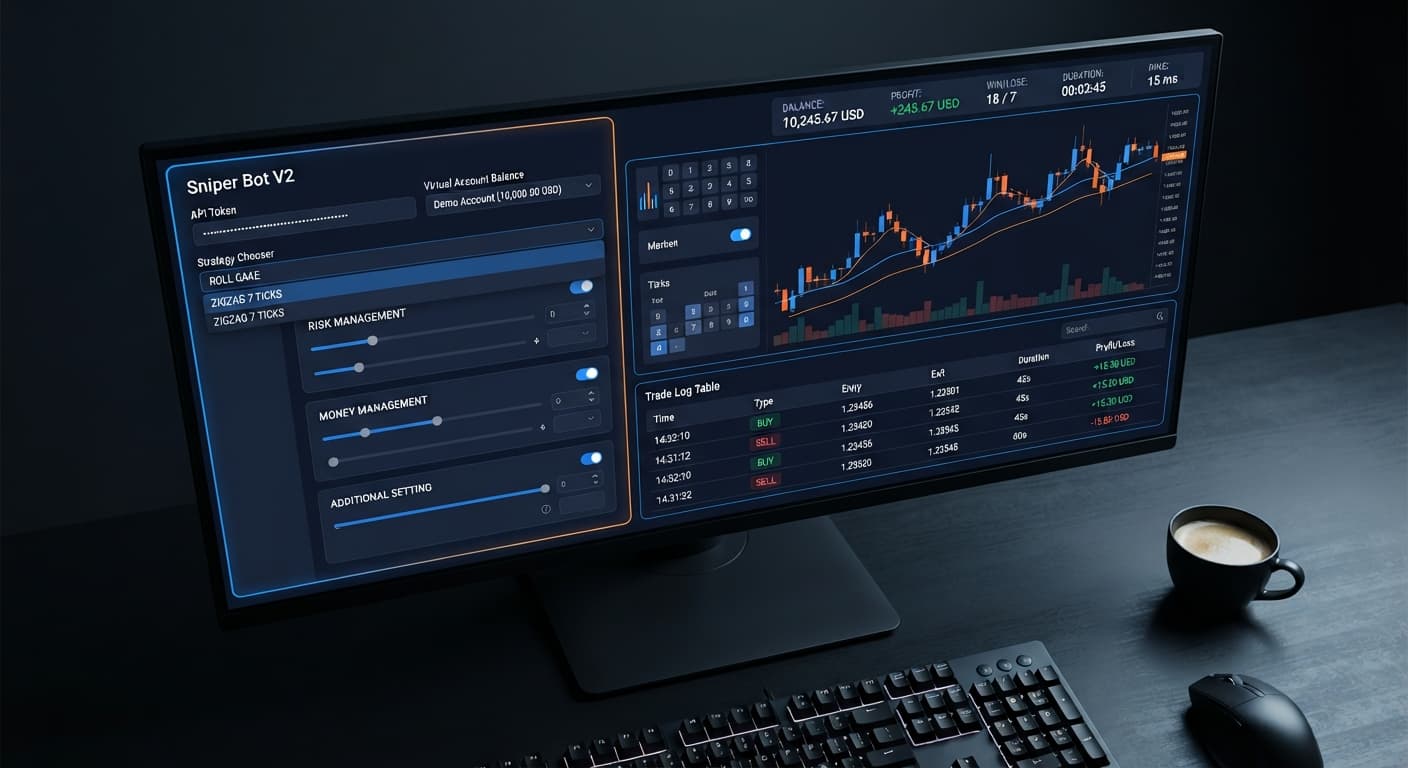
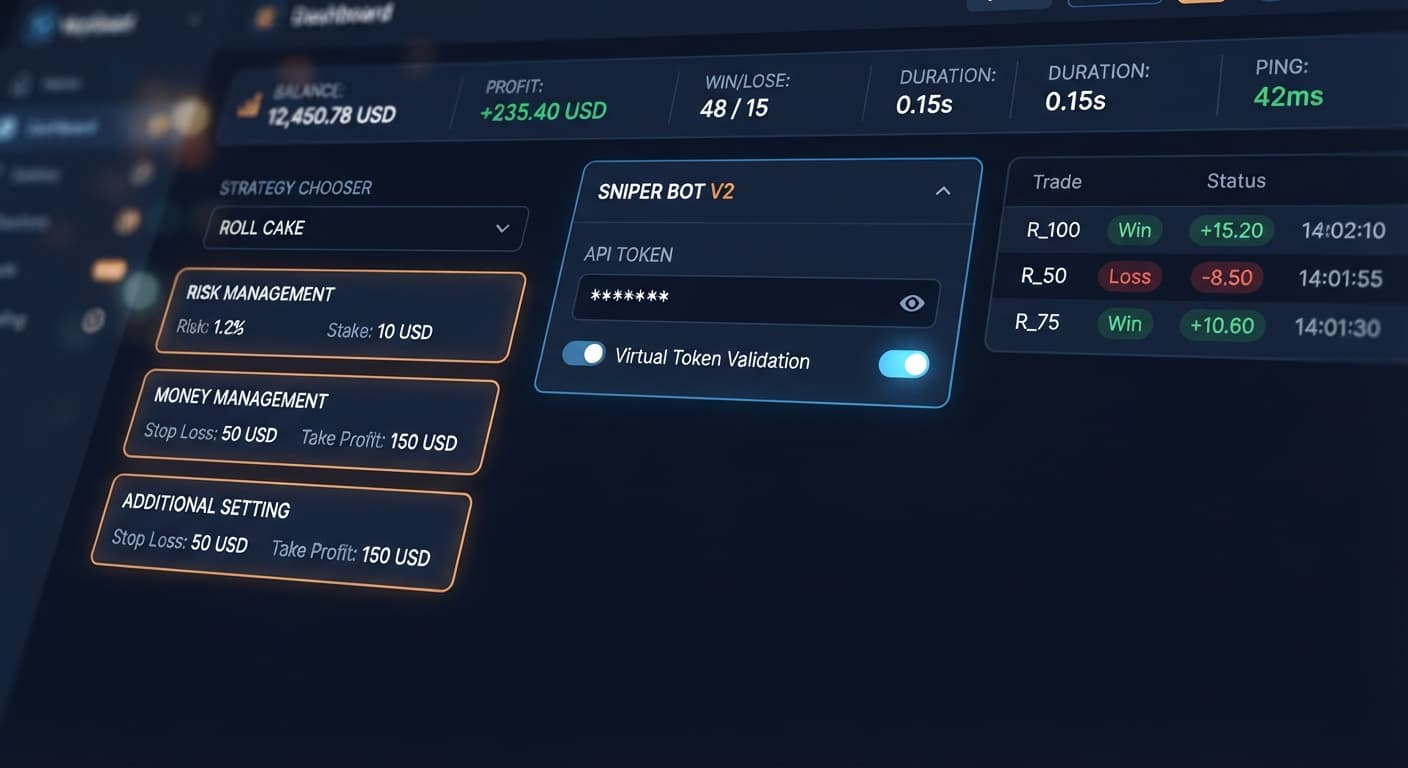
When you operate the platform, reading the interface states correctly prevents costly mistakes. The top header displays active metrics: BALANCE, PROFIT, WIN, LOSE, DURATION, and connection PING.
The following table breaks down common visual indicators across the user interface, what they signify, and what action you must take:
| What You See | What It Means | What To Do |
|---|---|---|
Red outline around Your Token Here field |
Token token validation failed or token string contains spaces | Re-copy your API token from Deriv settings and click VALIDATE again. |
PING displays numbers over 500ms |
High connection latency between your browser and the broker network | Pause execution; high latency causes delayed trade entries and missed ticks. |
Trade log remains static under ZIGZAG 7 TICKS |
The seven-tick alternating pattern has not appeared yet | Leave the browser tab open; the bot is listening to ticks but waiting for the setup. |
PROFIT turns negative but bot keeps trading |
Stop Loss value reached, but its enable checkbox was left unticked |
Stop the bot manually, tick the Stop Loss checkbox, and restart. |
Interface switches to virtual token balance |
Paper trading mode is active following your Virtual Loss (in a row) rule |
Allow the bot to finish paper trades until it fulfills your BACK TO VIRTUAL rule. |
If you ever see execution stall completely while your internet is fine, refreshing the browser tab restores the websocket link immediately.
Never run a new configuration on a live account without thorough testing. You can test strategies risk-free on a virtual balance through our free deriv bot collection.
Log into your Deriv account, navigate to Account Settings > API Token, generate a token with read and trade permissions from your demo account, copy it, paste it into Your Token Here, and click VALIDATE.
Click the STRATEGY CHOOSER drop-down menu and select EVEN/ODD - ROLL CAKE. This strategy targets digit odd and digit even contracts using continuous tick analysis, providing clear visual execution frequency for your initial run.
Open the RISK MANAGEMENT panel. Enter your target profit in the Take Profit field and check the checkbox next to it. Enter your maximum allowed loss in the Stop Loss field and check its checkbox. If you leave either checkbox unticked, the bot ignores your numerical input and runs uncapped.
Open the MONEY MANAGEMENT panel. Set Stake to 1. Leave martingale disabled for your initial test session, or configure martingale will active after X real loss to 3, set martingale multiplier to 2, and set maximum martingale level to 2.
Open the ADDITIONAL SETTING panel. Set delay (seconds) after win contract to 2 and delay (seconds) after lose contract to 2 to prevent rapid-fire execution during volatile price ticks. Click Start to run the script on your demo balance.
Traders running a [sniper bot v2](/sniper-bot-api-setup) india setup frequently encounter the same four setup mistakes during their first few live sessions. Understanding which control addresses each issue keeps your balance protected.
Entering numbers into Take Profit or Stop Loss does nothing on its own. The platform requires you to explicitly mark the checkbox adjacent to each field. If a sudden market run occurs while checkboxes remain clear, the bot will continue placing trades past your target loss point until your balance runs dry.
When traders switch from EVEN/ODD - ROLL CAKE to EVEN/ODD - ZIGZAG 7 TICKS, they often think the browser app stopped working because no trades appear in the log for 15 minutes. ROLL CAKE trades constantly, whereas ZIGZAG 7 TICKS requires seven consecutive ticks to alternate strictly before firing one trade. If the tick stream does not produce seven alternating values, zero trades will be placed.
While Sniper V2 includes delayed recovery rules using martingale will active after X real loss, compounding stakes still grow exponentially once triggered. Placing a initial stake of 10 USD with a 2x multiplier hits 80 USD on the fourth trade of the active martingale phase. Setting maximum martingale level to a strict cap (such as 2 or 3) prevents run-away stake escalations during prolonged drawdowns.
Deriv synthetic index algorithms run on cryptographic random number generators. Seeing ten even digits in a row on a chart does not raise the probability of an odd digit appearing next. The odds for DIGITEVEN and DIGITODD remain precisely split on every single tick. Relying on binary bots to outsmart tick independence always leads to unmanaged downside.
When using a virtual paper-trading token to absorb early losses, control how real execution returns to paper mode using BACK TO VIRTUAL. The available options are:
IF REAL WINIF REAL LOSEIF REAL WIN/LOSENEVERSelecting NEVER means that once your initial virtual losses pass and real money trading begins, the bot stays on real money indefinitely. For safer session runs, selecting IF REAL WIN/LOSE forces the bot back to paper trading after every live trade sequence, ensuring real money is only exposed after fresh virtual loss patterns reoccur.
Testing your setup systematically across market conditions on demo balance builds a complete understanding of how delays, entry patterns, and risk thresholds interact.
Try it yourself on Sniper Bot V2 using a demo balance first.
If you don't have one yet, create a free Deriv account.
Trading involves risk. Past performance does not guarantee future results.
The original Sniper automated trading bot for Deriv — a named strategy chooser with ROLL CAKE and ZIGZAG 7 TICKS entry patterns across Rise/Fall, Higher/Lower, Touch/No Touch and digit contracts, with virtual-token paper trading before real stakes.
Open Sniper Bot V2 →You don't need to install any software because Sniper Bot V2 runs directly inside your web browser. It connects straight to Deriv using your private API token without requiring any downloads or registrations.
A red outline means your token validation failed or the token string contains extra spaces. You'll need to re-copy your API token directly from your Deriv account settings and click validate again.
You don't need to do anything because the bot is just waiting for the specific seven-tick alternating pattern to appear. Just leave your browser tab open while it listens to the market ticks for the right setup.
Your bot kept trading because the stop loss value was reached, but its enable checkbox was left unticked. You'll have to stop the bot manually, check that box, and then restart it.
Guides closest to this one.
Complete sniper bot v2 api token setup guide for deriv bots. Learn how to connect and validate your virtual token safely on BinaryBot.live today.
Master your sniper bot v2 stop loss setup on BinaryBot.live. Learn to configure risk controls on this free deriv trading bot safely. Start configuring today.
Master sniper bot v2 demo account setup on BinaryBot.live. Learn to configure virtual tokens for this free deriv trading bot safely.