Auto Trading Bots
Sniper Bot V3 for Beginners: Zero-Knowledge Setup Guide
Learn sniper bot v3 for beginners with zero prior experience. Set up your free deriv trading bot and master automated trading safely today.
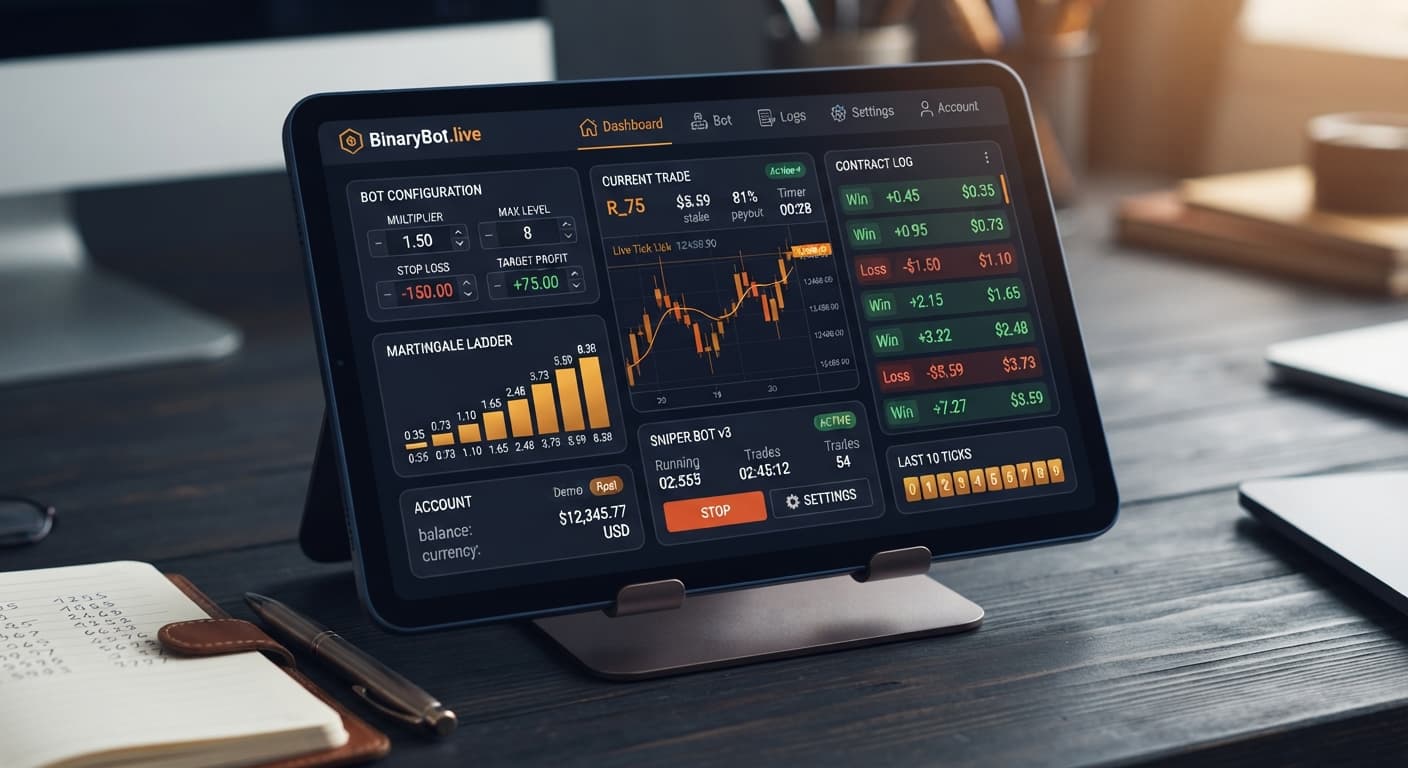
Traders looking to run sniper bot v3 india can launch this web-based automated tool directly in their browser without downloading software or paying subscription fees. You paste your Deriv API token into the web interface, configure your risk controls, and execute trades directly on your account. It gives traders in India direct access to automated contract execution, supporting both virtual paper trading and real-money execution without transferring funds to third-party servers.
Here is how the browser app handles trade execution, how to read its on-screen visual indicators, and how to set up your first session safely.
BinaryBot.live works as a web client that connects directly to Deriv over their official API using your private API token. No funds pass through BinaryBot.live, and no account credentials are stored on external servers. Every contract—whether you choose CALL, PUT, DIGITEVEN, DIGITODD, DIGITDIFF, ONETOUCH, or NOTOUCH—is placed directly on your own account.
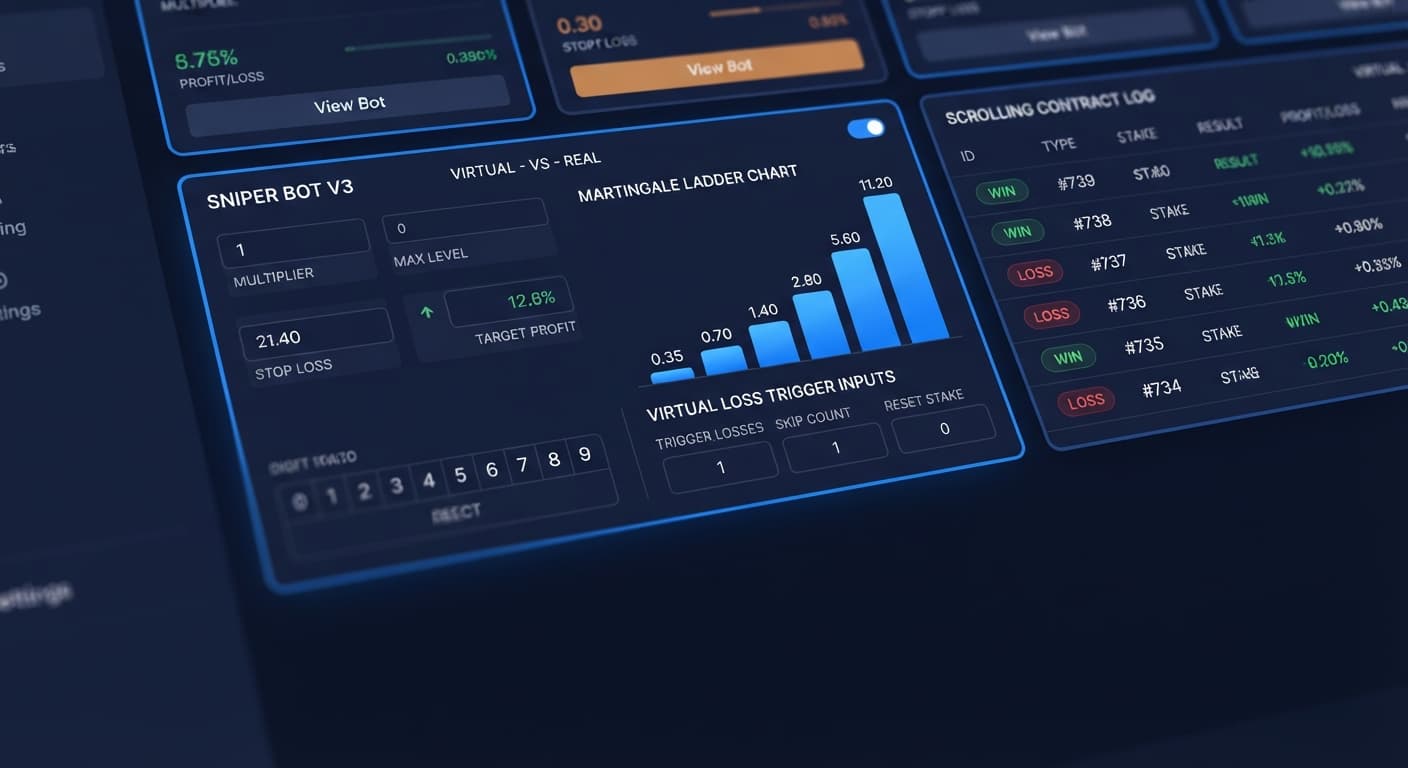
The app supports trading across Volatility indices and 1s volatility indices. Its primary feature is an integrated paper-trading mechanism. By filling in the VIRTUAL TOKEN field and setting VIRTUAL LOSS (in a row), you order the bot to simulate trades first. It tracks live price ticks, records virtual losses on paper, and only sends a real trade to your account once your specified streak of fake losses occurs. You control how the bot resets using BACK TO VIRTUAL — IF REAL WIN / IF REAL LOSE / IF REAL WIN/LOSE / NEVER.
Traders in India often use deriv bots to remove emotional execution errors. However, automation does not alter underlying market probabilities. Deriv synthetic index ticks are independent random draws. A long sequence of odd digits does not increase the mathematical probability of an even digit on the next tick. The bot automates your rules, but it cannot predict future outcomes.
When running browser-based binary bots, you must know what the visual dashboard is telling you at every second. The app updates dynamically based on API responses. If your network hiccups or an API token loses trade permissions, the on-screen indicators change immediately.
The table below breaks down the primary visual cues you'll see while running the app, what they mean, and what action you should take.
| Screen Signal / Visual State | What It Means | Immediate Action Required |
|---|---|---|
VIRTUAL TOKEN input field turns red |
The secondary paper-trading API token is invalid or missing | Check your token scopes on Deriv and re-paste a valid secondary token. |
| Status badge displays "Paper Trading" | The bot is simulating trades; your real balance is completely untouched | Leave the session running until the virtual loss count completes. |
| Status badge turns green with "Real Trade Executed" | Virtual streak completed; a live trade was submitted to Deriv | Check your contract ID and stake inside the live execution log. |
| Log shows "API Rate Limit / Throttled" | The web server received too many trade calls in a short window | Increase your DELAY AFTER WIN or DELAY AFTER LOSE settings to 2+ seconds. |
| Execution log freezes with no updates for 10+ seconds | Browser socket connection dropped or internet disconnected | Stop the bot, refresh the webpage, and re-test connection status. |
| Red pop-up reads "MAX LEVEL Reached" | The stake ladder hit your maximum allowed sequence cap | Verify your WHEN MAX LEVEL setting to ensure the bot resets or stops as intended. |
Monitoring this trade log keeps you in control. If you notice delayed execution receipts during fast-moving market ticks, adjusting DELAY AFTER WIN and DELAY AFTER LOSE gives your browser time to process server receipts before placing the next contract.
Log into your Deriv account, navigate to your security settings, and generate a new API token with Read and Trade permissions. Copy the key, open Sniper Bot V3, and paste it into the primary token field. If you want to use paper-trading features before risking capital, generate a secondary token from a demo account and paste it into VIRTUAL TOKEN.
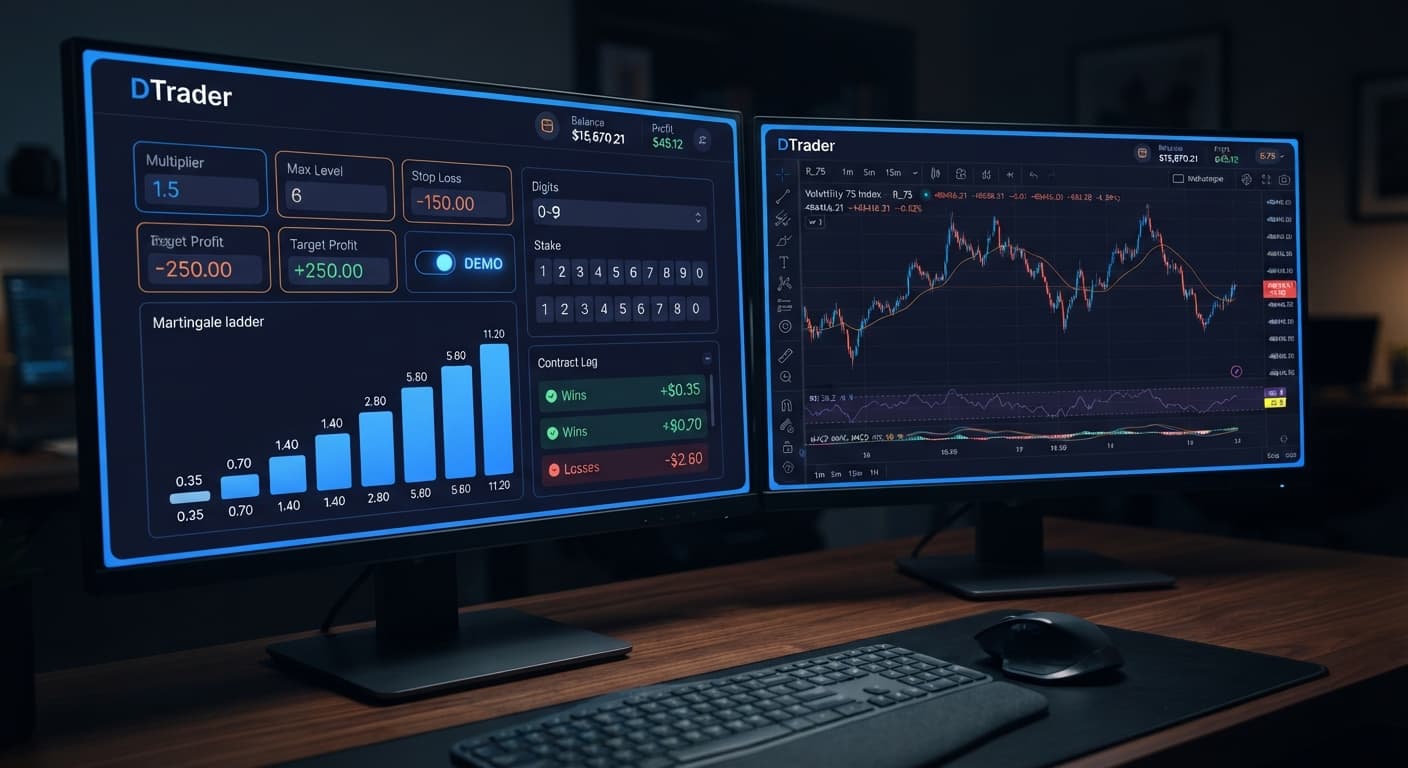
Select your chosen market from Volatility indices or 1s volatility indices. Choose the contract type you want to automate, such as DIGITEVEN, DIGITODD, or CALL. Next, pick your preferred money management MODE. You can select Fixed Stake, Martingale, Anti-Martingale, Fibonacci, D'Alembert, or % of Balance. Enter your base stake into UNIT or specify your balance fraction under % OF BALANCE.
To filter out early bad runs, enter a number into VIRTUAL LOSS (in a row)—for instance, 3. This forces the bot to log three simulated losses on your practice token before placing a live trade. Select an option under BACK TO VIRTUAL — IF REAL WIN / IF REAL LOSE / IF REAL WIN/LOSE / NEVER to specify when the engine drops back to paper mode. If you are using Martingale, adjust your multiplier in MULTIPLIER, limit your ladder depth with MAX LEVEL, and pick an action under WHEN MAX LEVEL.
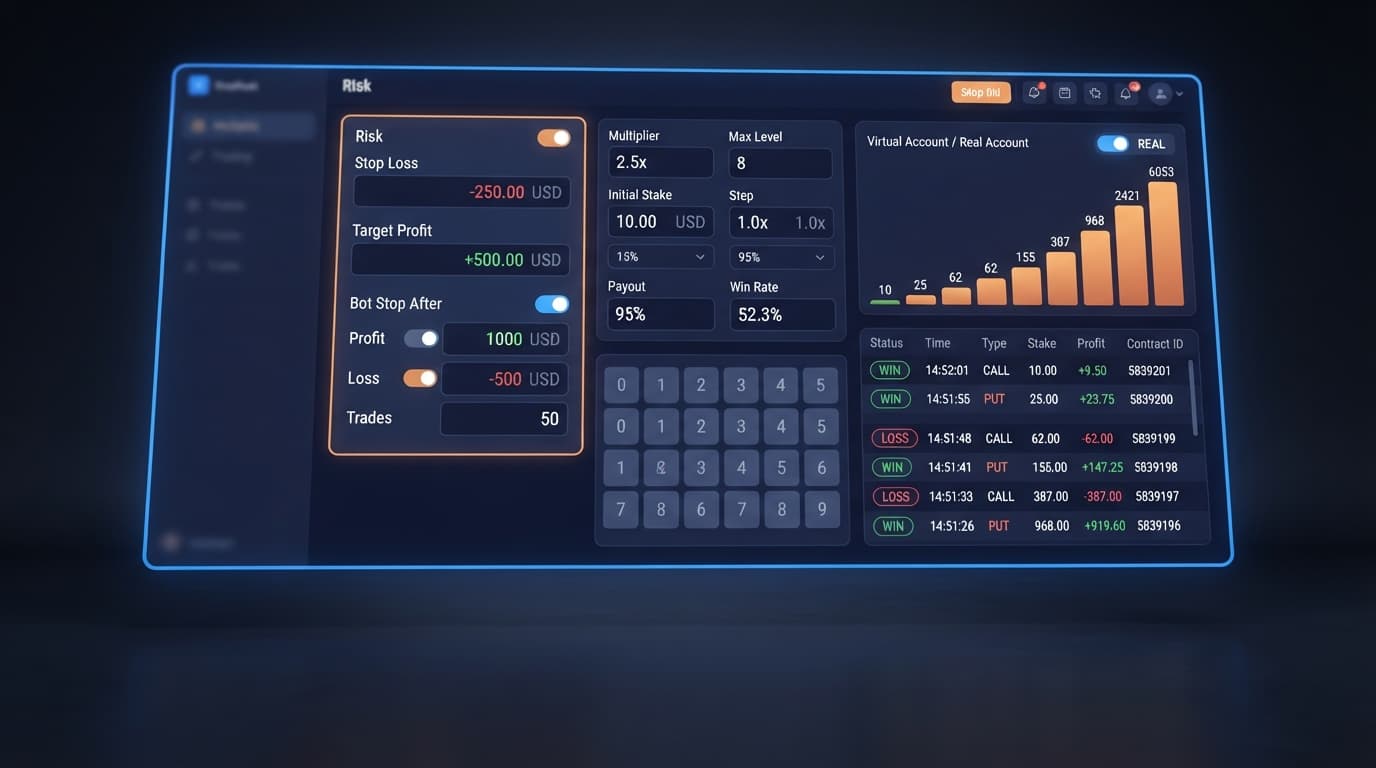
Always establish firm safety boundaries before starting any session. Enter numbers for STOP LOSS and TARGET PROFIT. For example, set your stop loss to 20% of your current balance and target profit to 10%. You can also use AFTER X LOSS or BOT STOP AFTER to shut down the engine automatically after a designated trade count or time duration.
Click the Start button to launch the engine. Watch the execution log for the first ten trades. Verify that paper trades process during virtual sequences and that live trades fire only when your virtual loss threshold is met. If you see unexpected trade behavior or incorrect stake sizes, click Stop immediately and review your parameter fields.
Automated trading engines process rules quickly, but unpredictable market conditions can stress any system. When operating binary bots, keeping your capital safe requires strict discipline. If your session hits MAX LEVEL, avoid the temptation to override your settings mid-trade. When running a 2x MULTIPLIER, consecutive losses cause stakes to double rapidly. A high MAX LEVEL combined with a high multiplier means the final stake in a progression can grow hundreds of times larger than your initial UNIT, which can deplete an account quickly during an unexpected losing streak.
Return to your virtual demo account whenever you encounter these scenarios:
STOP LOSS target for the day.CALL to DIGITDIFF.WHEN MAX LEVEL rules during an active session to chase losses.Before deploying new strategy configurations on a live account, spend time testing them across different market conditions using a practice balance. You can browse additional free tools in the free bot library to test alternative automated strategies. Make sure you calculate your maximum stake progression and verify your safety stops on demo every single time.
Test your settings on Sniper Bot V3 using a demo balance before trading with real funds.
If you don't have an account yet, create a free Deriv account to generate your API token.
Trading involves risk. Past performance does not guarantee future results.
Related: Sniper Bot V3 for Beginners: Zero-Knowledge Setup Guide
Advanced automated trading bot for Deriv with Rise/Fall, Higher/Lower, Touch/No Touch and Digit strategies, plus martingale, anti-martingale, Fibonacci and D'Alembert money management.
Open Sniper Bot V3 →No, it's a web-based tool that runs directly in your browser without any downloads or subscription fees. You just paste your Deriv API token into the web interface to get started.
Yes, no funds pass through BinaryBot.live and your account credentials aren't stored on external servers. Every contract is placed directly on your own Deriv account via their official API.
You fill in the virtual token field and set a virtual loss streak, and the bot simulates trades by tracking live price ticks on paper. It only sends a real trade to your account once your specified sequence of fake losses occurs.
It means the web server received too many trade calls in a short window. You can fix this by increasing your delay after win or delay after lose settings to at least two seconds.
Guides closest to this one.
Learn sniper bot v3 for beginners with zero prior experience. Set up your free deriv trading bot and master automated trading safely today.
Master your sniper bot v3 api token setup for binary bots. Learn how to connect Deriv safely and launch your automated trading bot today.
Master the sniper bot v3 stop loss setup for Deriv bots. Learn to configure risk limits and target profit safely on our free automated trading bot.