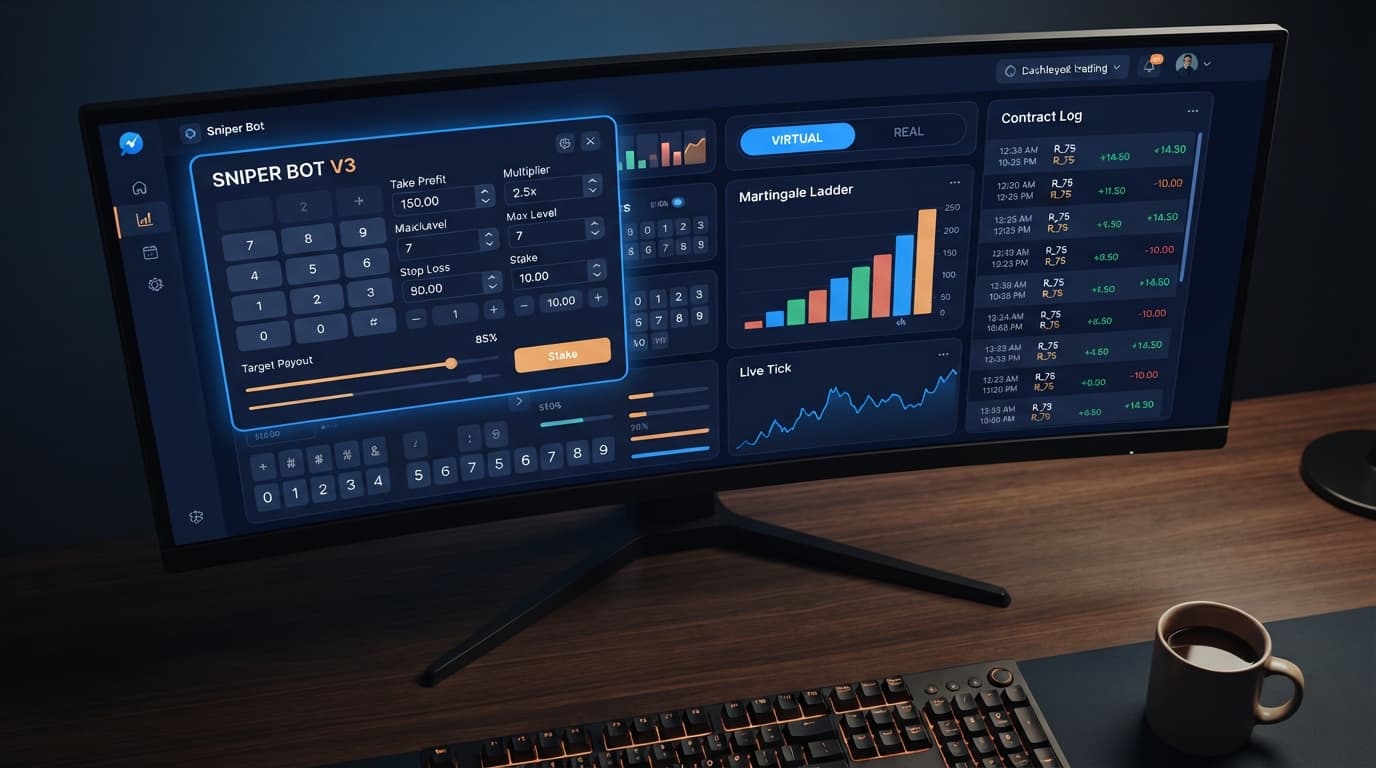
Auto Trading Bots
Sniper Bot V3 India: Run Deriv Bots Free, Zero Setup
New to sniper bot v3 india? Learn how beginner traders can access and run a free deriv trading bot instantly on BinaryBot.live with zero downloads.
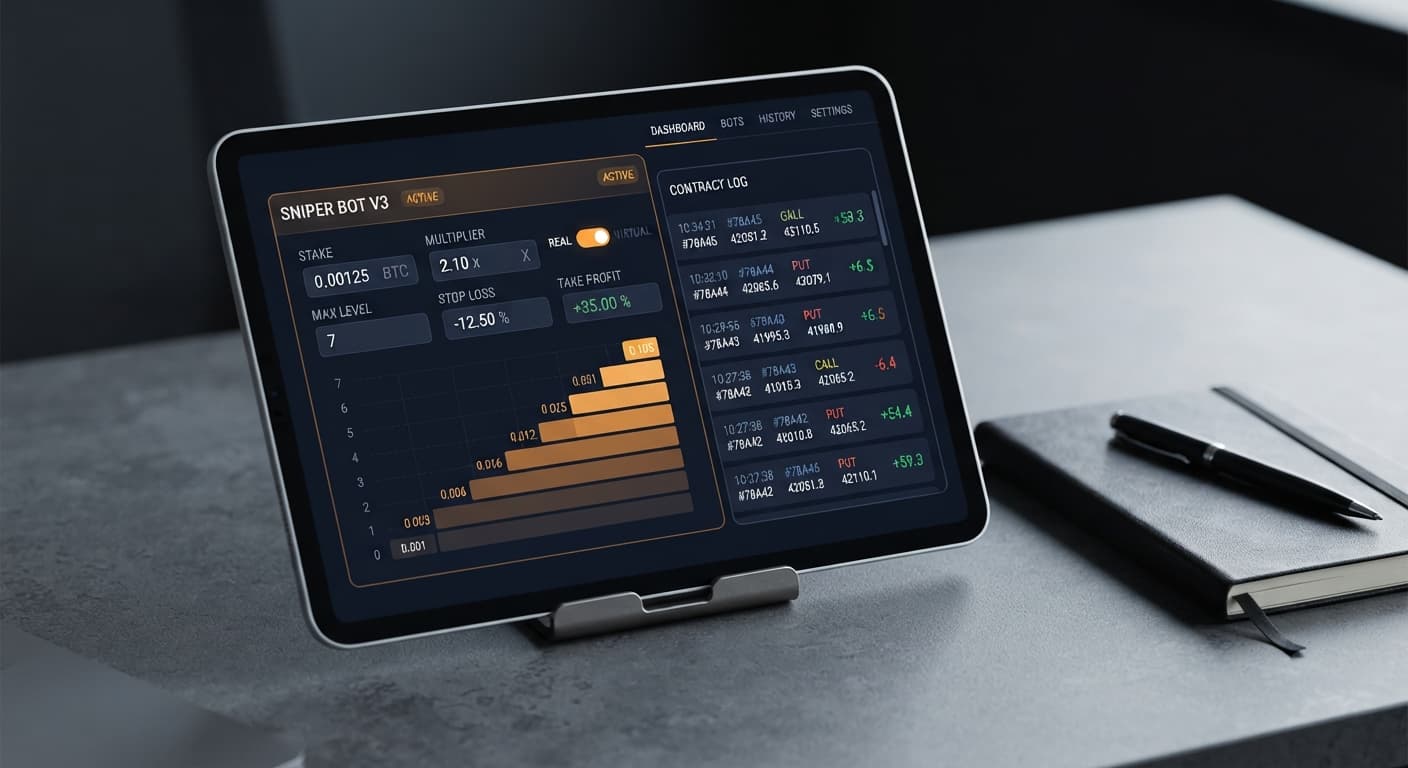
To execute a successful sniper bot v3 small account strategy, set your MODE to Martingale or Fixed Stake with a low MULTIPLIER (1.5x to 2.0x), set MAX LEVEL to 2, set WHEN MAX LEVEL to Reset, and route your entry triggers through paper trading using VIRTUAL LOSS (in a row). This configuration protects small account balances ($20 to $100) from deep drawdowns while allowing the automated software to filter out losing streaks before risking real capital on Deriv.
Running automated trading tools on low account balances leaves zero margin for error. When you load a script without configuring strict safety caps, a short streak of bad market ticks will drain your balance in seconds. Configuring Sniper Bot V3 properly requires matching your stake scaling to your exact account size before you flip the start switch.
Most traders who load up automated scripts leave the default stake parameters untouched. Default configurations are often designed for larger account sizes that can easily absorb five or six consecutive loss steps. On a $30 or $50 balance, running unconstrained stake escalations on Volatility 100 Index or 1s volatility indices leads to immediate account collapse.
The default behavior on many deriv bots assumes you have enough margin to sustain repeated stake increases. If your base UNIT is set to $0.35 with a standard 2x MULTIPLIER, four consecutive losses push your required stake sequence from $0.35 to $0.70, $1.40, $2.80, and $5.60. By the fifth trade, you've committed over $10 in total balance just to recover a single win. If that fifth trade fails, a small account hits a severe loss from which it cannot recover.
Small balances fail not because the underlying market strategy is broken, but because the risk engine isn't restricted. You need hard boundaries that stop stake scaling early and force the system to perform dry runs during bad market conditions.
Follow these numbered steps to lock down your risk parameters. These exact settings ensure your live capital is only engaged after specific paper-trading conditions are met.
Navigate to the control panel and set MODE to Martingale. Set UNIT to $0.35, which is the standard minimum stake for most contracts on Deriv. Keep MULTIPLIER set between 1.5 and 2.0. If you prefer fixed position sizing without stake escalation, choose Fixed Stake mode instead. Avoid using % OF BALANCE on account balances under $100, as fractional rounding can cause unexpected order rejections.
Locate MAX LEVEL and change the value to 2. This hard-caps the execution ladder so the bot can only escalate your stake twice after a loss before halting the sequence. Directly below that, set WHEN MAX LEVEL to Reset. When the bot encounters two consecutive real losses, it will immediately drop the next trade back down to your base UNIT of $0.35 instead of continuing to multiply your stake into dangerous territory.
Go to VIRTUAL LOSS (in a row) and set the value to 3. Enter your paper-trading API key into the VIRTUAL TOKEN field. When active, the bot uses your virtual account token to place paper trades on contracts like DIGITEVEN, DIGITODD, CALL, or PUT. The bot will monitor the synthetic market in real time without spending a single cent of your live balance until three virtual losses occur consecutively.
Set BACK TO VIRTUAL to IF REAL WIN/LOSE. This setting tells the software that as soon as a single real-money trade completes—regardless of whether it results in a profit or a loss—it must instantly hand execution back to the paper-trading token. This ensures your real account is never exposed to back-to-back trades without passing through the virtual loss filter again.
Set STOP LOSS to $10.00 and TARGET PROFIT to $5.00. Set BOT STOP AFTER to Stop on Target/Stop Loss. If you are running long sessions across high-volatility synthetic indices, enter a value into DELAY AFTER LOSE (such as 3 seconds) to allow tick spikes to pass before the bot resumes paper evaluation.
| Control Setting | Target Value for Small Accounts | Operational Function |
|---|---|---|
| MODE | Martingale (or Fixed Stake) | Defines position sizing logic |
| UNIT | $0.35 | Base starting stake per trade |
| MULTIPLIER | 1.5x to 2.0x | Multiplier applied after a loss |
| MAX LEVEL | 2 | Maximum allowable stake increases |
| WHEN MAX LEVEL | Reset | Forces stake back to UNIT after cap |
| VIRTUAL LOSS (in a row) | 3 | Paper-trade losses required before live entry |
| BACK TO VIRTUAL | IF REAL WIN/LOSE | Instantly returns to virtual mode after live trade |
| STOP LOSS | $10.00 | Maximum allowed session drawdown |
| TARGET PROFIT | $5.00 | Target session profit target |
When executing a sniper bot v3 small account strategy, the interface provides distinct visual signals to confirm your protection logic is operating correctly. Monitoring these screen indicators helps you confirm that your real balance isn't exposed prematurely.
[SYSTEM STATUS] Running - Virtual Engine Active
[PAPER TRADE] Contract: DIGITEVEN | Result: LOSS (Virtual Loss 1/3)
[PAPER TRADE] Contract: DIGITEVEN | Result: LOSS (Virtual Loss 2/3)
[PAPER TRADE] Contract: DIGITEVEN | Result: LOSS (Virtual Loss 3/3)
[SYSTEM NOTICE] Virtual Condition Met -> Switching to Real Token
[LIVE TRADE]  Contract: DIGITEVEN | Stake: $0.35 | Result: WIN
[SYSTEM NOTICE] Returning to Virtual Engine (BACK TO VIRTUAL Triggered)
You can identify the status of your live session by tracking specific screen indicators across the user interface:
| What You See on Screen | What It Means | Required Action |
|---|---|---|
Trade log panel shows blue entries marked [VIRTUAL] |
The bot is paper trading using your VIRTUAL TOKEN | None. Capital is fully protected while building loss counts |
| Status banner switches to yellow with active stake display | Virtual loss threshold reached; live token is active | Watch the live execution panel to verify initial stake matches UNIT |
Trade log displays Max Level Reached - Stake Resets |
The bot hit your MAX LEVEL cap of 2 | Confirm the next contract stake drops back to $0.35 |
Warning toast reads WebSocket Delay Detected |
Tick feed paused or DELAY AFTER LOSE timer active | Wait for timer to clear; do not spam the start button |
Once you apply these small-account rules, the bot's live behavior shifts dramatically. Instead of placing trades every few seconds, the engine remains quiet while it monitors tick data across volatility indices.
If you are running a DIGITDIFF or DIGITEVEN strategy, the software will place trades on your demo account behind the scenes. If the market delivers three consecutive wins or alternating win/loss results on paper, your real money stays sitting untouched. The bot silently resets its internal counter and continues analyzing ticks.
The moment three consecutive paper trades fail, the system switches API tokens instantly and places a single live contract at your base UNIT stake of $0.35. If that live contract wins, BACK TO VIRTUAL instantly kicks in. The bot drops real trading, switches back to paper trading, and starts counting virtual losses from zero again.
If that live trade loses, your MULTIPLIER kicks in for a second trade at $0.70. If that second trade loses, MAX LEVEL is reached. Because WHEN MAX LEVEL is set to Reset, the system aborts the live escalation, resets the stake back to $0.35, and retreats to virtual mode. Your account takes a controlled, minimal loss instead of entering a death spiral.
This workflow is widely used across free binary bots because it strips away emotional impulse trading. You aren't guessing when a streak will end; you are forcing the automated tool to wait for statistical outliers before spending real money.
The most common mistake traders make when setting up binary bots for small accounts is configuring MAX LEVEL without setting WHEN MAX LEVEL properly. If you set MAX LEVEL to 2, but leave WHEN MAX LEVEL set to "Restart" or "Continue", the bot will attempt to maintain the higher stake or immediately restart another escalated sequence on your real account. If the synthetic market is trending strongly against your entry logic, this single mistake can bypass your safety checks and drain a $20 balance in under two minutes.
The second major error is setting BACK TO VIRTUAL to "NEVER" or leaving it set to "IF REAL WIN" on a small account. If set to "IF REAL WIN", a live loss forces the bot to stay inside the real-money trading loop. It will continue throwing live funds at the market while attempting to recover losses using real capital.
For small accounts, you want the bot to step back into paper mode immediately after a live loss occurs. Let the paper account absorb the remaining tail of a bad market streak. Once the market stabilizes and passes your paper loss threshold again, the bot can safely re-enter with a clean $0.35 stake.
Always test your parameters inside a virtual environment before switching to real capital. You can test every tool in the free bot library without risking live capital until you are comfortable with how the settings perform under live tick conditions.
Try applying this strategy directly on Sniper Bot V3 using a demo balance first.
If you don't have an active trading account yet, create a free Deriv account to start testing.
Trading involves risk. Past performance does not guarantee future results.
Related: Sniper Bot V3 Take Profit Settings: Configuration Guide
Advanced automated trading bot for Deriv with Rise/Fall, Higher/Lower, Touch/No Touch and Digit strategies, plus martingale, anti-martingale, Fibonacci and D'Alembert money management.
Open Sniper Bot V3 →Set your mode to Martingale or Fixed Stake with a low multiplier of 1.5x to 2.0x, and keep your base unit at $0.35. You should also cap your risk by setting MAX LEVEL to 2 and WHEN MAX LEVEL to Reset. This configuration protects balances between $20 and $100 from deep drawdowns.
Default configurations usually assume you have a larger balance that can handle five or six consecutive loss steps. When unconstrained stake escalations run on a $30 or $50 balance, a short streak of bad market ticks will drain your funds in seconds.
You can protect your balance by enabling the virtual trading buffer and setting VIRTUAL LOSS in a row to 3. This forces the bot to monitor the market and place paper trades using a virtual account token before risking your actual funds.
Set your MAX LEVEL to 2 and configure WHEN MAX LEVEL to Reset. This hard-caps the execution ladder so the bot only escalates your stake twice after a loss before dropping the next trade back down to your base unit.
Guides closest to this one.
New to sniper bot v3 india? Learn how beginner traders can access and run a free deriv trading bot instantly on BinaryBot.live with zero downloads.
Enter your monetary target into the TARGET PROFIT field on the panel to configure your sniper bot v3 take profit settings and lock in gains.
Set VIRTUAL LOSS to 3 when running sniper bot v3 on volatility 10 to filter out choppy price movement and protect your account balance from flat ticks.