Auto Trading Bots
Sniper Bot V3 Take Profit Settings: Configuration Guide
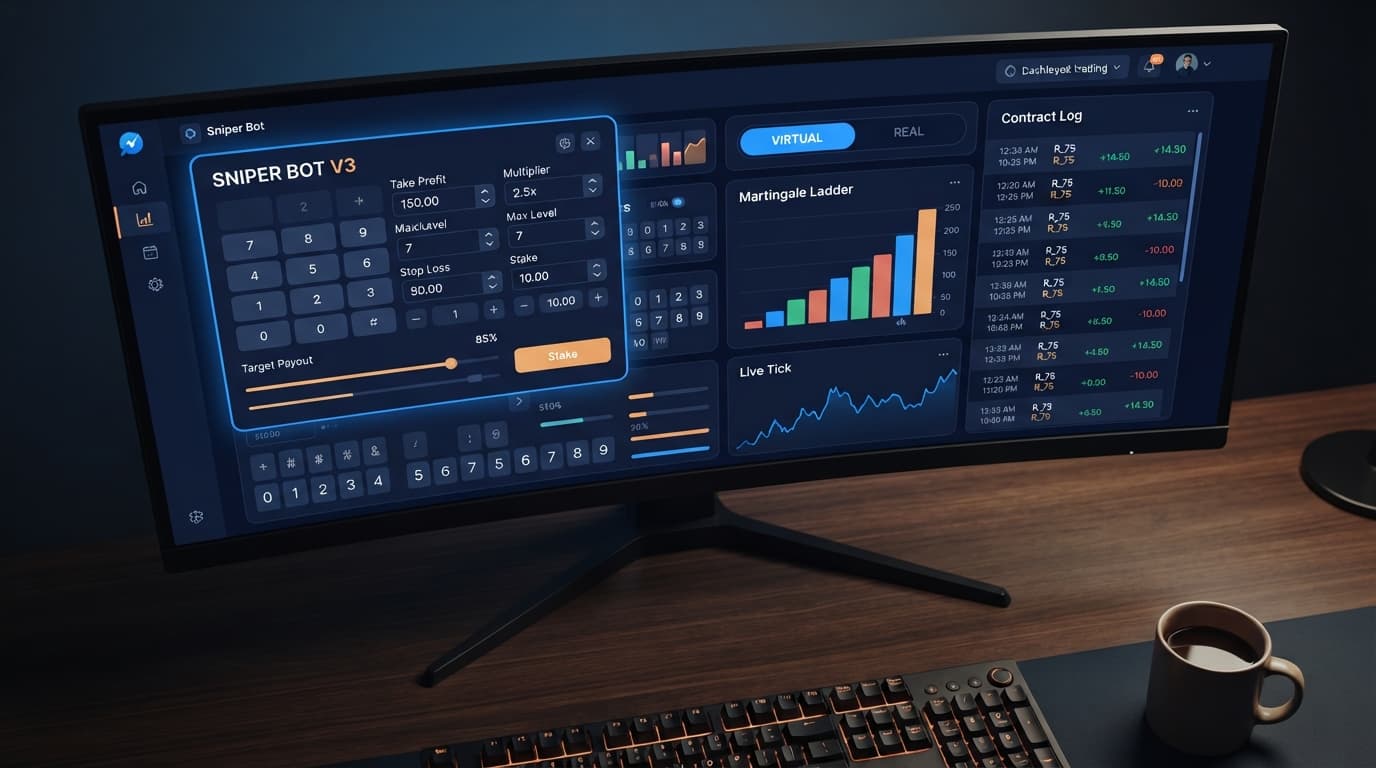
Enter your monetary target into the TARGET PROFIT field on the panel to configure your sniper bot v3 take profit settings and lock in gains.
To run sniper bot v3 on volatility 100, you connect your Deriv API token, select the Volatility 100 Index market, set your execution mode to Martingale or Fixed Stake, and configure a virtual loss threshold so the system paper-trades through losing runs before risking real funds. This setup filters out initial unfavorable ticks on the Volatility 100 Index, switching to real cash trades only after your preset sequence of simulated losses occurs.
If you want to automate trades on fast synthetic assets without exposing your bankroll to every tick, this guide walks you through every control on the panel. You'll learn how to set up the connection, configure risk limits, and build a paper-trading shield on a demo or live balance.
Before launching the interface, assemble these required items:
Paste your Deriv API token into the dedicated API token field at the top of the interface and click the connect button. Once connected, your account balance and account ID will display on the interface, confirming active communication with Deriv servers.
Next, locate the market selector dropdown menu. Scroll down to the synthetic indices section and select Volatility 100 Index. When running sniper bot v3 on volatility 100, selecting the correct market ensures that every subsequent trade parameter applies directly to this specific high-volatility tick stream. The panel will confirm the active asset on the summary feed.
Navigate to the strategy panel to select your trade type and execution mechanics.
The control panel will update instantly to reflect your chosen strategy framework.
When using Martingale or Fibonacci money management, you need strict controls over how aggressively stakes increase after a trade loss.
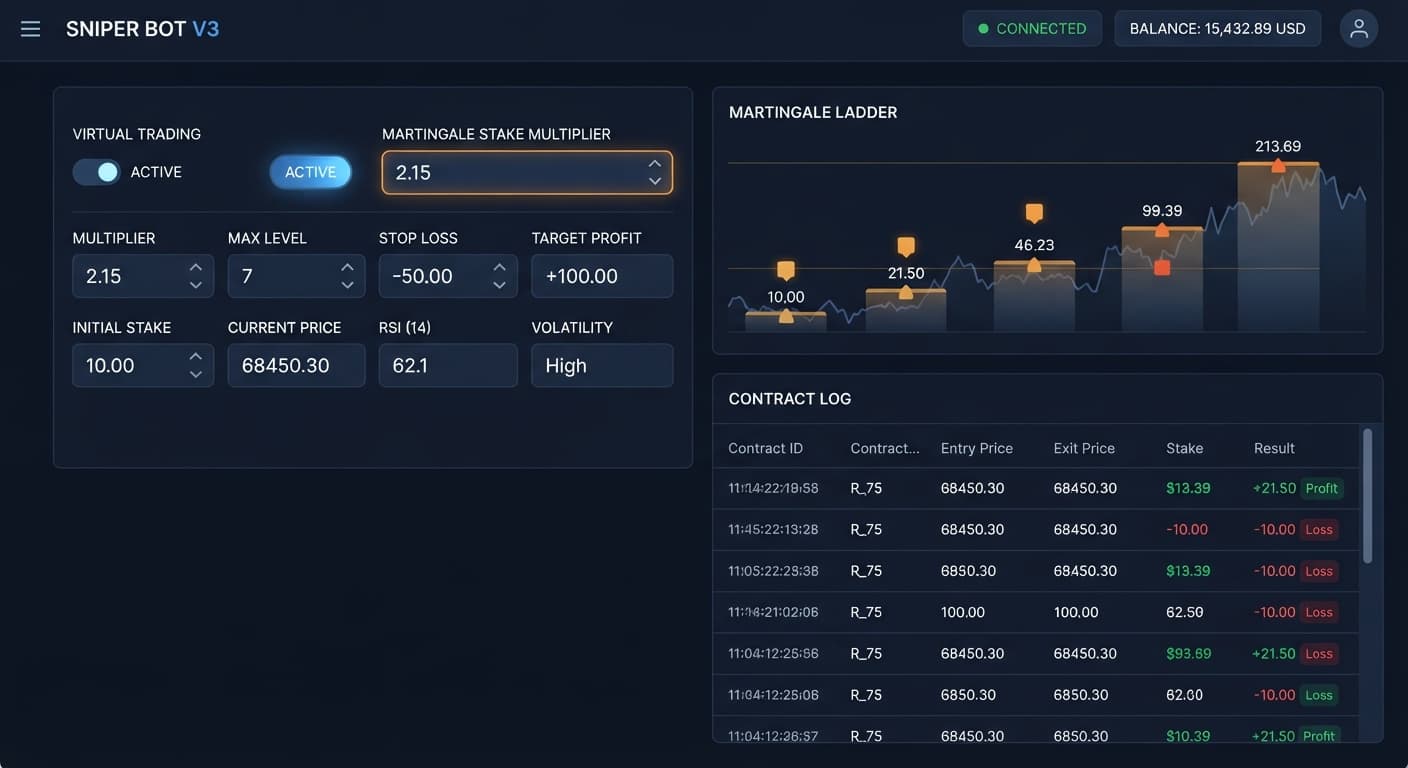
Set your base trade amount in the UNIT field. Next, set the MULTIPLIER value; standard Martingale uses 2.0, which doubles your stake following a loss. Enter a numerical value into MAX LEVEL to cap how many times the stake can step up. For instance, a MAX LEVEL of 4 restricts the bot from increasing the stake past four consecutive steps.
Finally, select an action in WHEN MAX LEVEL. You can set it to reset back to the initial UNIT stake, or instruct the bot to stop executing completely. This prevents an uncontrolled losing streak from doubling your stake beyond your account's capacity.
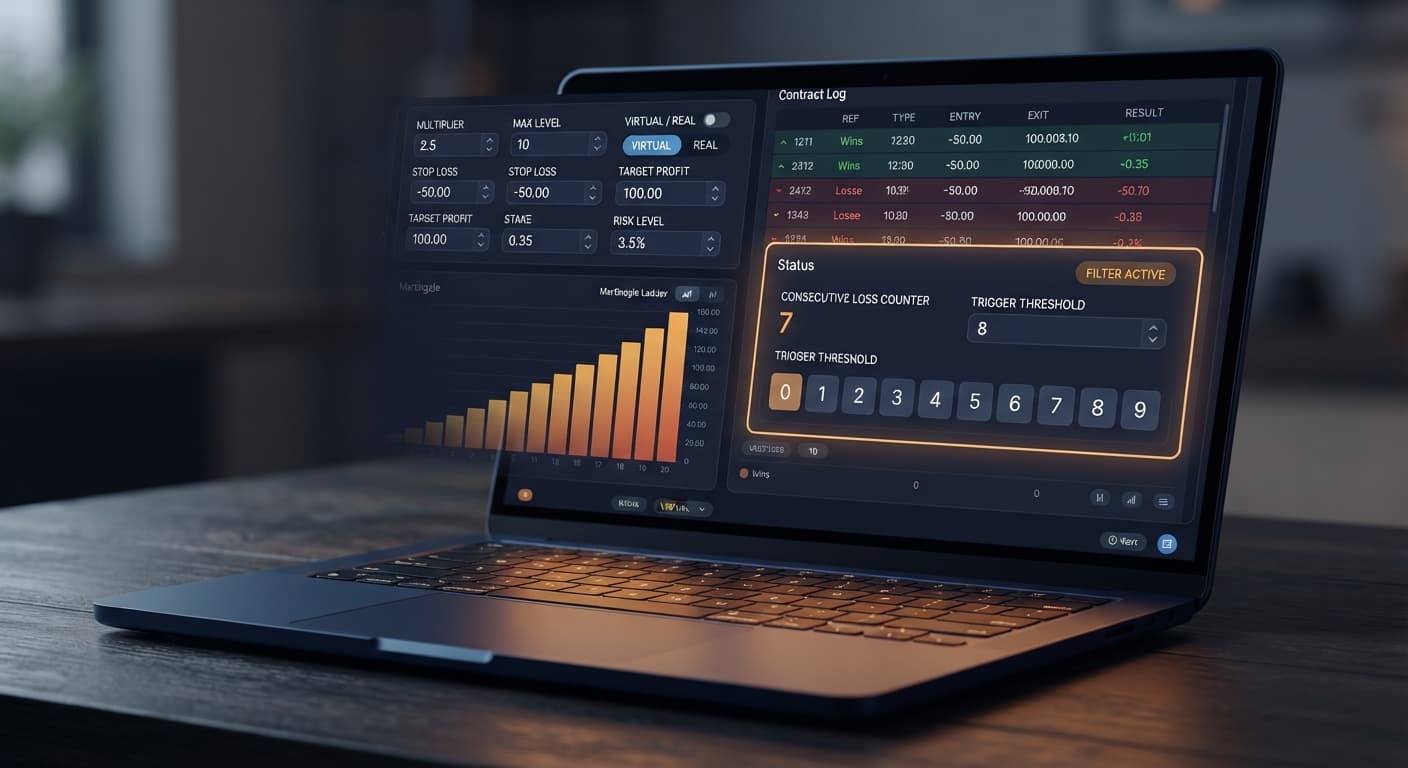
Virtual trading is the key protection mechanism on this platform. Enter a number into VIRTUAL LOSS (in a row) to set how many consecutive paper losses must occur before real funds are committed. If you set this to 3, the bot monitors real-time Volatility 100 Index ticks and simulates $0 trades until three consecutive virtual trades lose. Only then does it enter the live market.
[ Virtual Trades (Paper) ] ---> 3 Losses in a Row ---> [ Real Trade Placed ]
                                                               |
    [ Real Win / Real Loss ] <--- Return Rules (BACK TO VIRTUAL)
Configure how the system behaves after real trades using the BACK TO VIRTUAL dropdown:
Setting this up when configuring sniper bot v3 on volatility 100 protects your balance from taking every single trade during erratic market runs. If you want to use a separate token for paper tracking, enter it into the VIRTUAL TOKEN box; otherwise, leave it blank to let the system simulate trades automatically.
Before starting the session, set your session boundaries and speed controls at the bottom of the form.
Review every field on screen, then click the Start Bot button. The log window will display tick readings, virtual trade results, and live trade executions in real time.
Automated tools like deriv bots calculate stake progressions with zero emotion. If you run a Martingale recovery on Volatility 100 Index, you must know exact balance requirements. Synthetic index ticks are independent draws; past digit outcomes or direction changes do not increase the statistical odds of the next tick winning.
Here is a concrete breakdown of a $100 starting balance using a $1 base stake (UNIT), a 2.0 MULTIPLIER, and VIRTUAL LOSS (in a row) set to 3 on a DIGITEVEN strategy.
| Sequence Stage | Virtual / Real Trade | Position Stake | Outcome | Run Loss Total | Account Balance Remaining |
|---|---|---|---|---|---|
| Virtual Step 1 | Virtual | $1.00 (Paper) | Loss | $0.00 | $100.00 |
| Virtual Step 2 | Virtual | $1.00 (Paper) | Loss | $0.00 | $100.00 |
| Virtual Step 3 | Virtual | $1.00 (Paper) | Loss | $0.00 | $100.00 |
| Real Trade 1 | Real | $1.00 | Loss | -$1.00 | $99.00 |
| Real Trade 2 | Real | $2.00 | Loss | -$3.00 | $97.00 |
| Real Trade 3 | Real | $4.00 | Loss | -$7.00 | $93.00 |
| Real Trade 4 | Real | $8.00 | Loss | -$15.00 | $85.00 |
| Real Trade 5 | Real | $16.00 | Loss | -$31.00 | $69.00 |
| Real Trade 6 | Real | $32.00 | Loss | -$63.00 | $37.00 |
| Real Trade 7 | Real | $64.00 | Ineligible | -$63.00 | $37.00 (Insufficient Funds) |
In this scenario, six consecutive real losses wipe out $63 of capital. On Real Trade 7, the required stake is $64.00, but the account only has $37.00 left. Execution halts instantly due to insufficient balance.
Even though three virtual losses were absorbed first, nine total losses in a row occurred across the market stream. That is why setting MAX LEVEL is vital. If MAX LEVEL were capped at 3, the fourth real trade stake would have reset to $1.00 instead of escalating to $8.00, preserving $56.00 of remaining equity.
Many traders running binary bots run into preventable account drawdowns. Here are four primary risks when automating trades on the Volatility 100 Index and the exact interface controls used to eliminate them.
Test your settings on Sniper Bot V3 using a free demo balance before risking real funds.
If you need a trading balance to get started, create a free Deriv account to test your strategies risk-free.
Trading involves risk. Past performance does not guarantee future results.
Advanced automated trading bot for Deriv with Rise/Fall, Higher/Lower, Touch/No Touch and Digit strategies, plus martingale, anti-martingale, Fibonacci and D'Alembert money management.
Open Sniper Bot V3 →You generate a Deriv API token with Read and Trade scopes enabled from your account settings. Then, paste that token into the designated field at the top of the Sniper Bot V3 interface and click the connect button.
You locate the market selector dropdown menu on the interface and scroll down to the synthetic indices section. From there, you simply select the Volatility 100 Index to ensure your trade parameters apply to that specific asset.
The virtual loss buffer is a paper-trading shield that lets the system simulate losses before risking real funds. You configure a virtual loss threshold to filter out initial unfavorable ticks on the Volatility 100 Index before switching to real cash trades.
You enter a numerical value into the MAX LEVEL input to restrict how many times your stake can step up after a loss. You can also configure the WHEN MAX LEVEL setting to either reset back to your initial unit stake or stop execution completely.
Guides closest to this one.
Enter your monetary target into the TARGET PROFIT field on the panel to configure your sniper bot v3 take profit settings and lock in gains.
Set VIRTUAL LOSS to 3 when running sniper bot v3 on volatility 10 to filter out choppy price movement and protect your account balance from flat ticks.
Discover why your sniper bot v3 not working on Deriv. Fix your virtual loss filter settings to resume trading on this free automated trading bot.