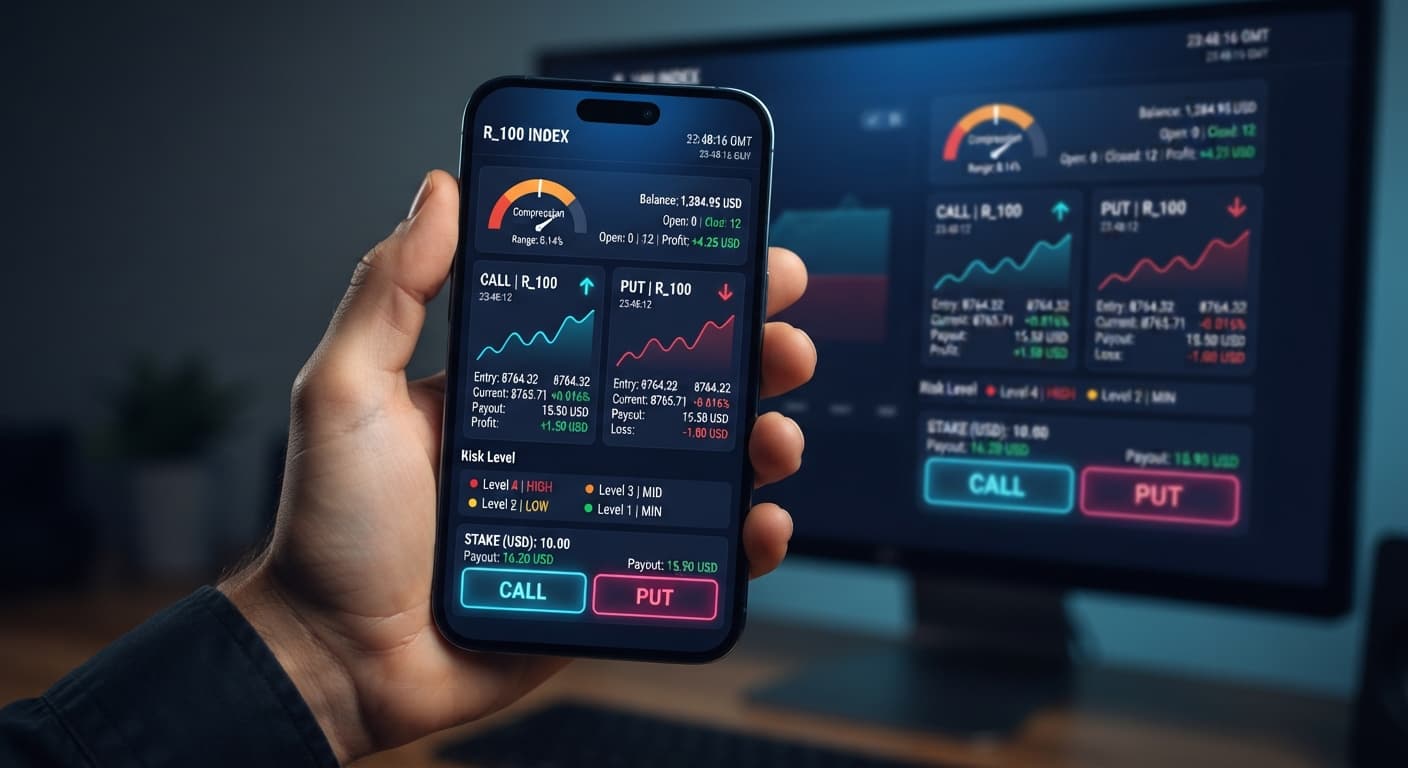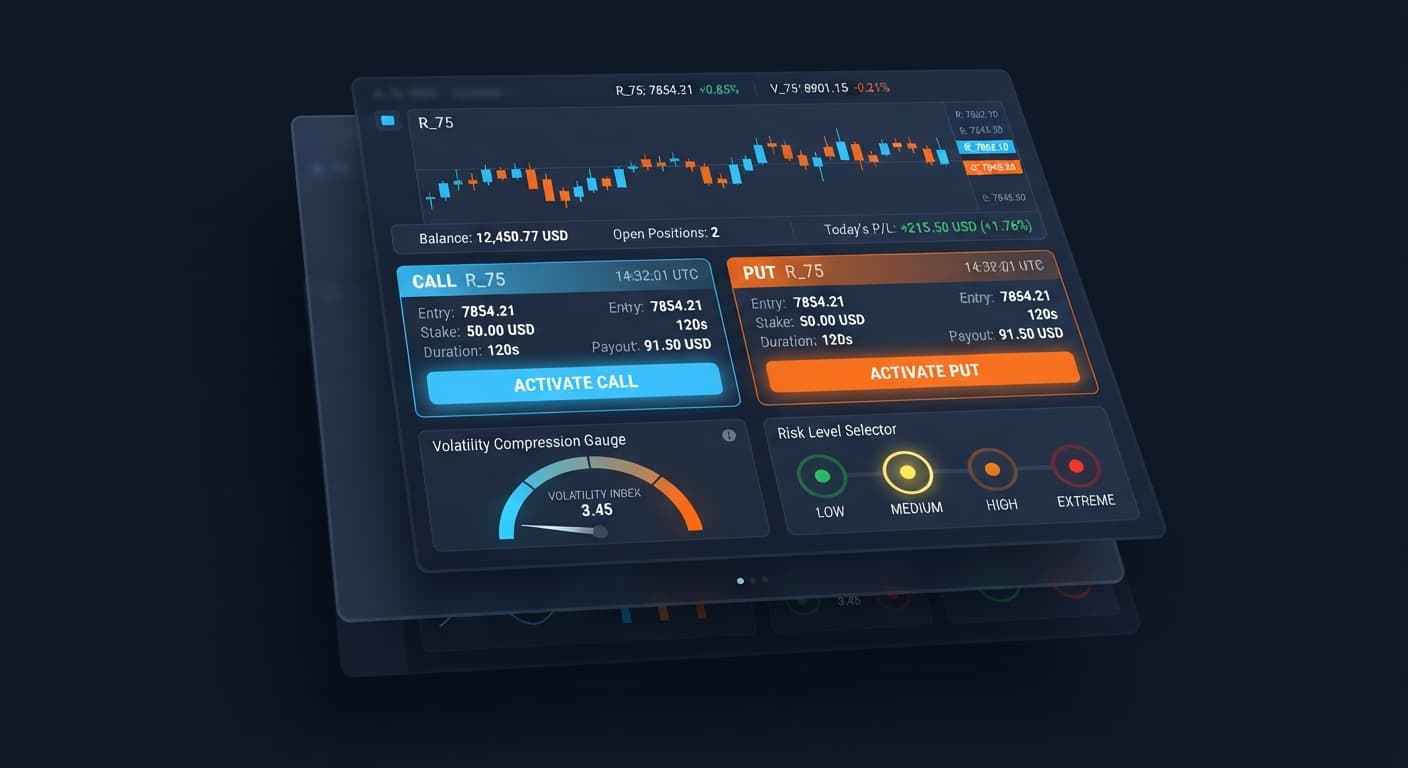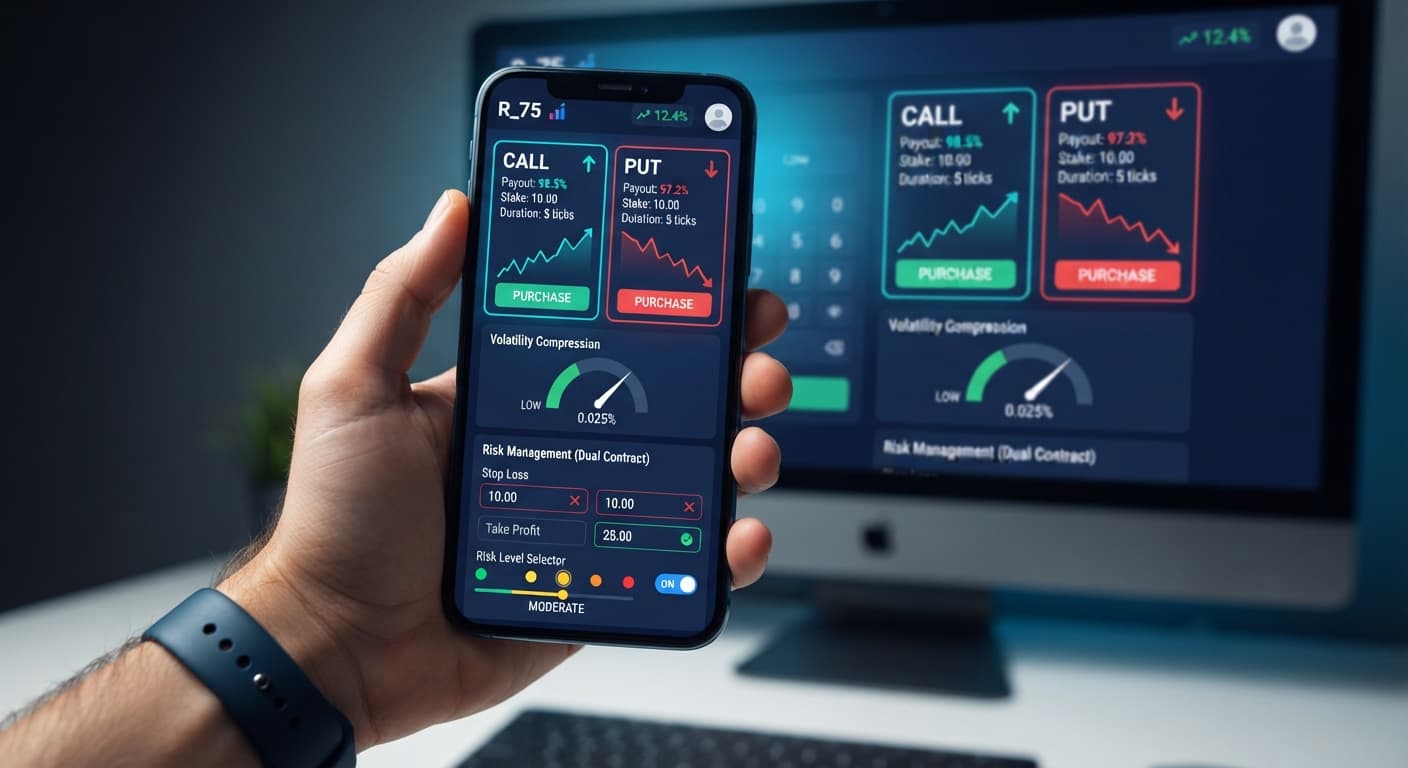
Auto Trading Bots
DualShot Stop Loss Setup for Deriv Bots
Master your dualshot stop loss setup on BinaryBot.live. Learn how to configure risk controls for this deriv trading bot before launching.
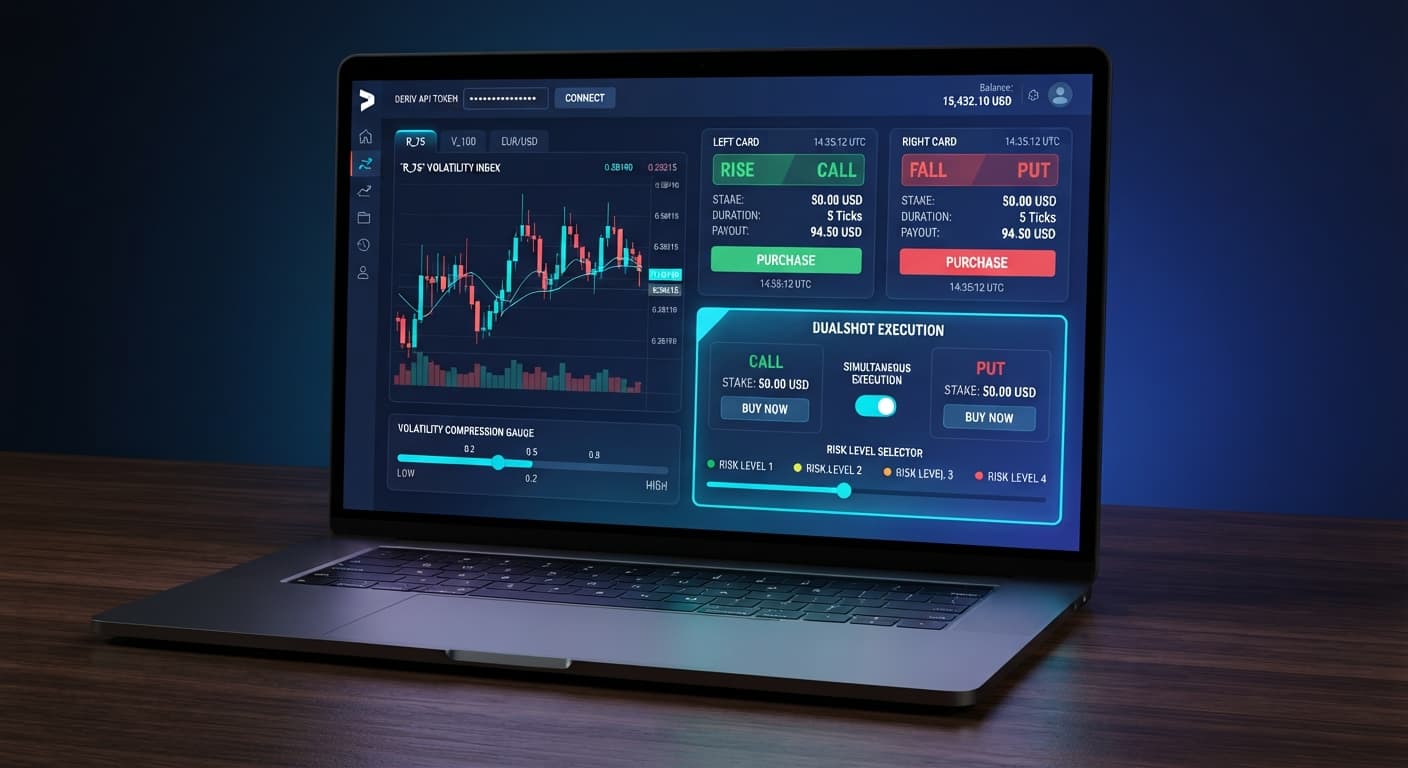
Completing a dualshot api token setup requires generating an API token with Read and Trade permissions inside your Deriv account settings and pasting it directly into the DualShot interface. Once connected, the system executes simultaneous CALL and PUT trades on synthetic indices using real-time volatility tracking. You'll have an active session capable of firing dual-sided positions in seconds without routing funds through any third-party server.
This guide is built for Deriv traders who want to capture sudden volatility expansions across synthetic markets without picking direction manually. If you've struggled with manual execution speed during fast market breakouts, this tool automates the entry mechanics for you.
Before starting the dualshot api token setup, gather these essential components:
Log into your Deriv account and navigate to your account settings menu. Locate the Security and Safety tab, then select API Token from the side panel. You'll see a checklist of permissions required for external API authorization.
Check the boxes for Read and Trade. Don't select Admin or Payment Agent, as DualShot only needs permission to view your session status and place market trades. Type a label like "DualShot Automation" into the token name field and click Create. Copy the generated alphanumeric string immediately. Deriv won't display this exact key again after you navigate away from the page.
Head over to DualShot in your browser. The tool loads as a lean web interface that connects directly to Deriv over their official API.
Find the API Token field near the top of the interface. Paste your copied token string directly into the box and click the connect button. Within one second, the interface authenticates with Deriv. You'll see your current balance update live on screen along with your account identifier. If the balance doesn't display, your token was copied incorrectly or lacked the Read permission scope.
With your account linked, select your preferred synthetic index from the market selection menu. Volatility 100 Index and Volatility 75 Index are popular choices due to their constant tick updates and frequent price surges.
Next, navigate to the Stake ($) input field. Enter your desired trade amount per contract. Remember: DualShot opens a CALL and a PUT contract simultaneously on a single signal. If you type 5.00 into Stake ($), your account commits $10.00 total across both positions on every execution. Adjust this number down if you're used to trading single contracts on standard deriv bots.
DualShot uses continuous price monitoring to detect when volatility shrinks before expanding. You must configure how strictly the algorithm measures market compression before triggering an entry.
Locate the Risk Level drop-down menu on the interface. You have four selectable options:
If you're testing a fresh dualshot api token setup for the first time, stick to Low Risk (Safer) or Medium Risk to avoid firing into choppy, range-bound price action.
Before clicking the primary execution button, verify that your active account indicator shows a demo balance rather than real money. DualShot executes orders the moment conditions line up.
Click the execute button. DualShot evaluates incoming market ticks. The moment its volatility engine detects the configured compression threshold, it sends two concurrent trade payloads over the connection. The on-screen trade log updates immediately, displaying two open contract IDs: one CALL and one PUT. Watch how both contracts track live ticks side-by-side until expiration.
Timing is the core mechanics of dual-contract execution. Unlike typical binary bots that guess direction on a single contract, DualShot relies on price moving far enough in either direction to offset the premium paid on the losing leg.
Synthetic indices on Deriv generate ticks at fixed intervals. On Volatility 100 Index, exactly one tick occurs every single second. On Volatility 75 Index, ticks generate at the exact same frequency, but the underlying index values experience far wider point movements per tick.
The table below breaks down execution timing, tick intervals, and required price expansion behavior across standard contract durations:
| Expiry Window | Duration in Seconds | Compression Analysis Phase | Execution Latency | Required Market Behavior |
|---|---|---|---|---|
| 10 Ticks | 10 Seconds | Evaluates prior 30–50 ticks | ~150–300 ms | Immediate fast spike on tick 1 or 2 |
| 20 Ticks | 20 Seconds | Evaluates prior 50–100 ticks | ~150–300 ms | Sustained directional trend out of channel |
| 50 Ticks | 50 Seconds | Evaluates prior 100+ ticks | ~150–300 ms | Broad structural breakout across large tick range |
When you initiate a trade, your API connection transmits the order payload within approximately 200 milliseconds. Both the CALL and PUT contracts record their entry spot on the exact same market tick.
During a 10-tick duration on Volatility 100, tick 1 through tick 3 often determine the trade outcome. If the index expands 15 points upward by tick 4, the CALL contract gains deep intrinsic value while the PUT contract caps its loss at the initial stake. If the price travels sideways for 8 seconds, neither contract gains enough separation to produce a net positive return across the combined position.
Automated trading carries real operational risks. Understanding where dual-execution strategies fail is critical before allocating real capital.
The primary threat to a dual CALL+PUT position is a flat, stationary market. When price consolidates inside a tight range and stays there through expiry, both contracts can expire out of the money or fail to generate enough profit on the winning side to cover the loss on the other side.
Mitigation: Keep your Risk Level set to Low Risk (Safer). This forces the bot to wait for verified price compression, which naturally precedes large directional moves.
Because DualShot opens two positions at once, entering a $10 stake in the Stake ($) control immediately risks $20 across the two contracts. Traders coming from single-contract automated tools often overlook this multiplier and over-leverage their account balance on the first burst of activity.
Mitigation: Cut your standard single-trade stake in half when filling out the Stake ($) input field on DualShot.
Deriv synthetic index ticks are calculated using independent random number generators. A sudden price surge on tick 2 can completely reverse by tick 5. Past price movement or digit distribution never guarantees the next tick direction or duration speed.
Mitigation: Always establish a clear stop loss and take profit target for your trading session before launching the bot. Test your dualshot api token setup settings thoroughly on a virtual demo account prior to trading real capital.
If your Deriv API token loses permissions or your browser disconnects mid-session, active trades remain open on Deriv's servers until expiry, but DualShot won't be able to log the results or send follow-up signals.
Mitigation: Ensure your internet link is reliable and verify that your token permissions retain 'Read' and 'Trade' access in your Deriv settings.
Try it yourself on DualShot using a demo balance first.
If you don't have one yet, create a free Deriv account.
Trading involves risk. Past performance does not guarantee future results.
Related: Configuring DualShot Risk Levels on BinaryBot.live
Deriv best strategy bot with advanced analysis tools — executes 2 simultaneous trades in one click, firing CALL and PUT contracts at the same time with real-time volatility detection.
Open DualShot →Log into your Deriv account, go to account settings, and select API Token under the Security and Safety tab. Check the Read and Trade permissions, name your token, and click create. Finally, copy that alphanumeric string and paste it directly into the DualShot interface.
You need to check the boxes for both Read and Trade permissions when generating your token on Deriv. Don't select Admin or Payment Agent, since DualShot only requires permission to view your session status and place market trades.
DualShot opens a CALL and a PUT contract simultaneously, which means your account commits double the amount you enter into the stake field. If you type $5.00 into the stake input, the system actually commits a total of $10.00 across both positions on every execution.
If your balance doesn't display, your token was likely copied incorrectly or lacked the necessary Read permission scope. Make sure you generated a fresh token with both Read and Trade scopes checked and pasted the entire string into the interface.
Guides closest to this one.
Master your dualshot stop loss setup on BinaryBot.live. Learn how to configure risk controls for this deriv trading bot before launching.
Compare dualshot vs manual trading for Deriv bots. Learn how executing simultaneous CALL and PUT trades differs from single-direction execution. Try it free.
Master the dualshot demo account setup for deriv bots. Learn step-by-step how to configure simultaneous CALL and PUT trades risk-free. Try it now!