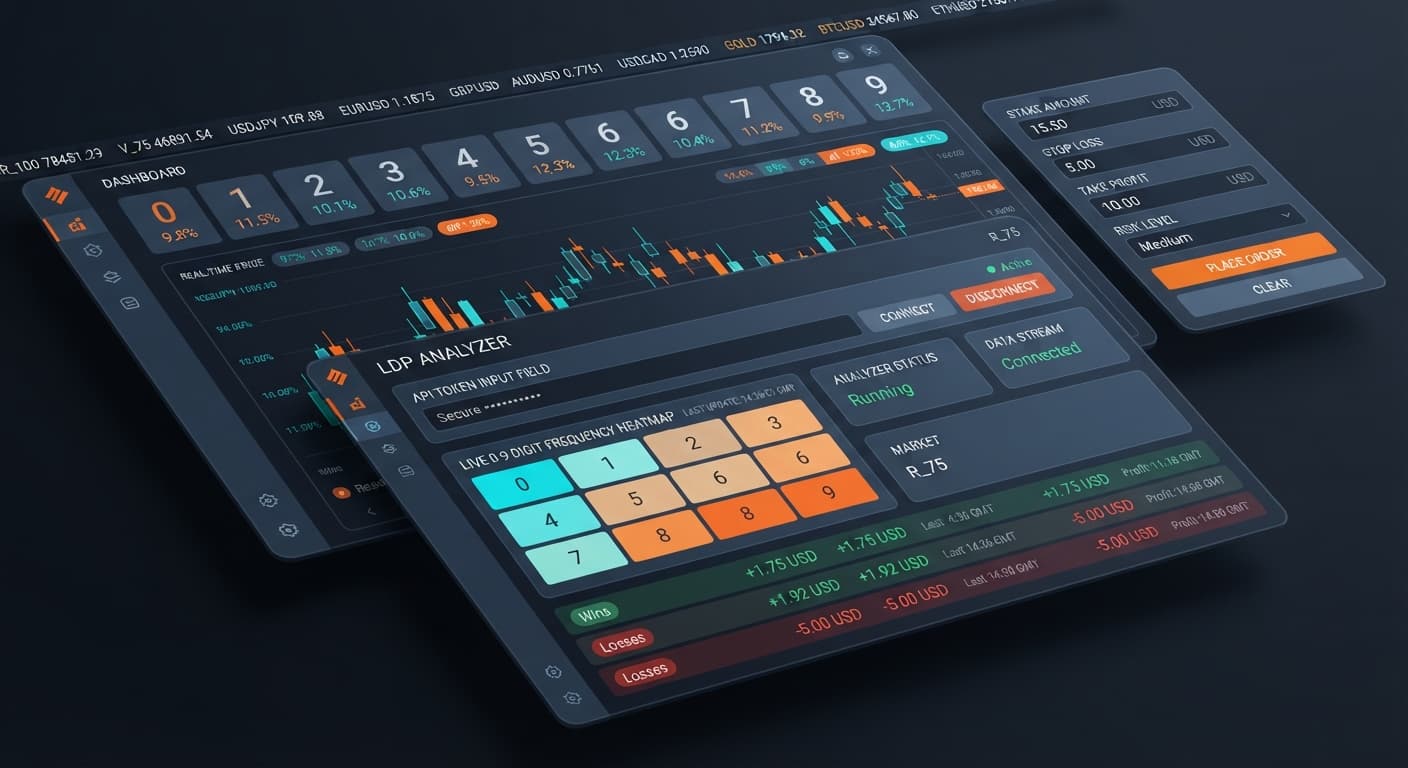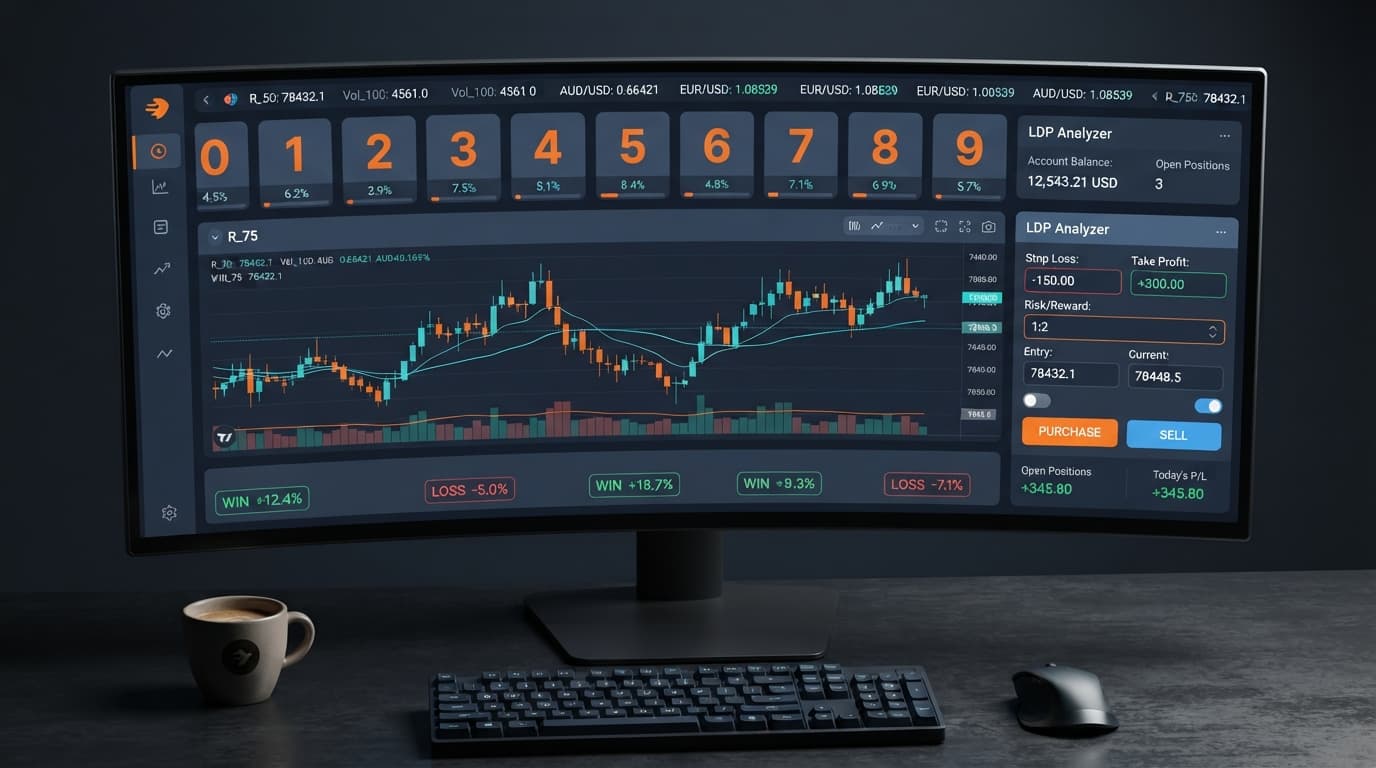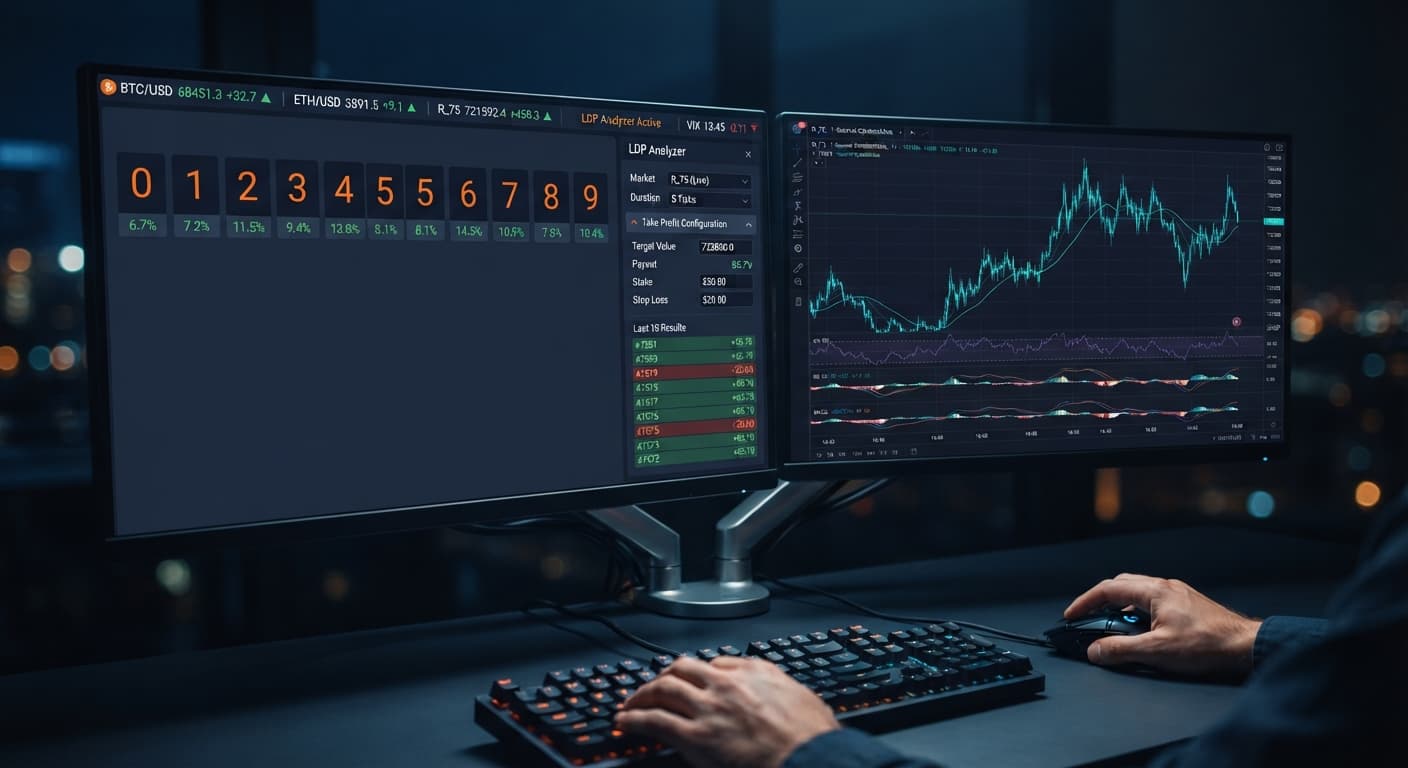
Digit Analysis
LDP Analyzer Take Profit Settings: Setup Guide
Set your ldp analyzer take profit settings to 2% to 5% of your total account balance or 2 to 4 times your stake to lock in automated gains.
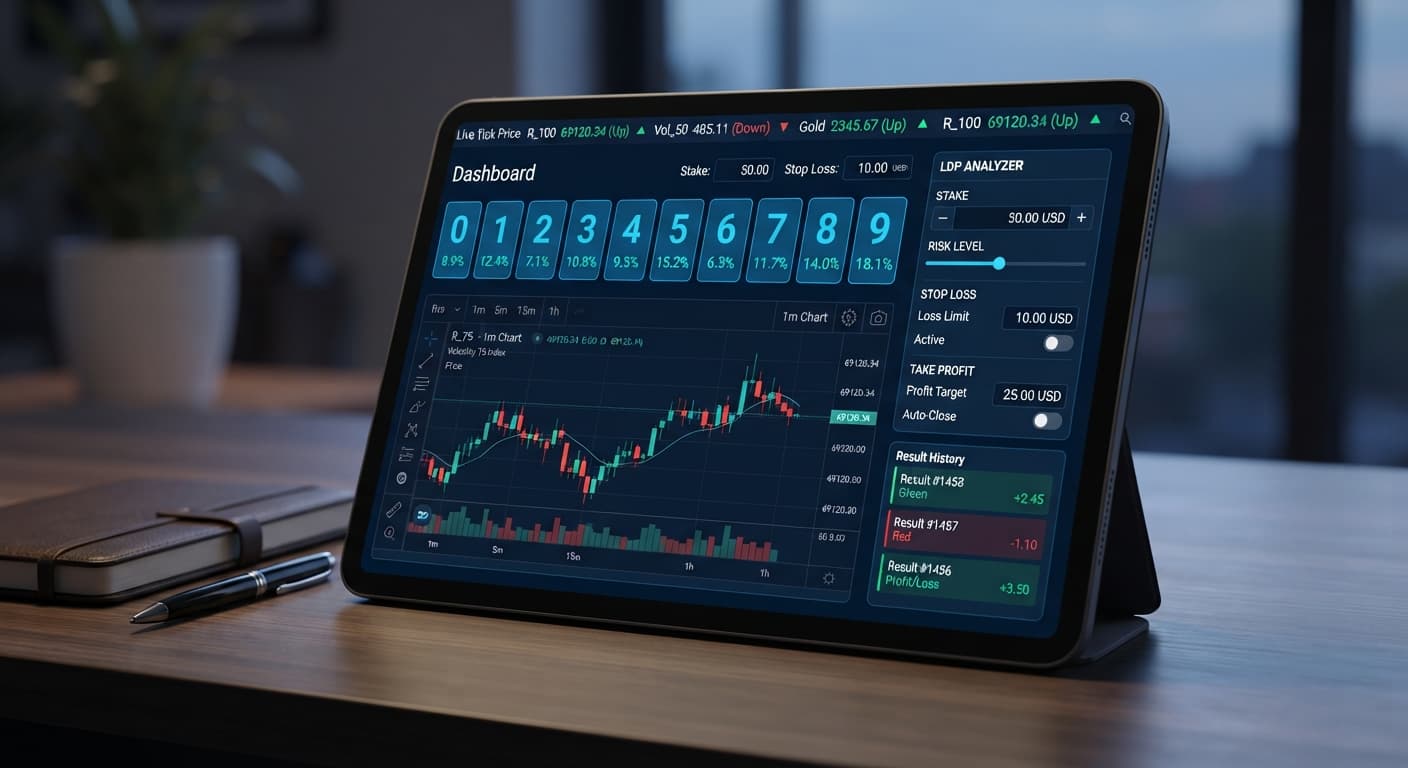
To execute an effective ldp analyzer small account strategy, set your stake to $0.35, your stop loss to $3.00, and your take profit to $2.00 on a $20 account balance. This setup limits your total session exposure to 15% of your bankroll while giving automated execution enough margin to absorb natural statistical variance. By locking in small capital increments on Deriv synthetic indices, you keep your account alive through short adverse runs without triggering premature margin distress.
Using browser-based deriv bots requires strict control over input fields before clicking start. The primary error traders make with small balances isn't picking the wrong market—it's failing to match contract risk with account size. Before connecting your token or placing a trade, you need precise parameters typed into every control field.
When managing small balances, input values dictate survival. Here's the baseline configuration for a $20 account balance on the standard analyzer:
If your starting account balance is $50 or $100, don't immediately increase your trade size. Keep your stake at $0.35 while scaling your caps proportionately:
stake $0.35 | stop loss $7.50 | take profit $5.00stake $0.35 | stop loss $15.00 | take profit $10.00Setting these precise inputs inside an ldp analyzer small account strategy preserves capital. Many web-based binary bots allow users to launch contracts without limits, leading directly to drained balances. The analyzer forces execution to stop the moment your session cross-checks these thresholds.
Understanding how the system processes your inputs prevents unexpected account drawdowns. The tool operates in two distinct operational modes: real-time digit analysis and automated strategy execution.
When you input your API key into the Deriv API token connection field, the analyzer streams ticks directly from Deriv servers inside your browser window. No funds are stored on BinaryBot.live; every contract executes directly inside your personal account balance.
[ Browser Interface ] ---> Direct API Stream ---> [ Deriv Account Engine ]
       |                                                 |
  Inputs: Stake, SL, TP                          Executes Contracts:
  Tracks Ticks & Digit Feed                      DIGITEVEN, DIGITOVER, etc.
During automated strategy execution, the system tracks cumulative profit and loss after every closed contract tick:
stake input box. The analyzer uses fixed-stake execution without automated doubling or stake scaling.take profit input, execution halts instantly.stop loss limit, the execution cycle breaks. No further trades are sent to Deriv.Remember that Deriv synthetic index ticks are independent random draws. Past digit frequency does not alter the probability of the next tick. The system automates execution speed, not market outcomes, so protective limits must sit in place before sending trade instructions.
To run an ldp analyzer small account strategy cleanly, you need to recognize how the visual elements respond on screen. Watching the live tick feed and execution panel tells you whether your system is running correctly or experiencing API drops.
| Visual Interface Signal | System State | Operator Action Required |
|---|---|---|
| Green token indicator with updating last-digit stream | Live API stream verified; active tick processing | None. Parameters are tracking normally. |
Red output border on stop loss numeric field |
Circuit breaker triggered; loss limit reached | Do not restart. Stop session and evaluate performance. |
| Blue settlement notification with TP label | Target hit; net profit locked in | Disconnect token. Session objective complete. |
| Frozen digit display for over 5 seconds | Stalled WebSocket connection | Refresh browser page and re-enter API token. |
| Error banner: "Insufficient Balance" | Account balance fell below configured stake |
Deposit funds or switch back to demo testing. |
A working connection updates digit tallies on every single tick. If the tick stream halts while an automated run is active, the browser has lost socket communication with Deriv. If that happens, close the trade window, re-verify your connection status, and confirm active balances directly on your Deriv dashboard before re-engaging.
Choosing the correct asset from the market selector is just as critical as your monetary inputs. Volatility index markets vary in speed, tick calculation, and digit distribution dynamics.
Here is how available contract types and index selections perform under small account restrictions:
| Contract Type | Payout Ratio | Loss Risk Profile | Execution Suitability |
|---|---|---|---|
| DIGITEVEN / DIGITODD | ~95% payout | 50% loss chance per tick | Best for systematic, low-risk session pacing |
| DIGITOVER / DIGITUNDER | Variable (depends on target digit) | Asymmetric distribution | Recommended only when setting low barrier thresholds |
| DIGITMATCH | ~800% payout | ~90% loss chance per tick | Unsuitable for small accounts due to fast drawdown |
| DIGITDIFF | ~9.5% payout | ~10% loss chance per tick | Requires high win rates; small gains destroyed by single losses |
For small account balances, DIGITEVEN and DIGITODD offer the most stable risk-to-reward ratio. They allow your session to withstand expected variance without burning through your $3.00 stop loss in three consecutive ticks.
When choosing from the market selector, stick to Volatility 10 Index or Volatility 10 (1s) Index. Higher volatility indices like Volatility 100 move rapidly, which can lead to quick losses if you hit a bad run of digit patterns.
Running an ldp analyzer small account strategy requires time limits alongside price limits. Automated execution speed means hundreds of ticks pass in minutes. Extended exposure increases the likelihood of encountering adverse digit sequences that hit your protective stops.
Follow these strict operational rules based on your balance size:
Never leave automated digit strategies running unattended. Limit each session to 15 minutes or 20 total settled contracts, whichever comes first. Disconnect your token as soon as you reach your limit, regardless of whether you hit your exact target.
The basic analyzer provides core digit tracking and basic contract automation. If your small account grows beyond $200 and you need deeper analytical features—like 0-9 frequency heatmaps, DIFFER/MATCH target tools, and enhanced auto-trading settings—you can switch to LDP Analyzer Pro for higher-volume strategy execution.
Always run new settings combinations on a Deriv demo account before risking live capital. Verify that your API connection executes trades accurately, confirm that your stop loss stops execution properly when triggered, and observe how fast your balance moves during live tick streams.
If you want to test alternative automation methods, browse the free bot library to compare how different digit scripts handle automated risk management.
Try it yourself on LDP Analyzer using a demo balance first. If you don't have one yet, create a free Deriv account. Trading involves risk. Past performance does not guarantee future results.
Related: LDP Analyzer Take Profit Settings: Setup Guide
Free LDP Binary Analyzer — AI-powered last-digit analysis for Deriv traders with real-time binary analysis and automated strategies.
Open LDP Analyzer →Guides closest to this one.
Set your ldp analyzer take profit settings to 2% to 5% of your total account balance or 2 to 4 times your stake to lock in automated gains.
Use ldp analyzer india for binary bots. Learn how to connect your Deriv API token and run real-time digit analysis today. Start reading now.
Master the LDP Analyzer stop loss setup for Deriv bots. Learn how to configure risk management controls to protect your capital. Start reading today.