Digit Analysis
Why LDP Analyzer Keeps Losing for Deriv Bots
Discover why your ldp analyzer keeps losing on Deriv bots. Learn how to fix stake sizes, stop loss, and take profit settings. Test strategies for free today.
Halting Bot Drawdown Before Runaway Losses Occur
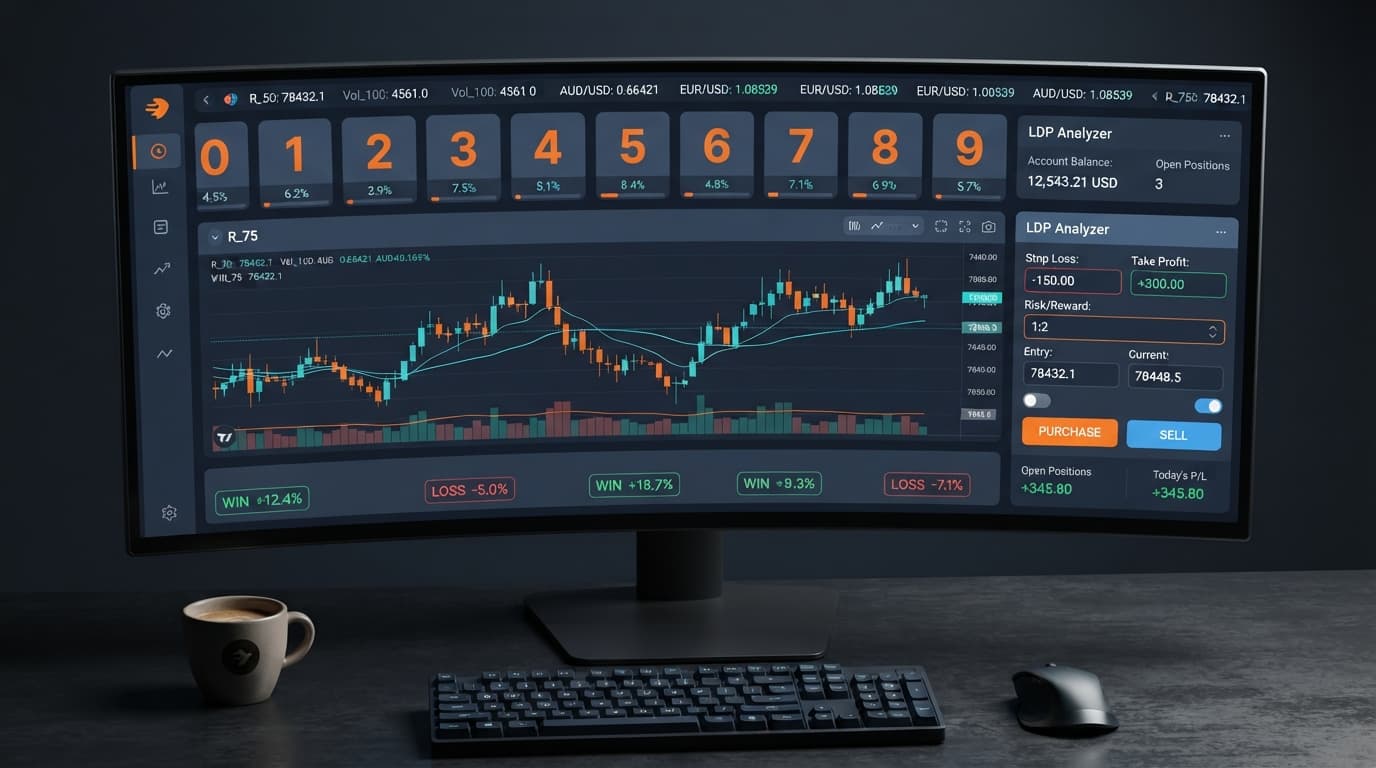
Configuring an ldp analyzer stop loss setup requires defining your maximum allowable loss limit in the stop loss field before starting your automated strategy. By inputting this numeric limit into the web interface prior to running trades, the tool automatically halts all order execution the moment your cumulative net loss reaches that exact dollar threshold. This hard barrier stops a bad streak from damaging your balance while running automated digit strategies on synthetic volatility markets.
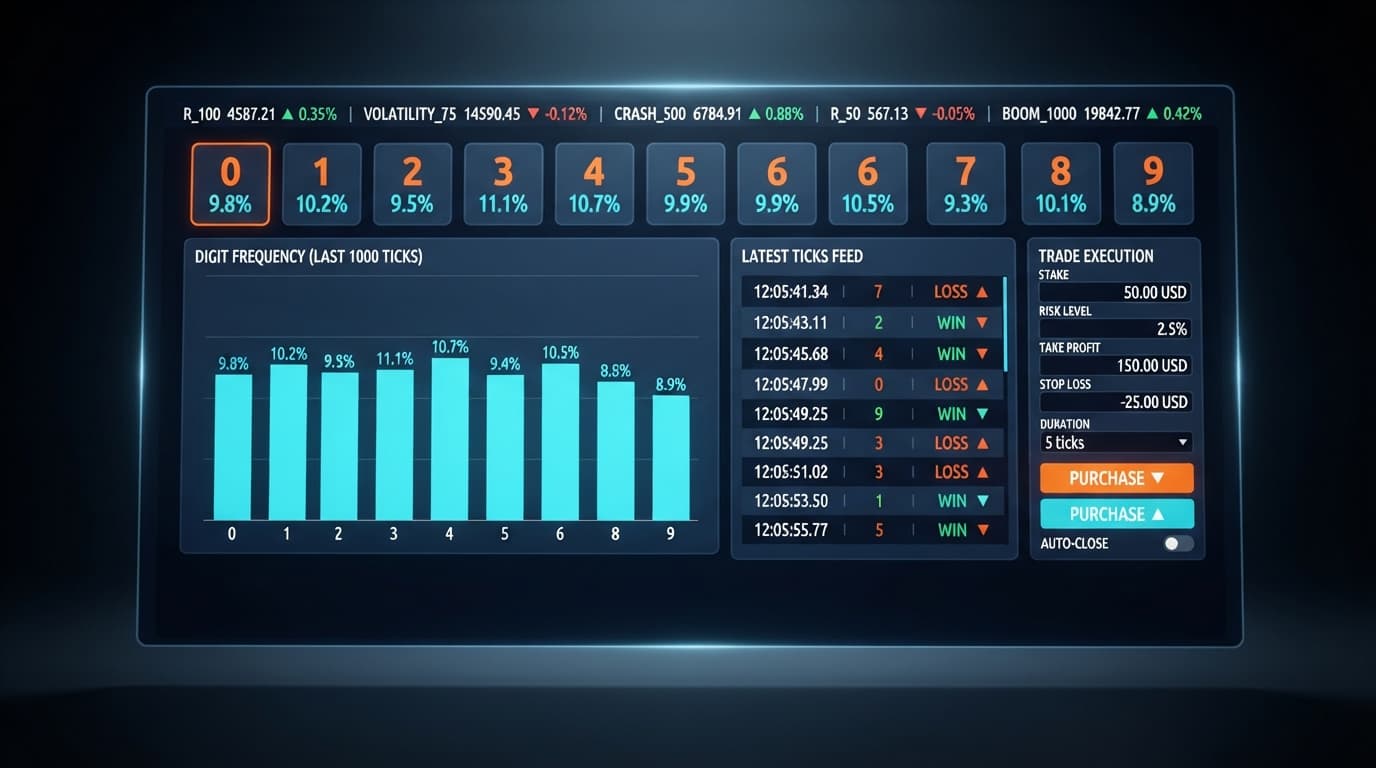
When you run deriv bots on synthetic indices, automated execution processes contracts far faster than manual trading. If you don't set strict boundaries, several consecutive lost trades can drain your session capital in minutes. The tool runs directly in your web browser and connects to Deriv over their official API to monitor real-time tick streams. It places digit contracts like DIGITEVEN, DIGITODD, DIGITOVER, or DIGITUNDER based on incoming price data.
Without a hard safety ceiling, automated scripts keep firing order requests regardless of overall performance. Establishing a fixed drawdown limit turns a raw execution tool into a disciplined system. You must remember that past digit frequency doesn't alter the mathematical probability of the next tick. Deriv synthetic index ticks are completely independent random draws. A long run of odd last digits doesn't make an even digit any more likely on the next tick, which is why automated boundaries are non-negotiable.
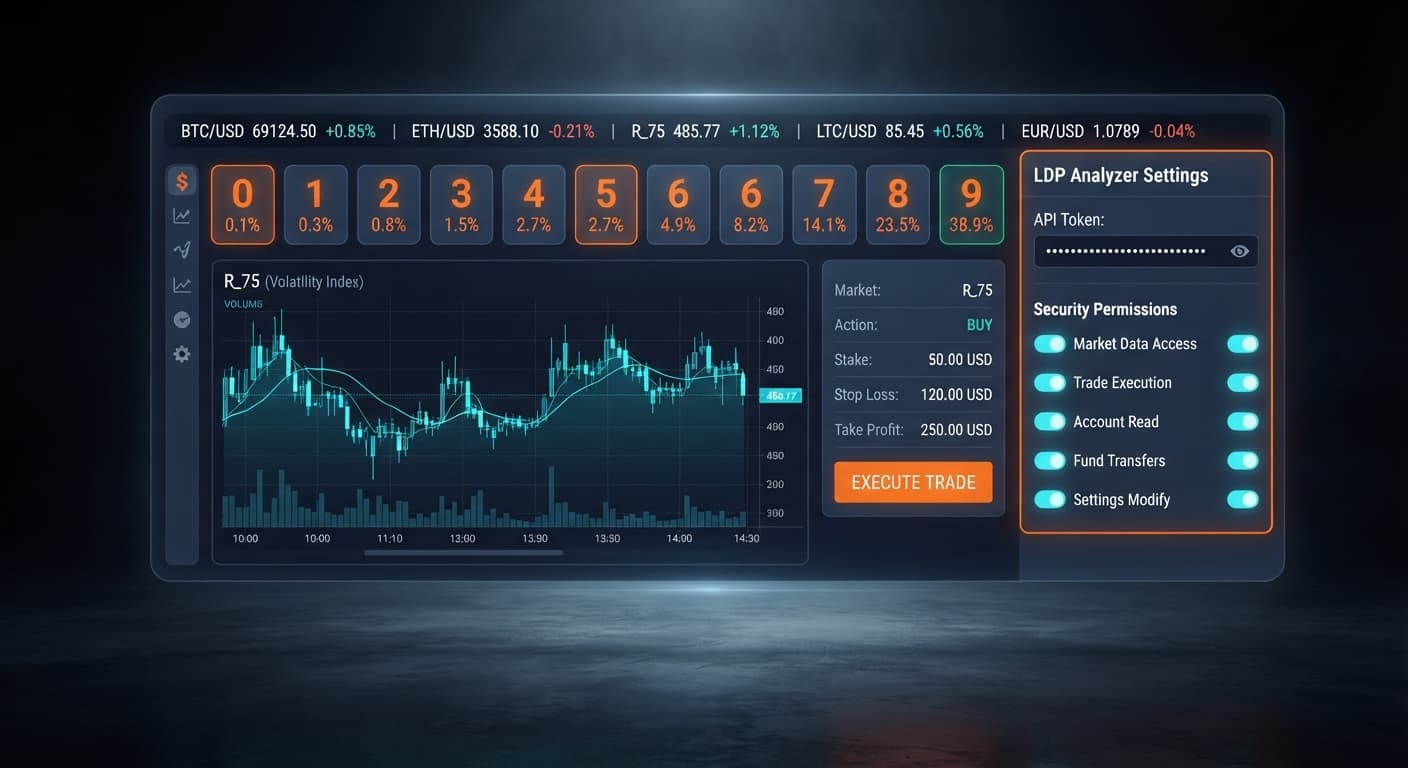
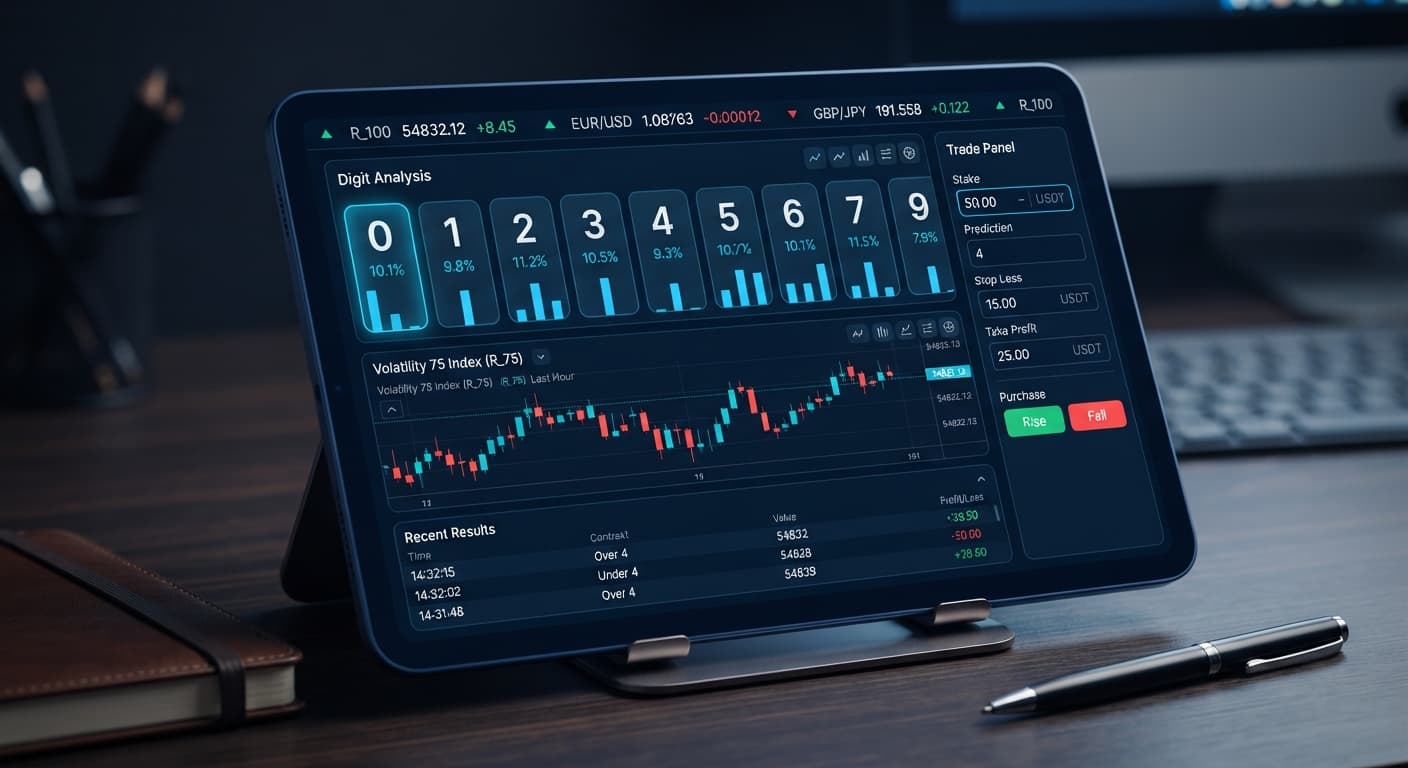
Finding your risk controls on the LDP Analyzer dashboard takes only a few seconds. The interface keeps all system inputs visible at the top of the browser panel, so you don't have to search through hidden submenus while managing open trades.
To configure your risk boundaries, you'll interact with five specific controls:
Deriv API token connection: The input field where you paste your personal API key to establish a secure data link.market selector: The dropdown menu used to choose your synthetic volatility index.stake: The exact dollar amount allocated to each individual contract.stop loss: The total session drawdown limit that triggers an immediate trading shutdown.take profit: The cumulative session profit target that stops execution once achieved.If you leave the stop loss input blank or set it to zero, the bot runs without a safety net. In that state, trades continue firing until your account balance can no longer cover the base stake. Experienced traders who build binary bots always fill in the numerical drawdown threshold before touching any execution controls.
Managing drawdown effectively means balancing your per-trade expenditure against your total allowable session risk. If your target drawdown limit sits too close to your entry cost, normal random variance will trigger a premature bot shutdown before your strategy gets a fair run. If you set it too wide, a tough market sequence can inflict heavy damage on your account.
The table below outlines how each verified input parameter operates within the strategy interface:
| Control Name | Value Type | Primary Risk Function | Practical Execution Result |
|---|---|---|---|
stake |
Currency Value ($) | Defines capital risked on a single tick contract. | Dictates trade sizing for DIGITEVEN, DIGITODD, DIGITOVER, or DIGITUNDER orders. |
stop loss |
Currency Value ($) | Caps maximum net session loss. | Instantly terminates automated order placement when hit. |
take profit |
Currency Value ($) | Locks in net session gains. | Disables contract purchases once financial goal is reached. |
market selector |
Index Dropdown | Controls tick speed and variance profiles. | Switches analysis between standard Volatility indices and 1s speed variants. |
When testing a new ldp analyzer stop loss setup, always verify your parameters on a Deriv demo account first. Real-time digit analysis can feel intense when real money is on the line, and practicing on virtual funds ensures you won't make typing mistakes in the stake or stop loss boxes.
Synthetic indices like Volatility 100 or Volatility 75 (1s) generate new ticks continuously. Because every tick represents an independent random event, you shouldn't rely on statistical anomalies to save an open session. A strict drawdown cap enforces discipline when random distribution produces unexpected digit clusters.
Follow these steps to configure your drawdown limits properly before placing any automated digit trades:
Open the interface and locate the Deriv API token connection field. Paste your API token directly into the box to grant the analyzer permission to read tick feeds and execute contracts on your behalf. No funds pass through BinaryBot.live; your capital stays inside your Deriv account.
Click the market selector dropdown to choose your trading instrument. For standard tick pace, pick Volatility 10, Volatility 25, Volatility 50, Volatility 75, or Volatility 100. If you prefer rapid contract execution, select one of the 1s variants like Volatility 100 (1s).
Navigate to the stake field and enter your single-contract position size. For a conservative setup, enter a small base expenditure such as $1.00. This ensures that individual trade outcomes don't consume a large portion of your bankroll.
Move to the stop loss control box. Enter a specific monetary limit representing the maximum loss you'll accept for the session. For instance, typing 10.00 means the bot will instantly stop purchasing contracts if your net session balance drops by $10.00. Completing this step confirms your ldp analyzer stop loss setup is active and ready to enforce risk limits.
In the take profit field, enter your net target gain for the session, such as 5.00. Once your total session profit reaches $5.00, the system automatically disconnects trading activity, locking in your gains before market variance turns against you.
Selecting the right numerical combination depends on your session bankroll, your selected market index, and your personal drawdown tolerance. The matrix below demonstrates real control parameter profiles you can apply inside the analyzer:
| Market Selection | Stake Input | Stop Loss Value | Take Profit Value | Bot Operational Behavior | Target Trader Style |
|---|---|---|---|---|---|
| Volatility 10 | $0.50 | $5.00 | $2.50 | Halts after a net loss of 10 base stakes or gain of 5 base stakes. | Conservative / Micro-Cap |
| Volatility 25 (1s) | $1.00 | $10.00 | $5.00 | Rapid order flow with a strict $10 total loss barrier. | Moderate / Fast Ticks |
| Volatility 50 | $2.00 | $20.00 | $10.00 | Moderate tick frequency with 10-trade max drawdown room. | Standard Session Trader |
| Volatility 75 (1s) | $5.00 | $50.00 | $25.00 | High-value contract execution with tight 1:2 risk-reward caps. | Active Capital Preservation |
| Volatility 100 | $10.00 | $100.00 | $50.00 | Large position sizing designed for short, capped trade runs. | High-Volume Bankroll |
I prefer the third configuration profile using the Volatility 50 Index with a $2.00 stake, $20.00 stop loss, and $10.00 take profit. This ratio leaves enough room to survive normal statistical variance on digit contracts like DIGITEVEN or DIGITODD without exposing the account to critical drawdown.
Test your rules in real time using the free LDP Analyzer web app on virtual funds before trading live.
If you don't have a trading profile set up yet, start a free Deriv account to generate your API token.
Trading involves risk. Past performance does not guarantee future results.
Related: LDP Analyzer Review: Digit Stats & Deriv Bots
Related: Configuring LDP Analyzer Settings for Deriv Bots
Related: Using Ldp Analyzer For Beginners On Deriv Binary Bots
Related: LDP Analyzer Demo Account Setup for Deriv Bots
Related: LDP Analyzer API Token Setup: Connect & Automate Deriv Bots
Free LDP Binary Analyzer — AI-powered last-digit analysis for Deriv traders with real-time binary analysis and automated strategies.
Open LDP Analyzer →You configure a stop loss by inputting your maximum allowable loss limit into the numeric stop loss field on the LDP Analyzer web interface before starting your bot. If you leave this field blank or set it to zero, the bot runs without a safety net until your balance can't cover your base stake.
The tool automatically halts all order execution the exact moment your cumulative net loss reaches your predefined dollar threshold. This hard barrier stops a bad losing streak on synthetic volatility markets from draining your session capital.
You can find all risk controls, including the stop loss input, visible right at the top of the browser panel on the LDP Analyzer dashboard. This layout lets you configure your risk boundaries quickly without digging through hidden submenus.
LDP Analyzer connects to Deriv over their official API to run automated digit strategies like DIGITEVEN, DIGITODD, DIGITOVER, or DIGITUNDER on synthetic volatility indices. You select your specific synthetic index using the market selector dropdown menu at the top of the interface.
Guides closest to this one.
Discover why your ldp analyzer keeps losing on Deriv bots. Learn how to fix stake sizes, stop loss, and take profit settings. Test strategies for free today.
Master ldp analyzer api token setup to connect Deriv bots for real-time digit analysis and automated binary strategy execution. Start trading today.
Read our comprehensive ldp analyzer review for binary bots. Learn digit analysis, supported markets, and risk management tools on Deriv. Try it today!