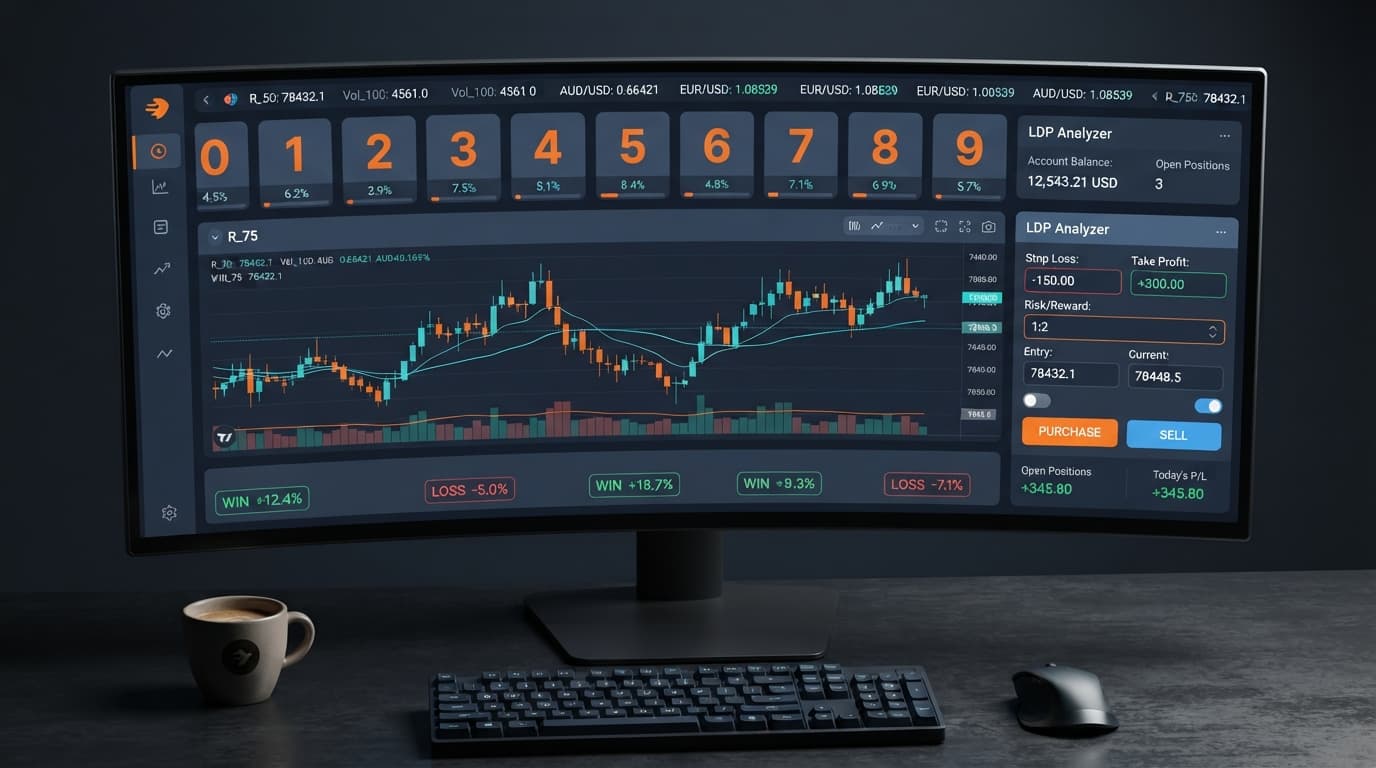
Digit Analysis
LDP Analyzer Review: Digit Stats & Deriv Bots
Read our comprehensive ldp analyzer review for binary bots. Learn digit analysis, supported markets, and risk management tools on Deriv. Try it today!
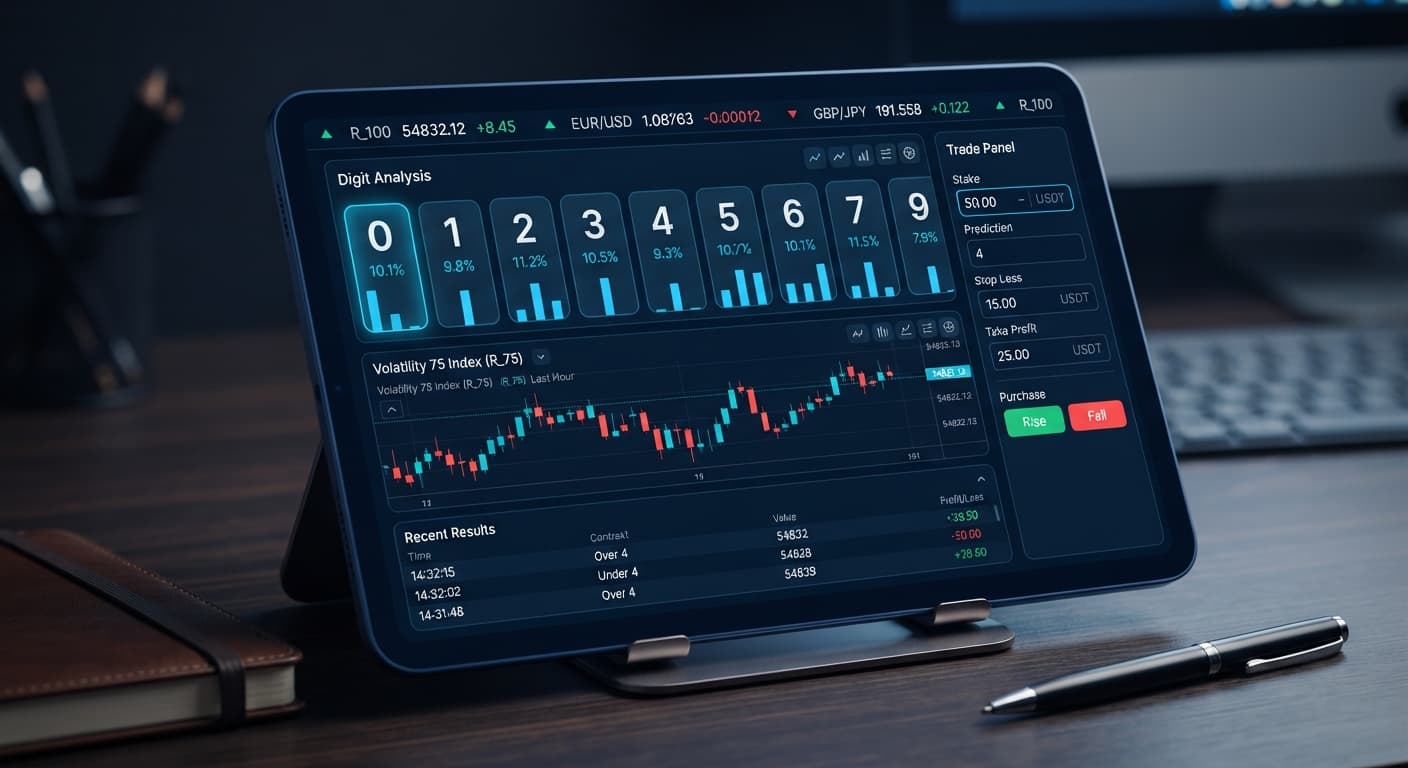
If your ldp analyzer keeps losing trades during execution, the issue isn't broken software—it's usually market selection, misconfigured parameters, or the belief that past digit counts force future outcomes. Deriv synthetic index ticks are mathematically independent; a digit appearing zero times in fifty ticks has the exact same probability of landing on the next tick as any other digit. Fixing continuous trade losses requires calibrating your input controls before turning on automated strategy execution.
Here's the scene every trader recognizes: you paste your key into the Deriv API token connection field, pick Volatility 100, and watch real-time digit analysis unfold on your browser screen. Digit 4 hasn't appeared for twenty ticks. You click to launch automated trades expecting a sudden return to the statistical average, but the platform places four failed trades in a row. Your balance drops while you watch the trade log turn red.
If your ldp analyzer keeps losing back-to-back trades, follow this process before placing another order.
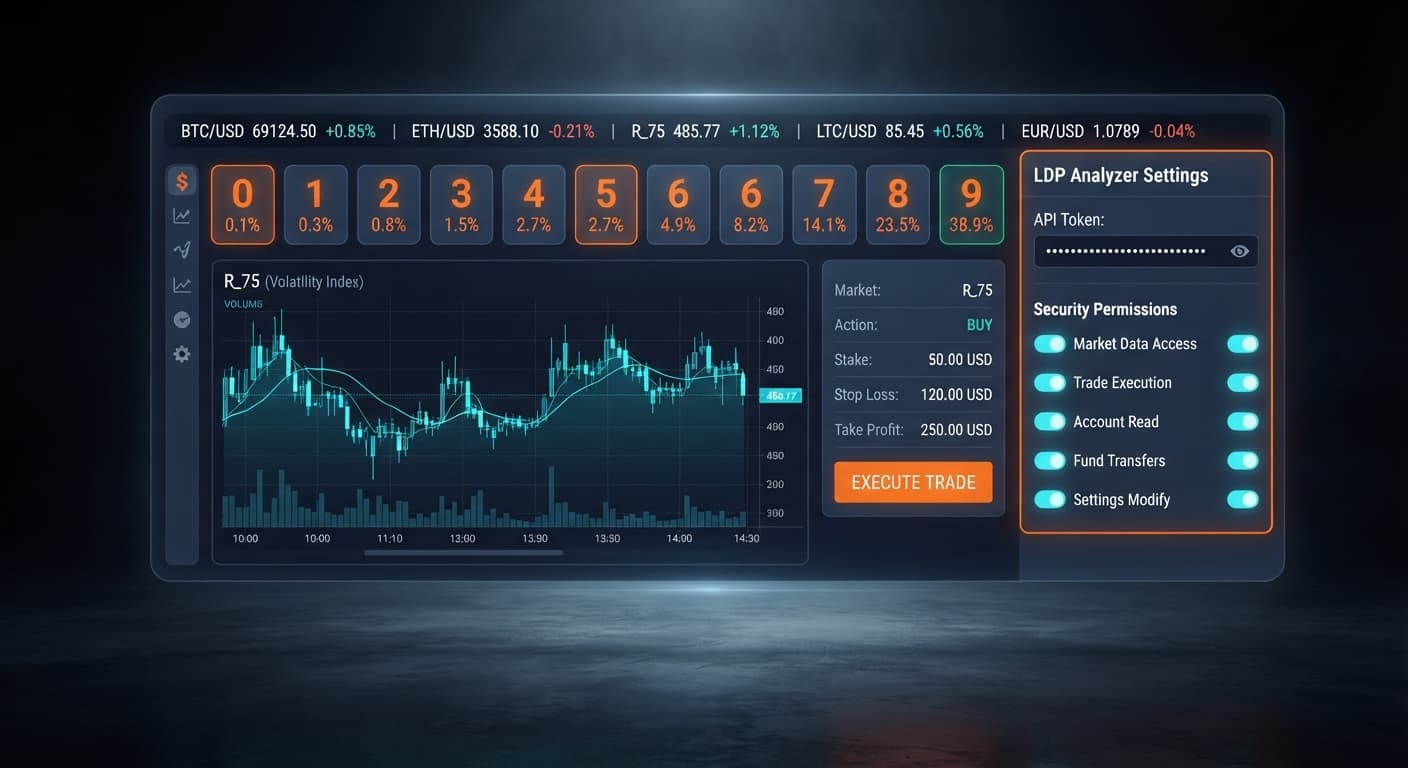
Copy your token from your broker settings, making sure it has both read and trade permissions enabled. Paste it back into the Deriv API token connection input box to confirm the platform receives live tick responses without dropped packets.
Open the market selector and switch from standard index feeds to 1s variants like Volatility 10 (1s) Index or Volatility 75 (1s) Index. Faster tick frequencies give you a cleaner distribution sample over short timeframes.
If you're targeting DIGITEVEN or DIGITODD contracts, verify you aren't running high-barrier single-digit setups like DIGITMATCH or extreme DIGITOVER settings without adjusting your expectations.
Enter your maximum loss limit into the stop loss box and your target profit into the take profit box. Never launch automated strategy execution without these two values populated.
The interface gives you clear visual signals when connection states drop or trade execution parameters misfire. Knowing what these indicators mean stops you from burning capital on stalled connections or wrong contract types when using binary bots.
| On-Screen Indicator | What It Means | Immediate Corrective Action |
|---|---|---|
| Token field turns red or fails to load balance | The Deriv API token connection is invalid or lacks trade permissions | Re-generate a token on Deriv with both 'Read' and 'Trade' checked, then re-paste it |
| Tick counter freezes while strategy is active | The WebSocket stream disconnected due to network latency | Refresh the page, select your market selector option again, and restart real-time digit analysis |
| Trade log displays consecutive DIGITMATCH losses | You are placing low-probability single-digit contracts on raw price noise | Switch contract selection to higher-probability options like DIGITEVEN, DIGITODD, DIGITOVER, or DIGITUNDER |
| Bot stops placing orders after a few ticks | Your account reached either the stop loss or take profit limit | Check your session total; adjust stop loss or take profit values if you want to start a new session |
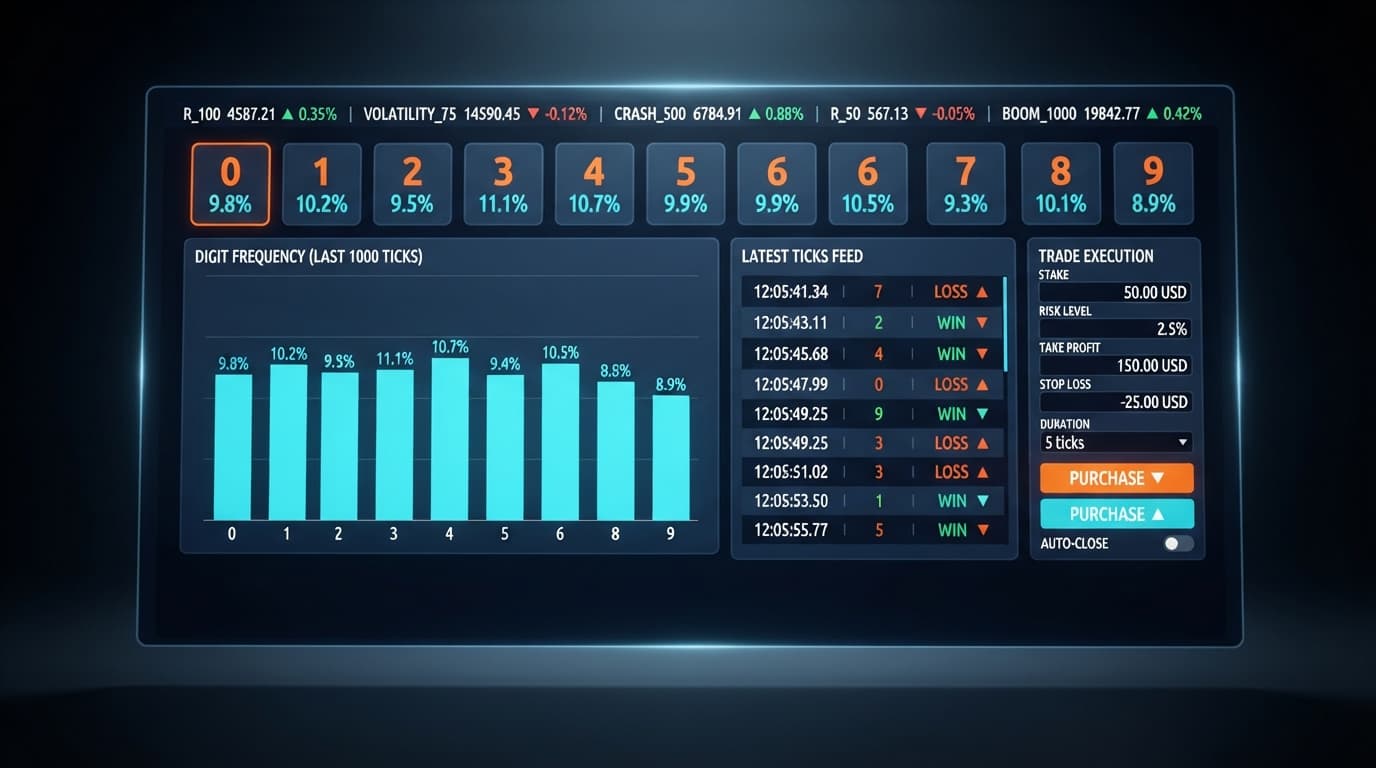
The most common reason an ldp analyzer keeps losing is the gambler's fallacy. The real-time digit analysis display shows historical counts over a short tick memory window. If digit 9 shows an appearance rate of 2% across 50 ticks, it feels logical to place a DIGITMATCH or DIGITOVER contract expecting 9 to hit soon. Synthetic indices generate digits independently on every single tick. The probability of landing a specific last digit remains exactly 10% on every tick, regardless of what happened over the last hour. Expecting cold digits to magically become warm causes fast losses.
Placing DIGITMATCH or DIGITDIFF contracts directly on turbulent markets without accounting for contract odds drains balances quickly. A DIGITMATCH order carries a 90% theoretical loss probability per tick. When you automate this trade style across fast markets like Volatility 100, five consecutive misses happen regularly. For stable operational runs with deriv bots, focus on contracts with broader coverage, such as DIGITEVEN, DIGITODD, or DIGITUNDER set at high barriers like 7 or 8.
Setting a high stake without clear session boundaries exposes your balance to rapid drawdown. If your account holds $50 and you set your stake to $5 without setting a strict stop loss, ten consecutive bad ticks end your session permanently. You don't need complex multipliers to manage risk; you need disciplined stake sizing. Keep your primary stake under 2% to 5% of your total balance so your session survives natural statistical variance. You can test alternative automated strategies in the free bot library to see how different setups handle variance.
Browser-based tools depend on an uninterrupted data connection. If your internet connection stutters, live tick feeds freeze momentarily while the automated engine attempts to execute trades on outdated tick data. When the connection resumes, orders may process out of sequence or miss their intended tick window completely. Always verify that the tick counter is actively updating before engaging automated strategy execution.
Switching between Volatility 10 and Volatility 100 dramatically changes how fast ticks land and how quickly digit distribution shifts. On Volatility 100, price movements swing wildly, which leads traders to panic-switch settings mid-session. If your current settings keep failing on volatile feeds, step down to smoother markets like Volatility 10 or Volatility 25. Upgrading to the advanced statistical dashboard on LDP Analyzer Pro can also help you track digit heatmaps across multiple markets simultaneously.
Test these adjustments on a demo balance first using the free LDP Analyzer.
If you don't have a virtual account yet, create a free Deriv account to begin testing safely.
Trading involves risk. Past performance does not guarantee future results.
Related: LDP Analyzer Review: Digit Stats & Deriv Bots
Related: LDP Analyzer Stop Loss Setup for Deriv Bots
Related: LDP Analyzer API Token Setup: Connect & Automate Deriv Bots
Free LDP Binary Analyzer — AI-powered last-digit analysis for Deriv traders with real-time binary analysis and automated strategies.
Open LDP Analyzer →It's usually caused by poor market selection, misconfigured parameters, or falling for the gambler's fallacy that past digit counts force future outcomes. Deriv synthetic index ticks are mathematically independent, meaning a missing digit doesn't mean it's due to appear next.
Refresh the page, reselect your option in the market selector, and restart your real-time digit analysis if the tick counter freezes. You should also check your API token to make sure it's valid and has both read and trade permissions enabled.
Switching from standard index feeds to 1s variants like Volatility 10 (1s) or Volatility 75 (1s) gives you a cleaner distribution sample over short timeframes. Faster tick frequencies help you avoid relying on raw price noise.
Your account likely hit either the stop loss or take profit limit you set before launching the session. You'll need to check your session total and adjust those risk parameters if you want to start trading again.
Guides closest to this one.
Read our comprehensive ldp analyzer review for binary bots. Learn digit analysis, supported markets, and risk management tools on Deriv. Try it today!
Master the LDP Analyzer stop loss setup for Deriv bots. Learn how to configure risk management controls to protect your capital. Start reading today.
Master ldp analyzer api token setup to connect Deriv bots for real-time digit analysis and automated binary strategy execution. Start trading today.