Digit Analysis
Why LDP Analyzer Keeps Losing for Deriv Bots
Discover why your ldp analyzer keeps losing on Deriv bots. Learn how to fix stake sizes, stop loss, and take profit settings. Test strategies for free today.
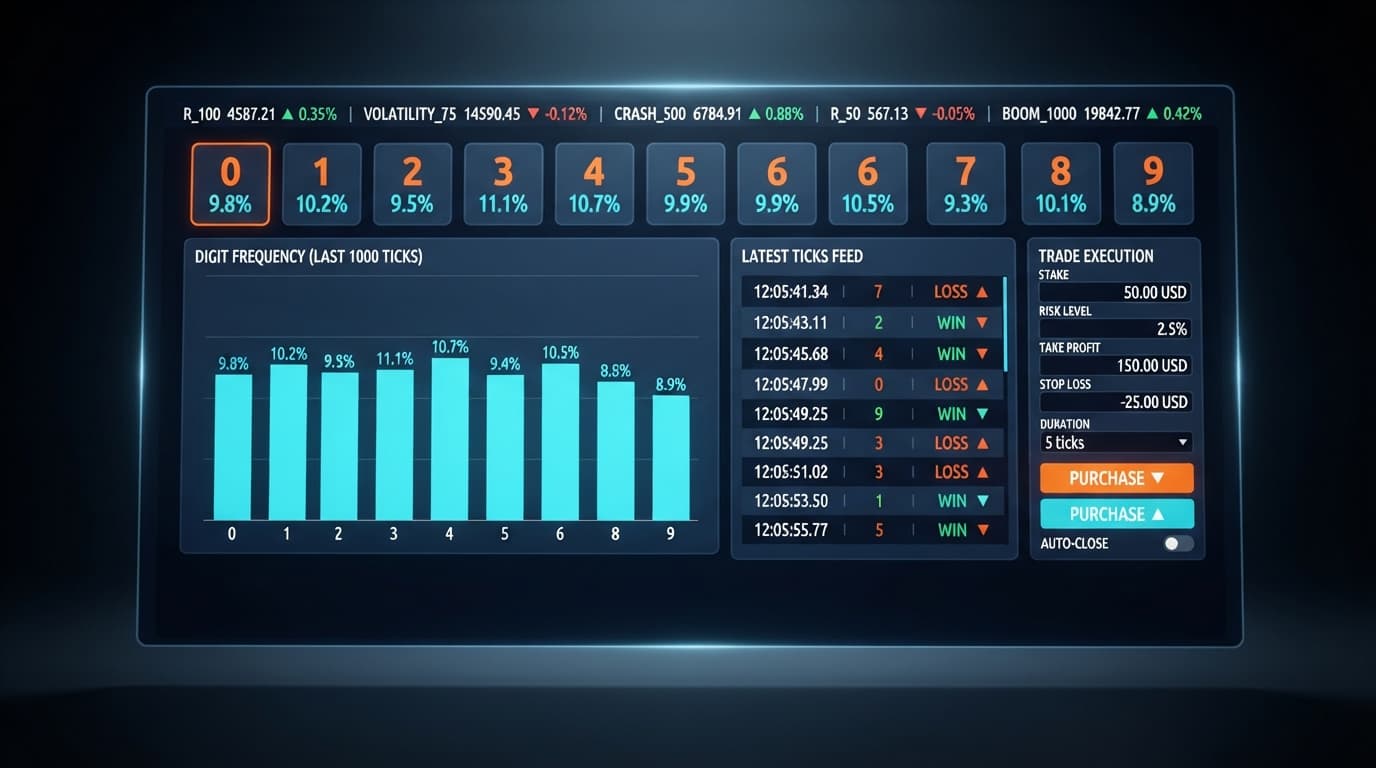
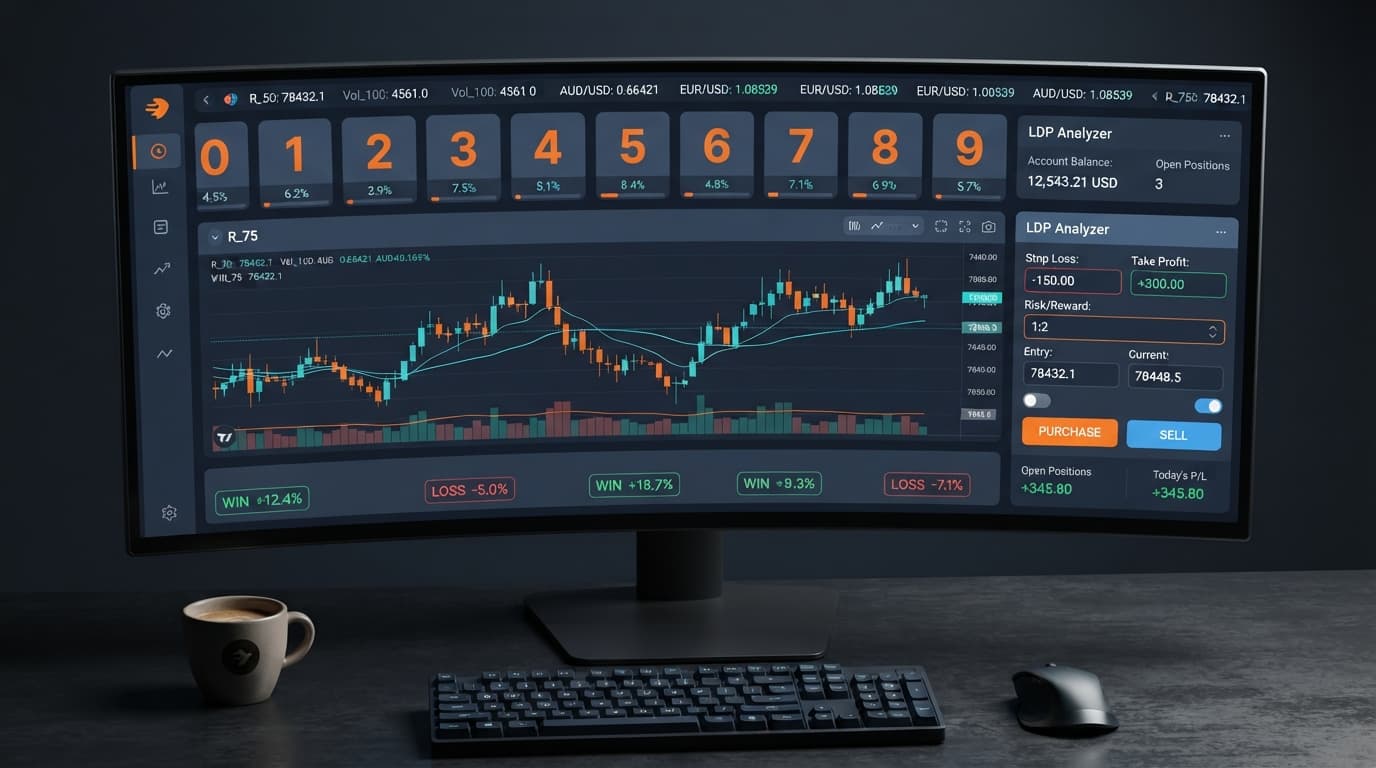
In this ldp analyzer review, we evaluate whether BinaryBot.live's entry-level browser tool actually improves digit trade timing on Deriv. The tool works well for real-time digit tracking and direct contract placement, but it won't predict future ticks because synthetic draws are entirely independent. It gives you a clean, web-based view of incoming tick digits without requiring software downloads, making it a solid free utility for traders testing basic deriv bots and binary bots.
If you've been searching for a candid LDP Analyzer review, you've probably noticed that most write-ups treat web utilities like guaranteed money printers. That's not how financial markets operate. Let's look at what this tool actually does, where it helps, and where its mathematical boundaries sit.
Many traders open digit tools expecting to find overdue numbers in recent ticks. They see that digit 7 hasn't appeared for twenty ticks and assume it's bound to land next. That's a classic mistake.
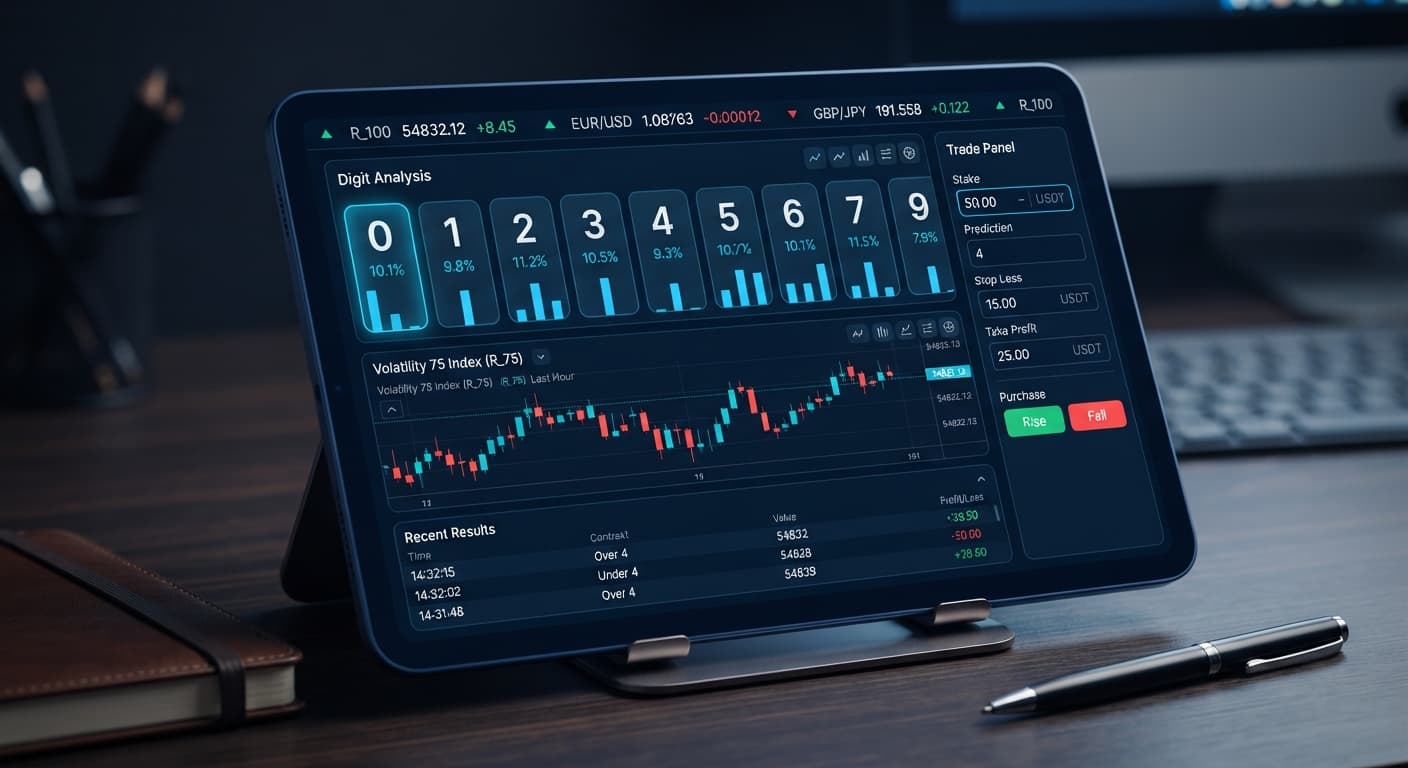
Deriv synthetic indices operate on random number generators where every single tick is an independent draw. The probability of any digit from 0 to 9 appearing on the next tick remains exactly 10%, no matter what happened over the last fifty ticks. The tool provides real-time digit analysis by streaming ticks straight into your browser once connected. It counts every last digit as it arrives, giving you an accurate summary of recent frequency.
It allows you to run contract types like DIGITEVEN, DIGITODD, DIGITOVER, DIGITUNDER, DIGITMATCH, and DIGITDIFF. What it doesn't do is change the underlying math of synthetic indices. Viewing digit frequency helps you spot current clustering, but don't confuse short-term statistical noise with a guaranteed trade setup.
When you launch the tool and hook up your connection, a calm trading session feels structured. Ticks arrive every one or two seconds depending on your chosen index. The screen updates instantly, displaying the live digit breakdown. If you enable automated strategy execution for DIGITEVEN contracts, trades trigger smoothly whenever your defined conditions match. On a good run, your winning trades land steadily and your account balance moves toward your session goal.
A rough session looks completely different on screen. You might watch six consecutive odd digits print while your automated rule keeps submitting DIGITEVEN contracts. Because the base analyser doesn't contain an automated stake-multiplier or martingale recovery system, it simply places your fixed stake trade after trade. You'll see consecutive losing trades post to your account history in real time.
This is where traders panic. If you didn't set strict boundaries before starting, you'll feel tempted to step in manually and bump up your stake to chase losses. That's how minor drawdowns turn into blown accounts. The tool executes your parameters faithfully; it won't step in to rescue you from a bad run of market noise.
Not all synthetic markets handle digit setups the same way. The tick speed and price movement of each index change how quickly digits cycle through your display. Here is how three popular supported markets compare when monitored through the tool.
| Market Dimension | Volatility 10 | Volatility 75 | Volatility 100 (1s) |
|---|---|---|---|
| Tick Interval | 2 seconds | 2 seconds | 1 second |
| Typical Price Movement | Small, gradual increments | Aggressive, wide swings | Fast, continuous shifts |
| Digit Rotation Speed | Slow (30 ticks per minute) | Moderate (30 ticks per minute) | Rapid (60 ticks per minute) |
| Suited Contract Match | DIGITEVEN / DIGITODD | DIGITOVER / DIGITUNDER | DIGITDIFF |
| Execution Tempo | Calm / Easy to monitor | Moderate / Requires focus | High / Rapid triggers |
For beginner digit tracking, Volatility 10 is easily the best starting point. Its 2-second tick interval gives you time to observe incoming numbers without feeling rushed. The slower pace makes it simple to monitor execution timing and watch how contracts resolve on your account.
Volatility 75 carries far larger price swings between ticks. While the tick timing remains two seconds, the scale of movement makes last digits shift dramatically across consecutive ticks. Volatility 100 (1s) accelerates the pace even further. Printing a new tick every single second, it cuts your observation time in half. If you run automated entries on a 1-second index, any micro-delay in your browser connection can lead to missed setups. Stick to Volatility 10 or Volatility 25 until you know exactly how your strategy responds.
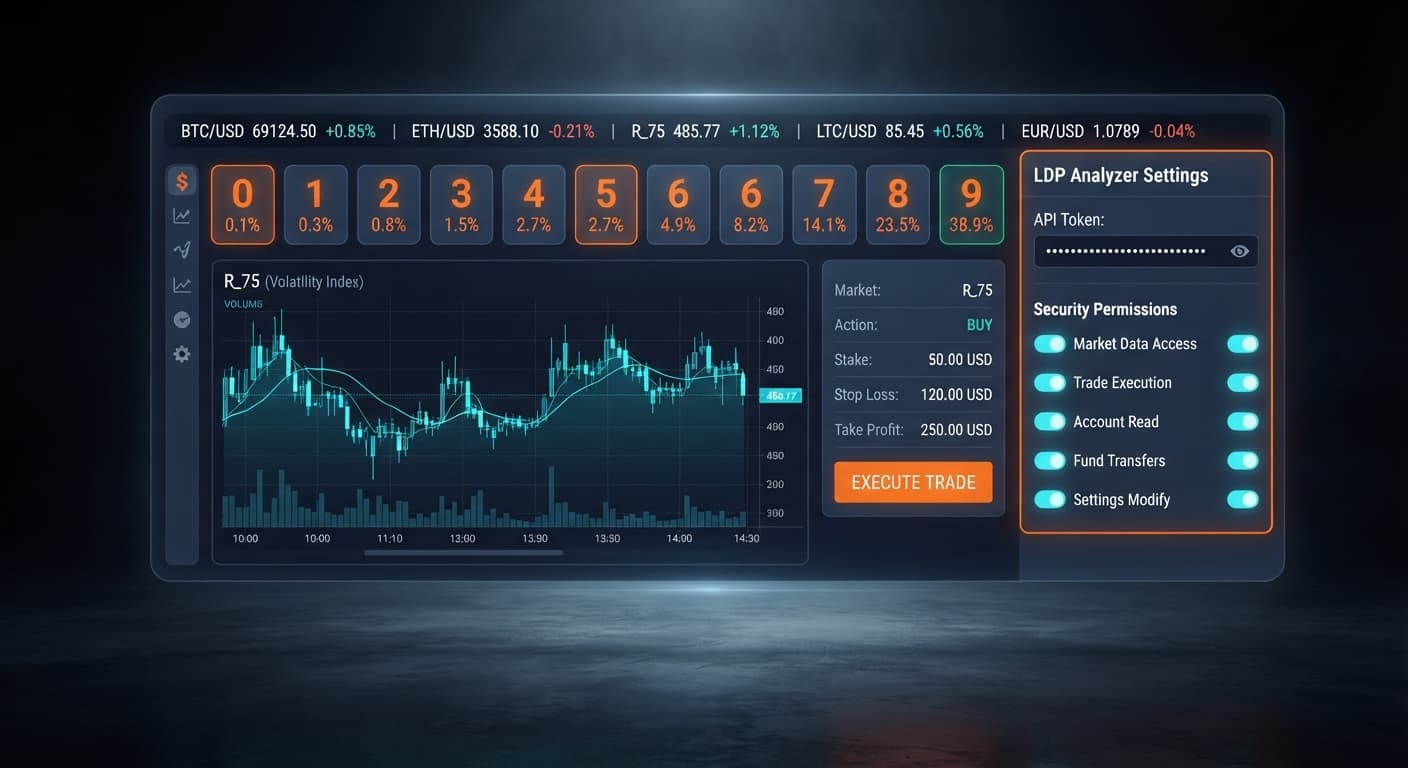
Setting up the tool takes less than two minutes because everything runs directly in your web browser. You don't need to install software or register a separate account with BinaryBot.live. It connects directly to Deriv over their official API using your private access token.
Step 1: Paste your private key into the Deriv API token connection field to connect your trading account.
Step 2: Choose your instrument using the market selector dropdown, such as Volatility 10, Volatility 50, or Volatility 75.
Step 3: Enter your preferred fixed trade amount into the stake box.
Step 4: Establish rigid session limits by filling in the stop loss and take profit fields.
Step 5: Pick your operational mode, choosing real-time digit analysis for visual stat tracking or automated strategy execution for hands-free entry placement.
Step 6: Select your active contract parameter from DIGITEVEN, DIGITODD, DIGITOVER, DIGITUNDER, DIGITMATCH, or DIGITDIFF.
Always set your stop loss and take profit before starting the session, never after trades are running. If you want expanded features like the full 0-9 digit heatmap, custom DIFFER/MATCH targets, and an advanced auto-trader, you can open the LDP Analyzer Pro dashboard instead. But for basic digit stat tracking and standard order execution, the free base tool handles the job.
This analyser is built for specific trading goals. If you fit the right profile, it's a lightweight, practical addition to your routine. If you don't, it will only lead to frustration.
Traders who benefit from it:
Traders who should leave it alone:
If you're looking for an automated holy grail, you won't find it here. But if you want a reliable, free tool to stream live digit stats and automate simple contract placement, this tool delivers exactly what it promises.
Test the strategy yourself on a demo account using the free LDP Analyzer. If you don't have a trading account yet, create a free Deriv account to begin. Trading involves risk. Past performance does not guarantee future results.
Related: How to Configure LDP Analyzer Settings on BinaryBot.live
Related: Configuring LDP Analyzer Settings for Deriv Bots
Related: Using Ldp Analyzer For Beginners On Deriv Binary Bots
Related: Digit Pad vs Manual Trading: Binary Bots Compared
Related: LDP Analyzer Stop Loss Setup for Deriv Bots
Related: LDP Analyzer Best Market for Binary Bots & Volatility
Free LDP Binary Analyzer — AI-powered last-digit analysis for Deriv traders with real-time binary analysis and automated strategies.
Open LDP Analyzer →No, it won't predict future ticks because synthetic draws on Deriv are entirely independent. The tool simply gives you a clean, web-based view of incoming tick digits without requiring software downloads.
No, expecting overdue numbers is a classic mistake since every tick is an independent draw with a constant 10% probability for any digit. While the LDP Analyzer helps you spot current short-term clustering, it doesn't change the underlying math of synthetic indices.
The LDP Analyzer lets you run contract types like DIGITEVEN, DIGITODD, DIGITOVER, DIGITUNDER, DIGITMATCH, and DIGITDIFF. It provides real-time digit analysis by streaming ticks straight into your browser once connected.
No, the LDP Analyzer doesn't contain an automated stake-multiplier or martingale recovery system. During a rough session with consecutive losses, it simply places your fixed stake trade after trade according to your defined conditions.
Guides closest to this one.
Discover why your ldp analyzer keeps losing on Deriv bots. Learn how to fix stake sizes, stop loss, and take profit settings. Test strategies for free today.
Master the LDP Analyzer stop loss setup for Deriv bots. Learn how to configure risk management controls to protect your capital. Start reading today.
Master ldp analyzer api token setup to connect Deriv bots for real-time digit analysis and automated binary strategy execution. Start trading today.