Digit Analysis
Using Ldp Analyzer For Beginners On Deriv Binary Bots
Master ldp analyzer for beginners on Deriv binary bots. Learn digit analysis basics and read market patterns step by step. Try our free binary analysis tool.
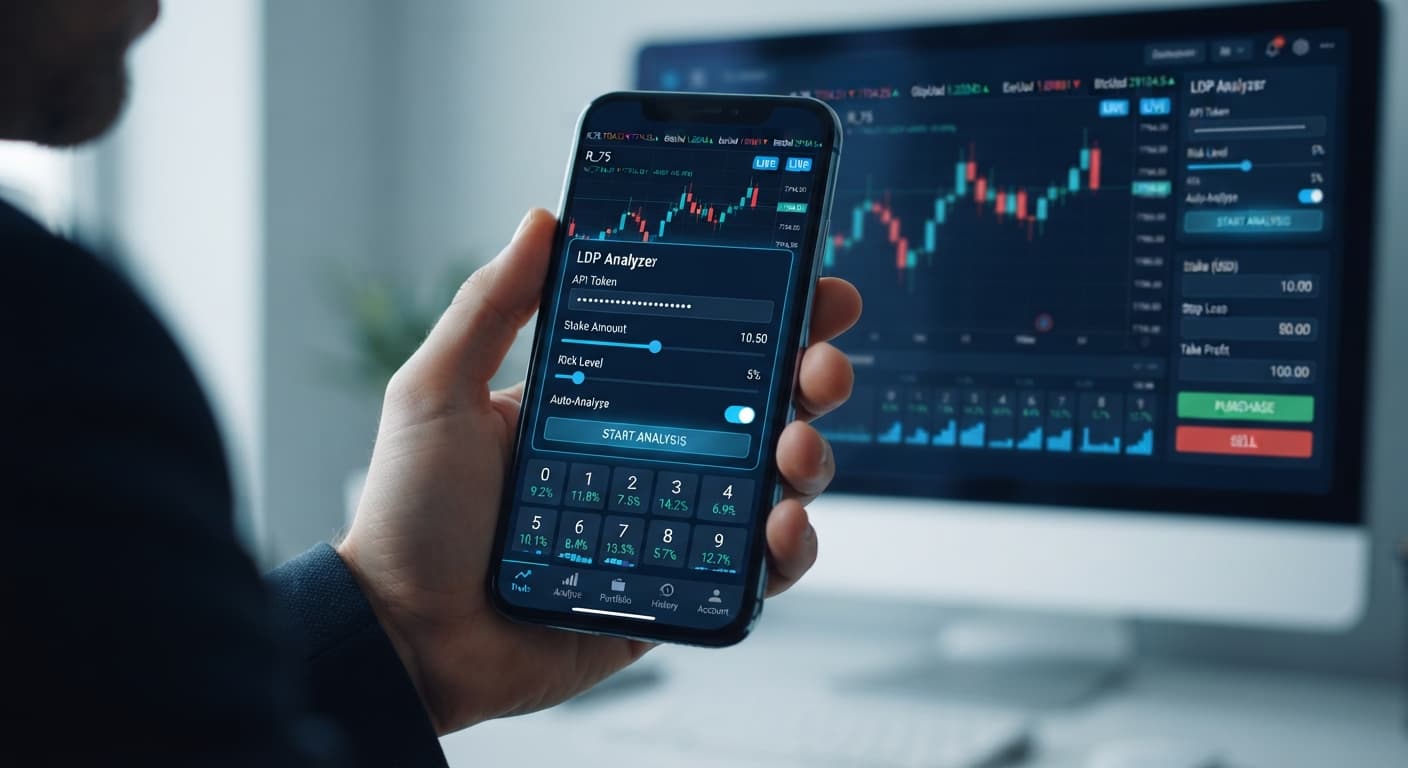
Configuring your ldp analyzer settings correctly requires pasting your Deriv API token, choosing a synthetic index market, setting your base stake, and strictly defining stop loss and take profit limits before turning on automated strategy execution. Proper ldp analyzer settings ensure that your trading account executes digit contracts like DIGITEVEN or DIGITUNDER with strict risk controls directly on your Deriv account. Without these inputs dialed in, automated deriv bots can clear out your account balance faster than you expect.
When running deriv bots, control settings are your only defense against sudden market drawdowns. The tool runs right inside your web browser and connects directly to Deriv over their official API. Every order sent uses your balance immediately. Leaving default numbers active or forgetting your risk caps leads to swift real-money losses when markets turn.
Many traders think automated software predicts the exact next tick with certainty. They don't. Synthetic indices use random number generators where each tick is independent of the last. A digit analysis tool displays what happened in recent ticks, but past frequencies do not change the odds of the upcoming tick. Because of this, configuring your parameters before placing a single contract is mandatory. If you adjust your protective targets after trades start running against you, panic takes over.
The configuration panel sits right on the main interface of the LDP Analyzer web platform. You do not need to download software or install browser extensions.
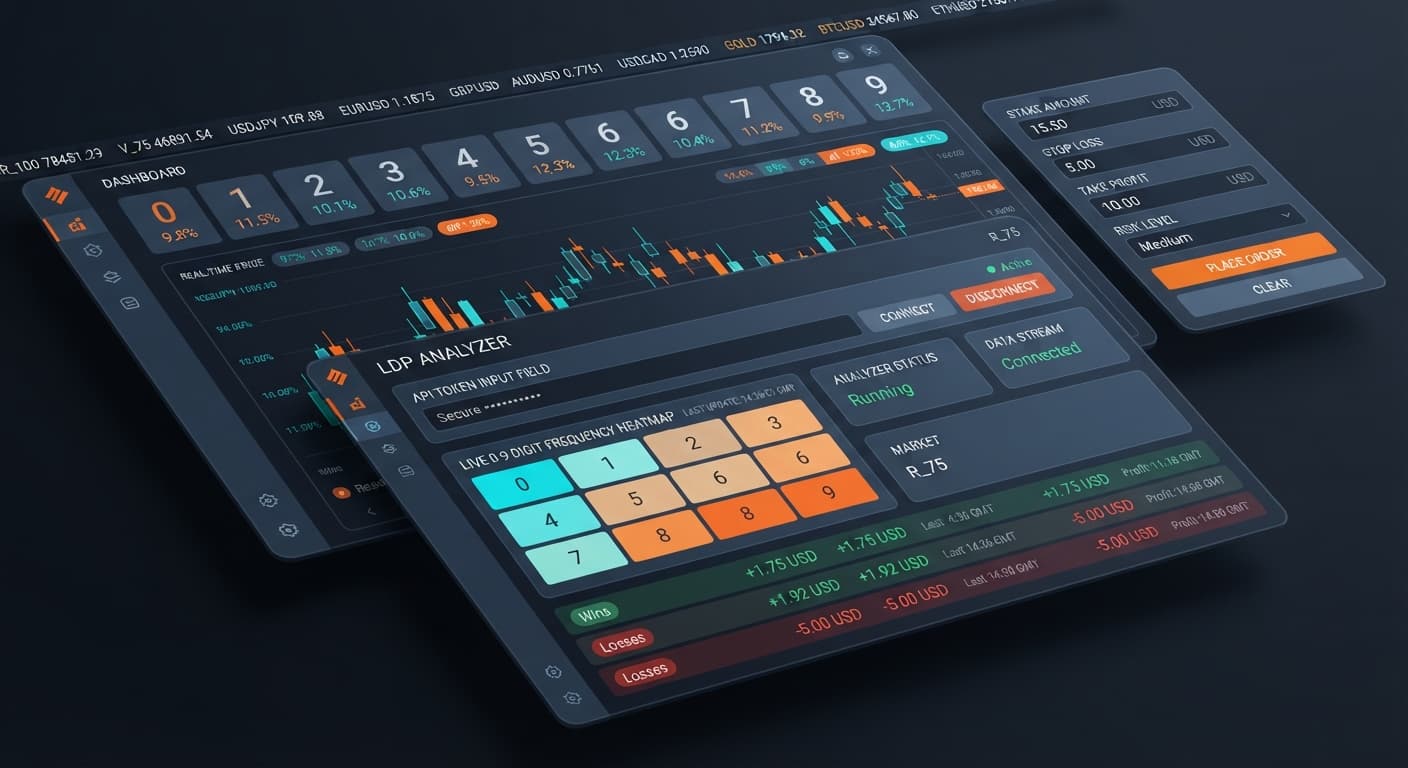
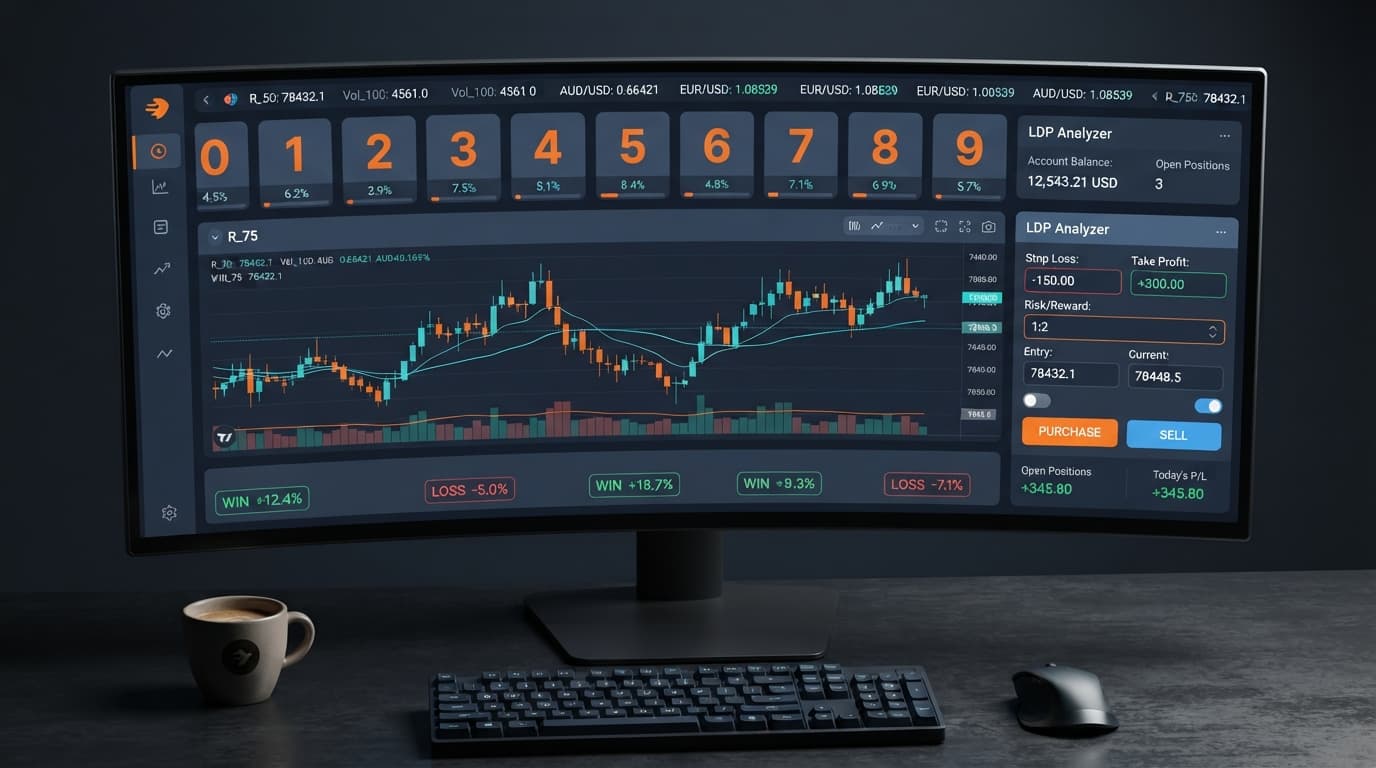
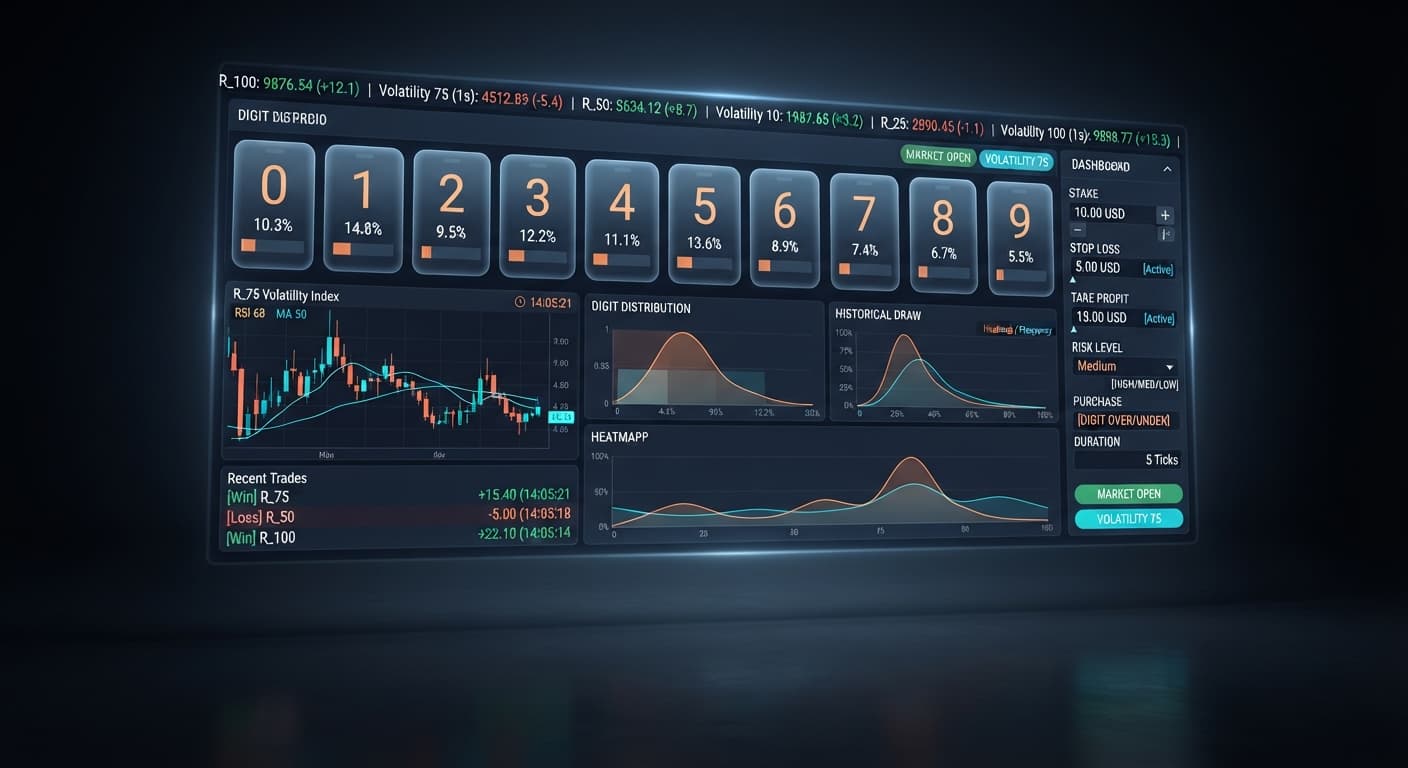
When you open the app, you see five primary inputs grouped together:
Below these inputs, you choose between running real-time digit analysis for manual market inspection or enabling automated strategy execution to let the system place trades on your behalf.
Understanding how each input alters trade execution keeps you in control. Picking the wrong market or miscalculating your stake leaves you vulnerable to the speed of synthetic index ticks.
Here is how every setting operates inside the system:
This field links the browser interface to your account. Placing your token here allows the script to read tick streams and issue digit contracts. No funds are transferred to BinaryBot.live; every contract is placed directly on your own account.
Selects the underlying index feed. You can choose Volatility 10, Volatility 25, Volatility 50, Volatility 75, Volatility 100, or their 1s variants such as Volatility 10 (1s) through Volatility 100 (1s). Standard indices generate a tick every two seconds. The 1s variants produce a tick every single second, doubling trade velocity.
Sets your starting contract cost. Supported contract types include DIGITEVEN, DIGITODD, DIGITOVER, DIGITUNDER, DIGITMATCH, and DIGITDIFF. If your strategy includes a martingale multiplier on losses, your initial stake determines how high subsequent trades scale.
Acts as your hard circuit breaker. The moment your session net loss hits this exact dollar value, all trading activity stops immediately.
Defines your session target. Once your accumulated net session profit reaches this dollar amount, the system halts execution and locks in your gains.
| Control Name | Available Choices / Formats | Operational Impact | Recommended Initial Value |
|---|---|---|---|
| Deriv API token connection | Text String (Deriv Read/Trade Token) | Authorizes trade placement directly on Deriv | Valid token from Demo account |
| market selector | Volatility 10 to 100 (including 1s variants) | Changes tick frequency and volatility dynamics | Volatility 10 or Volatility 10 (1s) |
| stake | Numerical value in USD ($0.35 minimum) | Determines starting cost per contract | $0.35 to $1.00 max on $100 balance |
| stop loss | Numerical dollar limit | Halts execution when drawdown reaches limit | 10% to 15% of session bankroll |
| take profit | Numerical dollar target | Halts execution when profit goal is reached | 5% to 10% of session bankroll |
Setting up your ldp analyzer settings takes less than two minutes if you follow these steps in order. Always perform this sequence on a virtual account before touching real funds.
Connect Your Deriv API Token Log into your Deriv account, generate an API token with read and trade permissions, and paste it into the Deriv API token connection field. Once connected, your account balance displays on screen.
Select Your Synthetic Market Click the market selector dropdown. Choose Volatility 10 if you want steady two-second tick intervals, or pick Volatility 10 (1s) if you prefer a faster pace. Avoid high-volatility indices like Volatility 100 when testing new configurations.
Set Your Base Stake
Enter your initial contract cost into the stake input field. For a $100 testing balance, type 0.35 or 1.00. Never set your starting stake higher than 1% or 2% of your total balance.
Define Your Protection Limits
Fill in the stop loss and take profit inputs before activating any trading features. Enter 15.00 in the stop loss field and 5.00 in the take profit field. This forces the software to kill execution if you lose $15 or win $5.
Choose Execution Mode and Start Select real-time digit analysis if you only want to study digit distributions on screen using last digit prediction tools. To place trades automatically, select automated strategy execution, select your contract type (such as DIGITEVEN or DIGITDIFF), and click start.
A common mistake traders make when setting up binary bots is underestimating martingale stake progression. When an automated system doubles your stake after a loss to recover drawdowns, losing streaks grow exponentially.
Let's walk through an actual scenario using standard numbers.
Imagine you have a $100 account balance. You set your initial stake to $2.00 on Volatility 75, choosing DIGITEVEN contracts, with a standard 2x multiplier active during automated strategy execution. You leave your stop loss blank or set it too high at $80.
Here is what happens on a consecutive losing streak:
In just five consecutive bad ticks, $62.00 is gone, and you cannot even place the sixth trade to attempt recovery. A losing streak of five ticks happens regularly on synthetic markets. Past digit stats on a binary analysis tool show historical distribution, but they do not alter future probability. Every single tick on Volatility 75 is an independent event with fixed odds.
To protect your account against this reality:
This guide is for educational purposes and does not constitute financial advice.
Try testing these configurations yourself on LDP Analyzer using a virtual balance first. If you need a demo environment to practice without risk, create a free Deriv account. Trading involves risk. Past performance does not guarantee future results.
Related: Using Ldp Analyzer For Beginners On Deriv Binary Bots
Related: Step-by-Step Guide: Reading Live Ticks with LDP Analyzer
Related: LDP Analyzer Review: Digit Stats & Deriv Bots
Related: How to Use LDP Analyzer for Deriv Bots
Related: LDP Analyzer Stop Loss Setup for Deriv Bots
Related: LDP Analyzer Best Market for Binary Bots & Volatility
Free LDP Binary Analyzer — AI-powered last-digit analysis for Deriv traders with real-time binary analysis and automated strategies.
Open LDP Analyzer →You connect it by pasting your generated API token from your Deriv account settings into the API token connection field on the LDP Analyzer web platform. This links the browser interface to your account so the script can read tick streams and issue digit contracts directly.
The configuration panel sits right on the main interface of the LDP Analyzer web platform at binarybot.live/ldp/. You don't need to download any software or install browser extensions to access it.
Leaving default numbers active or forgetting your risk caps can lead to swift real-money losses when markets turn. Without proper risk controls dialed in, automated Deriv bots can clear out your account balance faster than you expect.
Standard indices generate a tick every two seconds, while the 1s variants produce a tick every single second. Choosing a 1s variant effectively doubles your trade velocity.
Guides closest to this one.
Master ldp analyzer for beginners on Deriv binary bots. Learn digit analysis basics and read market patterns step by step. Try our free binary analysis tool.
Use ldp analyzer india for binary bots. Learn how to connect your Deriv API token and run real-time digit analysis today. Start reading now.
Master the LDP Analyzer stop loss setup for Deriv bots. Learn how to configure risk management controls to protect your capital. Start reading today.