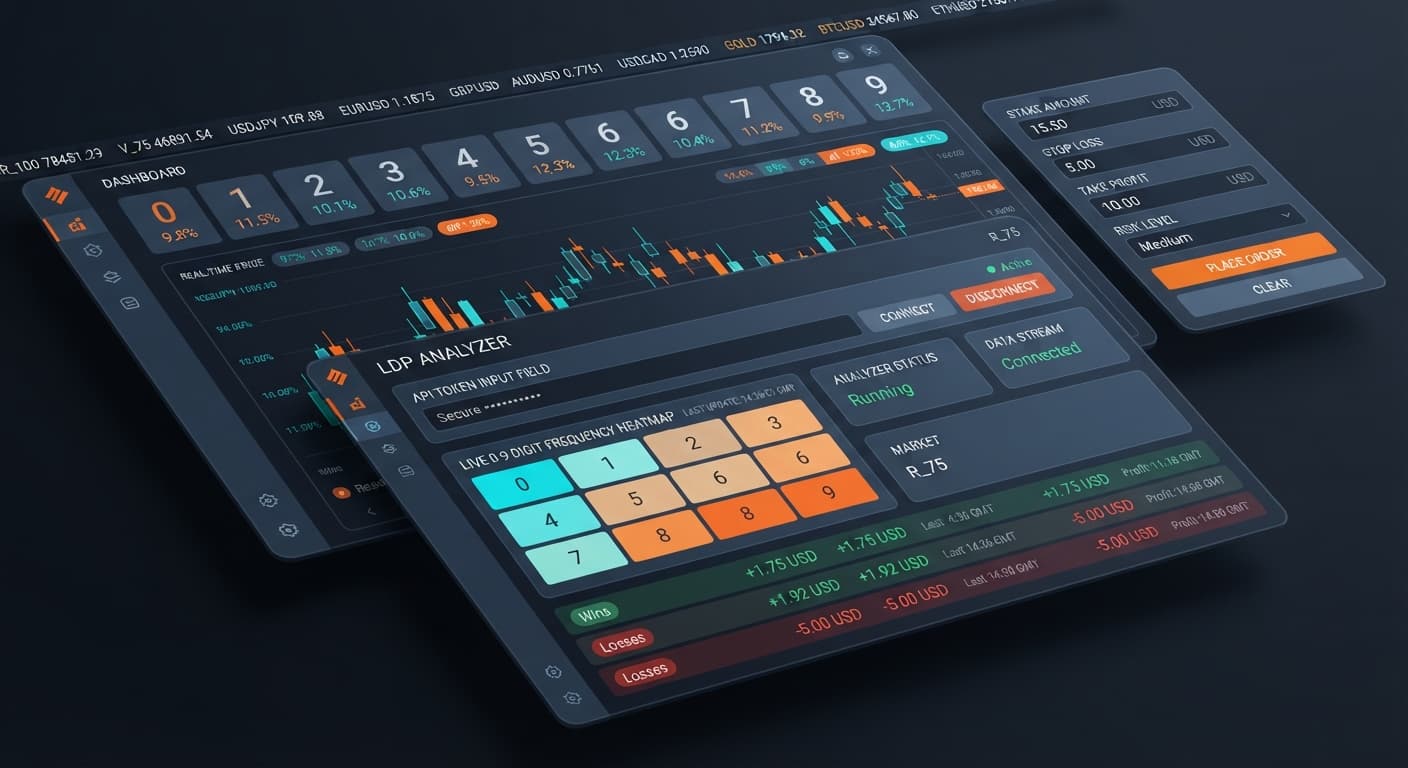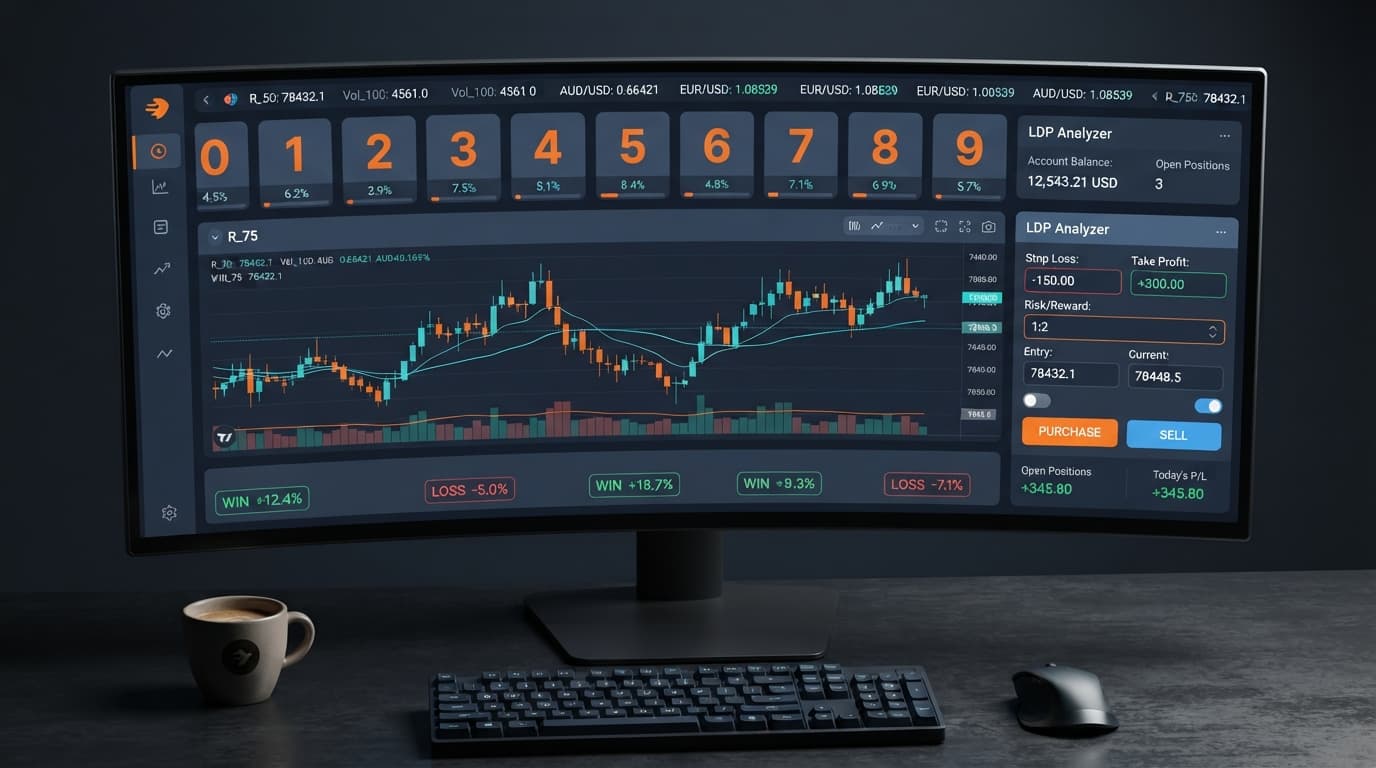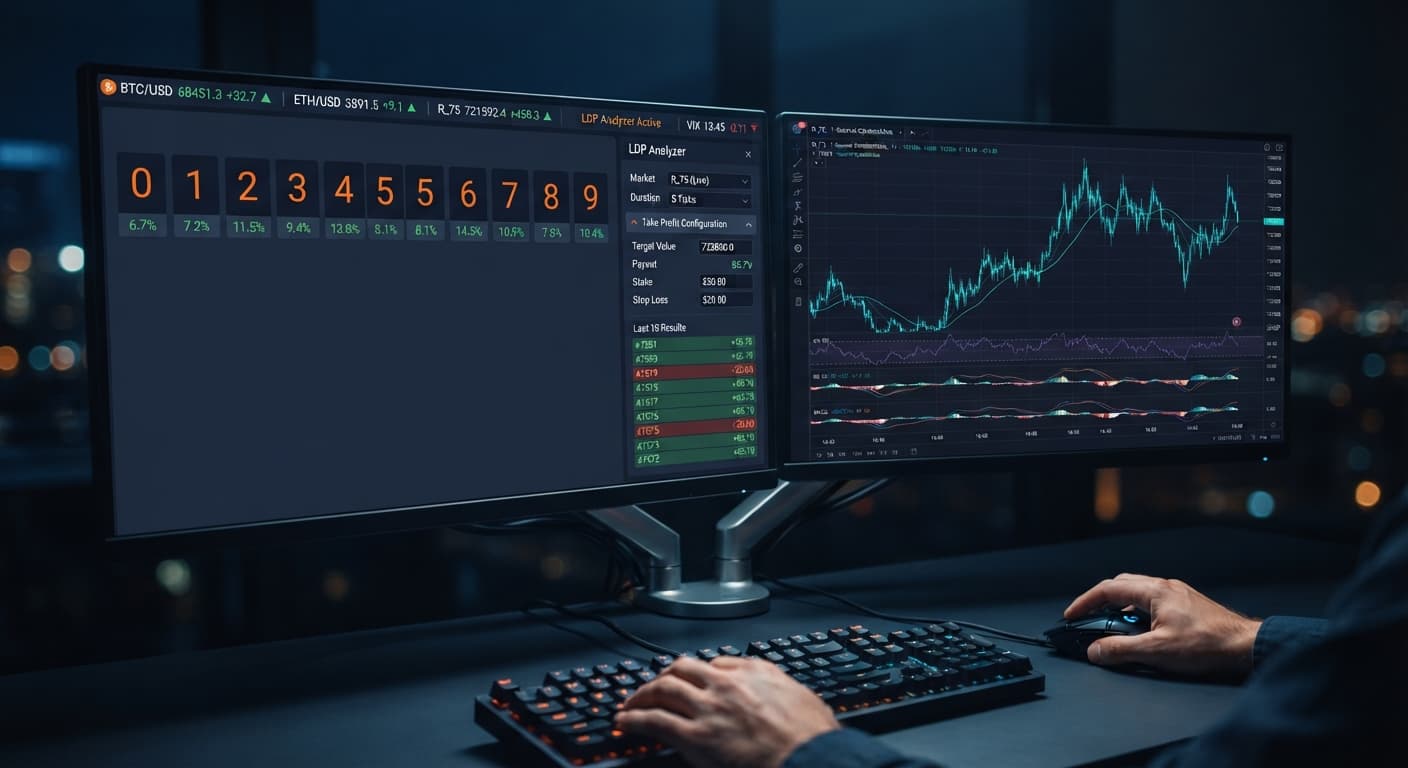
Digit Analysis
LDP Analyzer Take Profit Settings: Setup Guide
Set your ldp analyzer take profit settings to 2% to 5% of your total account balance or 2 to 4 times your stake to lock in automated gains.
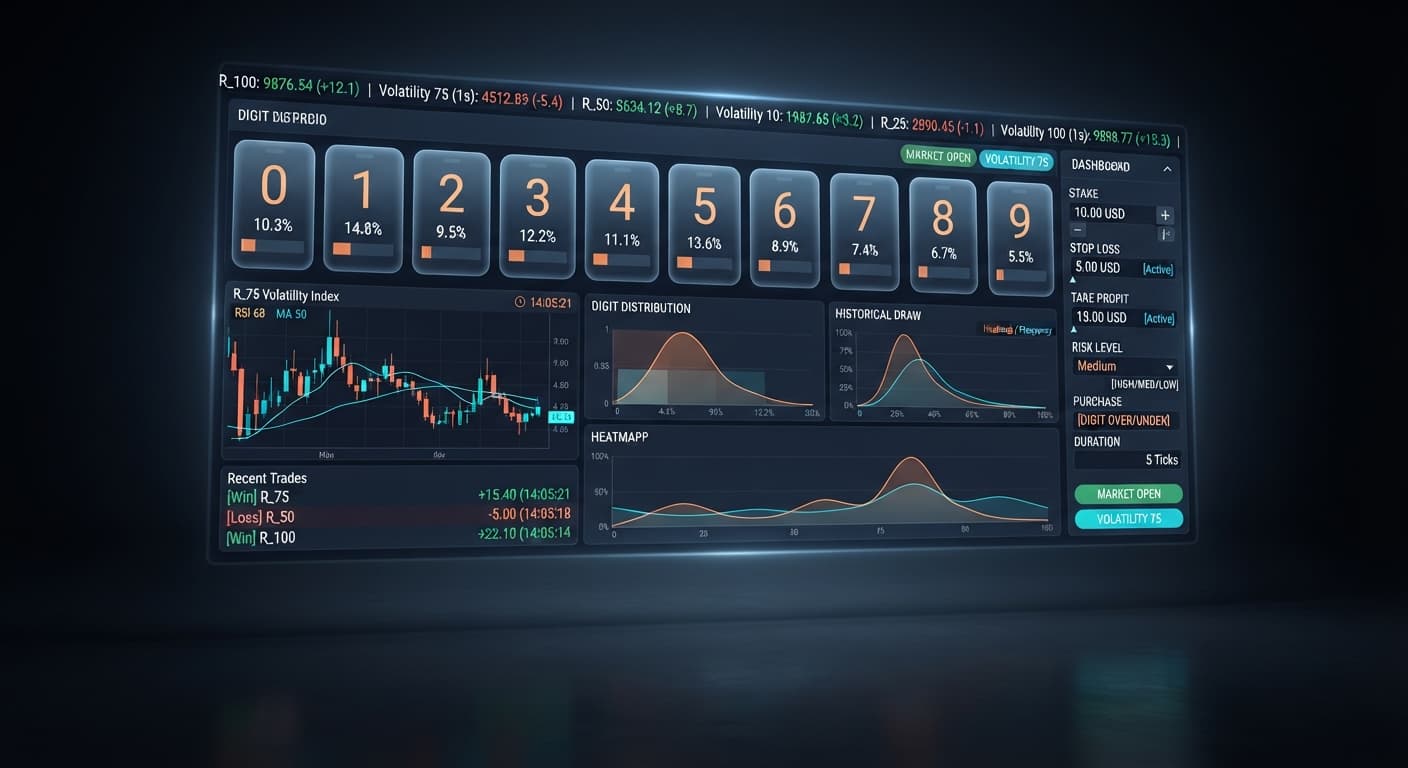
Using the LDP Analyzer for beginners means setting up a free web tool that tracks the last digit of live price ticks on Deriv. You paste your account API token, select your synthetic index, set explicit risk boundaries, and let the software handle digit analysis or contract execution automatically. It simplifies stat-tracking, but it does not predict the future or eliminate trade risk.
Most traders who try automated digit strategies lose money early on. They open a browser tool, pick a market, double their stake after every loss, and watch a $50 balance disappear in two minutes. That happens because they treat trading tools like cash printers instead of disciplined execution systems.
When you run modern deriv bots or browser scripts, precision matters far more than enthusiasm. The tool gives you direct access to live digit stats, but it cannot change the underlying mathematics of synthetic indices. Every tick is an independent draw. If the digit 8 appears four times in a row, the probability of the next tick landing on an 8 remains identical to what it was before.
If you want to stay solvent while learning binary bots, you must change how you measure success. You do not need a secret setting or a magical pattern. You need strict dollar limits, grounded expectations, and a virtual demo account where mistakes cost zero real dollars.
Before touching any controls on screen, memorize these core terms:
Let's walk through a single contract placed on a virtual demo balance of $10,000.00.
You open the tool in your web browser and enter your account key into the Deriv API token connection box. You pick Volatility 100 on the market selector. You set stake to $1.00, stop loss to $10.00, and take profit to $5.00. You choose a DIGITEVEN contract type.
The software connects to the live tick feed. The index price reads 1245.82. The last digit is 2, which is an even number. You activate the trade manually, or the script triggers it via automated strategy execution.
The trade confirms instantly on Deriv. The system now waits for the next single tick price to decide the contract outcome.
The very next tick prints 1246.04. The last digit of this new tick price is 4. Because 4 is an even number, your DIGITEVEN contract wins.
Deriv pays out the return immediately. A standard win on a DIGITEVEN contract returns approximately 95% net profit on your stake, turning your $1.00 risk into $1.95 total return. Your demo balance updates from $10,000.00 to $10,000.95. If that tick had ended in a 7, the contract would have lost, leaving your balance at $9,999.00.
Follow these five steps on a demo account. Do not use real funds while learning how the web interface behaves.
Deriv API token connection field.market selector to choose Volatility 10, Volatility 25, Volatility 50, Volatility 75, Volatility 100, or their 1s variants like Volatility 100 (1s).stop loss and $5.00 into take profit. Always configure these numbers before launching any session.stake input. Keeping this number low protects your account while you learn the system mechanics.real-time digit analysis to inspect digit distribution visually, or switch to automated strategy execution to run contracts like DIGITEVEN, DIGITODD, DIGITOVER, DIGITUNDER, DIGITMATCH, or DIGITDIFF automatically.Setting up the LDP Analyzer for beginners works best when you keep parameters simple and stick to virtual balances.
The most common mistake new traders make is running aggressive multiplier strategies, like doubling stakes after a loss. Martingale stake progression blows up trading accounts far faster than people expect. Synthetic ticks do not adapt to help you recover lost funds.
Here is what happens to a bankroll during a brief six-trade losing streak when starting with a small $2.00 base stake:
| Trade Sequence | Trade Result | Current Stake | Trade Loss | Cumulative Dollar Drawdown |
|---|---|---|---|---|
| Trade 1 | Loss | $2.00 | $2.00 | $2.00 |
| Trade 2 | Loss | $4.00 | $4.00 | $6.00 |
| Trade 3 | Loss | $8.00 | $8.00 | $14.00 |
| Trade 4 | Loss | $16.00 | $16.00 | $30.00 |
| Trade 5 | Loss | $32.00 | $32.00 | $62.00 |
| Trade 6 | Loss | $64.00 | $64.00 | $126.00 |
By trade six, you are risking $64.00 on a single tick just to win back your original $2.00 profit target. Your accumulated drawdown sits at $126.00. If your initial account balance was $100.00, your capital is wiped out completely before trade six can even execute.
Another frequent error is assuming that a run of five consecutive odd digits guarantees an even digit on the next tick. Deriv synthetic indices use independent random draws. The stats shown in real-time digit analysis summarize past ticks; they do not dictate what the next digit must be.
Avoid blowing up your account by sticking to three strict trading habits:
stop loss field.stake setting under 2% of your overall session capital.Learning how to operate the LDP Analyzer for beginners gives you a structured way to evaluate ticks, but strict risk control is what keeps your trading account alive.
Test your settings on the free LDP Analyzer dashboard using a virtual balance first. If you do not have an active account, create a free Deriv account to practice safely. Trading involves risk. Past performance does not guarantee future results.
Related: How to Configure LDP Analyzer Settings on BinaryBot.live
Related: Step-by-Step Guide: Reading Live Ticks with LDP Analyzer
Related: Step-by-Step Guide on How to Use LDP Analyzer Pro for Deriv Bots
Related: Step-by-Step: How to Use Digit Pad on BinaryBot.live for Deriv Bots
Free LDP Binary Analyzer — AI-powered last-digit analysis for Deriv traders with real-time binary analysis and automated strategies.
Open LDP Analyzer →You connect by logging into your Deriv account, generating an API key with trade permissions, and pasting that account API token into the tool's connection box. Once it's entered, the software connects directly to the live tick feed so you can select your synthetic index.
No, it doesn't predict the future or eliminate trade risk. Every tick is an independent draw, meaning the probability of a specific digit appearing remains identical no matter what happened on previous ticks.
It's the single number at the far right of an index tick price. For example, if a price reading is 6543.21, the last digit is 1.
Yes, you should always start by testing your strategy on a virtual demo account where mistakes cost zero real dollars. The article explicitly recommends running your first sessions there instead of using real funds while learning the web interface.
Guides closest to this one.
Set your ldp analyzer take profit settings to 2% to 5% of your total account balance or 2 to 4 times your stake to lock in automated gains.
Use ldp analyzer india for binary bots. Learn how to connect your Deriv API token and run real-time digit analysis today. Start reading now.
Master the LDP Analyzer stop loss setup for Deriv bots. Learn how to configure risk management controls to protect your capital. Start reading today.