Digit Analysis
LDP Analyzer Demo Account Setup for Deriv Bots
Master ldp analyzer demo account setup for deriv bots. Learn to connect your API token for precise digit analysis and risk-free binary analysis tool testing.
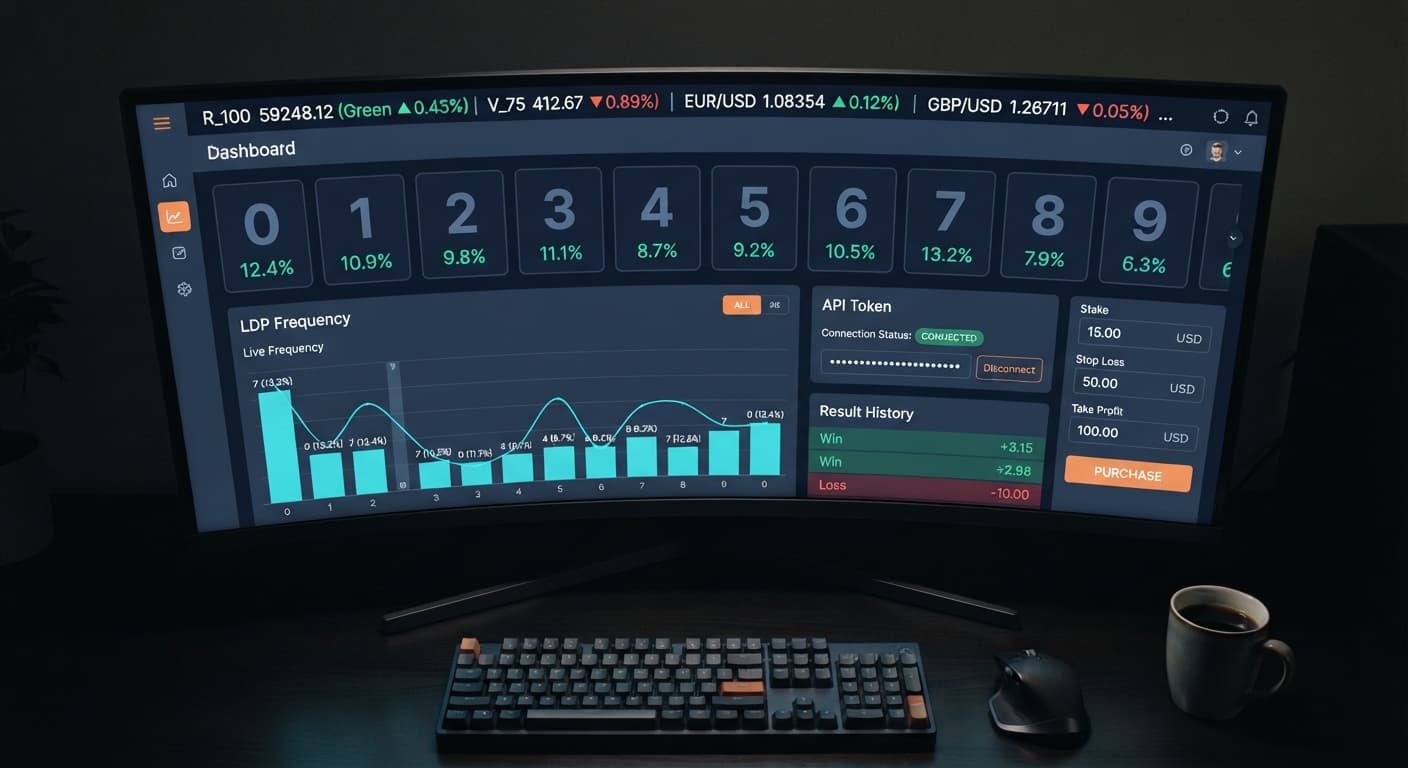
To learn how to use ldp analyzer, paste your Deriv API token into the input box, pick a synthetic volatility market, and configure your risk parameters. Once connected, you can run real-time digit analysis on incoming tick streams or launch automated strategy execution across contracts like DIGITEVEN, DIGITODD, DIGITOVER, DIGITUNDER, DIGITMATCH, and DIGITDIFF. The software processes every last-digit calculation directly in your web browser without storing your funds or requiring software downloads.
Understanding how to use ldp analyzer correctly means knowing how each setting affects contract execution on your account. Every synthetic tick drawn by Deriv is an independent random outcome, so your settings and risk boundaries are what determine your session survival.
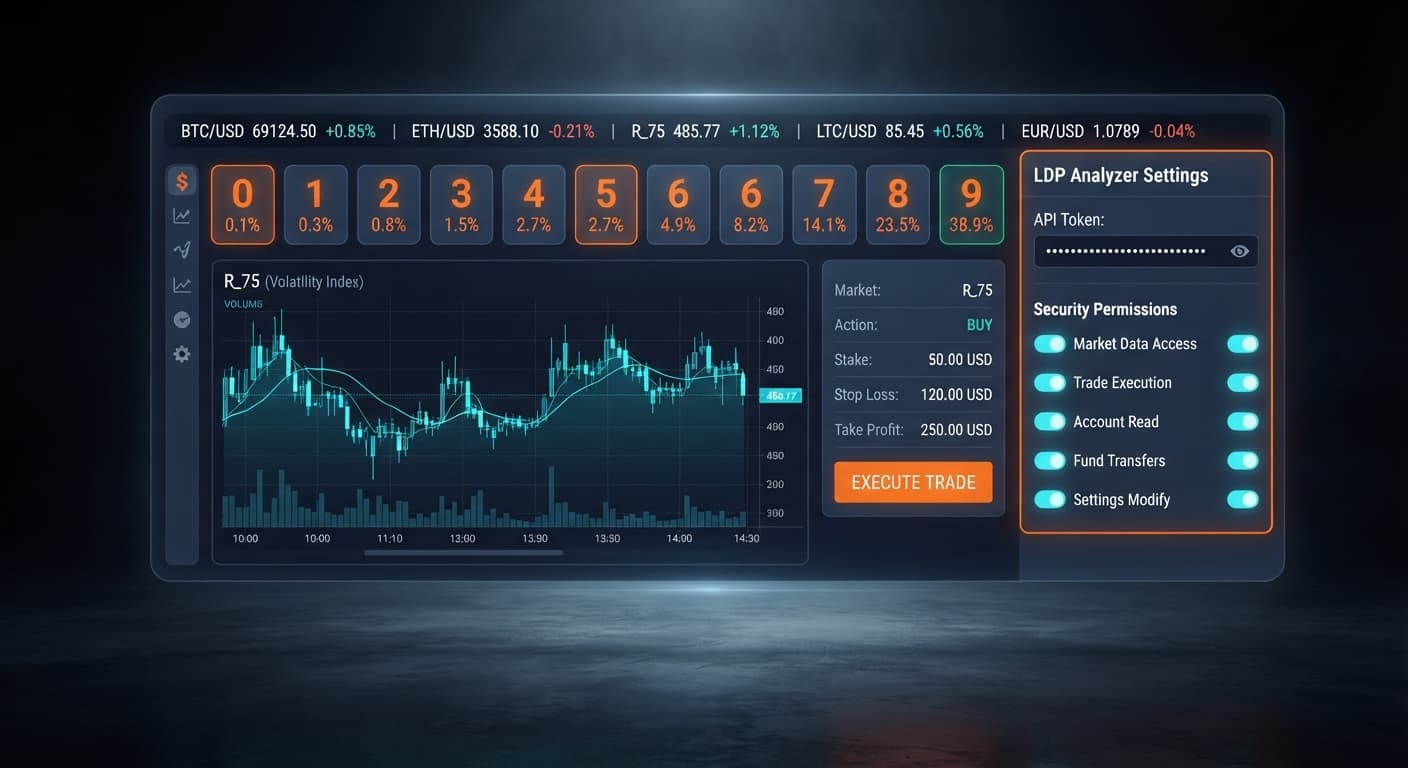
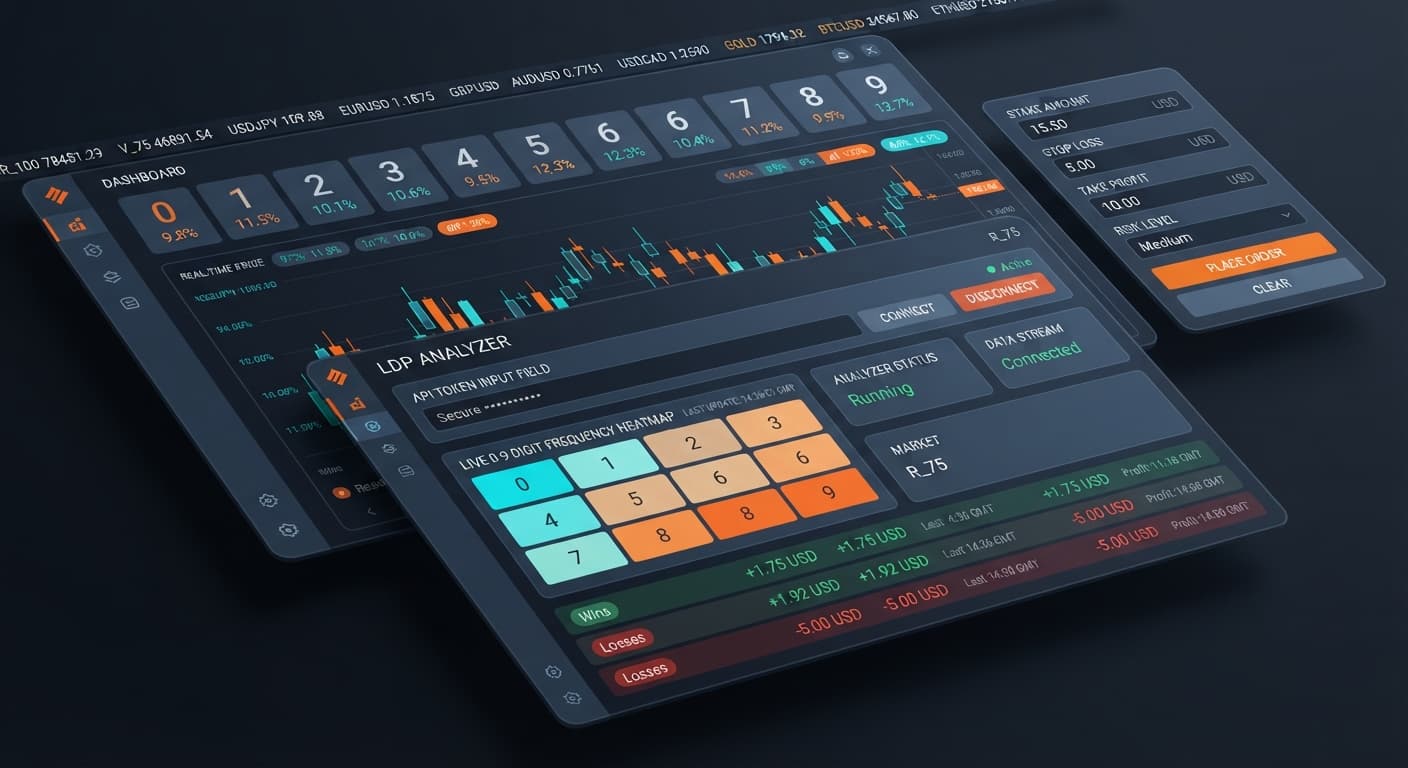
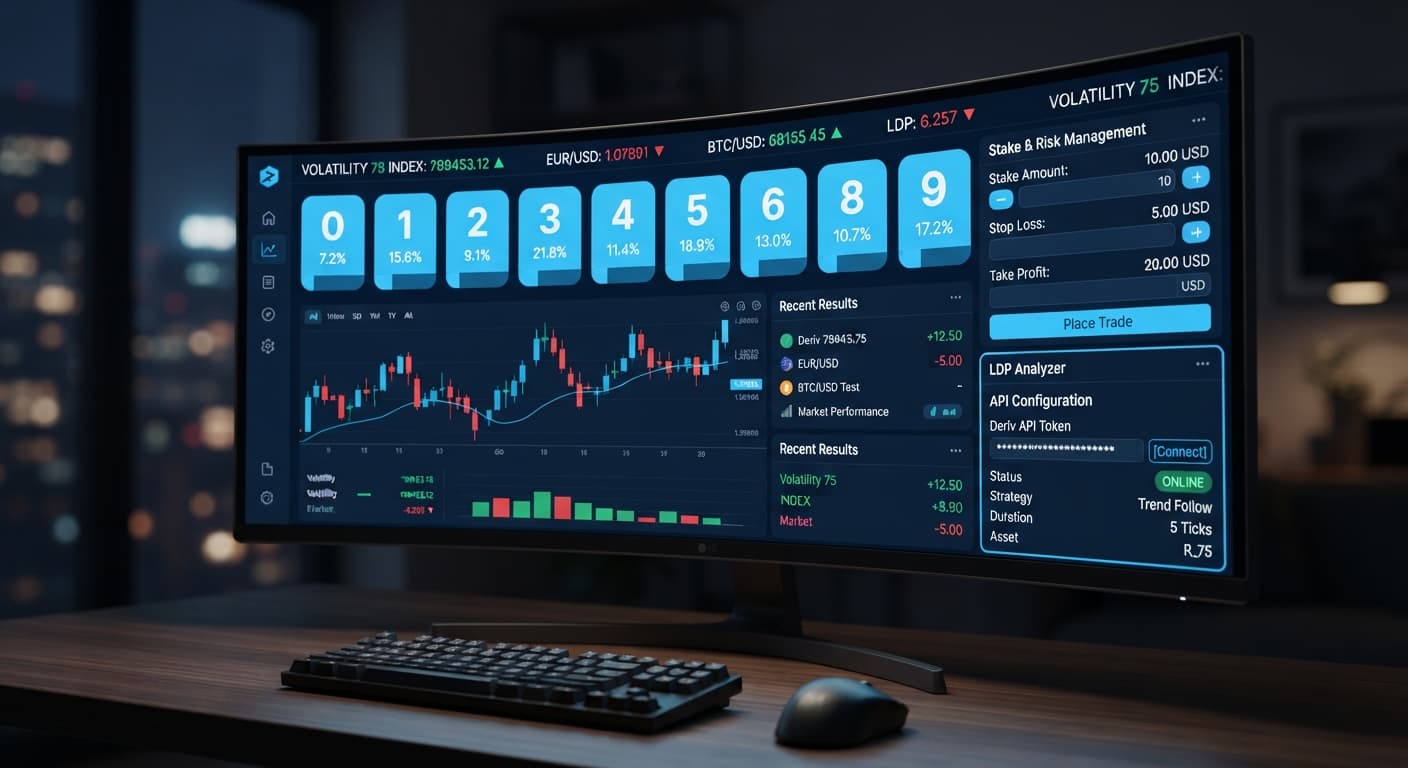
When you open the LDP Analyzer, the layout splits into input parameters, stream visualisers, and execution logs. Knowing which input panel handles which instruction prevents costly mistakes when switching from virtual testing to live money.
+-----------------------------------------------------------------------+
|  [ Deriv API token connection ]  --> Secures session link             |
+-----------------------------------------------------------------------+
|  [ market selector ]            --> Volatility 10, 25, 50, 75, 100 (1s)|
+-----------------------------------------------------------------------+
|  [ stake ] [ stop loss ] [ take profit ] --> Risk & Capital Controls   |
+-----------------------------------------------------------------------+
|  [ Mode Selection ]             --> Digit Analysis / Auto Execution   |
+-----------------------------------------------------------------------+
Here are the exact control fields you'll configure on screen:
The platform supports two distinct operating modes: real-time digit analysis and automated strategy execution. You can use the analyzer solely as an observation board to monitor last-digit frequencies, or hand over contract firing to the system using contracts like DIGITEVEN, DIGITODD, DIGITOVER, DIGITUNDER, DIGITMATCH, or DIGITDIFF.
Traders using deriv bots often overlook how fast synthetic ticks stream. On 1s index variants, a new tick arrives every single second. Setting your risk controls before launching the feed is your primary defense against rapid drawdowns.
Log into your Deriv account in a separate tab, open your account settings, and head to the API Token section. Create a new token with both Read and Trade permissions enabled. Copy that token string.
Return to the browser dashboard and locate the Deriv API token connection field. Paste your token into the box and click connect. The interface validates the token immediately against Deriv servers.
Deriv Token Settings:
[x] Read (Required for tick data)
[x] Trade (Required for automated order routing)
[ ] Admin (Do not enable)
Don't enable Admin scopes on your API token. The analyzer only needs Read access to parse the tick stream and Trade access to open digit contracts. Keeping token scopes minimal is standard security hygiene for anyone running binary bots.
Use the market selector menu to pick the asset you want to monitor or trade. Your choices cover the full standard suite of synthetic indices: Volatility 10, Volatility 25, Volatility 50, Volatility 75, Volatility 100, alongside the 1s variants such as Volatility 10 (1s) or Volatility 75 (1s).
Standard volatility indices update every two seconds per tick. The 1s variants update every second. If you're running rapid automated strategies, 1s markets generate higher trade frequencies, but they give you less time to evaluate statistical distribution visually.
Switching markets while an active session is running will reset the live digit distribution counter back to zero. If you're building a sample size of 500 ticks to analyze digit behavior, pick one market and leave the connection active until your sample completes.
Enter your order sizing parameters into the three financial management fields before touching any execution switches.
Example Parameters for a $100 Balance:
+-------------------+--------------------+
| Setting Control   | Recommended Value  |
+-------------------+--------------------+
| stake             | $1.00              |
| stop loss         | $15.00             |
| take profit       | $5.00              |
+-------------------+--------------------+
These parameters are mandatory safety guardrails. Because synthetic tick outputs are completely independent random draws, consecutive statistical anomalies occur regularly. Five identical last digits or seven consecutive odd numbers happen frequently over thousands of ticks. Without a strict stop loss, a run of bad contract outcomes will drain your balance while you watch.
Decide how you want to run the tool for your current trading session.
If you select real-time digit analysis, the engine acts purely as a stream scanner. It reads incoming prices, strips away the decimal numbers, isolate the last digit (0 through 9), and updates the distribution stats live on screen. No contracts are placed on your account in this mode.
If you choose automated strategy execution, select your target contract condition from the available options:
DIGITEVEN / DIGITODD: Trades on whether the final digit is even (0, 2, 4, 6, 8) or odd (1, 3, 5, 7, 9).DIGITOVER / DIGITUNDER: Trades on whether the final digit lands strictly above or below your target threshold.DIGITMATCH / DIGITDIFF: Trades on whether the final digit exactly hits or misses a chosen target digit.The software evaluates incoming stream data instantly. When the conditions set by your strategy trigger, an automated contract order posts directly to your account.
Click the start button to open the live websocket connection. You don't need to refresh the page or reload scripts. Within two seconds, the data feed establishes and incoming ticks populate the visualizers.
Watch the tick counter at the top of the interface. It increments with every tick price received from Deriv. As digits accumulate, the percentage frequency bars adjust, showing you the exact distribution of numbers from 0 through 9 over your active sample period.
If you're testing an automated strategy for the first time, keep the account connected on a Deriv demo balance. Verify that trades fire accurately according to your chosen strategy parameters before switching your API token to a real balance session.
When running binary bots inside a browser, watching screen feedback tells you whether your session is operating correctly or failing silently. Here is how to diagnose your dashboard status instantly.
| Screen Indicator | Visible State | What It Means | Required Action |
|---|---|---|---|
| API Token Box | Green border with account ID visible | Token is validated and session is active | Proceed to market selection |
| API Token Box | Red outline or alert text | Token string is invalid or permissions missing | Re-copy token from Deriv and check Read/Trade boxes |
| Tick Counter | Incrementing continuously every 1-2 seconds | Live WebSocket feed is active and receiving ticks | Engine is functioning normally |
| Tick Counter | Frozen for more than 5 seconds | Connection dropped or internet connection interrupted | Click disconnect, check network, and reconnect |
| Trade Log | Green text entry showing contract ID | Trade successfully opened and processed | Monitor session P/L updates |
| Trade Log | Red entry reading "Insufficient Balance" | Account balance is below configured stake | Lower stake or top up demo account |
A healthy session shows a continuously updating tick counter, live digit percentage changes, and immediate line items in the transaction log whenever a trade triggers. If the tick counter halts, your browser may have throttled the background tab or lost network connection.
Knowing how to use ldp analyzer effectively involves verifying that automated orders land correctly on Deriv's backend. Never assume an automated script is placing trades simply because the strategy criteria were met on screen.
Follow this verification routine during your first five minutes of live execution:
If the analyzer visualizes incoming ticks but fails to place contracts when conditions trigger, the cause is almost always API token permissions. Deriv lets you generate tokens with custom permission scopes. If you leave the "Trade" scope unchecked during token creation, the software can pull tick data for real-time digit analysis, but Deriv will reject every contract placement attempt.
Diagnostic Check for Unresponsive Automation:
1. Is tick counter moving?  --> YES: Feed is working.  NO: Check internet/reconnect.
2. Are conditions met?      --> YES: Logic is working. NO: Wait for setup.
3. Is trade log updating?   --> NO: Token lacks 'Trade' scope. Generate new token.
Another common issue is browser tab suspension. Modern browsers like Chrome and Edge automatically freeze resource-heavy tabs running in the background to save memory. If you open a new tab and leave the analyzer running hidden, your browser might freeze the tick reader, causing missing ticks or delayed order execution. Keep the analyzer window visible or run it in a dedicated browser pane to keep background execution active.
To upgrade from basic digit scanning to advanced target heatmaps, tick recovery algorithms, and dynamic target matching, open the LDP Analyzer Pro dashboard for enhanced control modules designed specifically for high-frequency deriv bots.
Try it yourself on LDP Analyzer using a demo balance first.
If you don't have an account yet, create a free Deriv account to generate your API token.
Trading involves risk. Past performance does not guarantee future results.
Related: Configuring LDP Analyzer Settings for Deriv Bots
Related: Using Ldp Analyzer For Beginners On Deriv Binary Bots
Related: How to Configure LDP Analyzer Settings on BinaryBot.live
Free LDP Binary Analyzer — AI-powered last-digit analysis for Deriv traders with real-time binary analysis and automated strategies.
Open LDP Analyzer →You connect your account by pasting your Deriv API token into the secure text input box on the LDP Analyzer dashboard. This authorizes the tool to pull tick data and place trades directly on your account.
LDP Analyzer supports six digit-based contract types: DIGITEVEN, DIGITODD, DIGITOVER, DIGITUNDER, DIGITMATCH, and DIGITDIFF. You can use the system to automatically execute trades across these contracts or run real-time digit analysis.
No, LDP Analyzer processes every last-digit calculation directly in your web browser and doesn't store your funds. It also doesn't require any software downloads to run.
When your total session losses touch your stop loss target, session execution halts instantly. You configure this absolute drawdown limit in the risk and capital controls panel before launching the feed.
Guides closest to this one.
Master ldp analyzer demo account setup for deriv bots. Learn to connect your API token for precise digit analysis and risk-free binary analysis tool testing.
Master ldp analyzer api token setup to connect Deriv bots for real-time digit analysis and automated binary strategy execution. Start trading today.
Use ldp analyzer india for binary bots. Learn how to connect your Deriv API token and run real-time digit analysis today. Start reading now.