Digit Analysis
How to Use LDP Analyzer for Deriv Bots
Learn how to use LDP analyzer on BinaryBot.live. Connect your Deriv API token and run real-time digit analysis for binary bots. Try it free today.
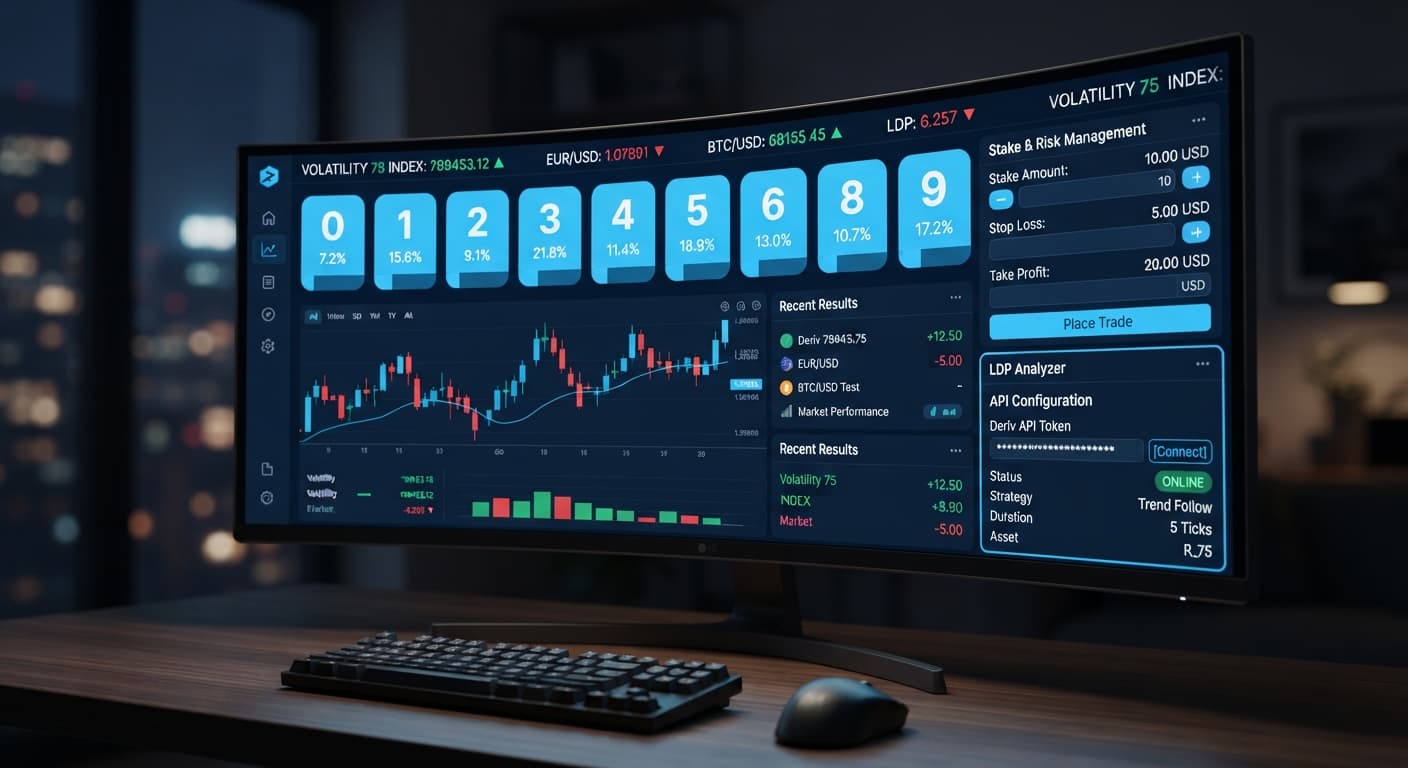
For an ldp analyzer demo account setup, generate a read-and-trade API token inside your Deriv Virtual Account dashboard, then paste that token directly into the browser tool's connection box. Connecting takes under two minutes, doesn't transfer any funds, and lets you test digit algorithms without risking cash.
By the end of this guide, you'll have a live virtual tick feed running inside your browser, executing contracts safely on virtual equity. This setup is built for traders running deriv bots who want to test market conditions before risking a real balance.
Before initiating your ldp analyzer demo account setup, make sure you have these prerequisites ready:
Log into your Deriv account and switch to your Virtual Account. Navigate to Account Settings, open the Security & Safety menu, and click on API Token.
Check the boxes for Read and Trade scopes. You don't need Admin or Payments permissions for this tool, so leave those unchecked. Type a label like "LDP-Demo" into the token name field, click Create, and copy the alphanumeric string generated on screen. Having trade scope authorized lets you run test executions on demo funds seamlessly.
Navigate to the LDP Analyzer tool in your web browser. This step is the bridge for your ldp analyzer demo account setup, connecting the browser directly to market data.
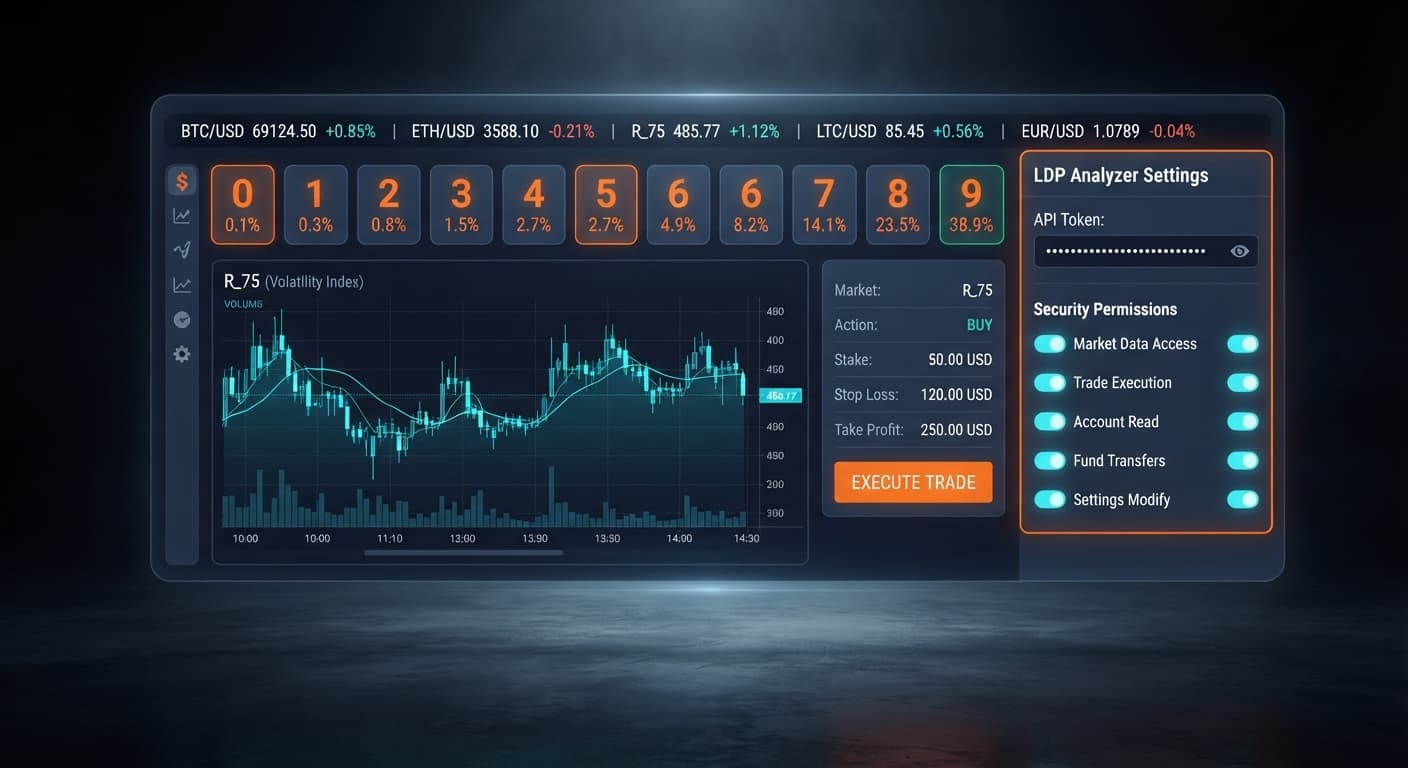
Look at the top header of the application interface. You'll see an unlinked status badge next to an input field labeled Deriv API token connection. The tool doesn't require any registration or local software downloads; it runs completely in your browser tab.
Paste your copied key into the Deriv API token connection field and hit the connect button. The app connects directly to Deriv over their official API using your browser session.
Within two seconds, the interface state changes. The connection status light turns green, displaying your demo account ID alongside your current virtual USD balance. No funds ever leave Deriv, but your browser tab now has permission to pull live ticks and place test contracts on your virtual equity.
Find the market selector drop-down menu near the top panel. This menu populates with synthetic assets provided by Deriv.
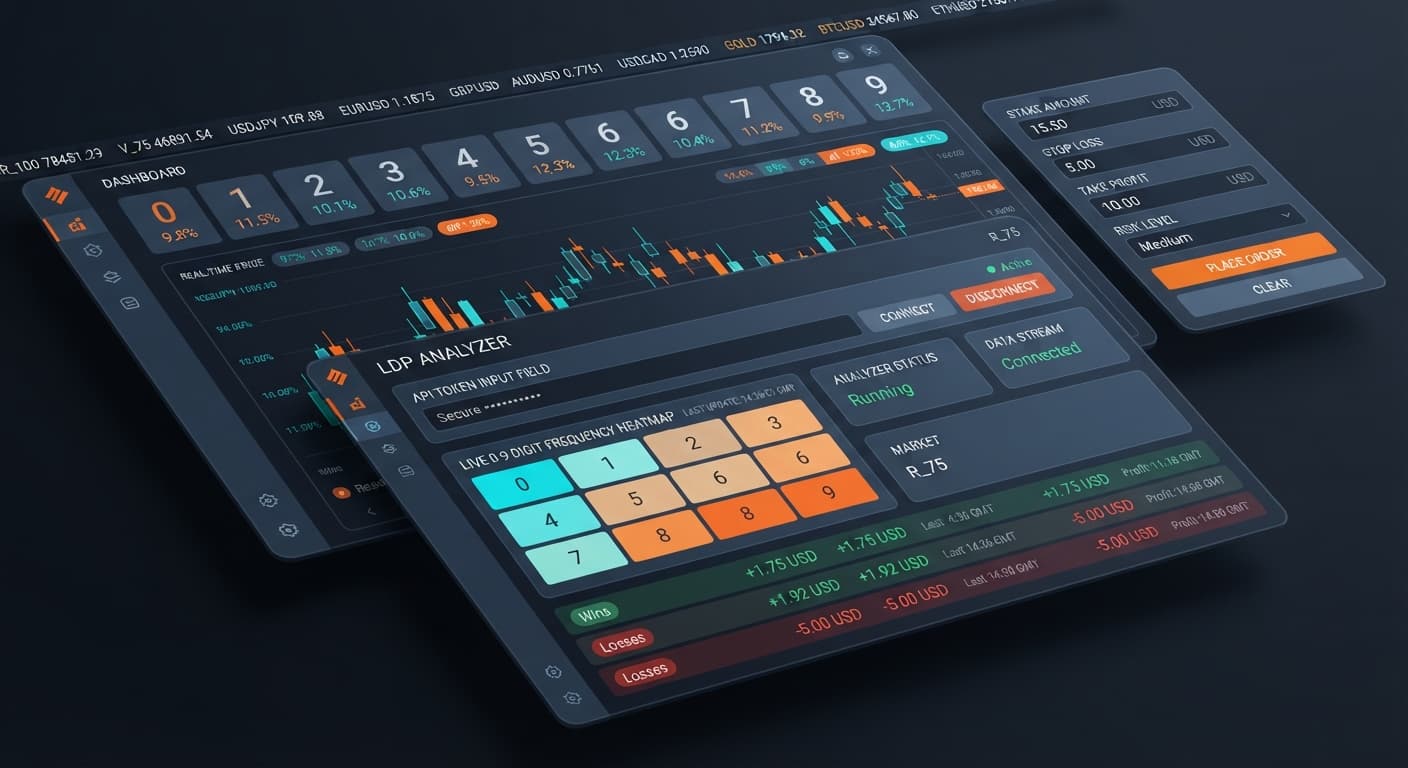
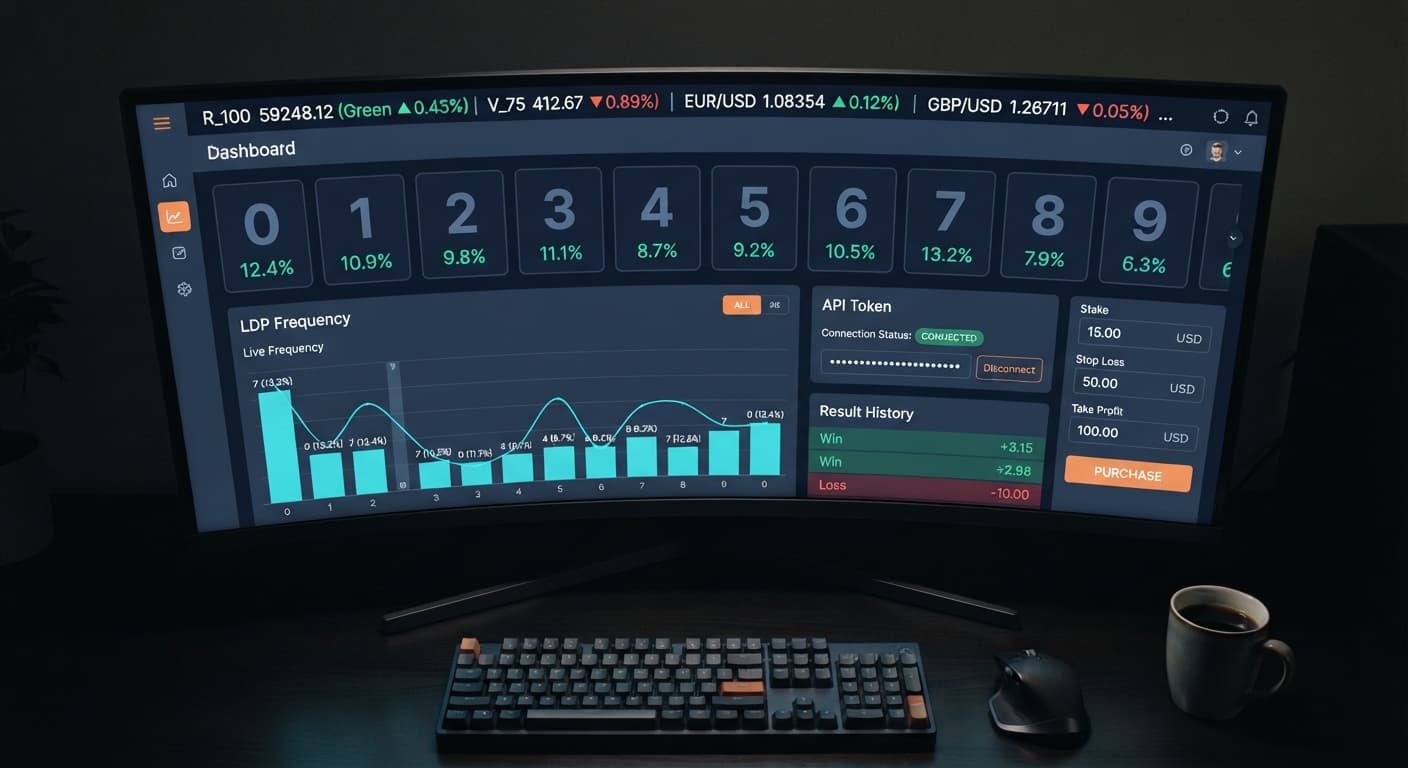
Select Volatility 100 or try one of the 1s variants like Volatility 75 (1s). The moment you choose an asset, the digit feed populates. You'll see the last digit (0 through 9) of every incoming tick updating in real time across the visual dashboard.
Set your session parameters before touching any execution triggers. Enter your virtual amounts into the exact risk fields on screen:
10 into the stake control box.50 into the stop loss control box.20 into the take profit control box.Choose your operational approach: switch on real-time digit analysis if you only want to observe tick math, or enable automated strategy execution to place live demo trades. Select your preferred contract type, such as DIGITEVEN, DIGITODD, DIGITOVER, DIGITUNDER, DIGITMATCH, or DIGITDIFF. When working with binary bots, defining these boundaries keeps your virtual capital structured.
The table below outlines real control configurations you can test immediately on a virtual account.
| On-Screen Control | Setting Value | System Behavior | Ideal Trader Profile |
|---|---|---|---|
| market selector | Volatility 10 | Ticks arrive every 2 seconds, offering a slower digit flow. | Beginners learning real-time digit analysis visual patterns. |
| market selector | Volatility 75 (1s) | Ticks arrive every 1 second for fast digit updates. | Experienced traders benchmarking high-speed binary bots. |
| take profit | 15 (% or USD) | Halts contract execution once target gains hit $15. | Traders practicing disciplined profit-taking. |
| stop loss | 10 (% or USD) | Instantly terminates the session if virtual losses hit $10. | Risk-focused users protecting session equity. |
| Contract Strategy | DIGITEVEN / DIGITODD | Triggers orders based on odd (1,3,5,7,9) or even (0,2,4,6,8) last digits. | System testers evaluating 50/50 probability distributions. |
| Contract Strategy | DIGITOVER / DIGITUNDER | Triggers orders based on whether the last digit lands above or below a chosen threshold. | Advanced users testing directional digit bias. |
I prefer testing Volatility 100 with a $10 stop loss on demo balances because the rapid tick rate exposes flaws in your timing fast. Running high-frequency test sessions reveals how your automated setup responds under volatile conditions without waiting hours for results.
When running your ldp analyzer demo account setup, avoiding common operational mistakes is just as vital as picking the right entry rules.
Try it yourself on LDP Analyzer using a demo balance first.
If you don't have one yet, create a free Deriv account.
Trading involves risk. Past performance does not guarantee future results.
Related: How to Use LDP Analyzer for Deriv Bots
Free LDP Binary Analyzer — AI-powered last-digit analysis for Deriv traders with real-time binary analysis and automated strategies.
Open LDP Analyzer →You generate a read-and-trade API token inside your Deriv Virtual Account dashboard and paste it directly into the LDP Analyzer connection box. Connecting takes under two minutes and lets you safely test strategies using virtual equity.
You need to enable both Read and Trade scopes when generating your token in Deriv. You don't need Admin or Payments permissions, so you should leave those boxes unchecked.
No, it doesn't require any registration or local software downloads. The LDP Analyzer tool runs completely inside your web browser tab.
No funds ever leave Deriv during the setup because you connect using a virtual account profile. It uses demo funds so you can test market conditions and digit algorithms without risking real cash.
Guides closest to this one.
Learn how to use LDP analyzer on BinaryBot.live. Connect your Deriv API token and run real-time digit analysis for binary bots. Try it free today.
Master ldp analyzer api token setup to connect Deriv bots for real-time digit analysis and automated binary strategy execution. Start trading today.
Use ldp analyzer india for binary bots. Learn how to connect your Deriv API token and run real-time digit analysis today. Start reading now.