Digit Analysis
Configuring LDP Analyzer Settings for Deriv Bots
Master your ldp analyzer settings on BinaryBot.live. Learn to configure your Deriv API token, market, stake, stop loss, and take profit. Start today.
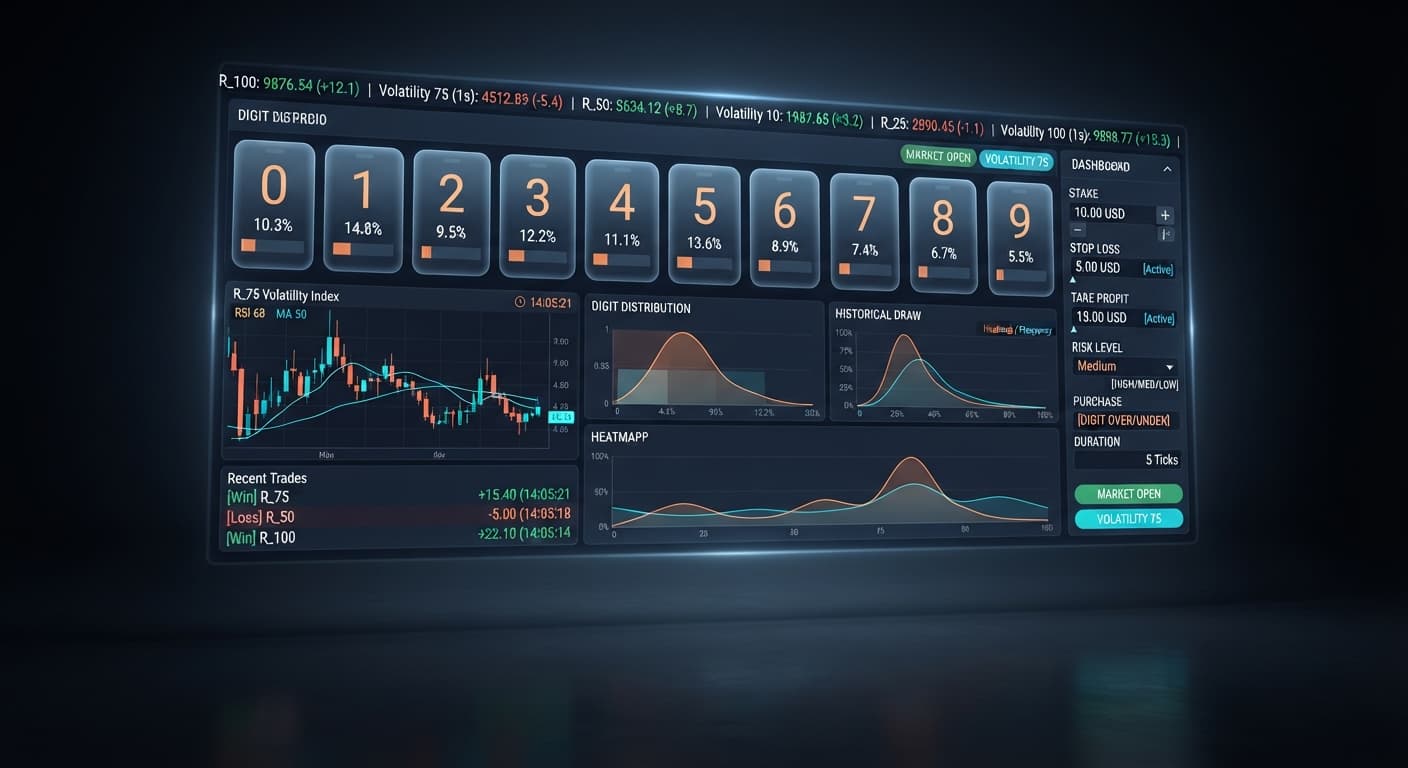
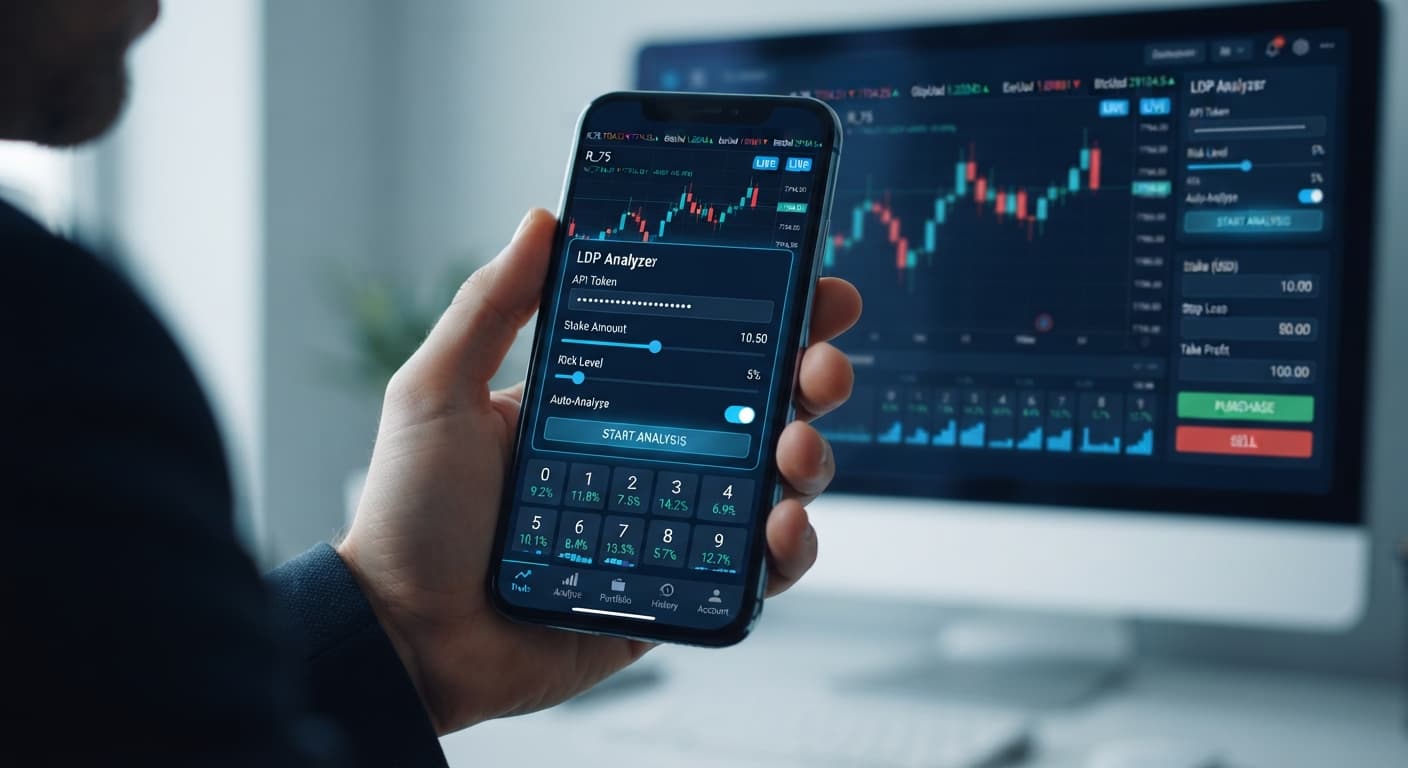
Traders looking for an ldp analyzer india setup can connect their account directly in a web browser to process live tick data without downloading external software. The LDP Analyzer uses a direct API token to process price streams and execute automated strategy execution or real-time digit analysis across synthetic indices like Volatility 10 and Volatility 75. Most beginners lose capital quickly because they treat statistical digit output as a guarantee rather than probability. Starting on a virtual account gives you room to test parameters without burning real money.
When you start testing deriv bots from India, it's easy to assume that a digit that hasn't appeared in thirty ticks is overdue. That's a trap. Deriv synthetic index ticks are completely independent random draws. If the number 7 hasn't appeared for forty seconds on Volatility 100, its odds on the next tick remain exactly 1 in 10.
Many traders open web-based binary bots expecting immediate gains, only to drain their accounts inside an hour. They over-bet because they misinterpret past percentages. The tool displays what just happened, not what must happen next. If you run automated strategy execution without fixed risk controls, market variance will eventually hit a bad streak that wipes out your session balance.
Here's a quick list of terms you'll encounter on the interface before you run your first session:
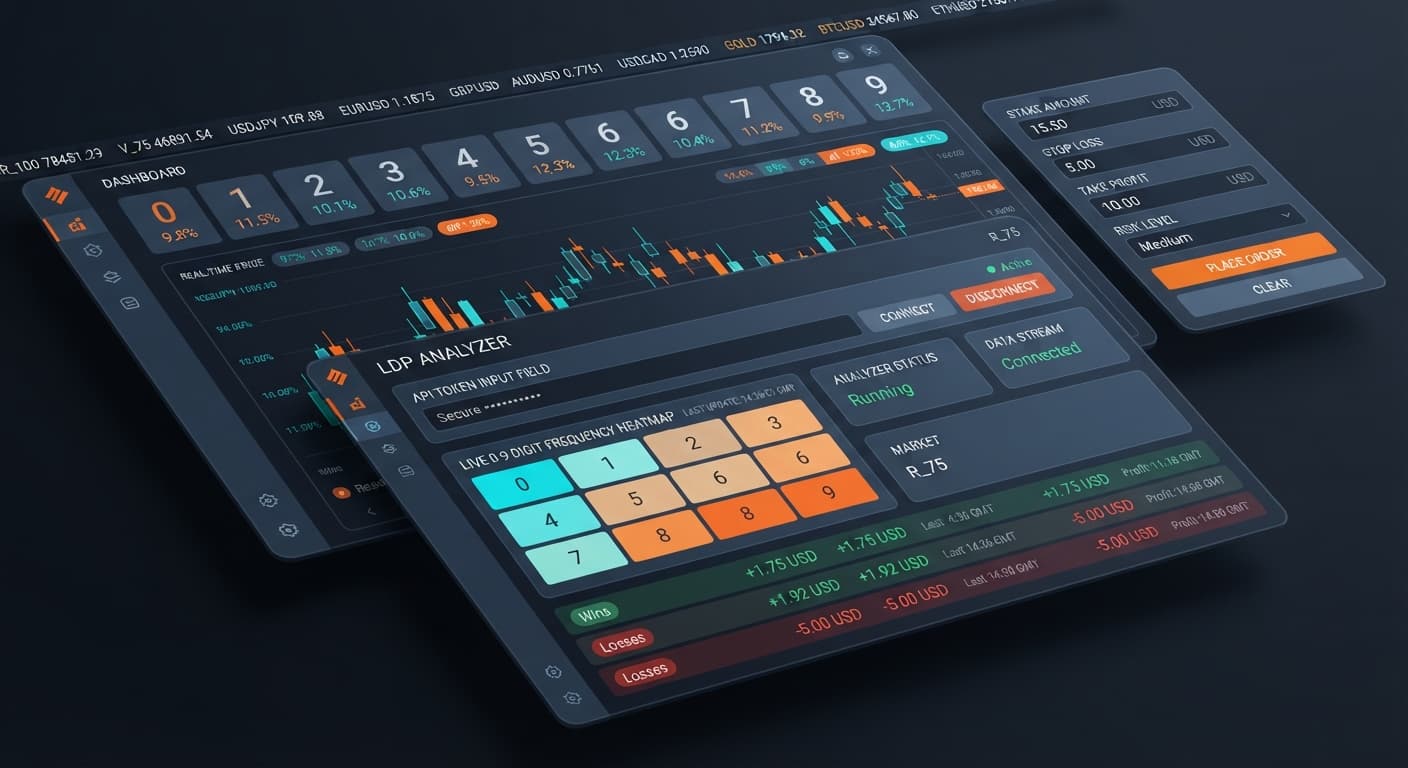
When you configure an ldp analyzer india workflow, watching how the interface reacts tells you instantly whether your connection is active or broken. The table below breaks down specific visual indicators across the browser interface.
| Interface Component | Screen State Observed | Practical Meaning | Immediate Action Required |
|---|---|---|---|
| Deriv API token connection | Green status text displays "Connected" | Your token authenticated and the browser stream is live. | Select your market from the menu to begin reading ticks. |
| Deriv API token connection | Red border around input field | The entered key is invalid, expired, or lacks trade permissions. | Generate a fresh token inside Deriv account settings with trade scope enabled. |
| Market selector | Stream stalls, tick counter stays at 0 | The websocket stream dropped or the market is reloading. | Re-select Volatility 50 or Volatility 75 to force a feed refresh. |
| Trade log panel | Red warning pops up during execution | Trade rejected due to balance limits or missing parameters. | Verify your stake value is lower than your balance and check stop loss settings. |
| Real-time digit analysis display | Live bar graph shifts every tick update | The analyzer is correctly calculating distributions for the active index. | Observe at least 50 ticks before launching automated trades. |
Using an ldp analyzer india tool means relying on these local browser signals. If your connection drops during live trading, contracts already submitted will still settle on Deriv's server, but automated strategies won't trigger new entries until the connection reconnects.
Before touching real capital, set up a demo test using this step-by-step workflow.
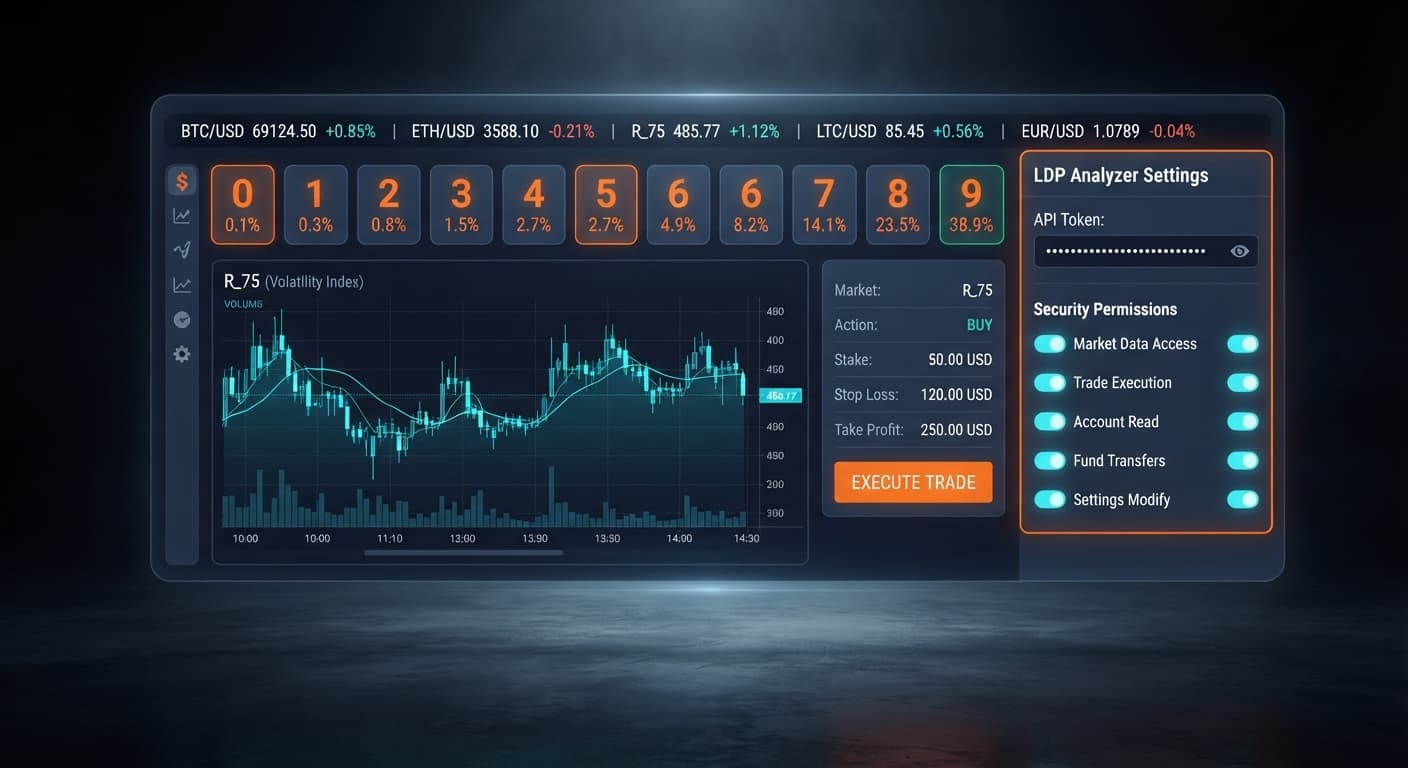
Log into your Deriv demo account in a separate tab, navigate to Account Settings > API Token, and create a key with "Read" and "Trade" permissions. Paste that key straight into the Deriv API token connection field inside the browser app. You'll see the connection status switch to active once verified.
Click the market selector and choose Volatility 10 (1s) or Volatility 100. These index choices offer steady tick speeds that make monitoring initial digit output manageable for new users.
Set your stake to 1.00 USD on your virtual account. Next, fill in a stop loss of 10.00 USD and a take profit of 5.00 USD. Never skip filling out your stop loss before running automated contracts. If you want advanced features like a 0-9 heatmap or custom target triggers later on, you can open LDP Analyzer Pro, but basic risk parameters work identically here.
Select your preferred contract type—such as DIGITEVEN or DIGITODD—and click start. Watch the trade log register each contract as ticks stream in. Let the session run until it hits either your take profit or stop loss limit. Do not adjust settings mid-session.
Running deriv bots or web analysers without understanding market structure leads to fast drawdowns. Here are three common issues traders in India face during their first week, along with the precise fixes.
First, traders often double down manually when a contract loses three times in a row. They assume a digit like 0 or 9 must land soon. Because ticks are independent, short-term trends can easily churn out ten consecutive odd digits or eight high digits in a row. Relying on gut feeling leads to blown balances. The fix is absolute discipline: set your stop loss at 10% to 15% of your total balance and let the system stop trading automatically when that threshold is hit.
Second, traders forget to limit session duration. Leaving binary bots running on Volatility 75 overnight exposes your account to hundreds of random draws. Over large sample sizes, house margins and probability work against unmonitored scripts. Setting a firm take profit ensures the bot halts execution as soon as your target is met.
Third, beginners test strategies on live accounts while using high-volatility assets like Volatility 100 (1s). Rapid price changes cause faster entry triggers than expected. Using an ldp analyzer india setup effectively requires starting on low-volatility indices on virtual funds until you understand trade frequency and timing.
Test this setup yourself using LDP Analyzer on a demo balance first.
If you don't have one yet, create a free Deriv account.
Trading involves risk. Past performance does not guarantee future results.
Related: Configuring LDP Analyzer Settings for Deriv Bots
Related: Using Ldp Analyzer For Beginners On Deriv Binary Bots
Related: How to Configure LDP Analyzer Settings on BinaryBot.live
Related: LDP Analyzer API Token Setup: Connect & Automate Deriv Bots
Free LDP Binary Analyzer — AI-powered last-digit analysis for Deriv traders with real-time binary analysis and automated strategies.
Open LDP Analyzer →You connect your account directly in a web browser using a Deriv API token generated in your account settings. This lets the LDP Analyzer process live tick data and execute trades without storing your password.
A red border means the key you entered is invalid, expired, or lacks the necessary trade permissions. You'll need to generate a fresh token inside your Deriv account settings with the trade scope enabled.
Beginners usually lose capital quickly because they treat statistical digit outputs as guarantees instead of probabilities. They fall into the trap of assuming a digit is overdue after not appearing for a while, leading to over-betting and wiped accounts.
A stalled stream means the websocket dropped or the market is reloading. You can fix this by simply re-selecting an asset like Volatility 50 or Volatility 75 from the market selector menu.
Guides closest to this one.
Master your ldp analyzer settings on BinaryBot.live. Learn to configure your Deriv API token, market, stake, stop loss, and take profit. Start today.
Master ldp analyzer for beginners on Deriv binary bots. Learn digit analysis basics and read market patterns step by step. Try our free binary analysis tool.
Master ldp analyzer api token setup to connect Deriv bots for real-time digit analysis and automated binary strategy execution. Start trading today.