Digit Analysis
Configuring LDP Analyzer Settings for Deriv Bots
Master your ldp analyzer settings on BinaryBot.live. Learn to configure your Deriv API token, market, stake, stop loss, and take profit. Start today.
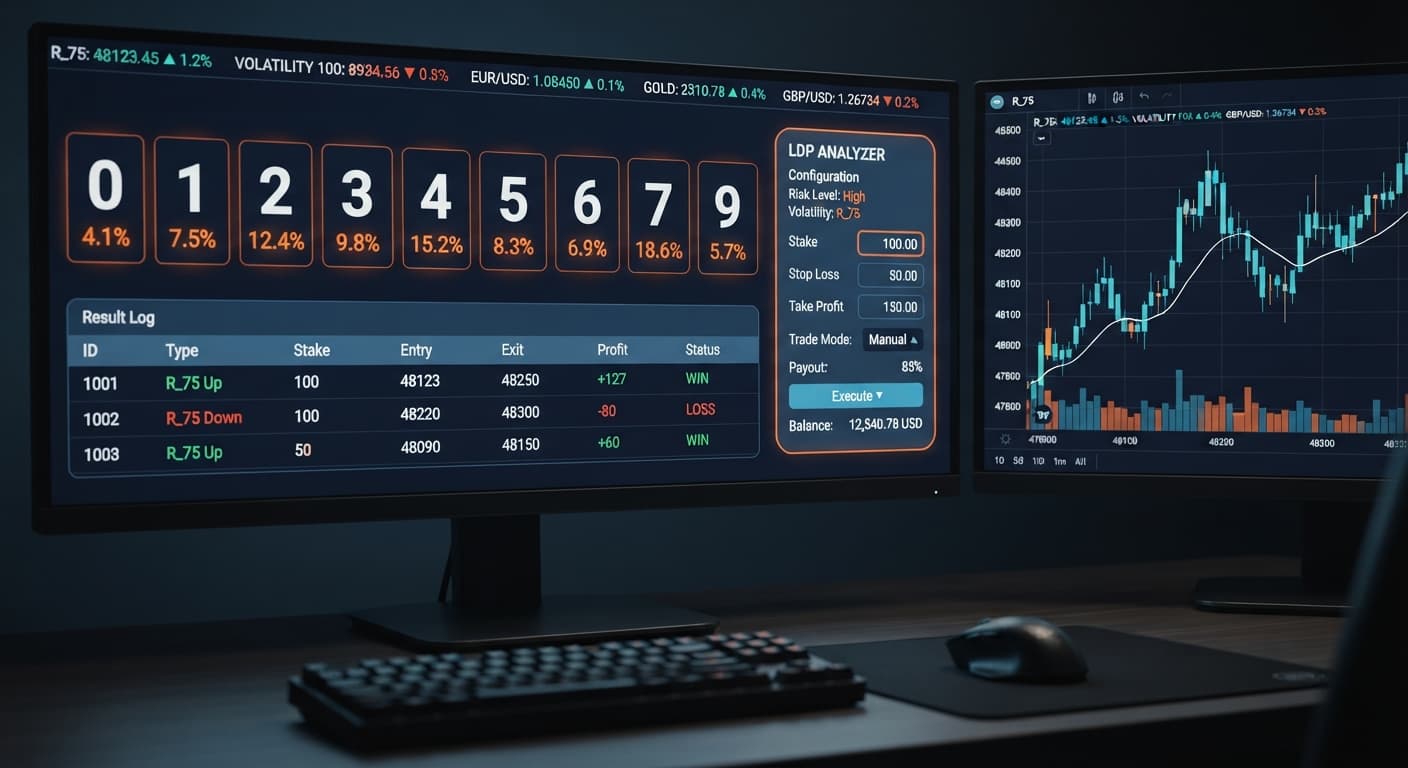
Configuring an automated digit bot without pre-set boundaries is the fastest way to drain your Deriv balance. The LDP Analyzer gives you direct access to live digit streams, real-time digit analysis, and automated strategy execution, but the tool is only as disciplined as the numbers you type into it.
This guide walks you through setting up your core parameters on BinaryBot.live's LDP Analyzer before you trade Volatility Indices. By the time you finish reading, you'll have a fully configured interface ready to run controlled executions on your demo account.
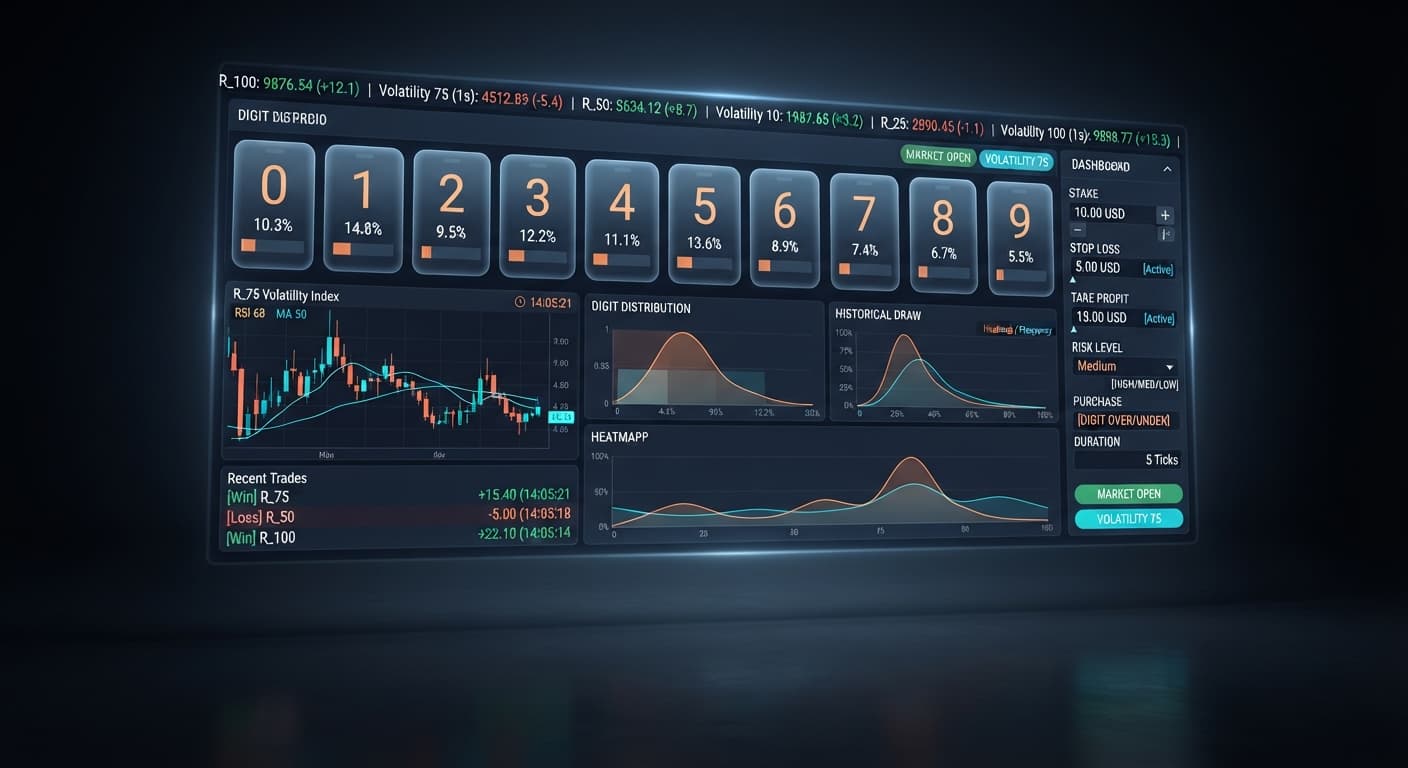
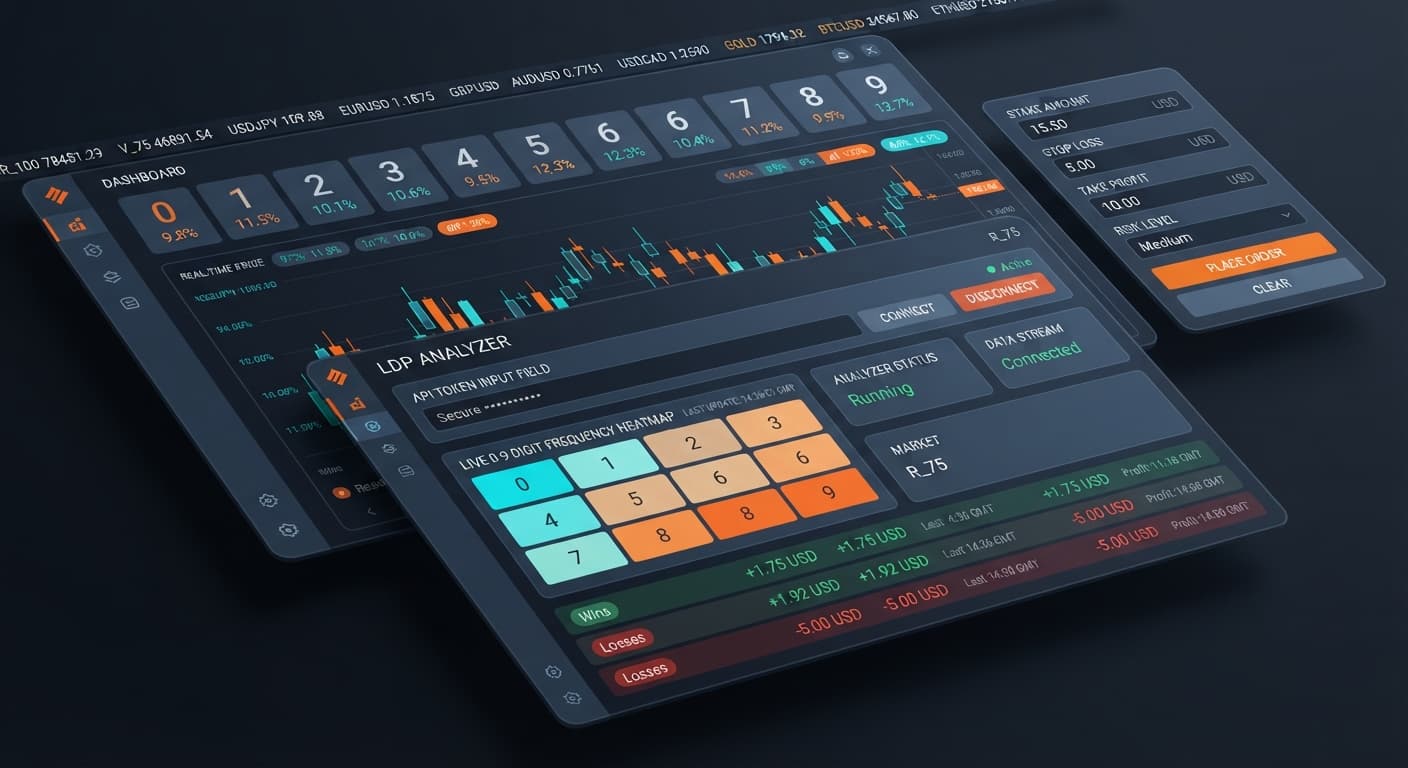
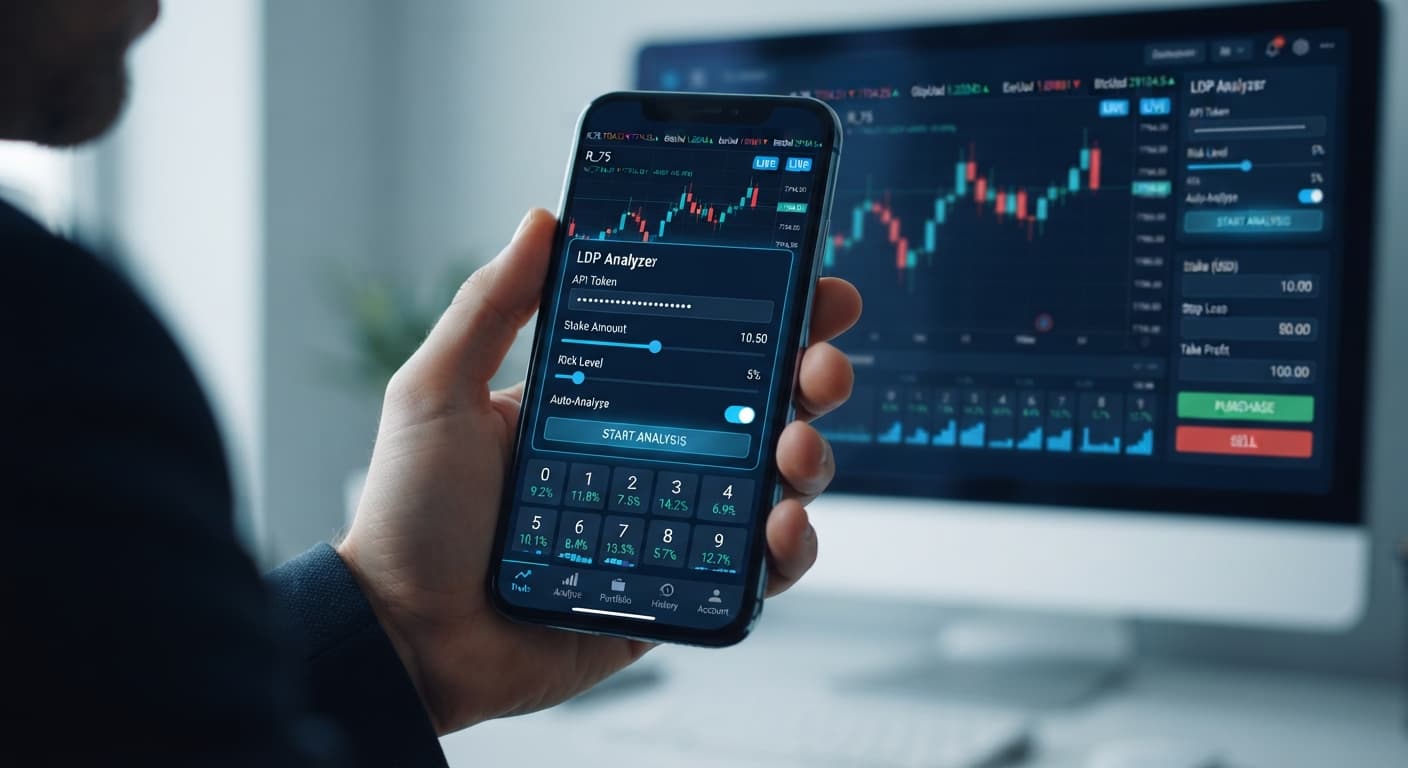
Open the browser tab containing the tool and locate the Deriv API token connection field at the top of the interface. This tool runs entirely client-side, meaning your token connects directly to Deriv over their official API without passing through third-party servers.
Paste your API token into the text box and submit it. If your token carries proper read and trade permissions, the status indicator changes from disconnected to connected within two seconds. Your live account or demo account balance will display next to the field. If you get an authorization error, return to your Deriv account security settings, delete the token, and generate a new one ensuring you tick both the read and trade permission boxes.
Move to the market selector drop-down menu directly below the connection panel. The analyzer supports standard synthetic index feeds including Volatility 10, Volatility 25, Volatility 50, Volatility 75, and Volatility 100, as well as their 1s variants (such as Volatility 10 (1s) Index or Volatility 100 (1s) Index).
Select your target market based on execution speed. Standard Volatility indices generate ticks every two seconds. The 1s variants generate a tick every single second. If you are testing automated strategy execution for contract types like DIGITEVEN, DIGITODD, DIGITOVER, or DIGITUNDER, start with Volatility 100 Index or Volatility 10 Index. Once chosen, the live tick stream populates immediately, running real-time digit analysis on the final decimal digit of every incoming price point.
Locate the stake field. This value represents the exact amount in USD (or your primary currency) that the tool will spend on your first contract.
Type your starting value cleanly. For a $100 account, enter 1.00. Avoid starting with high stakes. If your stake is $5 on a $50 account, a brief streak of bad ticks will hit your safety limits before your strategy has time to trade through normal statistical variance. Keep your base stake at 1% to 2% of your available balance. The screen updates to show your active base order size once saved.
Find the stop loss field on the control board. This setting is mandatory. It dictates the maximum total loss your account can absorb during a session before the tool automatically halts execution.
Enter a hard numerical cap. For a $100 balance, set this control to 15.00. If consecutive losses occur during an automated run, the script checks your cumulative net profit after every closed contract. The moment your cumulative losses reach or exceed $15.00, the algorithm stops placing orders instantly. Never leave this field at zero or blank. Leaving it empty removes your safety net, exposing your entire balance to continuous trades during unexpected drawdown.
Go to the take profit box right next to the risk settings. This field defines your target earnings for the trading session.
Type your profit target in dollar terms. A realistic target for a $100 balance is 5.00 to 10.00 per session. When your active session profit crosses your entered threshold, the system cancels further execution cycles and locks in your gains. Setting this parameter prevents over-trading, which is the primary reason retail traders lose profits back to the market after a winning run.
The parameters below offer a conservative framework designed to preserve capital while testing strategies across DIGITEVEN, DIGITODD, DIGITOVER, DIGITUNDER, DIGITMATCH, or DIGITDIFF contract types.
| Parameter | Recommended Demo Setting | Purpose |
|---|---|---|
| Deriv API token connection | Active Demo Token | Connects directly to your virtual account feed |
| market selector | Volatility 10 Index | Provides steady 2-second tick intervals for clear analysis |
| stake | $1.00 | Limits initial exposure to 1% of a standard $100 demo balance |
| stop loss | $15.00 | Mandates an automatic shutdown at 15% maximum drawdown |
| take profit | $5.00 | Disengages the bot once a 5% gain is achieved |
Even with precise configuration, digit trading carries distinct mechanical risks. Understanding how these settings interact with synthetic index behavior protects your live capital.
If you utilize automated strategy execution with stake multiplication turned on, losses stack rapidly. A $1 starting stake doubles quickly:
Seven consecutive losses wipe out a $100 bankroll completely. Mitigation: Set your stop loss strictly at $15.00 so the system terminates the automated run on Trade 4 before the compounding stakes destroy your balance.
Traders often review real-time digit analysis feeds, spot seven consecutive even digits, and assume an odd digit is "due." Synthetic indices generated by Deriv rely on independent random draws. The probability of the next tick ending in an even digit remains roughly 50% regardless of past outcomes. Mitigation: Do not manual-override your stake size after a digit sequence. Maintain fixed parameters.
Launching automated executions on a live account before testing full run cycles often results in unexpected losses due to misconfigured stake inputs. Mitigation: Input a demo token into the Deriv API token connection line first. Run at least 50 automated contract executions under varying market volatility conditions before considering live capital.
Starting a run without pre-configuring safety boundaries leads to total account depletion if your internet disconnects or your attention shifts away from the dashboard. Mitigation: Always fill out stop loss and take profit before clicking start. If those fields are empty, do not initiate trades.
You can test these exact configurations safely by launching the free LDP Analyzer on BinaryBot.live using virtual funds. If you haven't set up your trading environment yet, create a free Deriv account to generate your API token.
Trading involves risk. Past performance does not guarantee future results.
Related: Step-by-Step Guide: Reading Live Ticks with LDP Analyzer
Related: Step-by-Step Guide: Using LDP Analyzer Pro for DIFFER
Related: Trading Volatility Indices with Deriv Bots Kenya
Related: Step-by-Step Guide on How to Use LDP Analyzer Pro for Deriv Bots
Related: Using Ldp Analyzer For Beginners On Deriv Binary Bots
Free LDP Binary Analyzer — AI-powered last-digit analysis for Deriv traders with real-time binary analysis and automated strategies.
Open LDP Analyzer →You just need to generate a valid Deriv API token with both read and trade permissions enabled, then paste it into the API token connection field at the top of the interface. Once you submit it, the status indicator will turn to connected and show your account balance within two seconds.
Your API token must have both read and trade permissions enabled. If you get an authorization error, you'll need to go to your Deriv security settings, delete that token, and generate a new one with both permission boxes ticked.
The tool supports standard synthetic index feeds like Volatility 10, 25, 50, 75, and 100, alongside their 1s variants. You can select your target market from the market selector drop-down menu depending on your preferred execution speed.
You should keep your base stake at 1% to 2% of your available balance, such as entering $1.00 for a $100 account. Avoid starting with high stakes so a brief streak of bad ticks doesn't drain your balance before your strategy can adjust.
Guides closest to this one.
Master your ldp analyzer settings on BinaryBot.live. Learn to configure your Deriv API token, market, stake, stop loss, and take profit. Start today.
Master ldp analyzer for beginners on Deriv binary bots. Learn digit analysis basics and read market patterns step by step. Try our free binary analysis tool.
Use ldp analyzer india for binary bots. Learn how to connect your Deriv API token and run real-time digit analysis today. Start reading now.