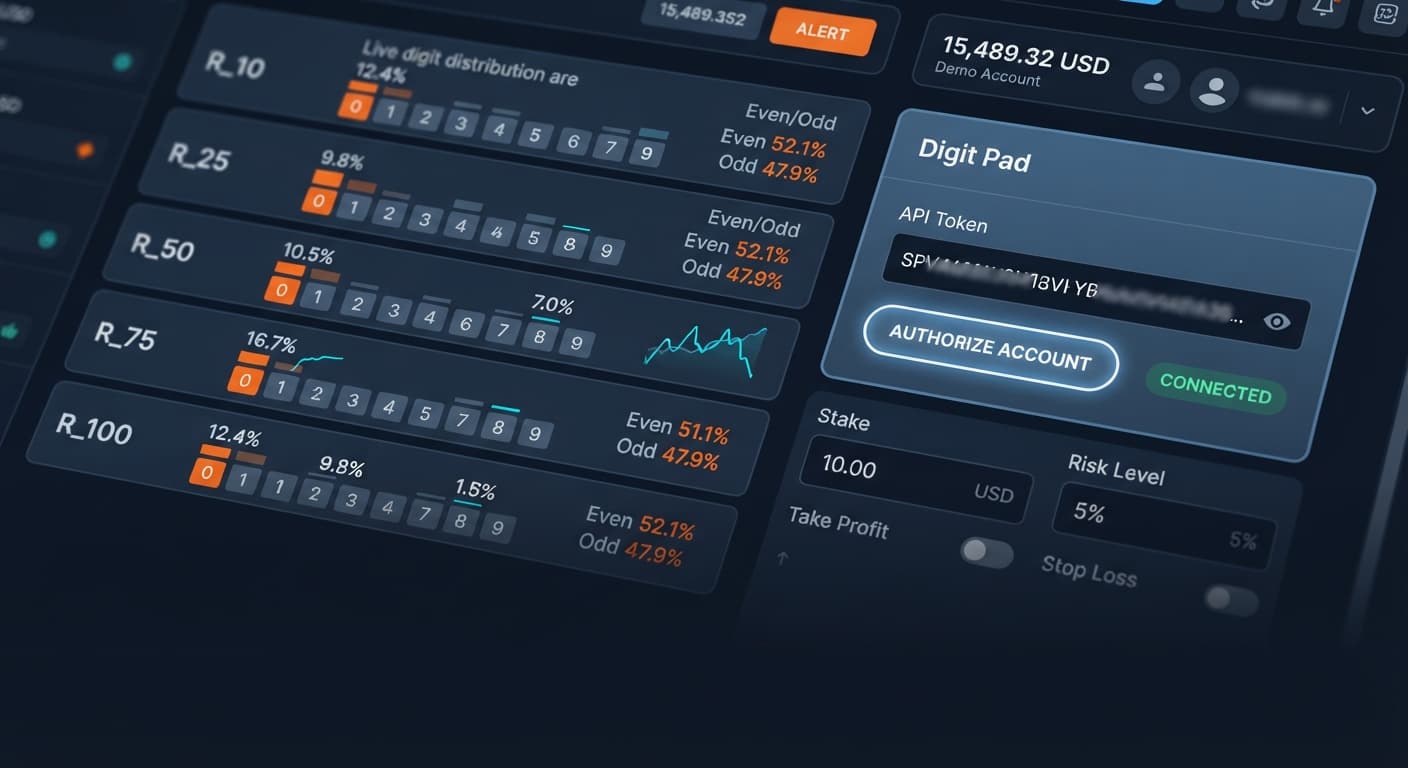
Digit Analysis
Digit Pad Demo Account Setup for Deriv Bots
Complete digit pad demo account setup for Deriv bots. Learn digit analysis and execute multi-market digit trades safely. Test your binary analysis tool now.
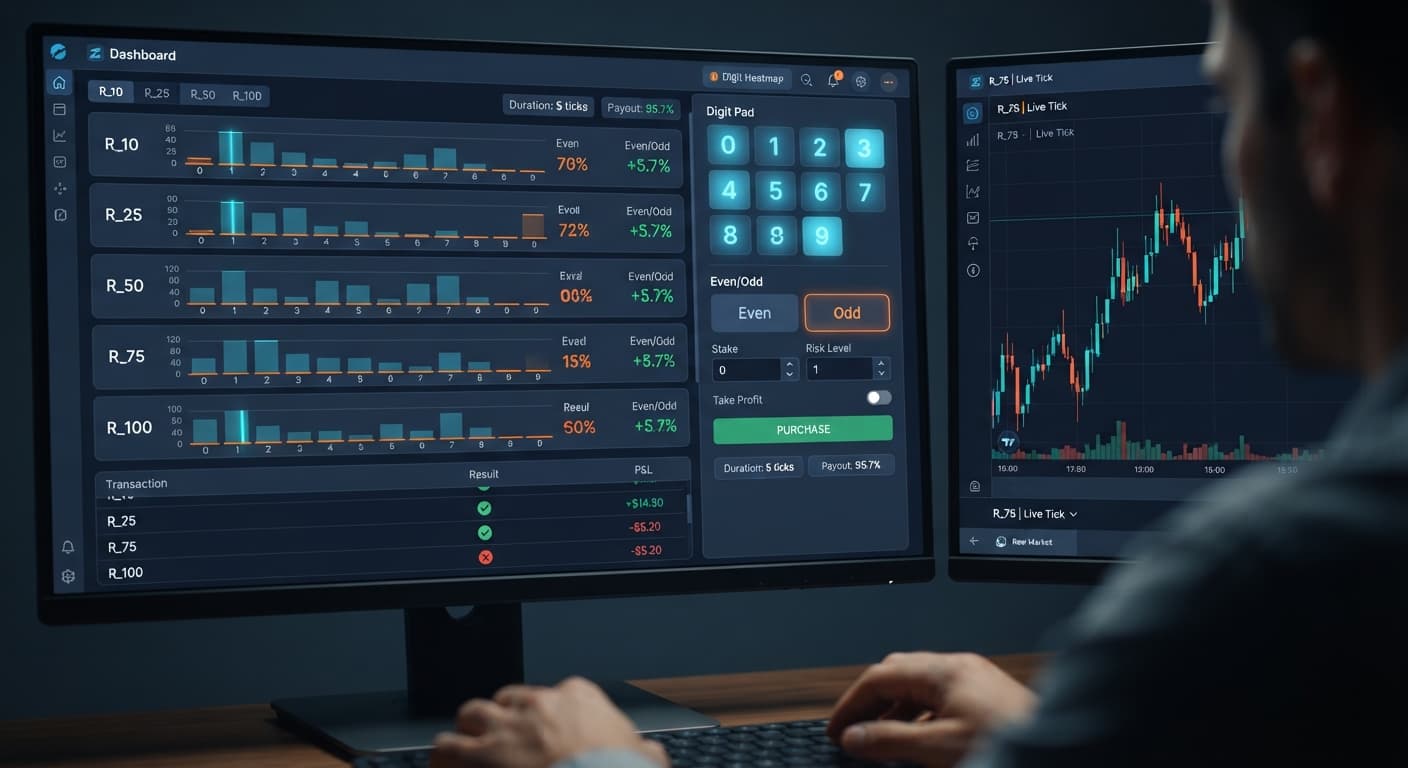
To learn how to use digit pad effectively on BinaryBot.live, paste your API token, select your target market, and monitor live digit statistics across R_10, R_25, R_50, R_75, and R_100 simultaneously before placing manual orders. The tool displays tick data side by side so you can compare digit distribution without jumping between tabs. It is a manual trading terminal rather than an automated script, putting every trade decision directly in your hands.
Understanding how to use digit pad properly means treating it as a multi-market monitoring desk. You get real-time feed updates straight from your account, giving you instant clarity on digit statistics before you fire off a contract.
Most traders lose money on digit contracts because they trade blind in a single market. They open Volatility 100, look at three recent ticks, and assume a odd number is overdue. That is a fast way to blow an account.
Deriv synthetic indices operate on independent random draws. The algorithm generating ticks does not remember that the last four ticks ended in even numbers. The probability of the next tick being odd remains roughly 50% regardless of what happened five seconds ago. When traders mistake temporary statistical clumps for guaranteed reversals, they stack heavy stakes on bad ideas.
Another massive mistake is confusing manual execution pads with fully automated deriv bots. When people transition from automated scripts to manual pads, they often forget to manage risk manually. An automated bot might stop itself if programmed correctly, but a manual pad executes exactly what you tell it to do, right when you click. If you don't set strict session profit and loss limits before opening the trade pad, you will end up chasing losses during a cold streak.
Trading one index at a time also limits your perspective. If R_100 is displaying balanced digit distributions while R_25 shows a clear short-term statistical outlier, you miss that context unless you monitor multiple markets side by side. Manual trading on a single index forces you to guess. Multi-market digit tracking lets you compare live data across indices and act only when conditions match your plan.
Fixing these execution errors requires structuring your layout before placing a single dollar on the line. The Digit Pad dashboard gives you three primary inputs: market selection, stake, and digit target.
First, evaluate your contract strategy. If you want to trade Digit Differs (placing DIGITDIFF contracts), your payout is low—around 9% to 10%—but your win rate per trade is statistically higher near 90%. Conversely, if you choose Even/Odd (placing DIGITEVEN or DIGITODD contracts), you get near 100% payouts with a 50/50 probability per tick.
Instead of hunting for non-existent digit patterns, use the multi-market digit matrix to locate stable digit activity across R_10, R_25, R_50, R_75, and R_100. Match your strategy parameters to your bankroll rules before choosing your active market.
Here is a balanced setup for standard session trading:
| Parameter | Selected Input / Value | Strategy Purpose |
|---|---|---|
| Active Contract Mode | Even/Odd or Digit Differs | Defines payout ratio and contract mechanics |
market selection |
R_10, R_25, R_50, R_75, or R_100 | Target index chosen via matrix comparison |
stake |
1% to 2% of total bankroll | Prevents immediate account destruction |
digit target |
0–9 (for Differs) or Even/Odd toggle | Defines winning prediction parameter |
| Contract Types Placed | DIGITDIFF, DIGITEVEN, DIGITODD | Executed directly on your Deriv account |
Set these parameters inside the tool UI. When using manual pads or web-based binary bots, keeping your base stake capped at 1% of your overall account balance provides enough margin to absorb natural statistical variance.
Follow these steps to set up and trade using the pad dashboard interface.
Connect your Deriv account
Open the Digit Pad interface on BinaryBot.live. Generate an API token inside your Deriv account settings with read/trade permissions and paste it into the token prompt. The tool connects directly to Deriv over their official API using your secure key. No account registration on BinaryBot.live is required, and your funds remain entirely inside your Deriv balance.
Analyze the multi-market digit matrix
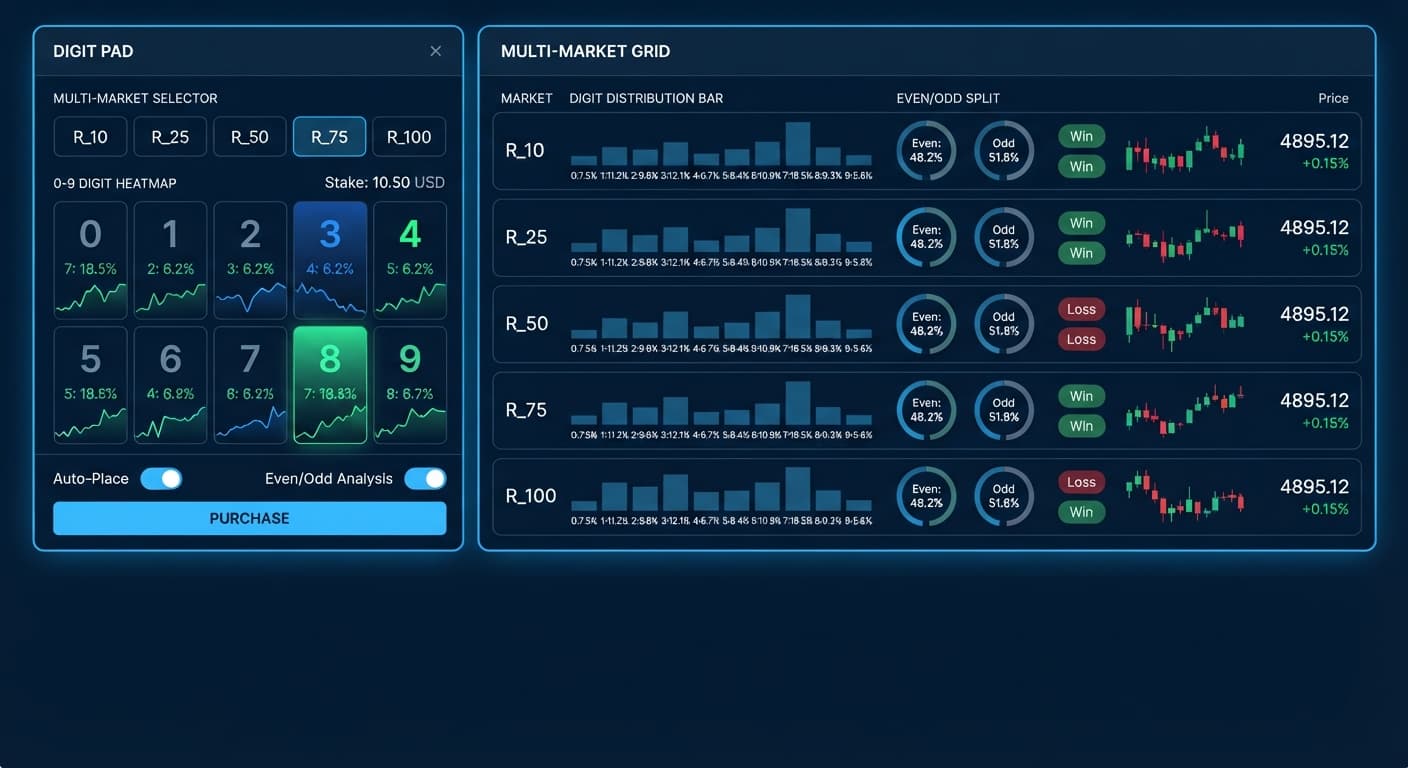
Look at the live digit matrix table. It tracks digit frequencies for R_10, R_25, R_50, R_75, and R_100 simultaneously. Compare the active percentages across all five markets. You are looking for clear statistical distribution stats rather than guessing on a single chart.
Configure your market selection and stake
Use the market selection control to pick the specific volatility index you want to target based on your matrix review. Next, click the stake input and type your calculated base amount. On a $200 account balance, set your stake to $2.00.
Select your digit target and contract mode
If you are running Digit Differs, set your digit target to the digit you want to avoid (for example, target digit 5). The tool will place DIGITDIFF contracts. If you are running Even/Odd, toggle your directional choice to place DIGITEVEN or DIGITODD contracts depending on your preference.
Execute trades manually and track session balance
Click your desired contract button to fire the order directly to your Deriv account. Review the contract result instant notification on your dashboard. Monitor your running balance closely, sticking strictly to your pre-planned target profit and maximum drawdown limits.
Let's walk through a realistic losing sequence using real dollar amounts so you see how fast risk escalates.
Suppose you have a $100 total account balance on a Deriv demo account. You decide to trade DIGITEVEN contracts on R_75 with a $1 base stake, using a standard 2x martingale recovery model after every loss to recoup past losses quickly.
Here is how six consecutive losses destroy that balance:
Look closely at those figures. In just six ticks, your running drawdown reached $63.00, wiping out 63% of your starting capital. To place the seventh trade under a 2x progression, your required stake would be $64.00. But you only have $37.00 left in your account. You are mathematically busted and cannot even attempt the recovery trade.
Martingale stake progression can wipe an account during a long losing streak because the stake doubles far faster than most traders expect. Six consecutive losses on a 50/50 probability event happens far more often in synthetic markets than random intuition suggests. If you don't calculate these drawdown steps with actual numbers before trading, a cold run will catch you completely unprepared.
Knowing when to close the browser tab is just as important as knowing how to use digit pad to open trades. Stop trading immediately if any of these conditions occur during your session:
Manual pads give you complete control over every trade order, but that control requires total discipline. Treat your trading like a business process rather than a game. Always test new settings and digit strategies on a virtual balance before risking actual capital.
Try out the tool on Digit Pad using a demo balance before trading real money.
If you don't have an active trading account yet, create a free Deriv account to get started.
Trading involves risk. Past performance does not guarantee future results.
Related: Using Ldp Analyzer For Beginners On Deriv Binary Bots
Related: Step-by-Step Guide on How to Use LDP Analyzer Pro for Deriv Bots
Related: How to Configure LDP Analyzer Settings on BinaryBot.live
Related: Digit Pad vs Manual Trading: Binary Bots Compared
Free multi-market digit trading tool for Deriv — trade Digit Differs and Even/Odd across all volatility indices simultaneously with real-time signals for R_10, R_25, R_50, R_75 and R_100.
Open Digit Pad →You start by pasting your API token, selecting your target market, and monitoring live digit statistics across R_10, R_25, R_50, R_75, and R_100 simultaneously. It's a manual trading terminal that lets you compare tick data side by side before you place an order.
You're likely trading blind in a single market and mistaking temporary statistical clumps for guaranteed reversals. Deriv synthetic indices operate on independent random draws, so the probability of the next tick being odd stays around 50% no matter what happened previously.
No, it's a manual trading terminal rather than an automated script that puts every trade decision directly in your hands. Because it executes exactly what you tell it to do when you click, you have to manually manage your risk and set strict session limits.
Digit Differs give you a lower payout around 9% to 10% with a statistically higher win rate near 90%. Even/Odd contracts offer near 100% payouts with a standard 50/50 probability per tick.
Guides closest to this one.
Complete digit pad demo account setup for Deriv bots. Learn digit analysis and execute multi-market digit trades safely. Test your binary analysis tool now.
Complete digit pad api token setup guide for BinaryBot.live. Connect your Deriv account safely for multi-market digit trading. Start configuring now.
Master digit pad for beginners with zero prior knowledge. Learn digit analysis, track multiple Deriv volatility indices, and test binary bots today.