Digit Analysis
Digit Pad Best Market: Volatility 10 Index for Deriv Bots
Discover why Volatility 10 is the digit pad best market for trading Digit Differs and Even/Odd on Deriv bots. Read our market guide and test strategies now.

Looking for a clear digit pad for beginners guide to start trading synthetic index digits on Deriv? Digit Pad is a manual trade pad and multi-market analyzer that lets you monitor digits across five volatility indices simultaneously—R_10, R_25, R_50, R_75, and R_100—from a single screen. Instead of switching browser tabs continuously, it feeds live tick data into a unified matrix so you can execute manual DIGITDIFF, DIGITEVEN, and DIGITODD trades with precision.
If you've never used deriv bots or manual digit pads, this guide explains how the interface works, how to read live stats, and how to avoid costly missteps on your demo account.
Before placing a single trade, you need to understand the mechanics behind synthetic index digit contracts. Here are the core terms you'll see inside the application:
digit target.Understanding these basic blocks makes learning a new digit pad for beginners setup fast and straightforward.
When trading single markets manually, you're usually forced to open multiple browser windows. Moving between R_10 and R_100 to catch a favorable sequence introduces lag. That's where traders lose focus and make silly errors.
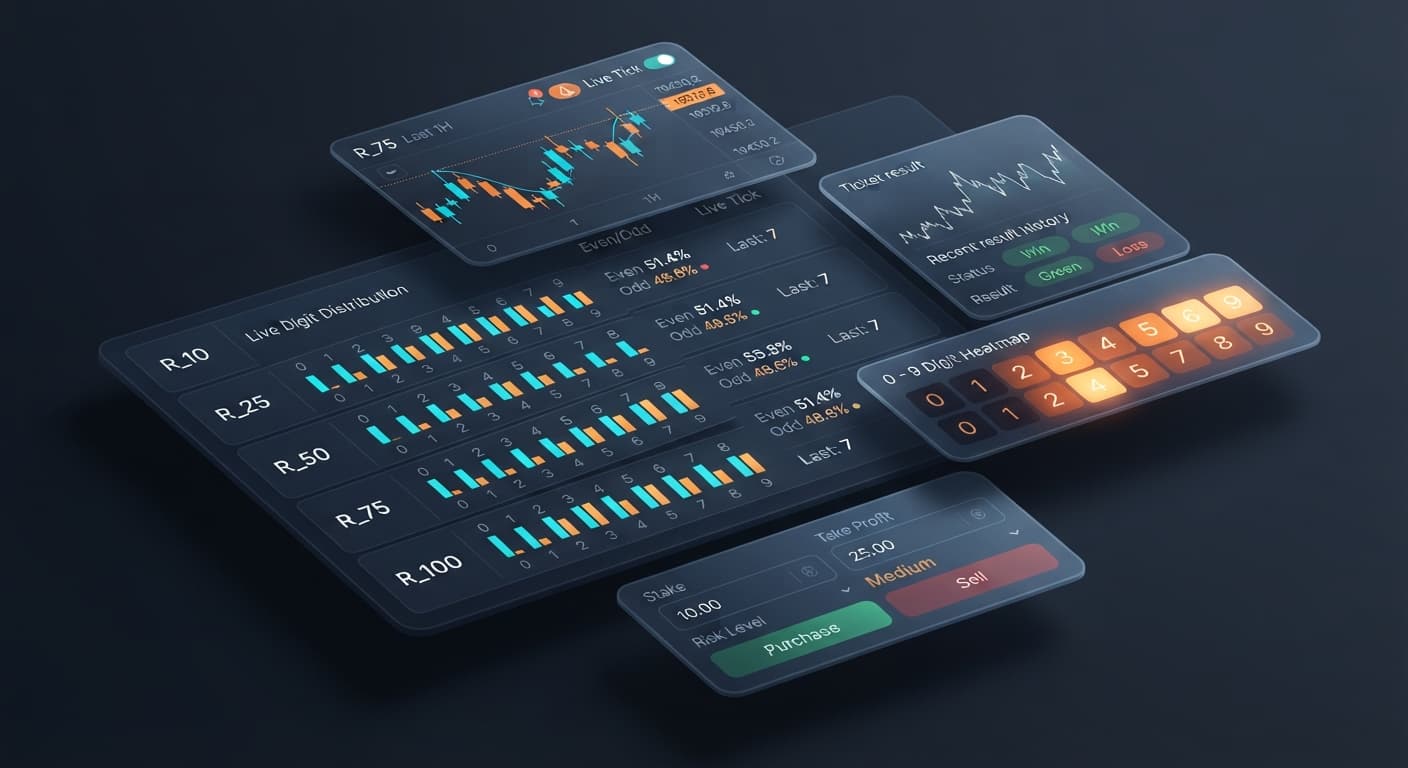
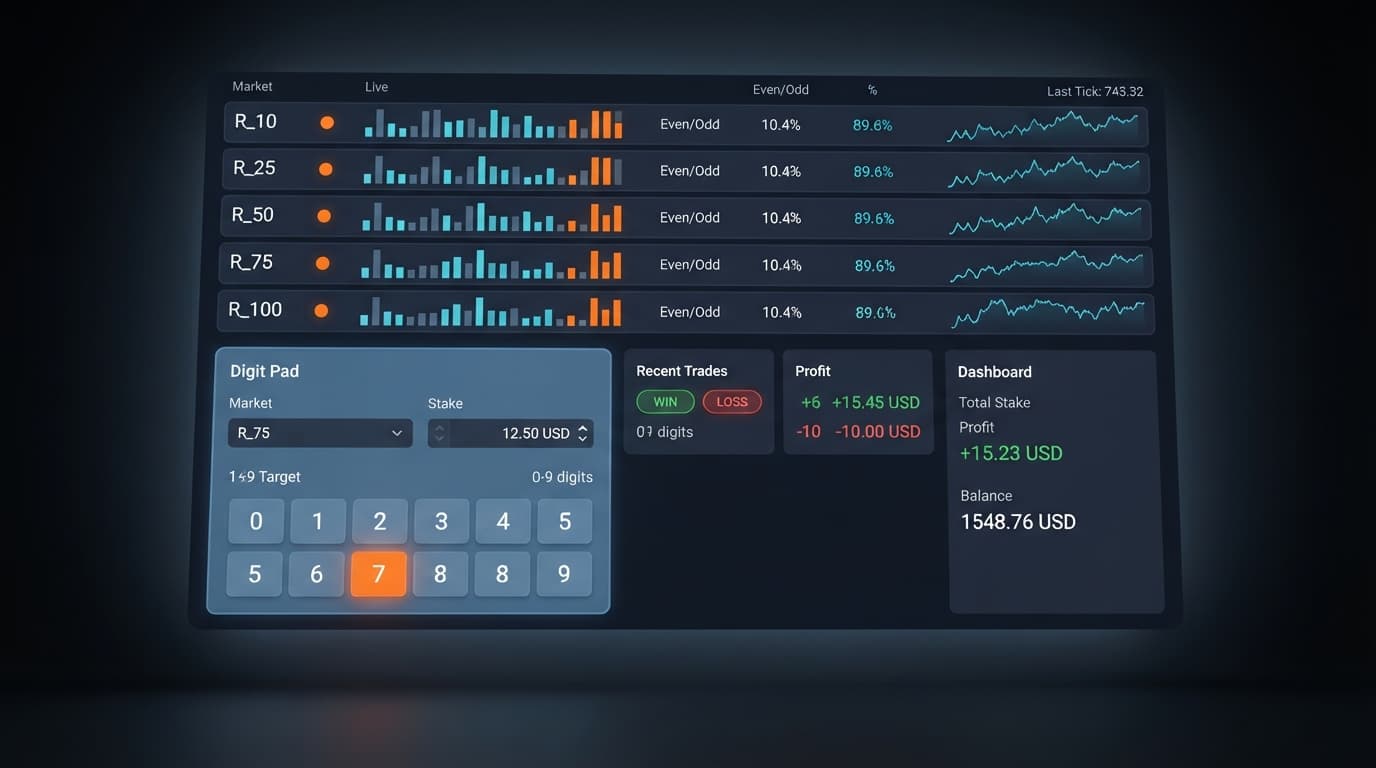
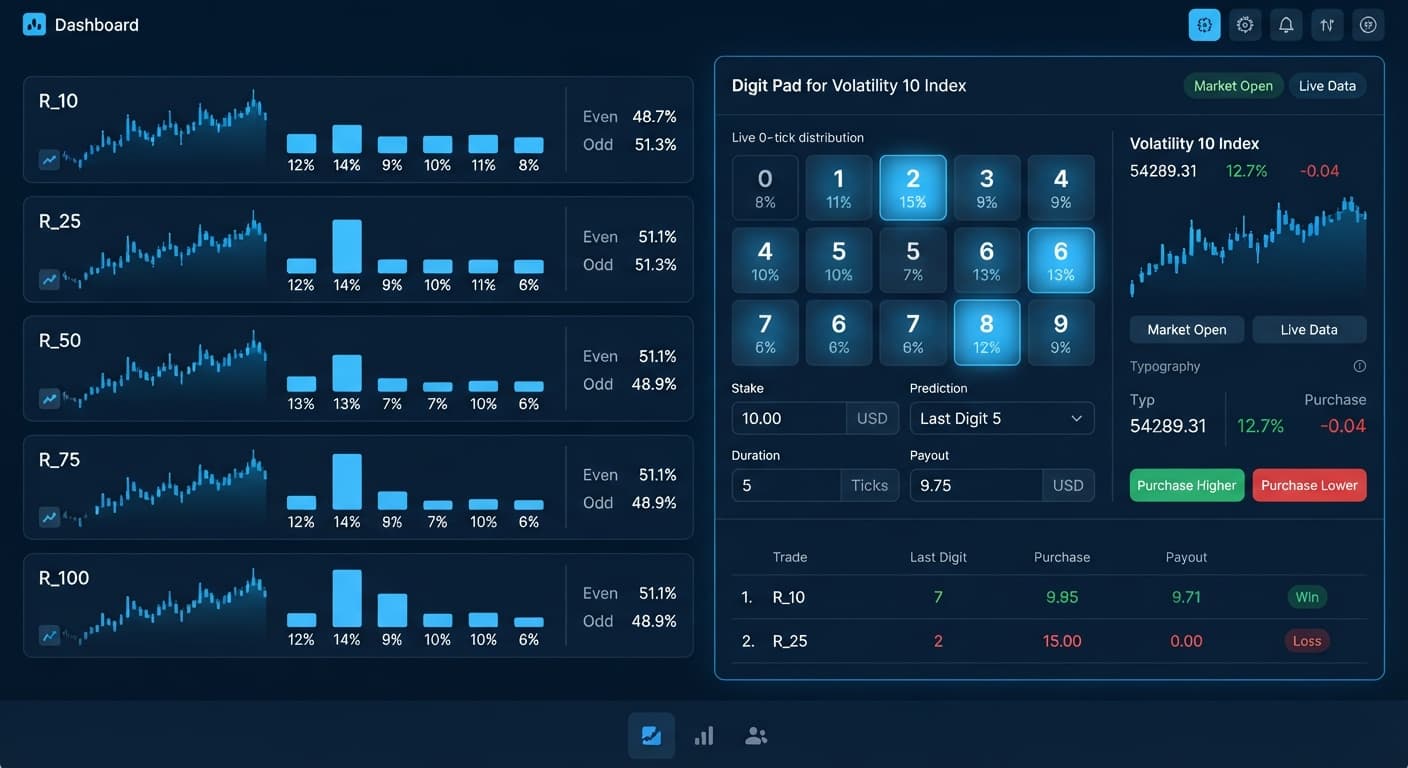
Digit Pad solves this with its multi-market digit matrix. The tool actively monitors R_10, R_25, R_50, R_75, and R_100 at the same time, giving you a side-by-side view of real-time digit statistics.
It's important to understand what Digit Pad is not: it isn't a hands-off automated bot that places trades while you walk away. It's an interactive trade pad with live statistics. You retain total control over when to enter, which market to hit, and what settings to apply.
You interact with three primary controls on the screen:
market selection: Chooses the active volatility index you want to execute on (R_10, R_25, R_50, R_75, or R_100).stake: Sets the dollar amount placed on the next contract.digit target: Selects the single digit (0 through 9) you want to target when placing a Digit Differs trade.Having all five indices feeding data onto one pad gives you a complete overview without tab clutter.
To see how the stats look in practice, let's look at a sample digit distribution. The table below represents a live sample of 500 consecutive ticks recorded on R_75 (Volatility 75 Index) inside the multi-market digit matrix.
| Digit Target | Occurrences (out of 500) | Frequency (%) | Display State |
|---|---|---|---|
| 0 | 51 | 10.2% | Neutral |
| 1 | 42 | 8.4% | Cold |
| 2 | 58 | 11.6% | Hot |
| 3 | 48 | 9.6% | Neutral |
| 4 | 54 | 10.8% | Neutral |
| 5 | 39 | 7.8% | Cold |
| 6 | 55 | 11.0% | Hot |
| 7 | 50 | 10.0% | Neutral |
| 8 | 52 | 10.4% | Neutral |
| 9 | 51 | 10.2% | Neutral |
Looking at this sample, digits 2 and 6 ran hot (appearing at 11.6% and 11.0%), while digits 1 and 5 ran cold (appearing at 8.4% and 7.8%).
If you're using Digit Differs mode, you might see that digit 5 has only appeared 39 times out of 500 ticks. You decide to set your digit target to 5 and hit trade, betting the next tick won't end in 5.
Here's the blunt truth every trader must internalize: past digit frequency does not alter future probability.
Deriv synthetic indices are independent random draws. Even if digit 5 didn't appear for 30 ticks in a row, the probability of digit 5 appearing on the very next tick remains exactly 10%. Historical statistics tell you what happened in the past sample—they don't dictate what happens next. Understanding this distinction is what separates disciplined traders from gamblers using binary bots.
Before risking real money, practice navigating the board on a virtual account. Here is how to complete your first session using a safe workflow.
Open the Digit Pad manual dashboard. Copy your API token from your Deriv demo account settings and paste it into the token field. This gives the pad permission to display live feeds and execute contracts on your virtual account balance.
Choose between Digit Differs or Even/Odd modes on the dashboard interface. If you're using this digit pad for beginners guide for your very first session, start with Digit Differs to get used to selecting specific digit barriers.
Set your market selection to R_75. Next, set your digit target to a digit that currently shows low relative frequency on the multi-market digit matrix (for instance, digit 5). Finally, enter your stake amount. Keep it low—$1.00 is a good starting value for virtual testing.
Click the trade button to execute a DIGITDIFF contract. Watch the transaction log render the result instantly. Run 10 to 20 trades on demo to get comfortable with the execution speed, verifying how your stake and digit target respond in real-time.
Even with clean interfaces, beginners often make avoidable operational errors. Here are the four biggest traps and how to prevent them:
Traders see a digit at 5% frequency over 100 ticks and assume it "has to hit soon." That leads them to place heavy directional trades against it.
When market conditions move fast, a slow internet connection might delay visual feedback on screen. Panicked traders click the trade button three times quickly, opening three identical contracts at once.
You move your market selection from R_10 to R_100, but forget that your digit target was configured for the previous market's cold digit.
market selection, review your stake and digit target inputs before hitting execute.Entering a live session without pre-set risk limits is the fastest way to lose money.
If you want to explore automated tools alongside manual setups, check out the options in the free Deriv bot library.
Try it yourself on Digit Pad using a demo balance first. If you don't have one yet, create a free Deriv account.
Trading involves risk. Past performance does not guarantee future results.
Related: Digit Pad Best Market: Volatility 10 Index for Deriv Bots
Related: Digit Pad Deriv Bots Guide: Multi-Market Digit Analysis
Free multi-market digit trading tool for Deriv — trade Digit Differs and Even/Odd across all volatility indices simultaneously with real-time signals for R_10, R_25, R_50, R_75 and R_100.
Open Digit Pad →Digit Pad is a manual trade pad and multi-market analyzer that lets you monitor digits across five volatility indices at once. It feeds live tick data into a single screen so you can execute manual digit trades with precision instead of switching browser tabs.
Digit Pad tracks five volatility indices simultaneously: R_10, R_25, R_50, R_75, and R_100. You can view real-time digit statistics for all of them from a unified matrix.
No, Digit Pad isn't a hands-off automated bot that trades while you walk away. It's an interactive trade pad where you keep total control over your entries, market choices, and settings.
You connect Digit Pad using an API token, which is a secure alphanumeric key generated in your Deriv settings. It allows external tools to connect directly to Deriv over their official API without storing your login credentials.
Guides closest to this one.
Discover why Volatility 10 is the digit pad best market for trading Digit Differs and Even/Odd on Deriv bots. Read our market guide and test strategies now.
Read this digit pad deriv bots guide to master multi-market digit analysis, last digit prediction, and manual trading strategies on BinaryBot.live.
Master digit pad settings on BinaryBot.live. Learn to configure market selection, stakes, and targets using advanced LDP analyzer and binary analysis tools.