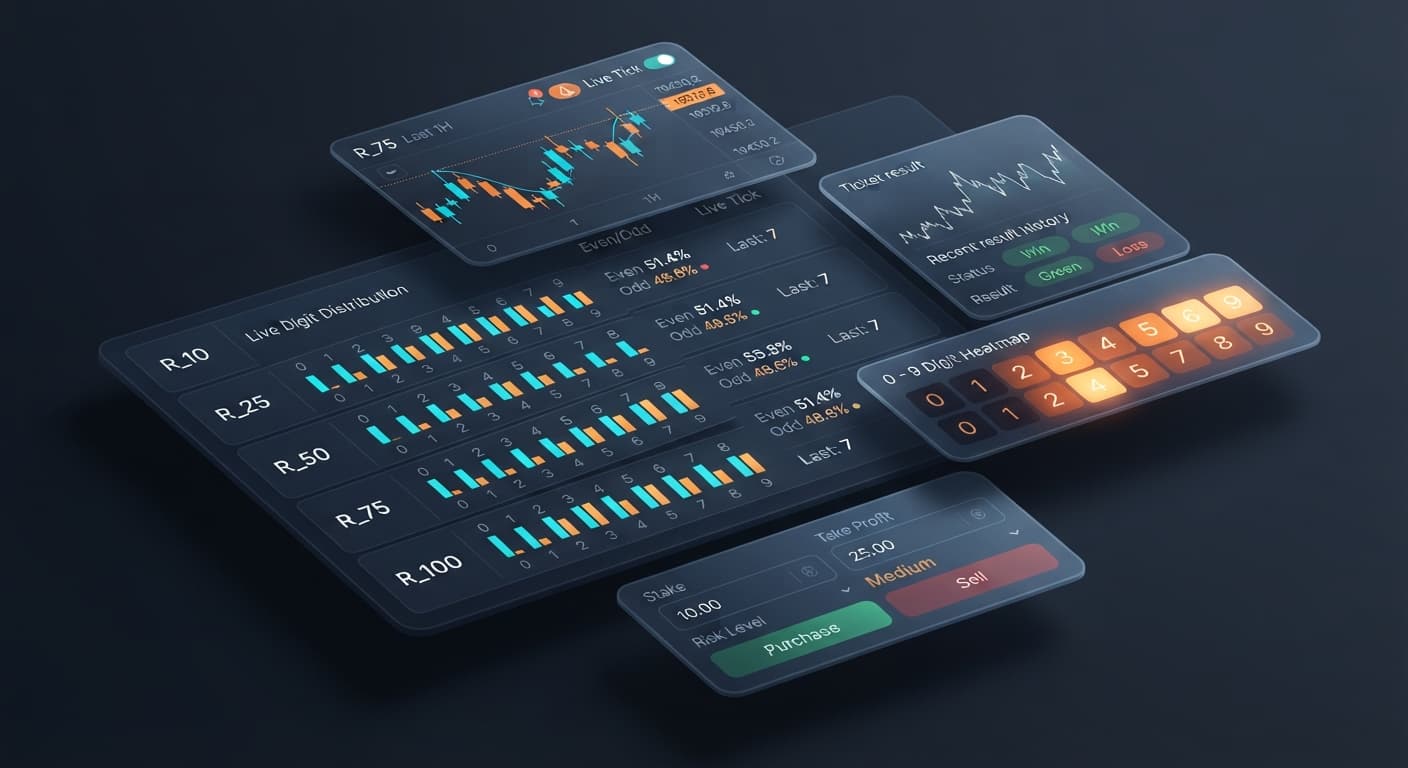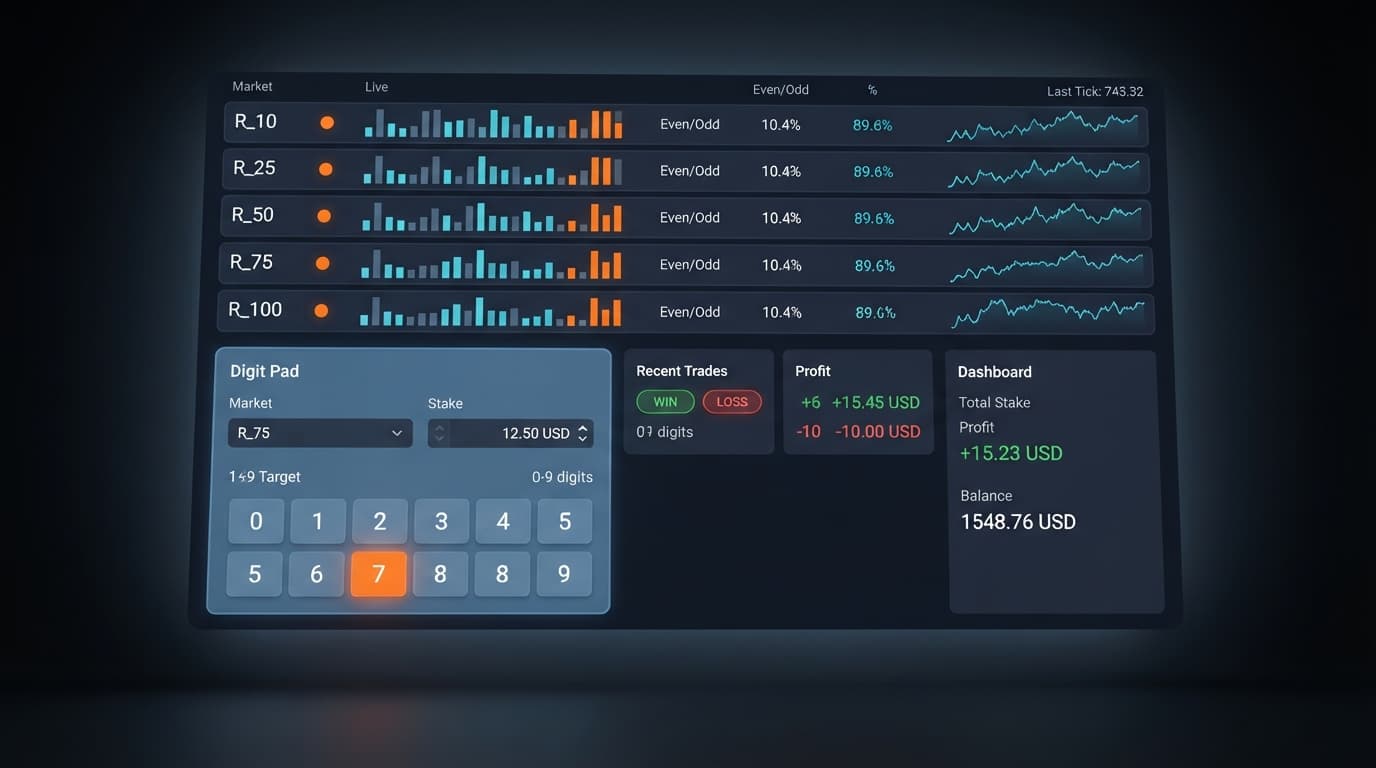
Digit Analysis
Digit Pad for Beginners: Zero-Knowledge Guide to Deriv Bots
Master digit pad for beginners with zero prior knowledge. Learn digit analysis, track multiple Deriv volatility indices, and test binary bots today.
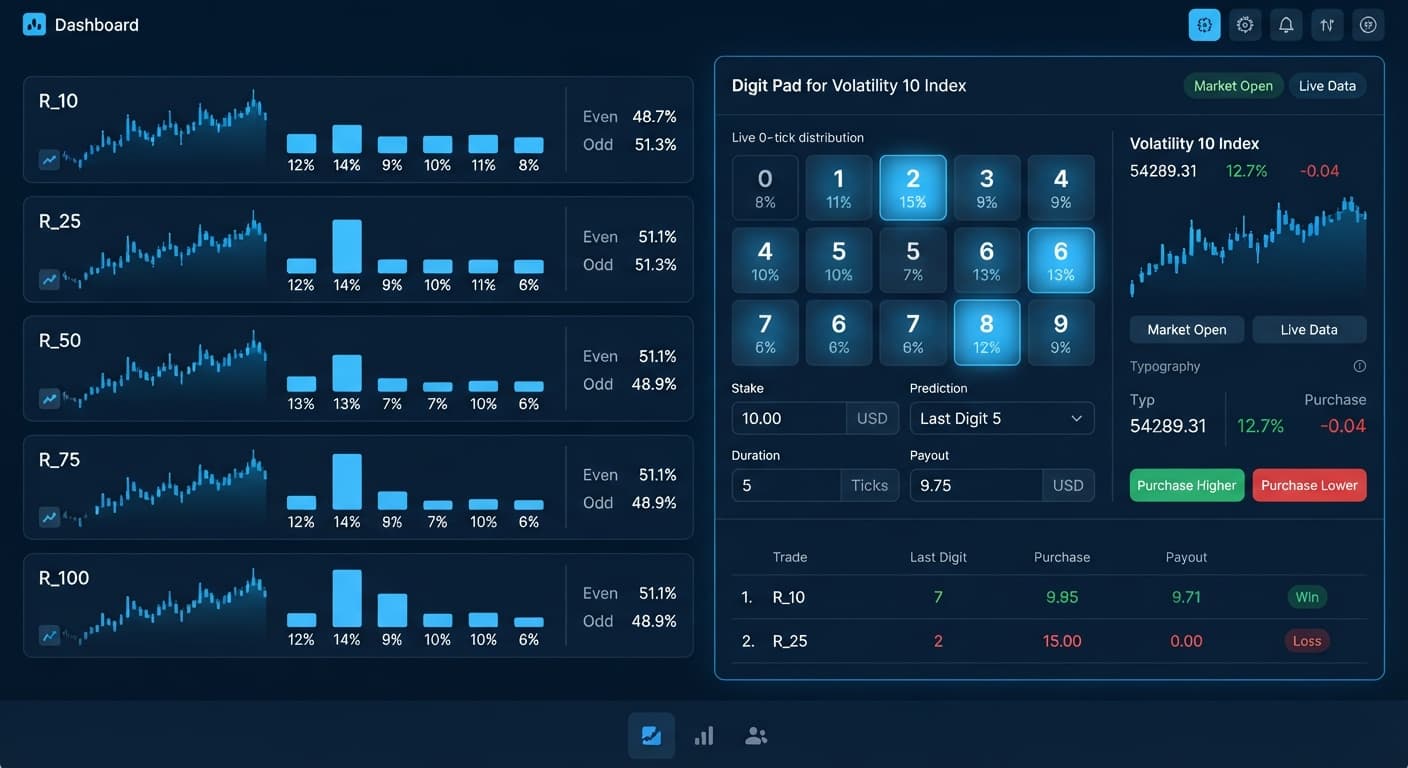
If you want the digit pad best market for manual trade execution on Deriv, Volatility 10 Index (R_10) is the top choice for Digit Differs and Even/Odd contracts. Its fixed 2-second tick rhythm gives you enough time to evaluate digit statistics across the matrix and hit your entry before the price shifts. Faster assets tick too rapidly for manual decision-making, which makes R_10 the baseline index for steady execution on Digit Pad.
When choosing the digit pad best market, you need to match the tool's live statistics against your actual click speed. While automated deriv bots process tick data instantly over direct API connections, human eyes need time to read digit counts, spot anomalies, and execute orders accurately.
Deriv synthetic indices run on a cryptographically audited random number generator (RNG) that operates 24/7. The "10" in Volatility 10 Index (R_10) refers to its annualized market variance of 10%. Lower percentage values mean the price line moves in smaller incremental increments compared to R_75 or R_100.
Every price update generates a number with fixed decimal places. The last digit of that price string determines contract payouts:
1245.38, the last digit is 8.1245.30, the last digit is 0.Because the underlying engine uses pure pseudo-random generation, each draw is completely independent of the last. A run of five consecutive even digits does not force the next tick to be odd. A digit that hasn't appeared in thirty ticks isn't "due" to hit. The stat matrix on screen displays historical distribution, not future probability. Understanding this stops you from chasing imaginary statistical debts on live balances.
The primary operational difference between synthetic indices on Deriv is tick interval and price movement scale. Standard indices—R_10, R_25, R_50, R_75, and R_100—update every 2 seconds (0.5 Hz). Their 1s counterparts (like Volatility 10 (1s) Index) update every single second.
When you trade manually, your total latency equals:
Screen visual refresh time + Human processing time + Mouse click duration + Network transmission delay
On standard web connections, network ping to Deriv servers ranges between 50ms and 200ms. Add a average human reaction time of 250ms, and your total action pipeline takes roughly 400ms to 600ms.
[ Tick Occurs ] ---> [ Visual Display (~50ms) ] ---> [ You Process Data (~250ms) ] ---> [ You Click (~100ms) ] ---> [ API Signal Arrives (~100ms) ]
                                                                                                                    |
                                                                                                            Total Delay: ~500ms
On a 1-second market, a half-second total delay consumes 50% of the entire tick cycle. If you hesitate for even a fraction of a second, your order arrives as the next tick generates, altering your target price.
On R_10, the 2000ms window gives you 1500ms of clean head-room after processing network data. You can watch the stats update, confirm the digit pattern, and click your contract type without fighting the clock.
To understand why timing matters for manual execution, look at how ticks convert to real-world clock time. The table below breaks down execution windows across common tick counts on the Volatility 10 Index.
| Contract Duration | Real Time (Seconds) | R_10 Price Movement Range | Manual Processing Window | Trade Execution Status |
|---|---|---|---|---|
| 1 Tick | 2.0s | Micro-point shift | 1.5s window | Ideal for precise DIGITDIFF entries |
| 5 Ticks | 10.0s | Low variance drift | 1.5s initial entry | Good for DIGITEVEN and DIGITODD |
| 10 Ticks | 20.0s | Small structural range | 1.5s initial entry | Stable tick progression |
| 20 Ticks | 40.0s | Moderate range | 1.5s initial entry | Full statistical distribution cycle |
| 50 Ticks | 100.0s | Extended price move | 1.5s initial entry | Wide exposure, lower precision |
When you open a order on Digit Pad, the signal transmits straight to Deriv. The entry tick is registered immediately on contract receipt. On R_10, because price variance per tick is small, digit clustering stays cleaner across short 1-5 tick spans compared to chaotic assets like R_100.
Here is how a typical 1-tick DIGITDIFF trade unfolds on the clock:
4).Because the tick interval is 2 full seconds, you aren't rushing your clicks. That reduced pressure lowers operational mistakes, like picking the wrong market or entering incorrect trade sizes.
While Digit Pad is a manual execution tool, many traders pair its real-time digit matrix with automated binary bots to test different approaches. If you prefer running scripts over manual clicking, tools like Solid Trading Bot or Sniper Bot V3 handle execution automatically based on set parameters. You can also analyze historical percentage balances on LDP Analyzer before setting up manual trades.
When operating on Digit Pad directly, you must configure three primary controls on the interface:
Digit Pad supports three contract types placed directly to your account:
DIGITDIFF: Wins if the final tick does NOT match your selected target digit. Payout is lower (~9.9%), but win probability per tick is 90%.DIGITEVEN: Wins if the final tick ends in an even number (0, 2, 4, 6, 8).DIGITODD: Wins if the final tick ends in an odd number (1, 3, 5, 7, 9).If you are using R_10 as your digit pad best market target, start with these baseline interface settings:
7)Because DIGITDIFF contracts pay roughly 9.9% profit on success, a single loss wipes out roughly ten consecutive wins. If you lose a contract, do not double your stake blindly. Manually doubling stakes on contract losses ramps up drawdown rapidly—four consecutive losses at a doubling multiplier pushes a $1 stake to $2, $4, $8, and $16, totaling $31 in exposure on a tiny balance.
Always manage risk prior to clicking. Establish your daily take profit (e.g., $5.00) and your strict stop loss (e.g., $10.00) in your mind before placing your first trade. Once you hit either target, close the tool and step away.
Before trading live balances, test all manual workflows on a Deriv virtual balance. Verify how the matrix updates on R_10, practice clicking entries within the 2-second tick window, and make sure your execution speed matches the live price movement.
Test your setups risk-free on Digit Pad using a demo balance first.
If you don't have one yet, create a free Deriv account to start analyzing markets.
Trading involves risk. Past performance does not guarantee future results.
Related: Digit Pad Deriv Bots Guide: Multi-Market Digit Analysis
Related: Configuring Digit Pad Settings for Deriv Bots
Related: Digit Pad API Token Setup for Deriv Bots
Related: Digit Pad for Beginners: Zero-Knowledge Guide to Deriv Bots
Free multi-market digit trading tool for Deriv — trade Digit Differs and Even/Odd across all volatility indices simultaneously with real-time signals for R_10, R_25, R_50, R_75 and R_100.
Open Digit Pad →The Volatility 10 Index (R_10) is the top choice for manual trading on the Digit Pad when using Digit Differs and Even/Odd contracts. Its fixed 2-second tick rhythm gives you enough time to evaluate digit statistics and enter trades before the price shifts.
Faster assets tick too rapidly for manual decision-making and can consume half your tick cycle with human and network delay. R_10 provides a 2000ms window with about 1500ms of clean headroom so you can click your contract type without fighting the clock.
Every price update generates a number with fixed decimal places, and the very last digit of that price string determines the contract payout. For example, on a price reading of 1245.38, the last digit is 8.
No, because the underlying engine uses pure pseudo-random generation where each draw is completely independent of the last. A run of consecutive even digits doesn't force the next tick to be odd, and the stat matrix only displays historical distribution rather than future probability.
Guides closest to this one.
Master digit pad for beginners with zero prior knowledge. Learn digit analysis, track multiple Deriv volatility indices, and test binary bots today.
Read this digit pad deriv bots guide to master multi-market digit analysis, last digit prediction, and manual trading strategies on BinaryBot.live.
Master digit pad settings on BinaryBot.live. Learn to configure market selection, stakes, and targets using advanced LDP analyzer and binary analysis tools.