
Digit Analysis
Digit Pad on Volatility 75: Setup & Execution Guide
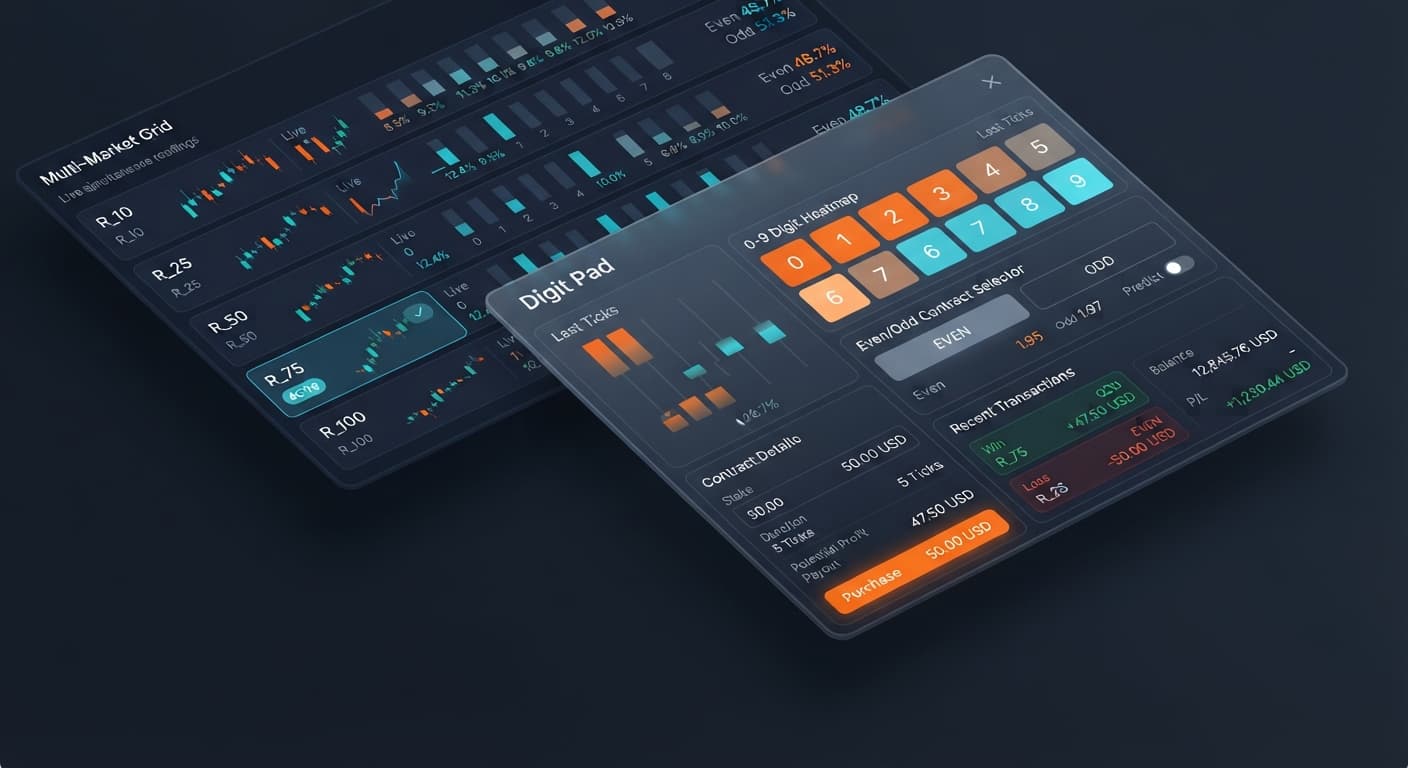
Connect your API token, select R_75, and run the digit pad on volatility 75 manually using live frequency matrices and instant order buttons on Deriv.
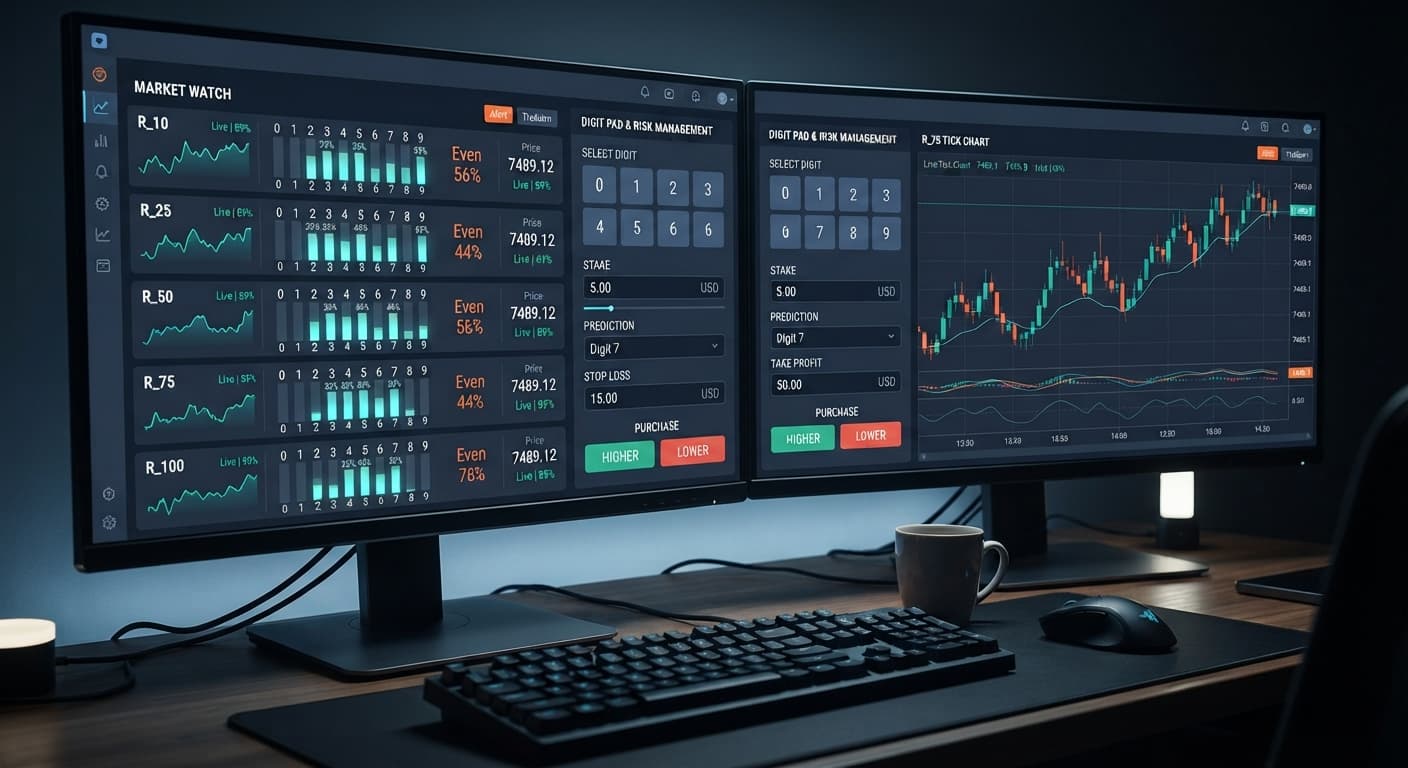
Executing a clean digit pad stop loss setup requires defining your maximum monetary drawdown on paper before taking a single trade, because the manual order pad does not include automated trade-halting scripts. To protect your capital, set a strict stop loss equal to 15% or 20% of your account balance, monitor your session profit and loss on screen, and quit immediately once that boundary is hit. Using tools like Digit Pad lets you track multi-market stat streams across volatility indices, but enforcing risk limits remains entirely your responsibility.
Deriv synthetic volatility indices simulate continuous, random tick movements that run 24 hours a day without real-world news interruptions. Digit contracts like DIGITDIFF, DIGITEVEN, and DIGITODD suit short-term manual traders who want direct exposure to high-frequency math outcomes rather than traditional chart patterns. If you prefer clear statistical feedback where trades resolve in a single tick, this speed-focused execution model fits your routine.
Deriv synthetic indices generate ticks through cryptographic algorithms that publish price updates every second. Index numbers like R_10, R_25, R_50, R_75, and R_100 represent increasing variance scales. On R_10, price changes occur in small point increments, whereas R_100 prints wide, aggressive price swings between ticks.
Regardless of price volatility, the last digit of every tick remains an independent event. A common myth among users of binary bots and manual trading pads is that a long streak of odd numbers increases the probability of an even digit next. It doesn't. Effective digit analysis involves identifying short-term distribution spikes across the multi-market digit matrix, while accepting that past outcomes never alter future tick odds. If you want to study historical distribution trends before opening trades, you can combine your workflow with the LDP Analyzer dashboard.
Understanding execution speed is vital when placing manual trades across R_10, R_25, R_50, R_75, and R_100. Standard Deriv volatility indices generate exactly one tick per second. Contract durations line up with real-world clock time second for second.
The breakdown below traces an order from button press to final settlement:
DIGITDIFF trade, the contract settles immediately at this mark.When trading with deriv bots or manual interfaces, execution delay degrades your entries. Clicking late on high-volatility markets like R_100 means your entry digit shifts before your contract registers on the server.
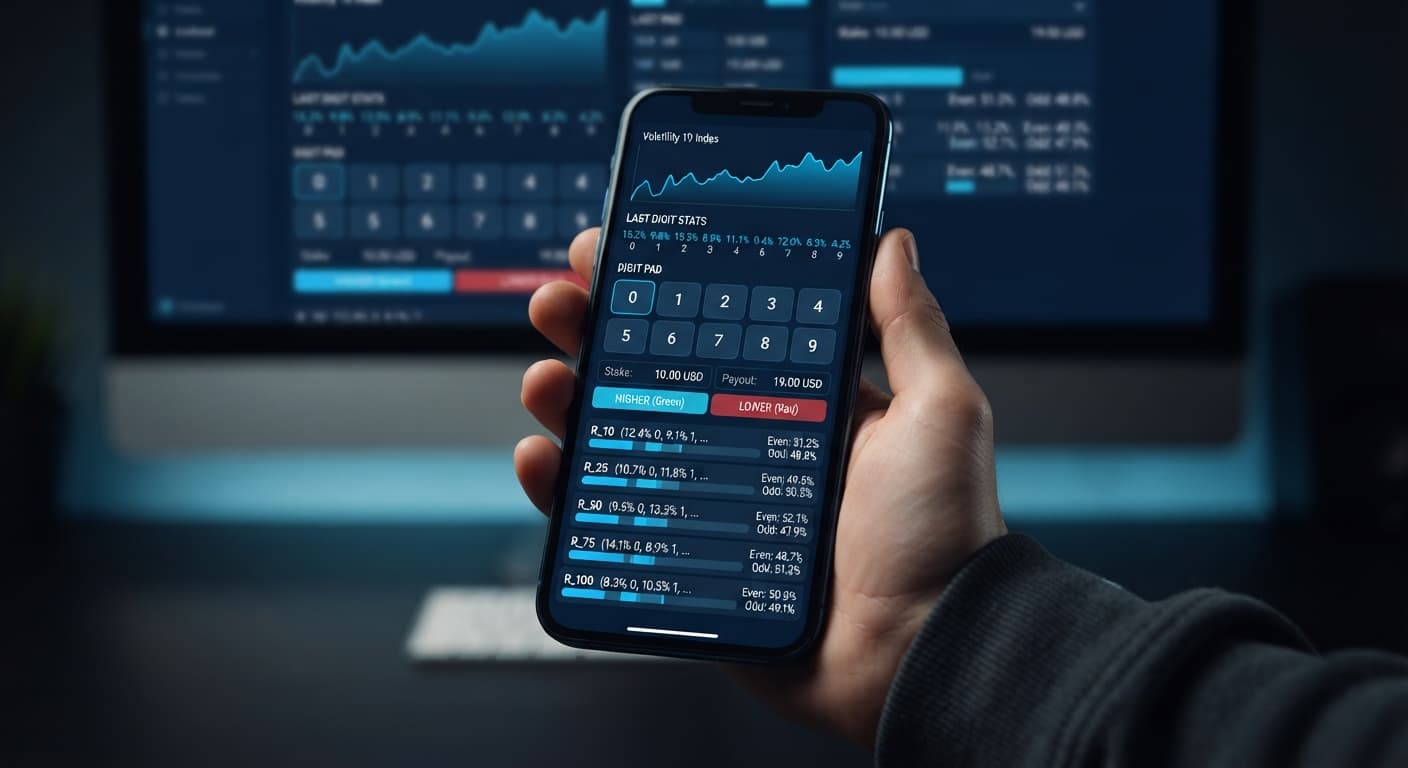
Open your pad dashboard and review the multi-market digit matrix across R_10, R_25, R_50, R_75, and R_100. Look for standard distribution imbalances in the live statistics before choosing your focus index. Use the market selection setting to lock in the single index that shows the clearest stat pattern.
Locate the stake field on screen. Enter an amount equal to 1% or 2% of your available account balance. If you're trading with a $100 bankroll, set your stake to $1.00 or $2.00 maximum. Keep this fixed throughout your trading block.
Choose your strategy mode between Digit Differs and Even/Odd. If you choose Digit Differs, use the digit target control to select the digit you want to avoid—typically the digit showing the lowest recent frequency in live stats. For Even/Odd, pick DIGITEVEN or DIGITODD based on short-term bias.
Track your net loss after every trade. If your starting session bankroll drops by your pre-set limit—for instance, a $15 loss on a $100 balance—stop trading immediately. Close the tab or disconnect your API token. Do not attempt manual balance recovery during drawdown.
Setting up a effective digit pad stop loss setup means matching your contract strategy with clear target boundaries. Because Digit Pad runs manual trades rather than hands-off auto scripts, setting strict numbers before taking trades keeps your account intact.
The table below provides baseline risk numbers for a $100 session bankroll:
| Volatility Market | Contract Type | Default stake |
Session Take Profit | Session Stop Loss | Execution Focus |
|---|---|---|---|---|---|
| R_10 | DIGITDIFF |
$1.00 | $5.00 | $15.00 | High win-rate, low index variance |
| R_25 | DIGITEVEN / DIGITODD |
$2.00 | $10.00 | $20.00 | Even probability distribution |
| R_50 | DIGITDIFF |
$1.00 | $5.00 | $15.00 | Multi-market matrix filtering |
| R_75 | DIGITEVEN / DIGITODD |
$2.00 | $10.00 | $20.00 | High-frequency tick updates |
| R_100 | DIGITDIFF |
$1.00 | $5.00 | $10.00 | Fast tick updates, tight risk limit |
Adjust your stake control up or down proportional to your capital. A safe rule keeps single trade stakes under 2% of your overall balance. Setting your session stop loss at 10% to 20% gives you room to handle standard statistical variance without blowing your account.
The quickest way to destroy an account is treating a manual trading pad like an automated bot. When traders look at Digit Pad, they see live digit stats updating across R_10, R_25, R_50, R_75, and R_100 at the same time. It's easy to start clicking buttons rapidly without a plan whenever a digit stat spikes.
Rapid clicking breaks risk control. Digit Pad gives you three direct inputs: market selection, stake, and digit target. If you enter an aggressive value into stake, two quick losses on DIGITDIFF or DIGITEVEN will push your account balance past your planned stop loss line within seconds.
Another mistake is using last digit prediction models to assume a digit must appear soon. If digit 3 hasn't appeared on R_50 for 25 ticks, traders often double their stake and keep buying DIGITMATCH on 3. That relies on the Gambler's Fallacy. Synthetic ticks hold zero memory of past outcomes. Every single tick maintains an exact 10% chance of landing on any digit from 0 through 9, regardless of what happened in the previous 50 ticks.
Traders who build steady results with binary bots and manual pads follow fixed rules. They configure market selection, set a small stake, lock in their digit target, and execute clean trades. When their session hits their calculated stop loss threshold, they stop trading and step away.
If you want to review other manual tools or explore automated scripts, check out the free bot library for additional strategy options.
Test your settings on Digit Pad using a free virtual account before trading real capital. If you need a account to get started, create a free Deriv account in a few simple steps. Trading involves risk. Past performance does not guarantee future results.
Related: Digit Pad on Volatility 75: Setup & Execution Guide
Free multi-market digit trading tool for Deriv — trade Digit Differs and Even/Odd across all volatility indices simultaneously with real-time signals for R_10, R_25, R_50, R_75 and R_100.
Open Digit Pad →The manual order pad doesn't include automated trade-halting scripts, so you've got to define your maximum monetary drawdown on paper beforehand. To protect your capital, set a strict stop loss equal to 15% or 20% of your account balance, monitor your session P&L, and quit immediately when you hit it.
No, a long streak of odd numbers doesn't increase the probability of an even digit next because the last digit of every tick remains an independent event. Past outcomes never alter future tick odds on Deriv volatility indices.
R_10 price changes occur in small point increments where the index moves less than 2 points over a ten-tick window, whereas R_100 prints wide, aggressive price swings that can move 40 points in the same timeframe. Both generate exactly one tick per second, but their variance scales are totally different.
You can use tools like Digit Pad to track multi-market stat streams across volatility indices, though enforcing your own risk limits remains entirely your responsibility. You can also combine your workflow with the LDP Analyzer dashboard to study historical distribution trends before opening trades.
Guides closest to this one.
Connect your API token, select R_75, and run the digit pad on volatility 75 manually using live frequency matrices and instant order buttons on Deriv.
Use the 5-step digit pad on volatility 25 setup guide to configure Even/Odd trades, select R_25, input your stake, and monitor live tick stats.
Select R_10 for market selection, set your stake, and define your digit target to use the digit pad on volatility 10 for manual trades.