Digit Analysis
How to Use Digit Pad on Volatility 10 for Manual Trades
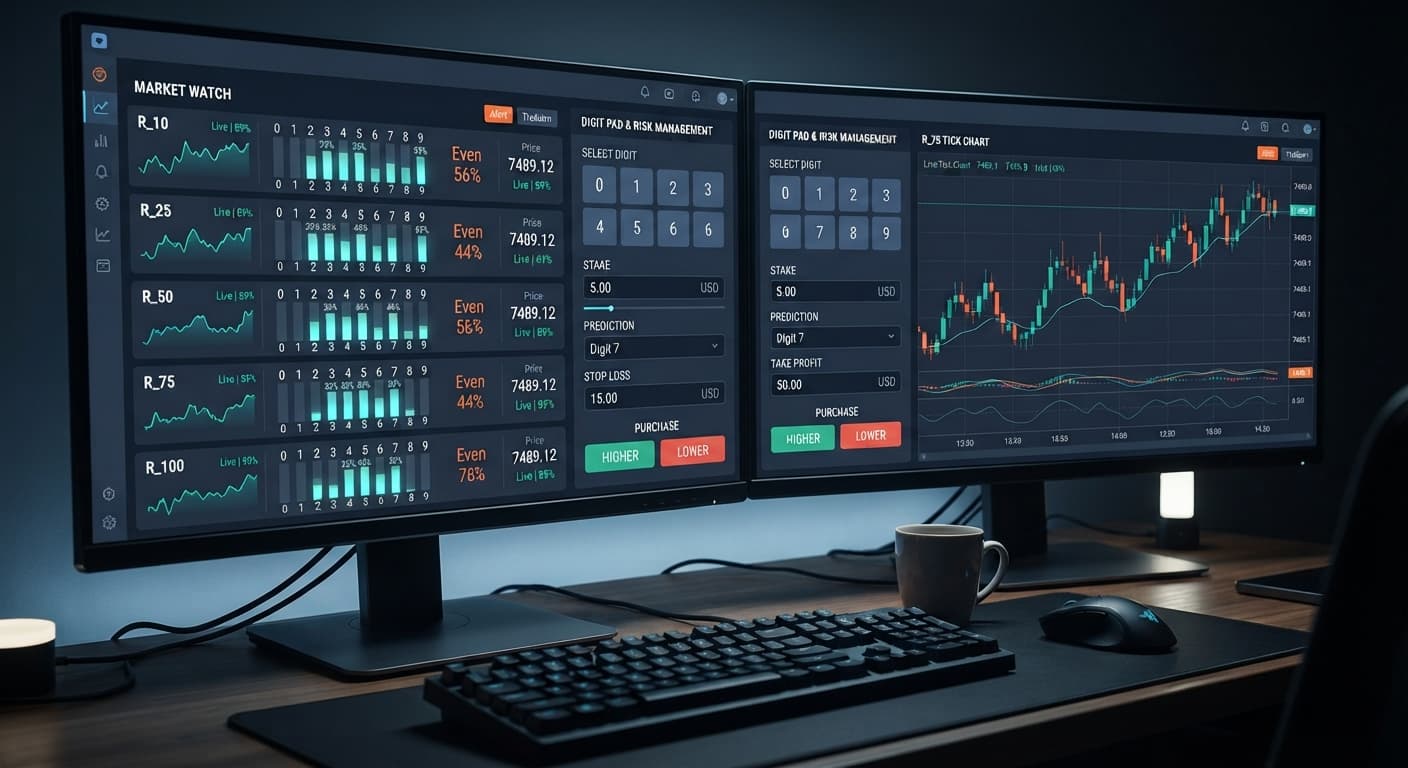
Select R_10 for market selection, set your stake, and define your digit target to use the digit pad on volatility 10 for manual trades.

To execute trades using digit pad on volatility 75, select R_75 from the market menu, set your execution mode to Digit Differs or Even/Odd, enter your stake, and trigger trades manually based on live statistical matrix feeds. By following this guide, you'll configure a real-time manual workstation that connects directly to Deriv over their official API, allowing instant order placement for DIGITDIFF, DIGITEVEN, or DIGITODD contracts.
This workflow is designed for traders who want clear digit frequency data across multiple markets while taking manual entries on Volatility 75. Digit Pad isn't an automated auto-trader; it's a manual pad that gives you direct visual statistics and execution buttons on a single screen without relying on third-party software.
Before configuring your trade workspace, make sure you have these prerequisites ready:
Open the workspace in your web browser and navigate to the API token entry field near the top header. Copy your API token from your Deriv account security settings, paste it into the token field, and press the connect button. The workspace connects directly to Deriv over their official API, keeping your token secure on your local browser. Once connected, your live account balance and ID will display in the top status bar.
Click the market selection dropdown menu on the main control unit. Select R_75 from the list of available synthetic assets, which includes R_10, R_25, R_50, R_75, and R_100. Choosing R_75 focuses the primary ticker display on Volatility 75, updating the live digit stat breakdown for numbers 0 through 9 on every incoming tick.
Navigate to the stake field to set your exact entry amount for each contract. Type your desired numerical value—for example, entering 5.00 sets a trade size of five dollars per click. Digit Pad does not feature an automated stake multiplier or recovery system, so the value you place in the stake box remains fixed for every manual trade until you change it yourself.
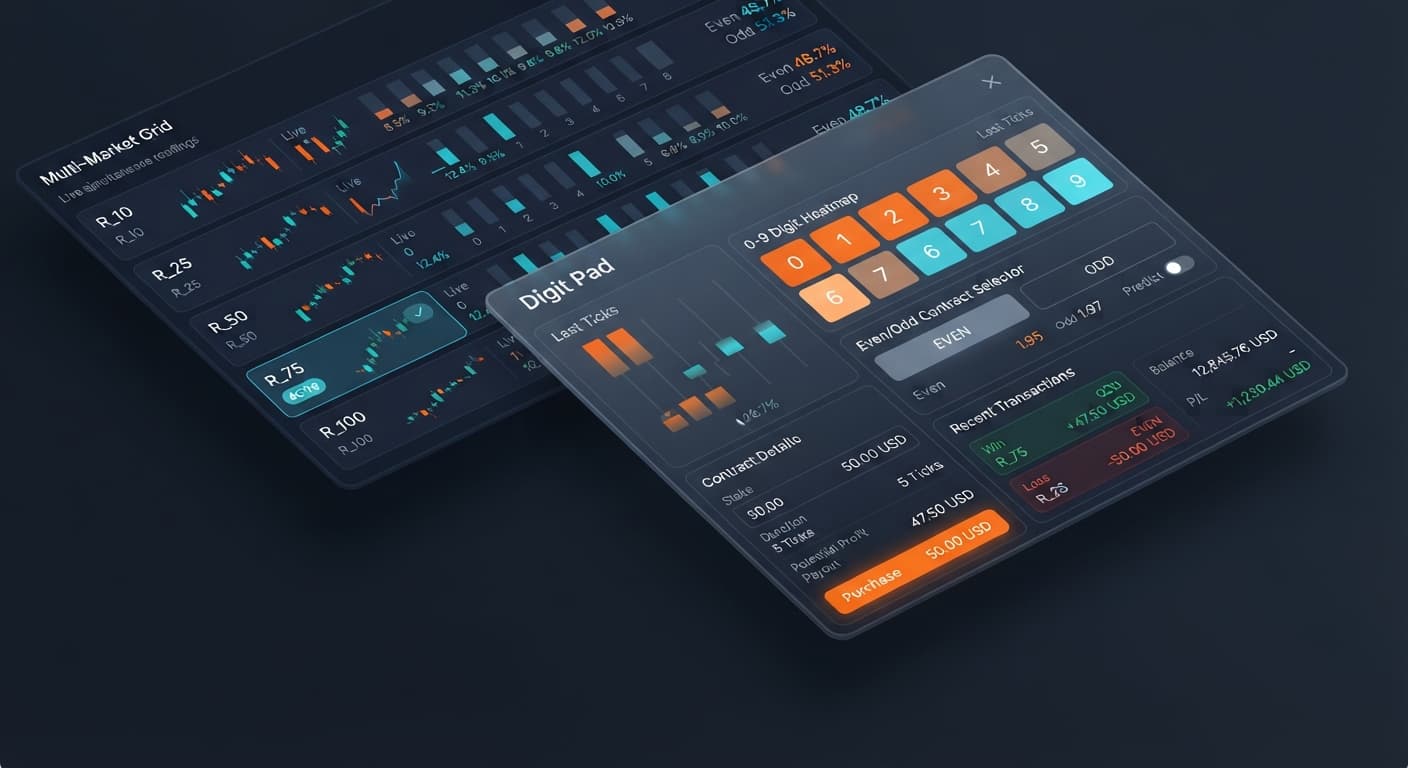
For Digit Differs contracts, go to the digit target field and select an integer from 0 to 9. Your contract wins as long as the closing tick digit differs from your selected target. When trading Even/Odd mode, the target parameters adapt automatically to execute DIGITEVEN or DIGITODD contracts based on the tick sequence. The selected number highlights directly on the interactive digit grid.
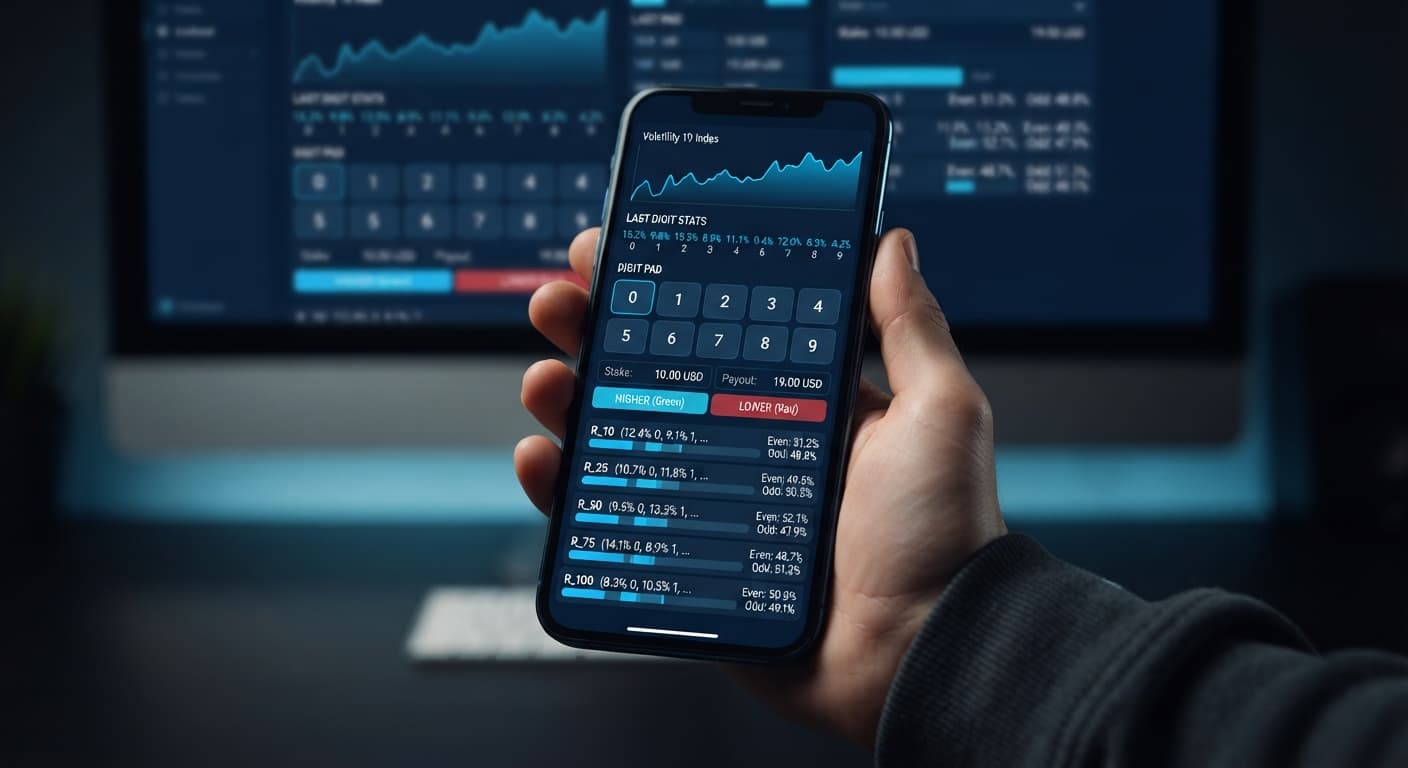
Examine the side-by-side digit matrix to review real-time statistics across R_10, R_25, R_50, R_75, and R_100. Look at the digit frequency bars for R_75 to evaluate recent distribution patterns. Once you identify your entry point, press the execute button for DIGITDIFF, DIGITEVEN, or DIGITODD. The trade log updates immediately with your entry ticket number, trade cost, exit tick digit, and final profit or loss state.
Choosing the right market is vital when building a strategy around web-based deriv bots. Although Digit Pad monitors R_10, R_25, R_50, R_75, and R_100 concurrently, each market exhibits distinct price scale behavior. The table below outlines how R_75 compares to slower and faster synthetic indices across operational dimensions.
| Execution Metric | Volatility 10 (R_10) | Volatility 75 (R_75) | Volatility 100 (R_100) |
|---|---|---|---|
| Tick Rate | 1 tick per second | 1 tick per second | 1 tick per second |
| Average Movement Per Tick | Low (0.1 to 0.5 points) | Medium-High (5 to 25 points) | Very High (50 to 200 points) |
| Statistical Independence | 100% random per draw | 100% random per draw | 100% random per draw |
| Primary Contract Fit | DIGITEVEN / DIGITODD | DIGITDIFF / DIGITEVEN / DIGITODD | DIGITDIFF / DIGITEVEN / DIGITODD |
| Displayed Stat Motion | Slow visual shift | Balanced visual shift | High visual variance |
Why focus on R_75 over the alternatives? Volatility 75 strikes a balance within synthetic index trading. R_10 moves in small price increments that can feel sluggish when watching digit metrics, while R_100 generates extreme price swings that cause larger variance in raw price movement. R_75 offers moderate price activity with clean tick delivery.
It's vital to understand that from a probability stance, last digit draws on all Deriv synthetic indices are strictly independent random events. R_75 does not offer a higher probability of predictable digit patterns than R_10 or R_100. However, using digit pad on volatility 75 lets you track cross-market data on the digit matrix while focusing manual execution on an index with balanced volatility.
If you want to explore other tools for analyzing tick streams before opening positions, you can test the LDP Analyzer or browse the free library of deriv bots available on the platform.
Manual trading with web-based binary bots requires strict personal discipline. Below are four execution mistakes traders face when operating digit pad on volatility 75, alongside the specific controls to prevent them.
Traders often look at the digit stats matrix, notice that a specific digit hasn't appeared on R_75 for 25 ticks, and set that number as their digit target believing it's bound to land next. This is a statistical misconception. Deriv synthetic index ticks are independent draws; previous tick history has zero impact on the probability of the next tick digit.
Mitigation: Use the matrix stats for structural context rather than outcome prediction. Keep your risk fixed regardless of how long a digit has been absent from the tick log.
Because Digit Pad is a manual order pad with no automatic martingale engine, losing trades require manual management. A common account-killing habit occurs when a trader manually doubles their value in the stake box after consecutive losses to attempt rapid recovery. Two or three additional losses at inflated stakes can destroy an account balance quickly.
Mitigation: Establish a firm daily stop loss limit and take profit goal before opening your trading tab. Keep your stake at a flat, conservative percentage (such as 1% of your total balance) and close the application if your stop loss threshold is reached.
If you paste an API token that only has Read permissions, Digit Pad will stream live price ticks and update the digit matrix, but clicking execution buttons will fail to open positions. This results in execution delays or missed trades when trying to react to market conditions.
Mitigation: When creating your token inside Deriv's API settings, verify that both Read and Trade scopes are checked before copying the string.
Clicking execution buttons rapidly without double-checking the active mode or values can lead to placing incorrect DIGITDIFF or DIGITEVEN trades with unintended stake amounts.
Mitigation: Always review your market selection, stake, and digit target values on screen before clicking trade buttons. Test every execution workflow on a Deriv demo account first so you're familiar with screen reactions before trading real money.
Try executing trades yourself on Digit Pad using a demo balance first.
If you don't have an account yet, create a free Deriv account to start testing.
Trading involves risk. Past performance does not guarantee future results.
Related: Digit Pad on Volatility 25: Even/Odd Setup Guide
Related: Digit Pad for Beginners: Zero-Knowledge Guide to Deriv Bots
Free multi-market digit trading tool for Deriv — trade Digit Differs and Even/Odd across all volatility indices simultaneously with real-time signals for R_10, R_25, R_50, R_75 and R_100.
Open Digit Pad →You'll need to generate a valid API token with both read and trade permissions from your Deriv account settings. Just paste that token into the entry field near the top header of Digit Pad and hit the connect button to link your account securely in your browser.
No, Digit Pad isn't an automated auto-trader. It's a manual workstation that gives you visual statistics and execution buttons so you can place your trades yourself.
You can use Digit Pad to place manual entries for DIGITDIFF, DIGITEVEN, or DIGITODD contracts. You just set your execution mode, pick your target, and hit the execute button based on the live statistical matrix feeds.
You just click the market selection dropdown menu on the main control unit and choose R_75 from the list. This focuses the display on Volatility 75 and updates the live digit stats for numbers 0 through 9 on every tick.
Guides closest to this one.
Select R_10 for market selection, set your stake, and define your digit target to use the digit pad on volatility 10 for manual trades.
Execute a strict digit pad stop loss setup by defining your maximum drawdown on paper before trading, since manual order pads lack automated stop scripts.
Use the 5-step digit pad on volatility 25 setup guide to configure Even/Odd trades, select R_25, input your stake, and monitor live tick stats.