Digit Analysis
Digit Pad Best Market: Volatility 10 Index for Deriv Bots
Discover why Volatility 10 is the digit pad best market for trading Digit Differs and Even/Odd on Deriv bots. Read our market guide and test strategies now.
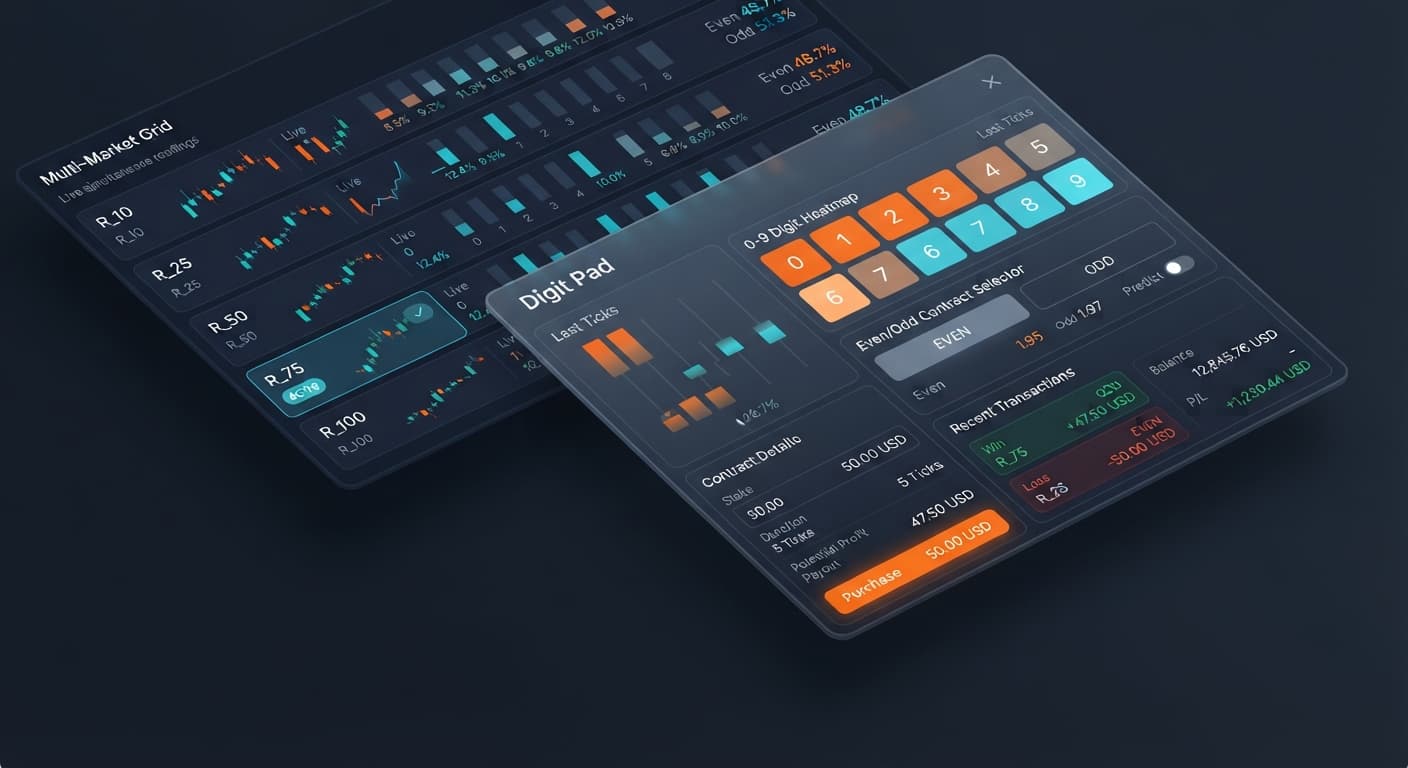
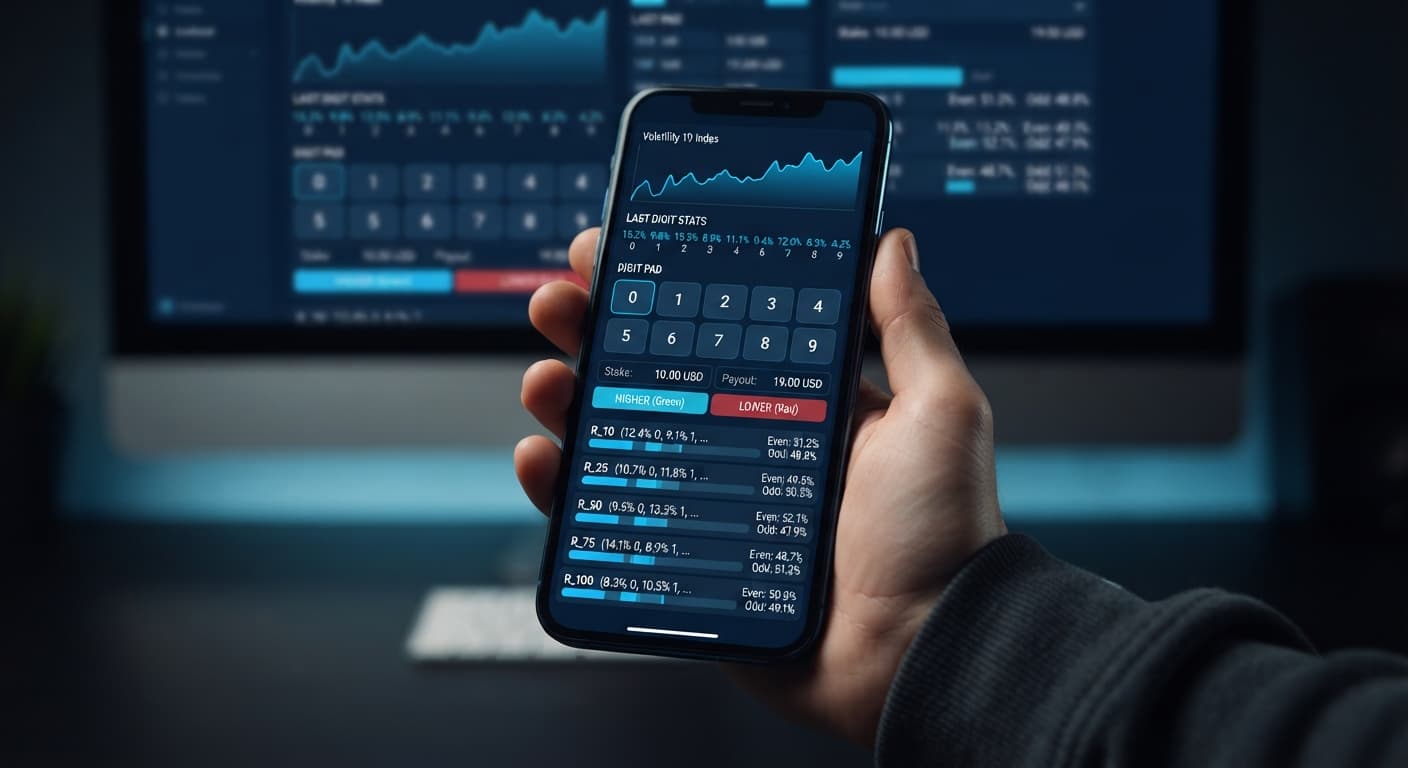
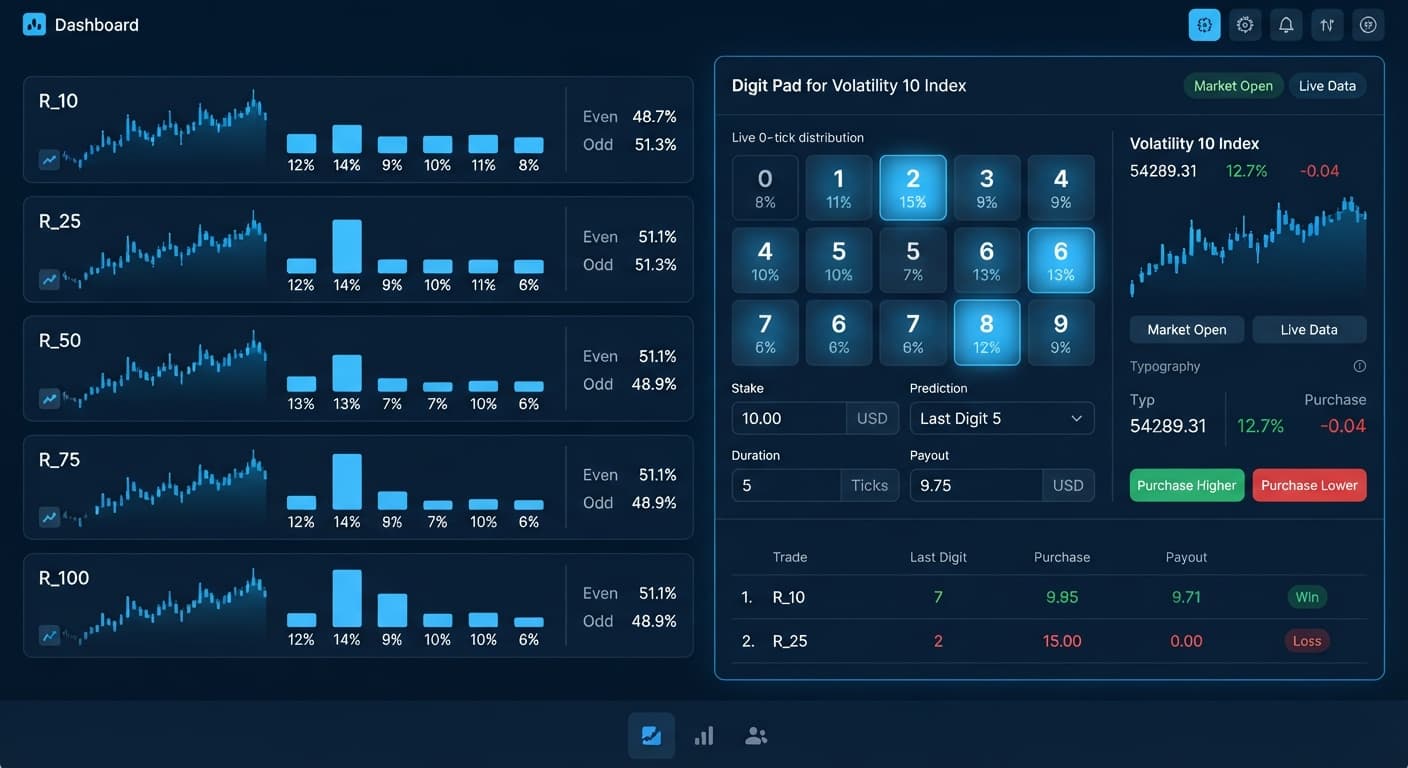
Configuring the digit pad on volatility 25 for Even/Odd trades gives you a manual execution pad to place 1-tick digit contracts on Deriv without relying on automated stake multipliers. This setup is built for traders who want clear tick stats on R_25 before manually triggering trades. You monitor real-time distribution across the matrix, enter your base stake, and trade DIGITEVEN or DIGITODD contracts based on visible statistical drift. Because it isn't an auto bot, success depends on your execution timing, manual risk discipline, and personal limits.
Deciding whether you'll trade Even/Odd or Digit Differs is the single most critical choice on this interface. Get this wrong, and your risk-to-reward parameters break before you place a single contract.
When you select Even/Odd, every tick carries roughly a 50/50 statistical chance, minus the broker payout margin. You're opening DIGITEVEN or DIGITODD contracts where returns sit around 95% to 96%. If you mistakenly leave the pad set to Digit Differs mode, you'll place DIGITDIFF contracts instead. That mode pays around 9% to 10% per winning trade because it covers 9 out of 10 possible digit outcomes. Confusing these two modes causes severe position sizing errors that can destroy a account balance fast.
It's vital to remember that Deriv synthetic index ticks are completely independent random draws. A run of eight consecutive odd numbers on R_25 doesn't make an even number any more likely on the ninth tick. The statistics on screen show recent history to help you spot variance, not to predict guaranteed outcome reversals. Set your strategy mode intentionally so your payout expectations match your strategy.
Open the manual trading pad and locate the market selection dropdown menu near the top of the controls. Click the dropdown and choose R_25 from the index list (which also features R_10, R_50, R_75, and R_100).
Once selected, the on-screen stats lock onto Volatility 25. The live tick feed starts streaming data directly into the statistical visualizers on your screen.
Locate the primary strategy controls and switch the mode toggle to Even/Odd. This replaces the digit prediction layout with dedicated parity triggers.
Your screen will now feature action buttons for DIGITEVEN and DIGITODD. The visual analytics panel updates to show the rolling percentage balance between even and odd tick outcomes on R_25.
Find the stake input box on your manual trading panel. Clear out the default figure and type your intended fixed trade size—for example, entering 2.00 for a $2.00 trade.
The potential payout calculation below the input box updates instantly to display your projected return on a winning contract. Check this figure twice before proceeding. Unlike fully automated binary bots, every click on Digit Pad sends a direct order to Deriv over their official API without extra confirmation prompts.
In the controls, locate the digit target setting. While digit target is primarily used to isolate single winning digits when placing DIGITDIFF trades, keeping a digit value selected in Even/Odd mode highlights that specific digit in the visual feed.
The interface highlights your chosen reference digit inside the rolling statistical bar, helping you track single-digit frequency alongside broader even and odd trends on R_25.
Scan the multi-market digit matrix section at the base of the screen. This panel monitors live distribution across R_10, R_25, R_50, R_75, and R_100 simultaneously so you don't have to jump between market tabs.
When you see a clear entry condition on R_25—such as odd digits pushing to 64% over recent ticks—click DIGITEVEN or DIGITODD to open the position. The interface immediately generates a contract receipt box showing the contract ID, entry tick value, and live profit or loss result.
Choosing the right index changes how fast signals populate and how comfortable manual order execution feels. While automated deriv bots process entries instantly regardless of market speed, manual traders need an index that balances tick frequency with human reaction time.
The table below compares R_25 against other selectable markets available in the tool.
| Market | Tick Frequency | Price Jump Size | Digit Skew Speed | Execution Fit |
|---|---|---|---|---|
R_10 |
1 tick per 2 seconds | Small per tick | Slow, gradual balance shifts | Calm manual entries, but slow signal updates |
R_25 |
1 tick per 1 second | Moderate per tick | Steady short-term variance | Ideal balance for manual Even/Odd trade timing |
R_100 |
1 tick per 1 second | Large, aggressive | Rapid, jumpy statistical shifts | Fast scalping that punishes slow click timing |
Why run the digit pad on volatility 25 setup over R_10 or R_100? On R_10, ticks update every two seconds. That slow pace means waiting longer for statistical variance to build. On R_100, high price jumps cause fast, noisy stats that can lead to rushed entries. R_25 hits the middle ground: a steady one-second tick speed that gives you time to review the multi-market digit matrix while maintaining enough tick volume to find trade setups.
After executing 20 to 30 trades on R_25, stop clicking and review your trade log. Experienced traders fine-tune their parameters based on observed performance rather than raw emotion.
First, adjust your stake relative to overall balance fluctuations. If you start with a $100 account and trade at $10 per contract, four straight losses strip away 40% of your account. Dropping your fixed stake to $1.00 or $2.00 (1% to 2% of total capital) lets you ride out natural losing sequences without risking account wipeouts. Remember, Digit Pad has no automated martingale recovery ladder; any stake adjustment is entirely manual.
Second, raise your entry threshold on the matrix. Don't enter trades on minor 52% to 48% imbalances. Wait for sharper short-term statistical drifts where one parity side reaches 62% or higher. Past digit frequency never guarantees what the next tick will be—each draw is independent—but waiting for wider statistical variance helps limit over-trading and keeps your execution disciplined.
Third, write down strict stop loss and take profit figures before you log into your trading panel. Because Digit Pad is an execution pad without automated emergency stop settings, you must manually close your session the moment you reach your loss ceiling or profit target.
Before risking real money, test this setup on a Deriv demo account. Practicing on virtual funds lets you get comfortable with execution speeds and panel layouts without financial stress. Keep in mind that this tutorial is strictly for trading education and is not financial advice.
Try the setup yourself by testing Digit Pad on a virtual balance before trading live funds. If you need an account to get started, create a free Deriv account to trade synthetic indices. Trading involves risk. Past performance does not guarantee future results.
Related: Digit Pad Best Market: Volatility 10 Index for Deriv Bots
Related: Digit Pad for Beginners: Zero-Knowledge Guide to Deriv Bots
Free multi-market digit trading tool for Deriv — trade Digit Differs and Even/Odd across all volatility indices simultaneously with real-time signals for R_10, R_25, R_50, R_75 and R_100.
Open Digit Pad →Open the manual trading pad, select R_25 from the market dropdown menu, and toggle the strategy mode to Even/Odd. This brings up the dedicated DIGITEVEN and DIGITODD triggers along with the live tick distribution panel.
Even/Odd mode gives you roughly a 50/50 chance with returns around 95% to 96% on DIGITEVEN or DIGITODD contracts. Digit Differs pays only 9% to 10% per win because it covers 9 out of 10 possible digits, so mixing them up will wreck your position sizing.
No, Deriv synthetic index ticks are completely independent random draws. The stats on your screen just show recent history to help you spot variance, not to guarantee outcome reversals.
No, every single click on the Digit Pad sends a direct order straight to Deriv over their official API without any extra confirmation prompts. You've gotta check your base stake and potential payouts twice before clicking.
Guides closest to this one.
Discover why Volatility 10 is the digit pad best market for trading Digit Differs and Even/Odd on Deriv bots. Read our market guide and test strategies now.
Select R_10 for market selection, set your stake, and define your digit target to use the digit pad on volatility 10 for manual trades.
Master digit pad for beginners with zero prior knowledge. Learn digit analysis, track multiple Deriv volatility indices, and test binary bots today.