Digit Analysis
Digit Pad Deriv Bots Guide: Multi-Market Digit Analysis
Read this digit pad deriv bots guide to master multi-market digit analysis, last digit prediction, and manual trading strategies on BinaryBot.live.
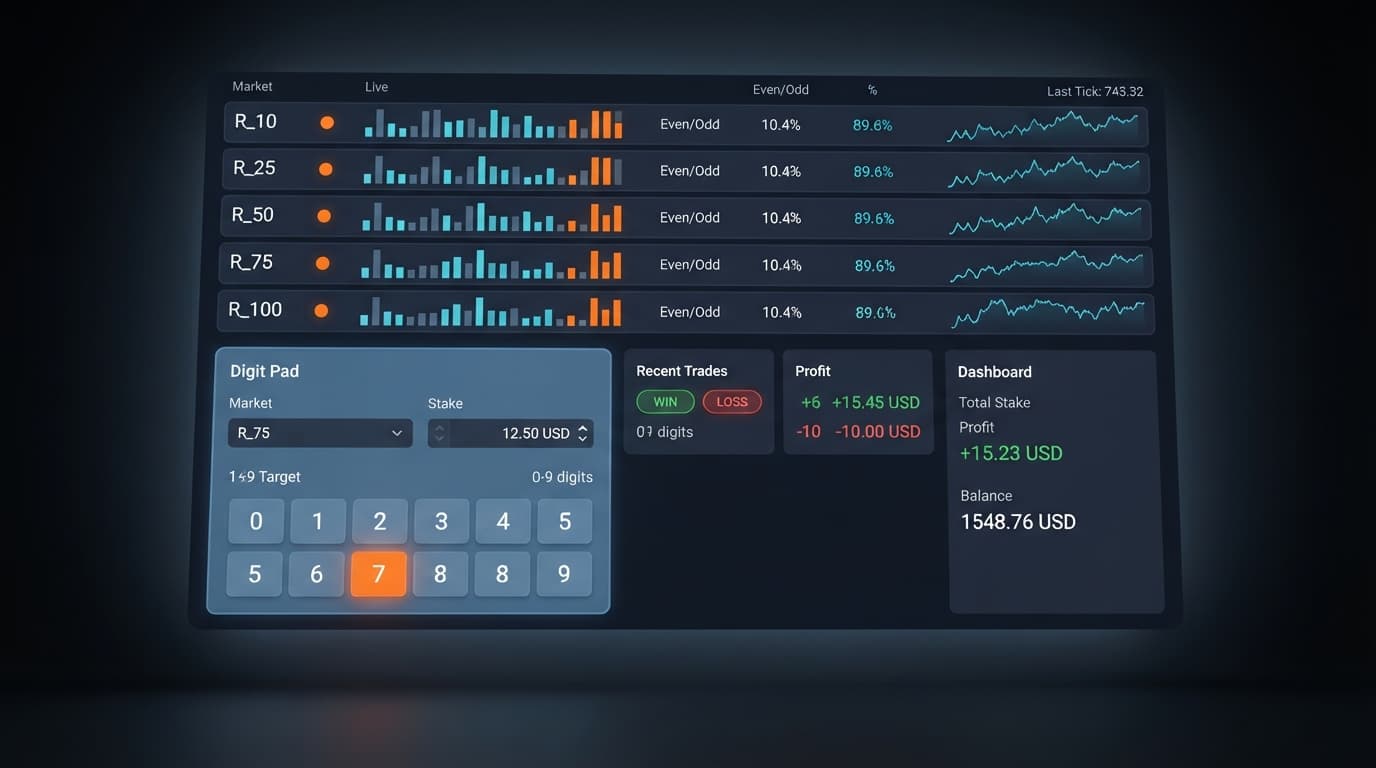
Configuring your digit pad settings correctly requires choosing your target market in market selection, defining a base dollar amount in stake, and setting a precise number from 0 to 9 in digit target. You'll use these exact inputs to manual-trade contracts like DIGITDIFF, DIGITEVEN, and DIGITODD across five volatility indices at once. Getting these three fields tuned to live market signals stops execution mistakes before you risk real balance.
Most traders load up a single market, pick a random number, and hit trade. That's a fast way to bleed money when using deriv bots or manual execution tools. When you view only one volatility index at a time, you can't see whether another index is offering a much clearer statistical pattern.
Default tool configurations usually default to fixed inputs that don't reflect current matrix conditions. If your base entry input is set too high for your account balance, or if your target number sits on an over-represented digit, your contract fails almost instantly.
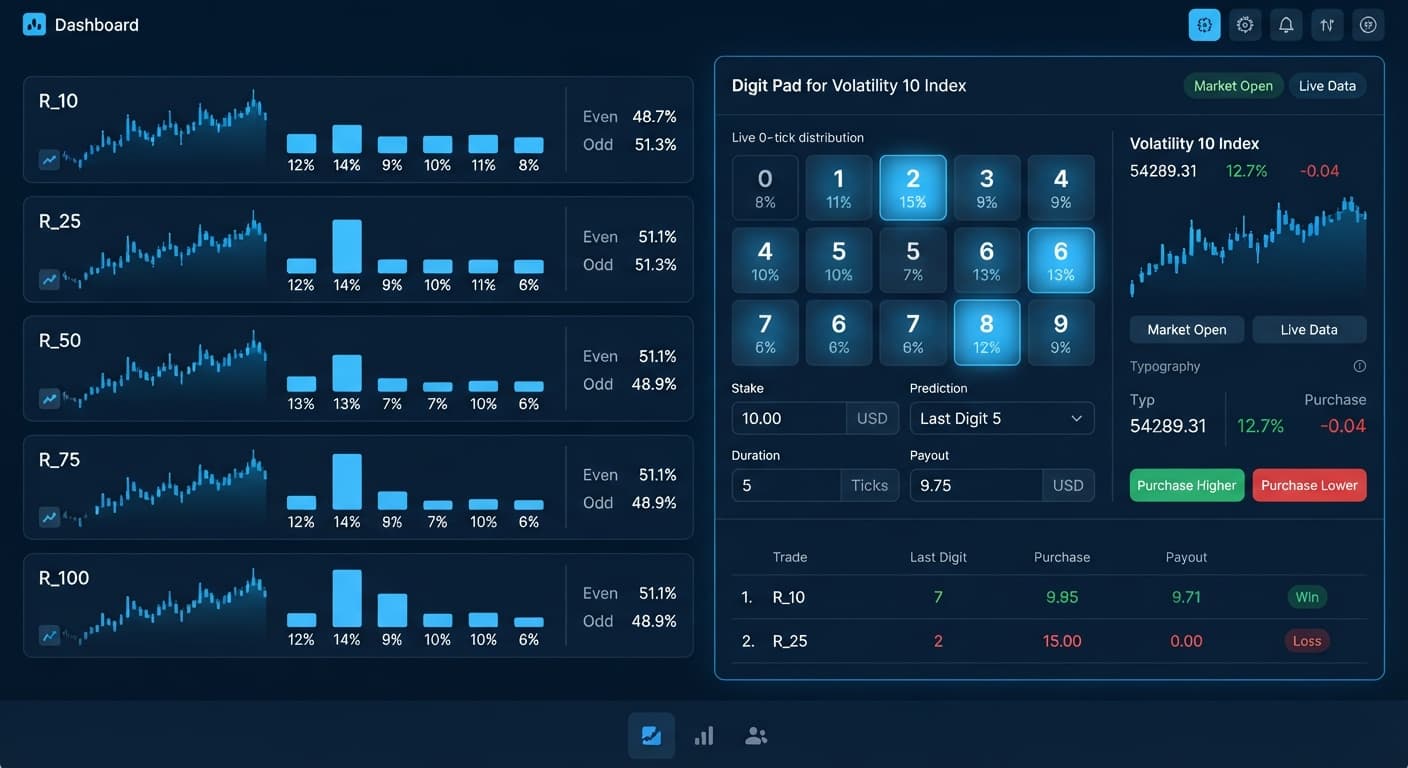
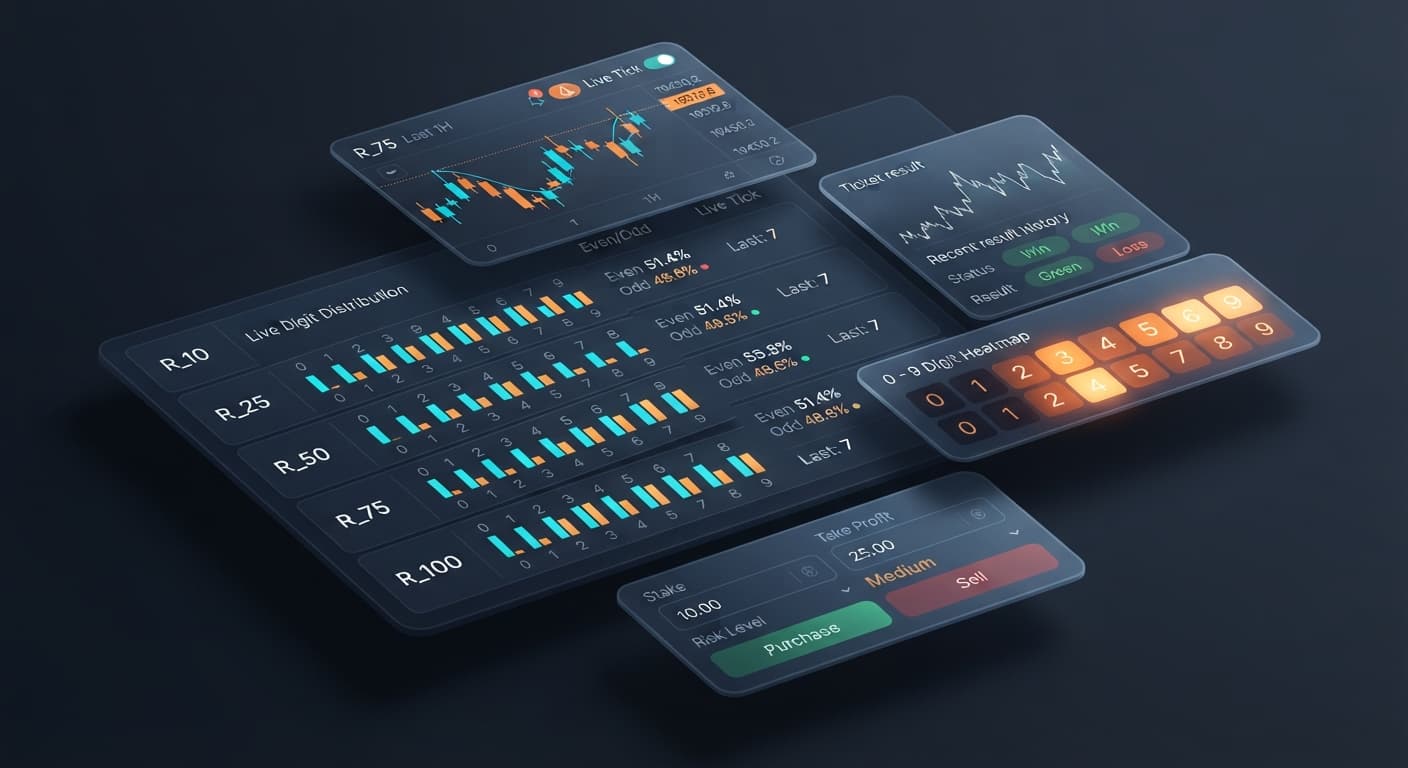
The multi-market digit matrix inside Digit Pad solves this by pulling tick data simultaneously from R_10, R_25, R_50, R_75, and R_100. Instead of guessing, you align your entry parameters with actual real-time distribution across all five indices.
+-----------------------------------------------------------------------+
|                         DIGIT PAD DASHBOARD                           |
|                                                                       |
| [ Market Selection: R_50 ]   [ Stake: $2.00 ]   [ Digit Target: 7 ]  |
|                                                                       |
|  MODE: Digit Differs (DIGITDIFF)                                      |
|                                                                       |
|  MULTI-MARKET DIGIT MATRIX (Live Ticks)                               |
|  R_10  : [0] [1] [2] [3] [4] [5] [6] [7]*[8] [9]                       |
|  R_25  : [0] [1] [2] [3] [4] [5] [6] [7] [8]*[9]                       |
|  R_50  : [0] [1] [2]*[3] [4] [5] [6] [7] [8] [9] <-- Strongest Signal  |
|  R_75  : [0]*[1] [2] [3] [4] [5] [6] [7] [8] [9]                       |
|  R_100 : [0] [1] [2] [3] [4]*[5] [6] [7] [8] [9]                       |
+-----------------------------------------------------------------------+
To get predictable manual execution, update your interface controls in order. Follow these steps on a virtual account before switching to real funds.
Open the dropdown labeled market selection. You'll see five synthetic index options: R_10, R_25, R_50, R_75, and R_100. Look at the multi-market digit matrix on your screen first. Pick the market where the digit stats show a clear high or low spike. For instance, if index R_50 shows that digit 7 hasn't appeared for 25 consecutive ticks, select R_50.
Find the input field labeled stake. Enter a value that matches your risk tolerance. A good rule of thumb is keeping your single-trade value under 2% of your overall balance. If you're running a $100 balance on a demo account, set this input to $1.00 or $2.00. Remember that this tool places manual orders directly on your account; it doesn't run an automatic stake multiplier or recovery sequence.
Click on digit target and enter a single digit from 0 to 9. Your choice depends heavily on the contract type you plan to run:
DIGITDIFF contracts, set this input to the absolute coldest digit (the digit appearing least frequently in the matrix). You win as long as the last tick doesn't match this number.Even/Odd contracts (DIGITEVEN or DIGITODD), this parameter grey-outs or acts as a reference while you evaluate odd versus even percentage distribution across the live ticks.Timing on Deriv synthetic indices is rigid. On standard volatility indices (R_10 through R_100), ticks print exactly once per second. Understanding this execution rhythm keeps you from placing trades into stale statistical updates.
Here's how contract timing and visual refresh rates align on the dashboard during a active session using binary bots:
| Index Market | Contract Type | Selected Target | Clock Duration | Real-World Window | Matrix Update Frequency |
|---|---|---|---|---|---|
| R_10 | DIGITDIFF | Target: 0 | 1 Tick | 1.0 Second | 1 Tick/Sec |
| R_25 | DIGITEVEN | N/A | 1 Tick | 1.0 Second | 1 Tick/Sec |
| R_50 | DIGITDIFF | Target: 7 | 1 Tick | 1.0 Second | 1 Tick/Sec |
| R_75 | DIGITODD | N/A | 1 Tick | 1.0 Second | 1 Tick/Sec |
| R_100 | DIGITDIFF | Target: 3 | 1 Tick | 1.0 Second | 1 Tick/Sec |
Let's walk through an actual 10-second trading loop on market R_50:
market selection to R_50, set stake to $2.00, and set digit target to 7.DIGITDIFF contract.Because tick distribution updates every second, spending 15 seconds over-analyzing means your entry signals are already outdated. Pick your parameters quickly, double-check your numbers, and place the trade.
Once your digit pad settings match active matrix conditions, the behavior of your manual trading changes noticeably:
DIGITDIFF or Even/Odd trade.If you switch from Digit Differs to Even/Odd, the interface adjusts. Your selected stake remains locked, letting you pivot between contract strategies without re-keying your base numbers every few seconds.
Even seasoned traders mess up simple configurations. Here are the two most common setup errors made on this tool and how to avoid them.
A common trap is assuming that because a digit hasn't appeared in 40 ticks on R_100, it must appear soon—or conversely, that it will never appear on the next tick.
Deriv synthetic indices operate on independent random generation. Past digit frequency gives you historical visibility, but it does not alter the mathematical probability of the next tick draw. A digit target on a DIGITDIFF trade always carries a raw 90% theoretical probability of success on any single tick, regardless of what happened five seconds ago. Never raise your entry values out of frustration thinking a cold digit is "due."
Digit Pad gives you rapid manual execution controls, which means you can place dozens of trades a minute if you're clicking blindly. It does not have an automated stop-loss circuit breaker built into the pad controls.
Before typing a number into your base entry field, calculate your strict profit target and loss limits for the session:
Always test your setups on a Deriv demo account first. Verify how fast the trades execute and get comfortable reading the matrix before switching to a real account.
Test your settings risk-free on Digit Pad using a demo balance today.
If you need a trading profile to get started, create a free Deriv account in just a few clicks.
Trading involves risk. Past performance does not guarantee future results.
Related: Digit Pad API Token Setup for Deriv Bots
Related: Digit Pad Demo Account Setup for Deriv Bots
Related: Step-by-Step: How to Use Digit Pad on BinaryBot.live for Deriv Bots
Related: Digit Pad Deriv Bots Guide: Multi-Market Digit Analysis
Related: Digit Pad Best Market: Volatility 10 Index for Deriv Bots
Free multi-market digit trading tool for Deriv — trade Digit Differs and Even/Odd across all volatility indices simultaneously with real-time signals for R_10, R_25, R_50, R_75 and R_100.
Open Digit Pad →You configure them by choosing your target market in market selection, defining a base dollar amount in stake, and setting a precise digit target from 0 to 9. These exact inputs let you trade contracts like DIGITDIFF, DIGITEVEN, and DIGITODD across five volatility indices at once.
The Digit Pad pulls tick data simultaneously from five synthetic index options: R_10, R_25, R_50, R_75, and R_100. This multi-market matrix lets you view real-time distribution across all five indices instead of guessing on a single market.
You should enter a stake value that matches your risk tolerance, keeping your single-trade value under 2% of your overall balance. For example, if you're running a $100 balance, you'd set this input to $1.00 or $2.00.
You can use your configured inputs to manual-trade contracts like DIGITDIFF, DIGITEVEN, and DIGITODD. Setting these fields correctly helps stop execution mistakes before you risk your real balance.
Guides closest to this one.
Read this digit pad deriv bots guide to master multi-market digit analysis, last digit prediction, and manual trading strategies on BinaryBot.live.
Master digit pad for beginners with zero prior knowledge. Learn digit analysis, track multiple Deriv volatility indices, and test binary bots today.
Discover why Volatility 10 is the digit pad best market for trading Digit Differs and Even/Odd on Deriv bots. Read our market guide and test strategies now.