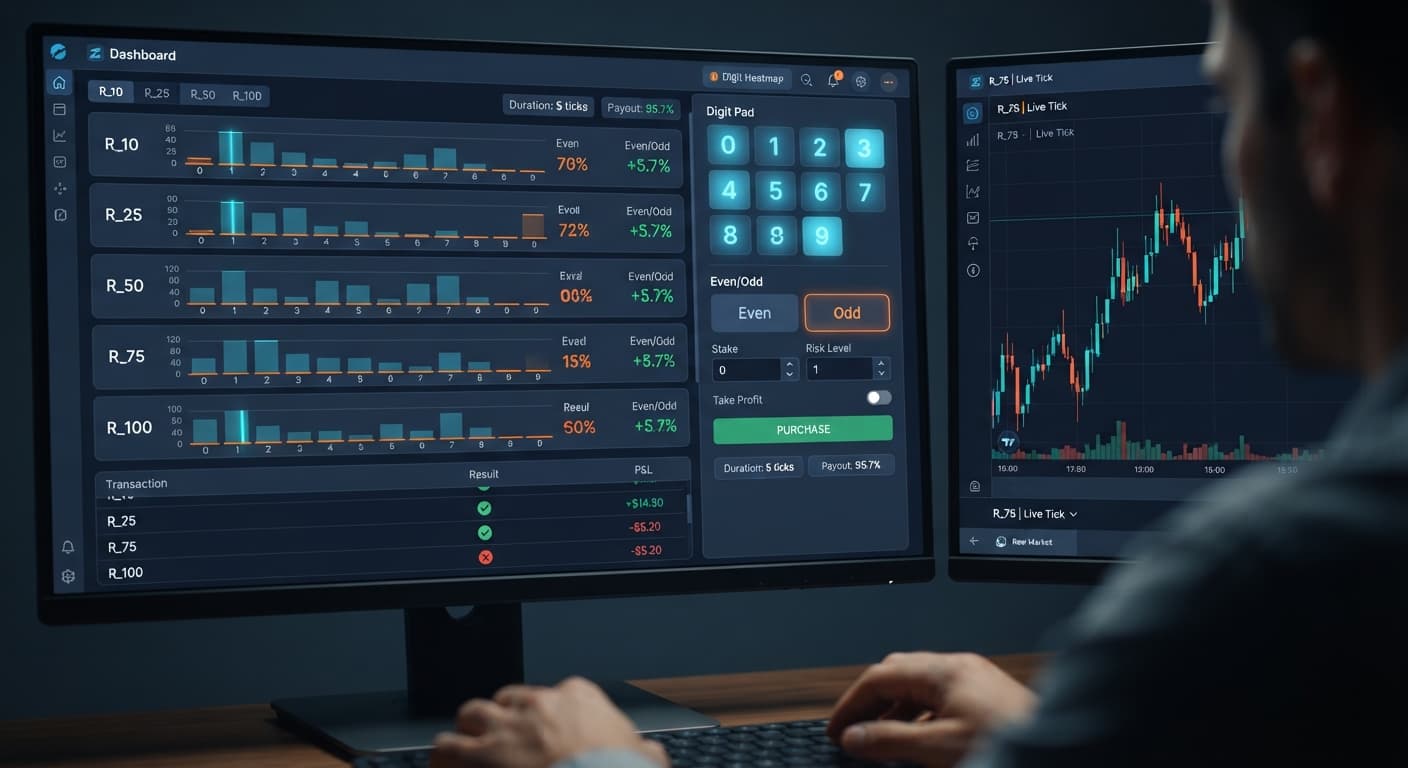
Digit Analysis
Digit Pad Demo Account Setup for Deriv Bots
Complete digit pad demo account setup for Deriv bots. Learn digit analysis and execute multi-market digit trades safely. Test your binary analysis tool now.
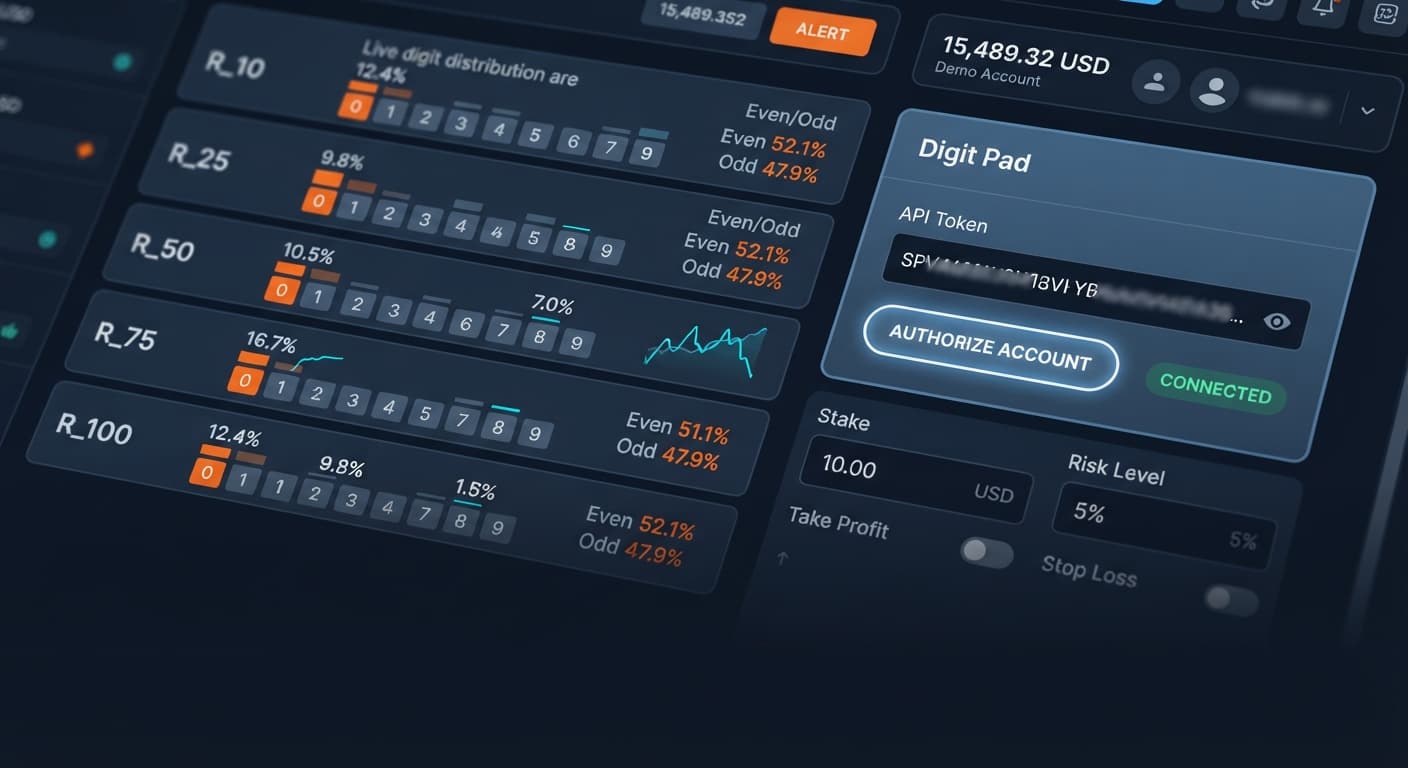
To complete your digit pad api token setup, log into your Deriv security portal, generate an API token with Read and Trade permissions, and paste the resulting token string directly into the trade terminal. The application connects directly to Deriv over their official API, authenticating your balance and enabling real-time execution straight from your browser. You don't need local software, server scripts, or complex plugins to get started.
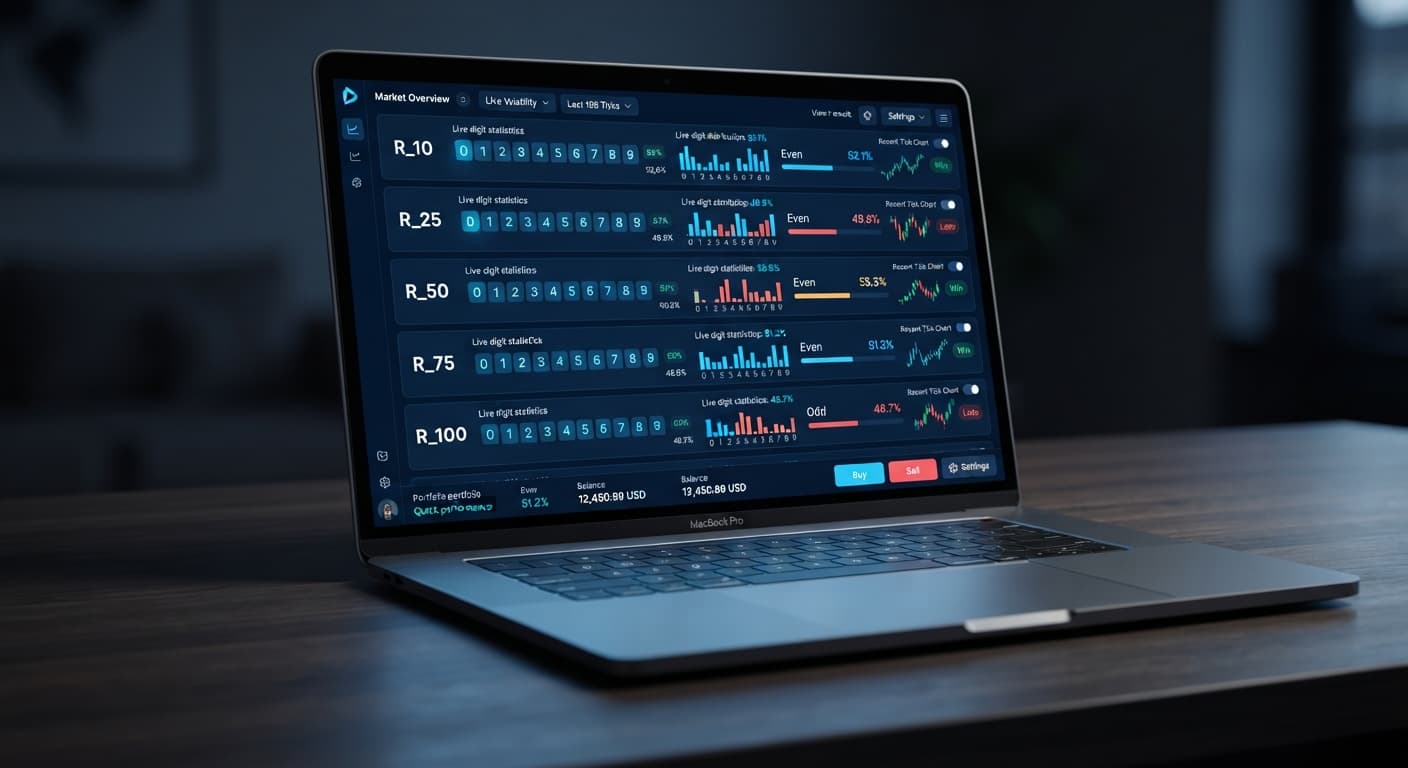
By finishing this configuration, you'll have a multi-market terminal running live digit analysis across five synthetic indices at once. This manual trade pad gives experienced traders who use deriv bots a way to scan market statistics side-by-side and execute DIGITDIFF, DIGITEVEN, or DIGITODD contracts without jumping between trading tabs.
Before linking your account credentials to the trade pad, prepare these items:
Log into your main Deriv dashboard, navigate to Account Settings, and select the API Token section. Enter a clear label for your token, such as "DigitPad Access", so you can track its usage later in your security log.
Select the checkboxes for Read and Trade. The Read scope grants access to stream balance updates and index tick data, while the Trade scope permits placing manual contracts. Leave Admin, Payments, and Trading Information unchecked; they aren't required for placing digit contracts. Click Create and copy the generated alphanumeric string to your clipboard.
Open Digit Pad in your browser. Find the API token entry field located at the top of the interface. Paste your copied token string directly into this input box.
Click the connection button next to the input field. Once authenticated, the interface establishes a live session. Your screen will update immediately: the connection status changes from disconnected to active, and your current account balance (demo or real) displays in the header bar alongside your currency denomination.
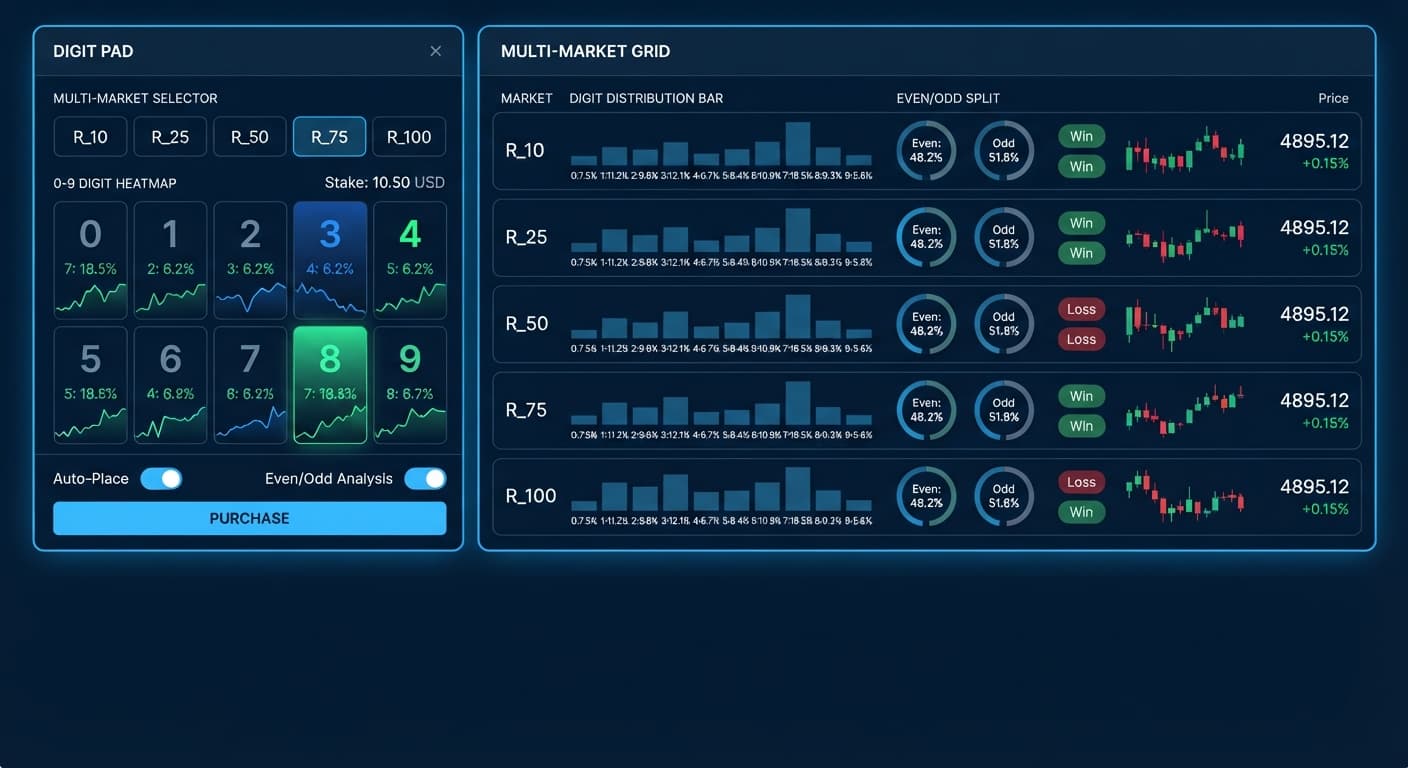
Locate the core execution controls on the main panel. You'll see inputs for market selection, stake, and digit target.
First, adjust the stake field to match your intended risk per contract. Enter a concrete numerical value, such as 10.00 USD. Next, open the market selection dropdown. Pick from R_10, R_25, R_50, R_75, or R_100. Selecting a market tells the interface which synthetic volatility index to send your trade tickets to when you fire an order.
Select your active operational mode: Digit Differs or Even/Odd. If you select Digit Differs, the tool prepares DIGITDIFF contract calls; if you select Even/Odd, it routes DIGITEVEN or DIGITODD trades depending on which side you click.
Now, set the digit target field. If you're running Digit Differs, enter the single-digit number (0 through 9) you want to predict the tick will not hit—for instance, enter 5. If you're using Even/Odd mode, the target digit setting isn't required because execution depends strictly on the even or odd outcome of the tick.
Before placing trades with real money, switch your active account to a virtual demo balance inside your main Deriv portal. Verify your digit pad api token setup by running several test clicks directly on the panel.
Click the execute trade button for your chosen market mode. Watch your trading log update instantly on screen. Open your official Deriv transaction statement in another tab to confirm that the DIGITDIFF, DIGITEVEN, or DIGITODD trade logged with the exact stake and barrier you selected. Once you've confirmed zero lag and correct contract parameters, your setup is verified.
Configuring your setup requires balancing execution speed against target statistical probability. Traders accustomed to custom tokens on binary bots often forget that manual pads require active focus rather than passive script running. Digit Pad gives you immediate side-by-side market feeds so you can adjust your setup as tick distribution shifts.
| Setting / Mode | Value / Option | How Digit Pad Behaves | Ideal Trader Profile |
|---|---|---|---|
| Mode | Digit Differs | Prepares DIGITDIFF contracts aimed at avoiding a single digit | Traders seeking high-probability wins with smaller percentage returns |
| Mode | Even/Odd | Routes DIGITEVEN or DIGITODD contracts based on real-time ratios | Scalpers targeting near 1:1 payout ratios on balanced statistical distribution |
| Market Selection | R_100 | Receives high-frequency tick data streams on the 100% volatility index | Fast-acting traders looking for rapid contract resolution |
| Market Selection | multi-market digit matrix | Displays live tick stats side by side for R_10, R_25, R_50, R_75, and R_100 | Analytical traders scanning for statistical imbalances before execution |
| Digit Target | 0 through 9 | Sets the exact single-digit prediction barrier for contract validation | Precision digit analysis traders targeting cold or over-frequented numbers |
My preferred configuration during active sessions is running the multi-market digit matrix mode while setting market selection to monitor all indices simultaneously. It lets you spot extreme digit frequency spikes across R_10 through R_100 at a glance without wasting time clicking through individual asset drop-downs.
Even a smooth digit pad api token setup doesn't eliminate statistical trading risks. Deriv synthetic index ticks are completely independent random draws; past digit frequencies don't change the probability of the next tick. Here are key technical failure points and how to protect your account against them:
Assuming Cold Digits Must Appear
Traders often fall into the trap of thinking a digit that hasn't appeared in 50 ticks is "due" to hit. Deriv synthetic indices don't have memory. Every tick has an identical independent probability regardless of historical counts shown on the matrix. Treat live digit analysis stats as current distribution context rather than a forecasting tool, and don't scale stakes up on numbers you expect to hit soon.
Token Scope Mismatch
If your trade execution clicks produce quiet failures or throw API scope errors on screen, your token likely lacks the required Trade scope. Creating a token with Read-only access lets you view live tick feeds, but contract requests will be rejected instantly. Re-visit your Deriv security settings, generate a new token, and make sure the Trade box is explicitly checked alongside Read.
Over-Trading via Rapid Manual Clicks
Because manual trade pads eliminate the slow page refreshes of traditional browser tabs, it's easy to click too fast during market movements. Placing several DIGITDIFF or DIGITEVEN orders in rapid succession can draw down your balance faster than you expect during adverse tick runs. Define your session parameters beforehand. Keep your stake at a sensible baseline relative to your total account equity, set a strict profit target and stop loss in your head before launching the terminal, and stop trading when you hit them.
Unchecked Real Money Token Connections
Pasting a real-account token straight into a browser pad before verifying your execution settings can lead to accidental live order placements while testing interface buttons. Always generate your initial API token from a Deriv demo account first. Test every control, check your transaction statements, and only switch to real account tokens after you've validated your workflow on virtual funds.
Try it yourself on Digit Pad using a demo balance first. If you don't have one yet, create a free Deriv account. Trading involves risk. Past performance does not guarantee future results.
Related: Digit Pad Demo Account Setup for Deriv Bots
Related: Step-by-Step: How to Use Digit Pad on BinaryBot.live for Deriv Bots
Related: Digit Pad vs Manual Trading: Binary Bots Compared
Related: Digit Differs on Volatility 50 Deriv Bots Setup
Related: Configuring Digit Pad Settings for Deriv Bots
Related: Digit Pad Deriv Bots Guide: Multi-Market Digit Analysis
Free multi-market digit trading tool for Deriv — trade Digit Differs and Even/Odd across all volatility indices simultaneously with real-time signals for R_10, R_25, R_50, R_75 and R_100.
Open Digit Pad →Log into your Deriv security portal and go to Account Settings to find the API Token section. Enter a label, check both the Read and Trade scopes, and then click Create to generate your token string.
You only need to enable the Read and Trade scopes. Leave Admin, Payments, and Trading Information unchecked because they aren't required to place digit contracts on the Digit Pad.
Yes, using a verified virtual demo account is strongly recommended for testing your setup before risking real funds. Once you paste your API token into the Digit Pad interface, your demo account balance will display in the header bar.
The Digit Pad lets you trade across five synthetic volatility indices at once. You can select from R_10, R_25, R_50, R_75, or R_100 in the market selection dropdown.
Guides closest to this one.
Complete digit pad demo account setup for Deriv bots. Learn digit analysis and execute multi-market digit trades safely. Test your binary analysis tool now.
Learn how to use digit pad tools for Even/Odd and Digit Differs. Master digit analysis across multi-market trading. Try our binary analysis tool today.
Master digit pad for beginners with zero prior knowledge. Learn digit analysis, track multiple Deriv volatility indices, and test binary bots today.