Digit Analysis
Fix Deriv Digit Pad Not Working on Volatility 10
Is your digit pad not working on Deriv? Fix API token and WebSocket dropouts while monitoring volatility indices with our troubleshooting guide.
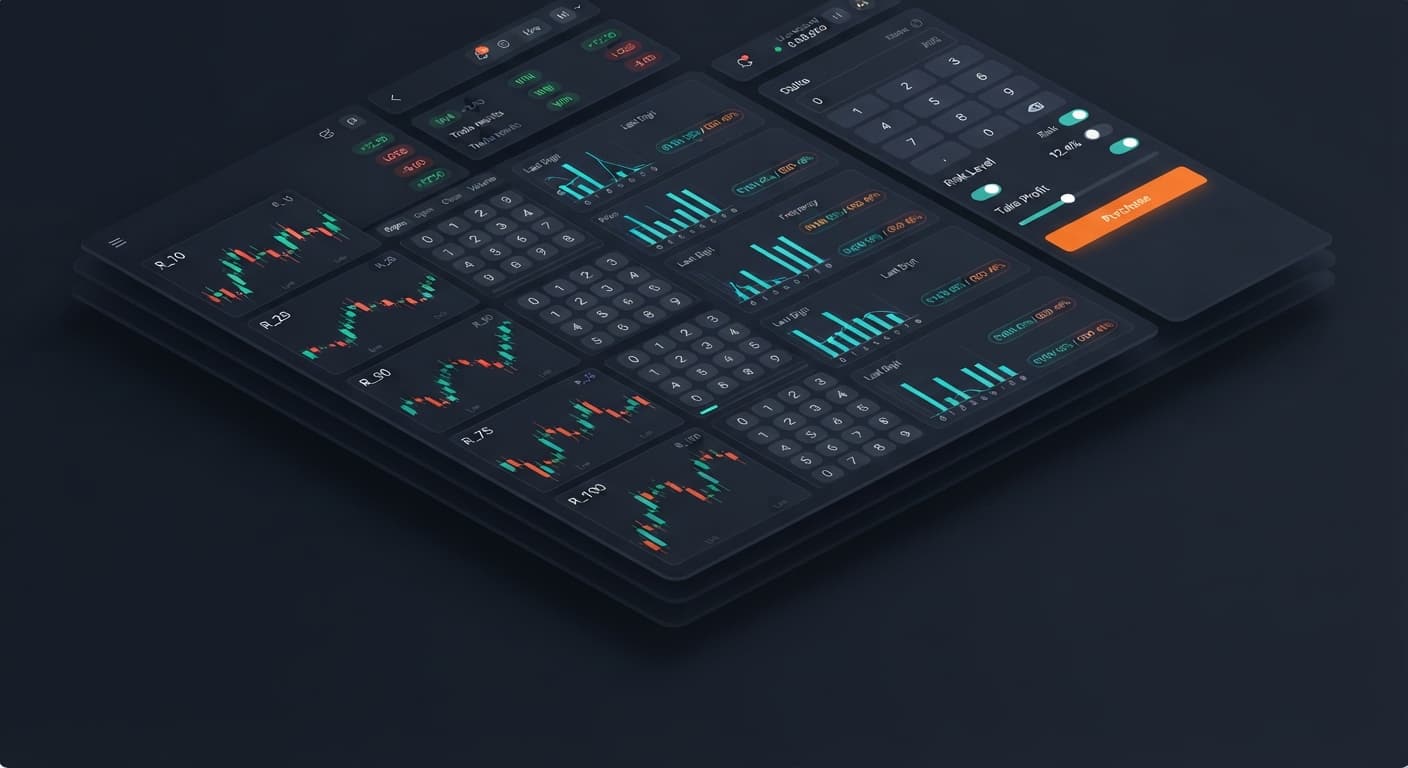
When comparing digit pad vs manual trading, the core choice comes down to multi-market visibility versus single-market focus. Manual execution on the standard Deriv platform limits you to monitoring one index at a time, whereas using a dedicated interface lets you watch R_10, R_25, R_50, R_75, and R_100 simultaneously on one screen. If your strategy relies on comparing tick statistics across multiple volatility indices before placing a trade, a multi-market pad wins; if you trade a single index with zero distractions, direct manual entry works fine.
Many traders who transition from fully automated binary bots prefer a manual pad because it keeps human discretion while speeding up execution. It bridges the gap between mechanical chart clicking and automated script running.
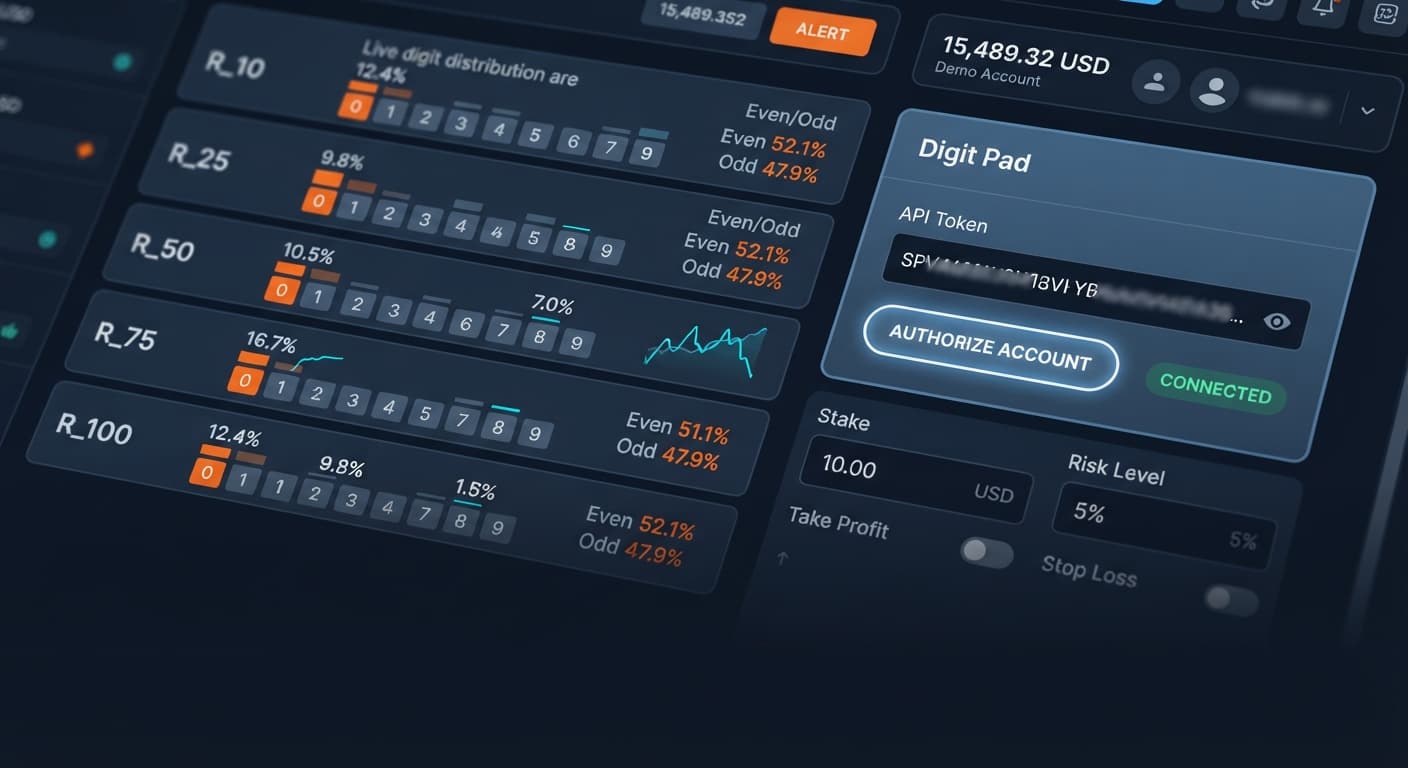
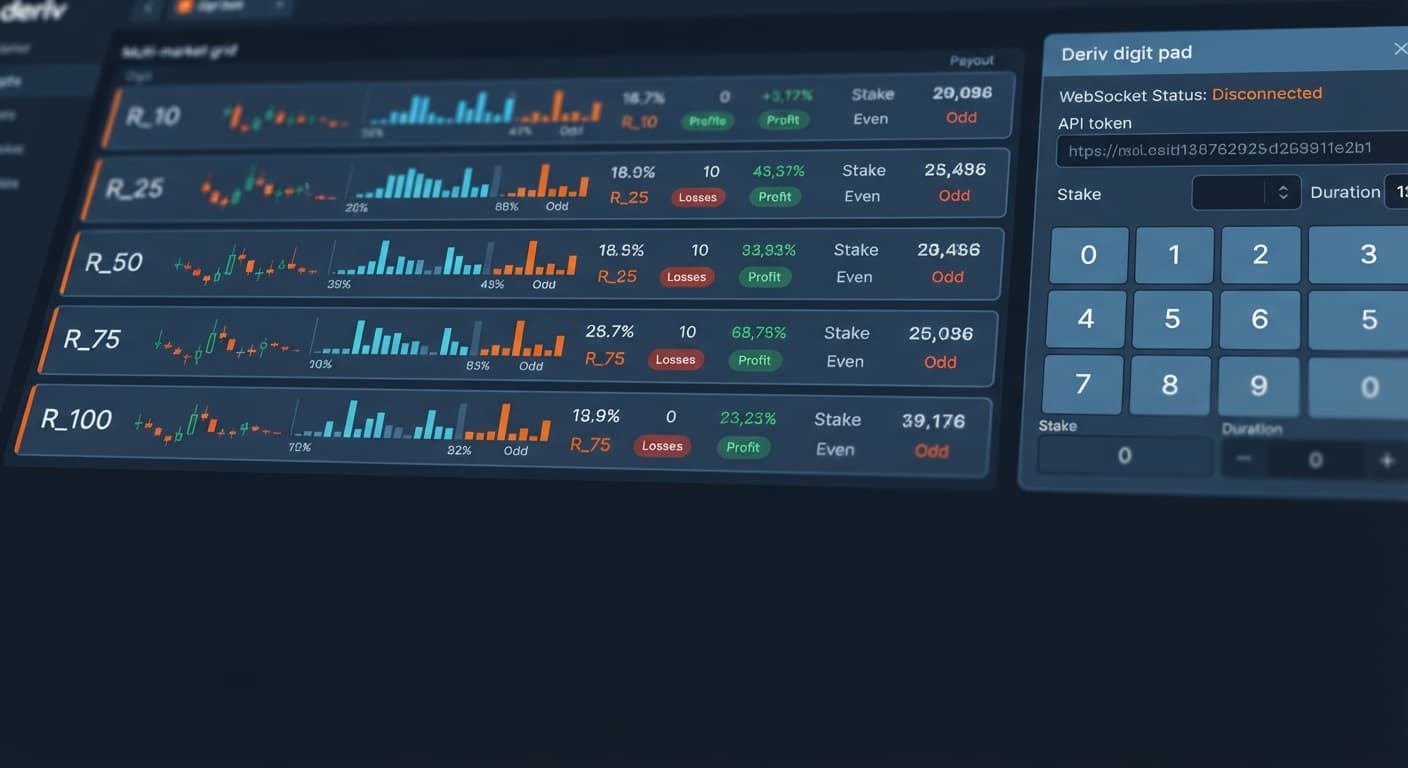
Standard execution on the main trading portal requires clicking between browser tabs or dropdown menus every time you want to inspect a different volatility index. A dedicated multi-market pad displays live statistical signals across all five major indices on a single screen.
Here is how the two approaches match up across key trading dimensions:
| Dimension | Standard Manual Trading | Multi-Market Digit Pad |
|---|---|---|
| Market Visibility | One index at a time (e.g., R_100 only) | Five indices simultaneously (R_10, R_25, R_50, R_75, R_100) |
| Supported Digit Contracts | DIGITDIFF, DIGITEVEN, DIGITODD, DIGITOVER, DIGITUNDER, DIGITMATCH | DIGITDIFF, DIGITEVEN, DIGITODD |
| Market Selection Workflow | Dropdown menu selection per contract | Dedicated market selection buttons across the matrix |
| Statistical Overview | Single-market digit frequency bar chart | Side-by-side multi-market digit matrix showing live bias |
| Execution Style | Manual click on trade purchase buttons | Manual trigger directly from the consolidated pad |
| Parameter Configuration | Individual tab entries for stake and duration | Unified controls for stake and digit target |
| Connection Method | Standard web front-end session | Connects directly to Deriv over their official API |
| Account Compatibility | Real and Virtual accounts | Real and Virtual accounts |
Using a consolidated matrix eliminates the lag of switching tabs. If you spot a high digit skew on R_25 while sitting on R_10, manual browser switching costs you 3 to 5 seconds. By the time the new chart loads, the tick stream has already moved.
Not every trader needs five market streams running at once. Picking between these execution methods depends entirely on how you construct your daily workflow.
Single-market trading on the native interface is the right choice if you focus exclusively on one synthetic index. If your strategy requires watching price action candle patterns alongside tick digits, staying on the main platform gives you full chart rendering capabilities.
It is also ideal if you trade contract types outside the basic digit set, such as DIGITOVER or DIGITMATCH, which require custom barrier offsets. If you're completely new to synthetic markets, spending your first few sessions manually placing single contracts on a demo account helps you understand basic duration dynamics without overwhelming your screen with data streams.
The multi-market manual approach shines when you run relative-frequency strategies across the volatility spectrum. Instead of waiting minutes for a single market like R_50 to display a specific tick imbalance, you view live stats for R_10, R_25, R_50, R_75, and R_100 in one visual grid.
Traders who rely on manual speed often find that automated deriv bots lack the tactical pause a human brings. A bot keeps firing contracts regardless of changing market context. Using a dedicated pad gives you the visual clarity of a multi-market scanner while keeping absolute manual authority over every contract entry.
To use the tool effectively, configure your baseline inputs before opening any positions:
Digit Differs or Even/Odd.stake field.digit target control if running differ contracts.market selection toggles to direct your order to the index showing the clearest statistical setup.No layout tweak or software interface changes the math underlying synthetic digit contracts. Deriv synthetic indices generate uniform random outcomes from 0 through 9 on every tick. Every single draw is completely independent of the tick that came before it.
If an index produces the digit 7 four times in a row, the probability of the next tick landing on 7 remains exactly 10%. The market does not carry a memory, and past digit frequency does not force a correction on the next tick.
When you trade DIGITDIFF, you win if the final tick does not match your selected digit target.
Because the break-even requirement (90.99%) sits above the true mathematical probability (90.00%), the house edge is built directly into the contract payout. You need a winning streak of at least ten consecutive contracts just to cover a single loss.
DIGITDIFF Contract Math ($10 Base Stake):
--------------------------------------------------
Win Payout:          +$0.99 profit
Loss Cost:           -$10.00 loss
Net after 9 Wins:    9 x $0.99  = +$8.91
Net after 1 Loss:    1 x $10.00 = -$10.00
10-Trade Outcome (90% hit rate): -$1.09 net balance
For DIGITEVEN and DIGITODD contracts, the outcome splits digits into two equal groups (Even: 0, 2, 4, 6, 8 vs. Odd: 1, 3, 5, 7, 9).
To remain profitable over time, your entry selection must beat 51.02% accuracy. A flat 50% outcome slowly drains account capital through the payout margin.
Because the pad functions as an execution panel rather than an automated script, it has no automated stake progression ladder or automatic recovery logic built into it. If you choose to adjust stakes manually after a loss, remember that doubling stakes can deplete your account balance quickly.
If you lose a $10 base stake on a DIGITEVEN contract, recovering that loss on the next trade requires a $10.42 stake at a 96% payout. If you experience four consecutive losses, your required stake to recover the drawdown jumps significantly:
Always set a fixed stop loss and a realistic take profit target before opening your session. Decide your maximum acceptable loss in advance—for example, capping total session drawdown at 15% of your total account balance—and stop trading immediately if you hit that threshold. Never adjust your stop loss mid-session to chase losses.
You do not have to choose one platform permanently. Many traders use standard manual setups and multi-market tools during different phases of their trading day.
A common workflow involves using a multi-market matrix during high-volatility sessions when tick speeds are moving fast across all indices. You open the pad, monitor the relative distribution across R_10 down to R_100, and execute trades manually where tick distribution shows temporary dispersion.
When markets slow down or when you want to execute complex barrier contracts like DIGITOVER 4 or DIGITUNDER 7, you can switch back to the standard platform interface.
Here is a practical process for integrating both tools into your daily routine:
multi-market digit matrix to see if tick volume and digit dispersion are active across R_10, R_25, R_50, R_75, and R_100.market selection toggles alongside your predetermined stake to take quick manual positions on Digit Differs or Even/Odd.Before placing real money on any strategy, test your execution speed and discipline on a virtual account. Get comfortable setting your stake and selecting your digit target under live market conditions without financial pressure.
This article is for educational purposes only and does not constitute financial advice.
Test your execution speed on the free Digit Pad tool using a virtual demo account first. If you need an active workspace token, you can start a free Deriv account to begin testing.
Trading involves risk. Past performance does not guarantee future results.
Related: Step-by-Step: How to Use Digit Pad on BinaryBot.live for Deriv Bots
Related: LDP Analyzer Review: Digit Stats & Deriv Bots
Related: Why LDP Analyzer Pro Is Not Working on Deriv Bots
Related: Digit Pad Demo Account Setup for Deriv Bots
Free multi-market digit trading tool for Deriv — trade Digit Differs and Even/Odd across all volatility indices simultaneously with real-time signals for R_10, R_25, R_50, R_75 and R_100.
Open Digit Pad →No, the multi-market digit pad only supports DIGITDIFF, DIGITEVEN, and DIGITODD. If you want to trade DIGITOVER or DIGITMATCH, you'll need to use standard manual trading on the main platform because they require custom barrier offsets.
You can watch five major indices simultaneously on one screen using a dedicated digit pad. This includes R_10, R_25, R_50, R_75, and R_100, letting you see live statistical signals across all of them without switching browser tabs.
Yes, the digit pad is compatible with both real and virtual accounts on Deriv. You can use it to test strategies and place manual triggers whether you're trading with virtual funds or real capital.
Using the standard interface requires clicking between browser tabs or dropdown menus to inspect a different volatility index, which costs you 3 to 5 seconds. By the time a new chart loads, the tick stream has already moved, whereas a digit pad eliminates this lag with a side-by-side matrix.
Guides closest to this one.
Is your digit pad not working on Deriv? Fix API token and WebSocket dropouts while monitoring volatility indices with our troubleshooting guide.
Master digit pad for beginners with zero prior knowledge. Learn digit analysis, track multiple Deriv volatility indices, and test binary bots today.
Complete digit pad api token setup guide for BinaryBot.live. Connect your Deriv account safely for multi-market digit trading. Start configuring now.