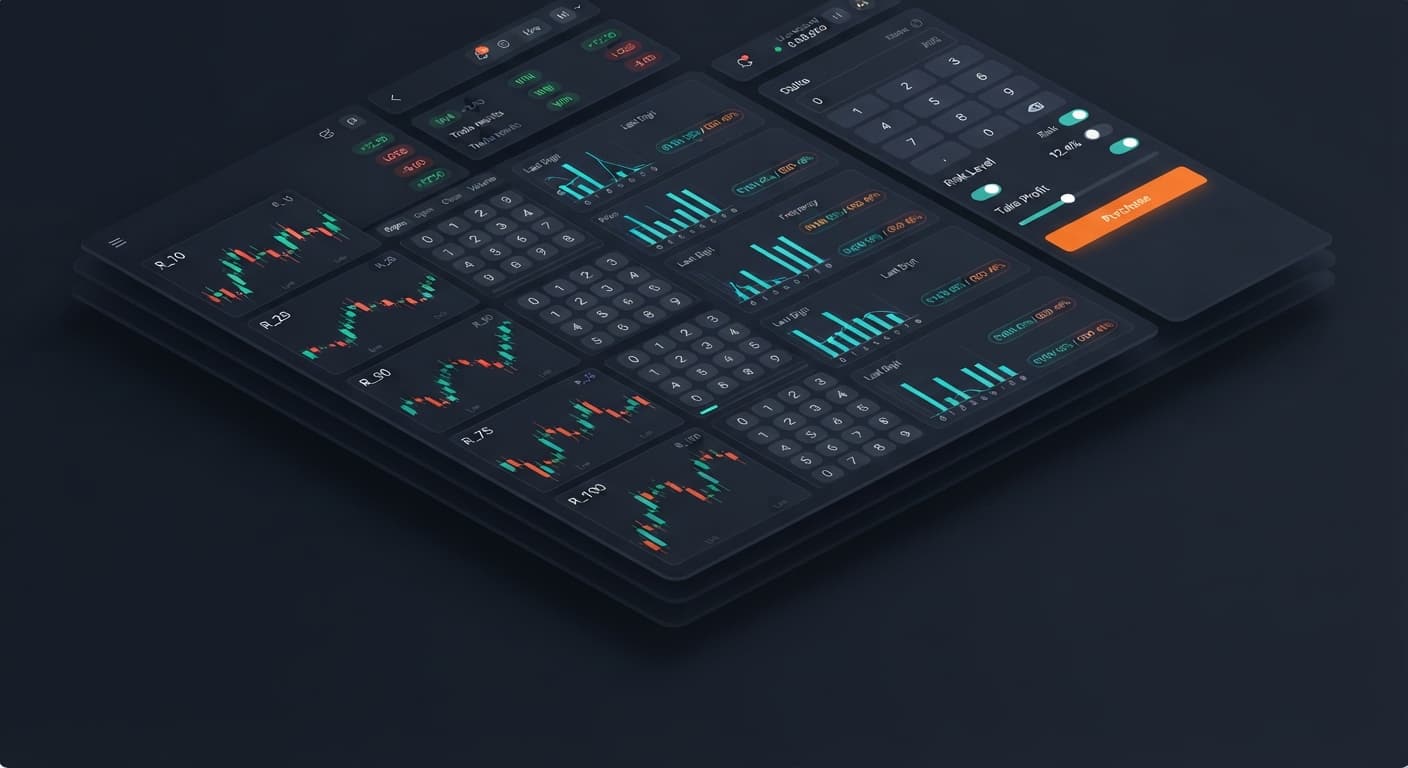
Digit Analysis
Digit Pad Review: Deriv Bots & Differ Strategy
Read our digit pad review for Deriv bots. Learn digit analysis, last digit prediction, and manual trading using a multi-market matrix. Try it free!
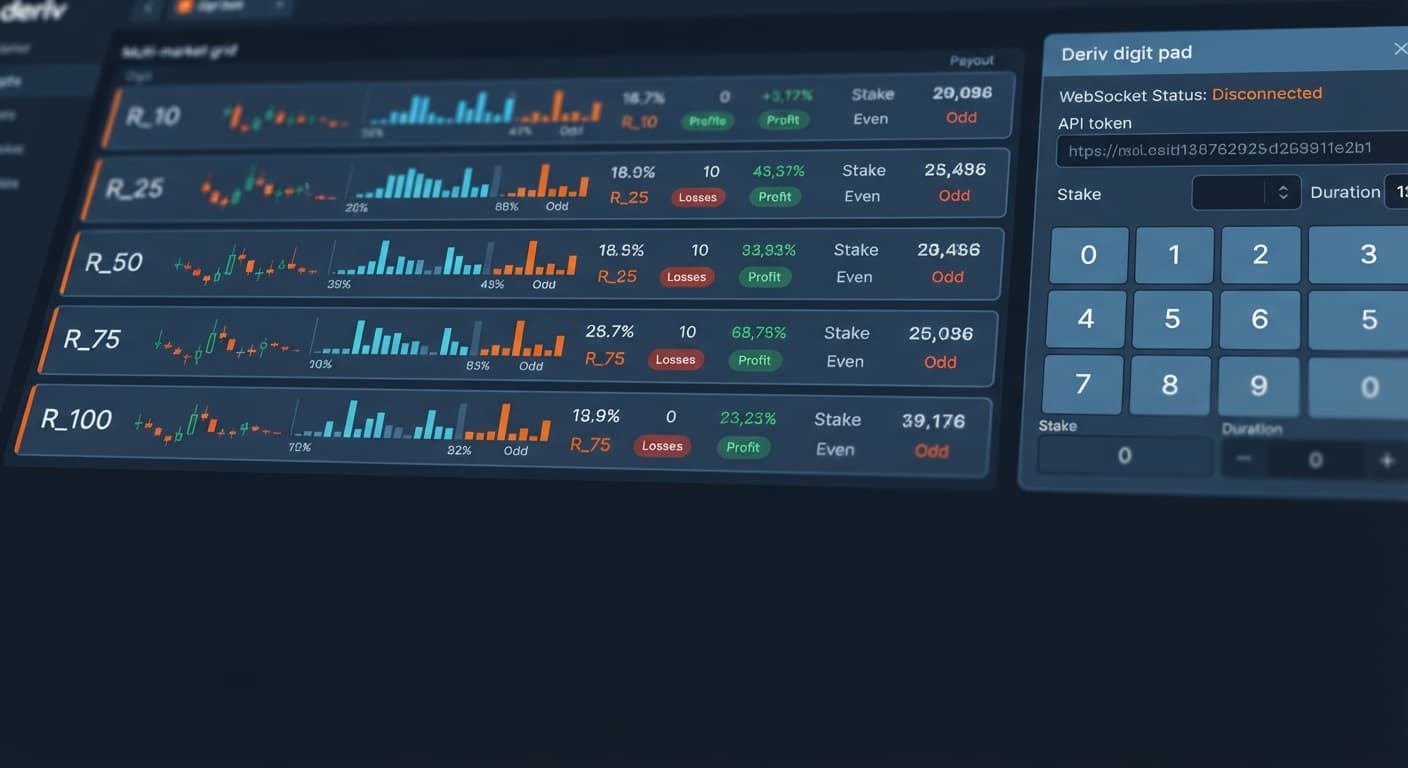
If you find your Digit Pad not working on Volatility 10, the problem is almost always an invalid API token scope or an orphaned WebSocket connection stream caused by multi-tab browser throttling. To fix it immediately, revoke your current token inside Deriv, generate a new one with read and trade permissions, and clear your browser session cache before reconnecting. If tick data stalls specifically on R_10 while other markets stream normally, toggling your market selection away from R_10 and back resets the underlying subscription feed.
Traders often use this free tool from binarybot.live to monitor multiple synthetic indices simultaneously rather than switching back and forth manually. When configured properly, the tool processes incoming ticks via direct API calls without requiring software downloads or account deposits on our site. Understanding how connection feeds interact with index tick generation prevents unnecessary trade downtime and keeps your execution timing sharp.
Volatility 10 (R_10) is the quietest synthetic index in the Deriv catalog, designed for traders who prefer lower variance and steady tick distribution. Because its price swings are tightly bounded, it suits manual contract execution where sudden digit spikes can skew fast-paced strategies. If you want a calm environment to analyze digit ratios without rapid-fire market movement, R_10 provides the ideal baseline.
Deriv synthetic indices rely on cryptographic random number generators to produce ticks at fixed two-second intervals. The percentage label on each market—such as 10% for R_10 or 75% for R_75—refers directly to annualized market volatility, not the frequency of specific ending digits.
Higher volatility indices experience wider price swings between two-second intervals, but every tick ending digit from 0 through 9 maintains an identical 10% structural probability on every single draw. A common myth among new traders who use deriv bots is that lower volatility creates repeatable digit sequences. In reality, R_10 generates independent mathematical outputs on every tick, regardless of recent price action.
Tick 1: 1042.83 -> Last Digit: 3
Tick 2: 1042.91 -> Last Digit: 1
Tick 3: 1042.50 -> Last Digit: 0
The underlying WebSocket stream pushes these last digits directly to your browser interface. When browser tabs sleep or API tokens drop write permissions, the incoming stream pauses, giving the illusion that the digit pad is frozen.
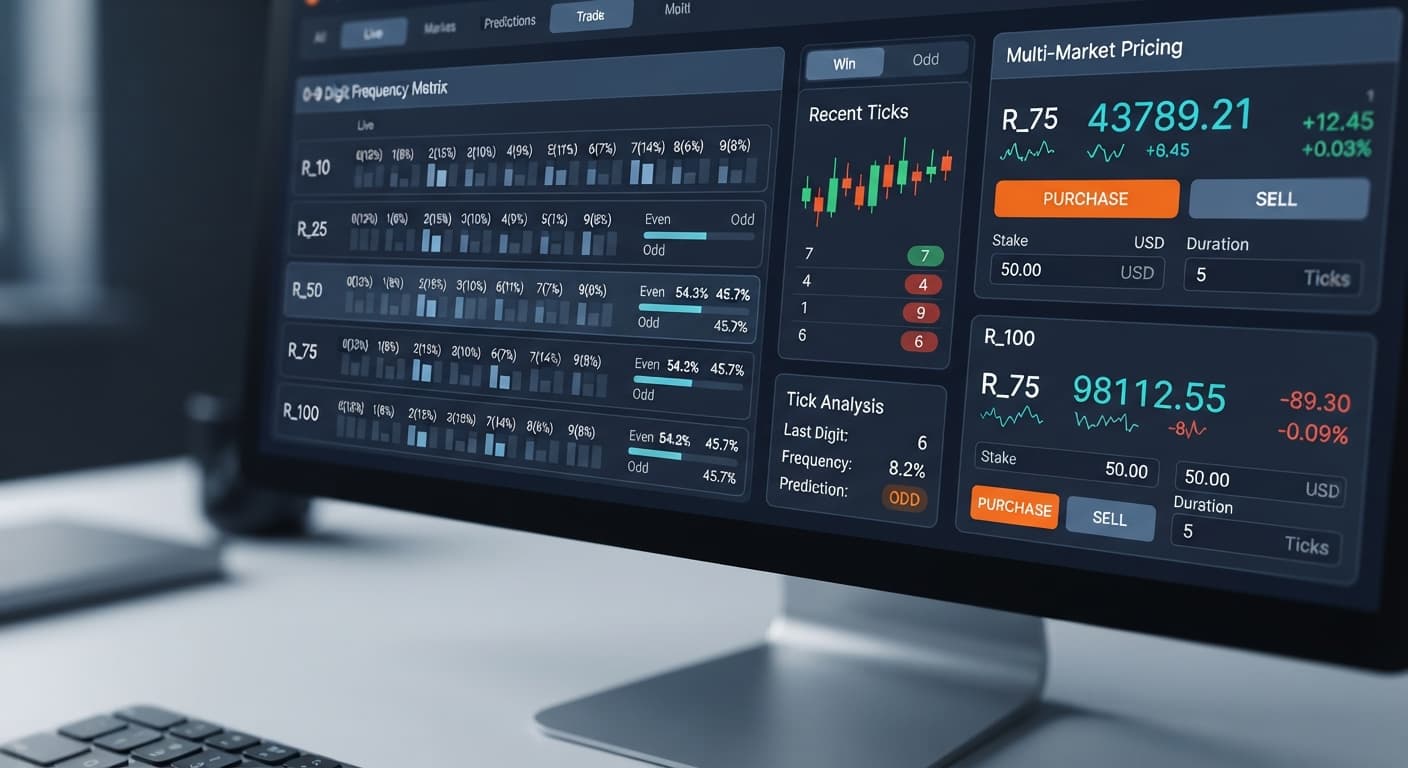
To read real-time digit statistics without falling into statistical traps, look at actual historical distribution blocks. The sample below shows a live recording over 500 ticks on R_75 captured through the multi-market digit matrix.
| Digit | Recorded Frequency | Percentage | Status on Screen |
|---|---|---|---|
| 0 | 48 | 9.6% | Neutral |
| 1 | 62 | 12.4% | Hot |
| 2 | 41 | 8.2% | Cold |
| 3 | 53 | 10.6% | Neutral |
| 4 | 58 | 11.6% | Hot |
| 5 | 39 | 7.8% | Cold |
| 6 | 51 | 10.2% | Neutral |
| 7 | 47 | 9.4% | Neutral |
| 8 | 54 | 10.8% | Neutral |
| 9 | 47 | 9.4% | Neutral |
In this 500-tick window, digit 1 appeared most frequently at 12.4%, while digit 5 lagged behind at 7.8%. If you are using a Digit Differs mode with a digit target set to 5, this visual cold status might look like an immediate entry opportunity.
However, past digit frequency describes historical output; it does not change the odds of the upcoming tick. Digit 5 still holds an exact 10% probability on tick 501. The statistics panel helps you spot current distribution clusters, but every draw remains entirely independent.
When placing manual trades across R_10, R_25, R_50, R_75, or R_100, your operational settings must fit the account size and trade duration you intend to run. The parameters below show recommended execution bounds when operating manual contract pads or testing automated strategies across binary bots.
| Market | Mode | Contract Type | Default Stake | Max Recommended Ticks | Operational Purpose |
|---|---|---|---|---|---|
| R_10 | Even/Odd | DIGITEVEN / DIGITODD | $2.00 | 1 Tick | Quick execution on low-variance tick streams |
| R_25 | Digit Differs | DIGITDIFF | $5.00 | 1 Tick | High probability barrier targeting with 0.99x payout |
| R_50 | Even/Odd | DIGITEVEN / DIGITODD | $1.00 | 1 Tick | Balanced noise testing for manual timing |
| R_75 | Digit Differs | DIGITDIFF | $2.00 | 1 Tick | Rapid digit analysis across active distribution blocks |
| R_100 | Even/Odd | DIGITODD | $1.00 | 1 Tick | High-speed testing for fast-moving WebSocket feeds |
When setting up your session:
stake field to reflect no more than 1% to 2% of your overall account balance per execution.Digit Differs or Even/Odd.digit target selection before sending any trade requests to the network.Always set your target profit goal and session loss limit manually before clicking any buy controls. Stopping a bad session early keeps your trading account intact.
If you encounter a scenario where the digit pad is not working or stops updating ticks across R_10 through R_100, run through these recovery steps in order.
Log in to your Deriv dashboard, navigate to Account Settings, and open the API Token panel. Ensure your active token has both Read and Trade checkboxes enabled. A Read-only token allows tick statistics to stream into the multi-market digit matrix, but manual order execution will fail quietly without displaying an explicit error.
Browser power-saving features often throttle background connections. If you switch tabs for more than two minutes, Chrome or Edge may freeze the incoming data pipe. Close duplicate tabs running LDP Analyzer or other digit analysis tools, refresh the page, and re-enter your API token to open a fresh session.
If tick numbers freeze strictly on R_10 while other markets update normally, click market selection, switch the active market to R_25, wait two seconds for the matrix to refresh, and then switch back to R_10. This forces the application to drop the stalled subscription topic and re-subscribe to the index feed.
Ensure your digit target matches the contract constraints. For instance, if you select Digit Differs, set a single numeric target from 0 to 9. If you switch to Even/Odd, the specific digit target box becomes inactive since the contract evaluates the parity of the final digit.
Before placing contracts with real funds, toggle your account token to a Deriv virtual account. Click a manual trade button to confirm that contract IDs populate instantly in your trade log without network delays.
The single biggest error traders make when switching from fast markets like R_100 down to R_10 is misinterpreting tick pacing. On R_100, rapid tick movements often trick traders into clicking buy buttons in fast succession. When those same traders open R_10, the slower price movement makes them assume the digit pad is not working or that their connection has hung.
Repeatedly clicking the execution button while waiting for a tick update queues up multiple trade requests on the API socket. The moment the next tick processes, every queued request executes simultaneously at the exact same digit outcome. If that single tick hits your losing condition, every stacked contract loses at once, causing heavy drawdown in less than a second.
When trading slower synthetic markets:
If you ever experience persistent execution timeouts across all markets, cross-check your setup using the Solid Trading Bot interface or audit individual market signals with the Tick Picker utility to confirm whether the issue stems from local token throttling or broad API maintenance.
Try analyzing real-time market streams yourself on Digit Pad using a demo balance first.
If you don't have an account yet, create a free Deriv account to start testing.
Trading involves risk. Past performance does not guarantee future results.
Related: Digit Pad Review: Deriv Bots & Differ Strategy
Related: Digit Pad vs Manual Trading: Binary Bots Compared
Related: Digit Pad for Beginners: Zero-Knowledge Guide to Deriv Bots
Free multi-market digit trading tool for Deriv — trade Digit Differs and Even/Odd across all volatility indices simultaneously with real-time signals for R_10, R_25, R_50, R_75 and R_100.
Open Digit Pad →It's usually caused by an invalid API token scope or an orphaned WebSocket connection stream from browser tab throttling. To fix it, revoke your current Deriv token, generate a new one with read and trade permissions, and clear your browser session cache.
You can reset the underlying subscription feed by toggling your market selection away from R_10 and then back. This clears out connection stalls that make the Digit Pad look frozen.
No, that's a common myth. Volatility 10 generates independent mathematical outputs on every tick, and every ending digit from 0 through 9 maintains an identical 10% structural probability.
You need to generate a token with both read and trade permissions. If your token lacks the correct scope, the connection stream won't work properly.
Guides closest to this one.
Read our digit pad review for Deriv bots. Learn digit analysis, last digit prediction, and manual trading using a multi-market matrix. Try it free!
Compare digit pad vs manual trading on Deriv. Learn how multi-market digit monitoring improves execution over single-market setups. Try it free today.
Master digit pad for beginners with zero prior knowledge. Learn digit analysis, track multiple Deriv volatility indices, and test binary bots today.