Digit Analysis
Fix Deriv Digit Pad Not Working on Volatility 10
Is your digit pad not working on Deriv? Fix API token and WebSocket dropouts while monitoring volatility indices with our troubleshooting guide.
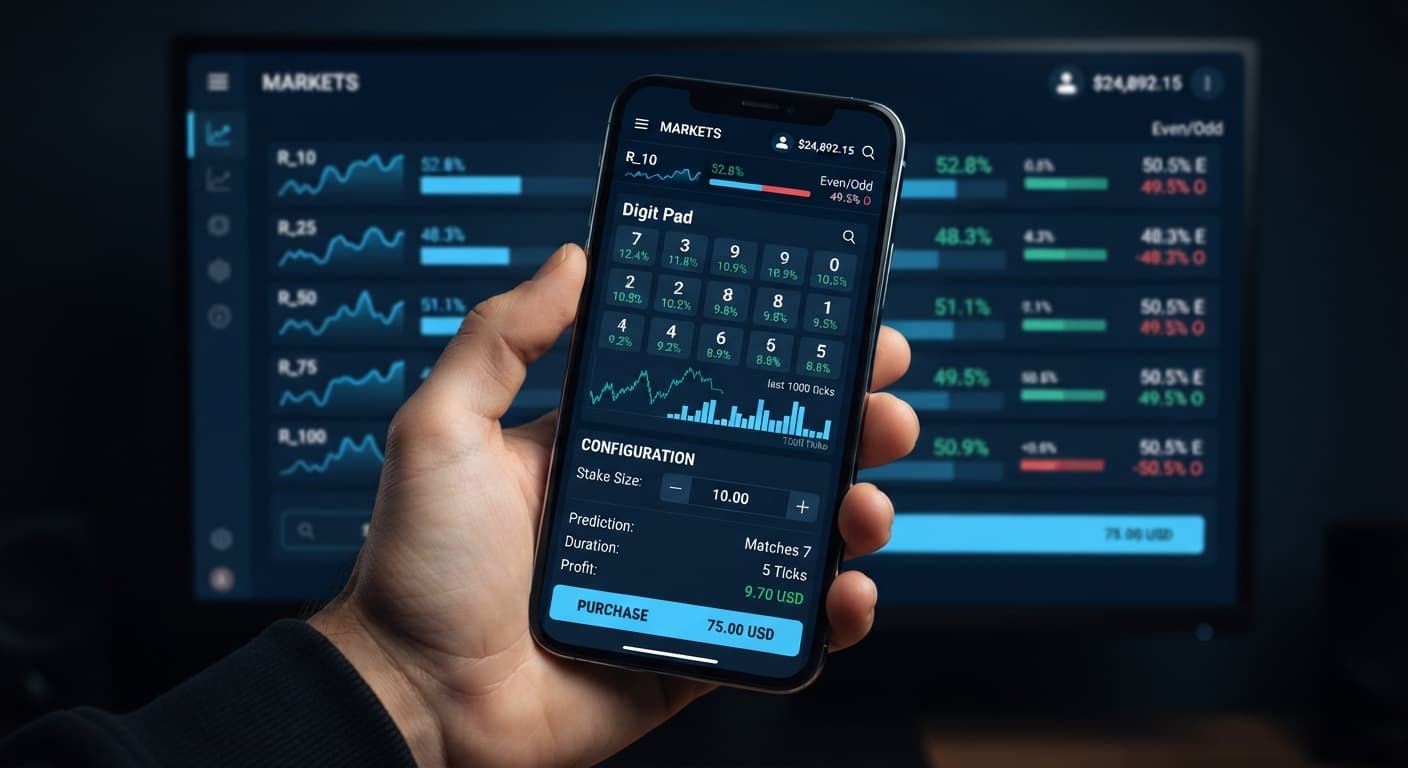
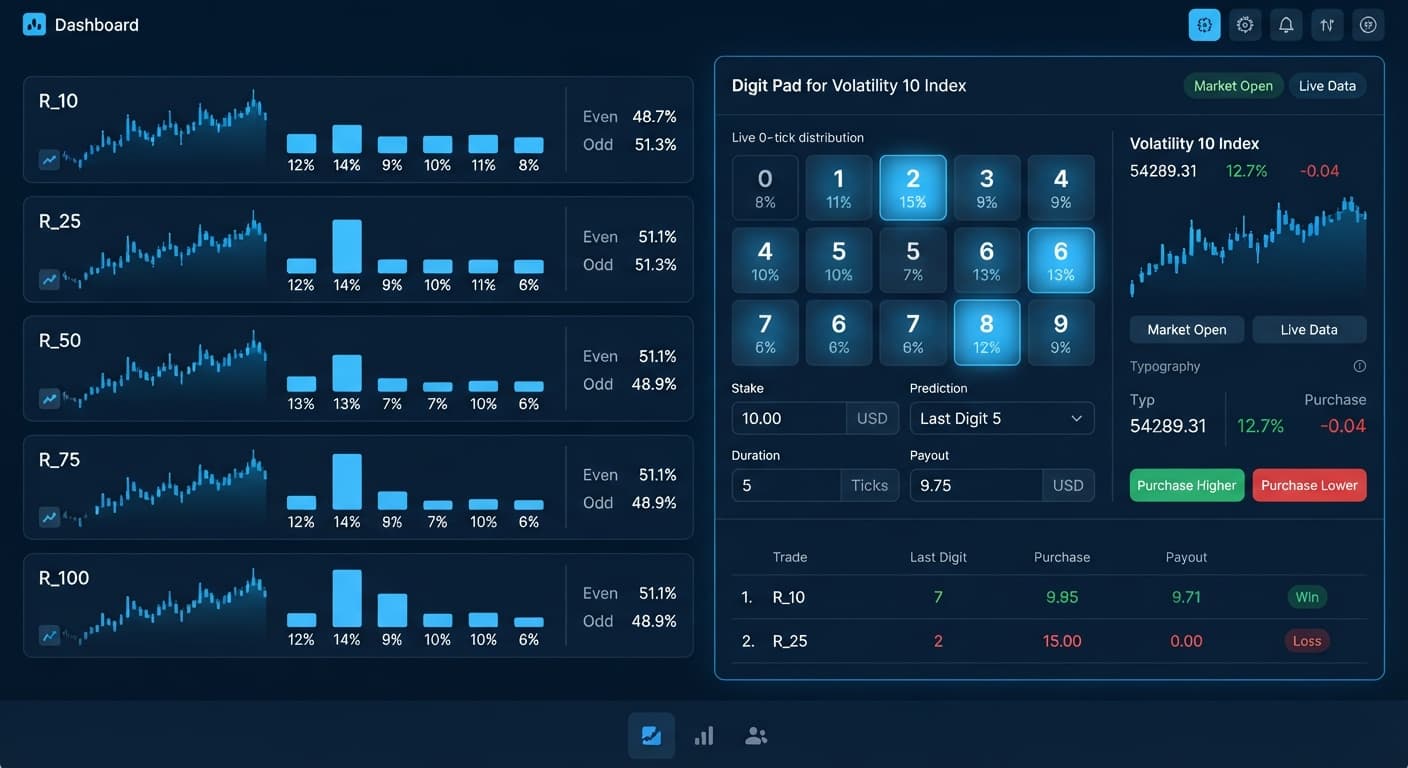
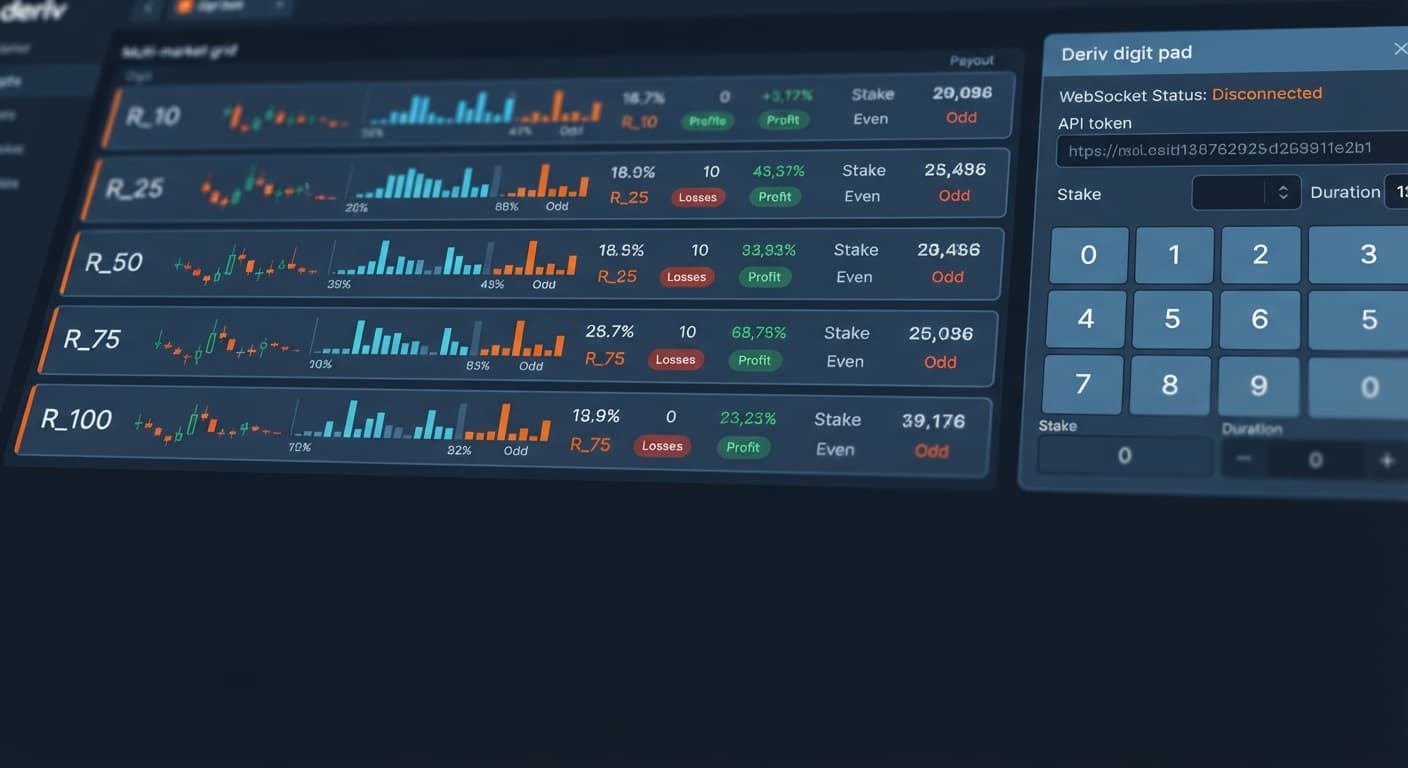
If your digit pad keeps losing, it's usually because you're placing trades under the false assumption that past digit distributions influence the next outcome, or you're manually doubling stakes after losses on a tool designed for rapid manual execution. On your screen, Digit Pad gives you a live multi-market matrix monitoring R_10, R_25, R_50, R_75, and R_100 side by side. You see real-time digit percentages, odd/even ratios, and quick-action buttons for DIGITDIFF, DIGITEVEN, and DIGITODD contracts right next to your controls for market selection, stake, and digit target. While the interface aggregates live statistical feeds directly through Deriv's API connection, every tick generated by synthetic index engines remains entirely independent of the last.
Let me show you what actually happens on the clock between your visual trigger on screen and the contract resolution on Deriv servers. Synthetic indices run on fixed generation rates: standard Volatility indices like R_10, R_25, R_50, R_75, and R_100 generate exactly one tick every 1000 milliseconds (1 second). When you click a trade button on a manual pad, execution relies on manual transmission speed rather than the back-end loop automation seen in fully automated deriv bots.
| Execution Stage / Parameter | Time / Duration | Action Triggered on Platform | Impact on Your Manual Digit Trade |
|---|---|---|---|
| Tick Generation Interval | 1.0 second per tick | Deriv engine outputs new tick spot | Digit matrix refreshes live stats across all 5 markets |
| Trader Visual Processing | 0.3 to 0.5 seconds | You spot a statistical imbalance | You decide to enter a DIGITDIFF or Even/Odd trade |
| Manual Click & API Transmission | 0.2 to 0.4 seconds | Payload travels over API connection | Order enters Deriv's matching engine queue |
| Entry Spot Lock | Tick N + 1 | Contract registers official entry spot | Market price locked for the trade duration |
| DIGITDIFF Contract Resolution | 1 Tick (1.0 second) | Contract evaluates at Tick N + 2 | Winning outcome checks exit digit against digit target |
| DIGITEVEN / DIGITODD Resolution | 1 to 5 Ticks | Evaluates tick sequence completion | Final tick determines parity win or loss |
Because human visual reaction combined with network round-trips takes between 0.5 and 0.9 seconds, the market state you react to has often passed. If you press DIGITDIFF on R_75 when digit 7 shows 0% frequency over the last 100 ticks, your order locks at tick N+1. By tick N+2, the contract closes. Expecting a past distribution to suppress digit 7 during that exact 1-second window ignores how real-time tick processing works.
When traders report their digit pad keeps losing, the root issue is almost always a mismatch between market selection, manual execution speed, and stake discipline. Here's how to structure your session properly.
Step 1: Open the multi-market matrix view and examine all five supported markets (R_10, R_25, R_50, R_75, and R_100) to find stable statistical distributions rather than temporary single-tick spikes.
Step 2: Choose your specific market using the market selection dropdown. Stick to a single index like R_25 or R_50 while trading so you don't split your focus across fast-moving tick feeds.
Step 3: Enter your initial stake value. Set this to 1% or 2% of your total account balance. Digit Pad doesn't have an automated stake multiplier or auto-recovery ladder, so manual capital management is your responsibility.
Step 4: Configure your digit target if you're placing DIGITDIFF trades. Pick a target digit that shows standard variance across a broad tick sample rather than chasing a digit that simply hasn't appeared in the last 10 ticks.
Step 5: Set explicit stop loss and take profit targets on paper before clicking any trade buttons. For instance, cap your session risk at 10% total drawdown and target a 5% profit target per trading session.
When digit 4 hits three times in a row on R_100, human intuition tells you it won't hit a fourth time. Synthetic index engines generate numbers where every single digit from 0 to 9 retains a strict 10% mathematical probability on every single tick. Selecting DIGITDIFF with a digit target of 4 just because it appeared recently doesn't increase your odds above the fixed 90% theoretical payout ratio. Expecting short-term distribution history to dictate the next draw is a primary reason a digit pad keeps losing money over long runs.
Digit Pad is a manual execution tool, not an automated system with automated martingale sequences. When trades drop into a losing stretch on DIGITEVEN or DIGITODD, traders often try manual stake doubling to recover quickly. Doubling a $10 base stake across six consecutive losses pushes your required stake through $20, $40, $80, $160, $320, and $640. You end up risking $1,270 in total exposure just to offset a $10 initial loss. A single bad streak destroys your account balance before probability can average out.
The multi-market matrix displays stats for R_10, R_25, R_50, R_75, and R_100 at the same time. Jumping rapidly between index buttons to place rapid-fire trades destroys execution timing. Each volatility index moves with different price action momentum. Switching your market selection every few seconds leads to mistimed entries with the wrong digit target loaded into the contract parameters.
Looking at last digit stats over 20 or 30 ticks creates statistical noise. In a sample of 20 ticks, a single digit appearing twice boosts its visual display metric by 10%, making it look like a strong anomaly. Last digit prediction requires observing hundreds of ticks to spot true statistical outliers. If you trade short-term noise, you'll enter contracts right as the dataset reverts to its mean, resulting in unexpected losses.
Before placing real contracts on live markets, test your systematic setup on a Deriv virtual balance. Running a disciplined 50-trade test on demo mode provides objective performance data without risking capital.
Log into your test dashboard and pick R_50 under market selection. Set your mode to DIGITDIFF with a fixed digit target of 0 and set your stake to 1% of your demo balance. Execute 50 individual trades one by one, recording every win and loss in a simple sheet. Keep your stake fixed regardless of whether a contract wins or loses, and do not change markets mid-test.
If your digit pad keeps losing during this 50-trade trial run, check your manual click latency and internet stability. You should see win rates aligning closely with mathematical expectations over 50 trades on DIGITDIFF contracts. If your entries lag or you catch yourself breaking rules by doubling stakes on loss streaks, refine your physical pacing on demo first. Experienced traders who use binary bots and manual analysis pads rely on strict statistical consistency rather than emotional adjustments.
To analyze digit stats across multiple volatility markets on a clean manual interface, test Digit Pad on a demo balance first. If you need a trading profile to test these strategies, create a free Deriv account. Trading involves risk. Past performance does not guarantee future results.
Related: Fix Deriv Digit Pad Not Working on Volatility 10
Related: Digit Pad for Beginners: Zero-Knowledge Guide to Deriv Bots
Related: Digit Pad Best Market: Volatility 10 Index for Deriv Bots
Free multi-market digit trading tool for Deriv — trade Digit Differs and Even/Odd across all volatility indices simultaneously with real-time signals for R_10, R_25, R_50, R_75 and R_100.
Open Digit Pad →You're likely losing because you're assuming past digit distributions influence the next outcome, or you're manually doubling your stakes too fast. Every tick generated by synthetic index engines is entirely independent of the last.
Standard Volatility indices such as R_10, R_25, R_50, R_75, and R_100 generate exactly one tick every 1000 milliseconds, or one second. This fixed rate means manual execution speeds often lag behind the market state you're trying to target.
Your human visual reaction combined with network round-trips takes between 0.5 and 0.9 seconds. Because of this transmission time, the specific market state you react to has usually already passed by the time your order locks.
You should set your initial stake value to 1% or 2% of your total account balance. Sticking to a single index like R_25 or R_50 rather than splitting your focus across multiple fast-moving feeds also helps structure your session properly.
Guides closest to this one.
Is your digit pad not working on Deriv? Fix API token and WebSocket dropouts while monitoring volatility indices with our troubleshooting guide.
Master digit pad for beginners with zero prior knowledge. Learn digit analysis, track multiple Deriv volatility indices, and test binary bots today.
Discover why Volatility 10 is the digit pad best market for trading Digit Differs and Even/Odd on Deriv bots. Read our market guide and test strategies now.