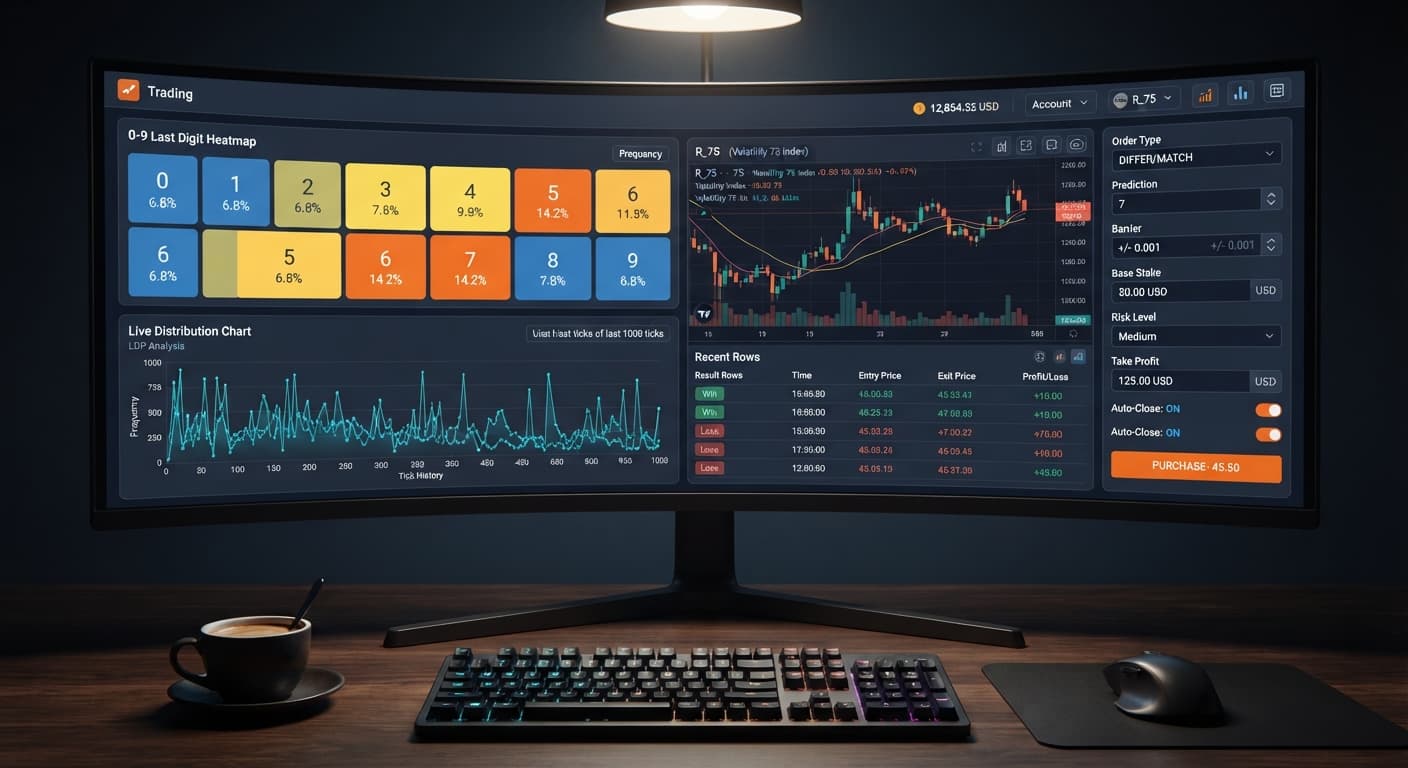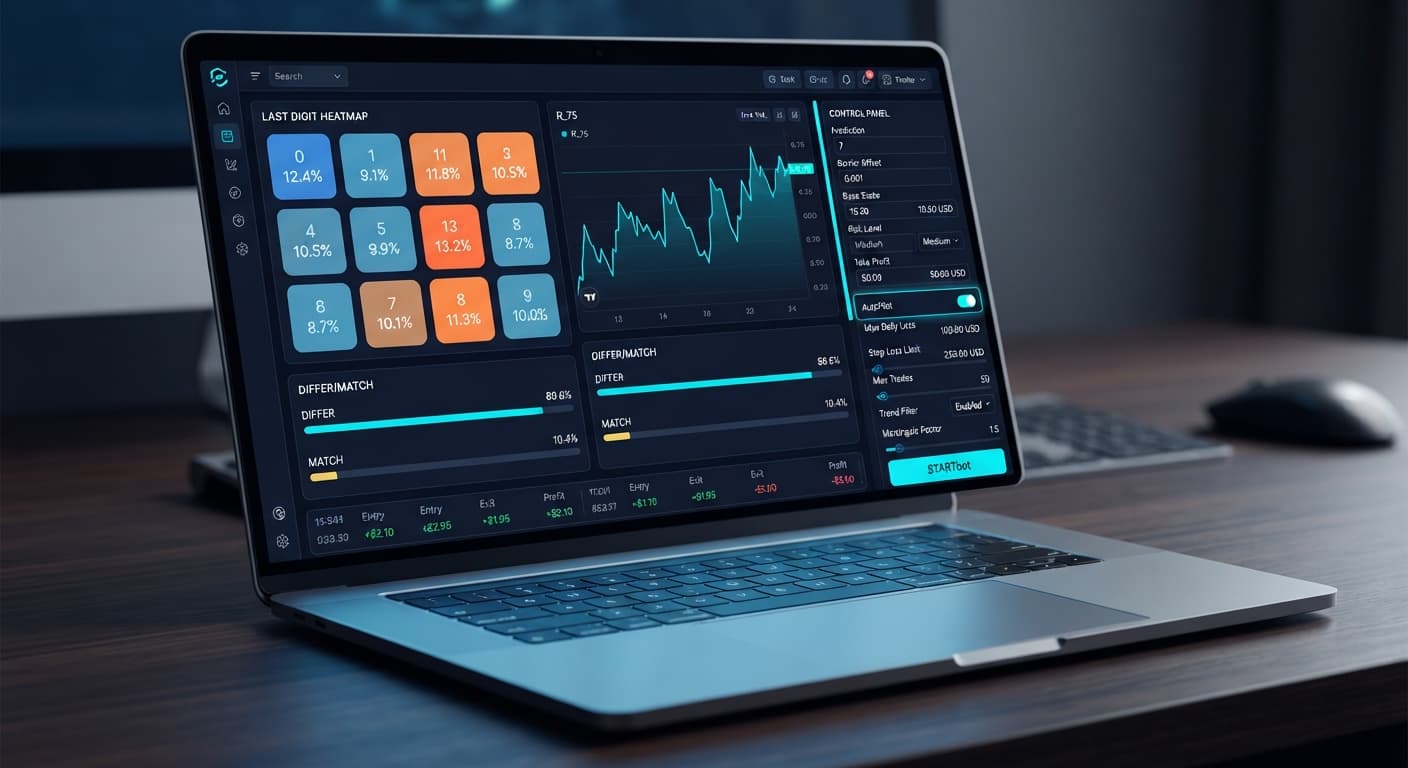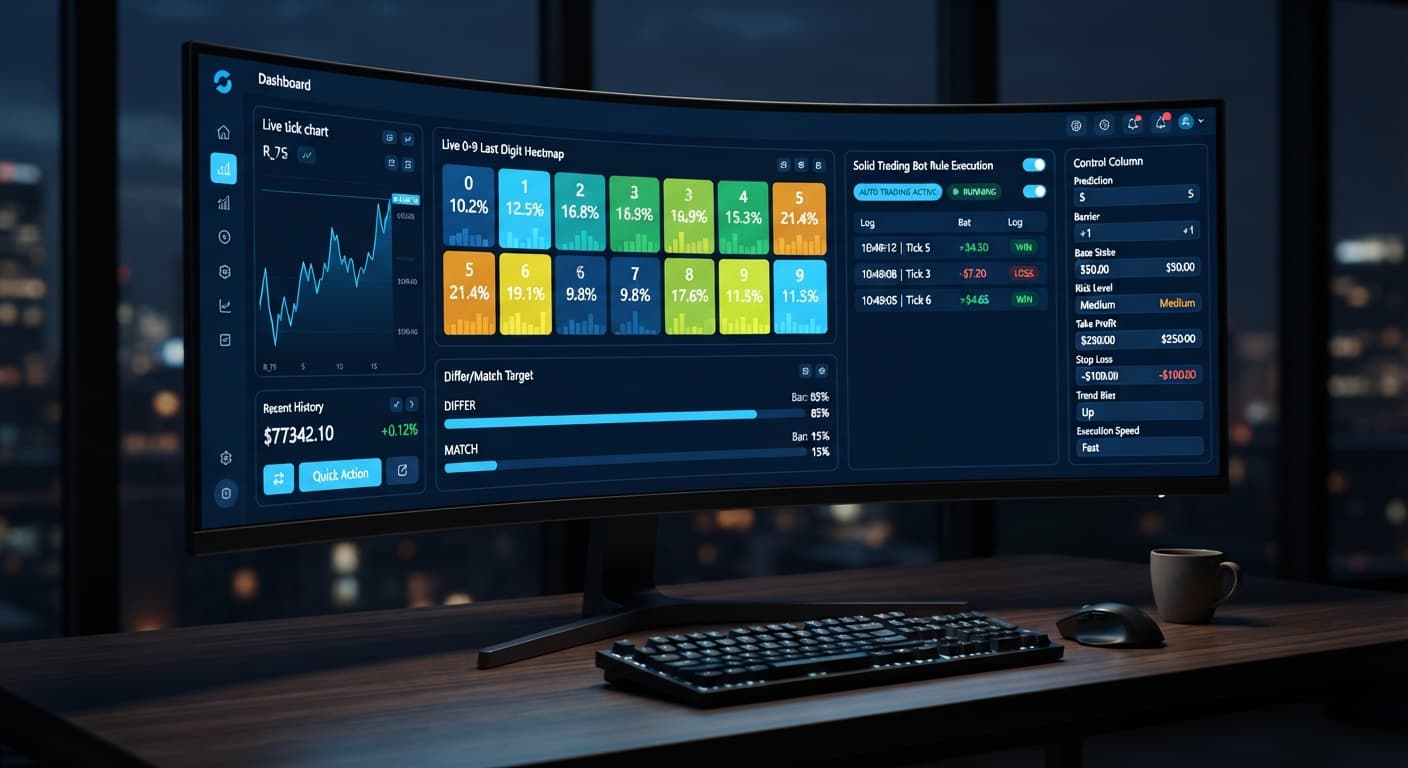
Digit Analysis
LDP Analyzer Pro vs Solid Trading Bot on Deriv Bots
Compare ldp analyzer pro vs solid trading bot on Deriv synthetic indices. Learn live 0-9 heatmap analysis versus rule-based execution. Test it today.
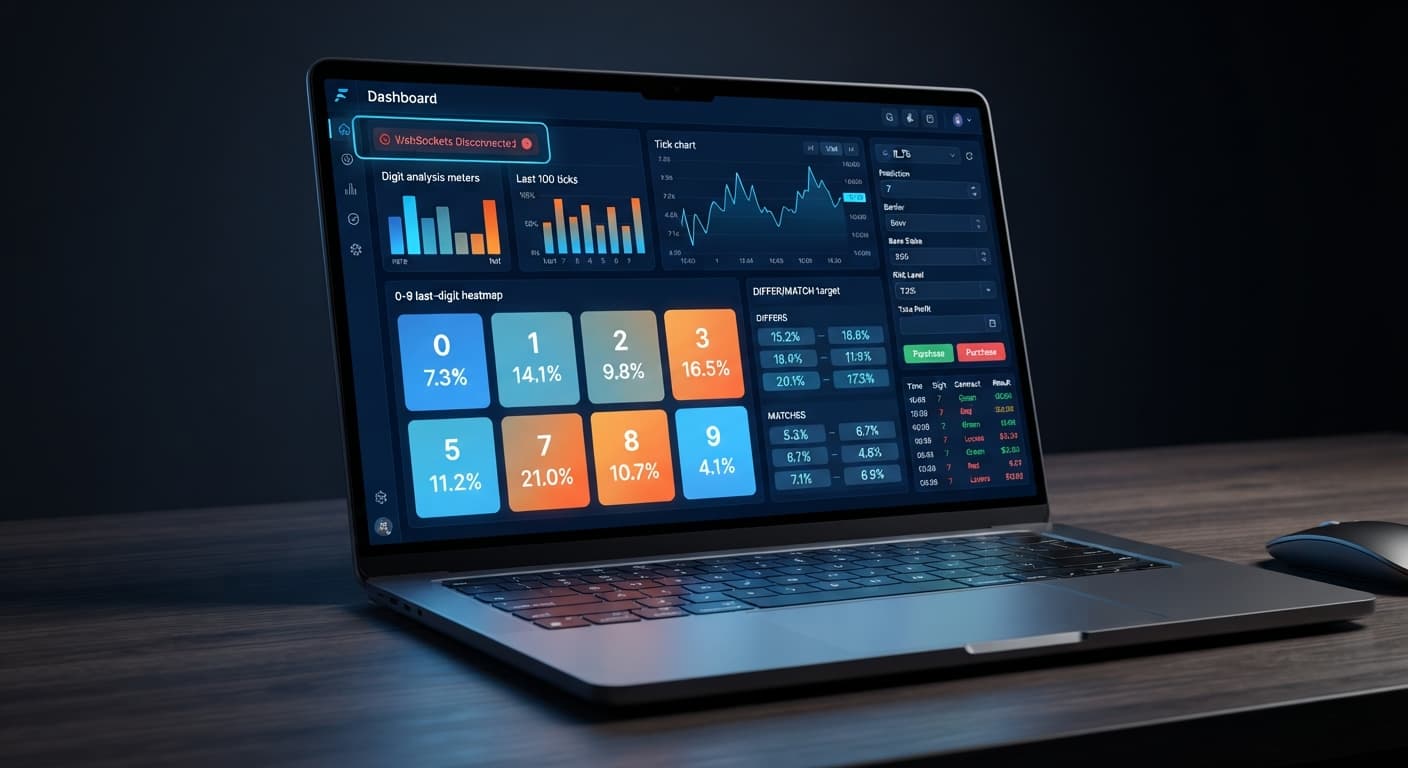
If you find ldp analyzer pro not working on your account, the issue almost always comes down to an API token missing trade permissions or a safety threshold stopping execution. To fix it right away, generate a fresh Deriv API token with both Read and Trade boxes checked, re-paste it into the system, and confirm your profit limits match your balance.
When setting up automated systems across popular deriv bots, execution errors can halt trading silently. This step-by-step diagnostic guide covers every configuration point required to get your execution back on track.
You open the interface, load your settings, and turn on the auto-trader. The live 0-9 last-digit heatmap updates smoothly across Volatility 75 or Vol 100 (1s), proving the data feed works. Yet, no contracts enter the market. Your trade list remains empty, the contract counter stays at zero, or the terminal displays a silent execution rejection.
In other cases, AutoPilot appears active, but when key digit conditions occur, no DIGITDIFF, DIGITEVEN, or DIGITOVER trades trigger. You watch high-probability setups pass without a single order reaching your Deriv account.
The most common reason for this failure is an incomplete Deriv API token scope. When you generate a token inside Deriv account settings, the system defaults to checking only the Read scope.
A Read-only token allows the tool to display live tick streams, calculate digit frequencies, and render the 0-9 heatmap. However, when the automated engine tries to buy a contract, Deriv rejects the request instantly. Because the connection itself is valid, the app does not crash—it simply fails to place trades.
Once reconnected with trade scopes active, the execution engine can place order requests directly to your account.
If your API token already has full trade permissions, five other configuration issues can stop execution.
The auto-trader uses AI signals to filter entry points. If the confidence filter requires an extreme digit imbalance before firing, the bot sits idle waiting for conditions that rarely occur during regular market cycles.
Fix: Lower your required confidence threshold or adjust your entry mode. If you are running Match/Differ on Volatility 10, target metrics require severe statistical skew. Switching to Even/Odd or Over/Under provides frequent setups while maintaining strict statistical criteria.
If your session hit a limit during a previous run, the execution engine locks further trading until you clear or reset the target parameters. Furthermore, if your Stop Loss ($) value is smaller than your Base Stake, the risk monitor stops execution before the first trade opens.
Fix: Review your parameter fields before pressing start:
Take Profit ($): Ensure it sits higher than your current session profit.Stop Loss ($): Ensure it provides enough room for standard market drawdowns.Target Profit: Make sure your target figure matches your intended session ending balance.Every synthetic index market enforces minimum and maximum stake sizes. Setting a Base Stake or Initial Stake of $0.10 on a market that requires a $0.35 minimum will cause immediate execution rejections from Deriv. Conversely, setting a stake higher than your available account equity prevents contract purchases.
+------------------+------------------+-------------------+-------------------+
| Market           | Contract Type    | Min Allowed Stake | Recommended Stake |
+------------------+------------------+-------------------+-------------------+
| Volatility 10    | DIGITDIFF        | $0.35             | $1.00 - $5.00     |
| Volatility 25    | DIGITEVEN        | $0.35             | $0.50 - $2.00     |
| Volatility 75    | DIGITOVER        | $0.35             | $1.00 - $10.00    |
| Vol 100 (1s)     | DIGITUNDER       | $0.35             | $0.50 - $5.00     |
+------------------+------------------+-------------------+-------------------+
Fix: Set your Base Stake and Initial Stake to at least $0.35 or higher, depending on your currency. Always align your initial entry with your total account balance to avoid margin errors during negative runs.
Deriv digit contracts operate on specific duration windows. LDP Analyzer Pro supports fixed tick durations of 10, 20, 30, 50, or 100 ticks. If you attempt to manipulate underlying scripts or send non-standard durations, contract execution fails.
Fix: Use the built-in control dropdown to choose your duration. Select strictly between 10, 20, 30, 50, or 100 ticks. For high-frequency digit strategies, shorter windows like 10 or 20 ticks offer faster feedback, while 50 or 100 ticks smooth out short-term random variations.
When using automated strategy modes on binary bots, stake multipliers escalate rapidly during loss streaks. If your account lacks the balance to place the next scaled stake, Deriv rejects the order, causing the bot to freeze mid-sequence.
Consider this scenario using a Moderate (2x) multiplier on Volatility 75:
+------+------------+-------------+------------------+-------------------+
| Loss | Base Stake | Multiplier  | Loss This Trade  | Cumulative Loss   |
+------+------------+-------------+------------------+-------------------+
| 1    | $2.00      | Moderate 2x | $2.00            | $2.00             |
| 2    | $4.00      | Moderate 2x | $4.00            | $6.00             |
| 3    | $8.00      | Moderate 2x | $8.00            | $14.00            |
| 4    | $16.00     | Moderate 2x | $16.00           | $30.00            |
| 5    | $32.00     | Moderate 2x | $32.00           | $62.00            |
| 6    | $64.00     | Moderate 2x | Insufficient     | Account Stopped   |
+------+------------+-------------+------------------+-------------------+
Starting with a $2 base stake at Moderate (2x) risk requires $62 in total drawdown by the fifth consecutive loss. To place the sixth trade, your account needs another $64 available, bringing total required capital to $126. On a $100 total balance, trade number six is rejected for insufficient funds, halting execution entirely.
Martingale stake progression can wipe an account during a long losing streak—the stake doubles far faster than most traders expect. Remember that past digit frequency does not change the probability of the next tick; Deriv synthetic indices are independent random draws.
Fix: Match your Risk Level selection to your account size:
Set your Stop Loss ($) to roughly 20% of your session bankroll to cut losses before hitting maximum execution limits.
Once you update your token, clear risk thresholds, and confirm stake limits, verify operation using these steps:
Volatility 50 and strategy Over/Under.Prediction to 2, Barrier (OVER wins > N, UNDER < N) to 2, and Duration (ticks) to 10.Base Stake to $1.00 and choose Conservative (1.5x) under Risk Level.AutoPilot or press start.Within a few ticks, you should see trade entries populate in the session log with live updates on contract status, digit values, and balance changes. Once execution is verified on demo, you can return to live trading with confidence. Always test settings on a Deriv demo account before risking real funds.
This article is for educational purposes and does not constitute financial advice.
Try testing your settings on the LDP Analyzer Pro dashboard using a virtual balance first.
If you need a demo or live account to get started, create a free Deriv account before connecting your API token.
Trading involves risk. Past performance does not guarantee future results.
Related: Step-by-Step Guide: Using LDP Analyzer Pro for DIFFER
Related: Configuring LDP Analyzer Settings for Deriv Bots
Related: How to Trade Digit Differs on Deriv: Digit Differs Bot
Related: LDP Analyzer Pro Best Market: Choosing Deriv Volatility Indices
A fast Deriv digit-analysis tool and trading bot with a live 0-9 last-digit heatmap, DIFFER/MATCH targets, even-odd and over-under signals, and a 3-strategy auto-trader with risk controls.
Open LDP Analyzer Pro →The most common reason is that your Deriv API token is missing trade permissions. A read-only token lets you view the live data feed and heatmap, but Deriv will instantly reject any automated order requests until you generate a new token with both Read and Trade boxes checked.
Log into your Deriv account settings, navigate to API Token, and create a new token with both the Read and Trade checkboxes selected. Copy that fresh string, paste it back into LDP Analyzer Pro, and confirm your profit and loss limits match your balance.
Your AI signal confidence threshold might be set too high, causing the bot to wait for extreme digit imbalances that rarely happen. Lowering your required confidence threshold or adjusting your entry mode to Even/Odd or Over/Under will help it trigger more frequent setups.
Check your parameter fields to ensure your Take Profit limit sits higher than your current session profit. Additionally, make sure your Stop Loss value isn't set smaller than your base stake, as that will block execution before the first trade can open.
Guides closest to this one.
Compare ldp analyzer pro vs solid trading bot on Deriv synthetic indices. Learn live 0-9 heatmap analysis versus rule-based execution. Test it today.
Read our ldp analyzer pro review to evaluate the 0-9 heatmap accuracy, digit analysis features, and risk controls for Deriv synthetic indices.
Follow this ldp analyzer pro deriv bots guide to configure AutoPilot and risk controls for precise digit analysis on Deriv. Start trading smarter today.