Strategies & Risk
Digit Differs vs Digit Match on Volatility 10 Index
Compare digit differs vs digit match on binary bots. Learn payout odds, probability mechanics, and how to configure strategies on BinaryBot.live today.
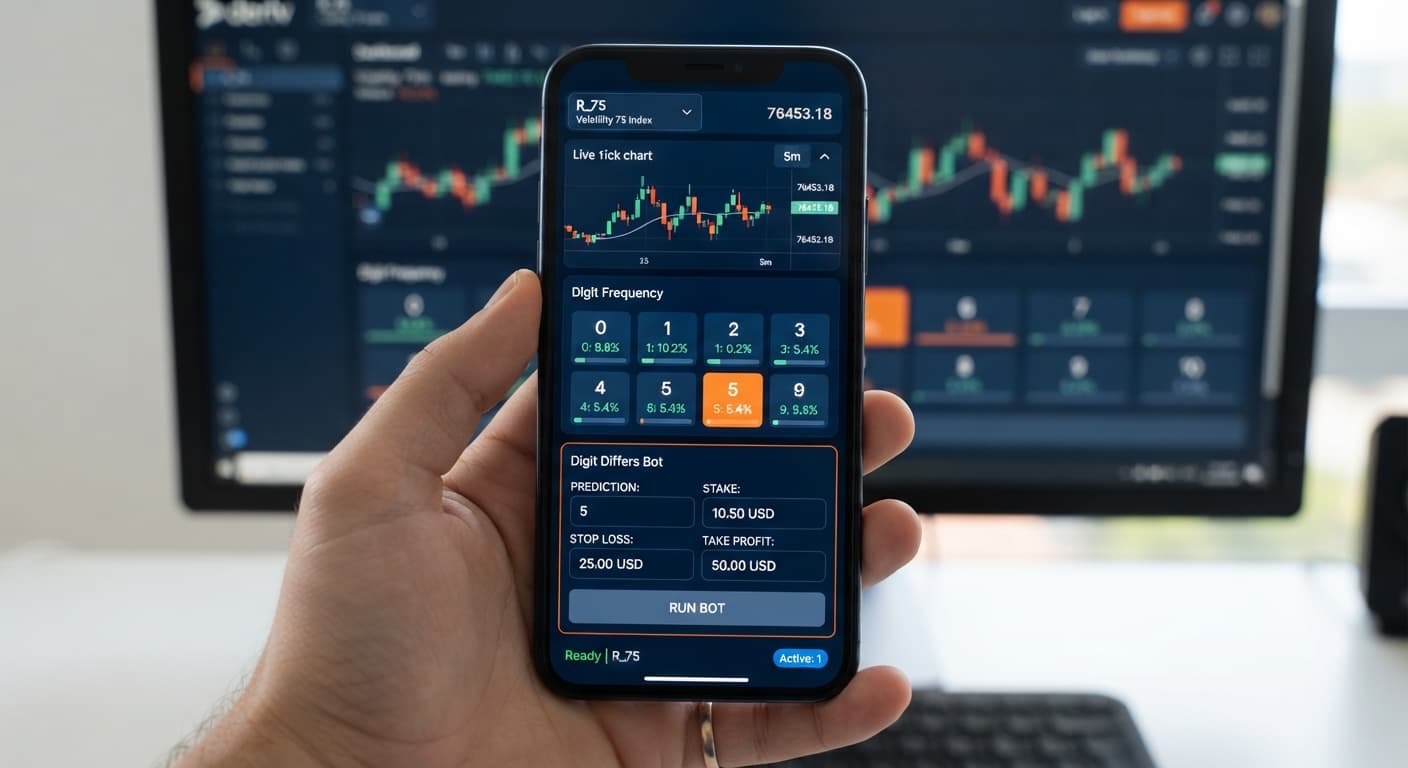
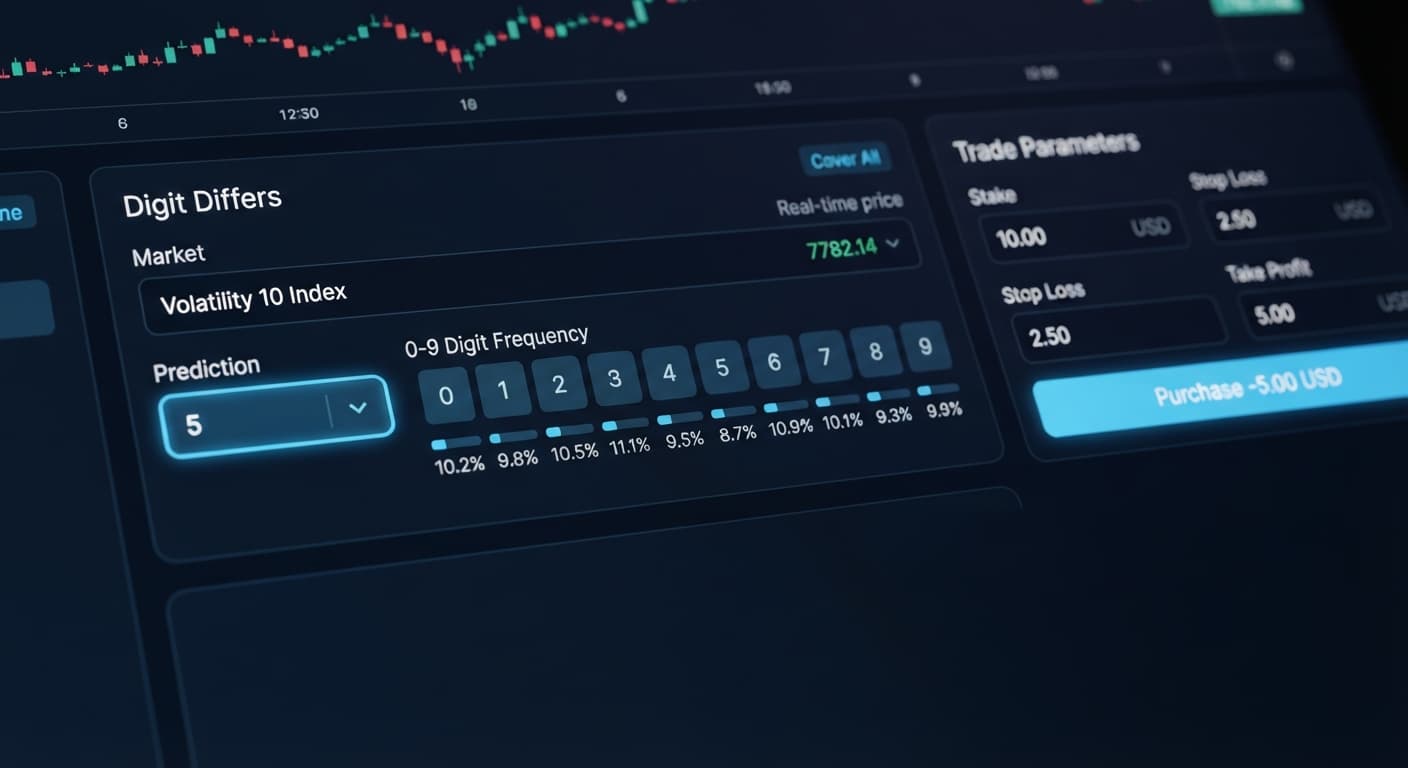
To learn how to trade digit differs on deriv, you automate a contract that wins whenever the last digit of the price tick does not match your chosen prediction. Because nine out of ten possible digits (0 through 9) result in a win, the statistical probability per tick is roughly 90%, yielding a payout of around 9.9%. You can run this strategy manually, but using dedicated deriv bots removes human latency, placing trades instantly as new ticks hit the screen.
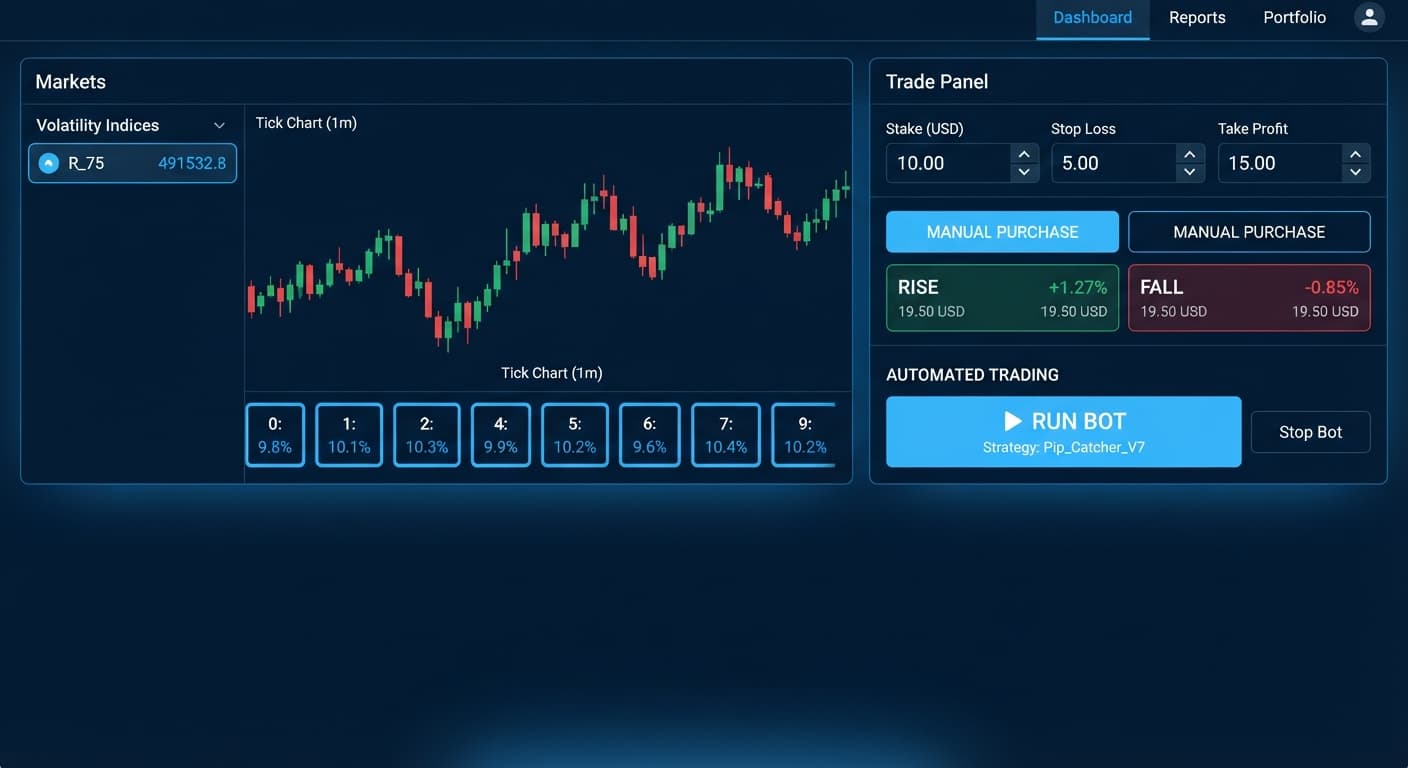
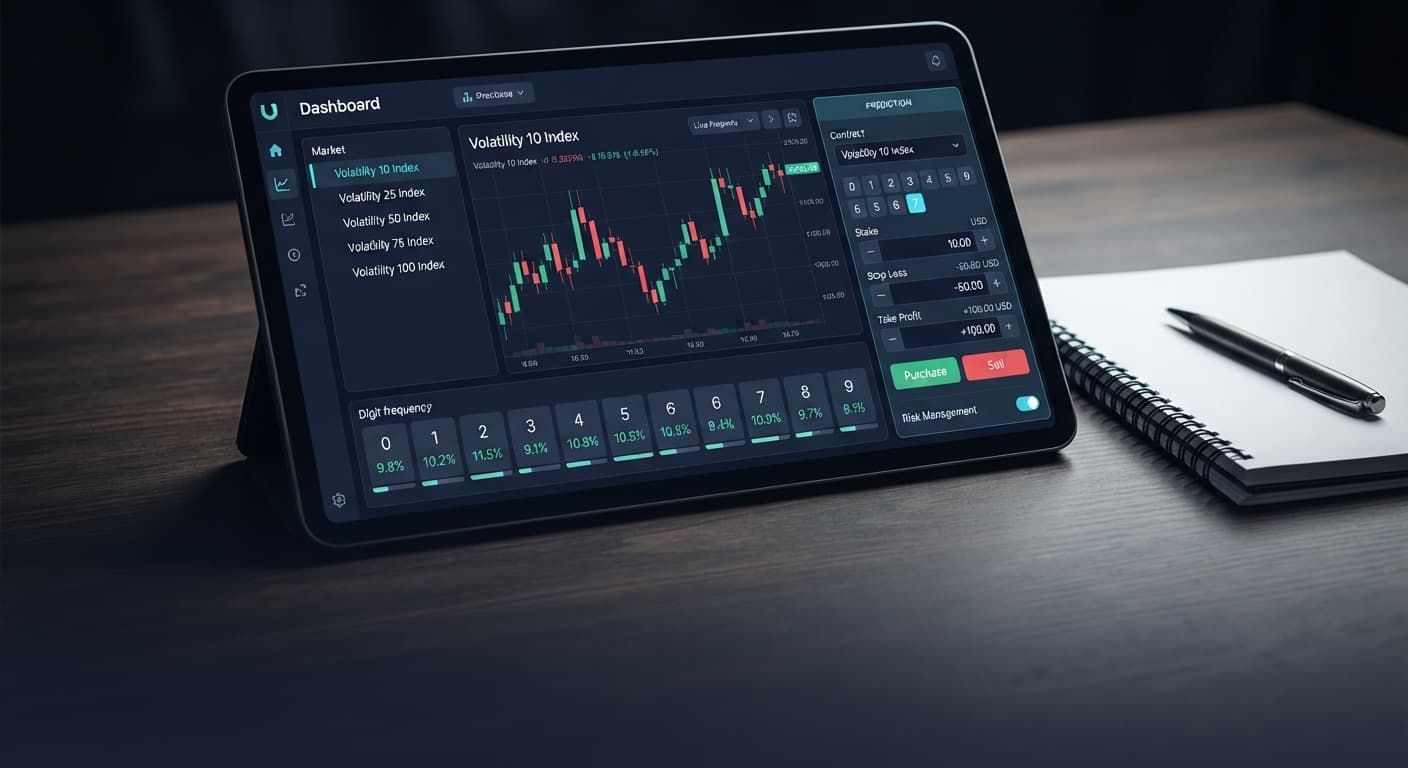
When you open the Digit Differs bot, you aren't looking at a complex charting software with dozens of obscure indicators. The interface keeps execution controls front and center so you don't waste time hunting through menus.
The panel breaks down into four main sections:
DIGITDIFF.Fixed Stake, Martingale, Anti-Martingale, Fibonacci, D'Alembert, % of Balance, or Mesamilano. Right below that, you'll find inputs for stop loss, take profit / target profit, and max ladder level.Understanding these fields before starting the automation prevents execution errors that cost money.
Start with a completely clean interface. Before configuring settings, you must authenticate your session. Log into your account on the main platform, generate a read-and-trade token from your settings, and paste it into the token field on screen. Once you hit connect, the status bar will show your connected balance. Always start this process connected to a demo account balance.
Navigate to the Market dropdown menu. Choose a synthetic market, such as the Volatility 100 (1s) Index or Volatility 10 Index. In the strategy or contract selection box, set the mode specifically to DIGITDIFF. While the suite supports options like DIGITEVEN, DIGITODD, DIGITOVER, DIGITUNDER, and DIGITMATCH, Differs is uniquely calculated based on non-matching prediction digits.
Set your duration field to 1 tick. Shorter durations mean faster execution cycles, which fits high-frequency binary bots execution. Next, select your prediction digit. If you select digit 5, your contract wins on 0, 1, 2, 3, 4, 6, 7, 8, and 9. It loses only if the last digit of the closing tick lands exactly on 5. Remember: every single tick generated by Deriv synthetic indices is completely independent. A string of three consecutive 5s does not make 5 any less likely on the fourth tick.
Because a single loss wipes out roughly ten winning trades at standard payouts, bad risk management destroys an account fast. Select your stake strategy in the money management panel—Fixed Stake is safest for testing. Input your base amount, then enter a concrete dollar value for your take profit / target profit (for instance, $5 on a $100 test bankroll) and set a strict stop loss (such as $15). If you decide to use Martingale or D'Alembert, always set the max ladder level control to cap how many step-ups the script can execute.
Click the green Start button. Watch the summary log as the script fires off orders. The system will display the entry tick, the exit tick, the last digit analysis, and the real-time profit or loss tally. Let the script run for at least 30 to 50 automated trades on your virtual funds so you get comfortable with execution speed, trade frequency, and account balance swings before you even think about switching over to live money.
Not every market behaves identically when running a digit differs strategy. While the random number generator underlying synthetic indices yields an even distribution of digits over millions of ticks, the speed of tick delivery and price movement variance across assets affects your operational control.
| Metric / Dimension | Volatility 10 Index | Volatility 75 Index | Volatility 100 (1s) Index |
|---|---|---|---|
| Tick Interval | ~2.0 Seconds | ~2.0 Seconds | Exactly 1.0 Second |
| Price Point Movement | Low / Gradual | High / Volatile | Medium / Steady |
| Tick Consistency | Standard WebSocket Feed | Standard WebSocket Feed | Ultra-Fast Stream |
| Optimal Contract Duration | 1 to 5 Ticks | 1 to 2 Ticks | 1 Tick |
| Failure Recovery Speed | Slow Session Cycle | Moderate Session Cycle | Rapid Session Cycle |
If you're running high-frequency binary trading strategy automation, the Volatility 100 (1s) Index is the superior choice for DIGITDIFF setups. Its tick arrives like clockwork every single second, letting you complete sessions quickly without sitting in front of the screen waiting for delayed ticks.
In contrast, markets like Volatility 75 can experience wider micro-burst volatility. While price movement magnitude doesn't technically alter digit probability, fast price jumps on Volatility 75 can make manual oversight stressful if you need to pause the script during a drawdown sequence. Volatility 10 is too slow for quick statistical sessions, taking twice as long to complete a 50-trade test run compared to the 1s index line.
When your script runs correctly, the execution log displays continuous green and red updates without gaps. Each log line shows:
If your live profit total increments by roughly 9.9% of your contract stake on successful runs, the setup is working smoothly.
If the log stops updating or displays purchase failures, check your token status first. Expired tokens or toggled permissions cause immediate API rejection. Second, verify your internet connection latency. If your local network drops packets, the script cannot complete the two-way handshake required to verify trade exits, causing the bot to freeze to prevent duplicate orders.
If trades fail intermittently, clear your browser cache, re-enter your API token, and launch the system again on your demo balance.
Try it yourself on the free tools using a demo balance first. If you don't have one yet, create a free Deriv account.
Trading involves risk. Past performance does not guarantee future results.
Related: Are Deriv Bots Profitable on Volatility 100 Index? Reality Check
Related: Why LDP Analyzer Pro Is Not Working on Deriv Bots
Related: Digit Differs vs Digit Match on deriv bots
Related: Safest Deriv Bots Settings: Stop Loss & Take Profit Guide
Related: Configuring the Best Digit Differs Settings for Binary Bots
Related: Binary Bots vs Manual Trading: Digit Differs vs Over Under
How the strategies behind the bots actually work — Digit Differs, Over/Under, Even/Odd, Rise/Fall, and the money management that decides whether they survive a losing streak.
Try 9 Strategies on Solid →You win a contract whenever the last digit of the price tick doesn't match your chosen prediction digit. Since nine out of the ten possible digits result in a win, it gives you a statistical probability of roughly 90% per tick with a payout of about 9.9%.
You can choose from several execution modes including Fixed Stake, Martingale, Anti-Martingale, Fibonacci, D'Alembert, % of Balance, and Mesamilano. The panel also includes inputs for stop loss, target profit, and max ladder level.
You need to log into your account on the main platform, generate a read-and-trade token from your settings, and paste it into the API connection panel. Always start this process connected to your demo account balance.
You need to set the contract selection box specifically to DIGITDIFF. The platform also supports other options like DIGITEVEN, DIGITODD, DIGITOVER, DIGITUNDER, and DIGITMATCH, but Differs relies on non-matching prediction digits.
Guides closest to this one.
Compare digit differs vs digit match on binary bots. Learn payout odds, probability mechanics, and how to configure strategies on BinaryBot.live today.
Master the digit differs strategy deriv bots on Volatility 10. Learn setup steps, Martingale rules, and risk controls. Read the market guide today.
Compare binary bots vs manual trading on Deriv. Evaluate execution speed, emotion control, and risk management to refine your binary trading strategy.