Strategies & Risk
Digit Differs Strategy Deriv Bots: Vol 10 Guide
Master the digit differs strategy deriv bots on Volatility 10. Learn setup steps, Martingale rules, and risk controls. Read the market guide today.
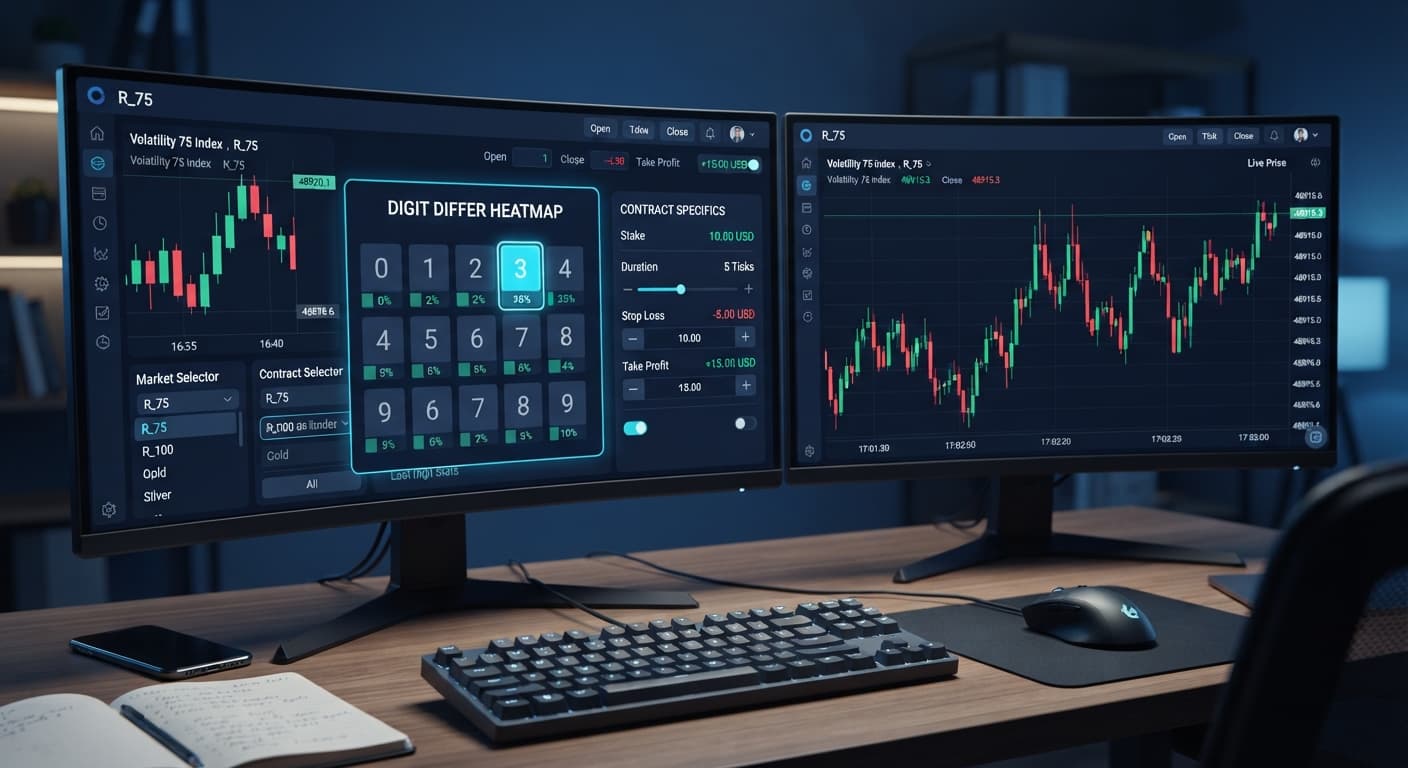
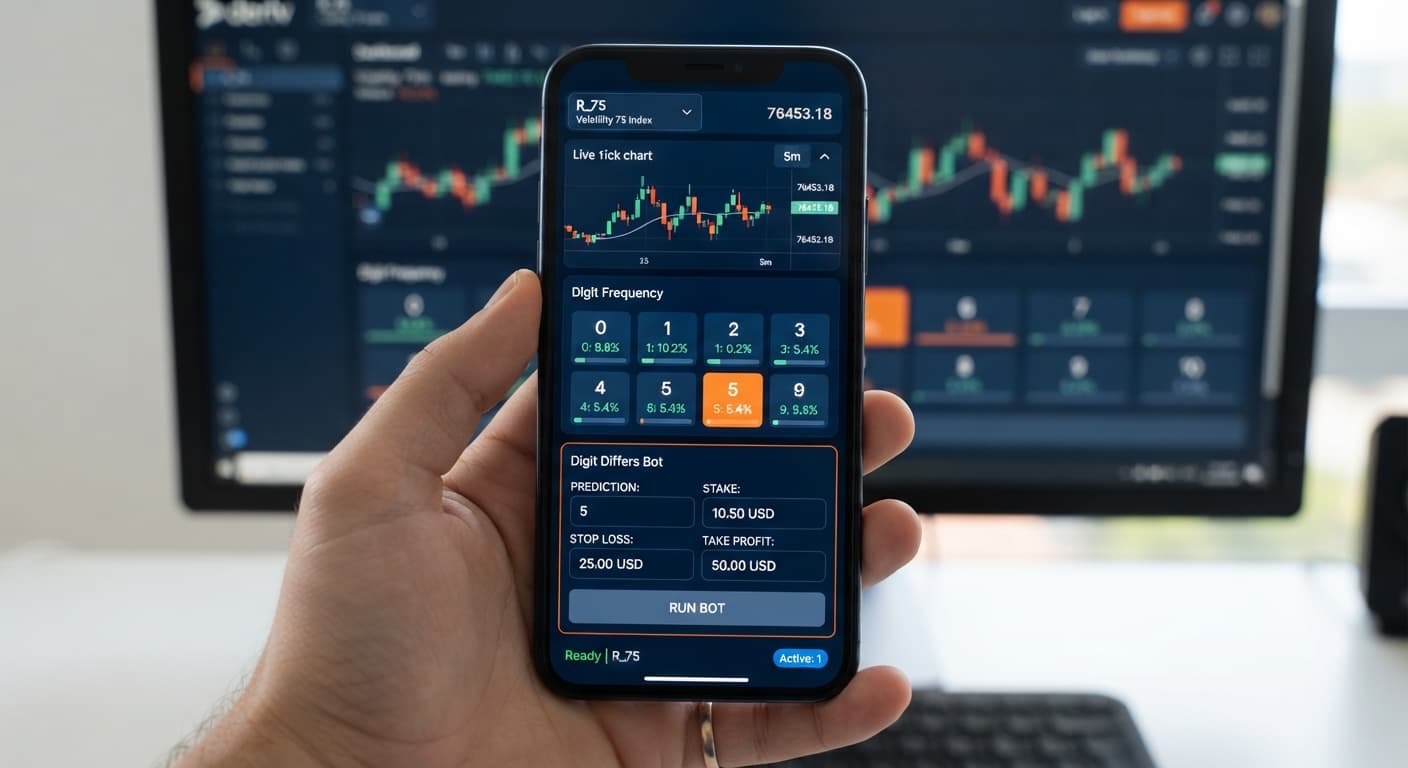
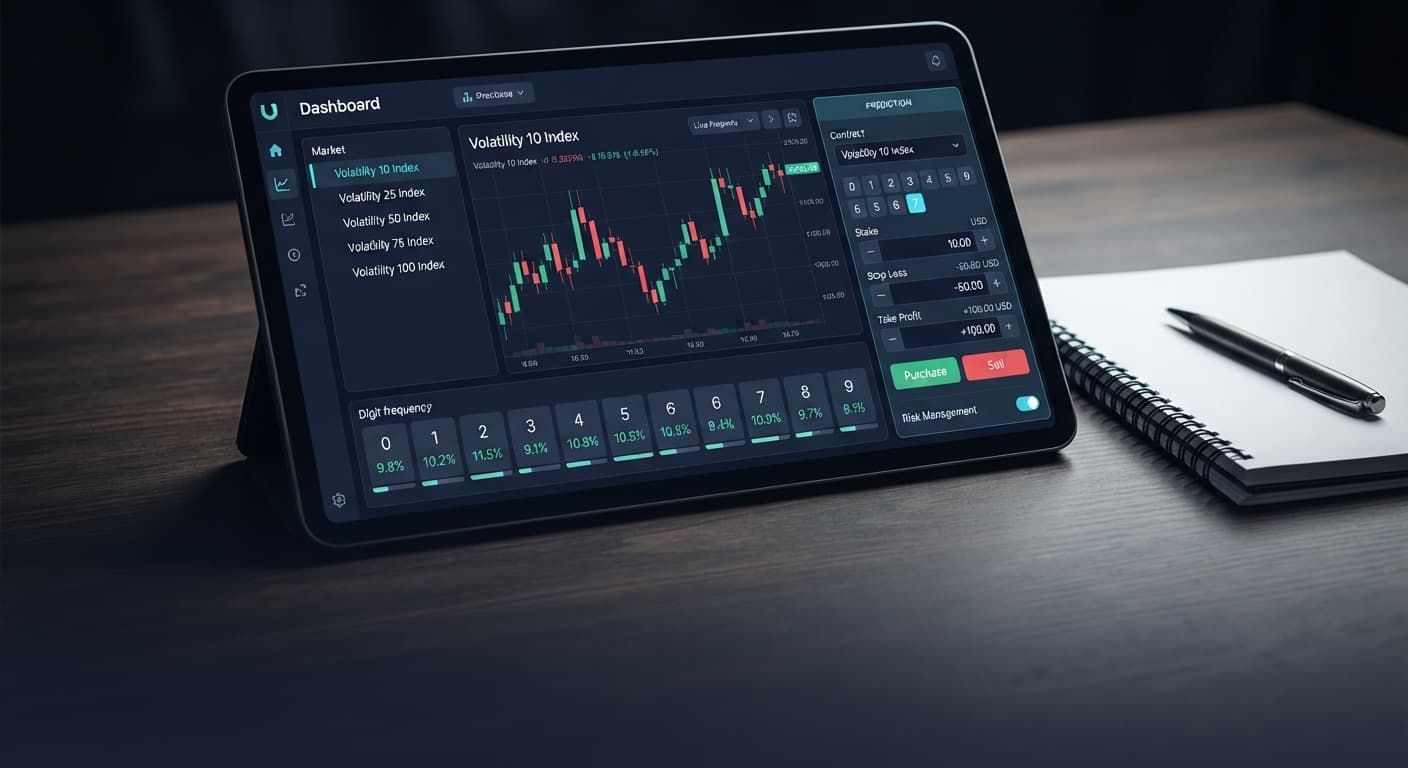
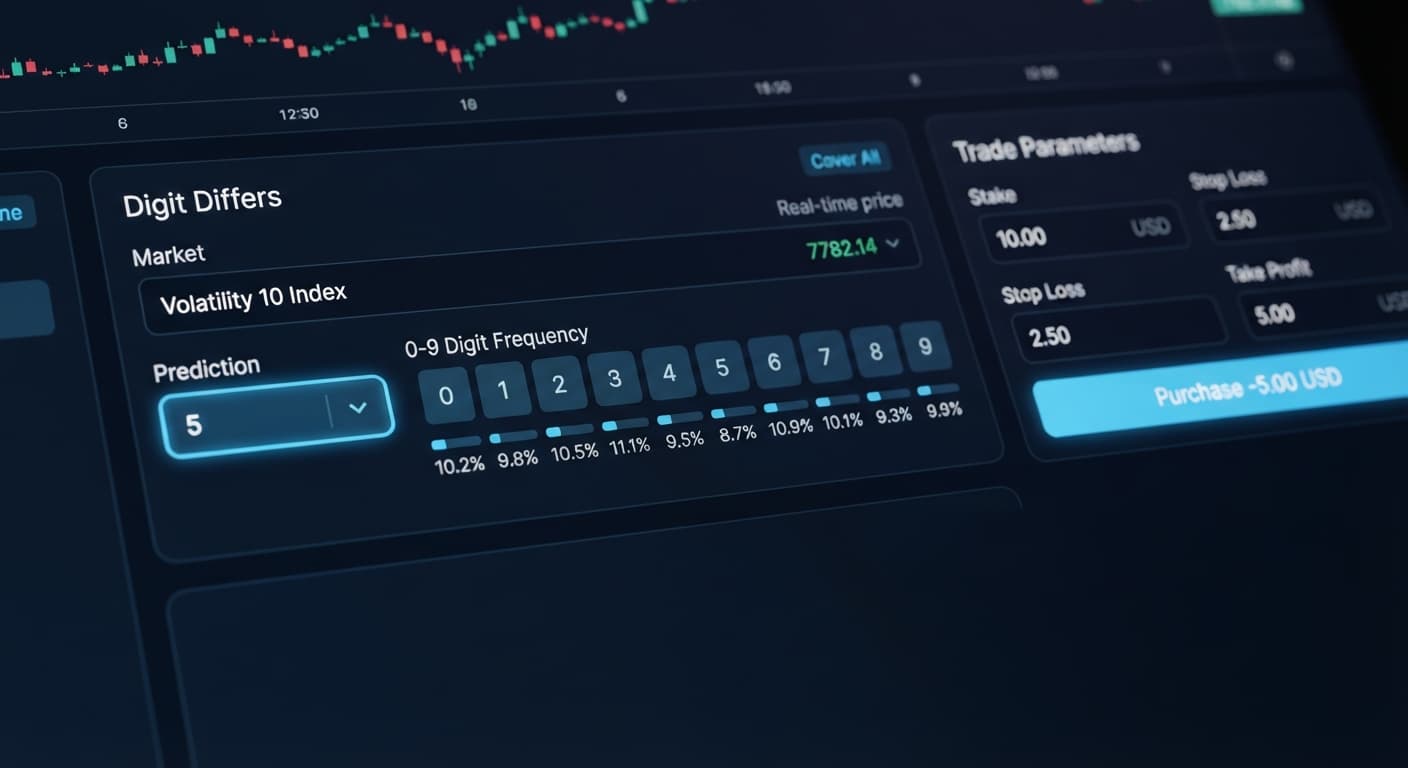
Finding the best digit differs settings for binary bots comes down to targeting the current highest-frequency digit on a 500-tick sample while locking in strict exit boundaries. For DIGITDIFF contracts on Deriv, set your prediction digit to the single hottest digit in recent ticks, choose a 1-tick contract duration, and cap your stop loss at 15% to 20% of your account balance. This configuration maximizes your per-trade probability at roughly 90% while preventing sudden systemic drawdowns when market bias rotates.
When you trade DIGITDIFF contracts, you win whenever the last digit of the spot price does not match your chosen target digit. Because nine out of ten possible digits (0 through 9) result in a payout, the theoretical win rate sits right at 90%. That high win rate comes with a tradeoff: payouts are low, usually hovering around 9.8% to 10% on standard volatility indices. If you lose a trade, you lose 100% of your stake, meaning single losses erase roughly ten consecutive wins. Adjusting your bot's target digit logic, trade speed, and execution conditions is how you keep your equity curve moving in the right direction.
Configuring binary bots on BinaryBot.live doesn't require downloading software or installing plugins. The web application runs entirely in your browser and connects directly to Deriv over their official API using your private API token. No account balances or funds ever store on BinaryBot.live; every contract executes immediately inside your personal Deriv balance.
When you open the configuration dashboard, you'll find the trade engine organized into three distinct control groups:
Getting these values right before clicking start is essential. Leaving risk boundaries blank or typing arbitrary numbers can cause your account to execute unmanaged trades during market spikes.
Selecting the best digit differs settings for binary bots requires aligning your stake model with the 9-to-1 odds payout profile of DIGITDIFF trades. Because payouts hover around 10%, aggressive multiplier systems carry elevated risk.
Here is how each supported money management model on BinaryBot.live performs specifically when applied to DIGITDIFF contracts:
| Money Management Mode | Profile Description | Multiplier / Sizing Logic | Risk Exposure on DIGITDIFF | Recommended Use |
|---|---|---|---|---|
| Fixed Stake | Flat position size on every trade | 0% change after win or loss | Lowest structural drawdown risk | Ideal for baseline testing and steady accumulation |
| % of Balance | Dynamic stake scaled to total balance | Recalculates stake at specified % before each tick | Auto-scales with growth, shrinks during losses | Best for growing long-term account balances cleanly |
| Martingale | Multiplies stake after every loss | Typically 10x to 11x multiplier to recover 10% payout losses | Extremely high structural risk on back-to-back losses | Restricted use; requires low max ladder level |
| Anti-Martingale | Multiplies stake after wins, resets on loss | Scales stake up on winning runs, resets to base on loss | Protects principal during cold streaks | Useful during prolonged target digit absence |
| D'Alembert | Adds flat unit after loss, subtracts unit after win | Slower linear progression (+1 unit / -1 unit) | Moderate drawdown acceleration | Moderate risk option for manual supervisory control |
| Fibonacci | Steps along the Fibonacci sequence after losses | Follows sequence numbers (1, 1, 2, 3, 5, 8...) | Gradual recovery curve compared to raw Martingale | Suitable for experienced traders tracking sequence bounds |
| Mesamilano | Hybrid tiered sizing structure based on session profit | Scales size across predetermined profit bands | Controlled progression linked strictly to realized gains | Good balance between capital growth and drawdown protection |
If you opt to use any progression strategy like Martingale or Fibonacci on DIGITDIFF contracts, setting a strict cap using the max ladder level field is mandatory. A single streak of two consecutive DIGITDIFF losses using an 11x Martingale multiplier turns a $1 stake into an $11 second trade and a $121 third trade. Capping the max ladder level at 1 or 2 prevents your automated system from attempting unsustainable stake increases.
Setting up deriv bots with ideal DIGITDIFF parameters takes only a few minutes when you follow this clear setup sequence.
Open the automation dashboard and enter your Deriv API token into the connection box. Once validated, select your target market from the synthetic indices list. Volatility 75 Index (1s) or standard Volatility 100 Index offer high tick frequency, providing rapid contract resolution for short-duration automation.
Navigate to the contract options drop-down and set the strategy specifically to DIGITDIFF. This automatically hides unnecessary strike barrier settings and isolates the target digit selection input. Ensure your contract duration is set to 1 tick for fast statistical rotation.
Examine the latest tick stream or launch an integrated digit analyzer module. Identify the digit that currently displays the highest appearance percentage over a 500-tick window. Select that digit as your prediction target. Because you win when the index produces any digit except your selected number, betting against a hot digit gives you a statistical buffer while market distribution normalizes.
Select Fixed Stake or % of Balance as your active money management mode to keep position sizes consistent. Input the following concrete risk parameters into your control panel:
Before authorizing real funds, switch your environment toggle to your Deriv demo balance. Run the bot for at least 30 to 50 automated cycles. Check the live execution panel to confirm that contracts open at 1-tick durations, payouts settle instantly, and the bot stops immediately if your target profit or stop loss limits are hit.
To understand why target digit selection matters, look at real distribution data rather than guessing. Deriv synthetic index ticks generate digits 0 through 9 using cryptographic random number generators. Over infinite time, every digit approaches a flat 10% occurrence rate. Over short-to-medium samples like 500 ticks, natural cluster variance creates clear "hot" and "cold" digits.
Here is an actual 500-tick frequency reading captured from the Volatility 75 Index:
| Target Digit | Occurrences (out of 500 ticks) | Observed Frequency | Status Classification |
|---|---|---|---|
| 0 | 48 | 9.6% | Neutral |
| 1 | 52 | 10.4% | Neutral |
| 2 | 41 | 8.2% | Cold |
| 3 | 31 | 6.2% | Extremely Cold |
| 4 | 54 | 10.8% | Slightly Hot |
| 5 | 49 | 9.8% | Neutral |
| 6 | 51 | 10.2% | Neutral |
| 7 | 74 | 14.8% | Extremely Hot |
| 8 | 53 | 10.6% | Neutral |
| 9 | 47 | 9.4% | Neutral |
Analyzing this sample reveals key operational information for your binary trading strategy:
If you are running a DIGITDIFF bot, setting your prediction digit to 7 means you are choosing the digit that has appeared most frequently over recent ticks. Because your DIGITDIFF contract wins whenever the spot price ends on 0, 1, 2, 3, 4, 5, 6, 8, or 9, betting against Digit 7 gives you nine alternative digits to win.
It's critical to remember that synthetic index ticks remain completely independent of one another. The fact that Digit 7 appeared 14.8% of the time in the past 500 ticks does not force it to appear less or more often on the very next tick. Past frequency describes recent distribution balance on screen; it does not predict future tick behavior. Utilizing high-sample frequency displays allows you to adapt your binary bot settings systematically rather than picking target numbers at random.
You can test these automation parameters without risk by using the free tools at BinaryBot.live on a virtual balance.
If you don't have a trading profile set up yet, create a free Deriv account to generate your API token and start configuring your automated strategies.
Trading involves risk. Past performance does not guarantee future results.
Related: How to Trade Digit Differs on Deriv: Digit Differs Bot
Related: Safest Deriv Bots Settings: Stop Loss & Take Profit Guide
Related: Are Deriv Bots Profitable on Volatility 100 Index? Reality Check
How the strategies behind the bots actually work — Digit Differs, Over/Under, Even/Odd, Rise/Fall, and the money management that decides whether they survive a losing streak.
Try 9 Strategies on Solid →You should target the current highest-frequency digit on a 500-tick sample, set a 1-tick contract duration, and cap your stop loss at 15% to 20% of your account balance. This setup targets the single hottest digit in recent ticks while locking in strict exit boundaries.
The theoretical win rate sits right at 90% because nine out of ten possible digits result in a win. However, payouts are low and usually hover around 9.8% to 10% on standard volatility indices.
Yes, BinaryBot.live connects directly to Deriv over their official API using your private API token without storing any account balances or funds on their platform. Every contract executes immediately inside your personal Deriv balance.
You lose 100% of your stake if a trade loses, which means a single loss erases roughly ten consecutive wins. Because of this payout profile, leaving your risk boundaries blank or using aggressive multipliers carries elevated risk.
Guides closest to this one.
Master the digit differs strategy deriv bots on Volatility 10. Learn setup steps, Martingale rules, and risk controls. Read the market guide today.
Master how to trade digit differs on deriv with our step-by-step tutorial. Configure the Digit Differs Bot for statistical trading today.
Compare digit differs vs digit match on binary bots. Learn payout odds, probability mechanics, and how to configure strategies on BinaryBot.live today.