Strategies & Risk
Digit Differs vs Digit Match on Volatility 10 Index
Compare digit differs vs digit match on binary bots. Learn payout odds, probability mechanics, and how to configure strategies on BinaryBot.live today.
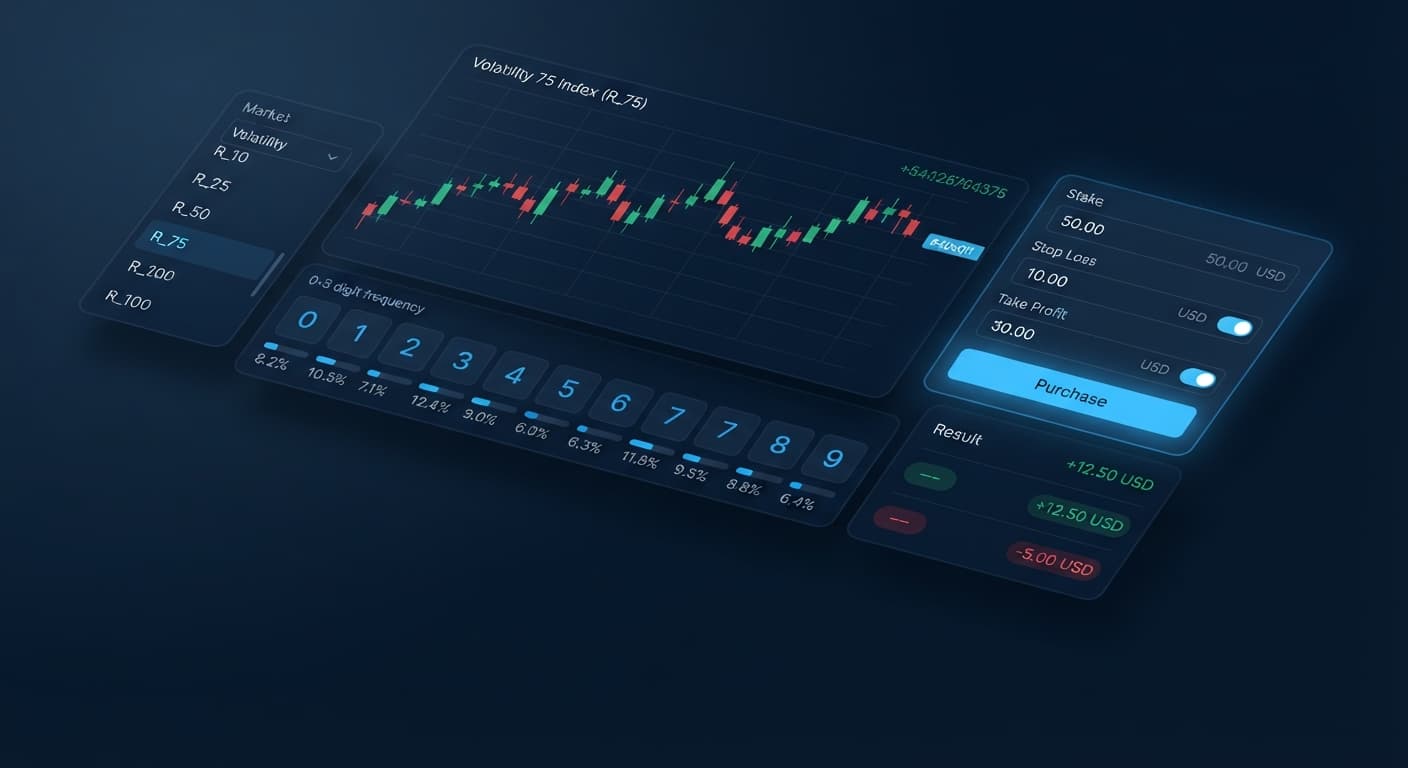
The safest deriv bots settings rely on capping your stop loss at 10% to 15% of your total account balance, limiting your target profit to 5% or 10% per session, and setting a hard limit on your max ladder level. Automated trading scripts execute contracts in fractions of a second, so running execution without strict limits will clear an account when a bad streak lands. When configuring deriv bots on BinaryBot.live, these risk parameters act as automated circuit breakers that halt trading the instant your account reaches your preset thresholds.
Finding the right balance isn't about eliminating loss entirely. Loss happens on every synthetic market, whether you trade Rise/Fall (CALL/PUT) contracts or DIGITEVEN and DIGITODD digits. The goal of using proper risk settings is ensuring that a bad run stops before it cripples your balance, leaving you with enough capital to trade another day.
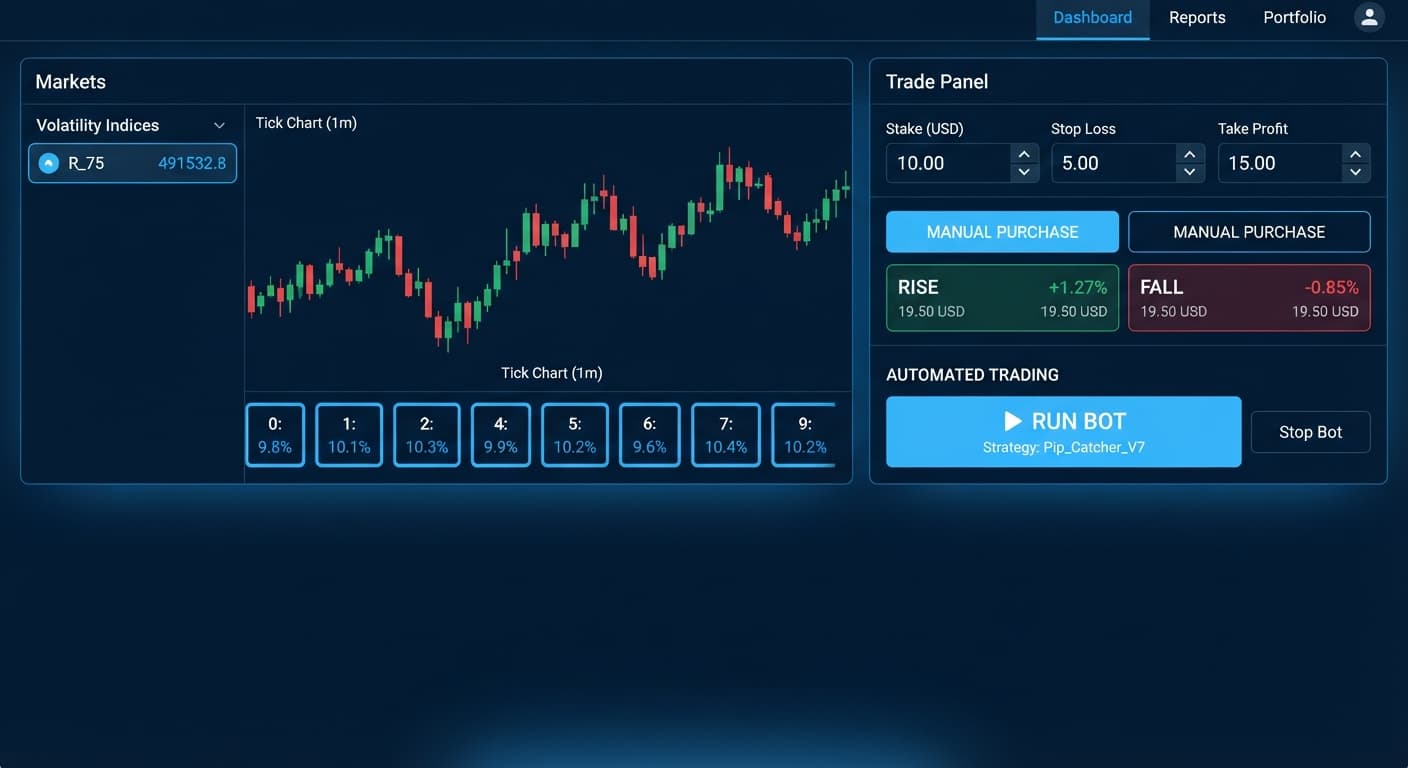
When you run a script on BinaryBot.live, the app connects directly to Deriv over their official API using your personal API token. No funds sit on the site itself; every contract buys directly inside your real or demo Deriv account. Once you click the run button, the bot sends trade requests according to its code.
If you don't enter values for risk management, the bot won't stop until you click the pause button manually or your account balance hits zero. That's why setting numerical bounds is vital. A take profit / target profit field tells the bot to disconnect as soon as your total session gains hit a specific dollar amount. The stop loss field does the opposite: if your cumulative session losses touch that amount, the bot cancels all future execution immediately.
Traders often assume a strategy will self-correct after a few losses. On synthetic indices, tick values generate from random number algorithms. Every tick is independent. A long streak of odd digits does not mean an even digit is due on the next tick. Because probability never skews in your favor just because you lost previous trades, automated circuit breakers are your only reliable protection.
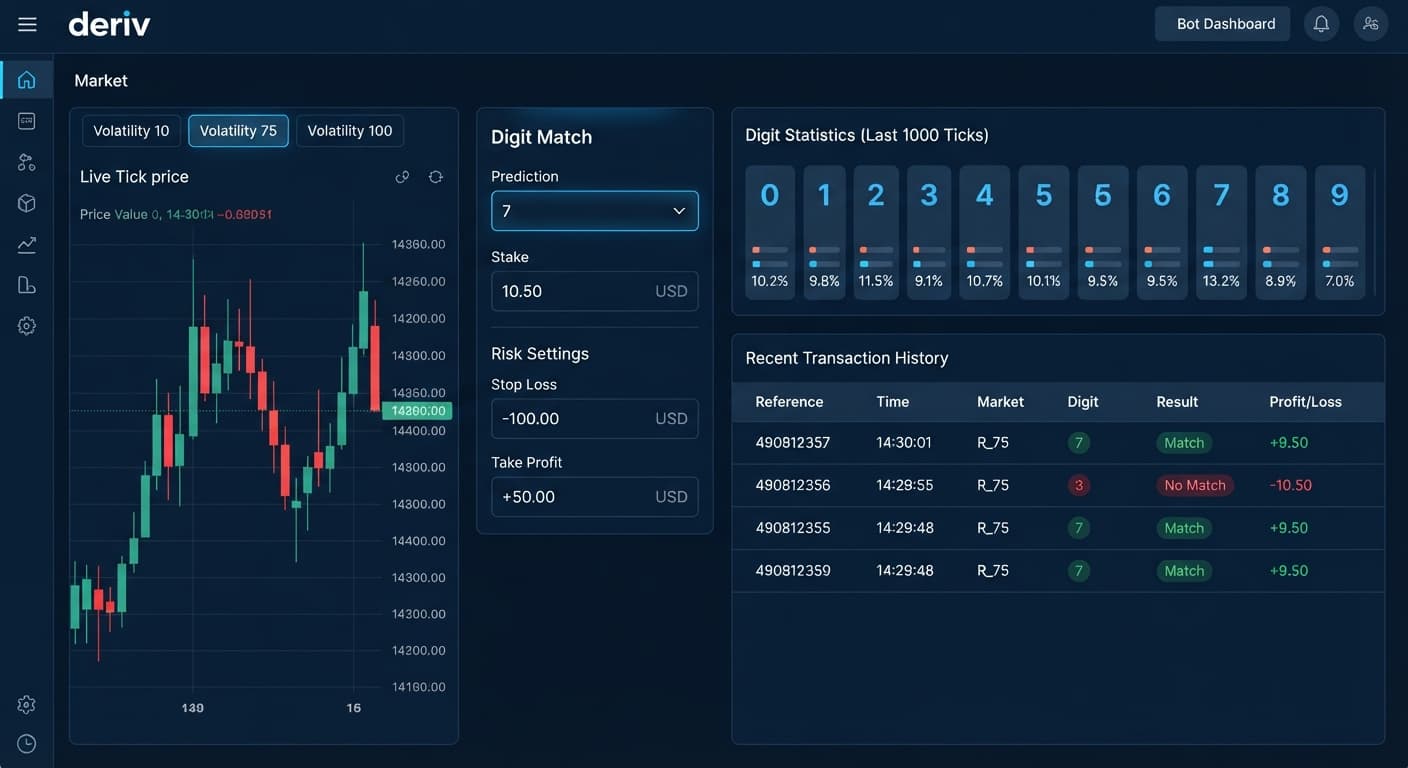
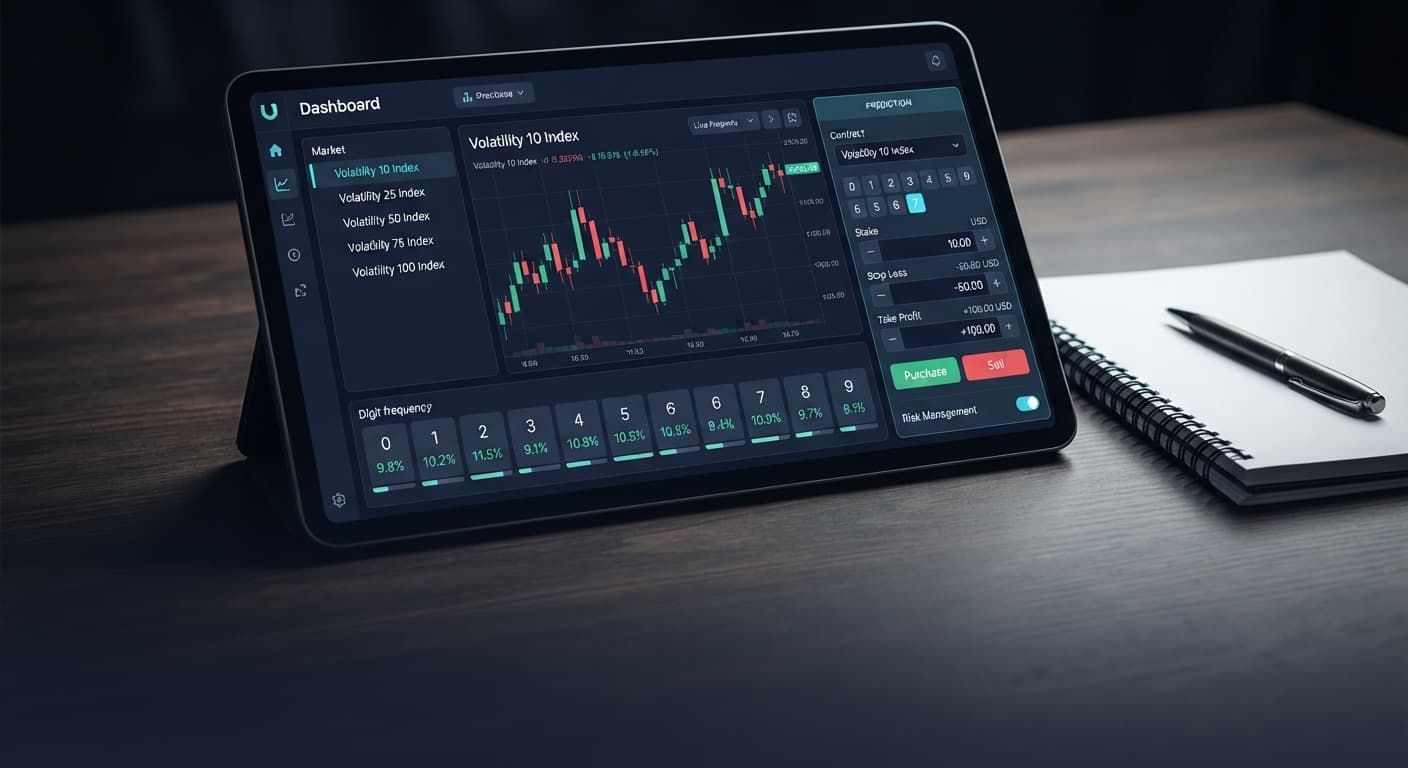
Configuring parameters on binary bots takes place on the primary bot configuration panel. Before launching any trading script, you'll see input boxes grouped under the money management section.
Here are the exact control names you'll see on screen:
These fields apply across all supported contract types, including Rise/Fall (CALL/PUT), Higher/Lower, Touch/No Touch, DIGITEVEN, DIGITODD, DIGITOVER, DIGITUNDER, DIGITMATCH, and DIGITDIFF.
If you leave the stop loss field blank, the bot assumes there's no limit. It'll keep placing trades through consecutive losses until the API returns an insufficient funds error. Always type an explicit number into these fields before starting the run.
Your choice of stake progression determines how fast your account balance swings. A conservative strategy paired with a tight stop loss protects your money, while aggressive recovery setups require tighter max ladder levels to stay safe.
| Money Management Mode | Primary Drawdown Risk | Default Multiplier Effect | Recommended Stop Loss (% of Bankroll) | Recommended Max Ladder Level |
|---|---|---|---|---|
| Fixed Stake | Slow, linear drawdown during bad streaks | None (1x stake always) | 15% - 20% | N/A (No laddering) |
| Martingale | Exponential drawdown on consecutive losses | Doubles stake after loss (2x) | 10% - 15% | 3 to 4 levels |
| Anti-Martingale | Drawdown of accumulated profits during loss | Doubles stake after win (2x) | 10% | 3 levels |
| Fibonacci | Moderate exponential drawdown | Follows sequence (1, 1, 2, 3, 5...) | 10% - 12% | 4 to 5 levels |
| D'Alembert | Gradual stake increases | Adds 1 unit after loss, subtracts 1 after win | 15% | 5 levels |
| % of Balance | Scaling losses during drawdowns | Recalculates stake from current balance | 10% - 15% | N/A |
| Mesamilano | Tiered progression exposure | Custom step increments | 10% | 3 to 4 levels |
When building a deriv bot trading strategy, pairing the right money management mode with hard limits prevents total loss. Fixed Stake is the safest option for long runs because your risk per trade never changes. If you select Martingale or Fibonacci, you must cap the max ladder level to keep a losing run from wiping out your balance.
Setting up a safe automated session takes less than two minutes. Follow these exact steps to set up your risk limits on BinaryBot.live before turning the bot on.
Open the bot control interface and paste your account API token into the authorization box. Always start on a Deriv demo account with virtual funds so you can confirm your parameters work as expected without risking real money.
Choose your target asset, such as Volatility 75 Index. Select the contract type you want the bot to run—for example, Rise/Fall (CALL/PUT) for market direction or DIGITDIFF for digit predictions.
Input your starting trade size in the Base Stake box. If your balance is $100, set a base stake of $1 or $2. Choose your preferred stake model, such as Fixed Stake or D'Alembert, from the money management dropdown.
In the take profit / target profit input field, type a conservative target value. On a $100 account balance, a target of $5 to $10 (5% to 10%) is realistic. Once the bot reaches this target gain, it disconnects automatically.
Type your hard loss limit into the stop loss field. For a $100 bankroll, set this to $15. If you're using a system like Martingale, set the max ladder level field to 3 or 4. Click start to run the bot with active circuit breakers.
To see why strict limits matter, look at what happens when a bot hits a bad run without a stop loss.
Suppose you have a $100 account balance on Deriv. You configure a bot to trade DIGITEVEN on the Volatility 75 Index using a base stake of $2 and standard Martingale recovery (2x multiplier). You forget to fill in the stop loss box and leave max ladder level uncapped.
Here is the exact progression across a six-trade losing streak:
At Trade 6, the bot attempts to buy a $64 contract. Because your remaining balance is $38, your account cannot place the trade. You lost $62 in five quick trades—over 60% of your account—and you don't even get the chance to attempt the recovery trade.
Now let's see what happens when you enter strict limits before clicking start.
If you set your stop loss to $15 or cap your max ladder level at 3, the bot stops execution after Trade 3. You walk away with a $14 loss and $86 left in your account balance. That leaves you with enough funds to run future sessions safely, rather than losing almost everything on a single streak.
Testing your setup on demo funds lets you catch mistakes before they hit your live wallet. Try configuring these parameters on the free Deriv bot dashboard using a virtual balance first. If you don't have a practice login yet, create a free Deriv account to start testing.
Trading involves risk. Past performance does not guarantee future results.
Related: Are Deriv Bots Profitable on Volatility 100 Index? Reality Check
Related: Autopilot for Beginners: Deriv Rise/Fall Bot Setup
Related: Configuring the Best Digit Differs Settings for Binary Bots
Related: How to Trade Digit Match on Deriv with BinaryBots
Related: Binary Bots vs Manual Trading: Digit Differs vs Over Under
Related: Digit Differs vs Digit Match on Volatility 10 Index
How the strategies behind the bots actually work — Digit Differs, Over/Under, Even/Odd, Rise/Fall, and the money management that decides whether they survive a losing streak.
Try 9 Strategies on Solid →You should cap your stop loss at 10% to 15% of your total account balance and limit your target profit to 5% or 10% per session. Setting these numerical bounds acts as an automated circuit breaker that halts trading the instant your account reaches those thresholds. Always type an explicit number into these fields before starting a run so the bot doesn't keep trading until your balance hits zero.
If you leave the stop loss field blank, the bot assumes there's no limit and won't stop until you manually click pause or your account balance hits zero. It'll keep placing trades through consecutive losses until the API returns an insufficient funds error. That's why typing an explicit number into the risk management fields is vital before you start.
The max ladder level sets the maximum number of consecutive stake increases permitted when using recovery systems like Martingale or Fibonacci. Setting a hard limit on this level is part of using the safest Deriv bot settings to prevent bad streaks from clearing your account. Aggressive recovery setups paired with these automated controls require you to keep your limits tight.
Yes, the risk settings and money management fields apply across all supported contract types on BinaryBot.live. This includes Rise/Fall (CALL/PUT), Higher/Lower, Touch/No Touch, and various digit contracts like DIGITEVEN, DIGITODD, and DIGITMATCH. No matter which synthetic market you trade, automated circuit breakers are necessary because tick values generate from random algorithms where probability never skews in your favor after a loss.
Guides closest to this one.
Compare digit differs vs digit match on binary bots. Learn payout odds, probability mechanics, and how to configure strategies on BinaryBot.live today.
Compare binary bots vs manual trading on Deriv. Evaluate execution speed, emotion control, and risk management to refine your binary trading strategy.
Learn how to trade digit match on deriv using the BinaryBot.live automated platform. Follow this step-by-step setup guide to build your strategy.