Strategies & Risk
Digit Differs vs Digit Match on Volatility 10 Index
Compare digit differs vs digit match on binary bots. Learn payout odds, probability mechanics, and how to configure strategies on BinaryBot.live today.
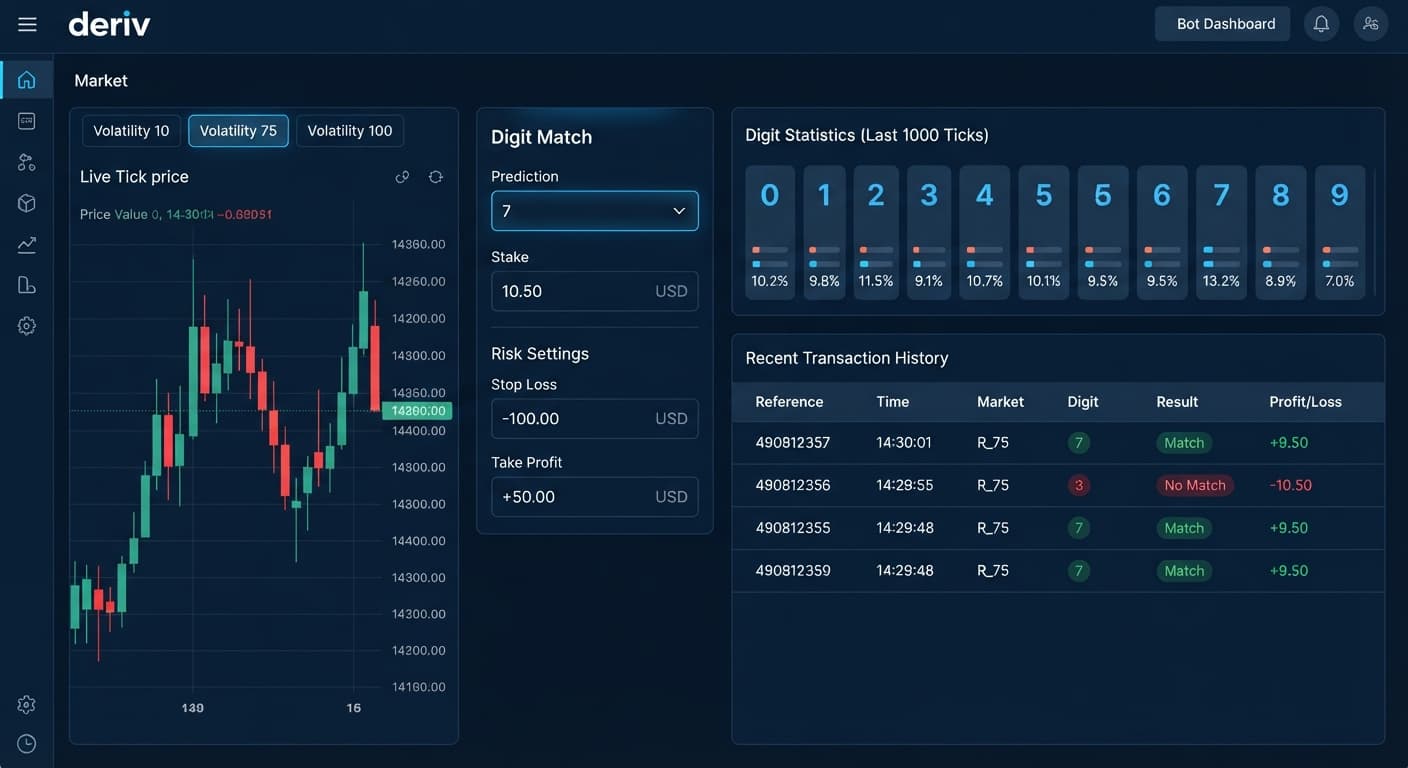
To know how to trade digit match on deriv, you need to select the DIGITMATCH contract type, pick a target digit from 0 to 9, and execute when your strategy conditions trigger. A successful match pays out roughly 800% to 890% profit because you're targeting a single outcome out of ten possibilities on the final tick. Success depends on setting precise risk boundaries, choosing the right synthetic asset, and running your setup on a demo account before putting real funds on the line.
When running automated deriv bots through browser interfaces, your system connects directly to Deriv over their official API. Every trade executes on your actual account balance without intermediate account deposits. Understanding how to set up the control panel guarantees your orders trigger exactly as planned.
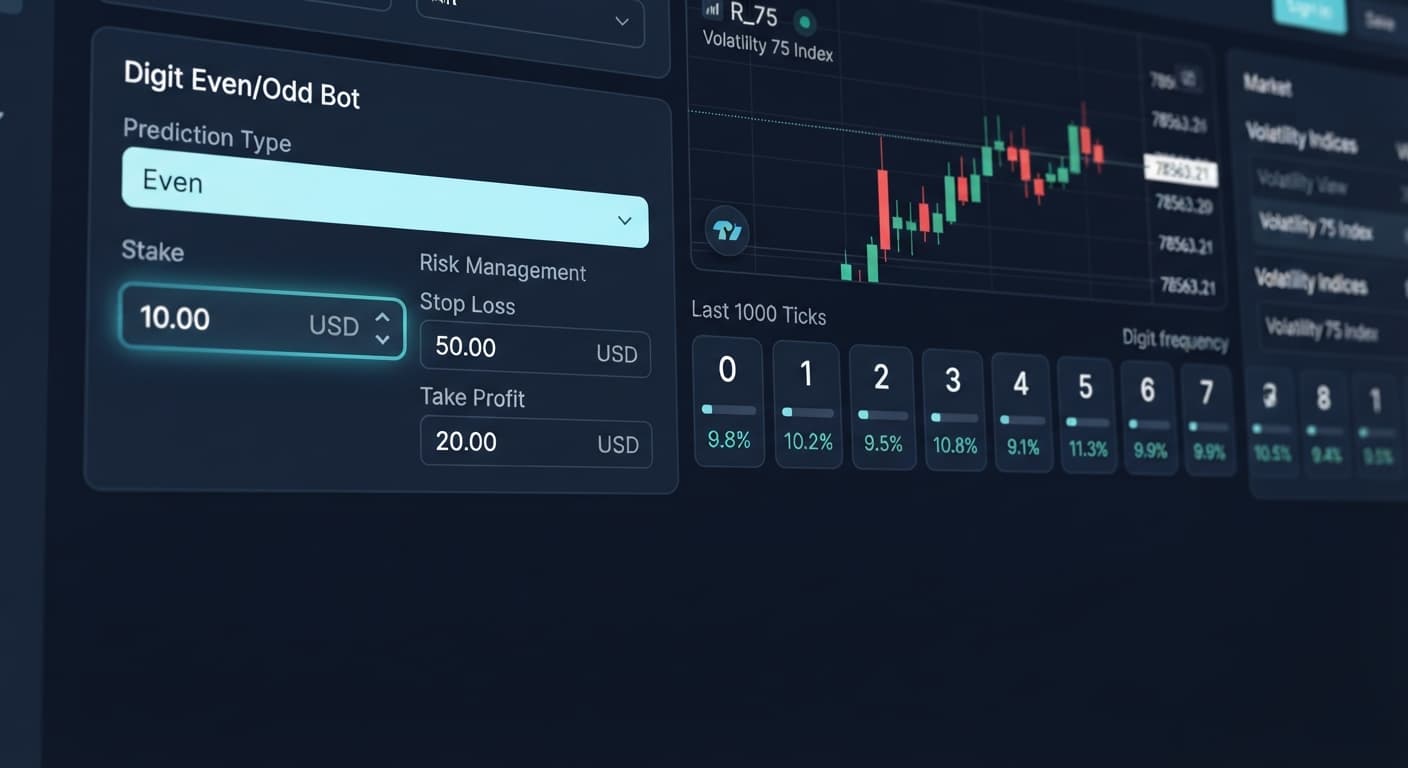
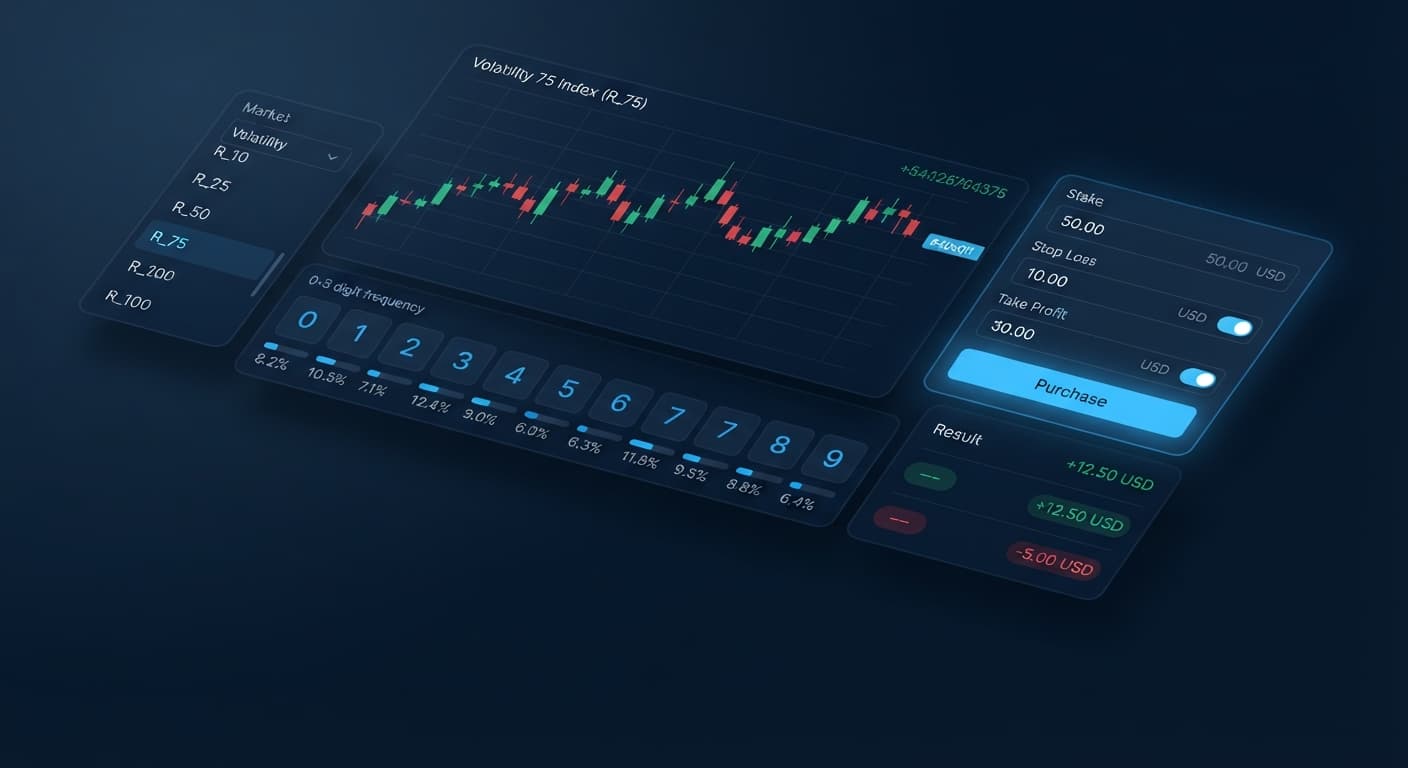
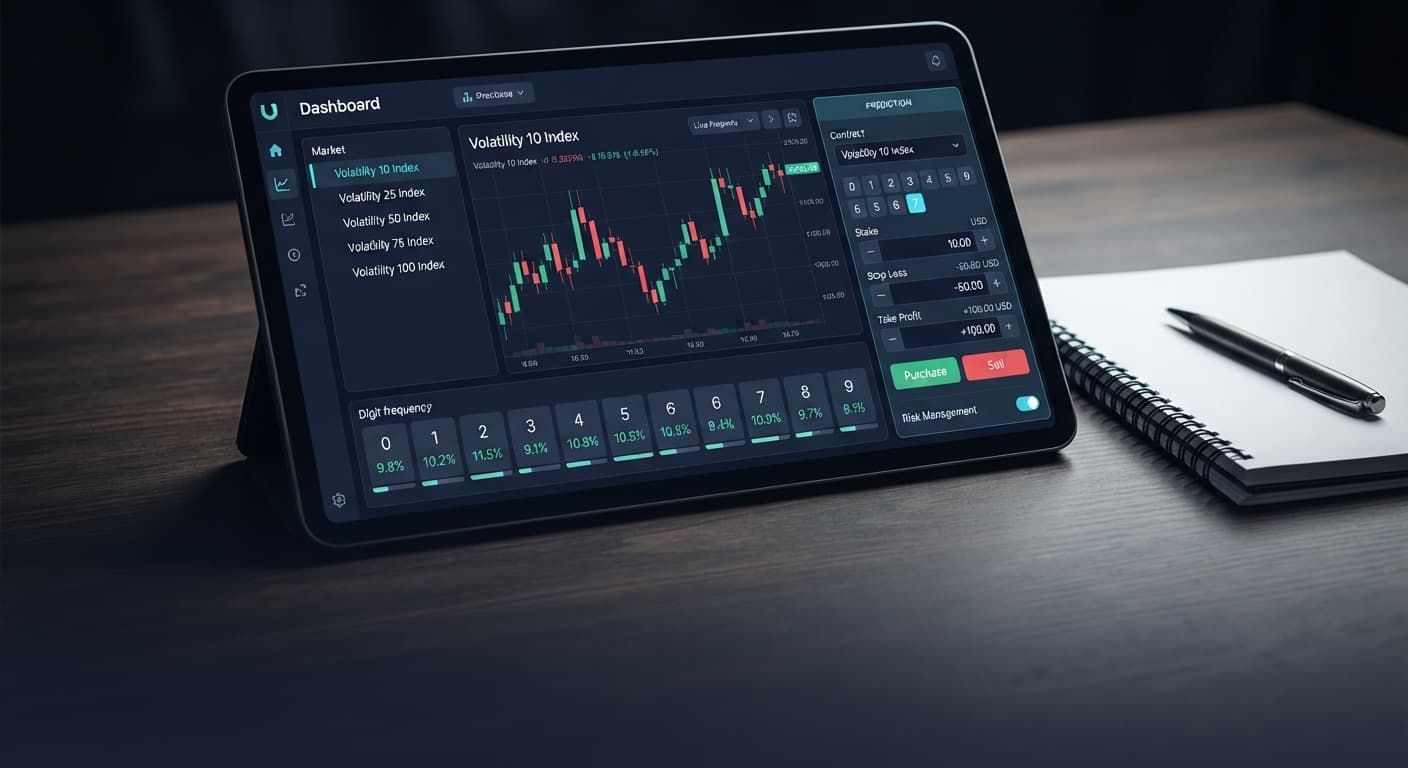
Before turning on any automated setup, you'll want to understand what each section of the control dashboard controls. The interface splits into four primary zones:
Ignoring these settings leads to unintended trades. If you leave your target digit set to default without matching your strategy logic, the system will place trades on arbitrary digits.
Start by opening your automation terminal and pasting your official Deriv API token into the connection box. You can generate a token inside your Deriv account settings under the API Token tab with read and trade permissions.
Once connected, navigate to the market selection menu and select your chosen synthetic index. Switch the contract category dropdown from Rise/Fall or Digit Differs over to DIGITMATCH. Selecting this contract changes the secondary parameters, hiding strike barriers and revealing the prediction digit input field.
In the prediction field, enter a single integer between 0 and 9. This value represents the exact last digit of the final tick price at contract expiry.
Next, set the contract duration. For digit contracts on binary bots, duration options range from 1 to 10 ticks. A 1-tick duration evaluates immediately on the very next tick received from the market feed. Longer durations—like 5 ticks—delay the final evaluation until the fifth tick arrives. Most traders stick to 1-tick durations for digit trades to avoid unnecessary exposure to multi-tick market drift.
Input your trade sizing parameters into the risk management section:
Because DIGITMATCH offers a high payout ratio (around 8.8x your stake), you don't need high win rates to hit profit goals, but losing streaks can stretch out. Keep your stop loss firm and don't expand it during a bad run.
Running a digit match entry without underlying statistics is completely random. To build a systematic binary trading strategy, open the LDP Analyzer dashboard or launch Digit Pad in a separate browser window.
These visual tools stream tick statistics directly from the market, displaying the percentage breakdown of digits over the last 25, 50, or 100 ticks. Look for statistical anomalies:
Remember that Deriv synthetic ticks generate independently; past ticks don't alter future probabilities. However, tracking frequency distributions gives you structured, mechanical entry triggers rather than arbitrary manual clicks. Set your bot to trigger orders only when your target digit drops below a 5% historical occurrence rate over a 50-tick sample size.
Click the Start button to run your configuration. As soon as the script activates, monitor the initial execution log entries.
Confirm that the log reports successful contract purchases with the label DIGITMATCH, displaying your exact target prediction and stake amount. If you spot error codes like Invalid Contract or Insufficient Balance, hit the stop button immediately and check your token permissions or stake sizing.
Not all synthetic indices perform identically when executing automated deriv bot trading strategy setups. Tick speed, tick generation intervals, and execution latency vary between assets. Here is how three major volatility markets compare when trading DIGITMATCH contracts:
| Market Asset | Tick Interval | Typical Price Movement | Execution Latency Sensitivity | Best Duration Setting |
|---|---|---|---|---|
| Volatility 10 Index | 2.0 Seconds | Smooth, slow tick transitions | Low | 1 to 2 Ticks |
| Volatility 75 Index | 2.0 Seconds | High price jumps, wider ticks | Medium | 1 Tick |
| Volatility 100 (1s) Index | 1.0 Second | Rapid tick feed, high frequency | High | 1 Tick |
If you run a high-payout digit setup on Volatility 100 (1s) Index, ticks refresh every single second. Fast tick speeds mean your visual browser tools must process incoming data instantly. If your internet connection stutters, your order might place a tick later than expected.
For pure stability when testing how to trade digit match on deriv, the standard Volatility 10 Index offers a 2-second tick pace. This slower pace gives your browser terminal plenty of time to parse incoming digit data, match entry rules, and submit the order before the next tick print occurs. Avoid high-volatility 1-second indices until you've verified your network latency is under 50 milliseconds.
Once your setup runs, verifying clean API communication keeps your capital safe. Here is how to diagnose execution behavior in real time:
If the market feed stops updating or trade orders stall:
System stalls usually happen when local browser power-saving features throttle idle tabs. Keep the trading terminal tab active and in a dedicated window to prevent background execution delays.
Testing your setup costs nothing when using virtual funds. Before launching live contracts, test your rules on the free bot library to refine your entry logic and verify risk limits. If you don't have a trading account setup yet, you can create a free Deriv account to access demo synthetic markets.
Trading involves risk. Past performance does not guarantee future results.
Related: Safest Deriv Bots Settings: Stop Loss & Take Profit Guide
Related: Configuring the Best Digit Differs Settings for Binary Bots
How the strategies behind the bots actually work — Digit Differs, Over/Under, Even/Odd, Rise/Fall, and the money management that decides whether they survive a losing streak.
Try 9 Strategies on Solid →You need to select the DIGITMATCH contract type in your configuration panel, pick a target digit from 0 to 9, and set your contract duration. Make sure you also input your base stake, take profit, and stop loss limits in the risk management controls before running your setup.
A successful digit match contract typically pays out around 800% to 890% profit. You get this payout because you're targeting a single outcome out of ten possible digits on the final tick.
You connect by generating an official API token inside your Deriv account settings under the API Token tab with read and trade permissions. Then, you paste that token directly into the connection box of your automation terminal.
Most traders stick to a 1-tick duration for digit trades to avoid unnecessary exposure to multi-tick market drift. However, your duration options can range anywhere from 1 to 10 ticks.
Guides closest to this one.
Compare digit differs vs digit match on binary bots. Learn payout odds, probability mechanics, and how to configure strategies on BinaryBot.live today.
Learn how to trade even odd on deriv using the BinaryBot.live digit bot. Configure an alternating pattern strategy step by step. Start trading today!
Master the safest deriv bots settings on BinaryBot.live. Learn to configure stop loss and take profit for a secure binary trading strategy. Read now.