Strategies & Risk
Configuring the Best Digit Differs Settings for Binary Bots
Learn how to configure the best digit differs settings for binary bots on BinaryBot.live. Master statistical edge trading on Deriv safely. Start today.
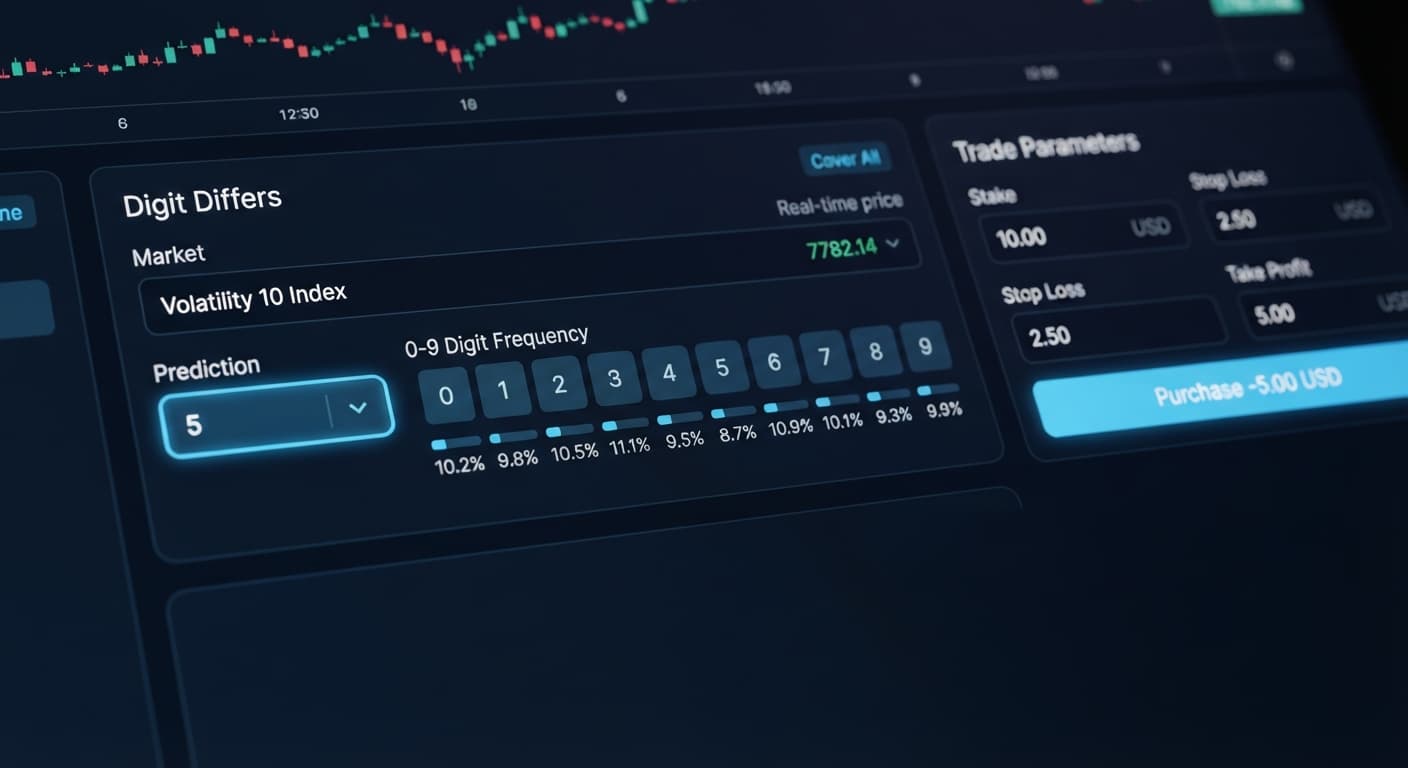
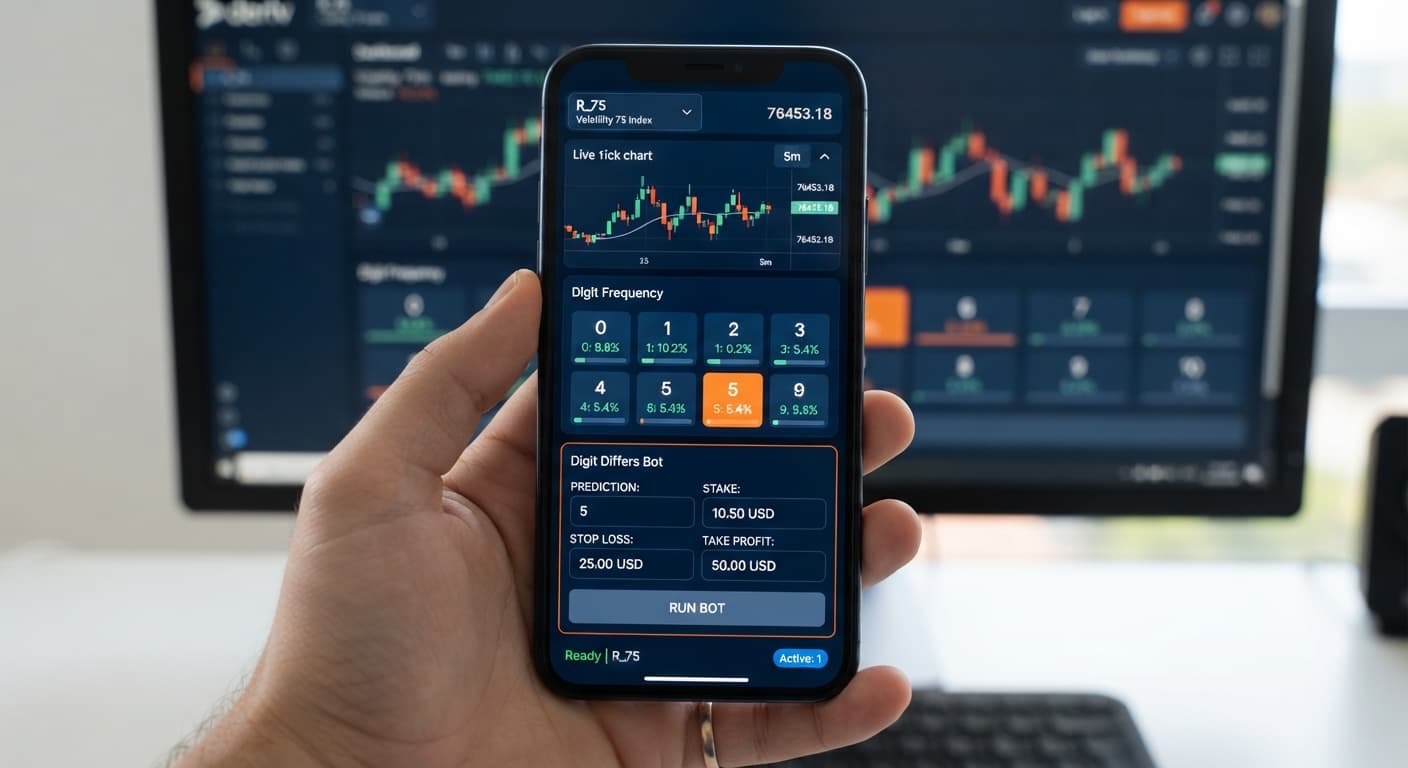
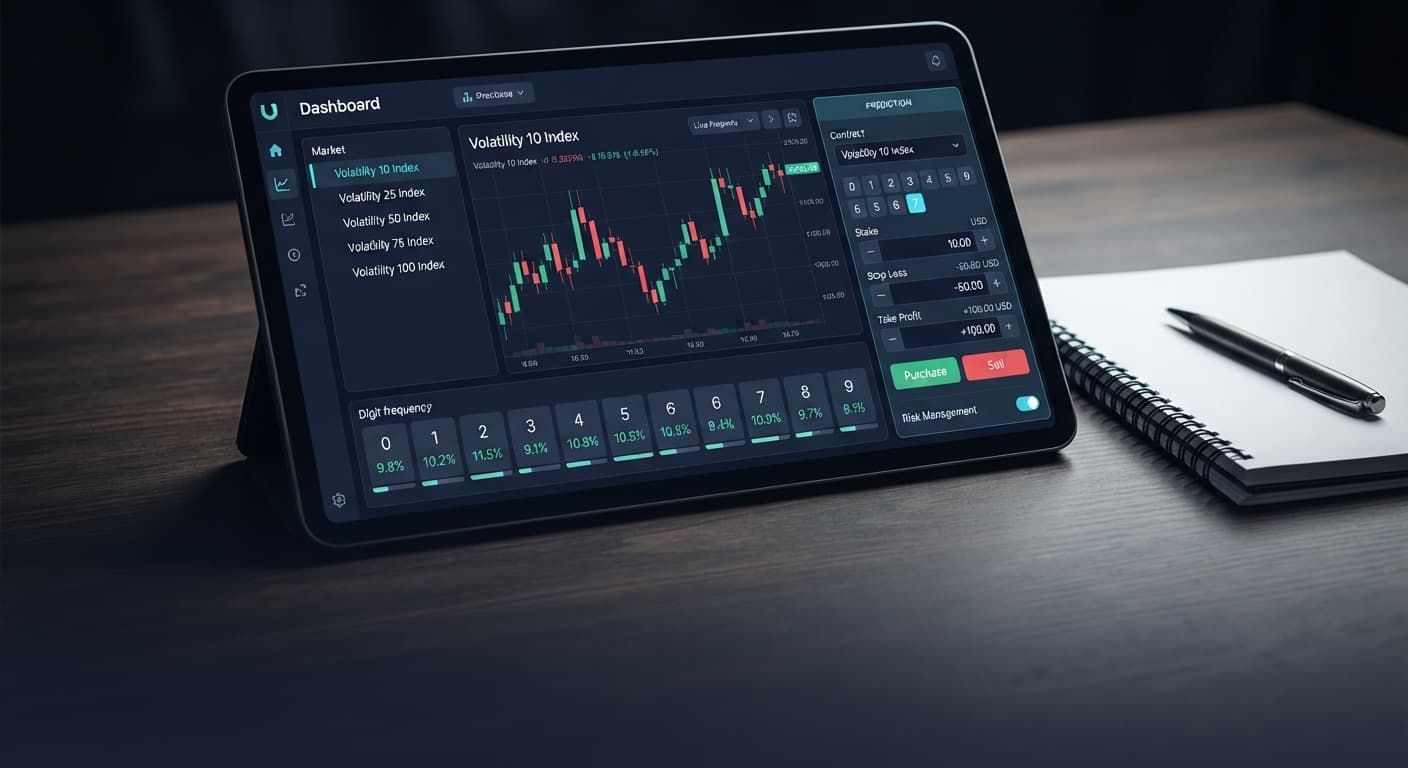
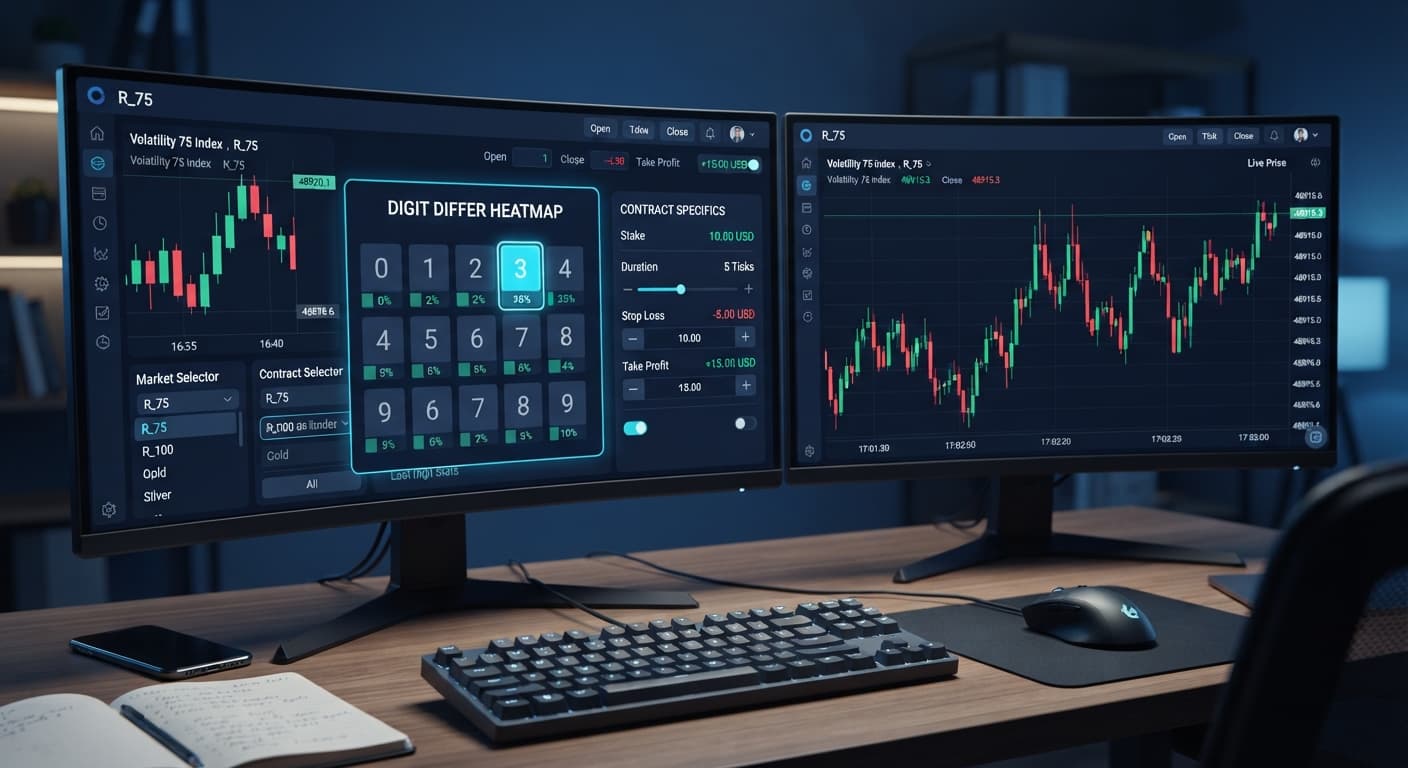
Executing a digit differs strategy deriv bots setup on the Volatility 10 Index relies on buying DIGITDIFF contracts where you win if the final tick digit does not match your chosen barrier prediction. Since DIGITDIFF carries a 90% theoretical win probability per trade, traders pair it with automated execution and controlled stake progression to secure steady session targets. You'll set your bot to target a specific last digit, set maximum safety limits, and run trades automatically over your official API token connection. This guide is for educational purposes and does not constitute financial advice.
Deriv's synthetic index assets run on a cryptographic pseudo-random number generator. This system produces continuous price streams unaffected by real-world economic releases, market hours, or central bank decisions.
The Volatility 10 Index maintains a constant annualized volatility rate fixed at 10%. This represents the quietest volatility level offered across Deriv's synthetic assets. Compared to high-volatility markets like Volatility 100 Index, price points move in narrower bands from tick to tick.
When you run automated binary bots on this market, price movement stays relatively smooth over short periods. That steady tick movement doesn't change the underlying mathematical probability of last-digit distribution, but it gives you a clean environment to test entry logic without violent price jumps. The platform connects directly to Deriv over their official API, reading incoming digit data instantly as the platform server generates each tick.
Execution speed directly impacts how your automated setup operates during live market conditions. The standard Volatility 10 Index generates one price tick every two seconds. A 1-tick duration trade completes in exactly two seconds from contract launch to settlement.
The Volatility 10 (1s) Index speeds up price generation significantly. It updates every single second, effectively doubling the transaction rate. Running 1-tick contracts on the 1s asset cuts session runtimes in half, but it also accelerates drawdown speed if your strategy hits consecutive losses.
If you're using real deriv bots to execute high-frequency runs, starting on the standard two-second index is safer. The slower pacing gives you time to observe trade logs, monitor web connection stability, and verify that stake calculations execute accurately without stacking rapid API requests.
Before launching an automated trading run, inspect live tick data rather than assuming digit distributions are balanced. You can analyze real-time distributions using LDP Analyzer or track deeper statistical metrics inside LDP Analyzer Pro.
Here is a realistic frequency breakdown recorded across a 500-tick sample on the Volatility 10 Index:
| Target Digit | Hit Frequency | Percentage Share | Recent Distribution Trend |
|---|---|---|---|
| 0 | 48 | 9.6% | Balanced |
| 1 | 52 | 10.4% | Balanced |
| 2 | 41 | 8.2% | Cold |
| 3 | 54 | 10.8% | Balanced |
| 4 | 50 | 10.0% | Balanced |
| 5 | 47 | 9.4% | Balanced |
| 6 | 61 | 12.2% | Hot |
| 7 | 39 | 7.8% | Cold |
| 8 | 53 | 10.6% | Balanced |
| 9 | 55 | 11.0% | Hot |
On this specific 500-tick sample, digit 7 ran cold at 7.8% (39 occurrences), while digit 6 ran hot at 12.2% (61 occurrences).
When setting up a digit differs strategy deriv bots configuration based on this reading, traders often set prediction barriers on cold digits like 7, expecting low hit counts to persist short-term. Others target hot digits like 6, anticipating market balance to drag the number back toward its 10% statistical average.
You must remember one rule: synthetic index ticks are completely independent. Just because digit 7 appeared 39 times out of 500 ticks doesn't mean it's less likely to hit on tick 501. The statistical probability of losing a DIGITDIFF contract remains exactly 10% on every single tick. Frequency distribution tables describe what already happened on screen; they don't predict future outcomes.
To automate this strategy, open Solid Trading Bot or select an alternate execution tool from the free bot library. These web-based tools run directly in your browser without requiring local installation or direct wallet access.
Mastering a digit differs strategy deriv bots workflow means managing risk limits carefully. When configuring deriv bots on synthetic indices, always verify your token permissions first before starting automated runs.
Set your market asset selection to Volatility 10 Index. Choose DIGITDIFF as your active contract type. Select your barrier prediction digit based on your recent market observation (for instance, setting digit 7 as your prediction barrier).
Because a DIGITDIFF contract pays roughly 9% payout profit on winning trades, recovering a single loss requires an increased stake on the following trade. Select Martingale under money management settings to calculate trade recovery sizing automatically.
| Control Label | Value Setting | Purpose |
|---|---|---|
| Stake Mode | Fixed Stake | Keeps base trade calculations tied to a static starting amount |
| Base Stake | $1.00 | Initial trade amount per contract |
| Martingale Multiplier | 11.0 | Stake multiplier applied immediately after a loss to cover loss plus target payout |
| Max Ladder Level | 2 | Caps stake escalation at two consecutive losses to prevent steep account balance drain |
| Target Profit | $5.00 | Automatically stops the bot once session net gain is reached |
| Stop Loss | $25.00 | Halts execution immediately if total drawdown hits this threshold |
Setting max ladder level to 2 is essential. A single loss on a $1.00 stake requires an $11.00 recovery trade. If that second trade also loses, a third step would require over $120.00. Capping the ladder level forces the bot to accept a controlled loss and reset to the base stake, protecting your bankroll against rare double-loss clusters.
If you're testing high-frequency runs on binary bots, keeping your base stake small relative to your account balance protects your account against unexpected losing streaks.
Before placing real money at risk, run your setup on a Deriv demo account. Check how your bot handles trade settlement speed, ensure that your stop loss and target profit controls trigger as expected, and monitor execution integrity.
For visual confirmation during active trading, you can monitor tick streams in real time using Digit Pad or filter tick velocity using Tick Picker.
Test these settings on Solid Trading Bot using a virtual account before trading live funds.
If you don't have an account yet, create a free Deriv account to get started.
Trading involves risk. Past performance does not guarantee future results.
Related: Configuring the Best Digit Differs Settings for Binary Bots
Related: How to Trade Digit Differs on Deriv: Digit Differs Bot
Related: Binary Bots vs Manual Trading: Digit Differs vs Over Under
How the strategies behind the bots actually work — Digit Differs, Over/Under, Even/Odd, Rise/Fall, and the money management that decides whether they survive a losing streak.
Try 9 Strategies on Solid →It's a trading setup using DIGITDIFF contracts where you win if the final tick digit doesn't match your chosen barrier prediction. Because it has a 90% theoretical win probability per trade, traders often pair it with automated execution and stake progression to hit session targets.
The standard Volatility 10 Index generates one price tick every two seconds, while the 1s variant updates every single second. Running bots on the 1s asset doubles your transaction rate and cuts runtimes in half, but it also speeds up your drawdown during consecutive losses.
Starting on the standard two-second index is safer for high-frequency runs. The slower pacing gives you time to watch trade logs, check your connection stability, and verify that your stake calculations are working properly.
You can inspect live tick data using tools like LDP Analyzer or LDP Analyzer Pro to check real-time distributions. This helps you track statistical metrics and see which digits are running hot or cold before launching your automated run.
Guides closest to this one.
Learn how to configure the best digit differs settings for binary bots on BinaryBot.live. Master statistical edge trading on Deriv safely. Start today.
Master how to trade digit differs on deriv with our step-by-step tutorial. Configure the Digit Differs Bot for statistical trading today.
Compare digit differs vs digit match on binary bots. Learn payout odds, probability mechanics, and how to configure strategies on BinaryBot.live today.