Digit Analysis
LDP Analyzer Pro vs Solid Trading Bot on Deriv Bots
Compare ldp analyzer pro vs solid trading bot on Deriv synthetic indices. Learn live 0-9 heatmap analysis versus rule-based execution. Test it today.
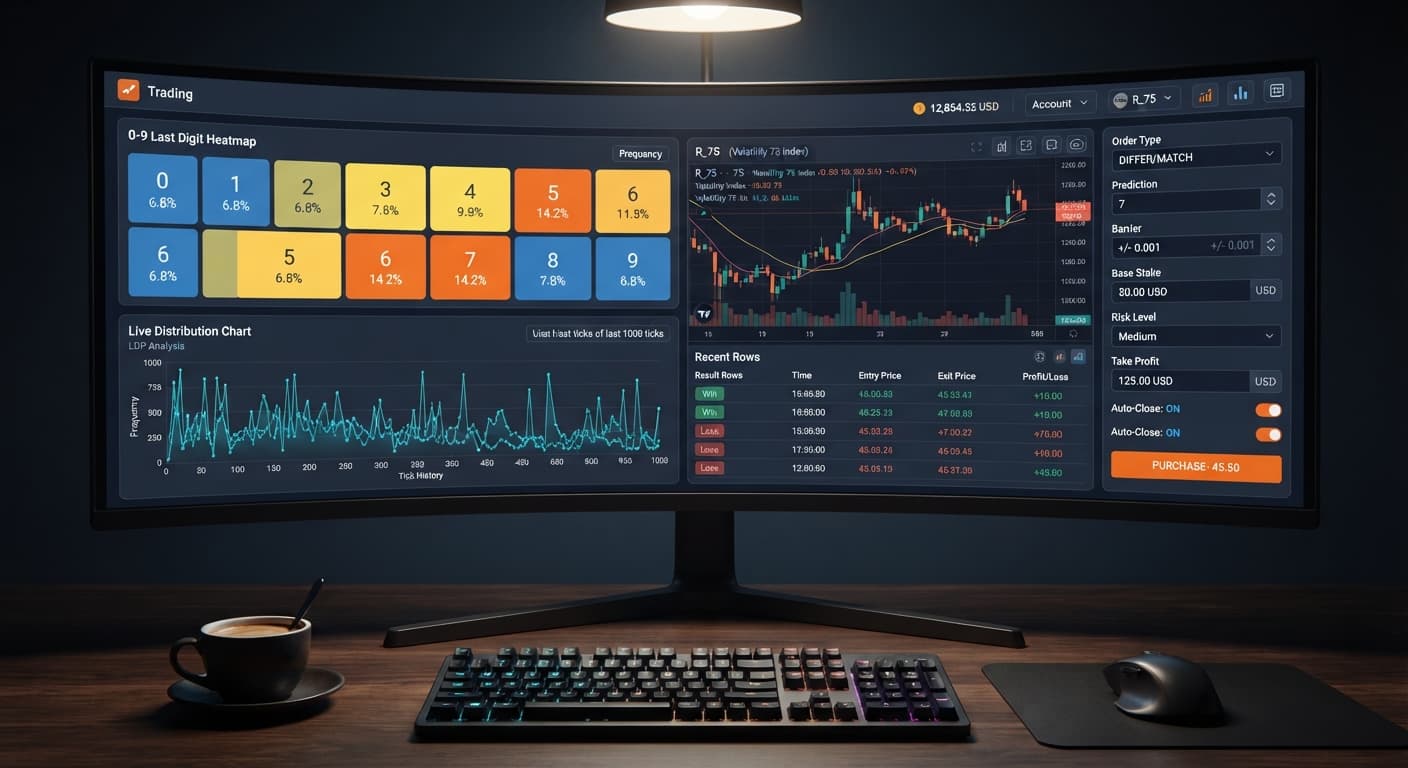
If you're searching for an honest ldp analyzer pro review, here's what you need to know immediately: LDP Analyzer Pro is a browser-based digit analysis dashboard and automated trade executor built for Deriv synthetic indices that gives traders direct visual control over last-digit distribution and signal filters. It streamlines execution by reading live market ticks and running automated strategies without installing local software, but it won't turn random digit draws into guaranteed money. If you combine its real-time digit heatmap with strict risk controls, it's one of the most effective tools available for trading digit contracts.
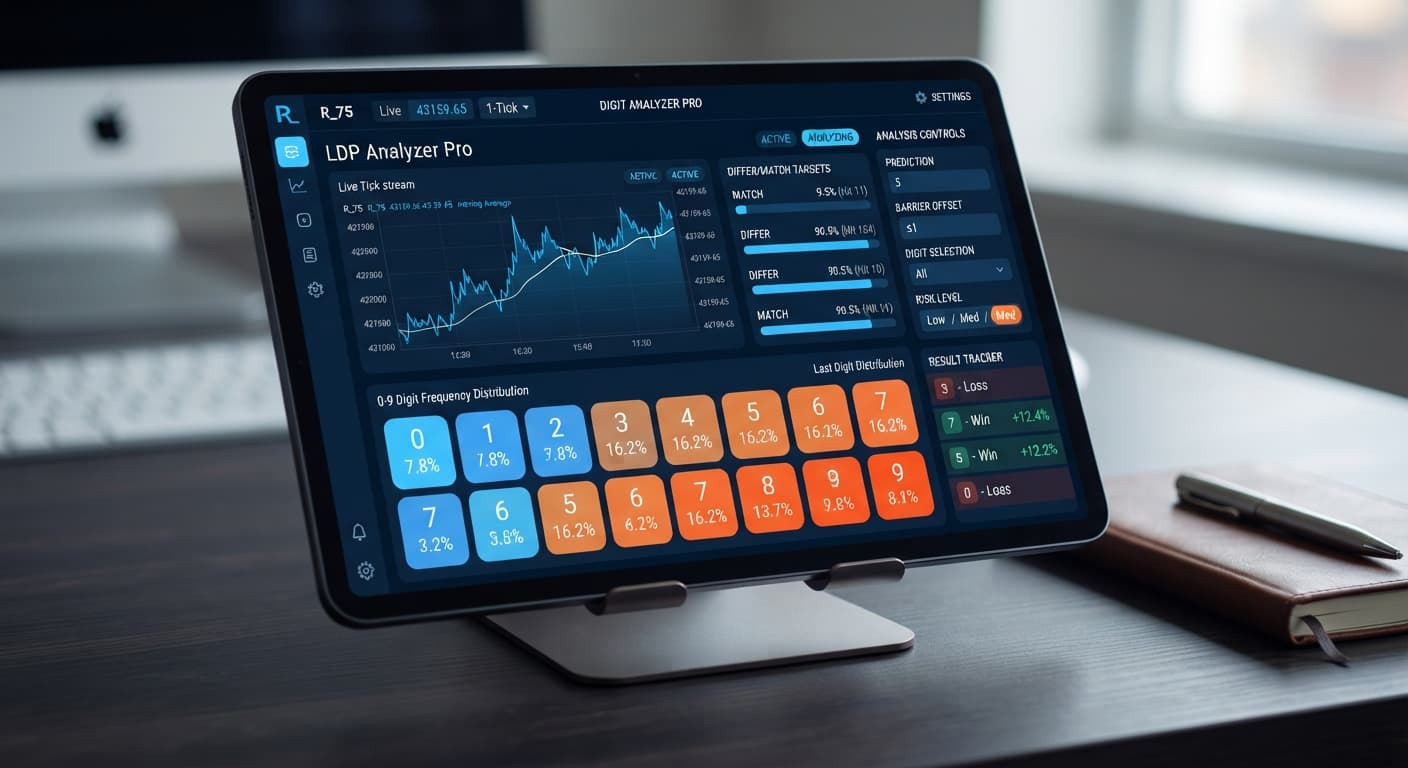
When you trade digits on Deriv, you're speculating on the final digit of an asset's price tick, ranging from 0 through 9. The most popular digit contract options inside LDP Analyzer Pro are DIGITDIFF and DIGITMATCH.
A DIGITDIFF contract wins if the last digit at the end of the tick duration doesn't match your Prediction. Because nine out of ten possible numbers win, your statistical win probability on any single tick is 90%. However, the payout reflects those broad odds, returning roughly 9.5% on your stake. Conversely, a DIGITMATCH contract pays out nearly 800% if the last digit hits your exact Prediction, but your raw win probability drops to 10%.
The platform also handles DIGITOVER, DIGITUNDER, DIGITEVEN, DIGITODD, CALL, and PUT contracts across markets like Volatility 75 and Vol 100 (1s). Regardless of which mode you choose—whether it's Over/Under, Even/Odd, Match/Differ, or Rise/Fall—you must remember one rule: every tick on Deriv synthetic indices is an independent draw. A long string of odd digits doesn't force the next tick to be even.
To see how drawdown impacts an account, let's walk through a practical trade sequence on Volatility 75. Assume you open a live session with a $100 starting balance, a Base Stake of $2, and set Risk Level to Moderate (2x multiplier).
When using a 2x multiplier following consecutive losses, your stake doubles after every lost contract to clear the prior deficit. Here is exactly how that progression impacts a small bankroll during a four-trade losing streak:
| Trade # | Market | Stake ($) | Outcome | Trade Profit/Loss ($) | Total Bankroll Remaining ($) |
|---|---|---|---|---|---|
| 1 | Volatility 75 | 2.00 | Loss | -2.00 | 98.00 |
| 2 | Volatility 75 | 4.00 | Loss | -4.00 | 94.00 |
| 3 | Volatility 75 | 8.00 | Loss | -8.00 | 86.00 |
| 4 | Volatility 75 | 16.00 | Loss | -16.00 | 70.00 |
| 5 | Volatility 75 | 32.00 | Pending | -- | 38.00 |
Look closely at those numbers. After losing just four trades in a row, you've lost $30 in cumulative stakes. To place Trade 5, the bot requires a $32 stake. If Trade 5 loses, your total loss jumps to $62, leaving you with $38. At that point, your remaining bankroll cannot cover the required $64 stake for Trade 6. You're completely locked out of placing the next recovery trade, and your bankroll is down 62%. That's how fast automated stake recovery breaks an account if you don't cap your exposure.
If you want to deploy this automated setup yourself, you can access the platform on BinaryBot.live. The tool connects directly to Deriv over their official API using your personal token, so funds never leave your account balance. It's one of the most flexible deriv bots available for digit trading.
Here is how to set up your interface controls before launching a session:
Step 1: Select your target market from the dashboard dropdown, such as Volatility 75 or Vol 25 (1s).
Step 2: Pick your primary strategy mode from Match/Differ, Over/Under, Even/Odd, or Rise/Fall.
Step 3: Set Duration (ticks) to your preferred speed. Options are 10, 20, 30, 50, or 100 ticks.
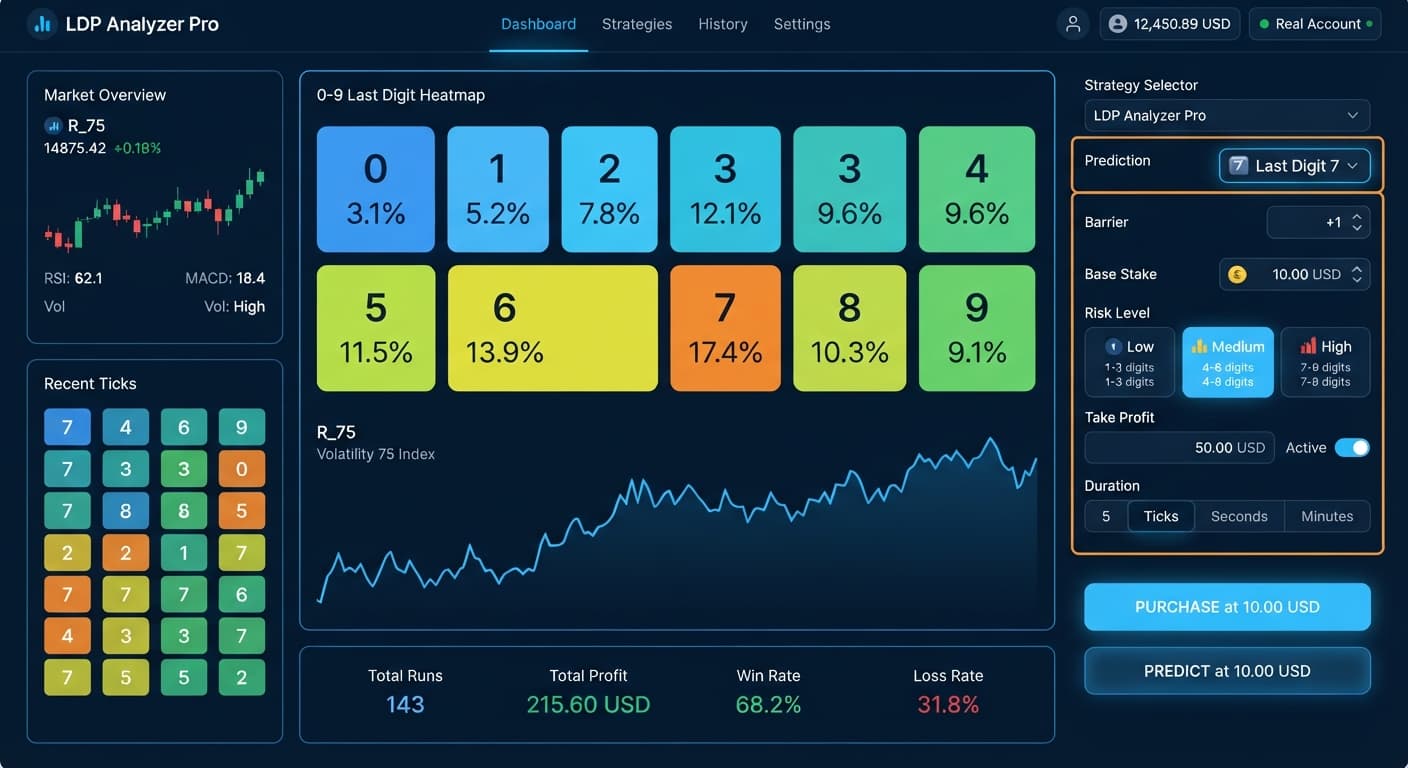
Step 4: Enter your trade parameters. Fill in Prediction, Barrier (for OVER or UNDER contracts), Base Stake ($2.00), Initial Stake ($2.00), and Stake ($2.00).
Step 5: Select your Risk Level. Choose Conservative (1.5x multiplier), Moderate (2x multiplier), or Aggressive (2.5x multiplier).
Step 6: Define your hard boundary rules in Take Profit ($) and Stop Loss ($), alongside your overall Target Profit.
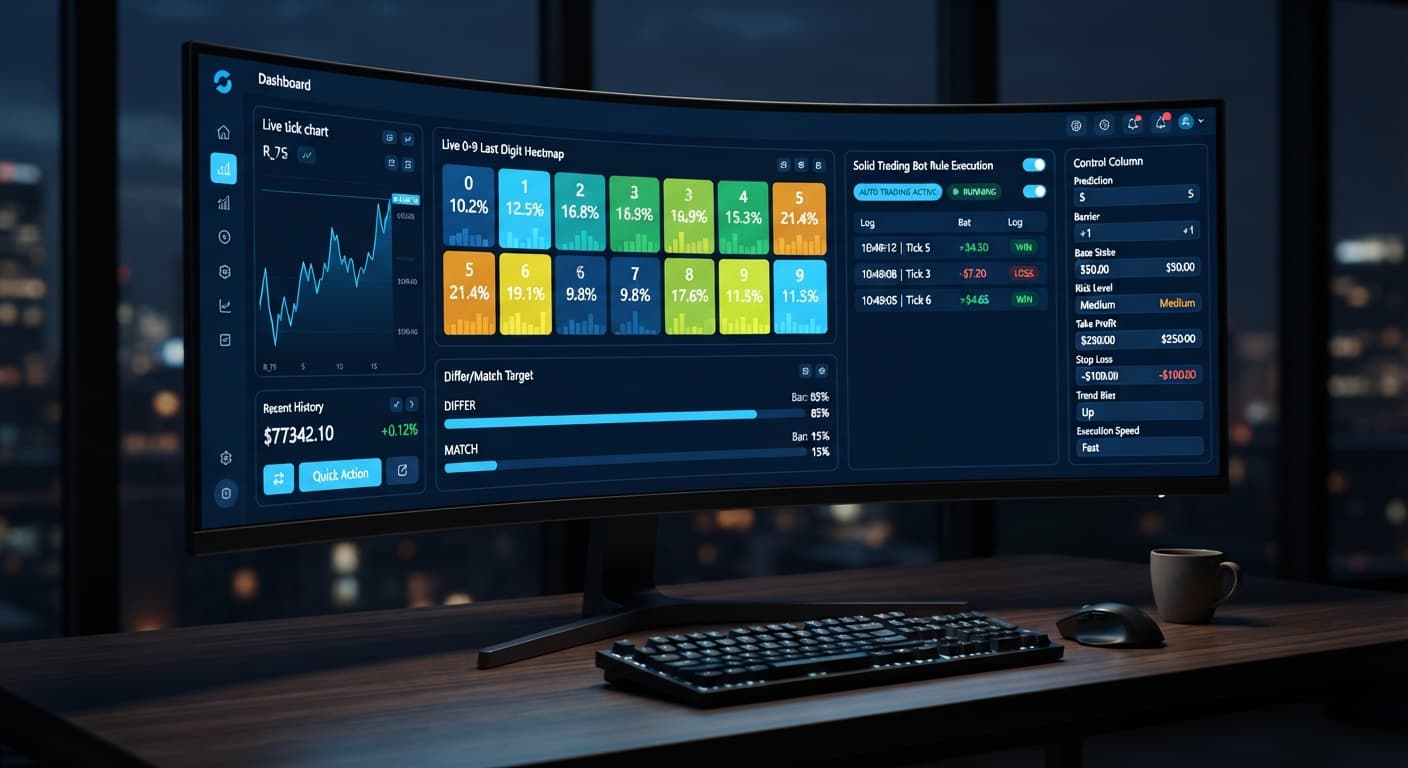
Step 7: Enable AutoPilot if you want the system to execute trades server-side based on AI signal confidence without keeping your browser tab open.
When set up correctly, these binary bots execute orders automatically whenever signal parameters align with your chosen digit targets. This control scheme is central to any thorough ldp analyzer pro review because it puts execution filtering in your hands.
The main panel inside the analyzer shows a live 0-9 digit heatmap with real percentage calculations. It's easy to look at the display, see that the digit 7 has hit only 3% of the time over the last 100 ticks, and conclude that 7 is "due" to hit on the next tick.
That logic is a trap. Deriv synthetic index algorithms generate random draws on every single tick. The past frequency of a digit tells you what happened over previous ticks, but it doesn't skew the odds of what comes next. The true probability of any single digit appearing on the next tick remains exactly 1 in 10 (10%).
Where the heatmap actually helps is filtering execution noise. Instead of predicting the future, the tool lets you identify current structural biases in short-term data distributions so you don't enter DIGITMATCH or DIGITDIFF trades against heavy statistical trends. Treating the analyzer as an execution filter rather than a crystal ball is the difference between disciplined trading and blowing your account balance. In this ldp analyzer pro review, we emphasize that visual filters refine timing, not underlying probability.
If you plan to use LDP Analyzer Pro on real accounts, you need rigid rules to protect your capital against sudden loss runs.
First, never set your Stop Loss ($) higher than 15% to 20% of your total balance. If you trade with a $100 bankroll, set Stop Loss ($) at $15.00. That way, a sudden four-loss sequence stops the bot before it destroys your entire account.
Second, set a realistic Take Profit ($) between 5% and 10% per session. Attempting to double an account in one run guarantees you'll eventually hit a catastrophic losing sequence.
Third, stick to Conservative (1.5x) or Moderate (2x) under Risk Level. Selecting Aggressive (2.5x) increases your stake size far too quickly during drawdown.
Finally, test your parameters thoroughly before risking real funds. Run at least 100 automated trades on a demo account to verify how your settings respond to bad runs before connecting live capital. Reading an ldp analyzer pro review gives you the framework, but testing on demo gives you the practice.
Try it yourself on LDP Analyzer Pro using a demo balance first. If you don't have one yet, create a free Deriv account. Trading involves risk. Past performance does not guarantee future results.
A fast Deriv digit-analysis tool and trading bot with a live 0-9 last-digit heatmap, DIFFER/MATCH targets, even-odd and over-under signals, and a 3-strategy auto-trader with risk controls.
Open LDP Analyzer Pro →LDP Analyzer Pro is a browser-based digit analysis dashboard and automated trade executor built for Deriv synthetic indices. It reads live market ticks and runs automated strategies without requiring you to install local software.
A DIGITDIFF contract wins if the final digit of an asset's price tick doesn't match your prediction. Because nine out of ten numbers win, you have a 90% statistical win probability on a single tick, which yields a payout of roughly 9.5% on your stake.
No, LDP Analyzer Pro won't turn random digit draws into guaranteed money. Every tick on Deriv synthetic indices is an independent draw, meaning a long string of one result doesn't force the next tick to change.
Automated stake recovery can quickly drain your account if you use a multiplier like 2x after consecutive losses. For example, if you lose four trades in a row starting with a $2 stake and a $100 bankroll, you'll be down $30 and locked out of placing a recovery trade by trade five.
Guides closest to this one.
Compare ldp analyzer pro vs solid trading bot on Deriv synthetic indices. Learn live 0-9 heatmap analysis versus rule-based execution. Test it today.
Master ldp analyzer pro settings for Deriv bots. Learn how to configure stake, risk level, and duration for precise digit analysis. Get started today.
Discover the ldp analyzer pro best market for digit analysis on Deriv bots. Learn how to evaluate volatility indices and test strategies today.