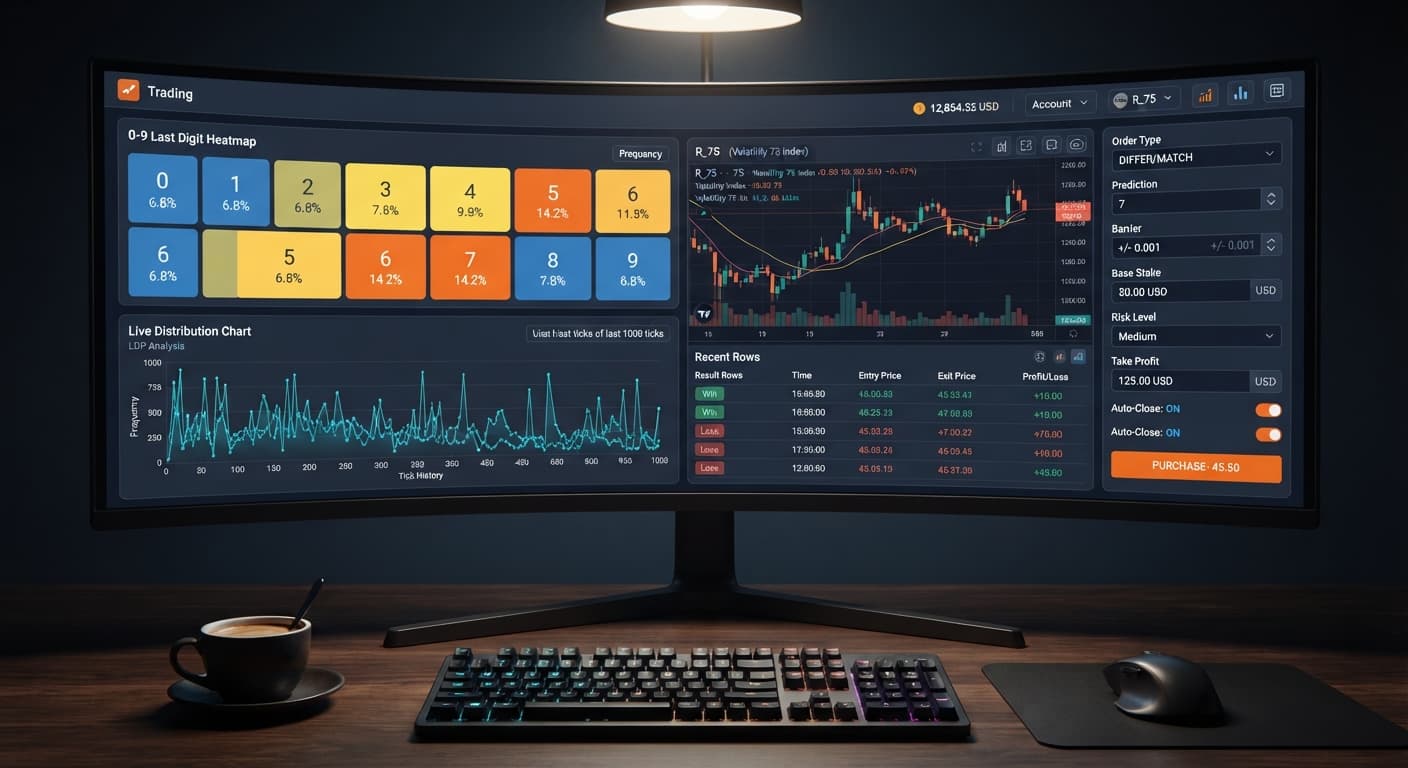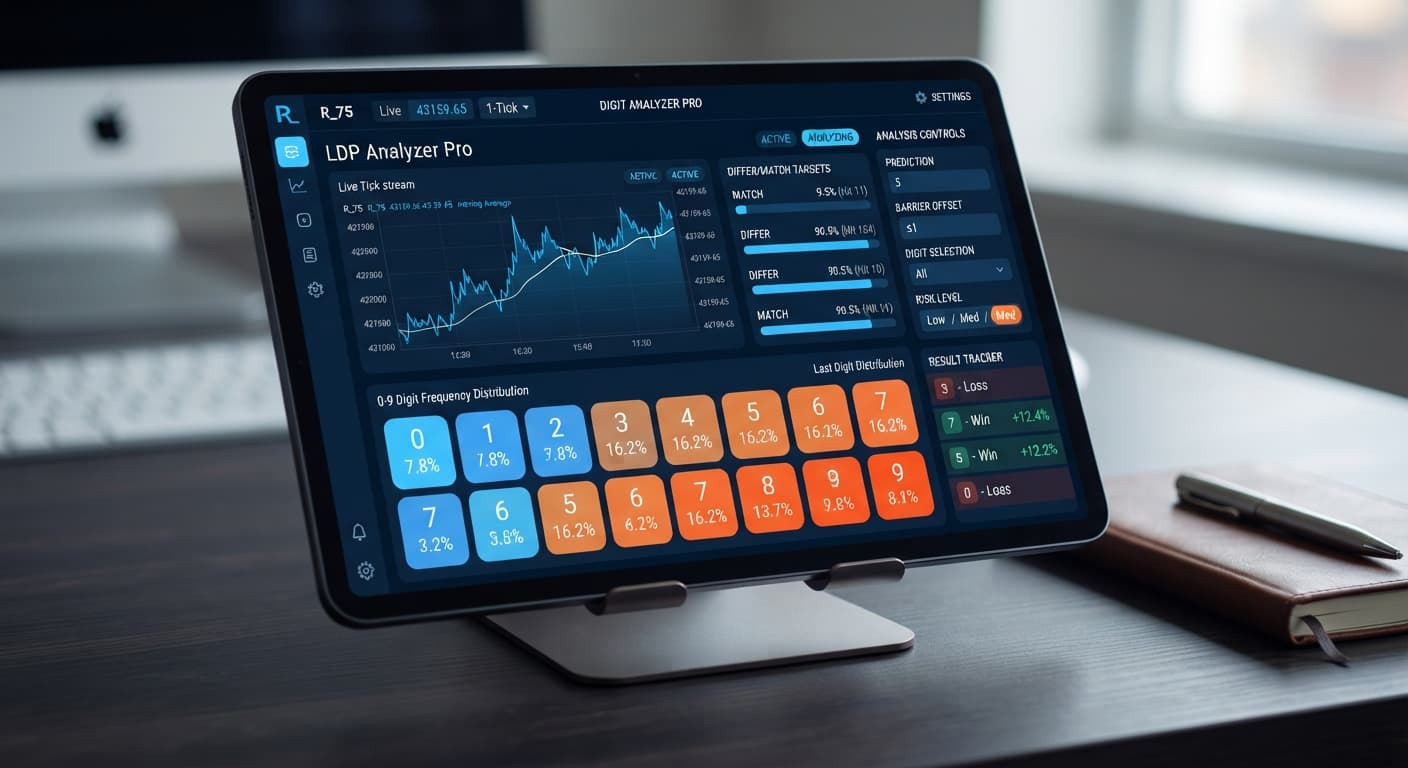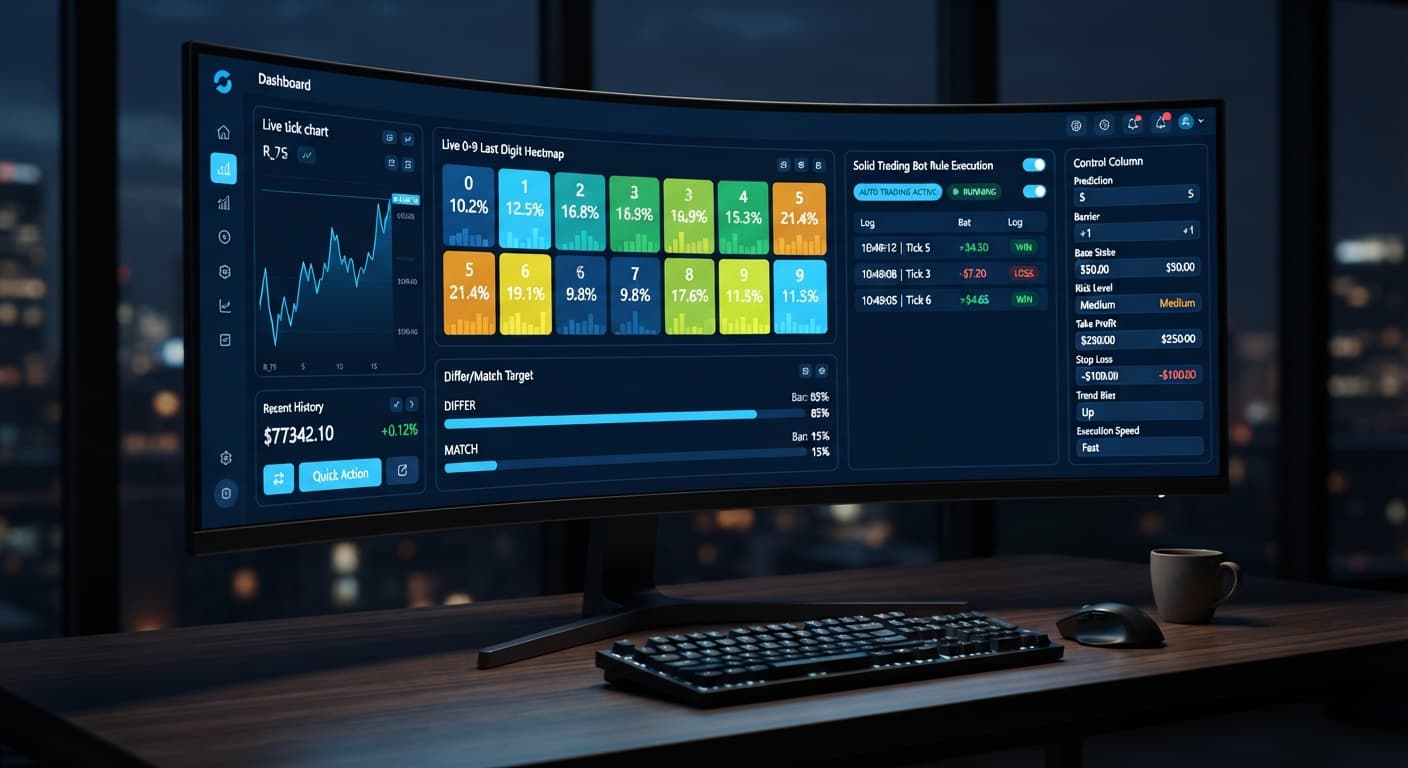
Digit Analysis
LDP Analyzer Pro vs Solid Trading Bot on Deriv Bots
Compare ldp analyzer pro vs solid trading bot on Deriv synthetic indices. Learn live 0-9 heatmap analysis versus rule-based execution. Test it today.
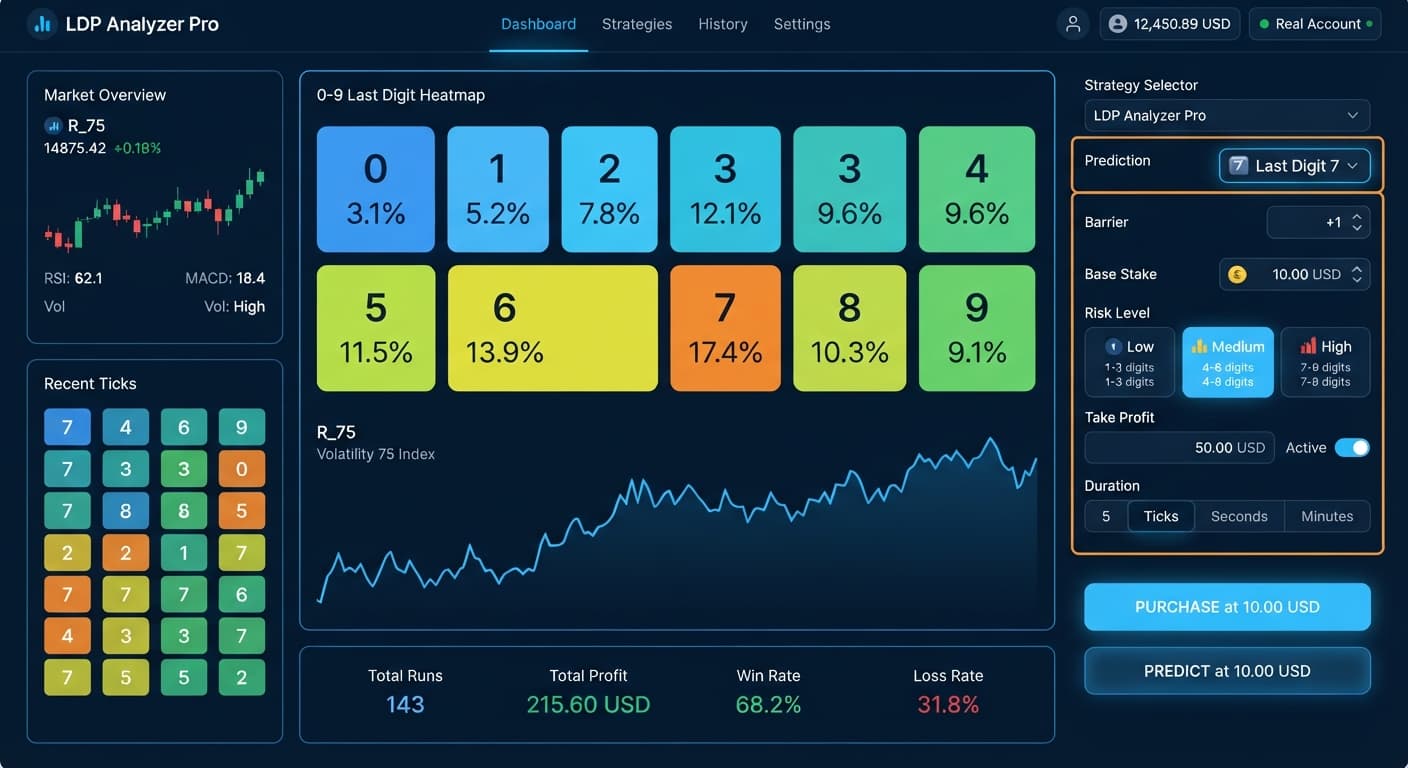
Dialing in your ldp analyzer pro settings comes down to matching your Base Stake, Risk Level, and Duration (ticks) to your account balance rather than relying on default presets. For a typical $100 balance running Match/Differ or Over/Under strategies, set your Base Stake to $0.35, select a Conservative (1.5x) Risk Level, and cap your Duration (ticks) at 10 or 20 ticks. This configuration controls multiplier scaling while allowing the analysis engine enough price history to process live digit trends across popular deriv bots.
Most traders change their parameters only after watching a balance drop fast during a unexpected streak. Default configurations on automated binary bots often start with aggressive recovery multipliers and arbitrary contract durations. When running high-volatility assets like Volatility 75, an aggressive multiplier causes loss recovery stakes to scale faster than your bankroll can safely absorb.
The software isn't failing when a drawdown occurs; the parameters are simply configured for an account size larger than what's currently funded. Martingale-style stake progression doubles your exposure with every loss, meaning a short run of bad draws wipes an uncalibrated balance in minutes. You must configure controls before starting the automation, never while contracts are actively opening.
This guide is for educational purposes only and does not constitute financial advice. Synthetic index trading carries financial risk. Always test your configuration on a free Deriv demo account before trading with real funds.
| Parameter | Default Traps | Corrected Setting ($100 Balance) |
|---|---|---|
Base Stake |
$1.00 or higher | $0.35 (Deriv minimum standard) |
Risk Level |
Aggressive (2.5x) | Conservative (1.5x) |
Duration (ticks) |
50 or 100 ticks | 10 or 20 ticks |
Stop Loss ($) |
Left blank / Unset | $15.00 to $20.00 max |
Proper setup requires balancing entry timing against capital exposure. Follow these exact steps inside the control panel before engaging the automated execution engine.
Locate Base Stake and Initial Stake on the settings board. Set both fields to $0.35 if you're running a standard account balance around $100. Setting your initial commitment to the platform minimum gives your account maximum margin to handle recovery cycles without forcing steep position jumps on your initial contracts.
Select your target instrument from the market list—such as Volatility 75, Volatility 100, or Vol 75 (1s). Next, select your strategy mode: Over/Under, Even/Odd, Match/Differ, Rise/Fall, or AutoPilot. If you choose Over/Under, define your Barrier (for instance, setting an OVER contract where wins require digits > 2). If running Match/Differ, set your predicted target digit in the Prediction field.
Select your target option under Risk Level. This selection directly sets the stake recovery multiplier used after a losing contract.
| Risk Level | Stake Multiplier | Recovery Impact | Primary Use Case |
|---|---|---|---|
| Conservative | 1.5x | Post-loss stake increases by 50% | Capital preservation; slower drawdown recovery |
| Moderate | 2.0x | Post-loss stake doubles (2x) | Standard recovery speed; balanced capital demand |
| Aggressive | 2.5x | Post-loss stake increases by 150% | High-capital accounts; fast recovery with high risk |
Using Conservative (1.5x) ensures that if a DIGITUNDER or DIGITOVER trade fails, the follow-up stake scales gently rather than forcing an immediate doubling of your risk.
Set Duration (ticks) to either 10, 20, 30, 50, or 100 ticks. Shorter durations like 10 or 20 ticks work best when trading short-term digit imbalances on Vol 10 (1s) or Vol 25 (1s). Longer durations, such as 50 or 100 ticks, expose contracts to broader statistical normalization. Adjust your Prediction or Barrier parameters to match current market conditions highlighted on the live display.
Enter exact monetary limits into Take Profit ($) and Stop Loss ($). Set Take Profit ($) to a realistic session target, such as $5.00 or $10.00 on a $100 account. Set Stop Loss ($) to $15.00 or $20.00. Never start an automated session without hard limits saved in these fields.
Optimizing your ldp analyzer pro settings requires reviewing live data from the digit heatmap. The table below represents a realistic distribution observed over 500 consecutive ticks on Volatility 75.
| Last Digit | Observed Counts | Frequency Percentage | On-Screen Heatmap Signal |
|---|---|---|---|
| 0 | 48 | 9.6% | Neutral |
| 1 | 35 | 7.0% | Cold (Least Frequent) |
| 2 | 52 | 10.4% | Neutral |
| 3 | 44 | 8.8% | Neutral |
| 4 | 51 | 10.2% | Neutral |
| 5 | 58 | 11.6% | Neutral |
| 6 | 41 | 8.2% | Neutral |
| 7 | 63 | 12.6% | Hot (Most Frequent) |
| 8 | 54 | 10.8% | Neutral |
| 9 | 54 | 10.8% | Neutral |
The total equals 500 ticks and 100.0% frequency distribution. In this sample, digit 7 ran hot at 12.6%, while digit 1 ran cold at 7.0%.
When reviewing these stats, a trader using Match/Differ might set Prediction to 1 while executing DIGITDIFF contracts, taking advantage of digit 1's low historical appearance in this sample window. Alternatively, an Over/Under trader might notice that digits 5 through 9 collectively accounted for 54% of outcomes, leading them to configure a DIGITOVER trade with a Barrier set to 4.
Past frequency describes what happened in previous ticks; it does not dictate future outcomes. Deriv synthetic index ticks are generated as independent random draws. A digit running cold at 7.0% over 500 ticks has the exact same mathematical probability of appearing on the very next tick as a hot digit. Historical frequencies help filter entry points based on statistical distribution, but they never guarantee contract wins.
Adjusting your settings alters how the automated engine processes trade entries. Once configured properly, trade execution becomes selective rather than continuous.
When AI signal filtering is enabled alongside AutoPilot, trade execution pauses until live digit variance clears defined signal confidence thresholds. Instead of placing trades on every single tick, the dashboard waits for statistical setups. You'll watch the live execution log display filtered skips until conditions align with your active strategy mode, such as DIGITEVEN or DIGITODD patterns.
Because AutoPilot operates server-side, contract submission continues without interruption even if your local web browser tab drops connection or experiences latency. When a trade resolves as a loss, the next contract stake scales precisely according to your selected Risk Level (1.5x, 2.0x, or 2.5x) rather than jumping unpredictably. If your predefined Take Profit ($) or Stop Loss ($) limit is hit, execution shuts down instantly.
Traders often run into issues by misinterpreting how specific options interact under live market execution. Here are two mistakes to avoid when launching automated setups on target binary bots.
The most destructive error is setting Stop Loss ($) higher than your account balance or leaving it completely unconfigured. If you run an aggressive 2.5x Risk Level with a $0.35 Base Stake, four consecutive losses push your required stake sequence rapidly: $0.35 → $0.88 → $2.19 → $5.47 → $13.67.
If your stop loss isn't defined before turning the bot on, a single cold streak on DIGITMATCH contracts will continue escalating stakes until the Deriv server rejects the order due to insufficient funds. Always compute your maximum allowed loss sequence and lock in Stop Loss ($) beforehand.
Pairing extended tick durations with ultra-fast synthetic markets frequently leads to poor outcomes. Choosing a Duration (ticks) of 100 ticks on high-frequency assets like Vol 100 (1s) or Vol 75 (1s) exposes your contract to long-term mathematical equilibrium, neutralizing short-term digit imbalances highlighted on the heatmap.
Match your duration to your underlying trade strategy:
Fast Digit Patterns (Match/Differ, Over/Under): 10 to 20 Ticks
Extended Statistical Trends (Rise/Fall, Even/Odd): 30 to 100 Ticks
If you notice your target digits resetting long before your contract expires, reduce your Duration (ticks) parameter to keep trades focused on short-term digit spikes. Explore other specialized tools in the free Deriv bot library to match different market conditions.
Practice dialing in your setup using virtual funds on LDP Analyzer Pro before committing real capital.
If you don't have a trading account yet, create a free Deriv account to start testing digit tools on demo.
Trading involves risk. Past performance does not guarantee future results.
Related: LDP Analyzer Pro for Beginners: Zero Experience Guide
Related: Why LDP Analyzer Pro Is Not Working on Deriv Bots
Related: LDP Analyzer Pro Review: Digit Differs Binary Bots
Related: LDP Analyzer Pro vs Solid Trading Bot on Deriv Bots
A fast Deriv digit-analysis tool and trading bot with a live 0-9 last-digit heatmap, DIFFER/MATCH targets, even-odd and over-under signals, and a 3-strategy auto-trader with risk controls.
Open LDP Analyzer Pro →For a $100 balance, set your Base Stake to $0.35, choose a Conservative 1.5x Risk Level, and cap your Duration at 10 or 20 ticks. You should also set a stop loss between $15.00 and $20.00. Always test these configurations on a Deriv demo account first.
Default configurations on automated bots usually start with aggressive recovery multipliers and arbitrary contract durations that don't match your bankroll. If your account is uncalibrated, Martingale-style stake progression will quickly double your exposure with every loss and wipe your balance in minutes.
You should set your Base Stake and Initial Stake to $0.35 if you're running a standard account balance around $100. Using the platform minimum gives your account maximum margin to handle recovery cycles without forcing steep position jumps.
The Conservative risk level uses a 1.5x multiplier where post-loss stakes increase by 50% for capital preservation and slower drawdown recovery. The Moderate risk level uses a 2.0x multiplier that doubles your stake after a loss for standard recovery speed.
Guides closest to this one.
Compare ldp analyzer pro vs solid trading bot on Deriv synthetic indices. Learn live 0-9 heatmap analysis versus rule-based execution. Test it today.
Read our ldp analyzer pro review to evaluate the 0-9 heatmap accuracy, digit analysis features, and risk controls for Deriv synthetic indices.
Discover the ldp analyzer pro best market for digit analysis on Deriv bots. Learn how to evaluate volatility indices and test strategies today.