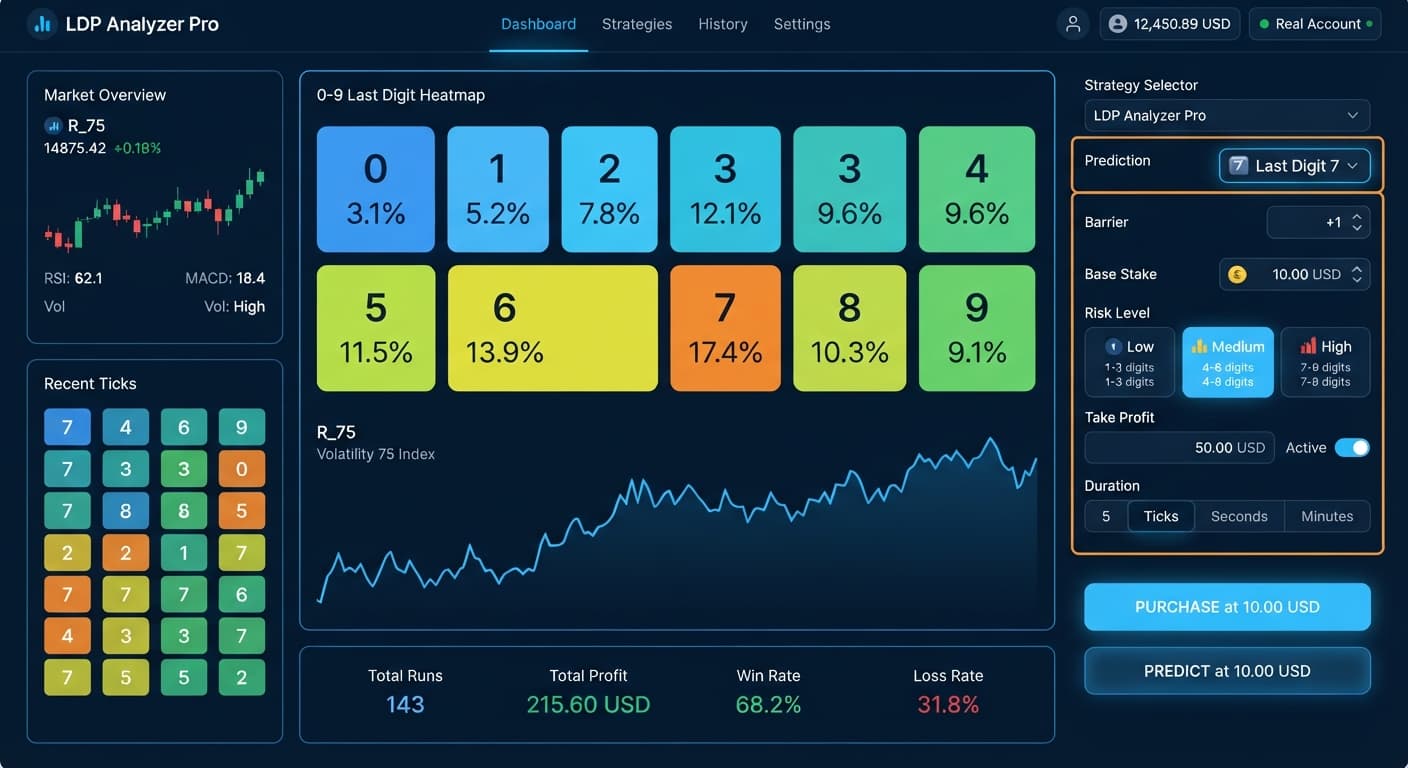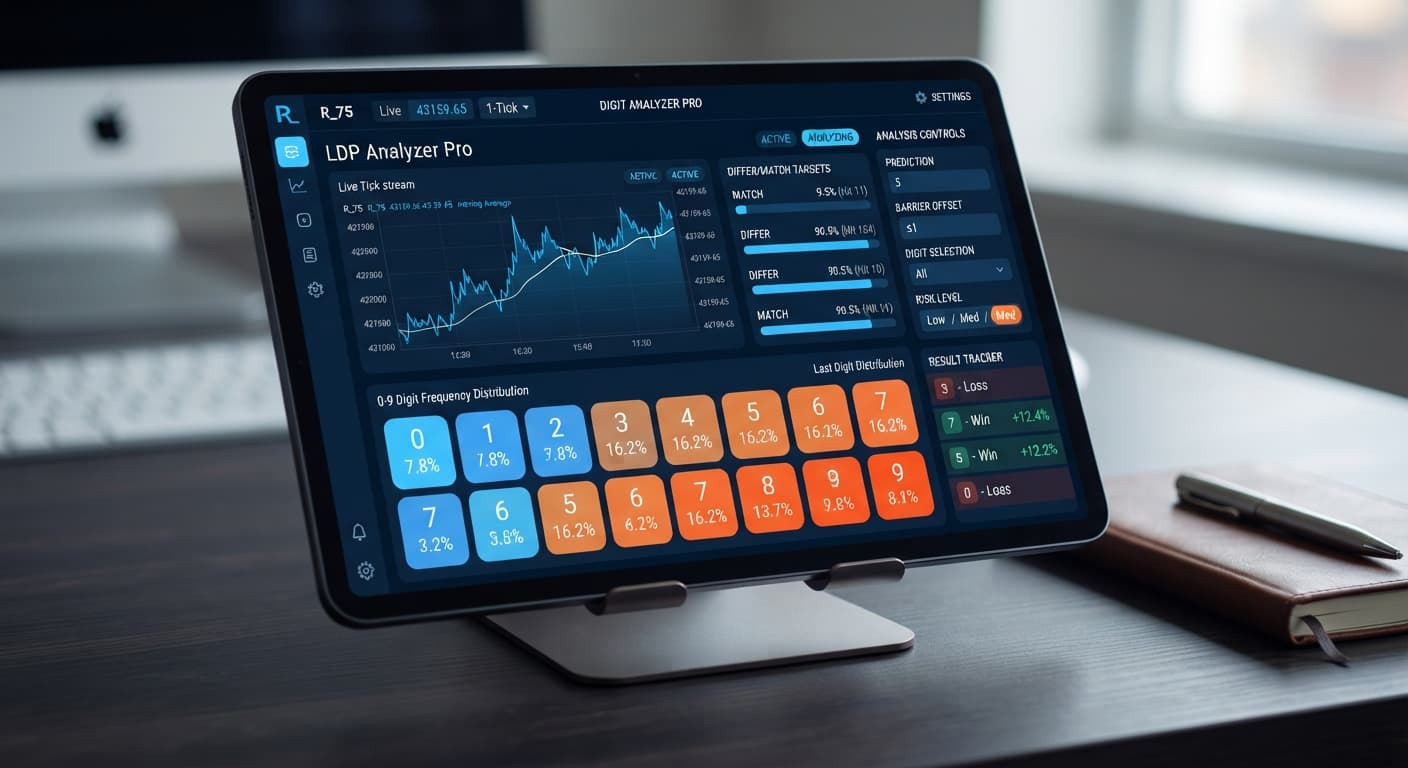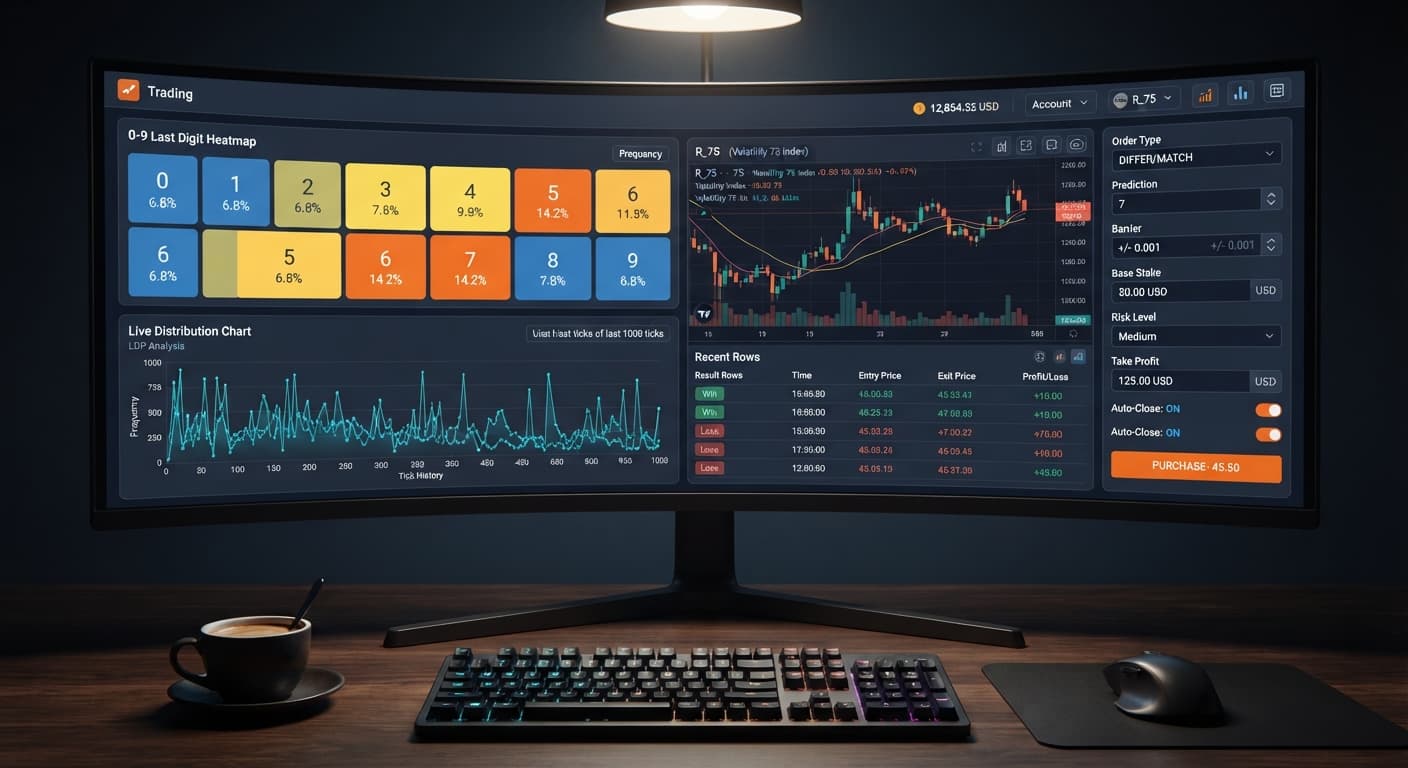
Digit Analysis
LDP Analyzer Pro Review: Digit Differs Binary Bots
Read our ldp analyzer pro review to evaluate the 0-9 heatmap accuracy, digit analysis features, and risk controls for Deriv synthetic indices.
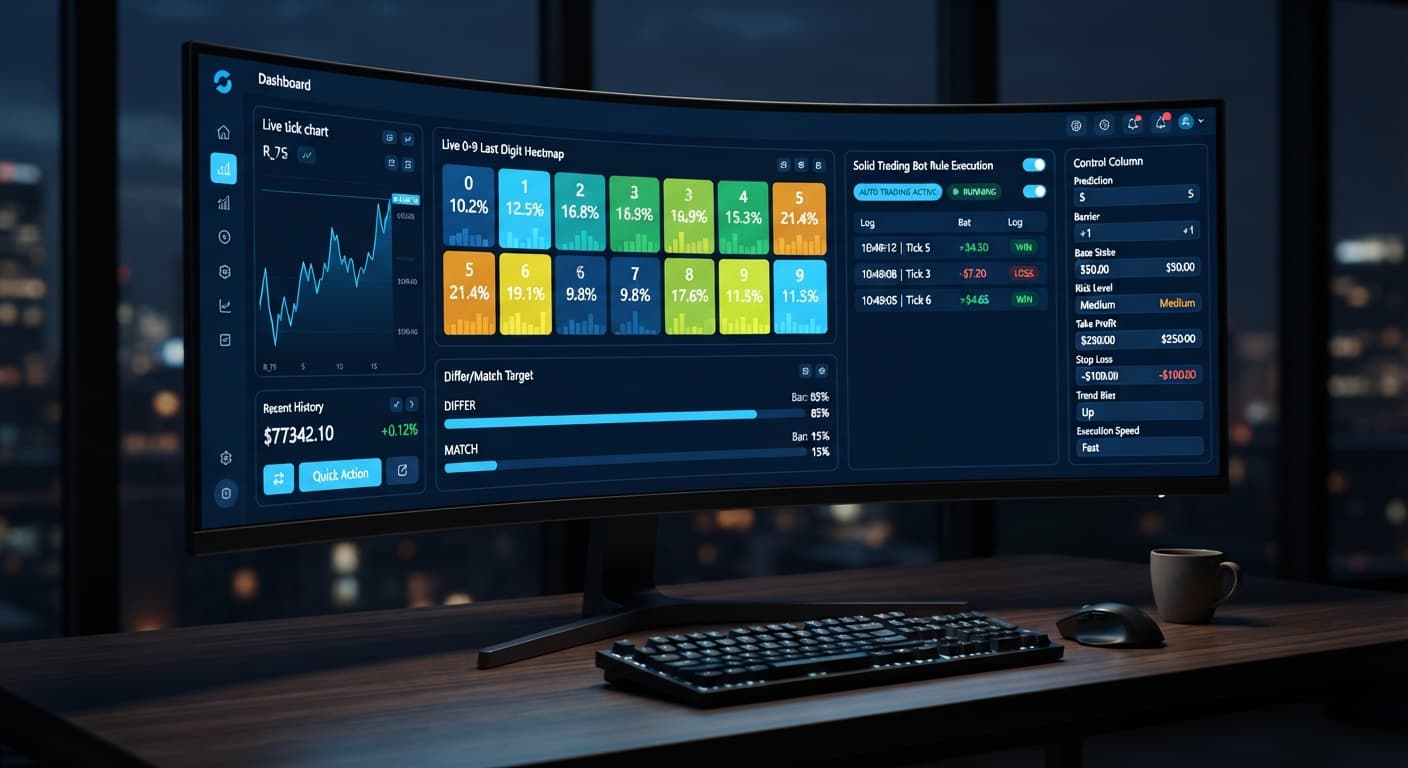
When evaluating ldp analyzer pro vs solid trading bot, the primary distinction comes down to real-time visual probability analytics versus direct rule-based execution. LDP Analyzer Pro uses a live 0-9 last-digit heatmap to target digit contracts based on statistical frequency, while the Solid Trading Bot relies on traditional fixed algorithmic logic without dynamic digit distribution displays. If you want visual heatmaps and server-side AutoPilot execution for digit strategies, LDP Analyzer Pro is built for that exact setup; if you prefer pure rule-based execution on structural movement, a traditional strategy bot fits better.
Traders often look at automated deriv bots expecting magic bullet results, but both systems execute orders through the same WebSocket connection straight to your Deriv balance. Understanding how each tool processes entries and manages stake progression is what keeps your account alive.
Let's look at what happens to your bankroll during a drawdown run. Many traders pick a strategy on binary bots without calculating the speed of a martingale stake multiplier.
Assume you start with a $100 bankroll trading Volatility 75. You set your Base Stake to $2, select a Moderate Risk Level (which sets the Multiplier to 2x), and set Duration (ticks) to 10. You choose the Over/Under strategy targeting DIGITOVER.
Here is the exact progression if you hit five consecutive losing ticks:
| Trade Sequence | Result | Trade Stake | Cumulative Loss | Bankroll Remaining | Next Required Stake |
|---|---|---|---|---|---|
| Trade 1 | Loss | $2.00 | $2.00 | $98.00 | $4.00 |
| Trade 2 | Loss | $4.00 | $6.00 | $94.00 | $8.00 |
| Trade 3 | Loss | $8.00 | $14.00 | $86.00 | $16.00 |
| Trade 4 | Loss | $16.00 | $30.00 | $70.00 | $32.00 |
| Trade 5 | Loss | $32.00 | $62.00 | $38.00 | $64.00 |
By the fifth loss, $62 is gone. You have $38 left in your account balance, but your next required stake is $64. The platform stops execution right here because you lack the funds to place trade six. Five consecutive ticks wiped out your ability to run the recovery strategy.
Deriv synthetic indices operate on independent random draws. A digit coming up cold on the live heatmap for 20 ticks doesn't make it any more likely to appear on tick 21. If you leave your multiplier uncontrolled, martingale math will blow your account before the law of large numbers saves you. Set a hard Stop Loss ($) and Take Profit ($) before launching any run.
Comparing these two choices across concrete execution parameters helps clarify which interface matches your trading style.
| Feature / Setting | LDP Analyzer Pro | Solid Trading Bot |
|---|---|---|
| Live Digit Heatmap | Yes (0-9 frequency with live percentages) | No visual digit frequency map |
| Target Hit Percentages | Surfaces real-time DIFFER and MATCH hits | None |
| Server-Side Execution | Yes (AutoPilot runs after tab is closed) | No (Requires open browser session) |
| Risk Level Multipliers | Fixed presets: Conservative (1.5x), Moderate (2x), Aggressive (2.5x) | Custom configurable numerical inputs |
| Selectable Tick Durations | Fixed options: 10, 20, 30, 50, 100 ticks | Flexible tick or minute durations |
| Signal Filtering | AI signal threshold confidence scoring | Fixed technical indicator logic |
| Supported Digit Contracts | DIGITDIFF, DIGITMATCH, DIGITEVEN, DIGITODD, DIGITOVER, DIGITUNDER | Varies by active script configuration |
| Directional Contracts | CALL, PUT | CALL, PUT |
The case for LDP Analyzer Pro rests on immediate visual feedback. You don't have to guess whether digit 7 is cold or digit 2 is repeating. The live 0-9 heatmap displays real percentage metrics updated tick-by-tick across Volatility 10, Volatility 25, Volatility 50, Volatility 75, Volatility 100, and their 1s equivalents.
When you switch to Match/Differ mode or Even/Odd mode, the tool surfaces high-probability target windows based on recent tick bias. If the AI signal confidence threshold clears your target level, the auto-trader fires automatically. With server-side AutoPilot, trades continue placing on your Deriv account even if your browser loses connection or you close your laptop lid.
Here's the weak point: heatmaps show past distribution, not future guarantees. A digit hitting 0% frequency over the last 50 ticks is an observed historical outlier, not a promise that it will hit on your next contract. If you trade DIGITMATCH expecting cold numbers to jump back to their 10% statistical average immediately, you can easily sink six stakes in a row into an cold digit stream.
Solid Trading Bot handles market execution differently. It ignores digit-by-digit distribution maps in favor of clean technical rules. For traders who don't want rapidly shifting percentage numbers distracting their decision-making, a fixed rule-based bot provides a quieter experience. Its limitation is clear: if you are focusing specifically on digit-based binary bots contracts like DIGITDIFF or DIGITUNDER, you lose the statistical entry edge that visual digit tracking offers.
Making the choice between these two platforms comes down to your primary strategy and execution setup.
Choose LDP Analyzer Pro if:
Choose Solid Trading Bot if:
Whichever tool you choose, test your settings thoroughly using virtual funds on a Deriv demo account before connecting live API tokens. Set your Stop Loss ($) to a realistic threshold, keep your Base Stake small relative to your total bankroll, and never run a high multiplier without a defined max trade cap.
Try the visual digit strategy yourself by opening LDP Analyzer Pro on a virtual balance.
If you don't have a trading account yet, create a free Deriv account to start testing.
Trading involves risk. Past performance does not guarantee future results.
Related: LDP Analyzer Pro Best Market: Choosing Deriv Volatility Indices
Related: LDP Analyzer Pro Deriv Bots Guide: Set Up AutoPilot
A fast Deriv digit-analysis tool and trading bot with a live 0-9 last-digit heatmap, DIFFER/MATCH targets, even-odd and over-under signals, and a 3-strategy auto-trader with risk controls.
Open LDP Analyzer Pro →LDP Analyzer Pro uses a live 0-9 last-digit heatmap to target digit contracts based on statistical frequency, while the Solid Trading Bot relies on traditional fixed algorithmic logic without dynamic digit displays.
Yes, LDP Analyzer Pro features server-side AutoPilot execution that allows the bot to run even after you close your browser tab.
If you start with a $100 bankroll and a $2 base stake with a 2x multiplier, five consecutive losses will wipe out $62 and leave you with $38, which stops execution because you can't afford the next $64 stake.
No, Deriv synthetic indices operate on independent random draws, so a digit staying cold for 20 ticks doesn't make it any more likely to appear on tick 21.
Guides closest to this one.
Read our ldp analyzer pro review to evaluate the 0-9 heatmap accuracy, digit analysis features, and risk controls for Deriv synthetic indices.
Master ldp analyzer pro settings for Deriv bots. Learn how to configure stake, risk level, and duration for precise digit analysis. Get started today.
Discover the ldp analyzer pro best market for digit analysis on Deriv bots. Learn how to evaluate volatility indices and test strategies today.