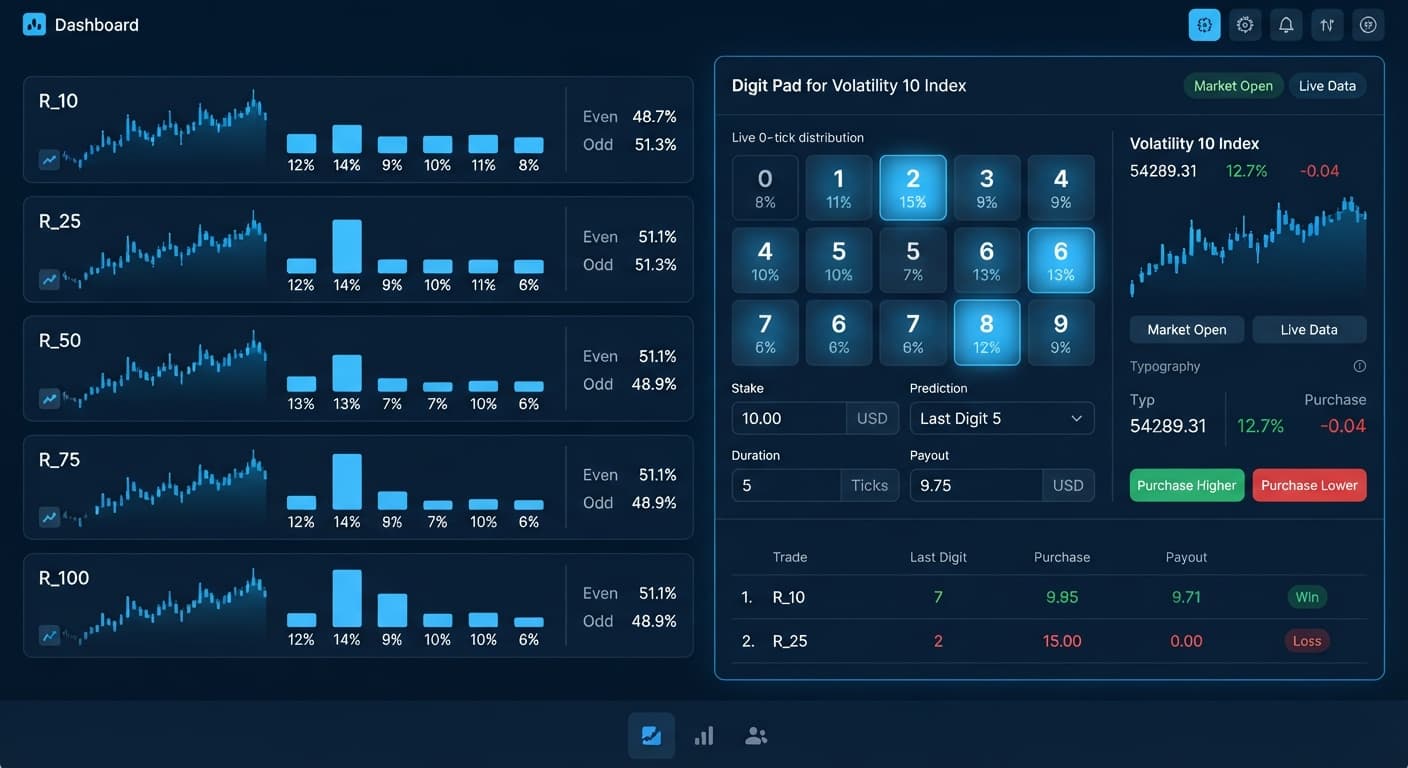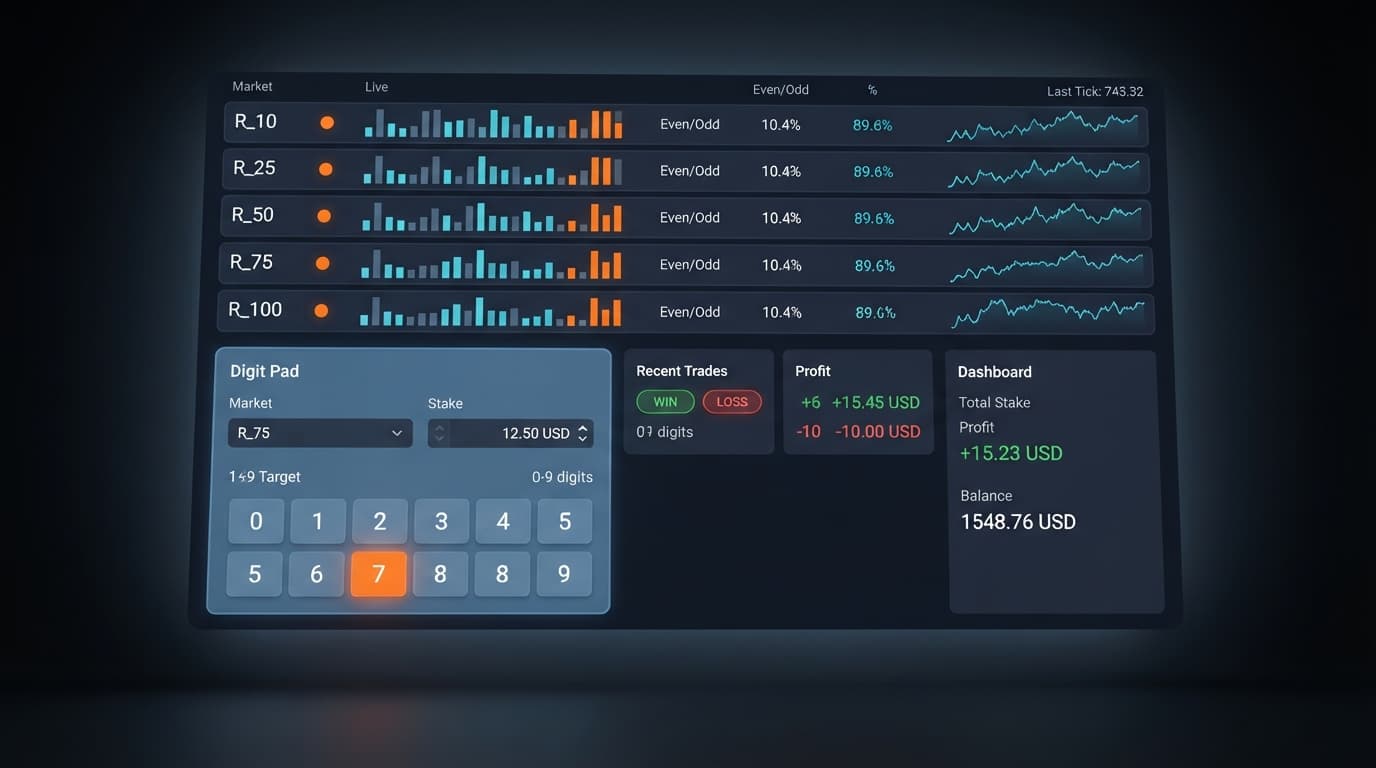
Digit Analysis
Configuring Digit Pad Settings for Deriv Bots
Master digit pad settings on BinaryBot.live. Learn to configure market selection, stakes, and targets using advanced LDP analyzer and binary analysis tools.
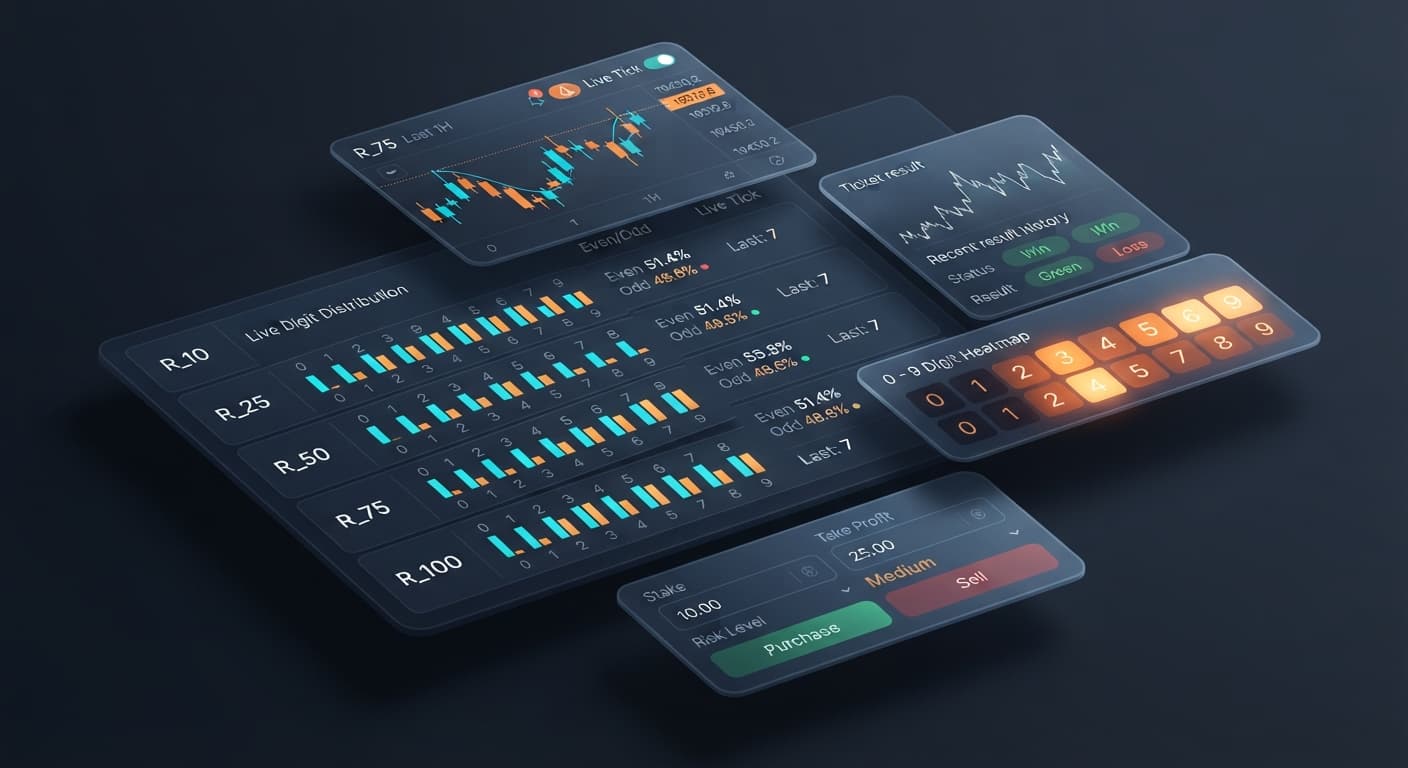
This digit pad deriv bots guide shows you how to trade DIGITDIFF, DIGITEVEN, and DIGITODD contracts across multiple synthetic markets without switching tabs. Digit Pad monitors R_10, R_25, R_50, R_75, and R_100 at the same time, giving you a live digit matrix to compare statistical distributions before placing a manual trade. It connects directly to Deriv over their official API, providing live stats so you can make fast entries instead of guessing on a single chart.
If you've spent any time with deriv bots or manual trading tools, you know how annoying it is to flip between index tabs while hunting for a solid setup. Using a multi-market binary analysis tool solves that problem by consolidating every volatility index into a single workspace.
The single biggest mistake manual digit traders make is index lock-in. You open the R_100 chart, load a digit analyzer, and stare at the percentage stats for twenty minutes waiting for digit 7 to hit an extreme low frequency. While you're sitting there bored, R_25 or R_50 might be throwing textbook digit bias patterns that you completely miss.
Trading out of impatience on a flat market costs money. You get tired of waiting, take a trade on a weak setup, and lose your stake. Worse, if you try to apply a manual martingale recovery after a loss, your next entry doubles in size on an index that isn't favoring your contract type.
Synthetic indices run on independent algorithms. A digit that hasn't appeared for twenty ticks isn't "due" to appear on the next draw. Each tick is an independent draw, and past frequency never guarantees future results. Staring at one chart forces you into weak trades simply because you aren't looking at the four other indices where better statistical spread exists right now.
The solution is monitoring five volatility markets simultaneously. Instead of toggling between browser windows, you open Digit Pad to see real-time tick metrics for R_10, R_25, R_50, R_75, and R_100 side by side.
The workspace acts as a manual trade pad backed by live stats. It uses your Deriv API token to transmit trade requests straight to your account without third-party delay. You see where the strongest digit bias lies across the whole market grid, adjust your controls, and execute with a single click.
Here's how the manual setup maps out across the primary workspace controls:
| Control Name | Value Range / Option | Operational Function |
|---|---|---|
| market selection | R_10, R_25, R_50, R_75, R_100 | Switches active order routing to the chosen index |
| stake | $0.35 to $100.00+ | Sets the fixed dollar amount risk per contract |
| digit target | 0 through 9 | Establishes the exact digit barrier for DIGITDIFF trades |
Log into your Deriv account and generate an API token with read and trade permissions. Open Digit Pad in your browser and paste your token into the connection box. The app connects directly to Deriv over their official API. No capital moves through external servers, and your funds stay securely inside your Deriv balance. Always ensure your workspace is set to a virtual demo account before taking any manual trades.
Scan the multi-market digit matrix across R_10, R_25, R_50, R_75, and R_100. Look at the real-time percentages for digit distribution and Even/Odd ratios. You'll instantly see which index is showing a temporary statistical cluster, such as an odd-digit streak on R_75 or a repeated zero-digit drop on R_10.
Click your chosen index inside the market selection setting to route your orders toward that specific volatility market. Select your contract mode based on the current matrix data:
Input your preferred position size into the stake control. For a $100 session bankroll, keep your stake at $1.00 or $2.00 to give yourself room to absorb natural variance. If you're trading DIGITDIFF contracts, set your digit target to the specific digit you want to avoid. If digit 3 has hit less than 3% over the last 100 ticks on R_50, selecting 3 as your digit target matches your trade contract to that distribution pattern.
Click the execution button to issue your trade payload straight to Deriv. Because this is a manual manual trade pad rather than a hands-off auto bot, you are in total control of trade timing. Set a target session profit (such as $10.00) and a strict stop loss (such as $15.00) in your head before clicking execute. Once you hit either target, stop trading and close the app.
Finding the right balance between payout percentage and win probability depends on how you configure your manual inputs. The table below compares four distinct trading configurations you can apply using the controls inside Digit Pad.
| Strategy Profile | market selection | Selected Mode | digit target | Typical Payout | Ideal Trader Style |
|---|---|---|---|---|---|
| Cold-Digit Differ | R_100 | DIGITDIFF | Coldest digit (e.g. 0) | ~9.9% return | Conservative traders seeking high win-rates |
| Multi-Index Flip | R_10 or R_25 | DIGITDIFF | Warmest digit | ~9.9% return | Active scalpers rotating across volatile markets |
| Parity Bias Odd | R_50 or R_75 | DIGITODD | N/A | ~95% return | Traders matching simple 50/50 statistical skews |
| Parity Bias Even | R_100 | DIGITEVEN | N/A | ~95% return | Systematic traders looking for 2-tick parity momentum |
I personally prefer the Cold-Digit Differ profile on R_100 with a digit target fixed to the lowest-occurring digit over the last 100 ticks. The ~9.9% payout yield per winning trade provides a solid statistical buffer when combined with live matrix filtering across multiple indices.
Digit Pad is a manual analysis pad, not an automated system. If you want a hands-off bot that executes fifty trades a minute using automated logic while you walk away from your desk, this tool isn't built for that workflow. For full automation, look through our free bot library to find automated setups like Sniper Bot V3 or Solid Trading Bot.
This setup is also the wrong choice if you're looking for advanced last digit prediction tools like our standalone LDP Analyzer or LDP Analyzer Pro, which provide deep single-market graphical breakdowns rather than multi-market scanning matrices.
Finally, Digit Pad does not feature automated stake doubling or recovery ladders. If you attempt to run a manual martingale strategy by doubling your stake input after every losing trade, a streak of five consecutive DIGITDIFF losses will turn a $1.00 start stake into a $16.00 loss, rapidly followed by a $32.00 loss. Without a pre-set session stop loss, manual recovery attempts on synthetic markets can quickly wipe an account balance.
When you want to scan five markets at once and place controlled manual trades based on live stats, following this digit pad deriv bots guide gives you a clear edge in execution speed. Many popular binary bots lock you into one asset, but checking the full matrix first keeps your capital pointed at the clearest setups on the screen.
Test these concepts on Digit Pad using a demo balance before trading with real funds.
If you don't have a trading balance ready, you can create a free Deriv account to start practicing immediately.
Trading involves risk. Past performance does not guarantee future results.
Related: Configuring Digit Pad Settings for Deriv Bots
Related: Digit Pad API Token Setup for Deriv Bots
Related: Digit Pad Demo Account Setup for Deriv Bots
Related: Digit Pad Best Market: Volatility 10 Index for Deriv Bots
Related: Digit Pad for Beginners: Zero-Knowledge Guide to Deriv Bots
Free multi-market digit trading tool for Deriv — trade Digit Differs and Even/Odd across all volatility indices simultaneously with real-time signals for R_10, R_25, R_50, R_75 and R_100.
Open Digit Pad →You can use Digit Pad, a tool that monitors R_10, R_25, R_50, R_75, and R_100 simultaneously in a single workspace. It connects directly to Deriv over their official API so you can view live stats and execute manual trades across multiple markets without flipping between browser windows.
Digit Pad supports five synthetic volatility indices: R_10, R_25, R_50, R_75, and R_100. You can scan the live digit matrix across all of these markets at the same time to compare statistical distributions before placing a trade.
You need to generate an API token with read and trade permissions from your Deriv account. Then, open Digit Pad and paste your token into the connection box to link it directly over the official API.
Digit Pad lets you trade DIGITDIFF, DIGITEVEN, and DIGITODD contracts. You can set your digit target from 0 through 9 and choose your stake ranging from $0.35 to $100.00+.
Guides closest to this one.
Master digit pad settings on BinaryBot.live. Learn to configure market selection, stakes, and targets using advanced LDP analyzer and binary analysis tools.
Master digit pad for beginners with zero prior knowledge. Learn digit analysis, track multiple Deriv volatility indices, and test binary bots today.
Discover why Volatility 10 is the digit pad best market for trading Digit Differs and Even/Odd on Deriv bots. Read our market guide and test strategies now.